Equity Share Statement For Loan In Orange
Description






Get your form ready online
Our built-in tools help you complete, sign, share, and store your documents in one place.
Make edits, fill in missing information, and update formatting in US Legal Forms—just like you would in MS Word.
Download a copy, print it, send it by email, or mail it via USPS—whatever works best for your next step.
Sign and collect signatures with our SignNow integration. Send to multiple recipients, set reminders, and more. Go Premium to unlock E-Sign.
If this form requires notarization, complete it online through a secure video call—no need to meet a notary in person or wait for an appointment.
We protect your documents and personal data by following strict security and privacy standards.

Make edits, fill in missing information, and update formatting in US Legal Forms—just like you would in MS Word.

Download a copy, print it, send it by email, or mail it via USPS—whatever works best for your next step.

Sign and collect signatures with our SignNow integration. Send to multiple recipients, set reminders, and more. Go Premium to unlock E-Sign.

If this form requires notarization, complete it online through a secure video call—no need to meet a notary in person or wait for an appointment.

We protect your documents and personal data by following strict security and privacy standards.
Looking for another form?
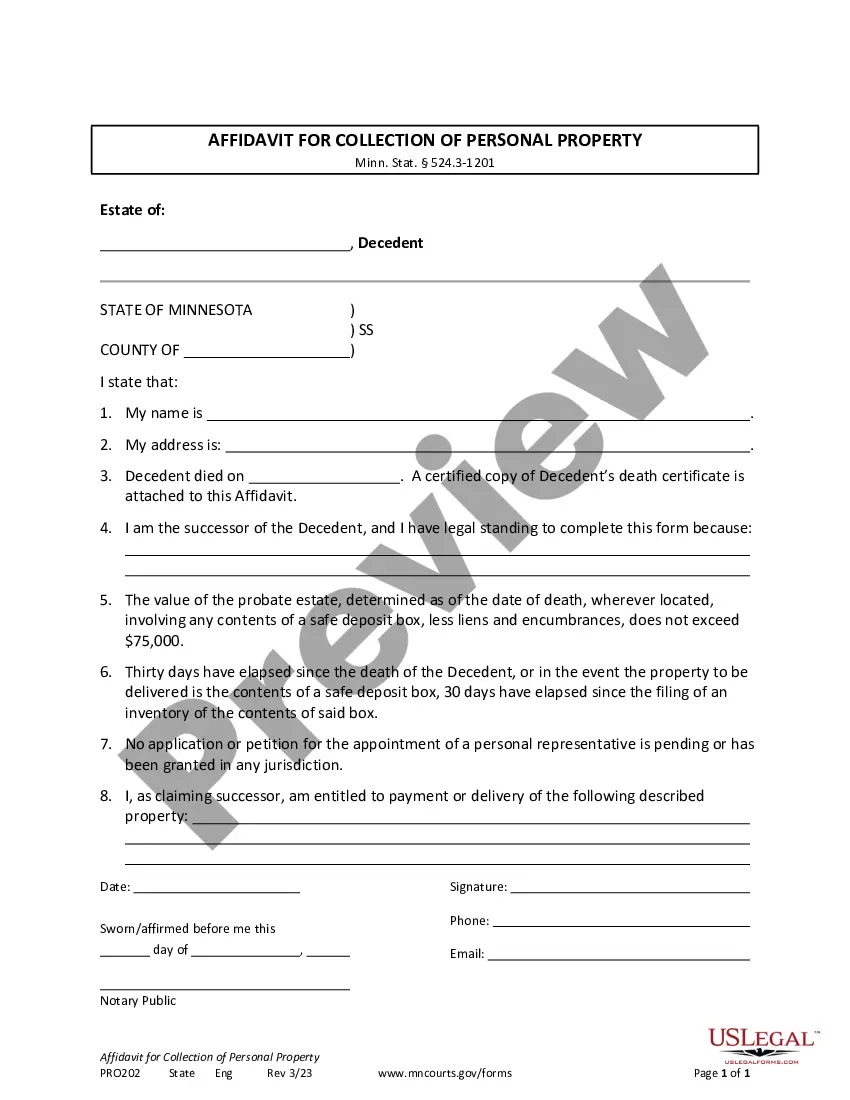






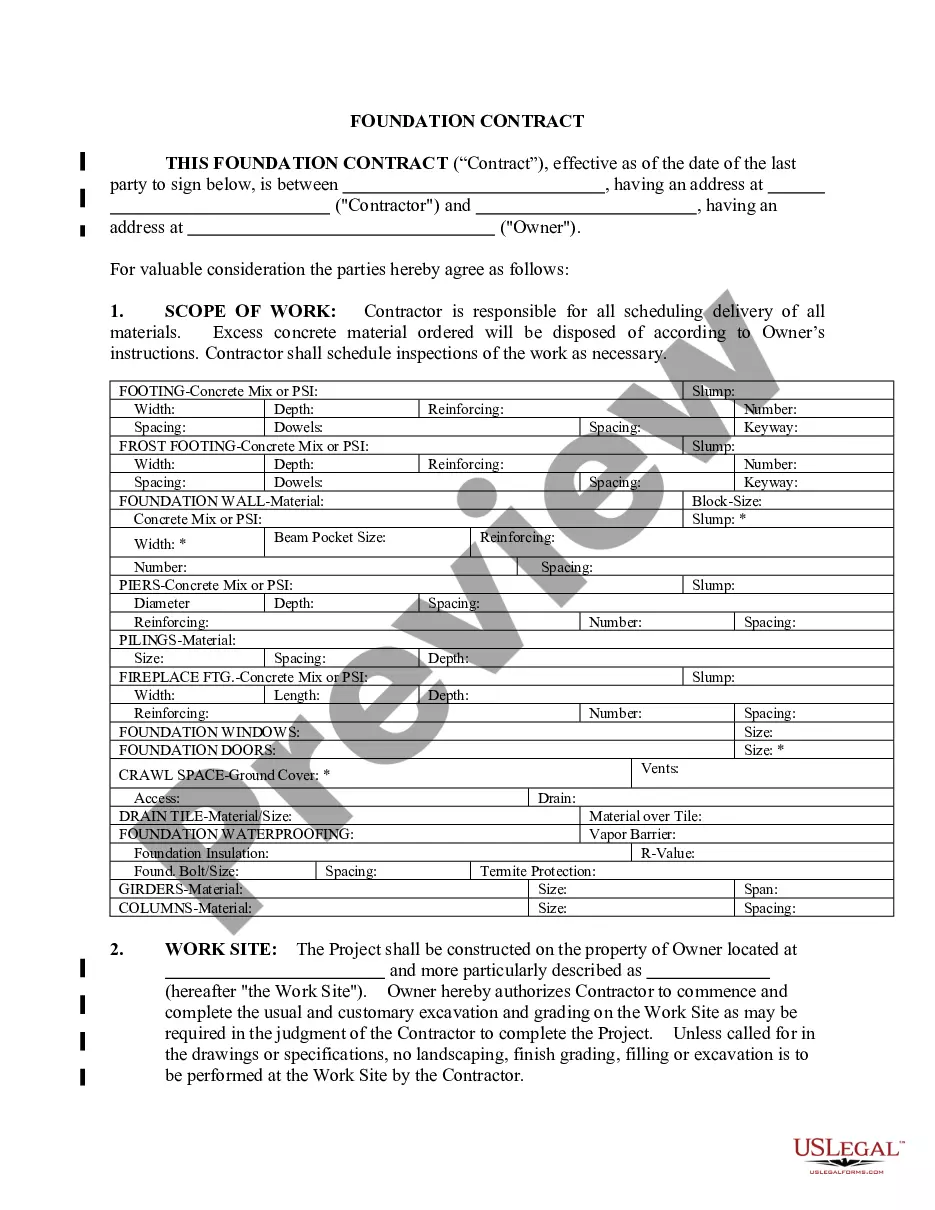

Form popularity
FAQ
Your Personal Financial Statement should include assets or debts that are yours alone (I-Individual), assets or debts that are jointly (J-Joint) held by you and a spouse or significant other, assets or debts that are held by a spouse or significant other (S-Spouse or Significant Other) that you enjoy the benefits of or ...
Your retirement accounts: Include your 401k and your IRA, if you have them.
Retirement account: Retirement accounts include 401(k) plans, 403(b) plans, IRAs and pension plans, to name a few. These are important asset accounts to grow, and they're held in a financial institution. There may be penalties for removing funds from these accounts before a certain time.
How to fill out SBA form 413 Provide basic business information. Report your assets. Report your liabilities. List your source of income and contingent liabilities to complete section 1. Detail your notes payable to banks and others in section 2. Detail the status of your stocks and bonds for section 3.
NOTE 1: Retirement funds should be listed in the space for IRA/Keogh/SEP or the space for Vested Interest in Pension Plans/401k/403b, as appropriate. NOTE 2: If you own your business, do not put the value here. It is not a publicly traded stock.
401(k) plan assets are not considered an asset to the company itself. They are never recorded as an asset on your company financial statements and, in fact, the only impact that they have on corporate financials relates to recording employer contributions through the income statement.
This is in the “Profile” menu once you are logged into Digital Banking. How do I get a copy of a check or statement? Click on the linked check number, image, or use the “Transaction Search” option. For a statement, from the “Accounts” menu option, click “Statement.” Each is printable.
An equity statement is a financial statement that a company is required to prepare along with other important financial documents at the end of the financial year. The statement of owner's equity reports the changes in company equity, from an opening balance to and end of period balance.
Paperless Bank Statements Log in to Equity Digital Banking, or sign up now. Select “Statements” from the main menu. Select “Profile” from the top menu, check the “I agree to receive paperless statements” box, and click “Submit” Select “Disclosure” from the top menu and read the agreement.
How to download a bank statement pdf Visit your bank's website. Log in to Online Banking/Digital Banking/Internet Banking/eBanking etc. Click 'statements', 'e-documents', or 'download' Make sure you've selected the correct account. Choose a statement (or a date range) Choose the . Download