Land Sharing Agreement Format In Los Angeles
Description

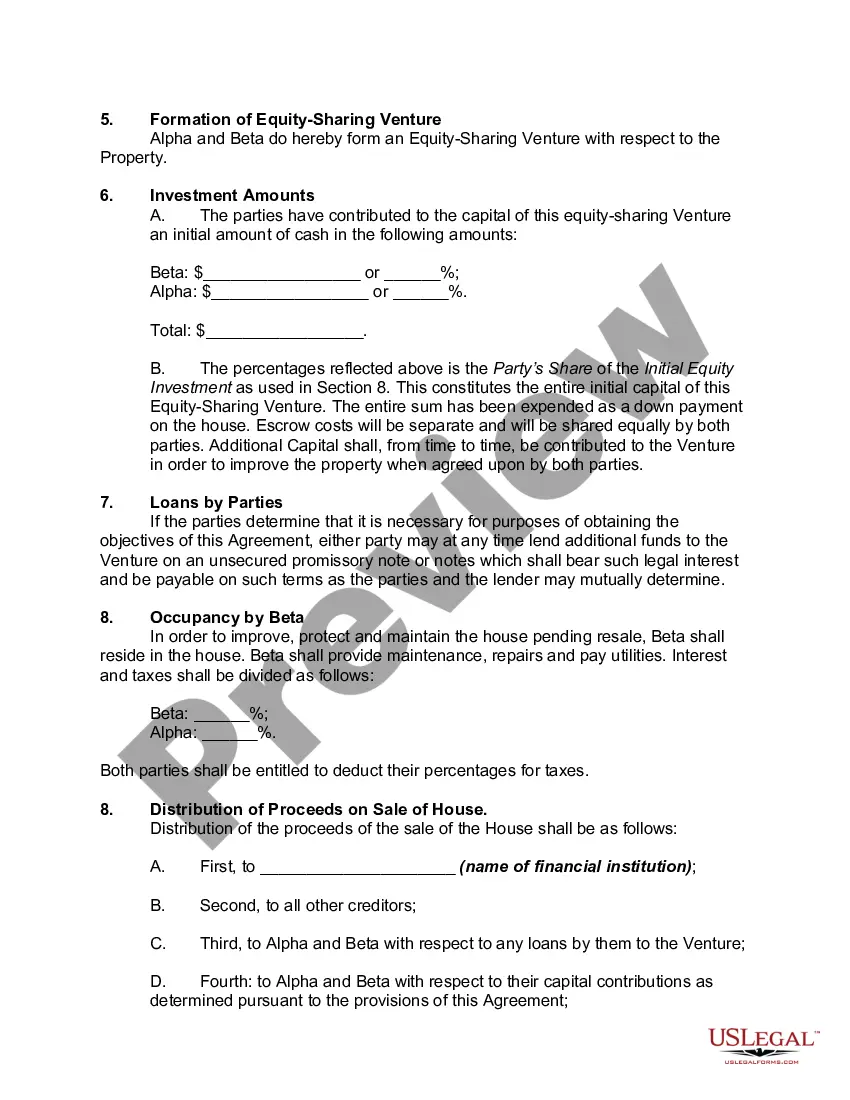
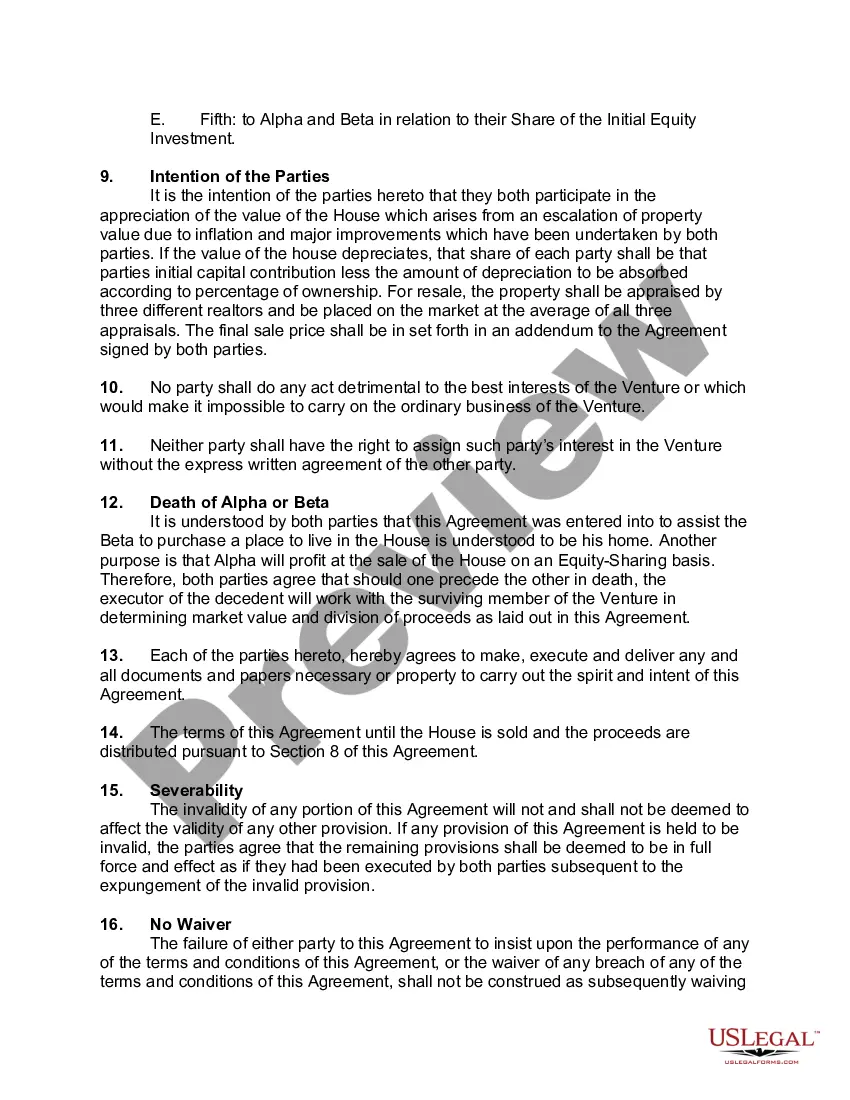
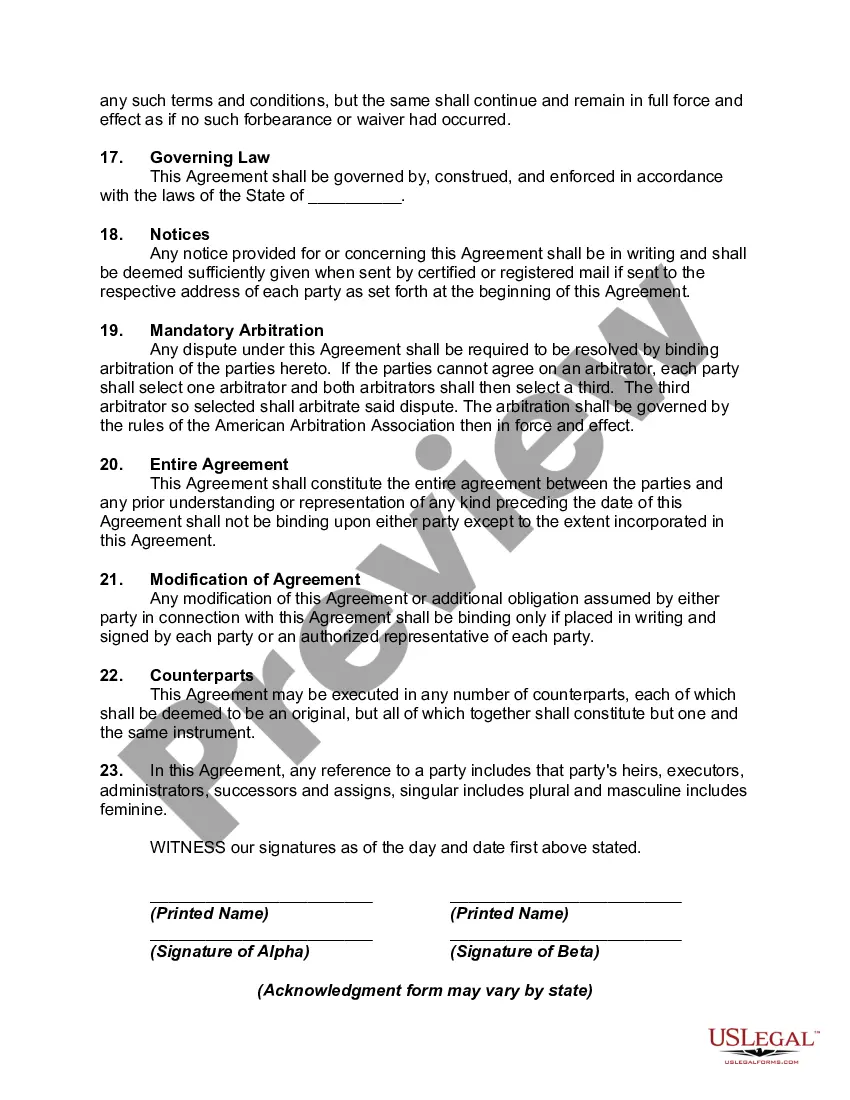
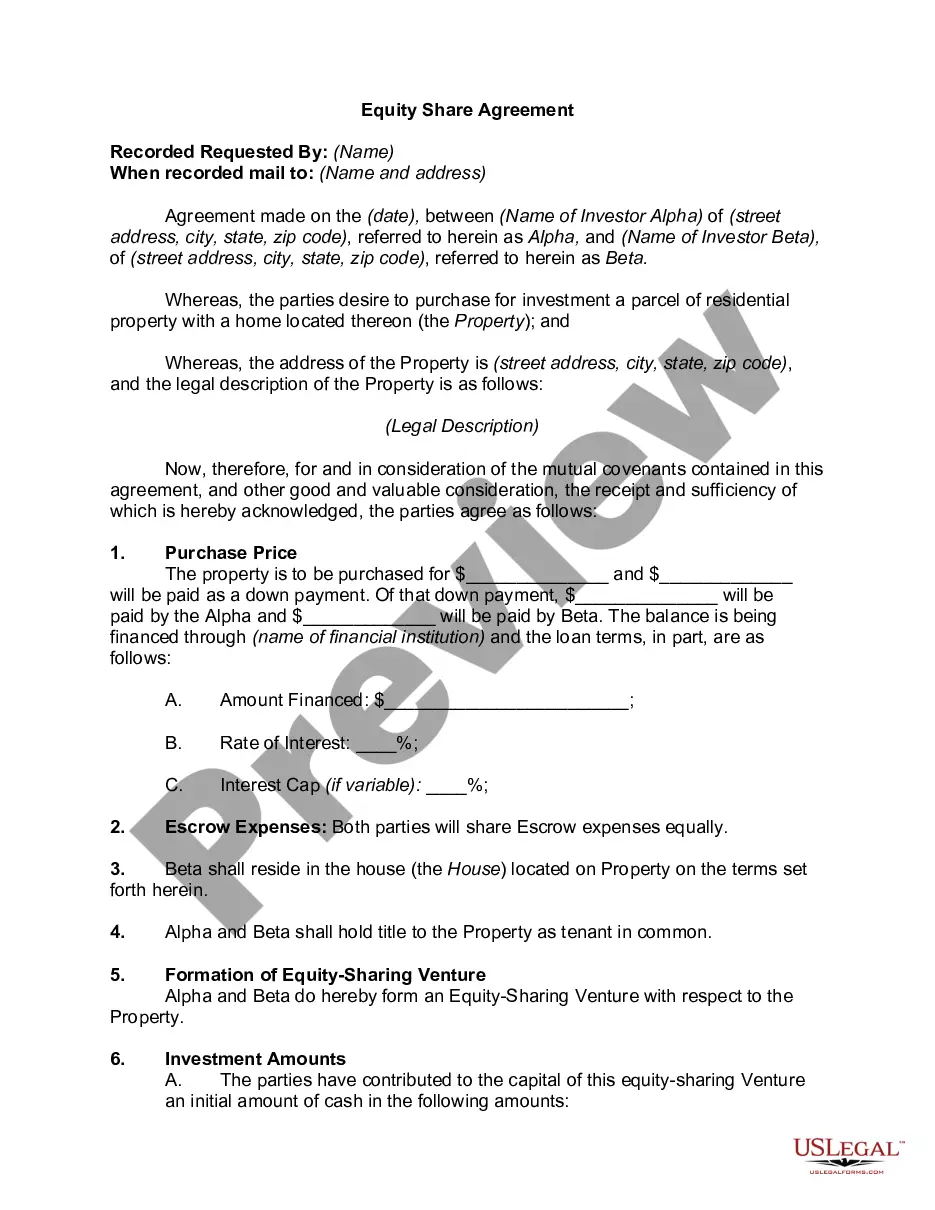
Get your form ready online
Our built-in tools help you complete, sign, share, and store your documents in one place.
Make edits, fill in missing information, and update formatting in US Legal Forms—just like you would in MS Word.
Download a copy, print it, send it by email, or mail it via USPS—whatever works best for your next step.
Sign and collect signatures with our SignNow integration. Send to multiple recipients, set reminders, and more. Go Premium to unlock E-Sign.
If this form requires notarization, complete it online through a secure video call—no need to meet a notary in person or wait for an appointment.
We protect your documents and personal data by following strict security and privacy standards.

Make edits, fill in missing information, and update formatting in US Legal Forms—just like you would in MS Word.

Download a copy, print it, send it by email, or mail it via USPS—whatever works best for your next step.

Sign and collect signatures with our SignNow integration. Send to multiple recipients, set reminders, and more. Go Premium to unlock E-Sign.

If this form requires notarization, complete it online through a secure video call—no need to meet a notary in person or wait for an appointment.

We protect your documents and personal data by following strict security and privacy standards.
Looking for another form?

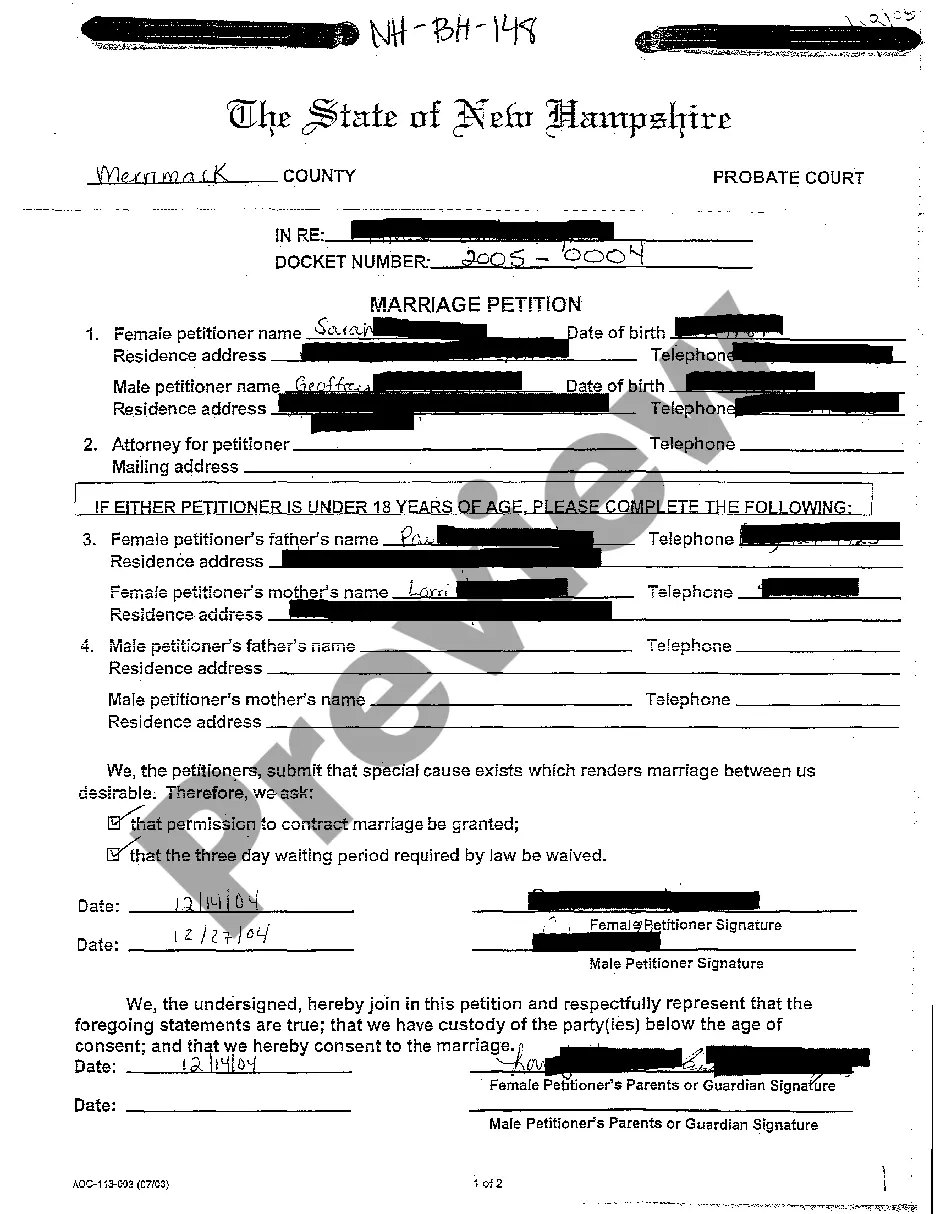
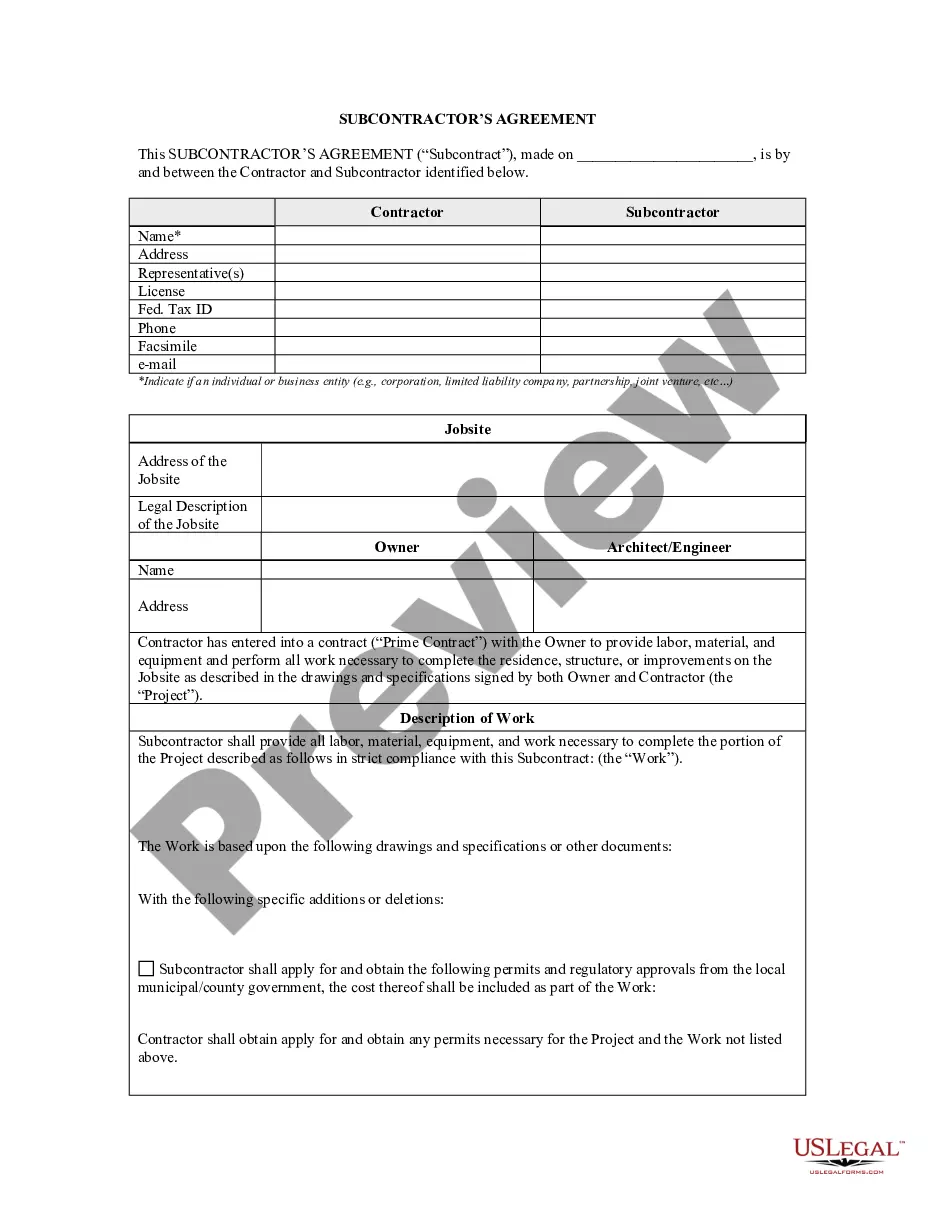






Form popularity
FAQ
How to write a letter of agreement Title the document. Add the title at the top of the document. List your personal information. Include the date. Add the recipient's personal information. Address the recipient. Write an introduction paragraph. Write your body. Conclude the letter.
How to draft a contract between two parties: A step-by-step checklist Know your parties. Agree on the terms. Set clear boundaries. Spell out the consequences. Specify how you will resolve disputes. Cover confidentiality. Check the legality of the contract. Open it up to negotiation.
In many cities, you must register, get a permit, or obtain a license before you can list your property or accept guests. Local governments vary greatly in how they enforce these laws. Penalties may include fines or other enforcement.
In Los Angeles, proper registration and adherence to permits are crucial for operating short-term rentals such as those listed on Airbnb. The city has specific regulations that hosts must comply with to maintain the legality of their rental operations.
You need a license, you need to legally register your business and have it inspected as to how many people at one time can occupy the space per fire codes within the state and county you are in. You also have to have a direct business plan and a way to keep your guests from interfering with your neighbors lives.
The application and renewal process is administered by the City of Los Angeles, Planning Department. To register for Home-Sharing, online applications may be completed using the Online Registration Portal (planning.lacity/home-sharing).
Registration Process It may take several weeks to issue a registration number depending on the number of applications. Contact planning.home-sharing@lacity for the latest registration time estimate.
120-Day Annual Cap. Los Angeles imposes a 120-Day Annual Cap on short-term rentals for hosts. This cap restricts hosts to renting out their primary residence on platforms such as Airbnb for no more than 120 days per calendar year.
Renters: If you are renting your primary residence, you need to provide an affidavit signed by yourself and the property owner/landlord that approves you to host short-term rentals. The affidavit must be dated, notarized and include the name, address, phone number, email for yourself and your property owner/landlord.
