Share Agreement Contract For Services In Hennepin
Description






Get your form ready online
Our built-in tools help you complete, sign, share, and store your documents in one place.
Make edits, fill in missing information, and update formatting in US Legal Forms—just like you would in MS Word.
Download a copy, print it, send it by email, or mail it via USPS—whatever works best for your next step.
Sign and collect signatures with our SignNow integration. Send to multiple recipients, set reminders, and more. Go Premium to unlock E-Sign.
If this form requires notarization, complete it online through a secure video call—no need to meet a notary in person or wait for an appointment.
We protect your documents and personal data by following strict security and privacy standards.

Make edits, fill in missing information, and update formatting in US Legal Forms—just like you would in MS Word.

Download a copy, print it, send it by email, or mail it via USPS—whatever works best for your next step.

Sign and collect signatures with our SignNow integration. Send to multiple recipients, set reminders, and more. Go Premium to unlock E-Sign.

If this form requires notarization, complete it online through a secure video call—no need to meet a notary in person or wait for an appointment.

We protect your documents and personal data by following strict security and privacy standards.
Looking for another form?

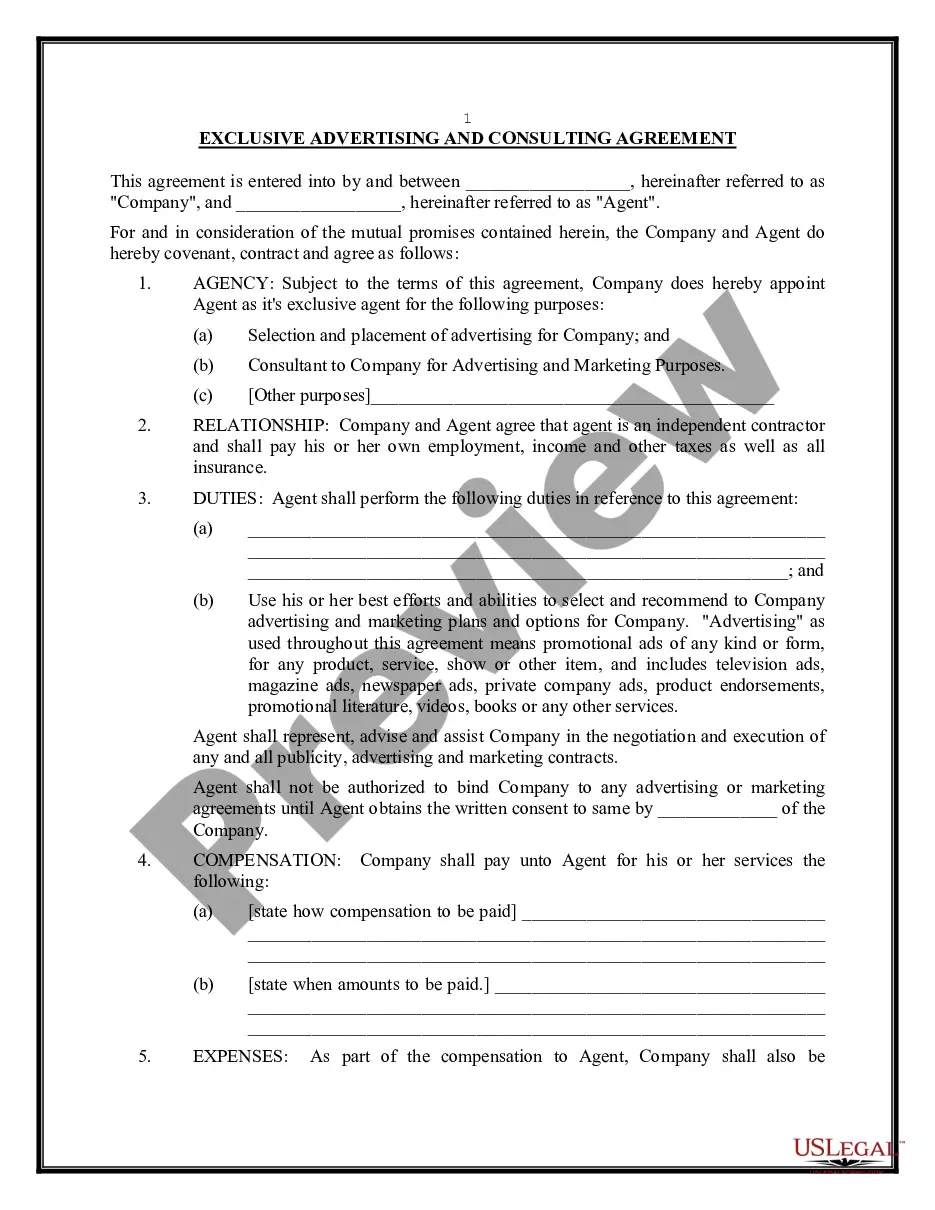


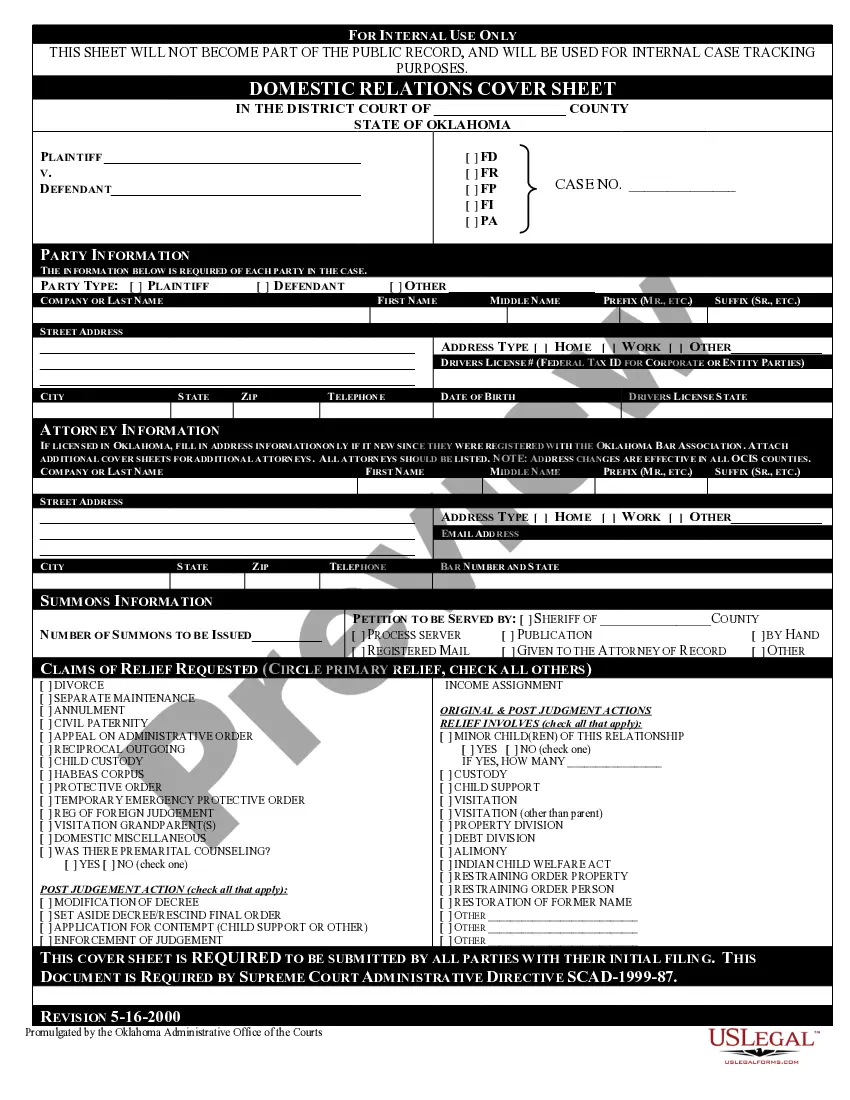





Form popularity
FAQ
Get started searching contract opportunities Use the search feature on SAM. Follow contract opportunities. Save my searches. Use the interested vendors list.
Generally, goods and services valued at $500 or more require a written agreement. Additionally, if a contract may take a year or more, or is expected to last longer than one year, a written agreement is required.
How to draft a contract between two parties: A step-by-step checklist Know your parties. Agree on the terms. Set clear boundaries. Spell out the consequences. Specify how you will resolve disputes. Cover confidentiality. Check the legality of the contract. Open it up to negotiation.
Find RFP is the source for state and local government contracts and bids across America. Find RFP works directly with the state and local government agencies by publishing state and local bids contracts for these agencies.
USASpending tracks government spending through contracts awarded. This searchable database contains information for each federal contract. You can use this information to help identify procurement trends within the government and potential opportunities.
(a) A Governmentwide database of contracts and other procurement instruments intended for use by multiple agencies is available via the Internet at .
Federal business opportunities for contractors are listed at SAM. Government agencies are required to use SAM to advertise all contracts over $25,000.
How to draft a contract between two parties: A step-by-step checklist Know your parties. Agree on the terms. Set clear boundaries. Spell out the consequences. Specify how you will resolve disputes. Cover confidentiality. Check the legality of the contract. Open it up to negotiation.
Parties – The names, addresses, and signatures of the service provider and the client should be included. Duration – Both parties should agree on the contract's beginning and ending date. They must also agree on the notice either party must give when terminating the agreement early.
Write the contract in six steps Start with a contract template. Open with the basic information. Describe in detail what you have agreed to. Include a description of how the contract will be ended. Write into the contract which laws apply and how disputes will be resolved. Include space for signatures.
