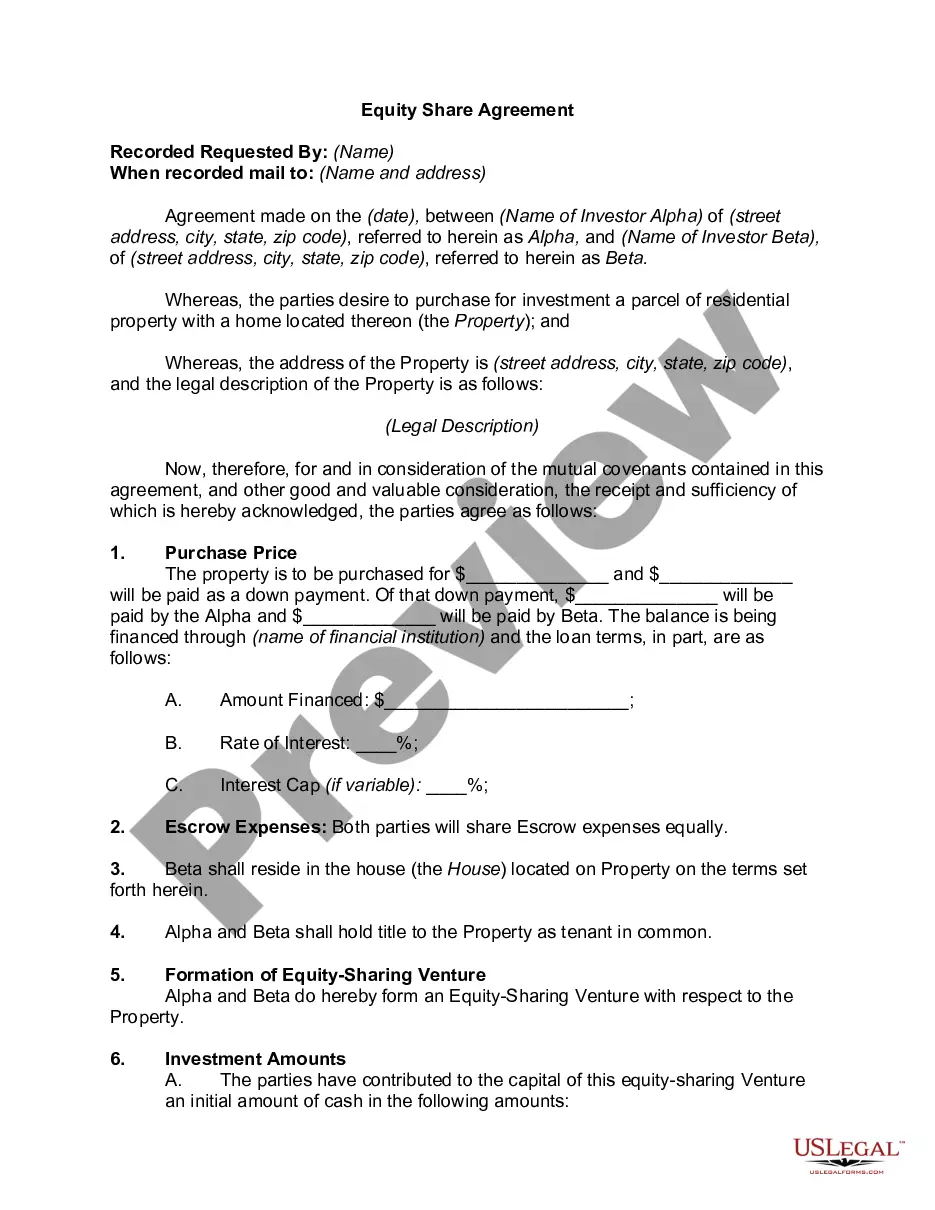
Land Sharing Agreement Format In Allegheny
Description

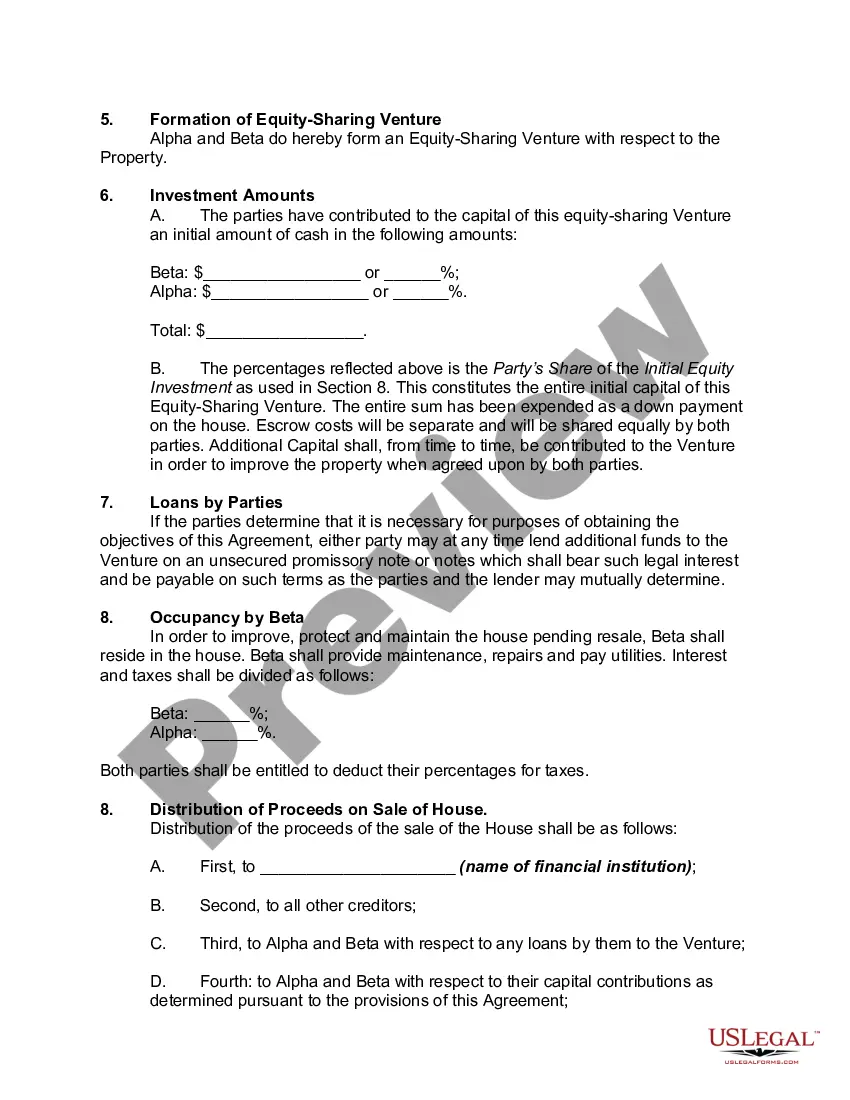
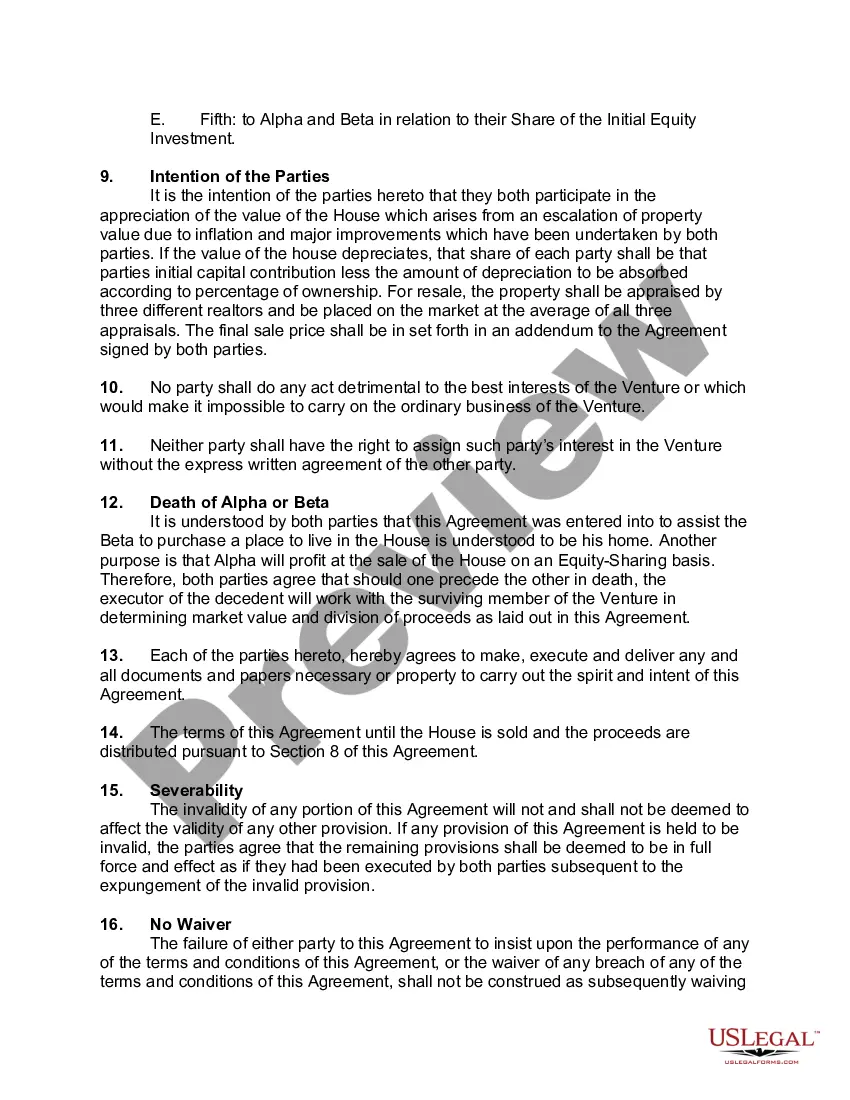
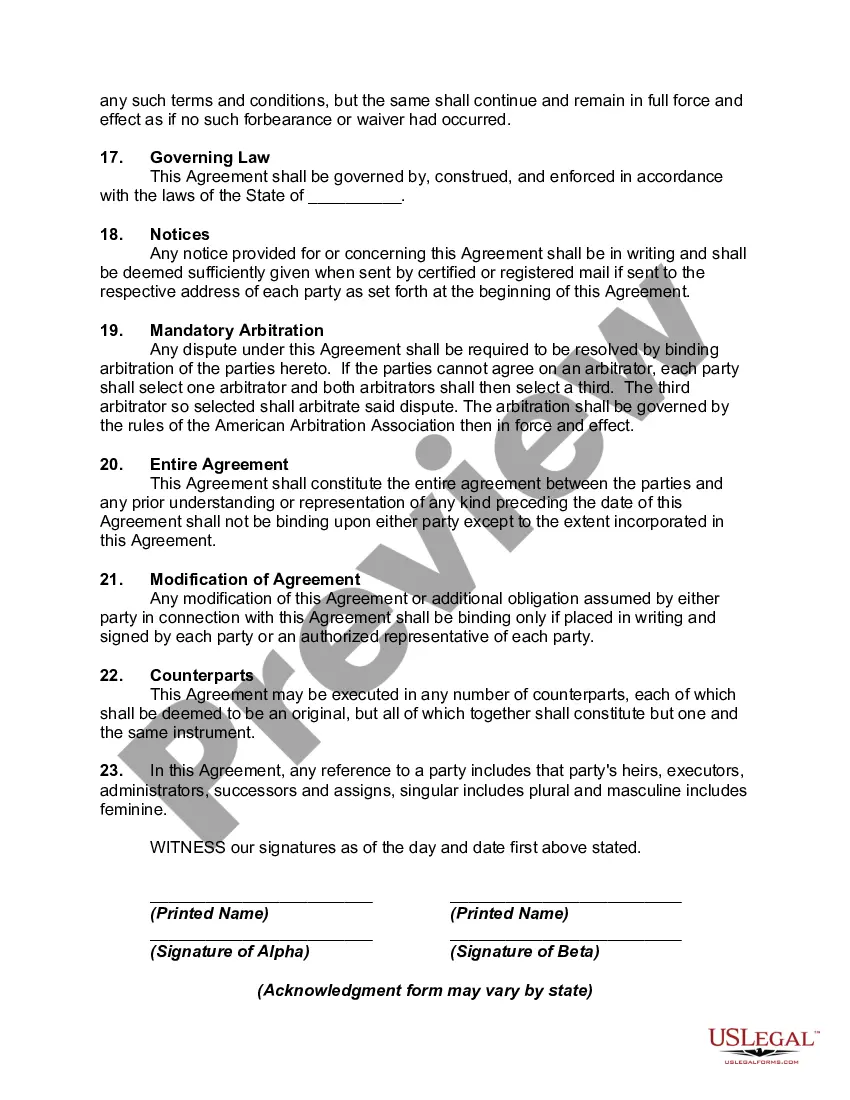
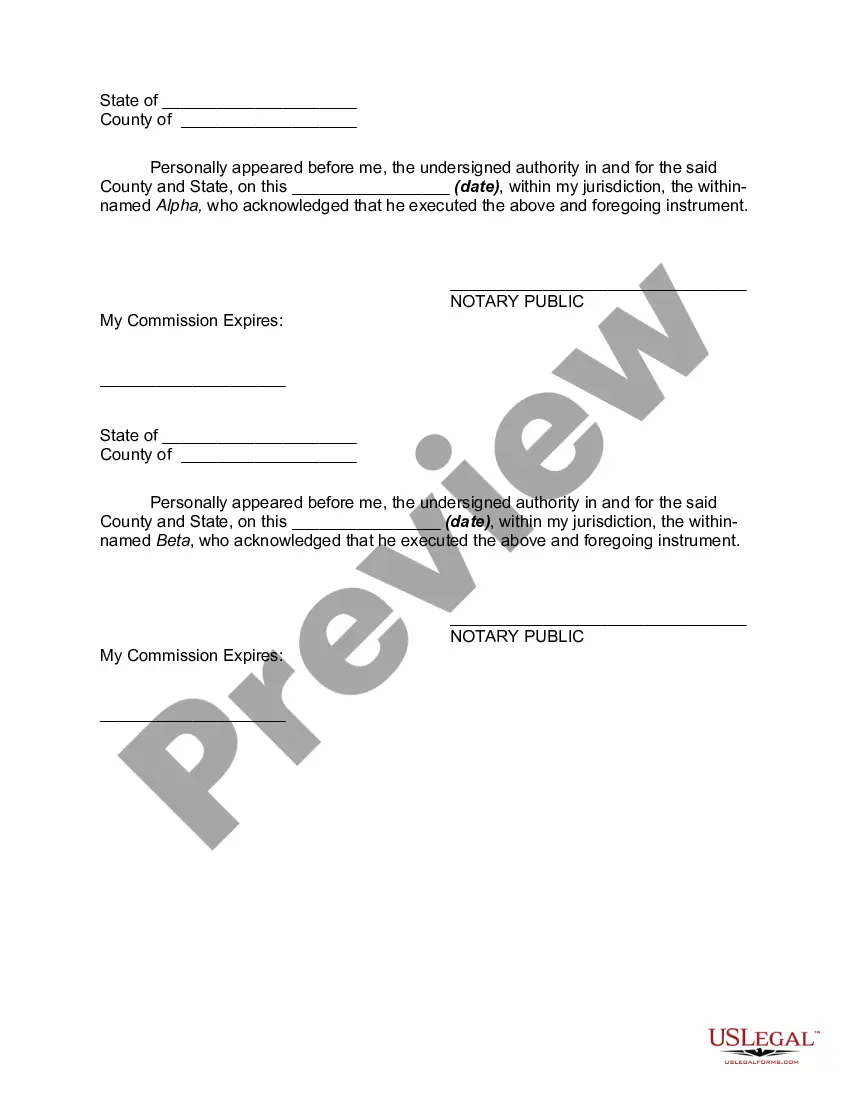
Get your form ready online
Our built-in tools help you complete, sign, share, and store your documents in one place.
Make edits, fill in missing information, and update formatting in US Legal Forms—just like you would in MS Word.
Download a copy, print it, send it by email, or mail it via USPS—whatever works best for your next step.
Sign and collect signatures with our SignNow integration. Send to multiple recipients, set reminders, and more. Go Premium to unlock E-Sign.
If this form requires notarization, complete it online through a secure video call—no need to meet a notary in person or wait for an appointment.
We protect your documents and personal data by following strict security and privacy standards.

Make edits, fill in missing information, and update formatting in US Legal Forms—just like you would in MS Word.

Download a copy, print it, send it by email, or mail it via USPS—whatever works best for your next step.

Sign and collect signatures with our SignNow integration. Send to multiple recipients, set reminders, and more. Go Premium to unlock E-Sign.

If this form requires notarization, complete it online through a secure video call—no need to meet a notary in person or wait for an appointment.

We protect your documents and personal data by following strict security and privacy standards.
Looking for another form?







Form popularity
FAQ
Write the contract in six steps Start with a contract template. Open with the basic information. Describe in detail what you have agreed to. Include a description of how the contract will be ended. Write into the contract which laws apply and how disputes will be resolved. Include space for signatures.
Apply to the Shared Housing and Resource Exchange (SHARE) Program. An affordable housing choice that brings together homeowners who want to share their home with home seekers who are looking for housing in exchange for a contribution to living expenses, help around the house, or a combination of both.
An attorney's office or a title company can prepare closing documents for a land contract sale, but only the parties themselves or an attorney can prepare the actual land contract document and land contract memorandum.
How do I change my name on the deed? The Allegheny County Real Estate Office handles owner name changes, please call 412-350-4226. Please note, if any changes are made to the deed you must reapply for any programs (i.e., Homestead, Senior Citizen Tax Relief).
How to draft a contract between two parties: A step-by-step checklist Know your parties. Agree on the terms. Set clear boundaries. Spell out the consequences. Specify how you will resolve disputes. Cover confidentiality. Check the legality of the contract. Open it up to negotiation.
How to write a letter of agreement Title the document. Add the title at the top of the document. List your personal information. Include the date. Add the recipient's personal information. Address the recipient. Write an introduction paragraph. Write your body. Conclude the letter.
Contact (412) 350-4224. DeptRealEstate@alleghenycounty. .
To change, add or remove a name on your deed a new deed needs to be recorded reflecting the change. Many people think they can come into the office and change the present recorded deed with a form, but that is not the case. Once a deed is recorded it cannot be changed.
You can add someone to the deed. Most people just use a Quit Claim Deed. You should consult a local attorney to see if there will be any additional tax due to the county. You are adding someone - which means giving them something of value - which the county or state will usually want to tax.
