Sample Contract Agreement With Supplier In San Antonio
Description

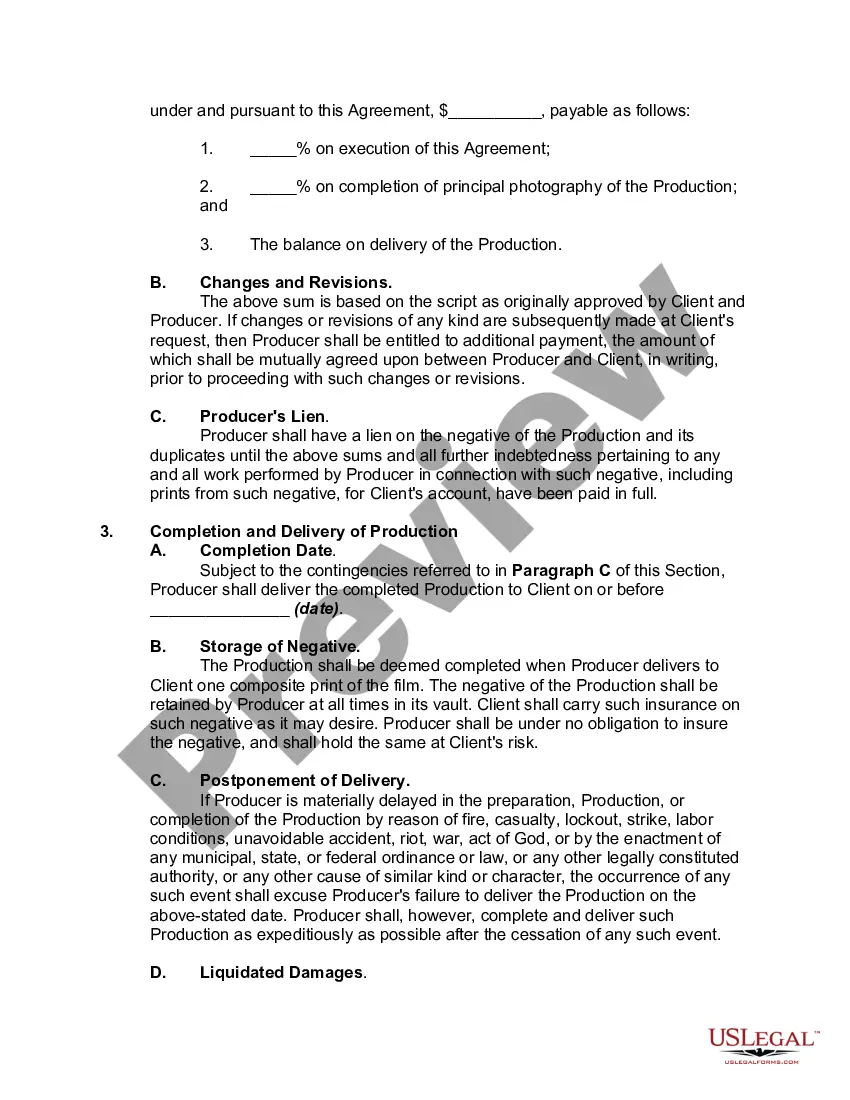
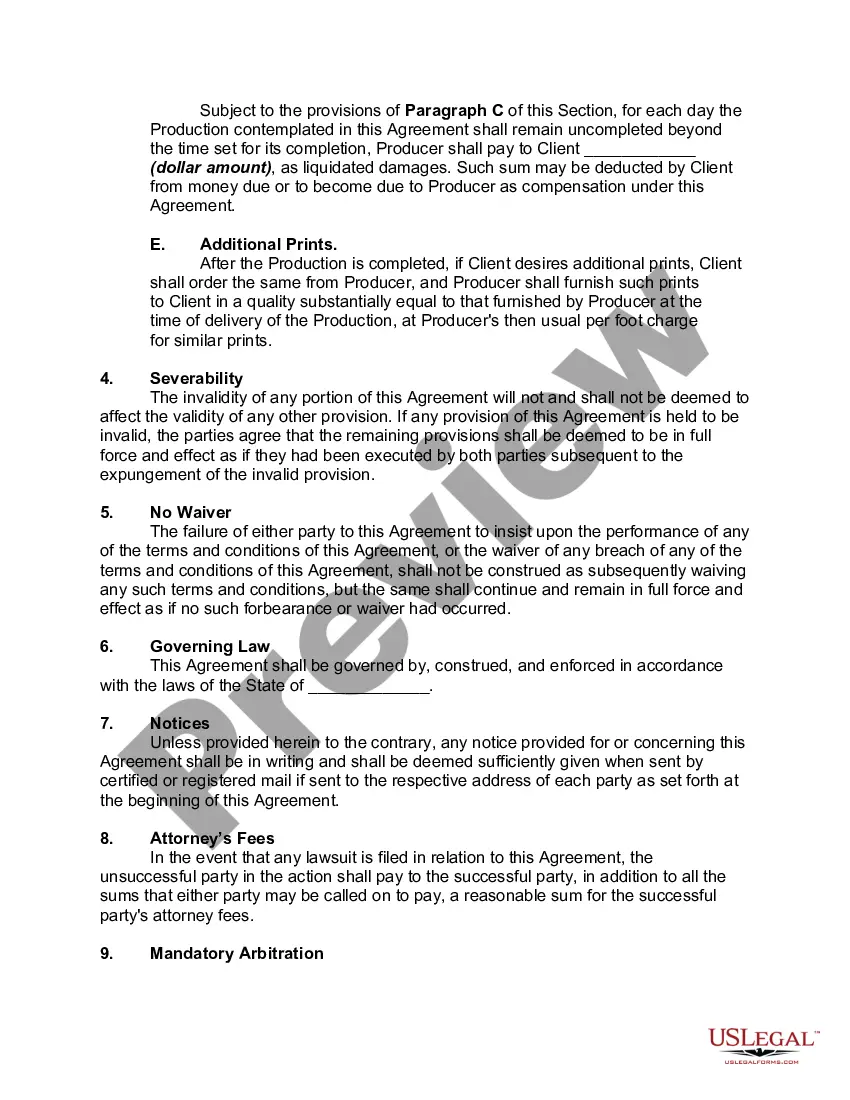
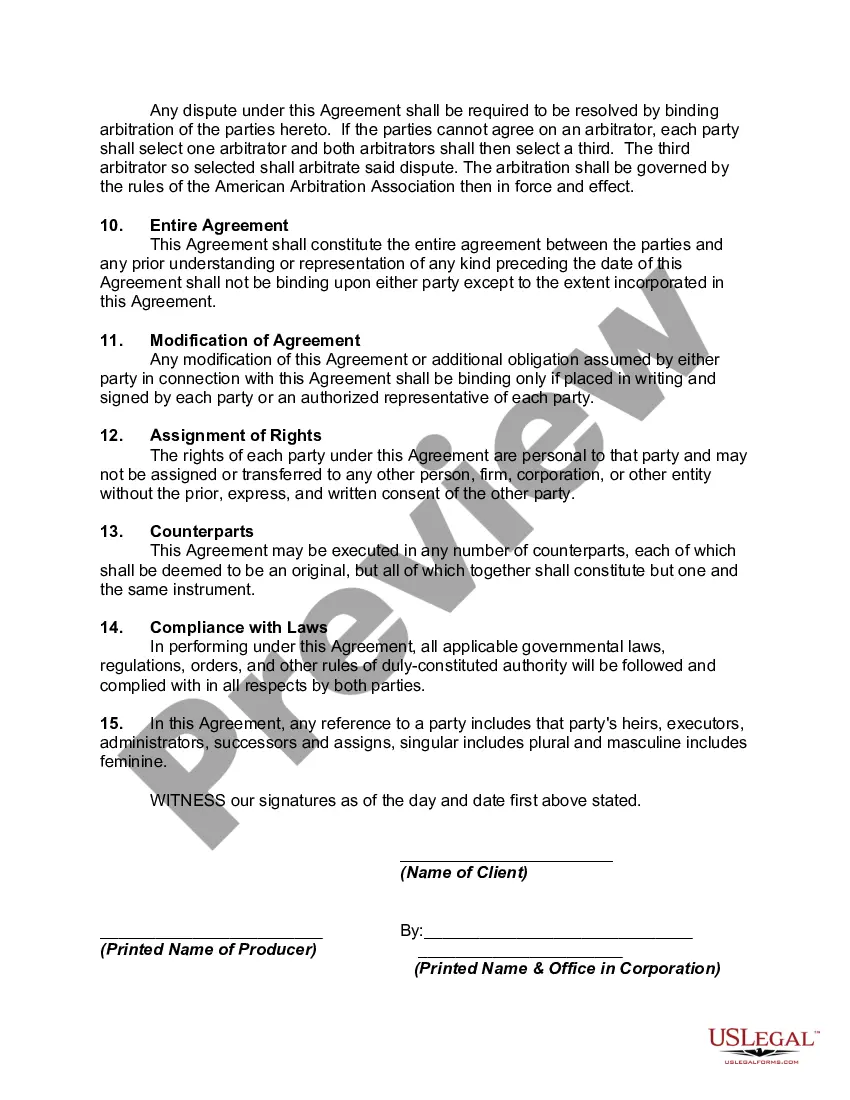
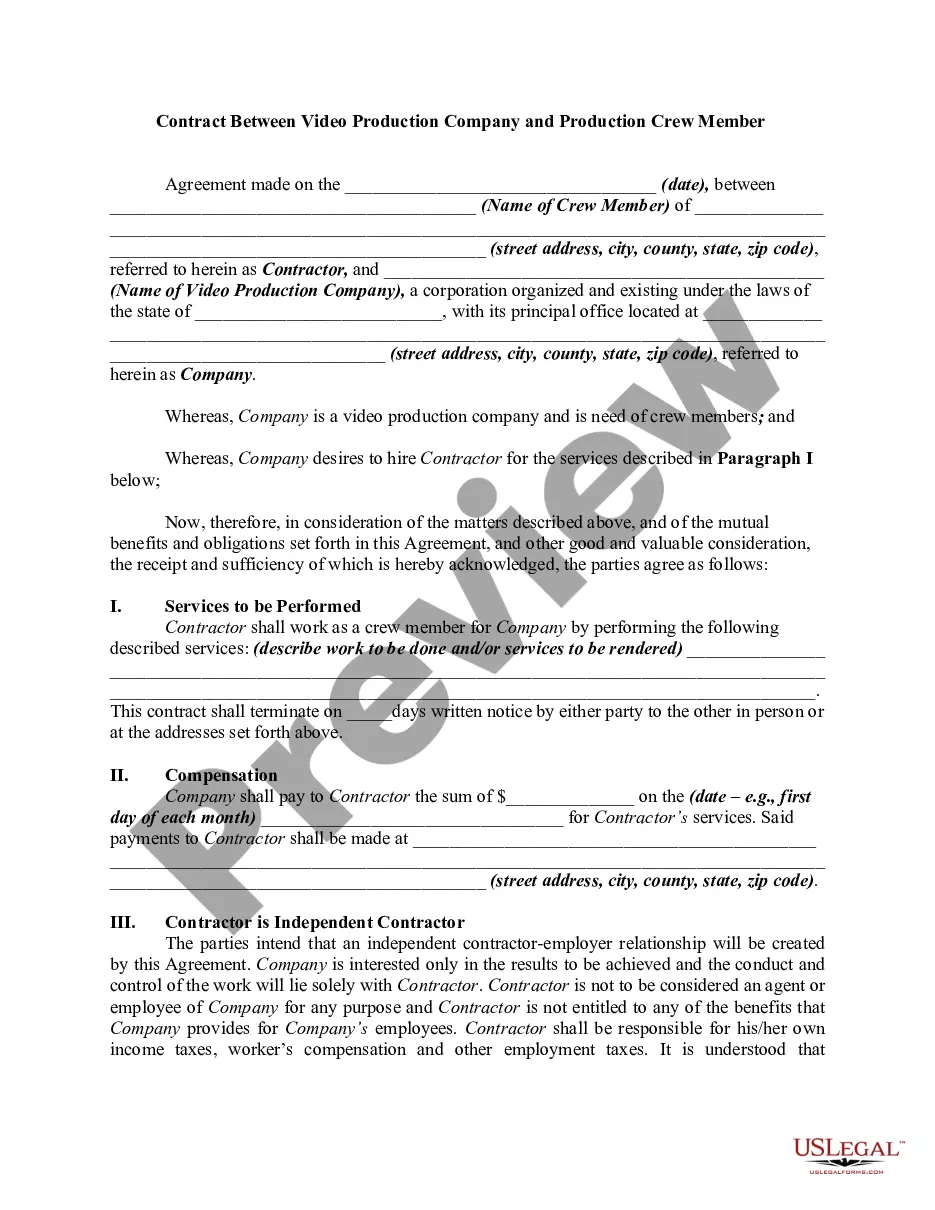
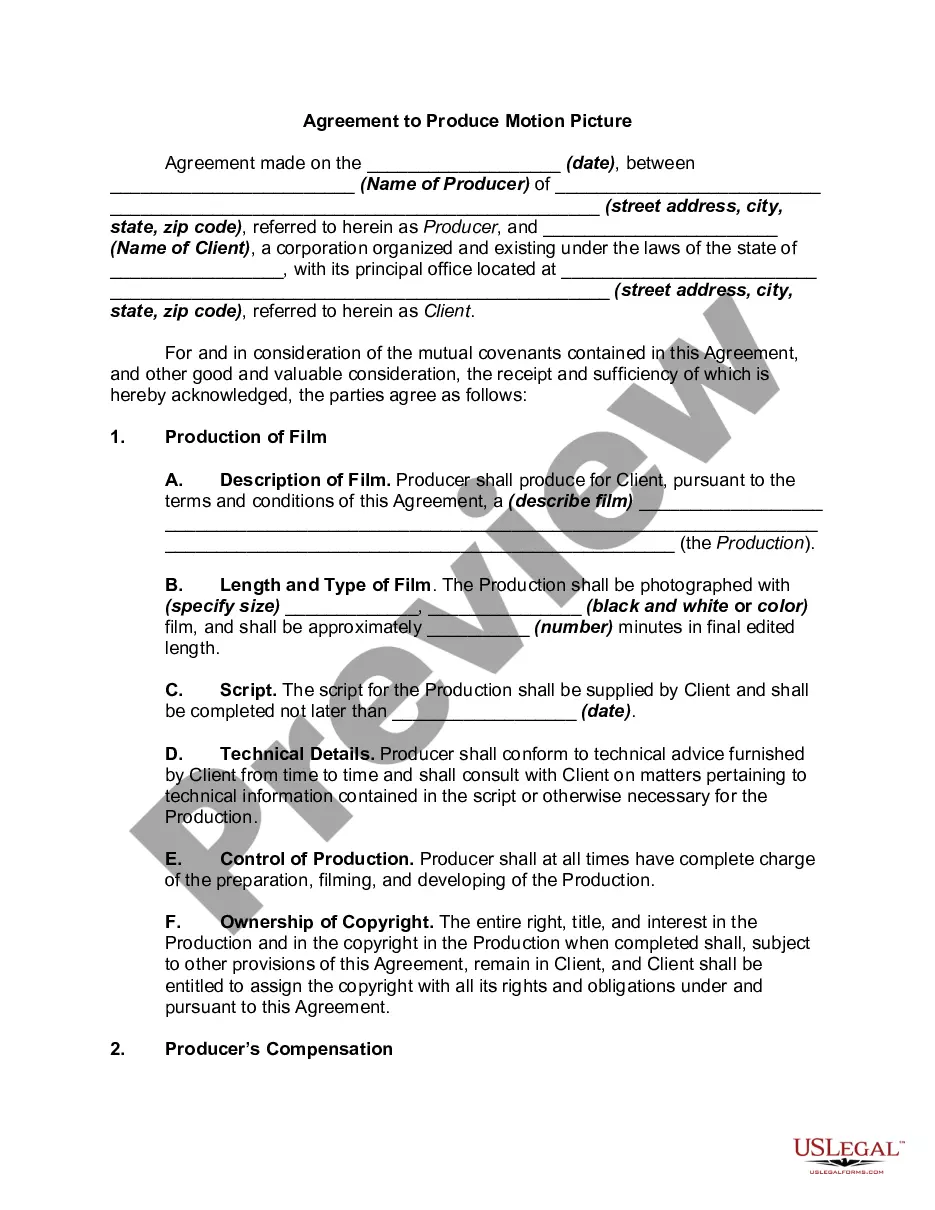
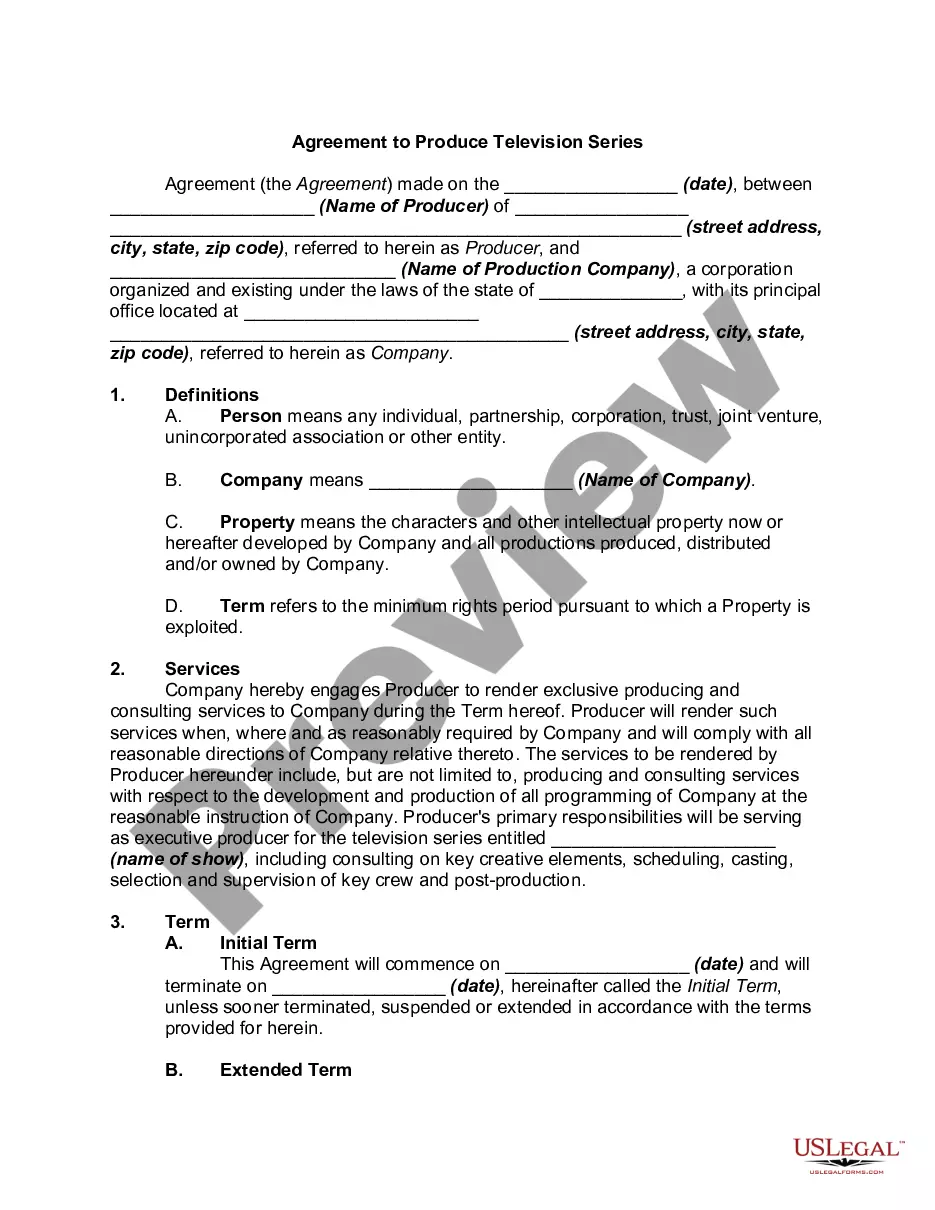
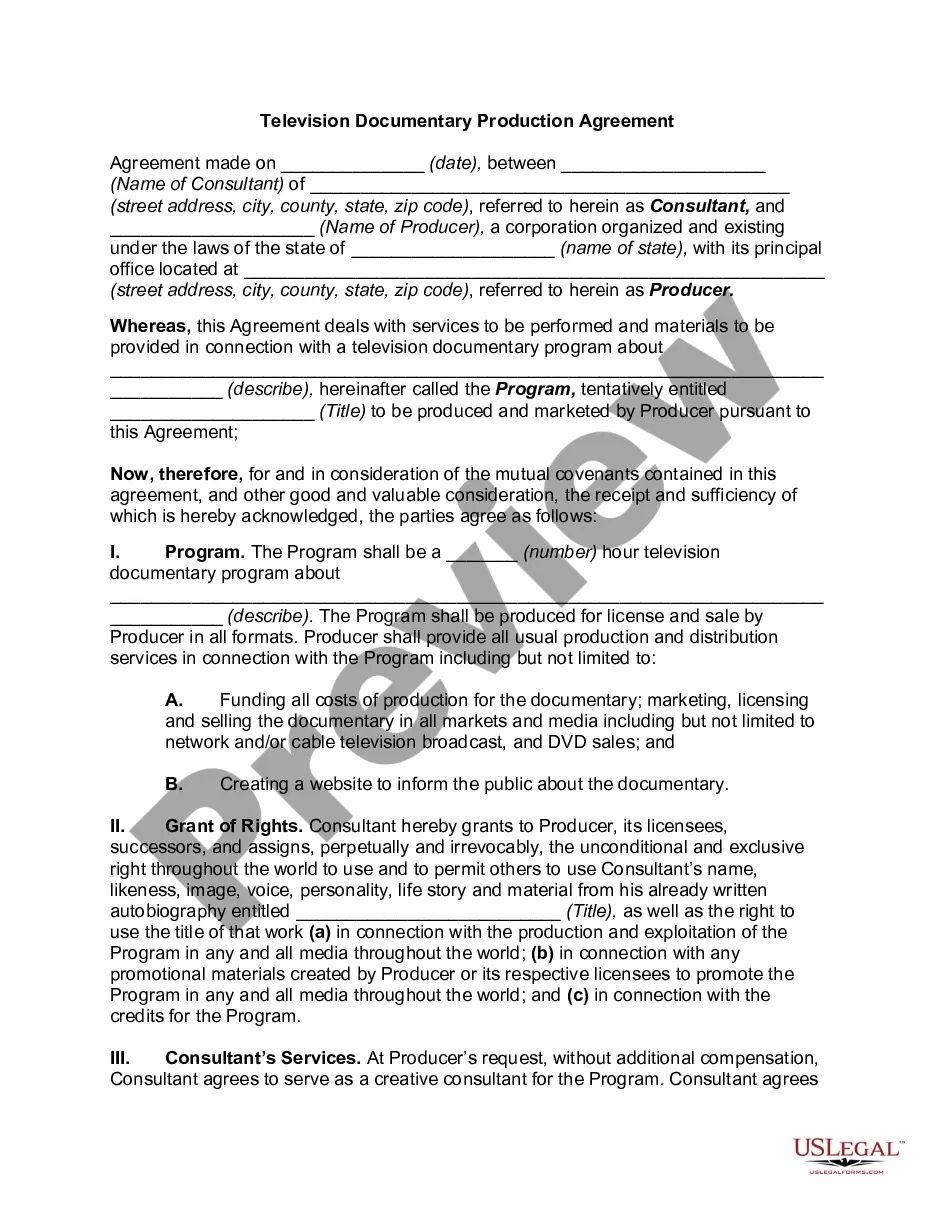
Get your form ready online
Our built-in tools help you complete, sign, share, and store your documents in one place.
Make edits, fill in missing information, and update formatting in US Legal Forms—just like you would in MS Word.
Download a copy, print it, send it by email, or mail it via USPS—whatever works best for your next step.
Sign and collect signatures with our SignNow integration. Send to multiple recipients, set reminders, and more. Go Premium to unlock E-Sign.
If this form requires notarization, complete it online through a secure video call—no need to meet a notary in person or wait for an appointment.
We protect your documents and personal data by following strict security and privacy standards.

Make edits, fill in missing information, and update formatting in US Legal Forms—just like you would in MS Word.

Download a copy, print it, send it by email, or mail it via USPS—whatever works best for your next step.

Sign and collect signatures with our SignNow integration. Send to multiple recipients, set reminders, and more. Go Premium to unlock E-Sign.

If this form requires notarization, complete it online through a secure video call—no need to meet a notary in person or wait for an appointment.

We protect your documents and personal data by following strict security and privacy standards.
Looking for another form?









Form popularity
FAQ
Write the contract in six steps Start with a contract template. Open with the basic information. Describe in detail what you have agreed to. Include a description of how the contract will be ended. Write into the contract which laws apply and how disputes will be resolved. Include space for signatures.
Basic Template and Structure heading/title. description/purpose/the service (basically the product/service description) parties (supplier and client - including addresses) date. territory/geographical coverage. definitions - essential glossary 'root' of frequently occurring items in the document. term - period of agreement.
A vendor contract (otherwise known as a vendor agreement) is a business contract between two parties covering the exchange of goods or services in return for compensation. Vendor contracts establish the business relationship conditions and include details on each party's obligations under the contract.
Write the contract in six steps Start with a contract template. Open with the basic information. Describe in detail what you have agreed to. Include a description of how the contract will be ended. Write into the contract which laws apply and how disputes will be resolved. Include space for signatures.
7 Best Practices When Drafting Simple Agreements Start with a clear statement of purpose. Define key terms and definitions. Use clear and concise language. Include dispute resolution provisions. Consider the potential consequences of the breach. Include termination and renewal provisions. Use a standard contract template.
Creating a vendor contract Step 1: Specify business terms. The first part of each vendor contract usually outlines the business terms including. Step 2: Outline legal concepts. This section usually begins with the representations and warranties section. Step 3: Address consequences.
The Supply Agreement sets out the relationship between you, as a supplier, and the businesses that have purchased products that you are supplying to them. The Supply Agreement also sets out the important legal terms, such as clauses on supply and delivery of products, KPIs and reporting, Indemnities and more.
Although you don't have to hire a lawyer, you should. Entering into a legally binding agreement isn't something you should take lightly. Signing a document without fully comprehending the terms or your rights is dangerous. It can lead to significant unintended consequences and time-consuming legal battles.
