Sample Contract Agreement For House Rental In Ohio
Description

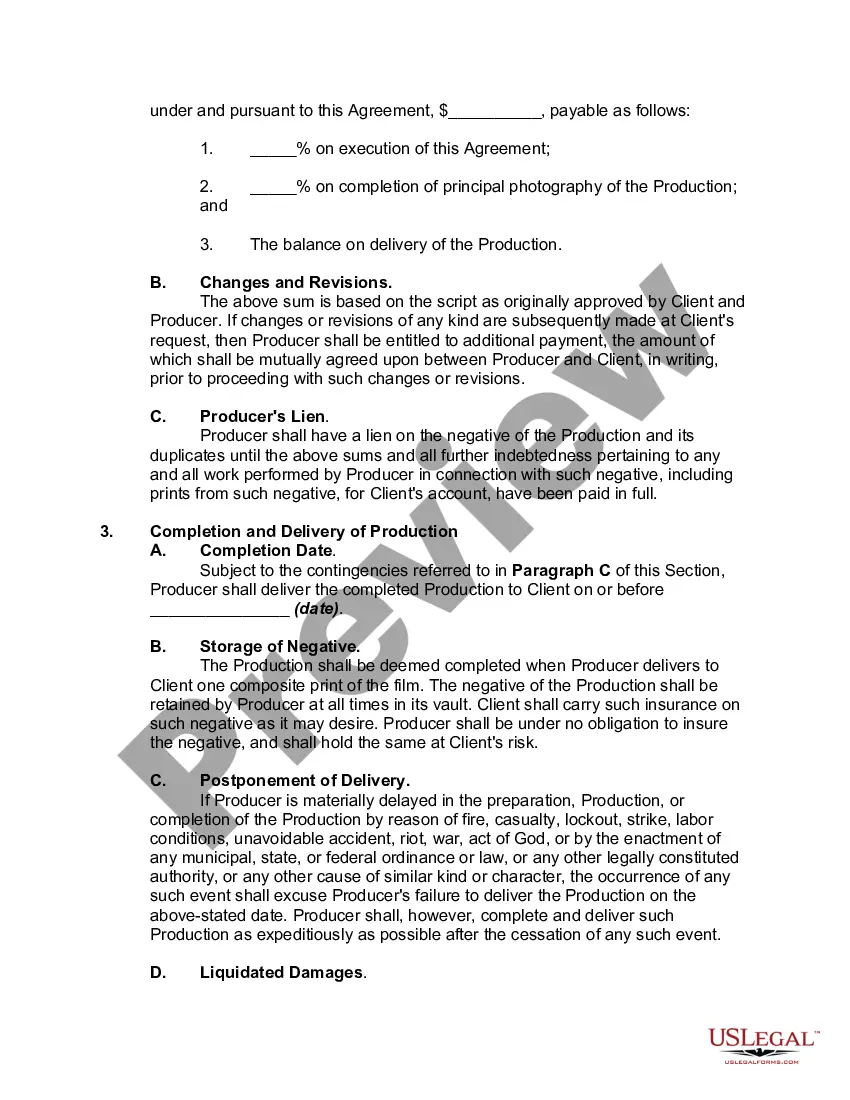
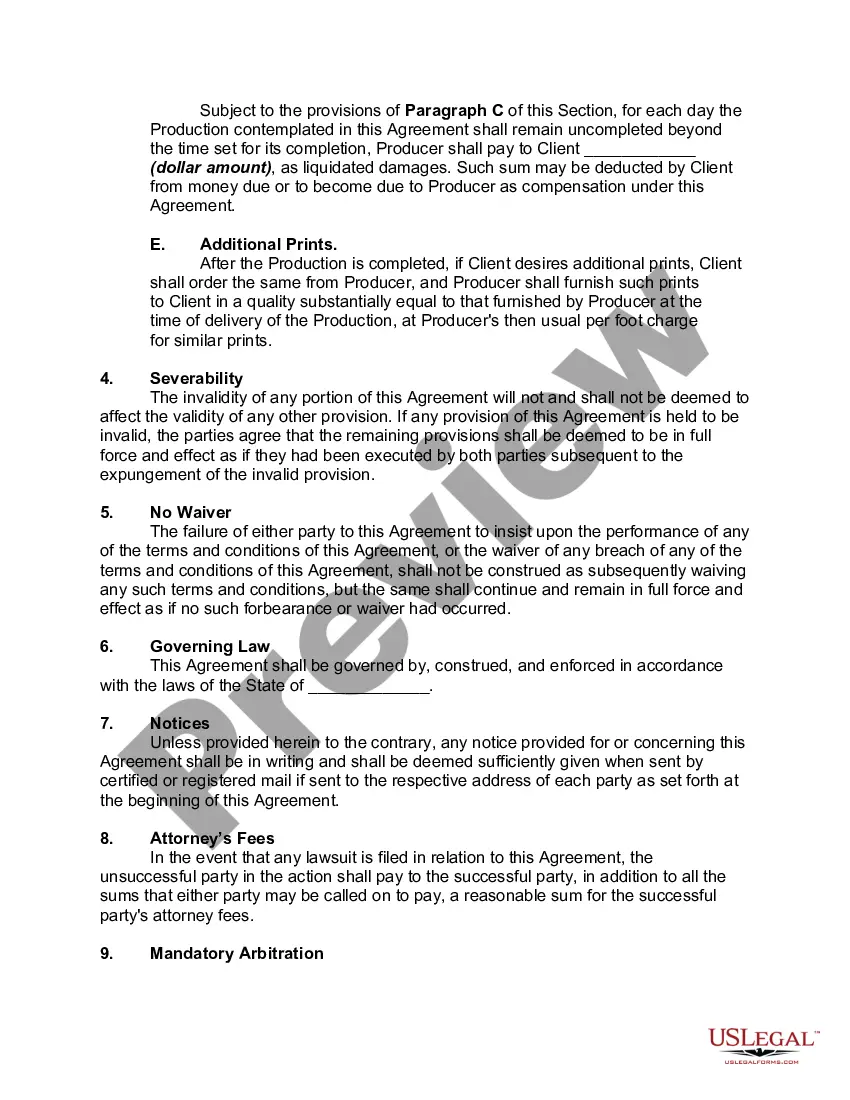
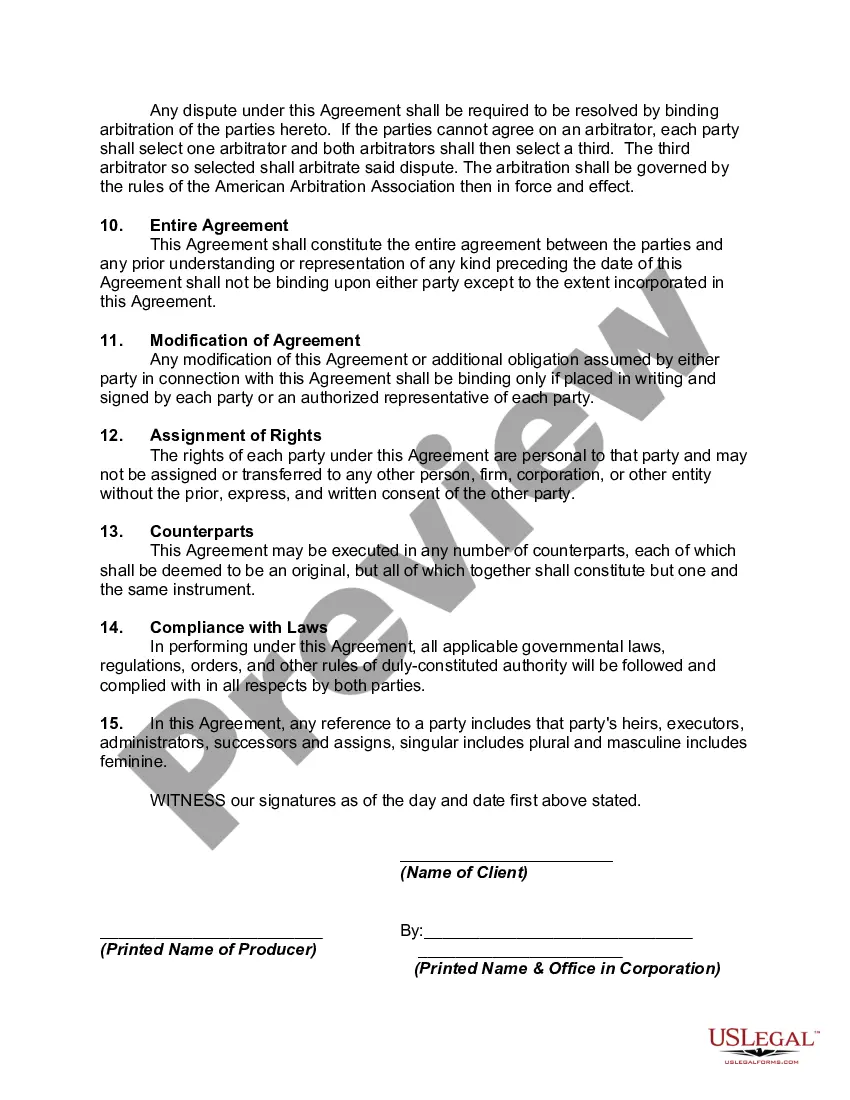
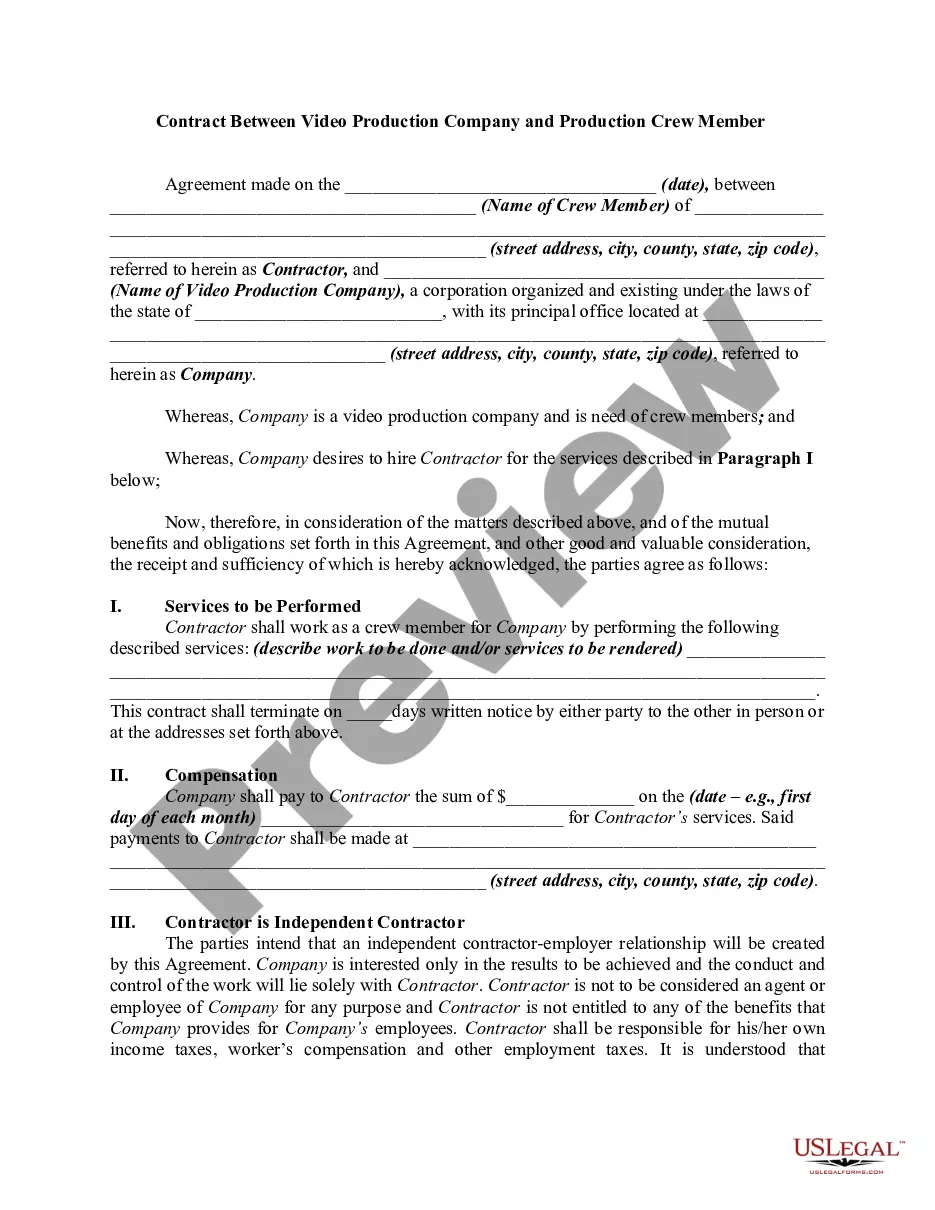
Get your form ready online
Our built-in tools help you complete, sign, share, and store your documents in one place.
Make edits, fill in missing information, and update formatting in US Legal Forms—just like you would in MS Word.
Download a copy, print it, send it by email, or mail it via USPS—whatever works best for your next step.
Sign and collect signatures with our SignNow integration. Send to multiple recipients, set reminders, and more. Go Premium to unlock E-Sign.
If this form requires notarization, complete it online through a secure video call—no need to meet a notary in person or wait for an appointment.
We protect your documents and personal data by following strict security and privacy standards.

Make edits, fill in missing information, and update formatting in US Legal Forms—just like you would in MS Word.

Download a copy, print it, send it by email, or mail it via USPS—whatever works best for your next step.

Sign and collect signatures with our SignNow integration. Send to multiple recipients, set reminders, and more. Go Premium to unlock E-Sign.

If this form requires notarization, complete it online through a secure video call—no need to meet a notary in person or wait for an appointment.

We protect your documents and personal data by following strict security and privacy standards.
Looking for another form?





Form popularity
FAQ
Yes, Google Docs offers a variety of templates, including rental agreement templates.
Here are 16 steps on how to make a lease agreement: Include the contact information of both parties. Include property details. Outline property utilities and services. Define the lease term. Disclose the monthly rent amount and due date. Detail the penalties and late fees. Describe any additional or services fees.
Here's a list of standard fields that you should include in your lease agreement: Tenant information. Include each tenant's full name and contact information. Rental property description. Security deposit. Monthly rent amount. Utilities. Lease term. Policies. Late fees.
It is possible to draft your own lease agreement, but you are leaving yourself open to issues.
The template library in Word includes a wide selection of contract templates for various needs. Users access industry-specific options, ensuring relevance and legal appropriateness. Each template offers a comprehensive structure, including essential clauses and standard legal language.
A lease agreement is a legally binding contract outlining the terms under which one party agrees to rent property, whether real or personal, from another party. This agreement includes important details such as the rent amount, duration, responsibilities of both parties, and conditions for terminating the agreement.
Of course you can make up your own lease agreement and I would advise you to think of every conceivable eventuality and make sure that anyone signing it reads it so they know what it says and agrees before they sign it.
Here are 16 steps on how to make a lease agreement: Include the contact information of both parties. Include property details. Outline property utilities and services. Define the lease term. Disclose the monthly rent amount and due date. Detail the penalties and late fees. Describe any additional or services fees.
