Sample Letter Exemption Withholding In Washington
Description
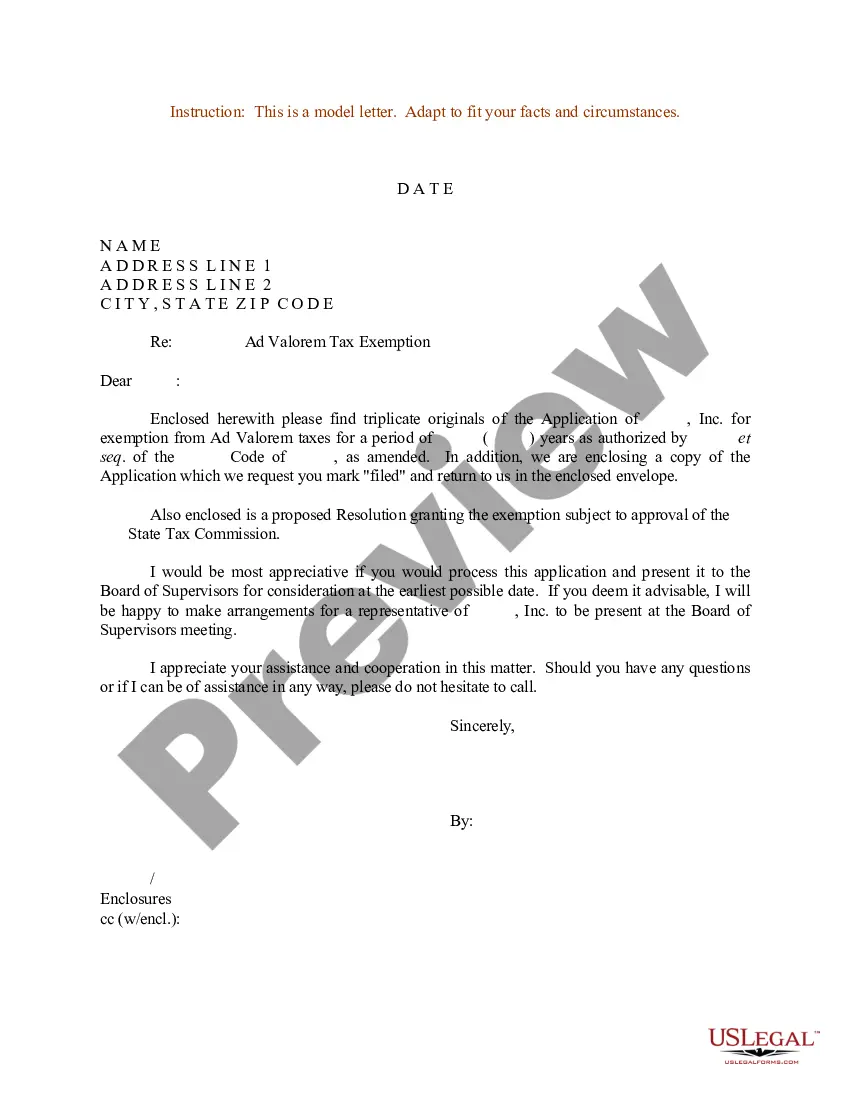
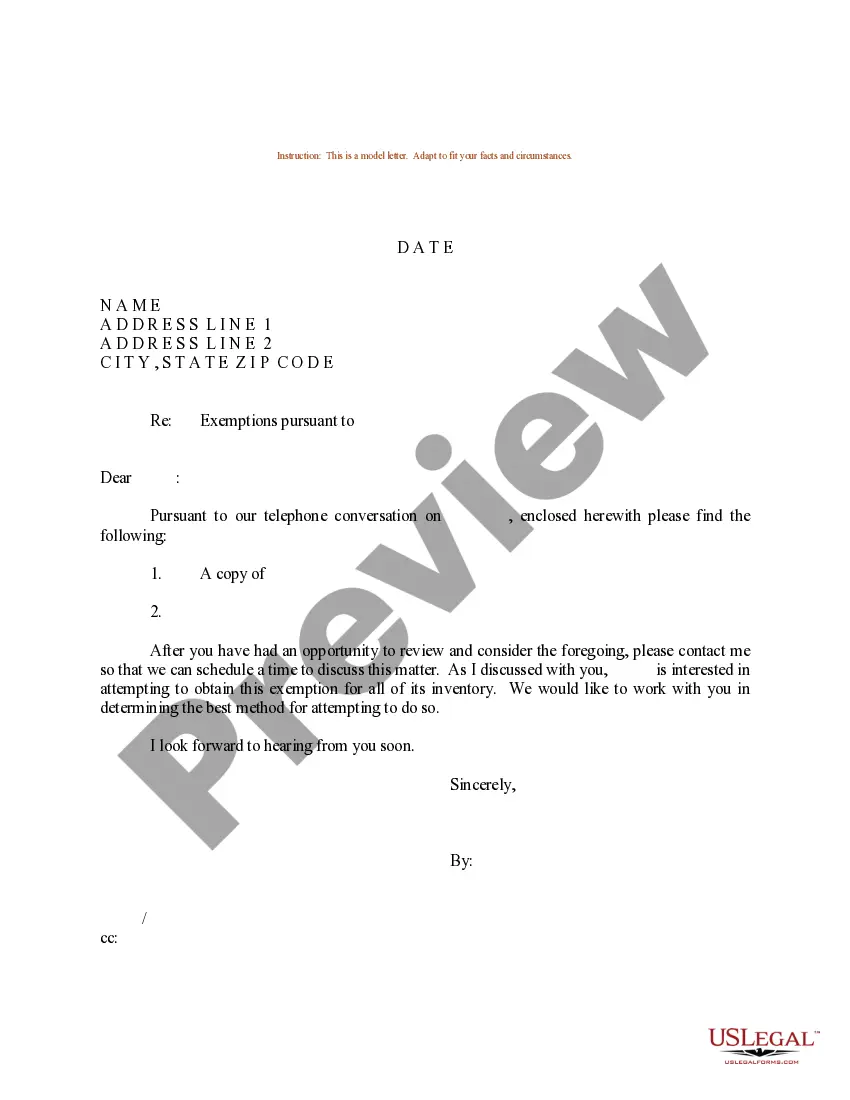
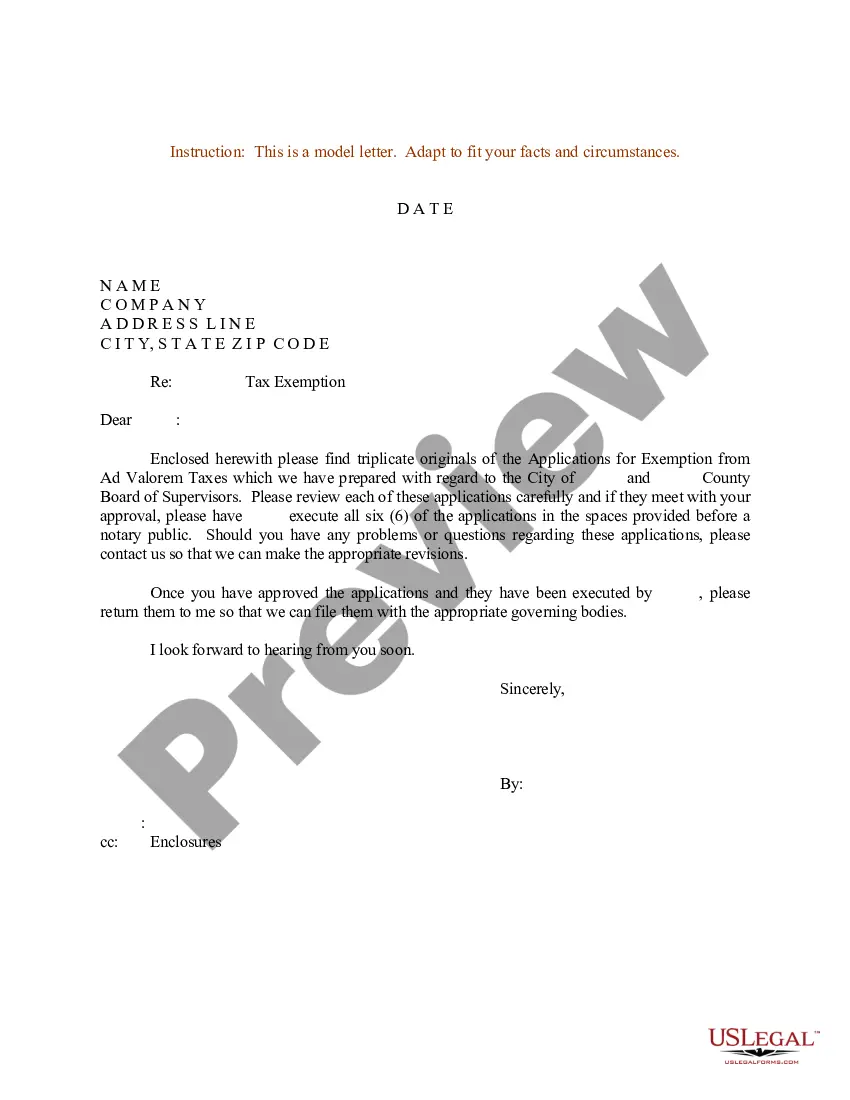
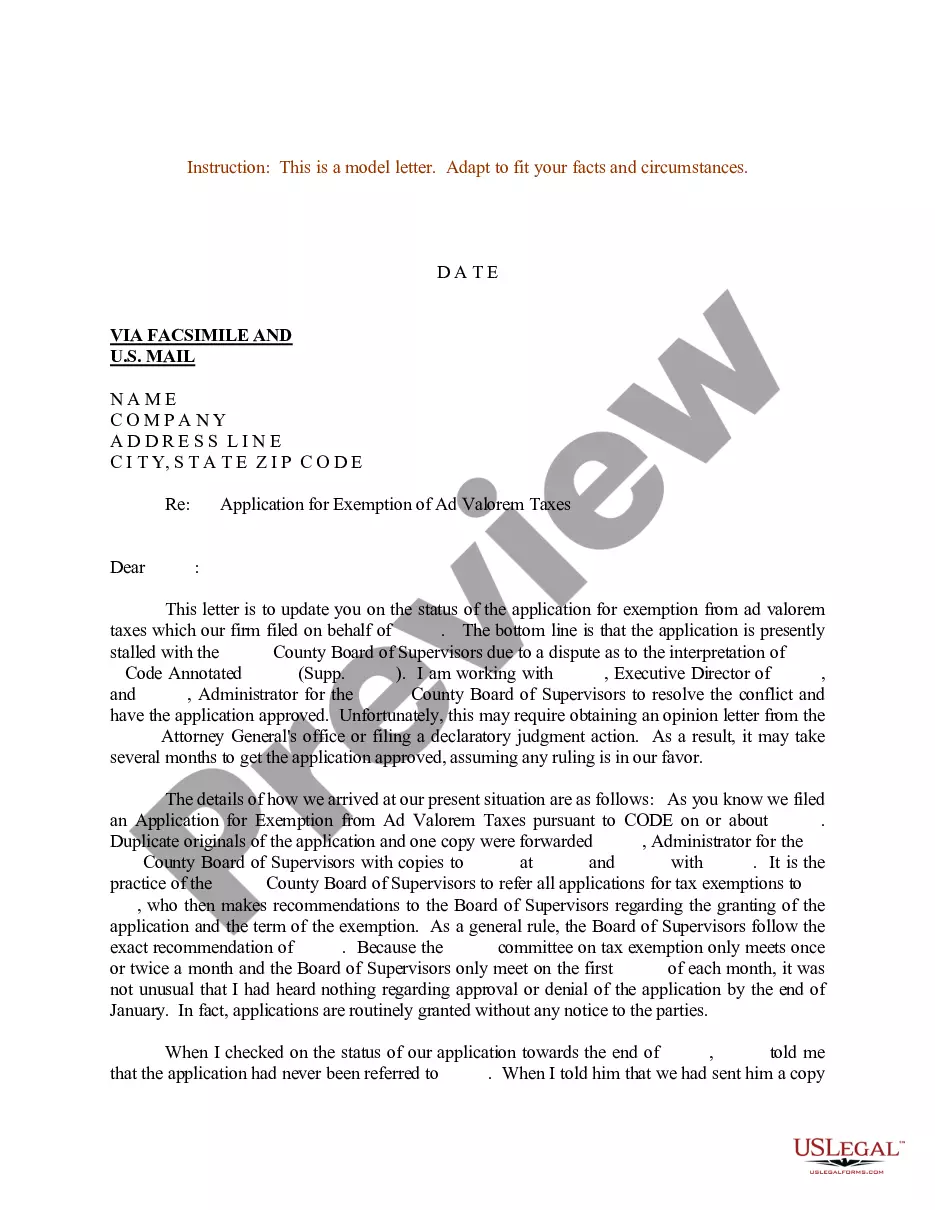
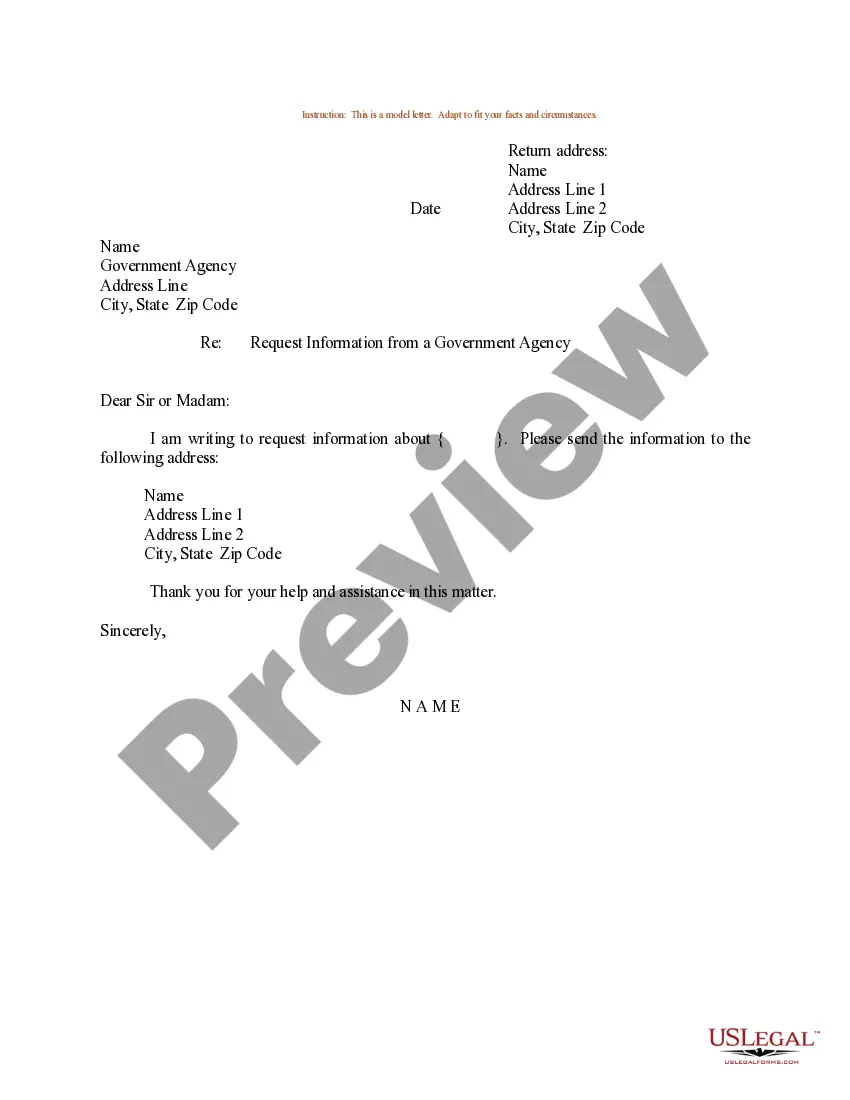
Get your form ready online
Our built-in tools help you complete, sign, share, and store your documents in one place.
Make edits, fill in missing information, and update formatting in US Legal Forms—just like you would in MS Word.
Download a copy, print it, send it by email, or mail it via USPS—whatever works best for your next step.
Sign and collect signatures with our SignNow integration. Send to multiple recipients, set reminders, and more. Go Premium to unlock E-Sign.
If this form requires notarization, complete it online through a secure video call—no need to meet a notary in person or wait for an appointment.
We protect your documents and personal data by following strict security and privacy standards.

Make edits, fill in missing information, and update formatting in US Legal Forms—just like you would in MS Word.

Download a copy, print it, send it by email, or mail it via USPS—whatever works best for your next step.

Sign and collect signatures with our SignNow integration. Send to multiple recipients, set reminders, and more. Go Premium to unlock E-Sign.

If this form requires notarization, complete it online through a secure video call—no need to meet a notary in person or wait for an appointment.

We protect your documents and personal data by following strict security and privacy standards.
Looking for another form?








Form popularity
FAQ
How to claim exempt status on a W-4. To claim an exemption, you must complete only lines 1, 2, 3, 4, and 7 and sign the form to validate it. (In Box 7, write “EXEMPT”. Writing this will guarantee that withholdings are not taken from your future paychecks.)
How to claim exempt status on a W-4. To claim an exemption, you must complete only lines 1, 2, 3, 4, and 7 and sign the form to validate it. (In Box 7, write “EXEMPT”. Writing this will guarantee that withholdings are not taken from your future paychecks.)
Looking for your exemption approval letter? There are two ways to get copies of your approval letter: Log in to your WA Cares exemption account and click on the 'Exemption ID' of your approved exemption to view and download a copy. Call us at 833-717-2273 to request more copies be mailed to you.
To claim exempt, write EXEMPT under line 4c. You may claim EXEMPT from withholding if: o Last year you had a right to a full refund of All federal tax income and o This year you expect a full refund of ALL federal income tax. NOTE: if you claim EXEMPT you must complete a new W-4 annually in February.
Tax exemptions help reduce the taxable income you owe taxes on, lowering your overall tax liability. Whether you're claiming the standard deduction, applying for property tax exemptions, or supporting a tax-exempt organization, understanding how these exemptions work can help you maximize your tax savings.
How to fill out a W-4 Step 1: Enter your personal information. Fill in your name, address, Social Security number and tax filing status. Step 2: Account for multiple jobs. Step 3: Claim dependents, including children. Step 4: Refine your withholdings. Step 5: Sign and date your W-4.
Exempt organization types Charitable organizations. Churches and religious organizations. Private foundations. Political organizations. Other nonprofits.
To claim exempt, write EXEMPT under line 4c. You may claim EXEMPT from withholding if: o Last year you had a right to a full refund of All federal tax income and o This year you expect a full refund of ALL federal income tax. NOTE: if you claim EXEMPT you must complete a new W-4 annually in February.
Looking for your exemption approval letter? There are two ways to get copies of your approval letter: Log in to your WA Cares exemption account and click on the 'Exemption ID' of your approved exemption to view and download a copy. Call us at 833-717-2273 to request more copies be mailed to you.
Exemption from withholding An employee can also use Form W-4 to tell you not to withhold any federal income tax. To qualify for this exempt status, the employee must have had no tax liability for the previous year and must expect to have no tax liability for the current year.

