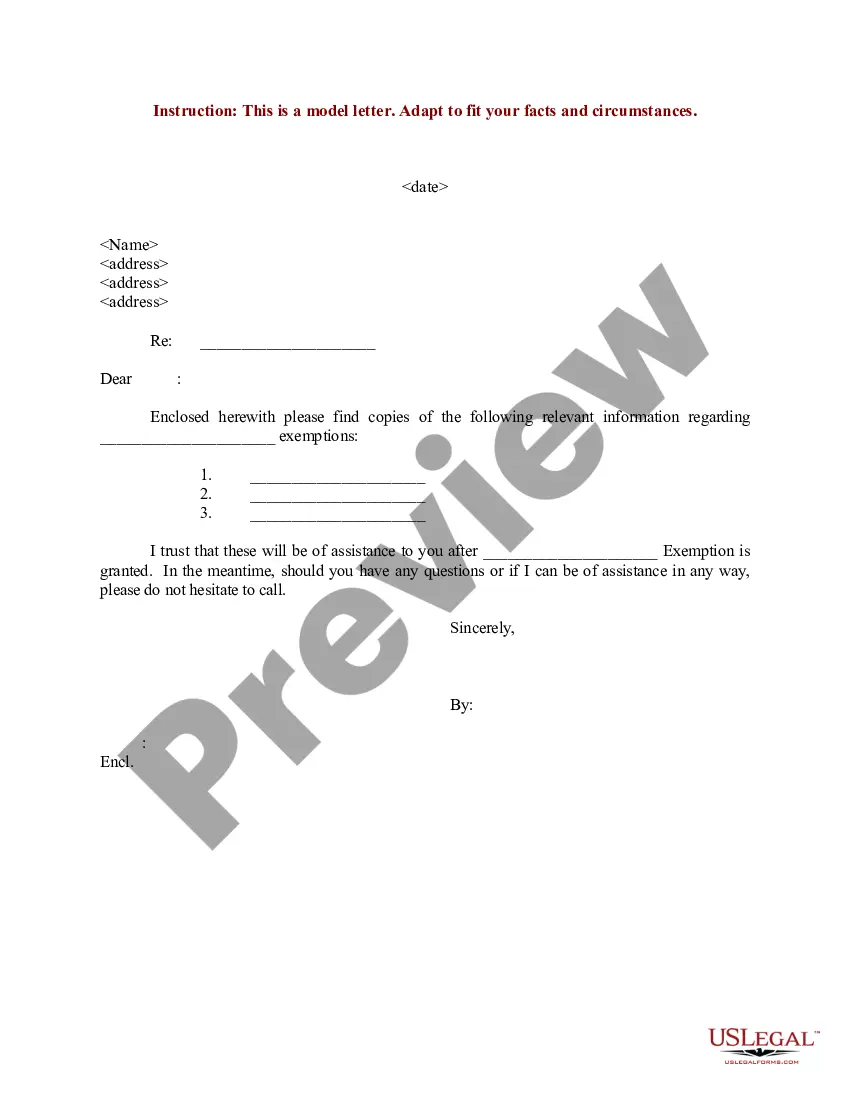
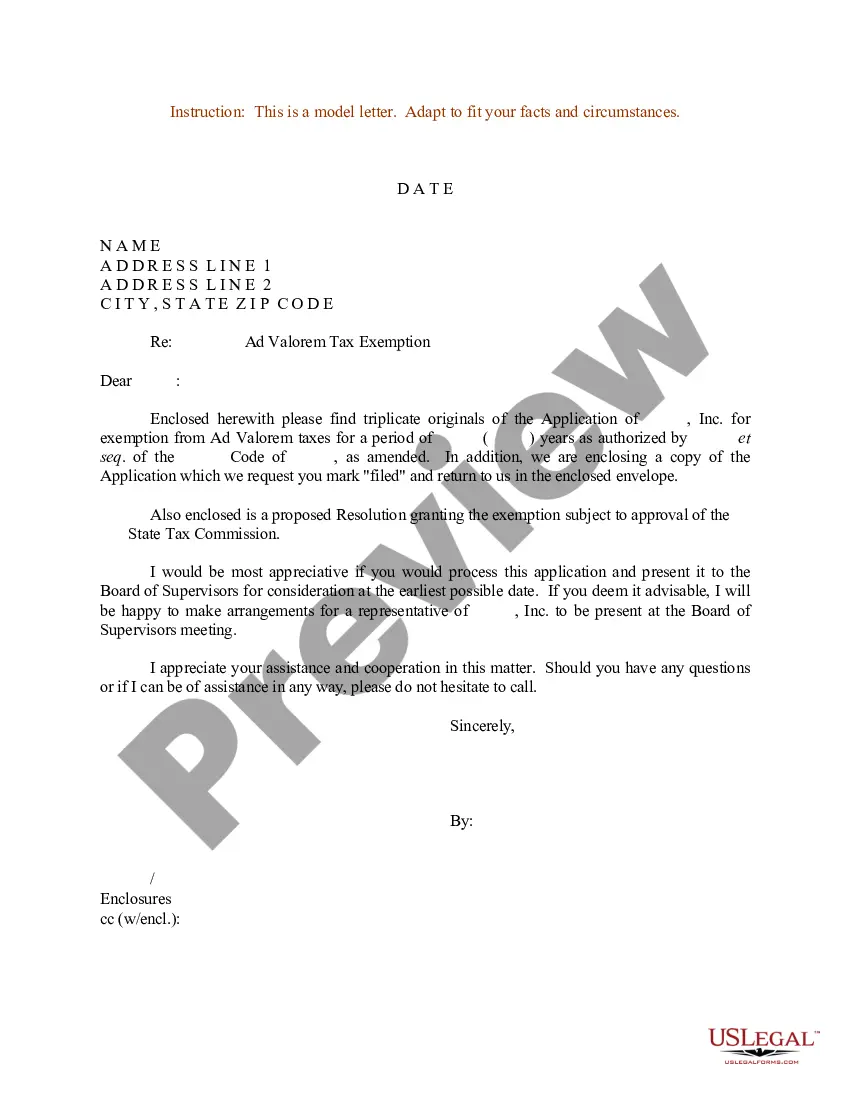
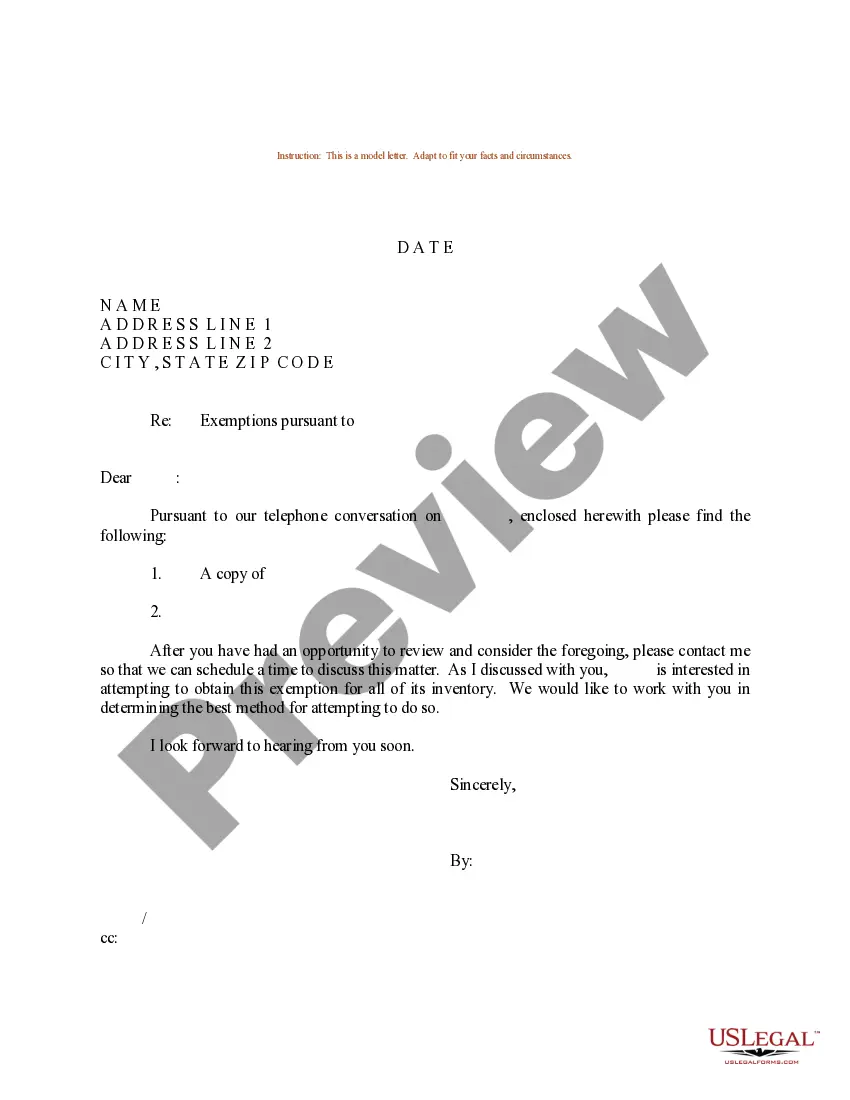
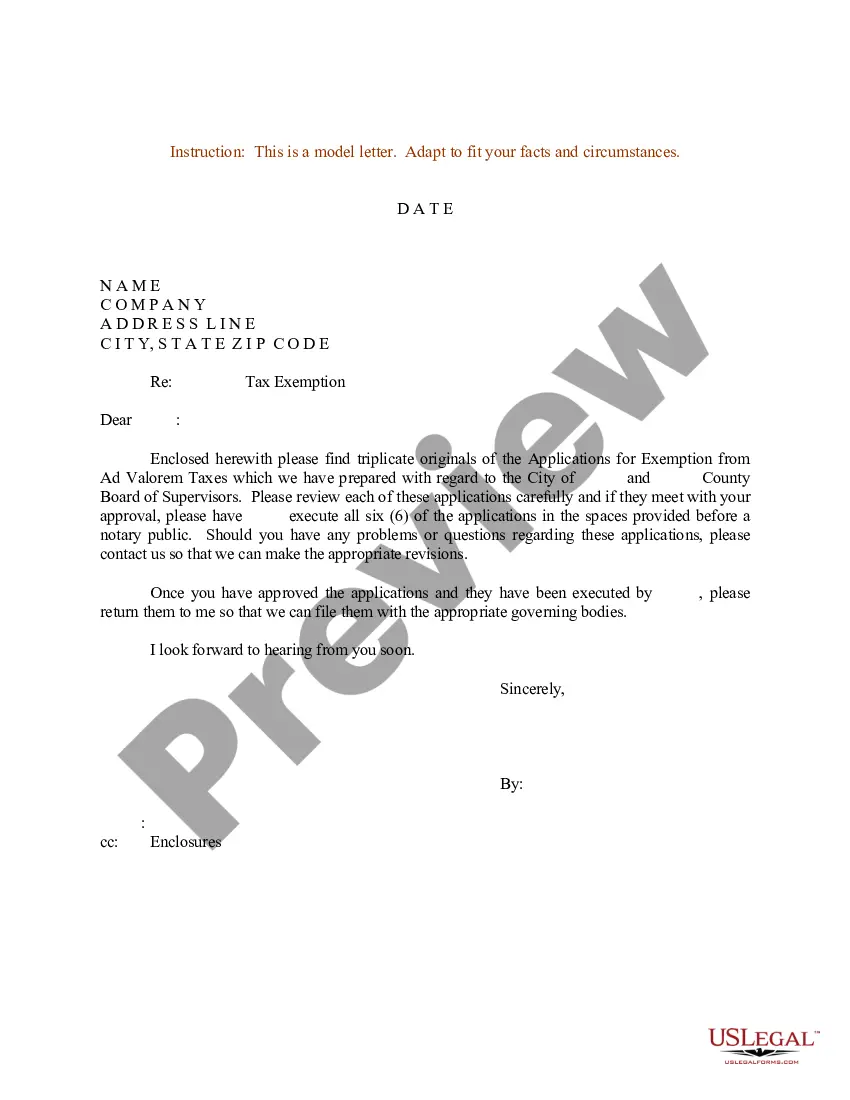
Sample Letter Exemption Withholding In Pennsylvania
Description
Get your form ready online
Our built-in tools help you complete, sign, share, and store your documents in one place.
Make edits, fill in missing information, and update formatting in US Legal Forms—just like you would in MS Word.
Download a copy, print it, send it by email, or mail it via USPS—whatever works best for your next step.
Sign and collect signatures with our SignNow integration. Send to multiple recipients, set reminders, and more. Go Premium to unlock E-Sign.
If this form requires notarization, complete it online through a secure video call—no need to meet a notary in person or wait for an appointment.
We protect your documents and personal data by following strict security and privacy standards.

Make edits, fill in missing information, and update formatting in US Legal Forms—just like you would in MS Word.

Download a copy, print it, send it by email, or mail it via USPS—whatever works best for your next step.

Sign and collect signatures with our SignNow integration. Send to multiple recipients, set reminders, and more. Go Premium to unlock E-Sign.

If this form requires notarization, complete it online through a secure video call—no need to meet a notary in person or wait for an appointment.

We protect your documents and personal data by following strict security and privacy standards.
Looking for another form?








Form popularity
FAQ
You can claim anywhere between 0 and 3 allowances on the W4 IRS form, depending on what you're eligible for. Generally, the more allowances you claim, the less tax will be withheld from each paycheck. The fewer allowances claimed, the larger withholding amount, which may result in a refund.
To claim exempt, write EXEMPT under line 4c. You may claim EXEMPT from withholding if: o Last year you had a right to a full refund of All federal tax income and o This year you expect a full refund of ALL federal income tax. NOTE: if you claim EXEMPT you must complete a new W-4 annually in February.
Here's a five-step guide on how to fill out your W-4. Step 1: Enter your personal information. Fill in your name, address, Social Security number and tax filing status. Step 2: Account for multiple jobs. Step 3: Claim dependents, including children. Step 4: Refine your withholdings. Step 5: Sign and date your W-4.
Use the REV-1832, 1099-MISC Withholding Exemption Certificate, to determine the residency status of indi- viduals, estates or trusts or to identify the type of entity for determining whether Pennsylvania personal income tax withholding is required on payments of nonemployee compensation or lease payments, such as rents ...
Pennsylvania Withholding Tax Setup for LLC, LLP, Corporation Log in to the myPATH registration system. Submit a business tax registration to get a Withholding Tax account. You will receive a 11-digit Revenue ID (used across all of your tax accounts) and an eight-digit withholding tax account number.
Here's how to complete the form: Step 1: Provide Your Personal Information. Fill out your personal details, including your name, address, Social Security number, and filing status. Step 2: Specify Multiple Jobs or a Working Spouse. Step 3: Claim Dependents. Step 4: Make Additional Adjustments. Step 5: Sign and Date Your W-4.
Pennsylvania law requires withholding at a rate of 3.07 percent on non-wage Pennsylvania source income payments made to nonresidents. Withholding of payments that are less than $5,000 during the calendar year are optional and at the discretion of the payor.
Pennsylvania personal income tax is levied at the rate of 3.07 percent against taxable income of resident and nonresident individuals, estates, trusts, partnerships, S corporations, business trusts and limited liability companies not federally taxed as corporations.
Pennsylvania law requires employers to withhold Pennsylvania personal income tax from employees' compensation in two common cases: When resident employees perform services within or outside Pennsylvania; and. When nonresident employees perform services within Pennsylvania.