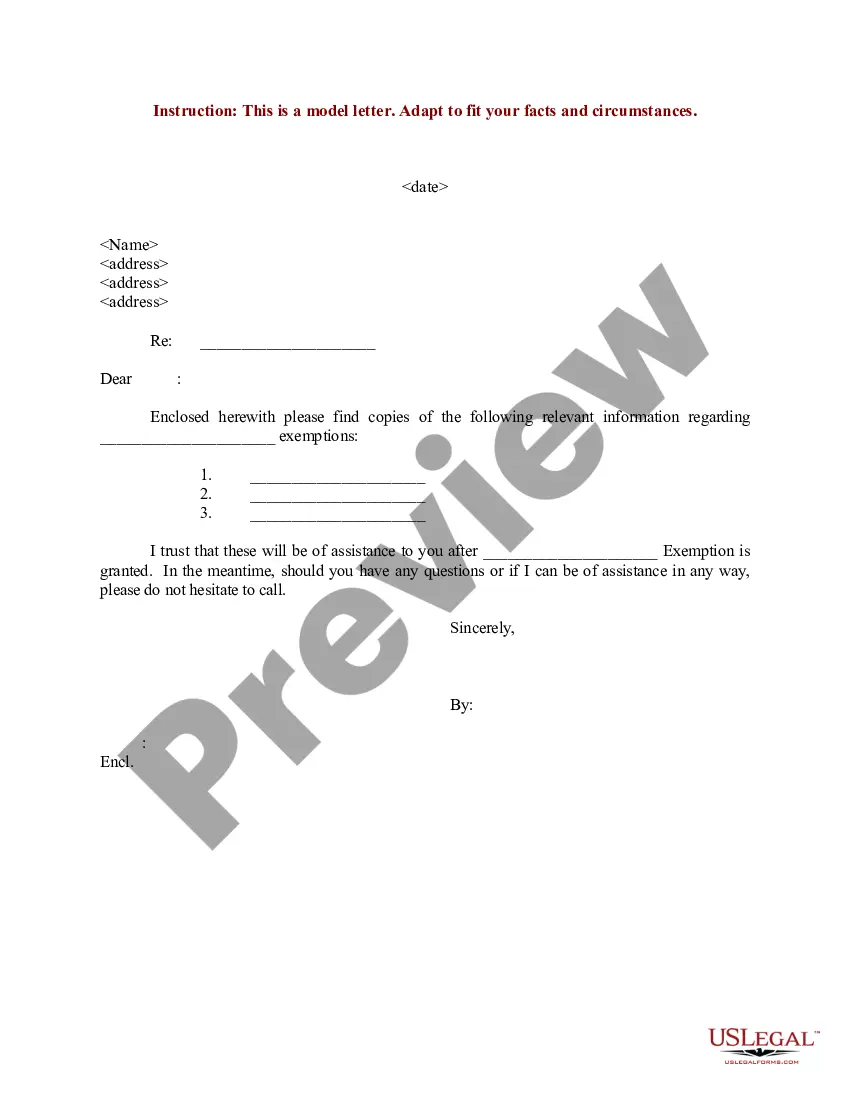
Sample Letter Exemption Withholding In Cook
Description
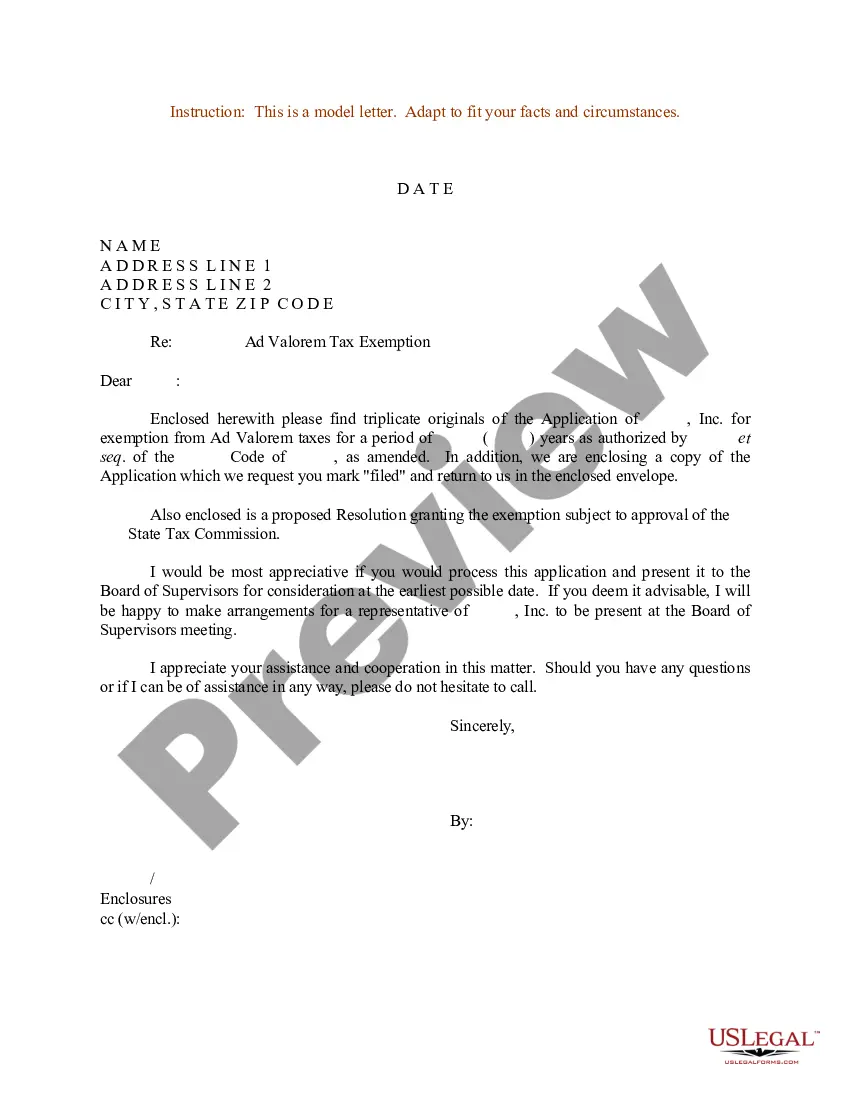
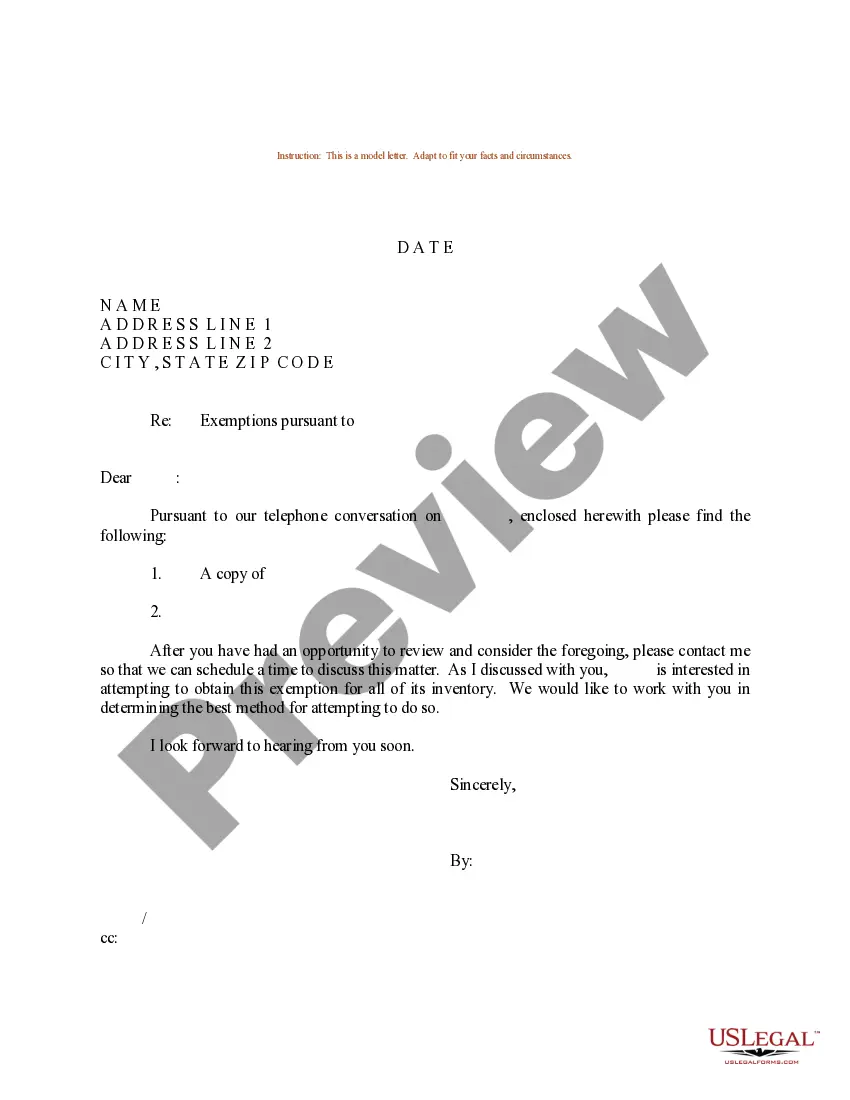
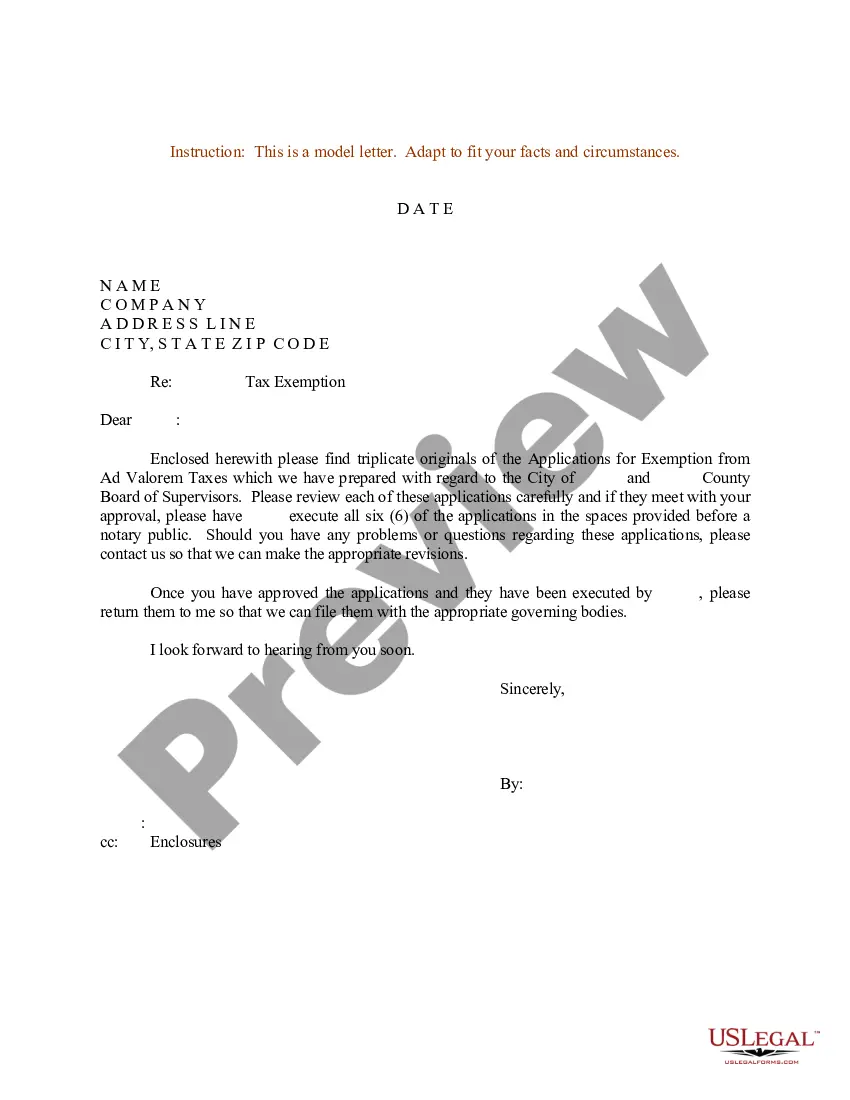
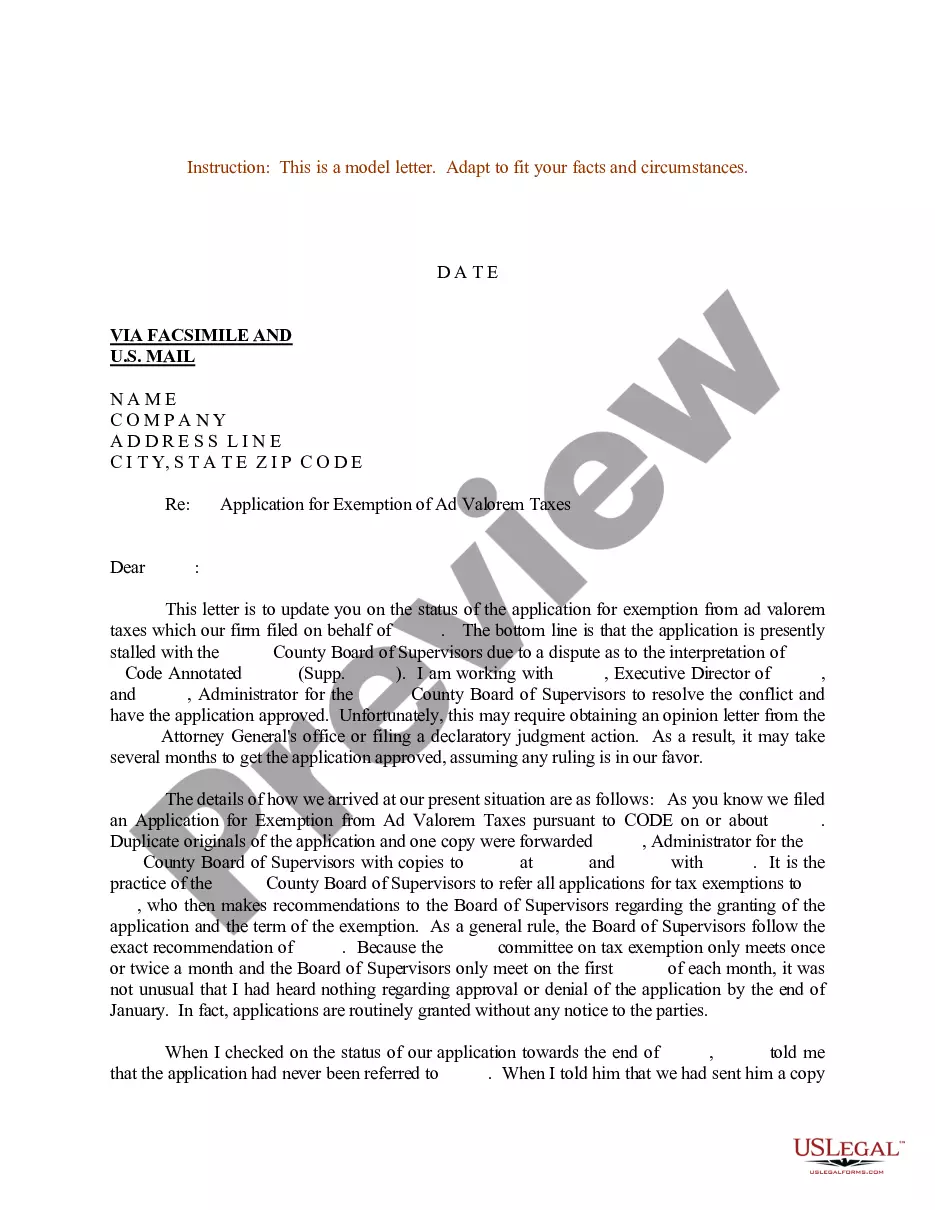
Get your form ready online
Our built-in tools help you complete, sign, share, and store your documents in one place.
Make edits, fill in missing information, and update formatting in US Legal Forms—just like you would in MS Word.
Download a copy, print it, send it by email, or mail it via USPS—whatever works best for your next step.
Sign and collect signatures with our SignNow integration. Send to multiple recipients, set reminders, and more. Go Premium to unlock E-Sign.
If this form requires notarization, complete it online through a secure video call—no need to meet a notary in person or wait for an appointment.
We protect your documents and personal data by following strict security and privacy standards.

Make edits, fill in missing information, and update formatting in US Legal Forms—just like you would in MS Word.

Download a copy, print it, send it by email, or mail it via USPS—whatever works best for your next step.

Sign and collect signatures with our SignNow integration. Send to multiple recipients, set reminders, and more. Go Premium to unlock E-Sign.

If this form requires notarization, complete it online through a secure video call—no need to meet a notary in person or wait for an appointment.

We protect your documents and personal data by following strict security and privacy standards.
Looking for another form?







Form popularity
FAQ
Note: The W-4 form 2024 steps are the same as the W-4 form 2025 steps. Step 1: Enter your personal information. Step 2: Account for all jobs you and your spouse have. Step 3: Claim your children and other dependents. Step 4: Make other adjustments. Step 5: Sign and date your form.
How to claim exempt status on a W-4. To claim an exemption, you must complete only lines 1, 2, 3, 4, and 7 and sign the form to validate it. (In Box 7, write “EXEMPT”. Writing this will guarantee that withholdings are not taken from your future paychecks.)
To claim exempt, write EXEMPT under line 4c. You may claim EXEMPT from withholding if: o Last year you had a right to a full refund of All federal tax income and o This year you expect a full refund of ALL federal income tax. NOTE: if you claim EXEMPT you must complete a new W-4 annually in February.
Exemption from withholding An employee can also use Form W-4 to tell you not to withhold any federal income tax. To qualify for this exempt status, the employee must have had no tax liability for the previous year and must expect to have no tax liability for the current year.
How can I get a copy of my organization's exemption letter? You can download copies of determination letters (issued January 1, 2014 and later) using our on-line search tool Tax Exempt Organization Search (TEOS).
Ing to the IRS Tax Topic 751 on withholding, to claim exempt, you must have had no federal income tax liability last year and expect to have no federal income tax liability this year.
Because claiming Exempt has a clearly falsifiable attestation (that you had no tax liability in the prior year), it is generally a Bad Idea to falsely claim Exempt.
Claiming exempt from withholding on your taxes is generally only appropriate if you meet specific criteria. If you claim exempt and later find that you owe taxes at the end of the year, you could face penalties and interest on any unpaid taxes.
You can claim either 0 or 1 on your W-4. It won't create problems with the IRS, it will just determine how much you'll get back on your tax return next year. If you claim 0, you will get less back on paychecks and more back on your tax refund.
Provide the Demand for Tax Exemption Purpose or reason for requesting tax exempt status. Desired outcome or result of this request. Specific requirements or details for the Demand for Tax Exemption.