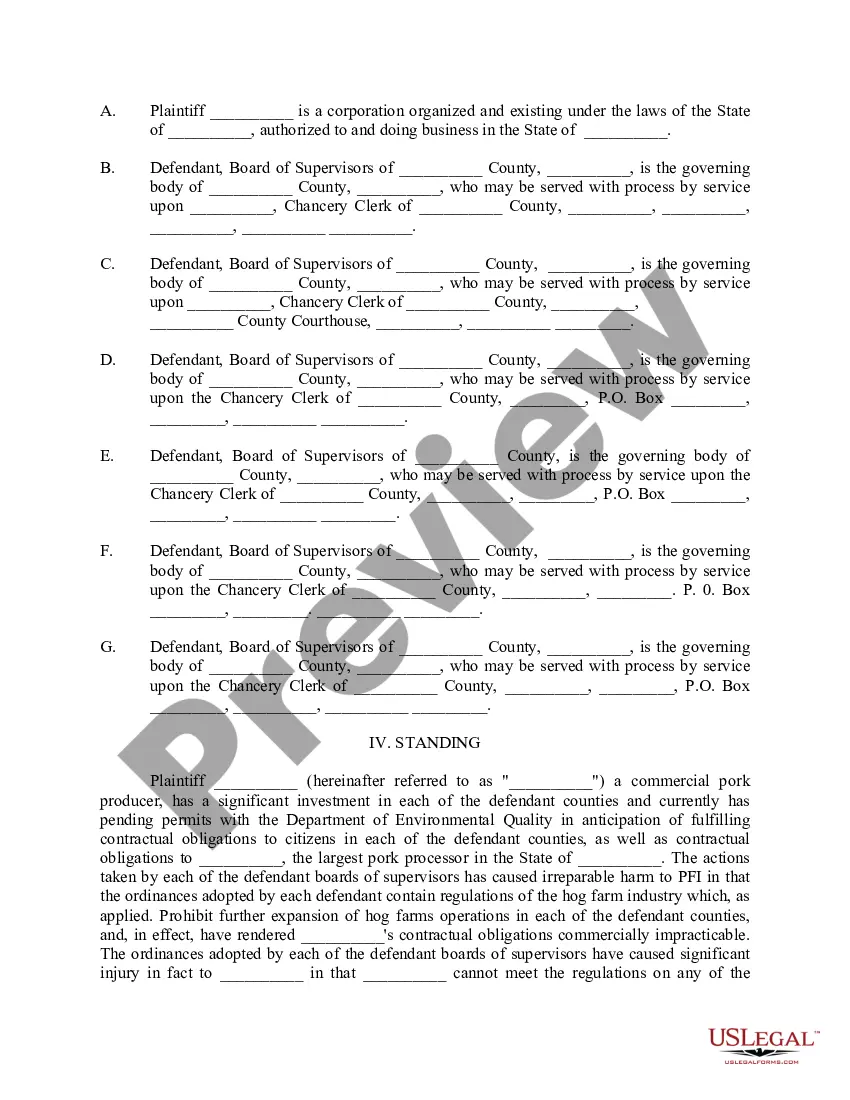
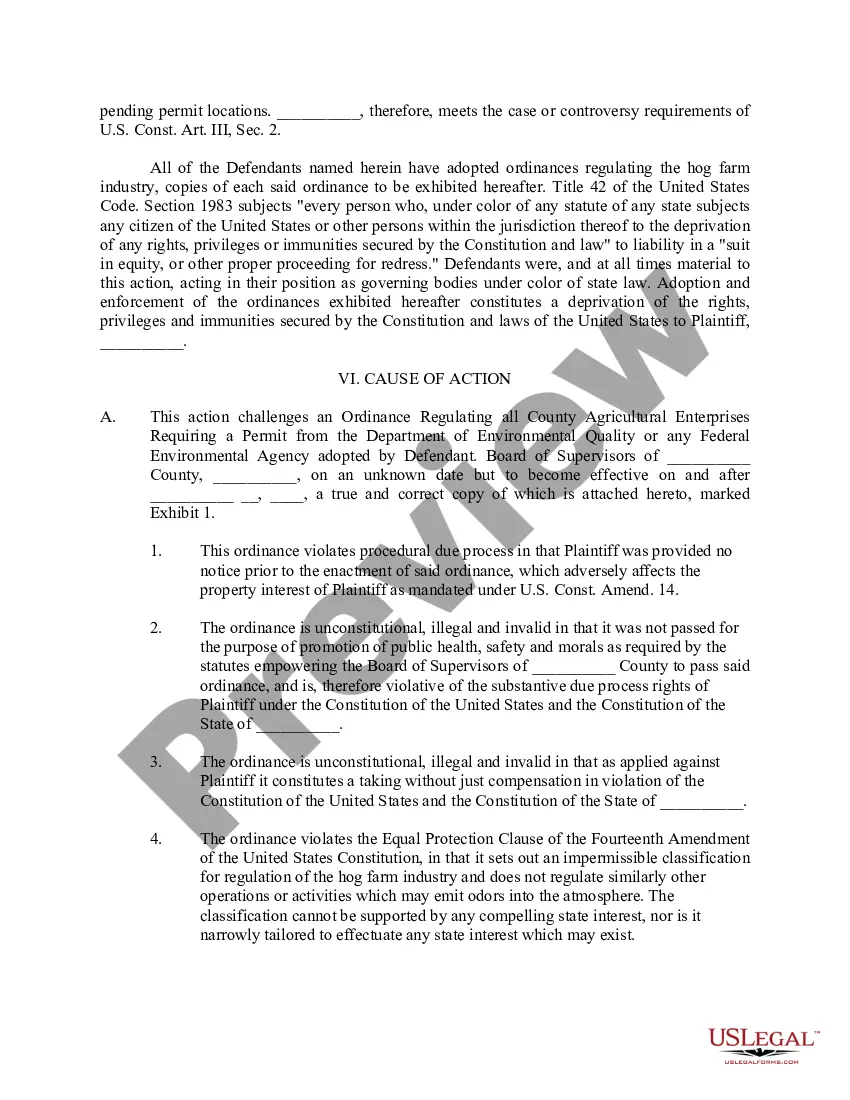
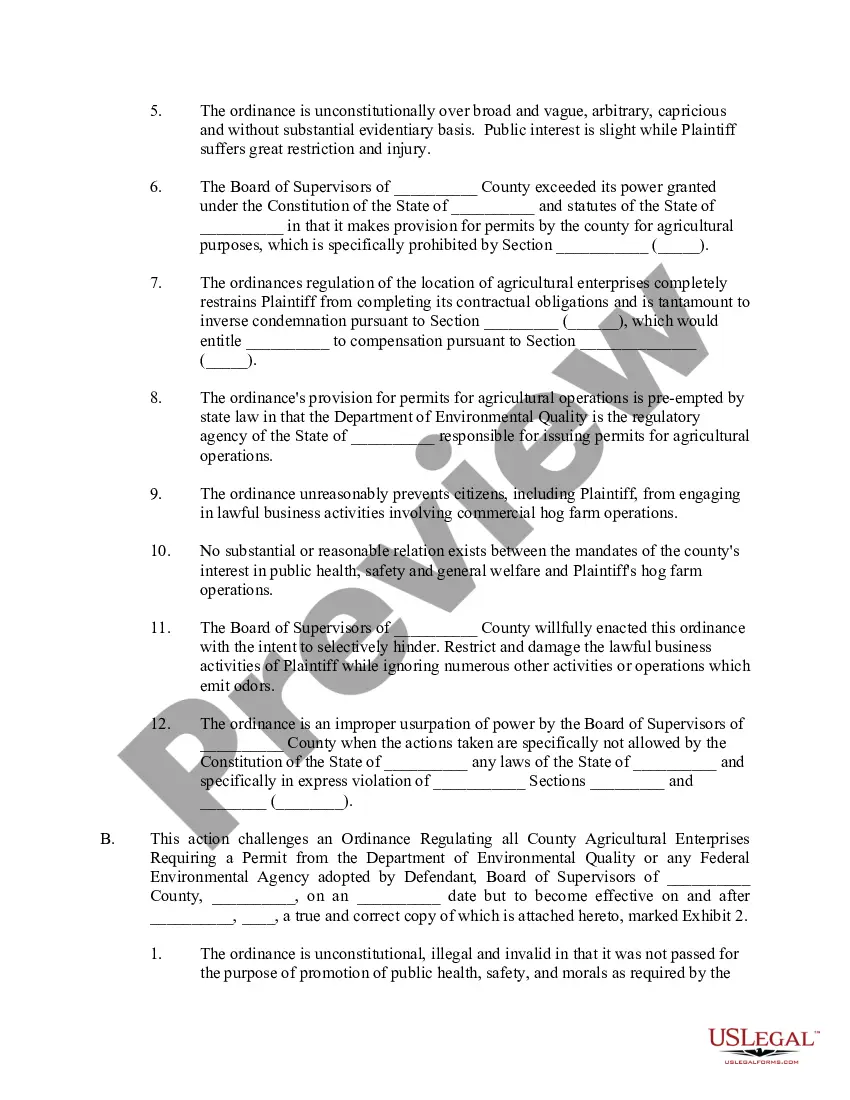
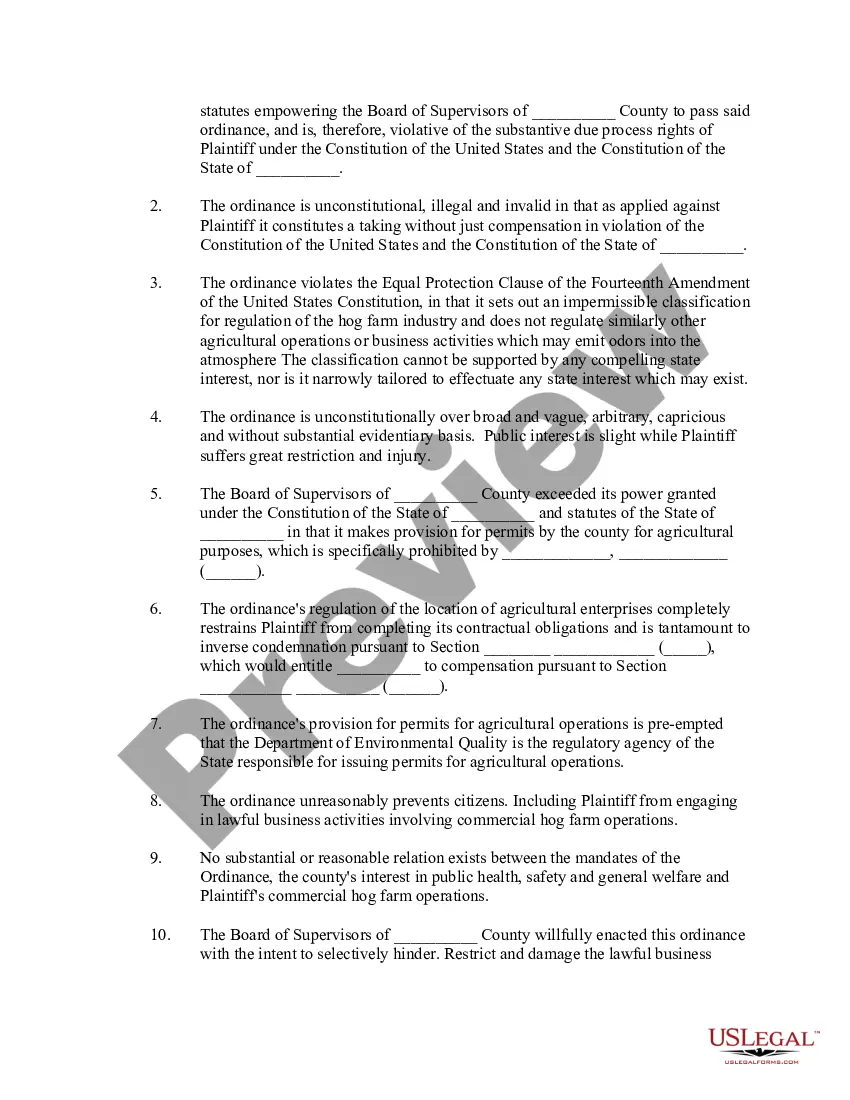
Temporary Injunction Form With Injunction In Hennepin
Description

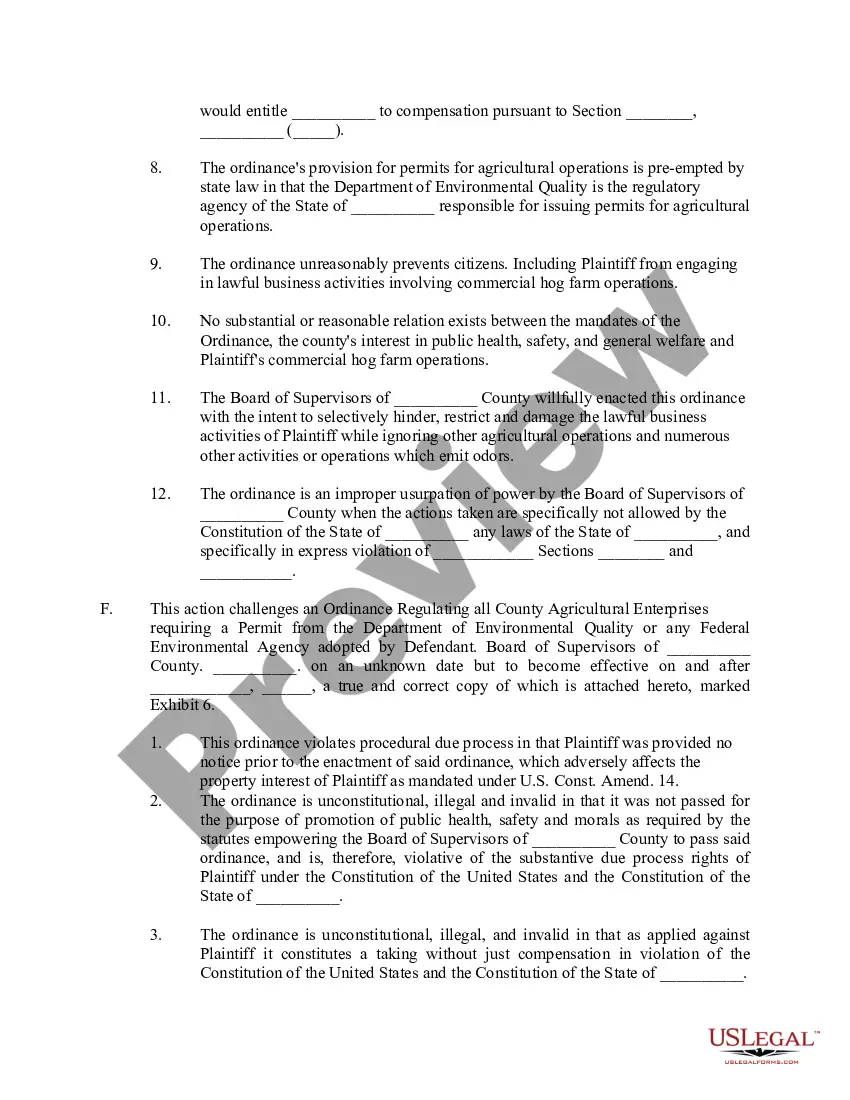

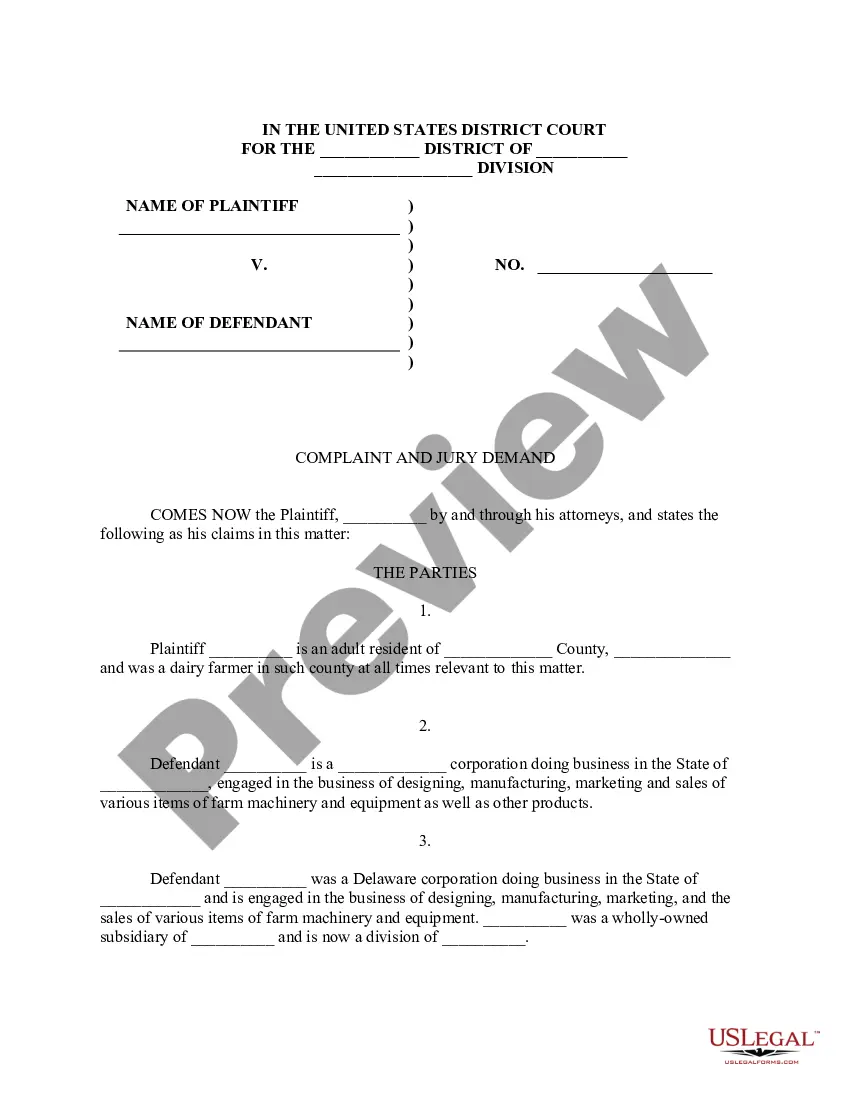
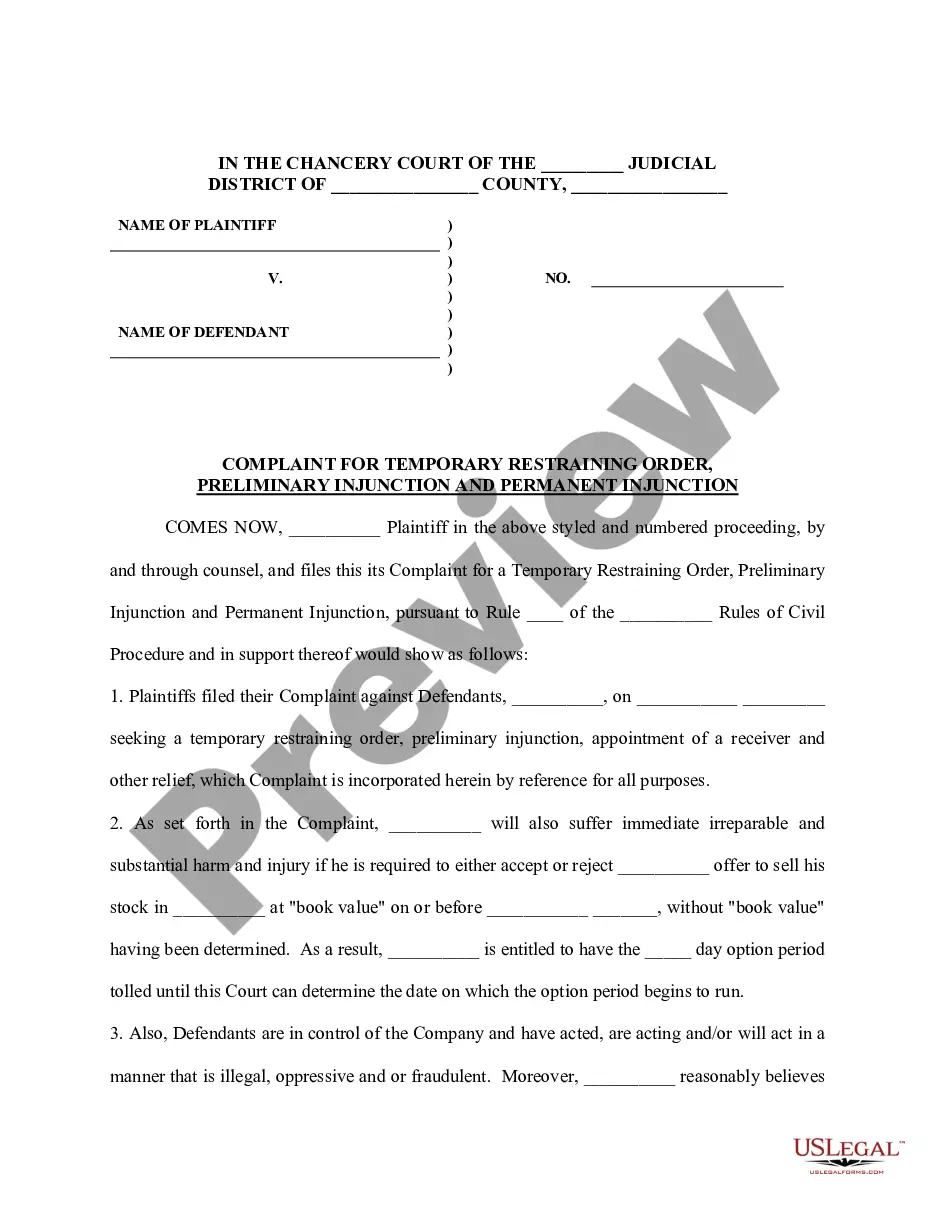
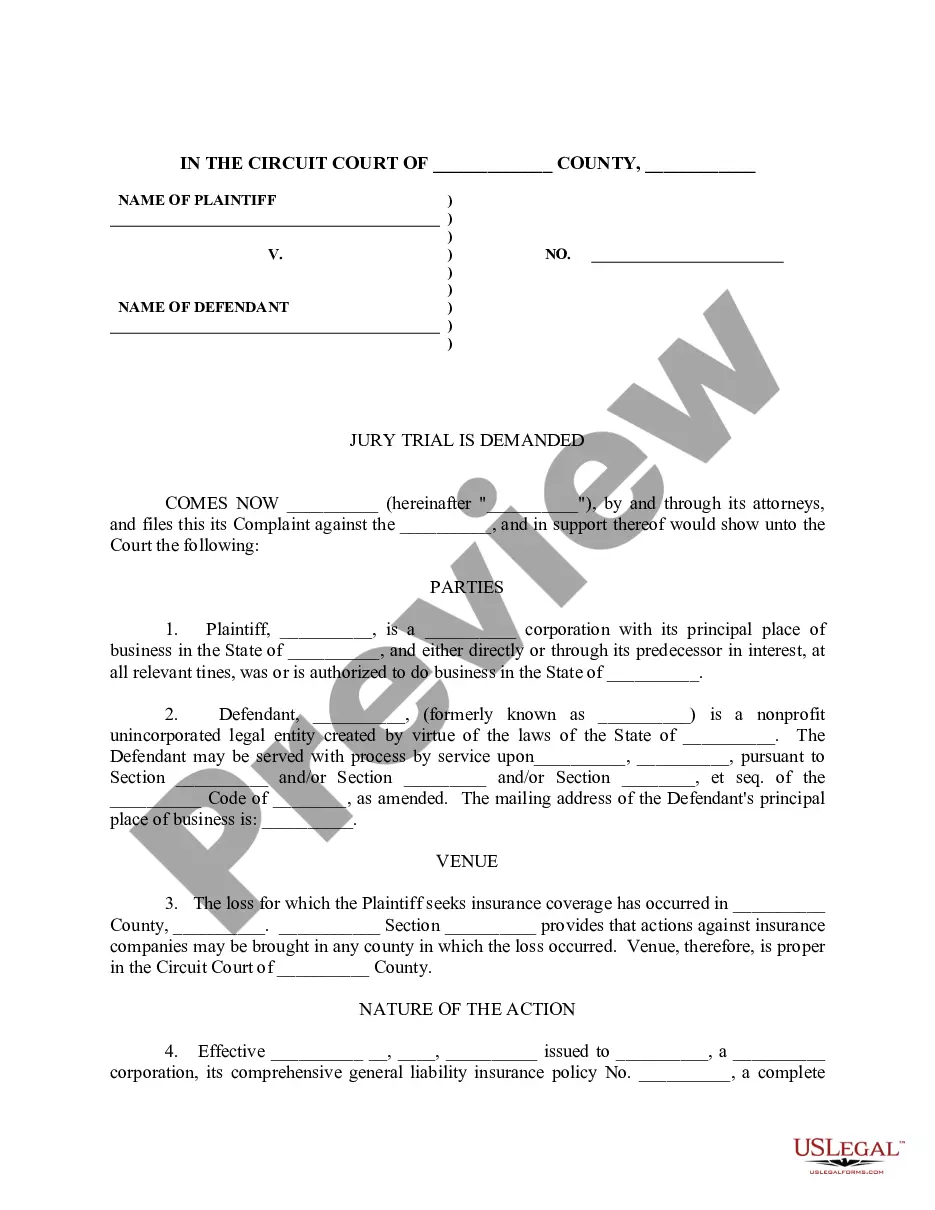

Get your form ready online
Our built-in tools help you complete, sign, share, and store your documents in one place.
Make edits, fill in missing information, and update formatting in US Legal Forms—just like you would in MS Word.
Download a copy, print it, send it by email, or mail it via USPS—whatever works best for your next step.
Sign and collect signatures with our SignNow integration. Send to multiple recipients, set reminders, and more. Go Premium to unlock E-Sign.
If this form requires notarization, complete it online through a secure video call—no need to meet a notary in person or wait for an appointment.
We protect your documents and personal data by following strict security and privacy standards.

Make edits, fill in missing information, and update formatting in US Legal Forms—just like you would in MS Word.

Download a copy, print it, send it by email, or mail it via USPS—whatever works best for your next step.

Sign and collect signatures with our SignNow integration. Send to multiple recipients, set reminders, and more. Go Premium to unlock E-Sign.

If this form requires notarization, complete it online through a secure video call—no need to meet a notary in person or wait for an appointment.

We protect your documents and personal data by following strict security and privacy standards.
Looking for another form?








Form popularity
FAQ
Exhibits may include: Photographs, either digital or physical. Audio or video recordings as digital file types, DVDs, CDs, etc.
Exhibit list: Prepare an exhibit list that includes a description of each exhibit and its corresponding exhibit number or letter. The exhibit list should be filed with the court and shared with opposing counsel before trial.
Use Minnesota Guide & File to create the forms you need to Ask for a MN Restraining Order – either an Order for Protection or Harassment Restraining Order. You can file the forms electronically (eFile) through Guide & File, or print your completed forms. For more information, visit our Guide & File Help Topic.
To get an Order for Protection dismissed in Minnesota, consult an experienced attorney for guidance. Gather evidence proving innocence, highlight changed circumstances, and attend court hearings. Mediation also aids in resolution. Legal defenses such as lack of evidence or due process violations are also crucial.
Ensure the video is clear, relevant, and legally recorded. Gather required documents and authenticate the video. Submit it in the court-approved format before the deadline. During the hearing, use proper playback equipment and be ready to explain why the video is important to your case.
Court filings with exhibits attached as part of the court filing must be submitted to the court at the time of filing with the court (either in person, by mail, or through the eFile and eServe (eFS) System).
Categorizing and Labeling for Court Fill out an exhibit list with a description and exhibit number or letter. Identify exhibits as physical, electronic, or both. Use specific file naming protocol and sequencing for digital files. Bookmark and annotate PDFs.
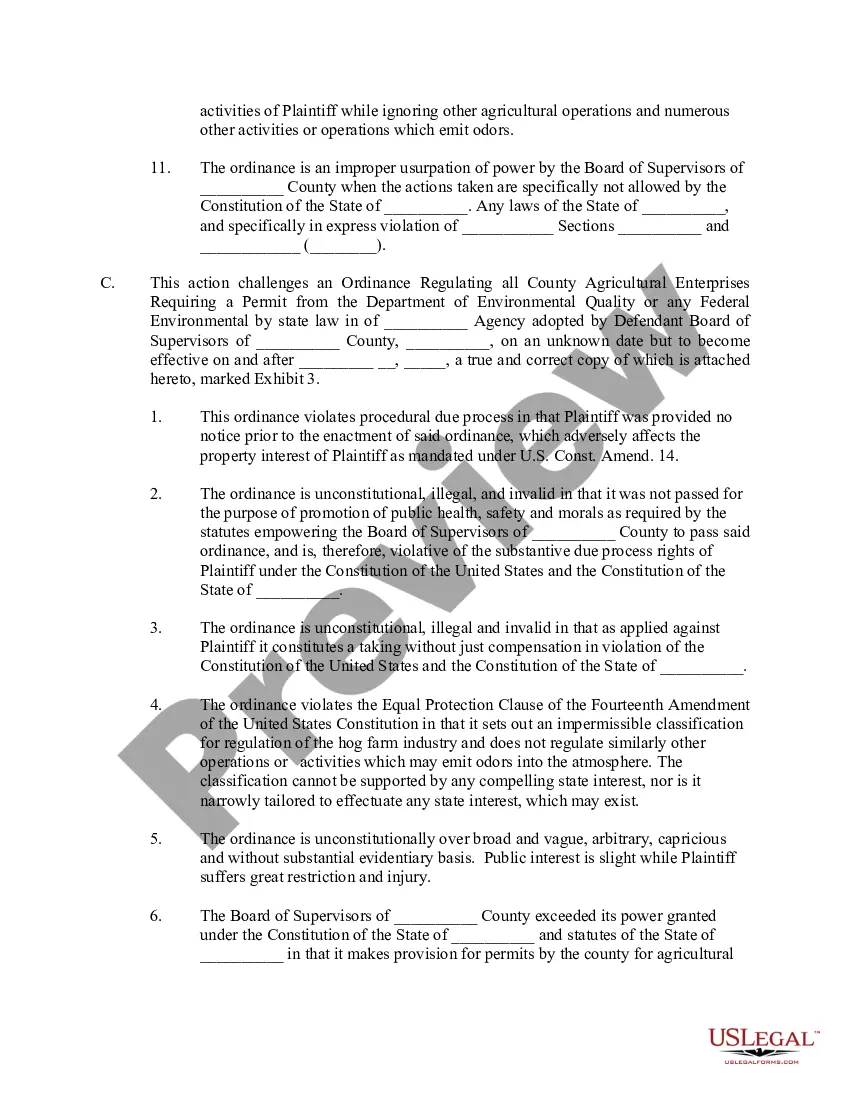
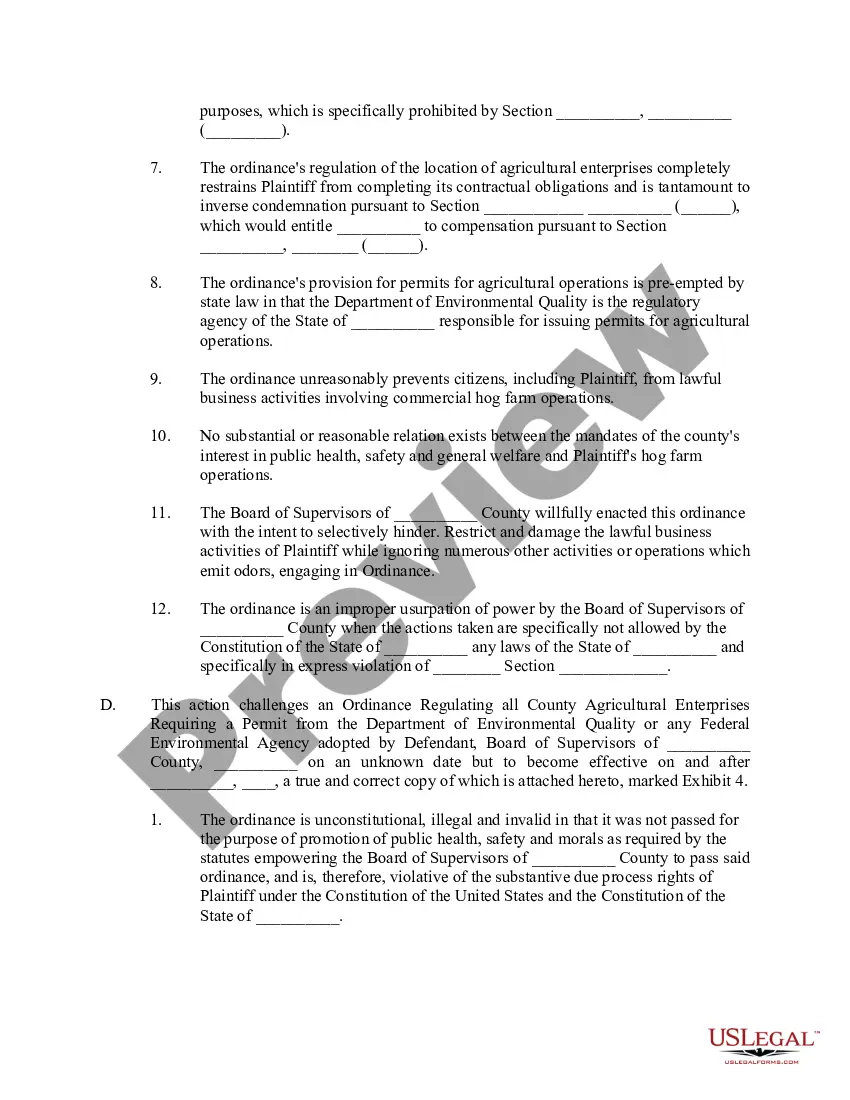
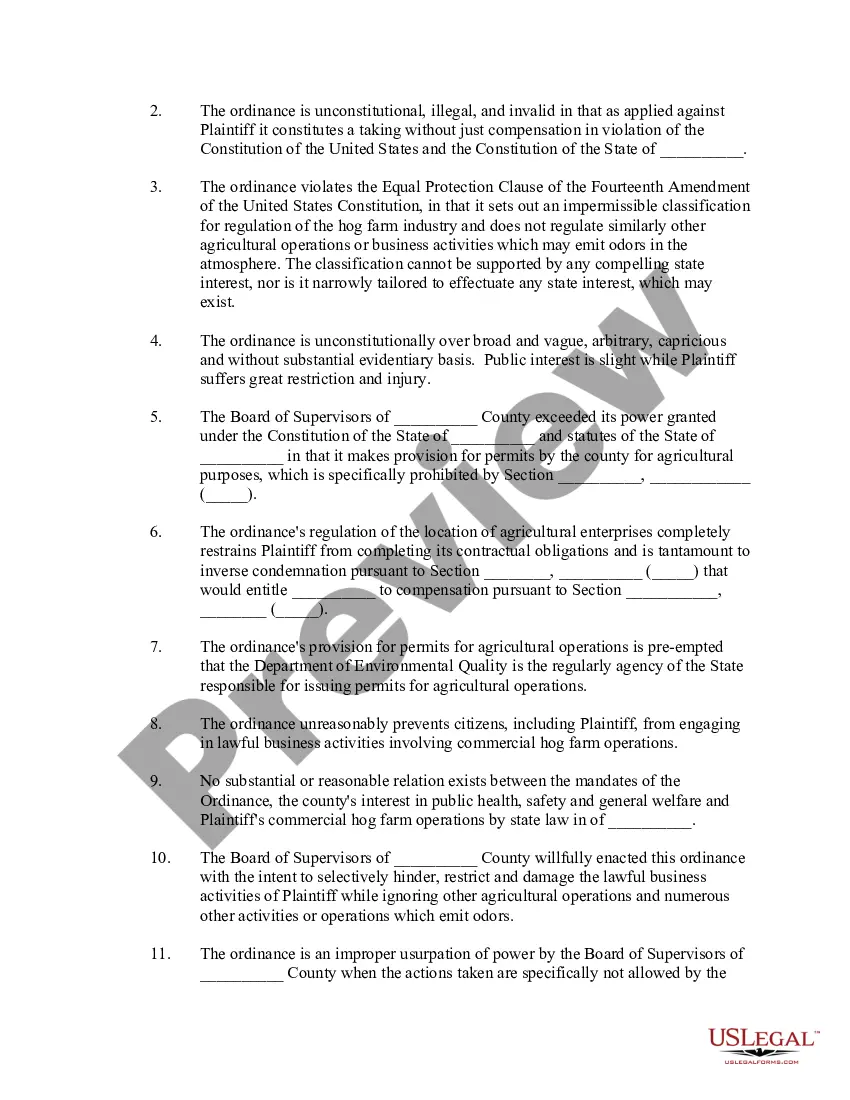
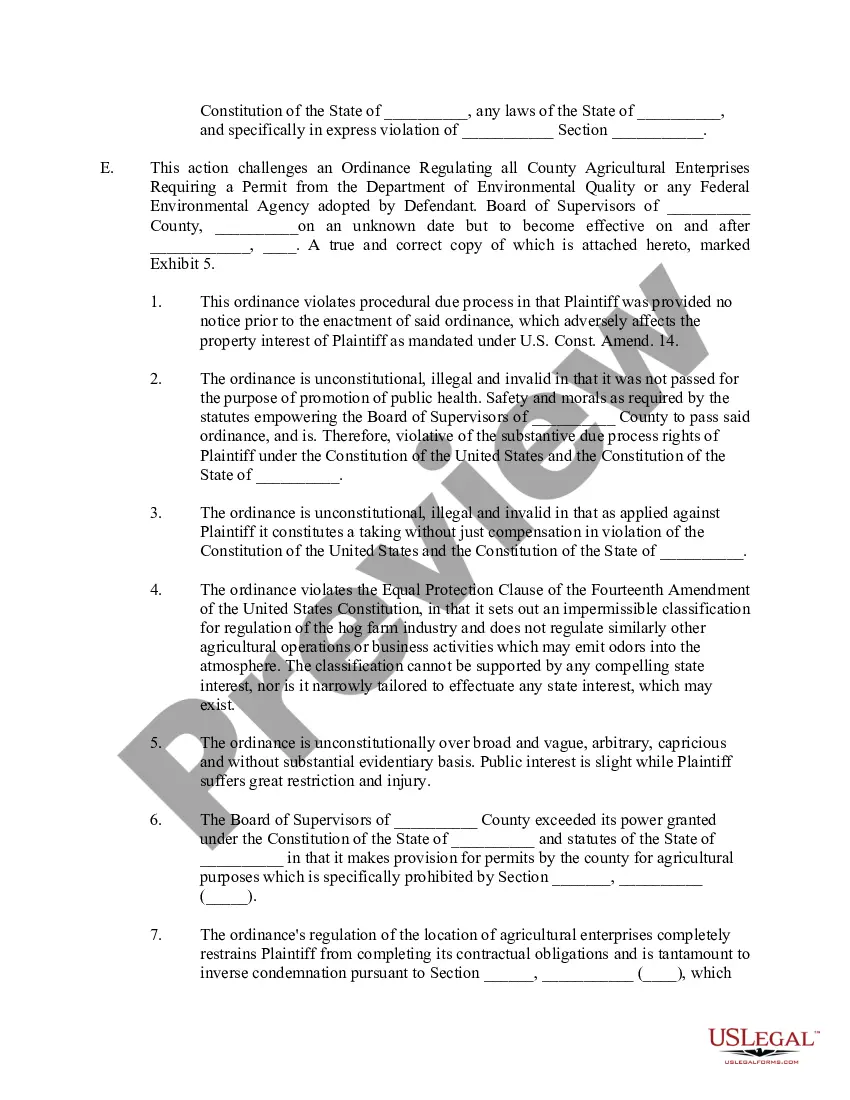
A temporary injunction is issued immediately, before all the matters in the case can be heard. As the name implies, it is only temporary—it can be overturned if, during the full trial later on, or based on settlement between the parties, something changes.
Under the law in Minnesota, harassment takes place when someone knowingly engages in acts or behaviors that adversely impact the person who is the focus of those acts or behaviors. Under the law, if the victim is made to feel a certain way on purpose by the defendant, then it constitutes harassment: Threatened.
Minnesota Restraining Orders causing physical harm, bodily injury, assault or making you afraid of immediate (imminent) physical harm, bodily injury or assault; terrorist threats, such as threats to commit a crime of violence, bomb threats, or showing (brandishing) a firearm;
