Arrest Form Sentence In Contra Costa
Description

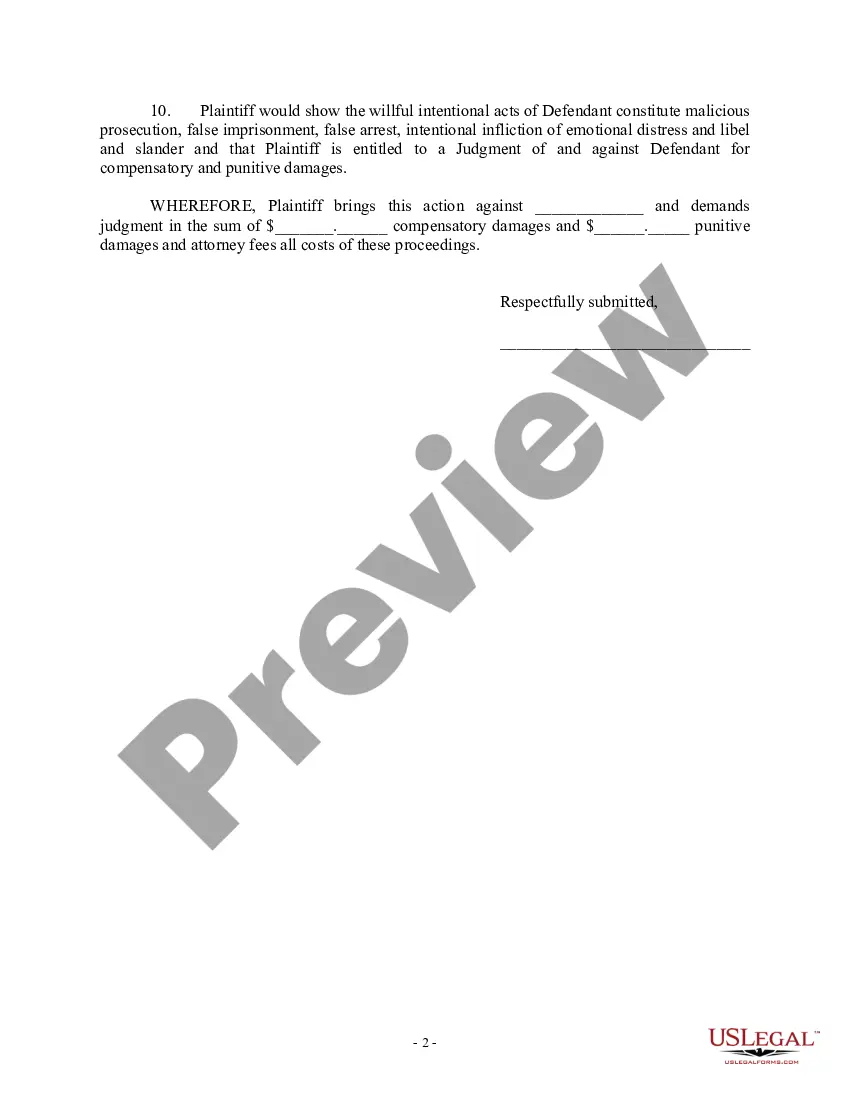




Get your form ready online
Our built-in tools help you complete, sign, share, and store your documents in one place.
Make edits, fill in missing information, and update formatting in US Legal Forms—just like you would in MS Word.
Download a copy, print it, send it by email, or mail it via USPS—whatever works best for your next step.
Sign and collect signatures with our SignNow integration. Send to multiple recipients, set reminders, and more. Go Premium to unlock E-Sign.
If this form requires notarization, complete it online through a secure video call—no need to meet a notary in person or wait for an appointment.
We protect your documents and personal data by following strict security and privacy standards.

Make edits, fill in missing information, and update formatting in US Legal Forms—just like you would in MS Word.

Download a copy, print it, send it by email, or mail it via USPS—whatever works best for your next step.

Sign and collect signatures with our SignNow integration. Send to multiple recipients, set reminders, and more. Go Premium to unlock E-Sign.

If this form requires notarization, complete it online through a secure video call—no need to meet a notary in person or wait for an appointment.

We protect your documents and personal data by following strict security and privacy standards.
Looking for another form?

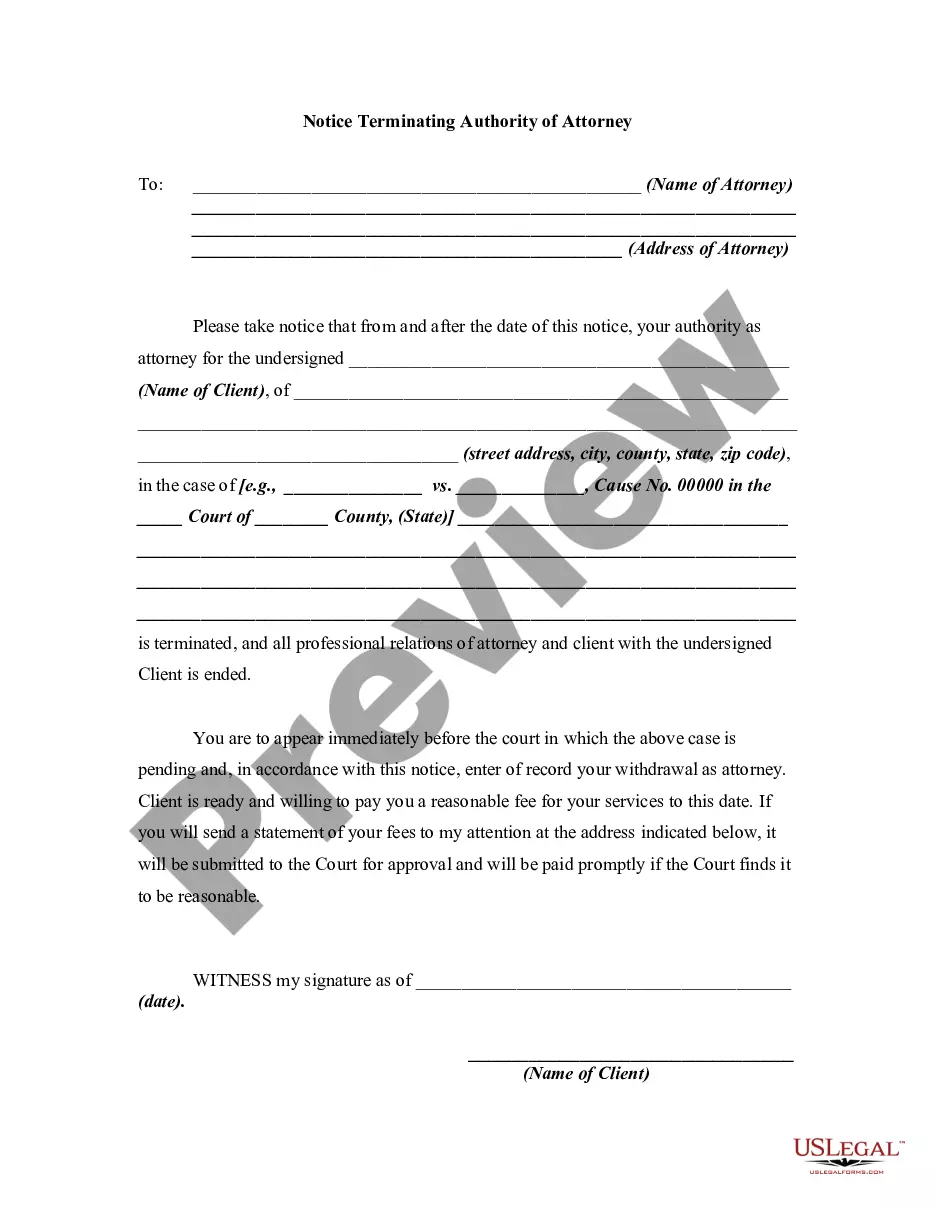



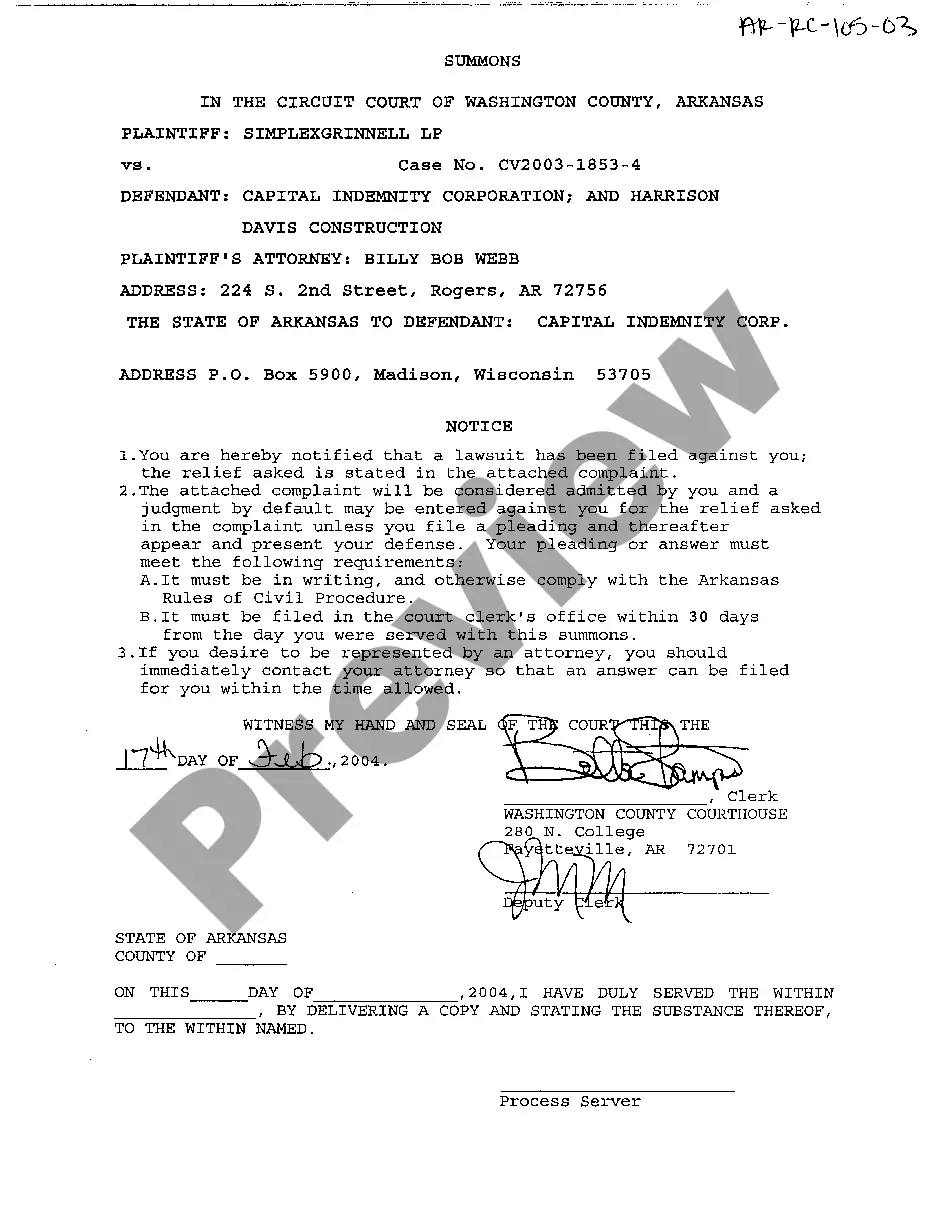



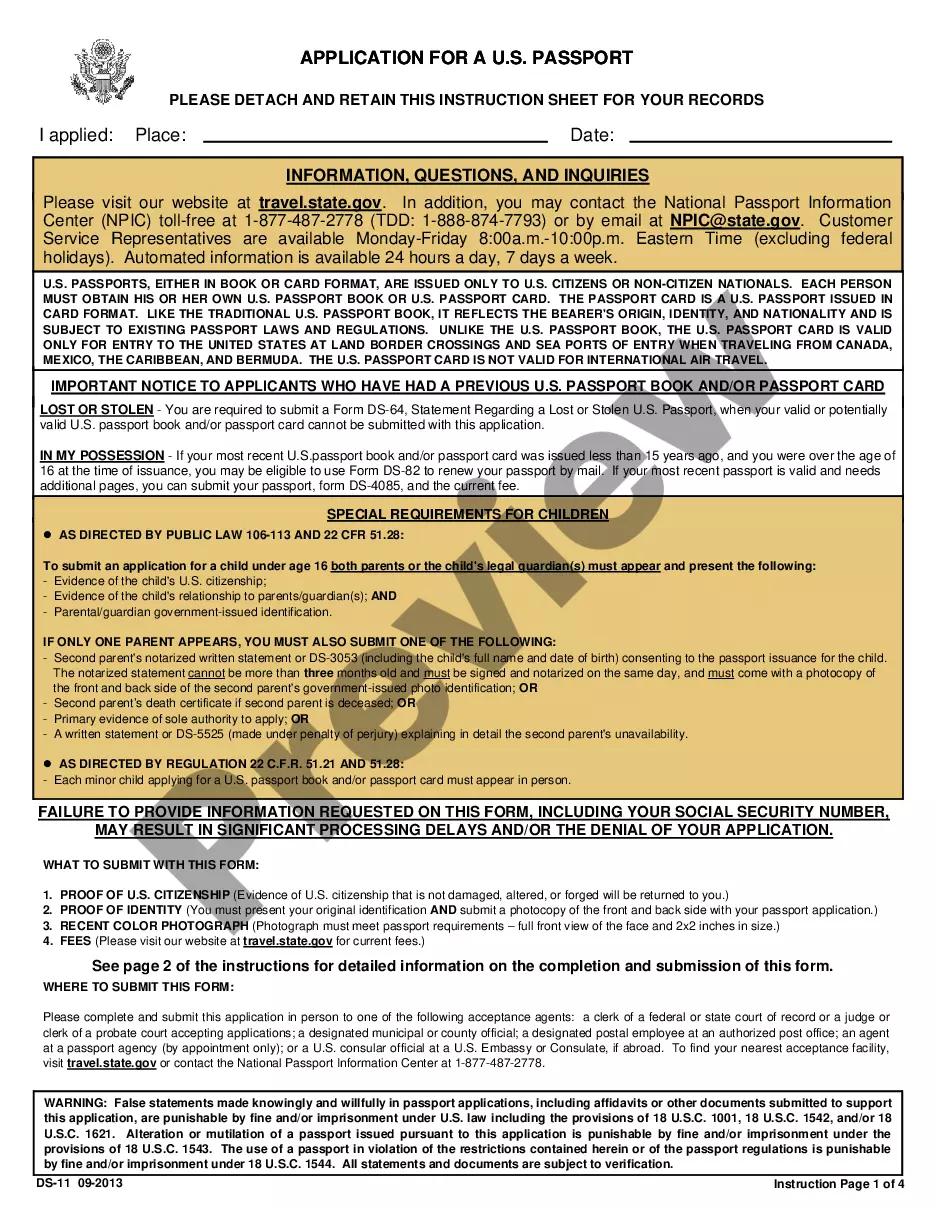
Form popularity
FAQ
Every case-initiating document filed in the Central District must be filed electronically, except: (a) in criminal cases; (b) in sealed cases, or where leave to file the case under seal is sought; or (c) where the filer is exempt from e-filing pursuant to Local Rule 5-4.2(a), such as parties who are not represented by ...
Please tell us as much as you can about what you are looking for, and tell us how we can reach you, including by email. Fill out and send a Request for Judicial Administrative Records form to the Public Information Officer by fax at (925) 608-2658 or by email at: mediainfo@contracostaurts.ca.
The Superior Court of Contra Costa implemented its E-filing system in 2022. They selected Odyssey Case Manager from Tyler Technologies, a software solution in use by 29 of the 58 courts in the state.
All Probate, Guardianship and Conservatorship documents are filed and heard in the Wakefield Taylor Courthouse in Martinez.
How can I find out if I have a warrant for my arrest? We do not provide warrant information to the public. Contact the court of jurisdiction, or your local law enforcement agency.
Individuals seeking access to court records in Contra Costa County can use one of the following search options: Court Clerk's Office: Members of the public can visit the clerk of the courthouse where the case was filed to request access to specific court records.
To find out if you have an active warrant in California, you can either: Search your name on the appropriate County Sheriff's website or Superior Court website. For example, in Orange County, you can search the Orange County Sheriff's Department website. Run a search on the private CaliforniaArrests website.
Contra Costa County Clerk-Recorder's Office Interested individuals should visit the Clerk-Recorder's website. Choose a preferred method of request—online, in-person, or by mail—and follow the provided instructions. Inquirers can also contact the office at (925) 335-7900 to make further inquiries.
Typically, the best first step is to look for information on the court's website. Go to the court's website where the case is filed. Most courts have a section on their website called "online services" or something similar.
Requests for record searches may be made in person in the Criminal Operations Department at any Justice Center. Additionally, Online Case and Calendar access will now allow you to conduct record searches online by case number, person name or business name.
