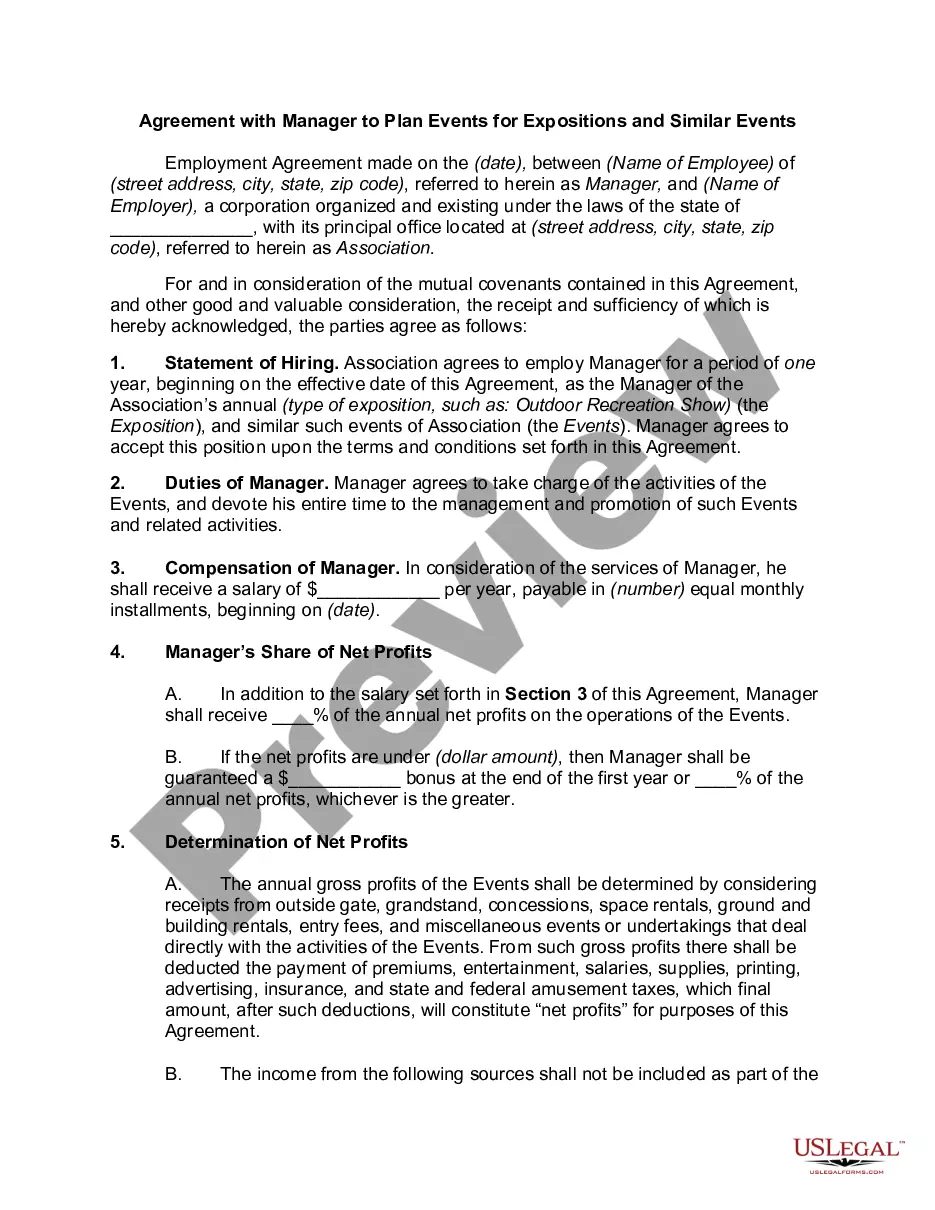
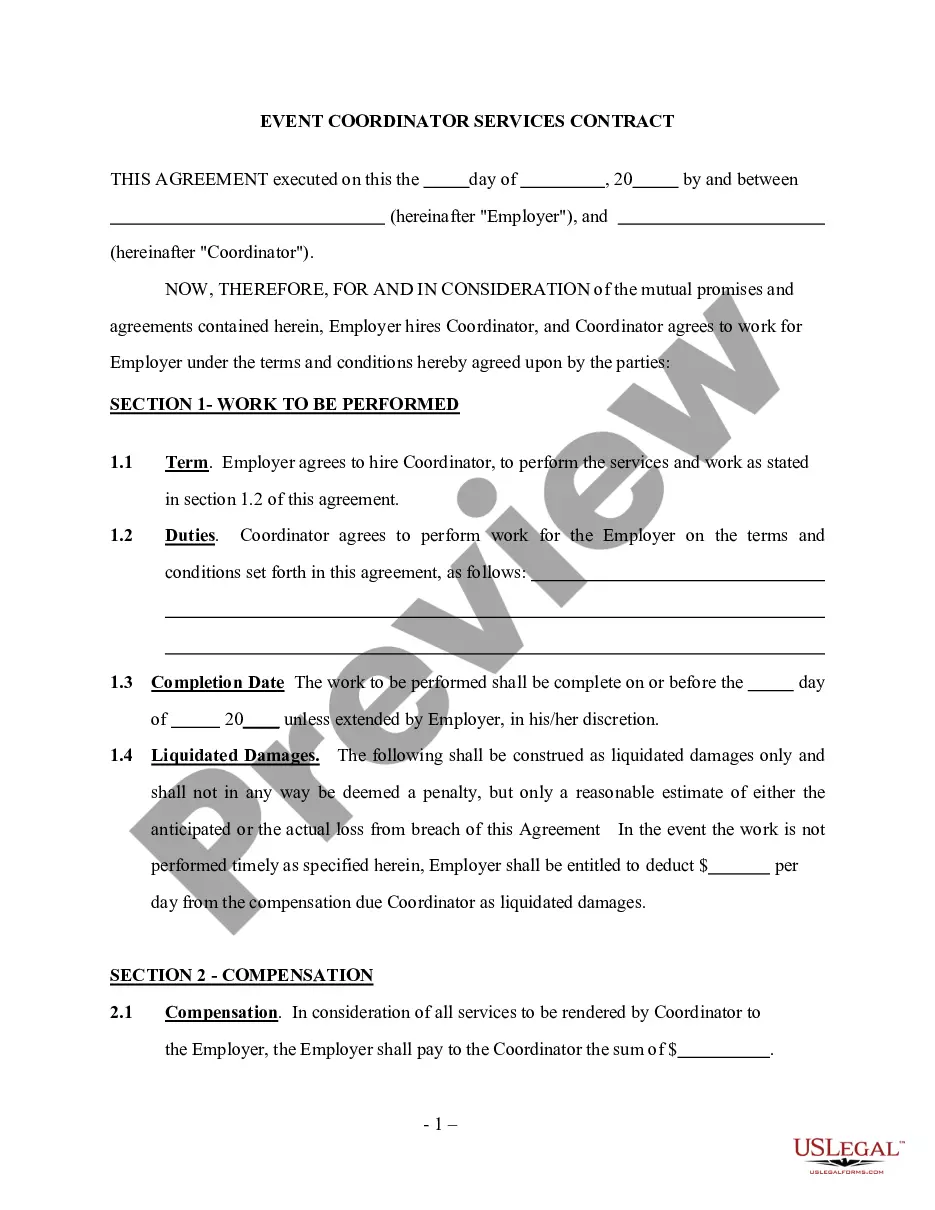
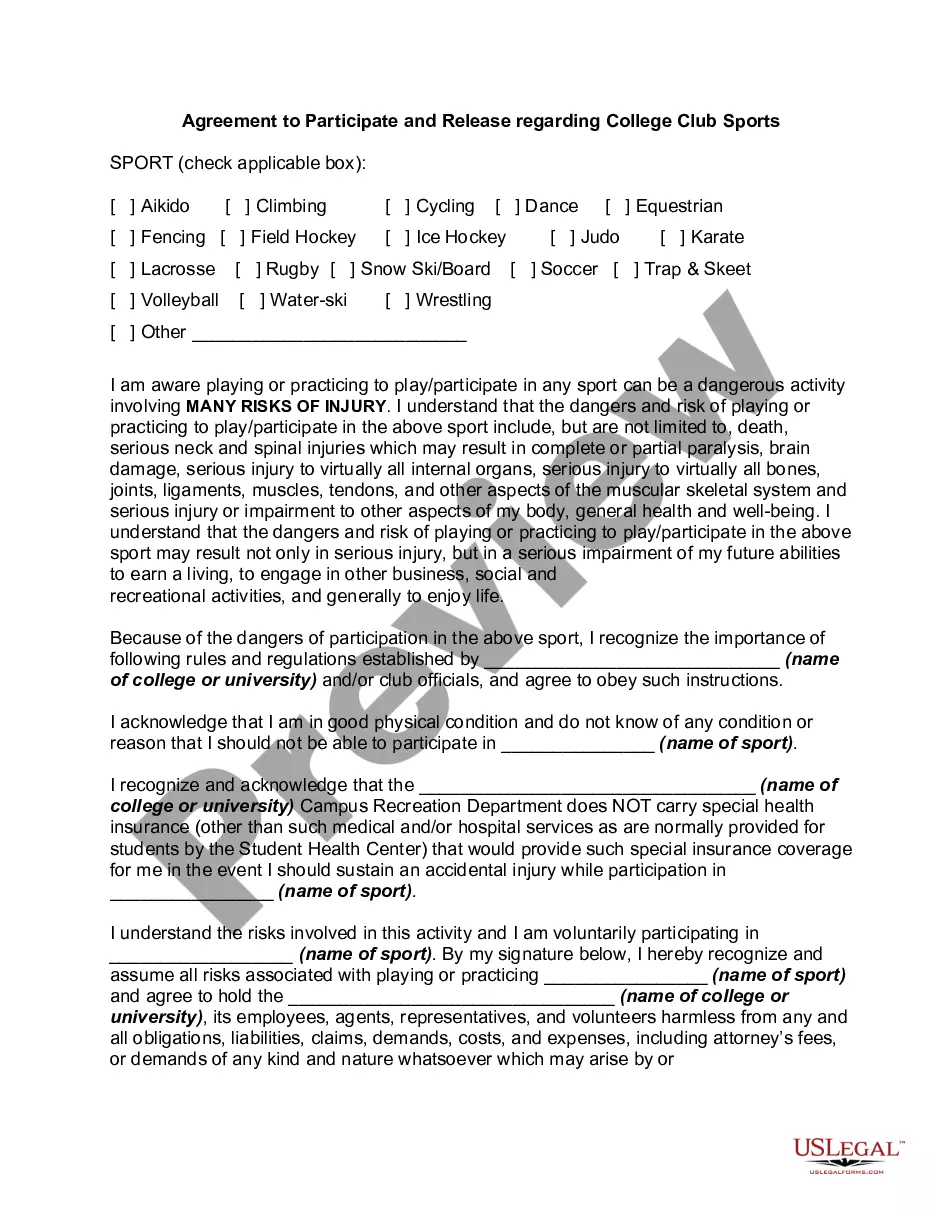
Event Planning Agreement Contract With Vendor Template In Utah
Description

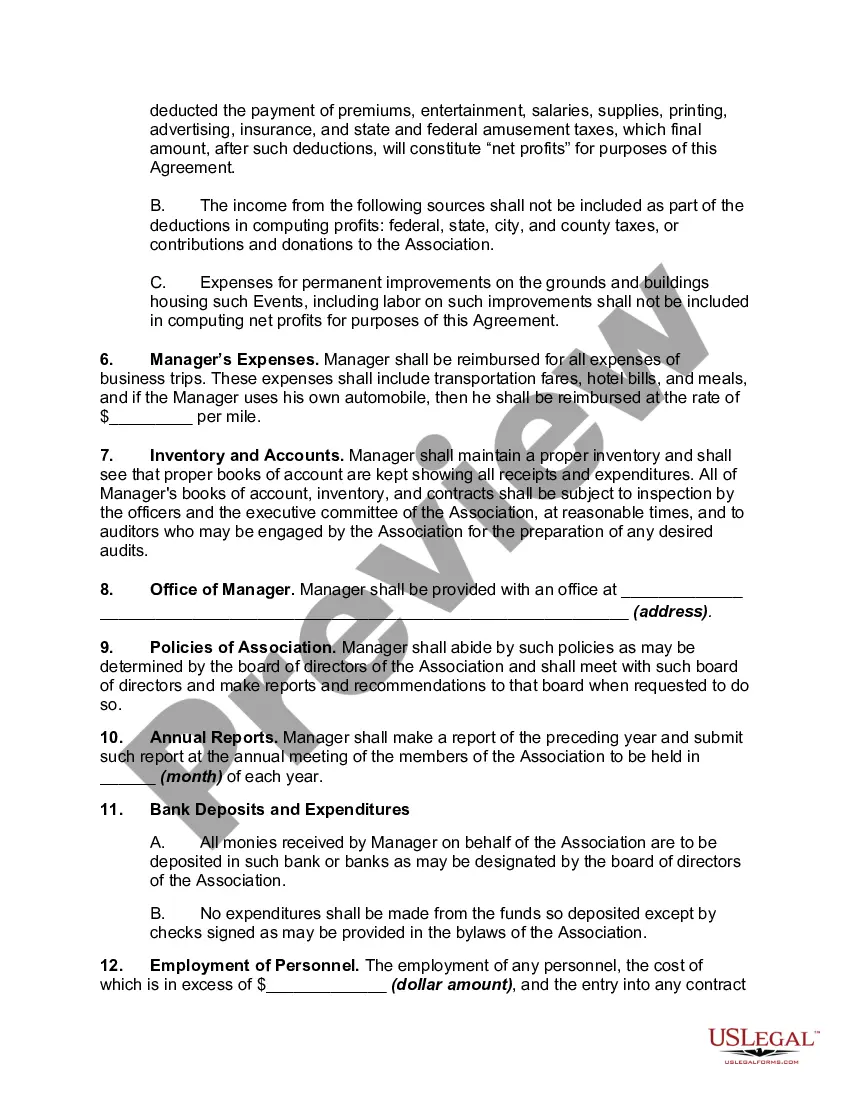
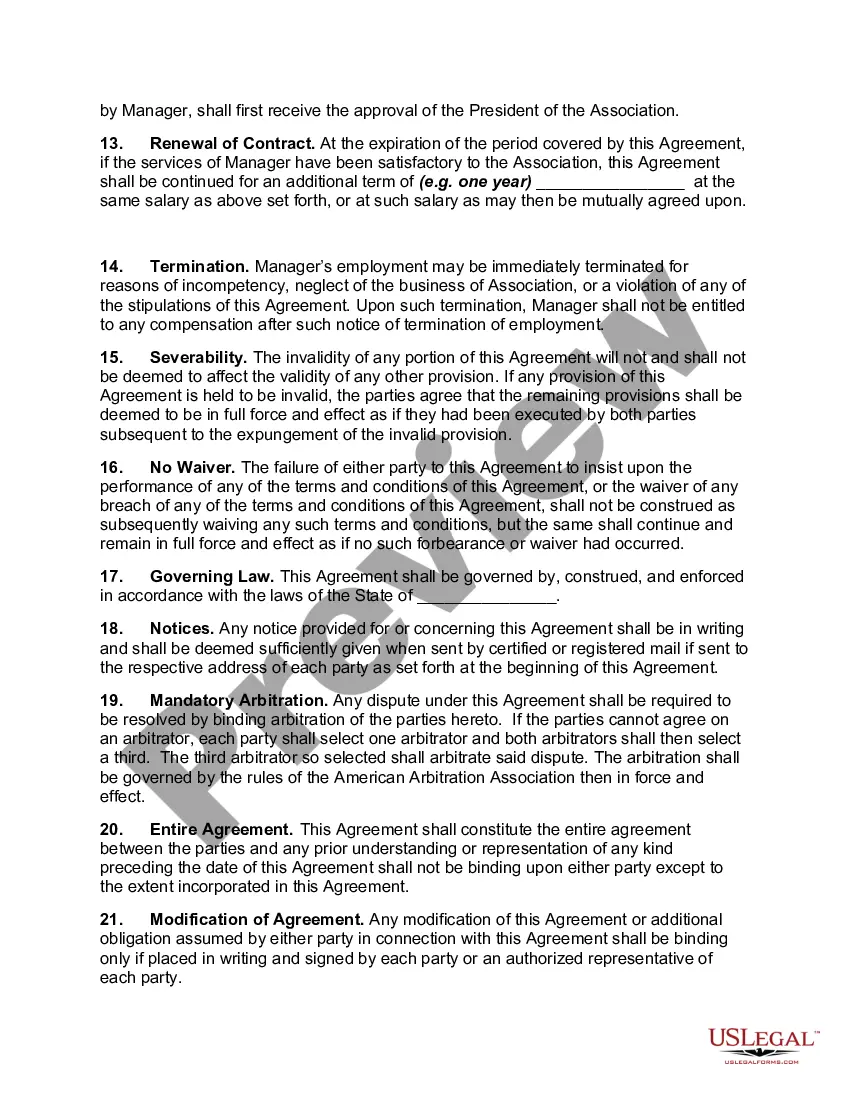
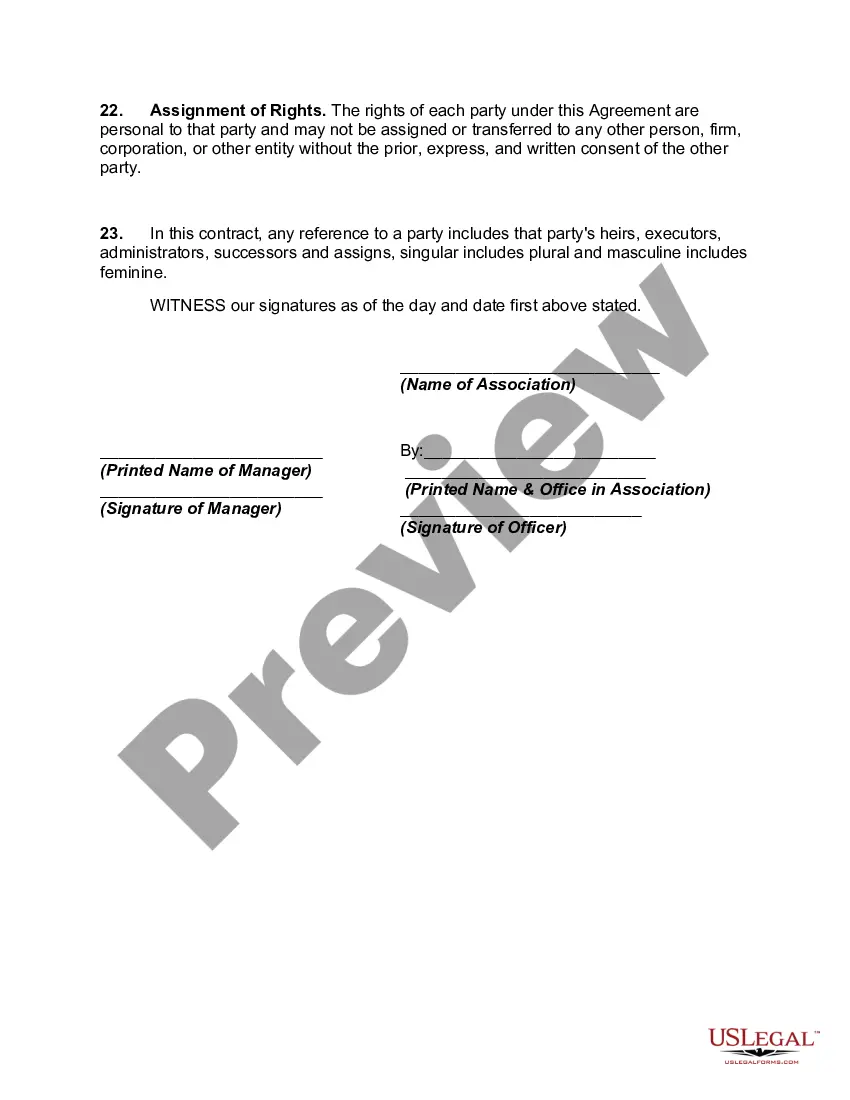
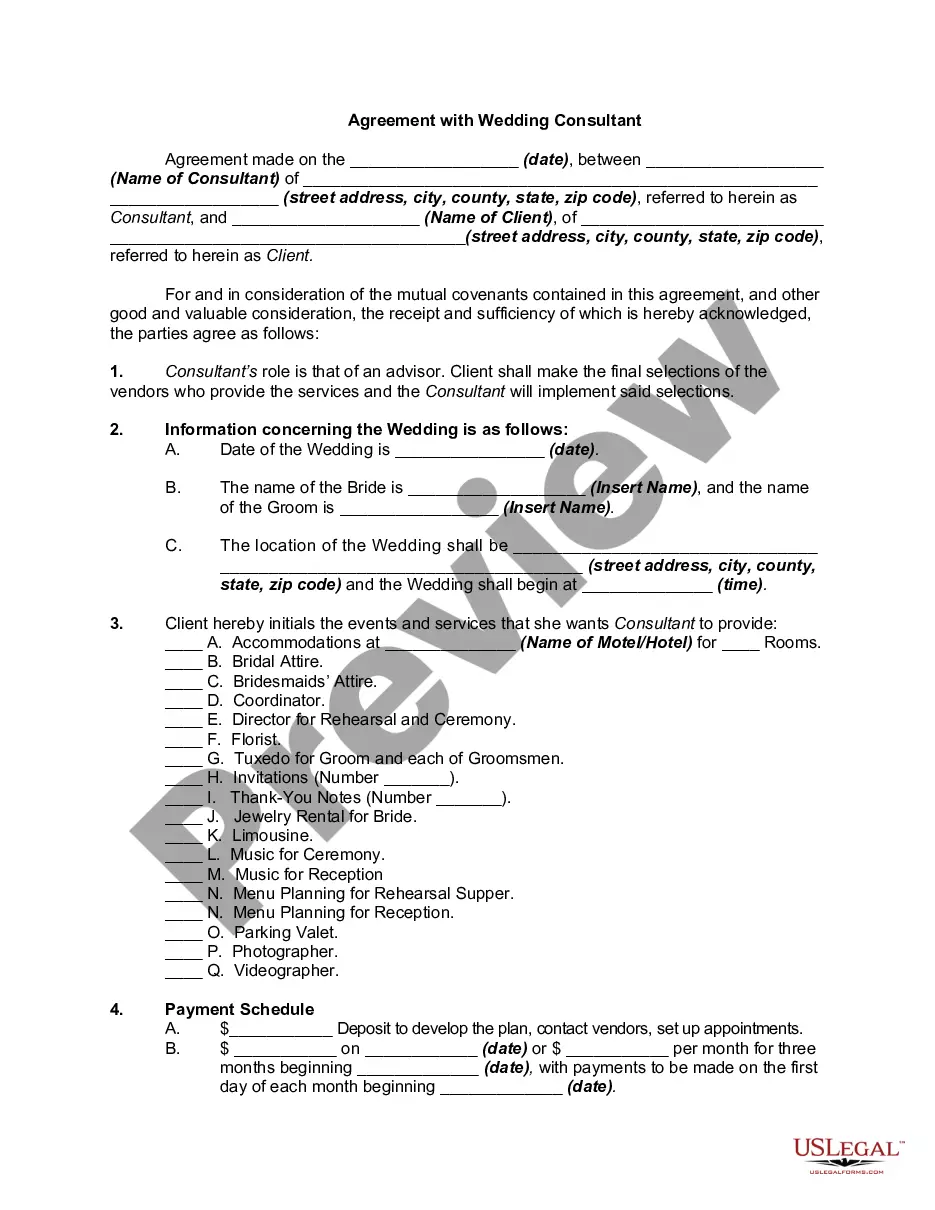

Get your form ready online
Our built-in tools help you complete, sign, share, and store your documents in one place.
Make edits, fill in missing information, and update formatting in US Legal Forms—just like you would in MS Word.
Download a copy, print it, send it by email, or mail it via USPS—whatever works best for your next step.
Sign and collect signatures with our SignNow integration. Send to multiple recipients, set reminders, and more. Go Premium to unlock E-Sign.
If this form requires notarization, complete it online through a secure video call—no need to meet a notary in person or wait for an appointment.
We protect your documents and personal data by following strict security and privacy standards.

Make edits, fill in missing information, and update formatting in US Legal Forms—just like you would in MS Word.

Download a copy, print it, send it by email, or mail it via USPS—whatever works best for your next step.

Sign and collect signatures with our SignNow integration. Send to multiple recipients, set reminders, and more. Go Premium to unlock E-Sign.

If this form requires notarization, complete it online through a secure video call—no need to meet a notary in person or wait for an appointment.

We protect your documents and personal data by following strict security and privacy standards.
Looking for another form?









Form popularity
FAQ
Can I write my own contract? Yes, you can write your own contract. However, including all necessary elements is crucial to make it legally binding.
A contract template is an outline of a contract and can be defined for certain types of contracts, or for a combination of contracts. A contract template is classified on the basis of contract categories and classes.
However, original contracts may be subject to copyright just like books, music, and a work of art. Hence, if you copy someone else's contract without his or her permission, you may be violating the copyright law.
You can write the contract yourself; there are sites with templates for just about any kind of contract you could ever want, from employment to, well, cabinet making. Some are massive documents; some are short and easy. Most have been set up by the legal profession, and hence are very accurate.
Write the contract in six steps Start with a contract template. Open with the basic information. Describe in detail what you have agreed to. Include a description of how the contract will be ended. Write into the contract which laws apply and how disputes will be resolved. Include space for signatures.
Creating a vendor contract Step 1: Specify business terms. The first part of each vendor contract usually outlines the business terms including. Step 2: Outline legal concepts. This section usually begins with the representations and warranties section. Step 3: Address consequences.
Event vendors are businesses or individuals that provide goods or services for events. They may specialize in a specific type of event, such as weddings or corporate events, or offer extensive services for large-scale, private, and VIP events.
Terms typically contain copyright clauses, disclaimers and terms of sale, allow you to set governing law, list mandatory consumer protection clauses, and more.
How to draft a contract between two parties: A step-by-step checklist Know your parties. Agree on the terms. Set clear boundaries. Spell out the consequences. Specify how you will resolve disputes. Cover confidentiality. Check the legality of the contract. Open it up to negotiation.
Write the contract in six steps Start with a contract template. Open with the basic information. Describe in detail what you have agreed to. Include a description of how the contract will be ended. Write into the contract which laws apply and how disputes will be resolved. Include space for signatures.
