Event Planning Agreement Contract With Vendor Template In Miami-Dade
Description

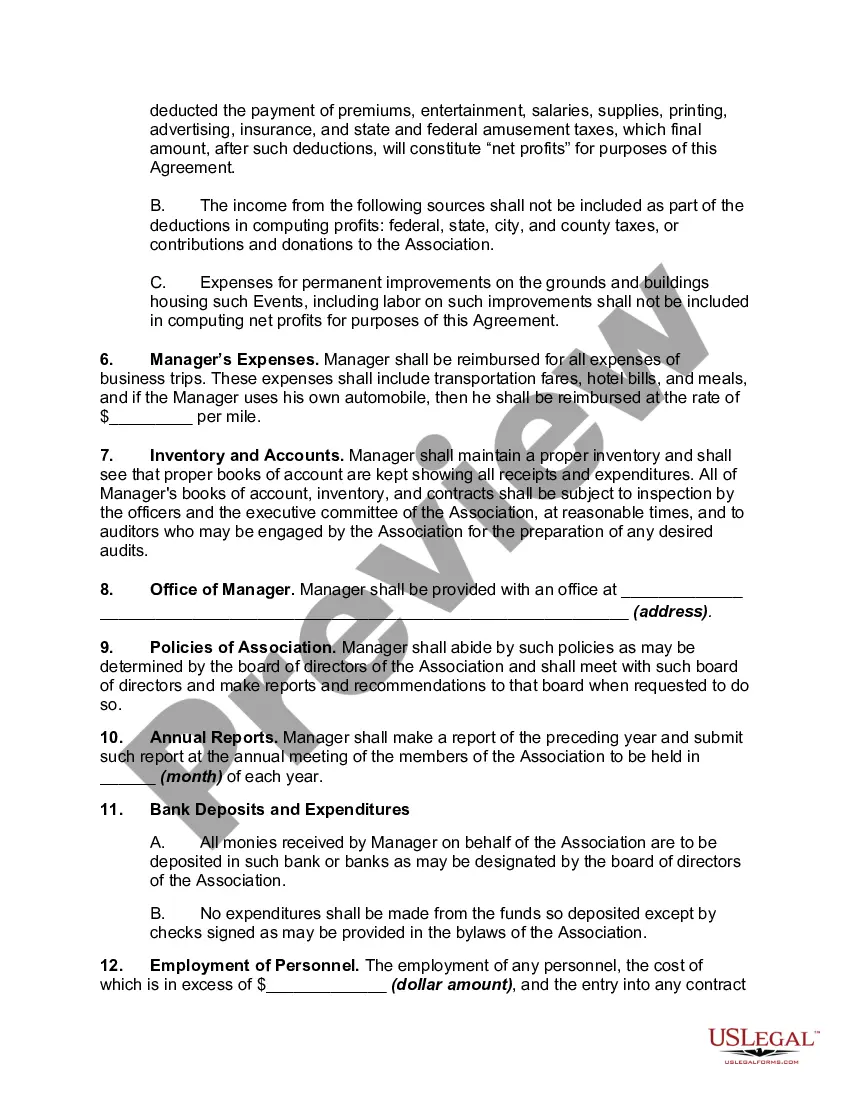
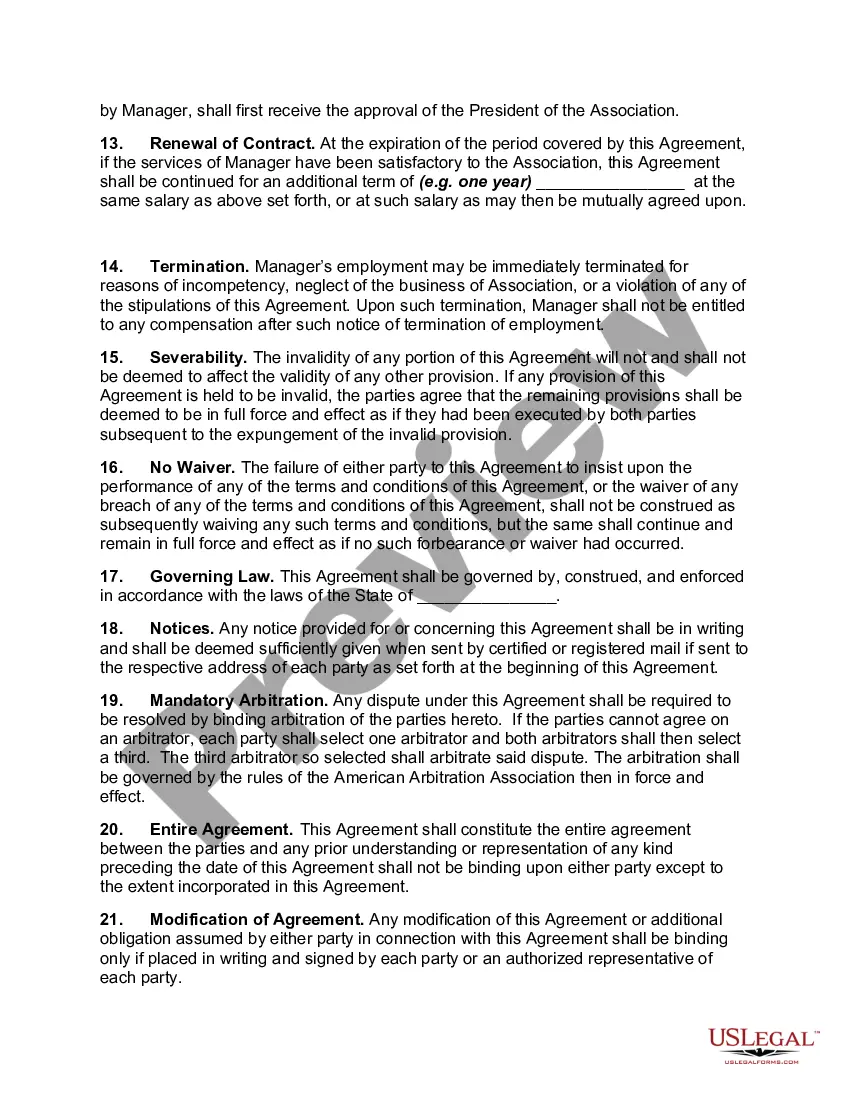
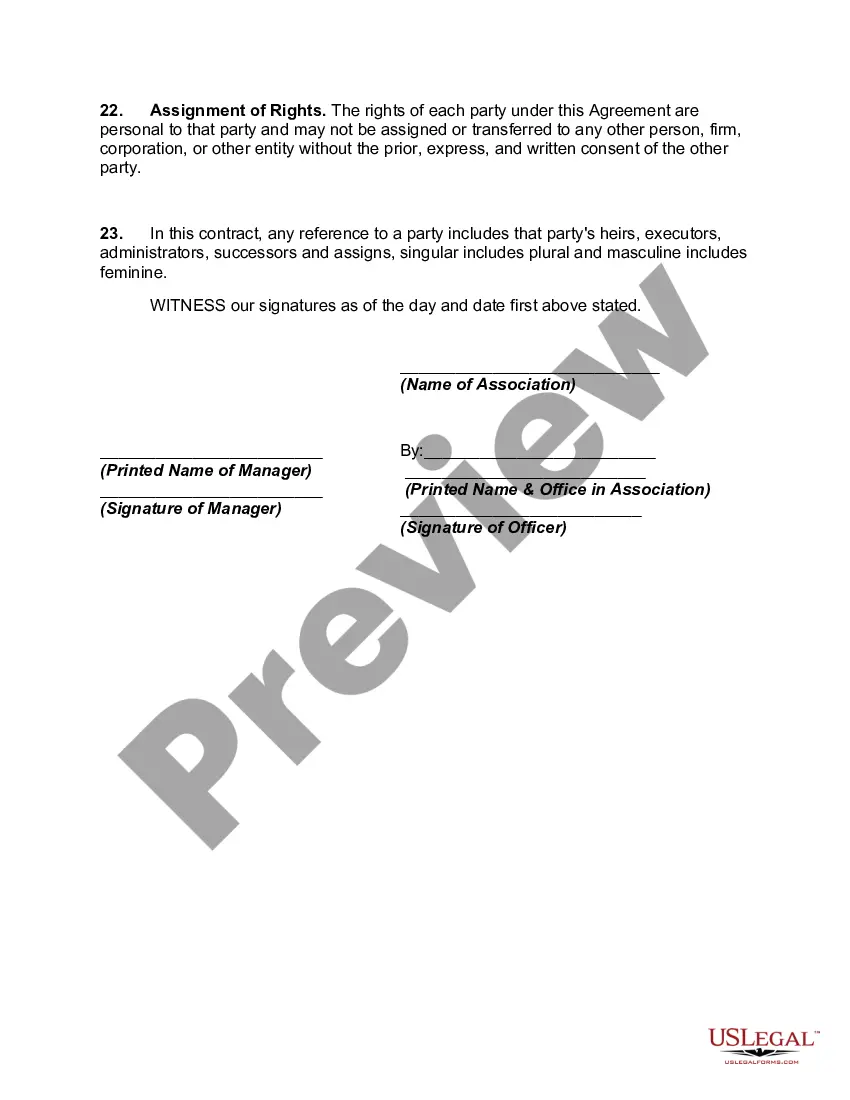
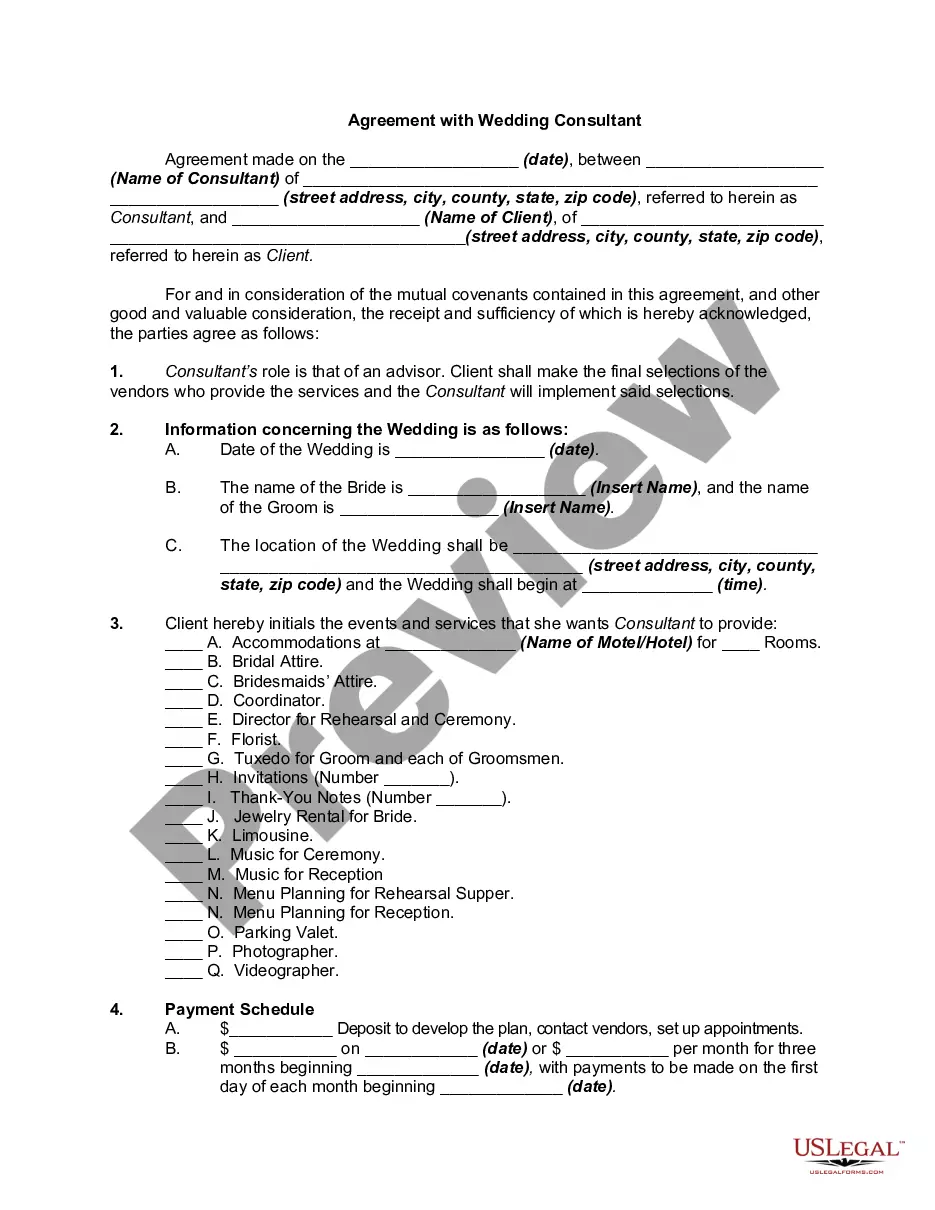
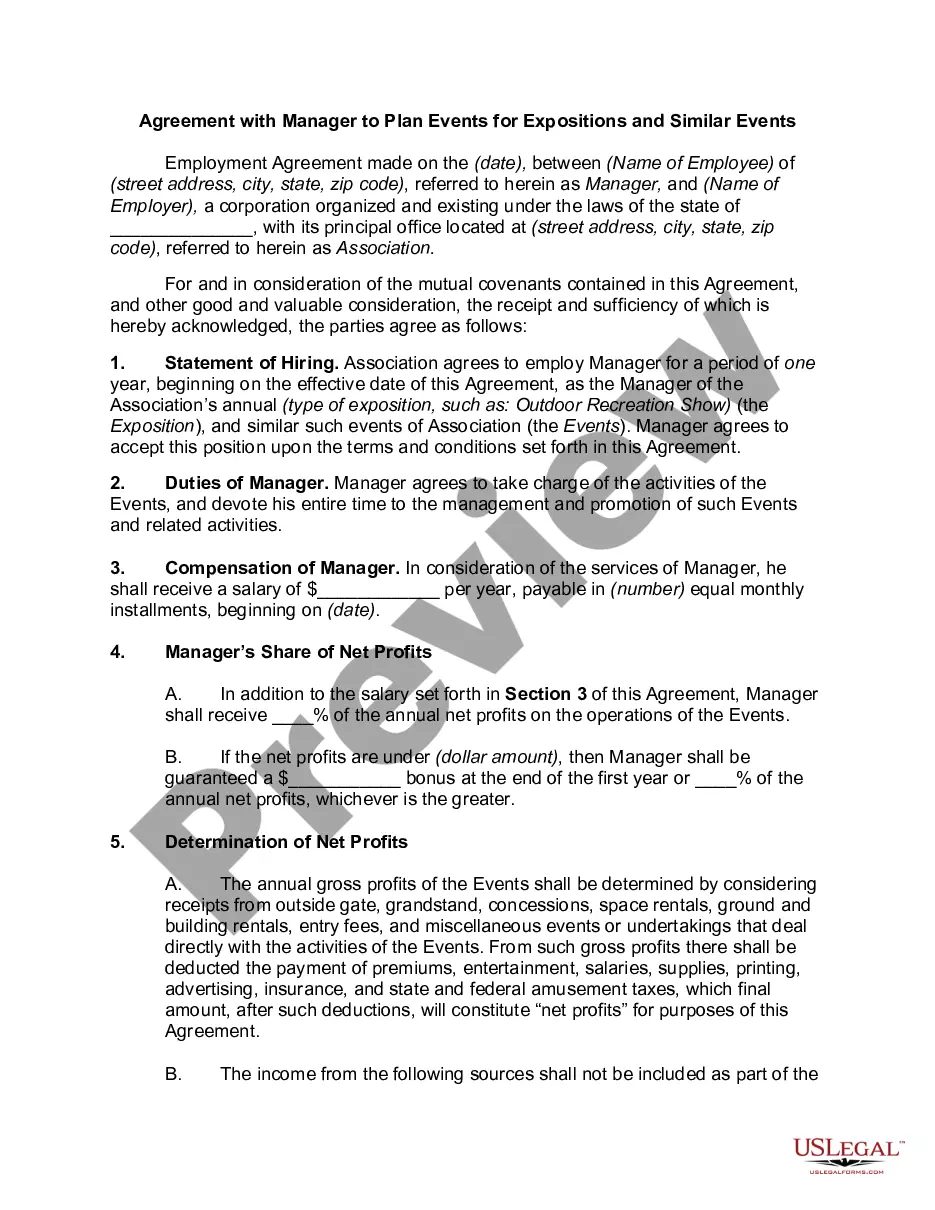
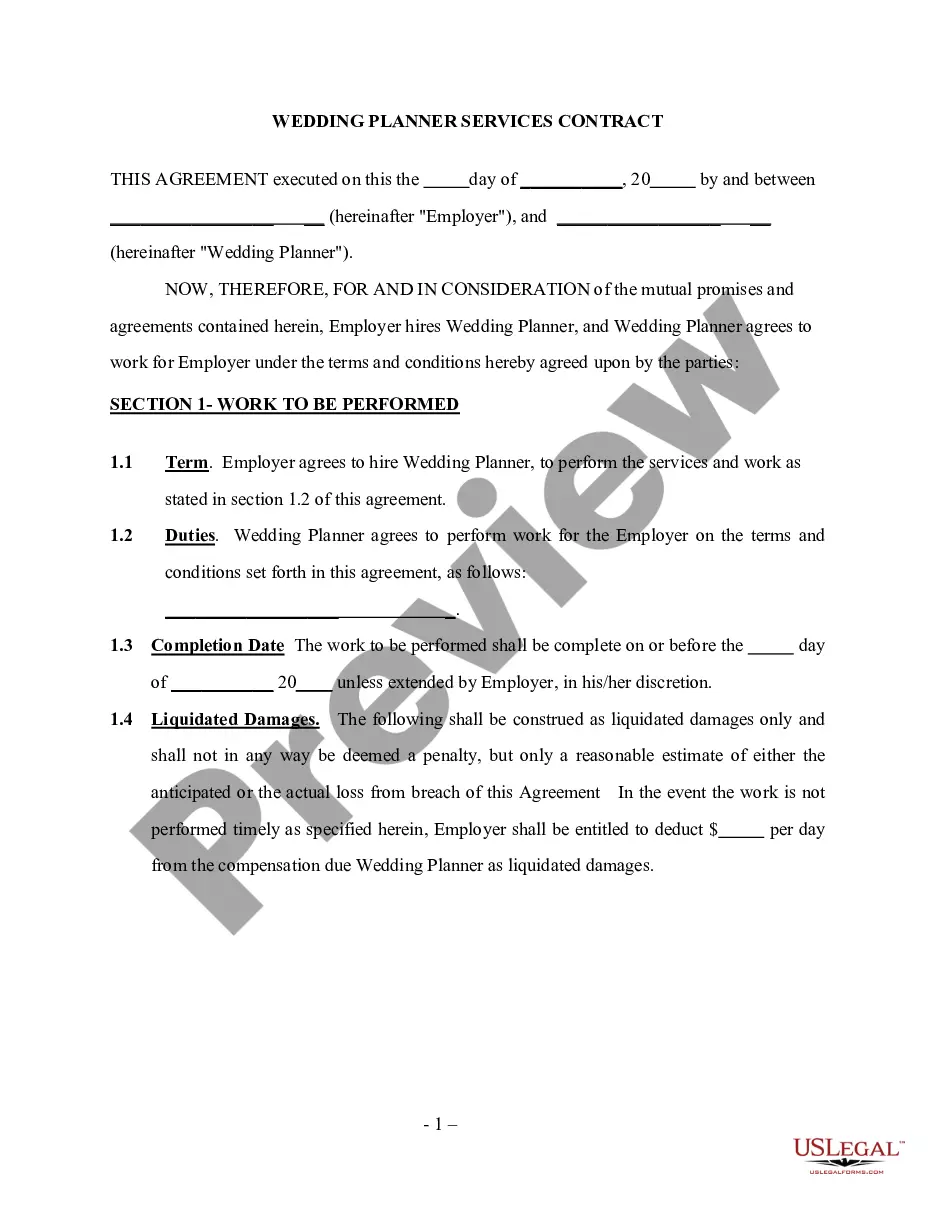
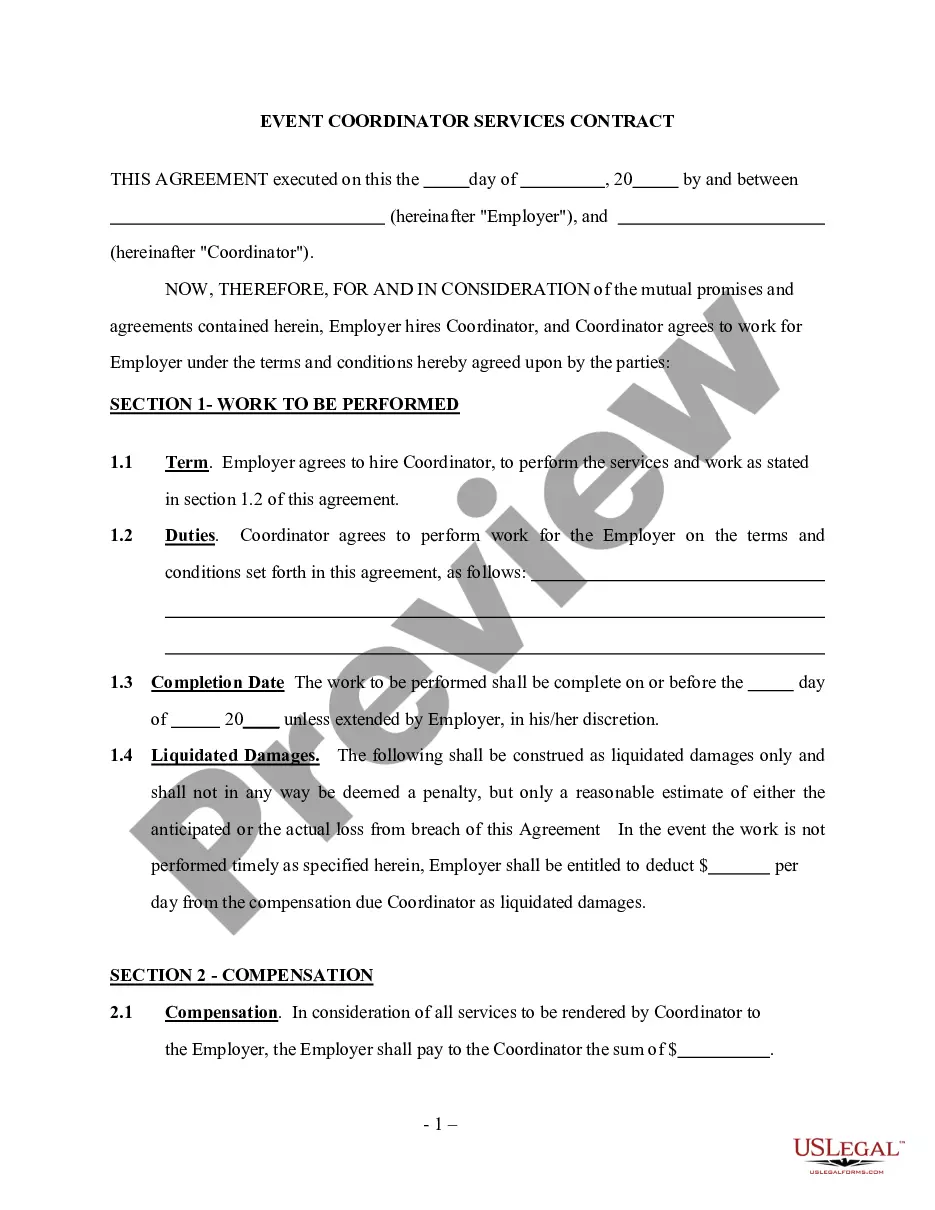
Get your form ready online
Our built-in tools help you complete, sign, share, and store your documents in one place.
Make edits, fill in missing information, and update formatting in US Legal Forms—just like you would in MS Word.
Download a copy, print it, send it by email, or mail it via USPS—whatever works best for your next step.
Sign and collect signatures with our SignNow integration. Send to multiple recipients, set reminders, and more. Go Premium to unlock E-Sign.
If this form requires notarization, complete it online through a secure video call—no need to meet a notary in person or wait for an appointment.
We protect your documents and personal data by following strict security and privacy standards.

Make edits, fill in missing information, and update formatting in US Legal Forms—just like you would in MS Word.

Download a copy, print it, send it by email, or mail it via USPS—whatever works best for your next step.

Sign and collect signatures with our SignNow integration. Send to multiple recipients, set reminders, and more. Go Premium to unlock E-Sign.

If this form requires notarization, complete it online through a secure video call—no need to meet a notary in person or wait for an appointment.

We protect your documents and personal data by following strict security and privacy standards.
Looking for another form?








Form popularity
FAQ
How to get a vendor's license Register the business name. When applying for a vendor's license, business owners provide the name of their company. Determine the appropriate business structure. Check federal requirements. Apply for a state vendor's license. Check local requirements. Collect sales tax. Maintain tax records.
Q: How do I register as a vendor with the State of Florida? The Vendor Information Portal (VIP) of the MyFloridaMarketPlace website provides new vendor registration directly on the home page. The system will ask if you seek state business enterprise certification.
The Vendor Information Portal (VIP) of the MyFloridaMarketPlace website provides new vendor registration directly on the home page. The system will ask if you seek state business enterprise certification. You may select any of the business enterprise options: woman-, veteran-, or minority-owned.
How to draft a contract between two parties: A step-by-step checklist Know your parties. Agree on the terms. Set clear boundaries. Spell out the consequences. Specify how you will resolve disputes. Cover confidentiality. Check the legality of the contract. Open it up to negotiation.
A simple contract might include an agreement between two acquaintances to exchange one service for another. For example, if one person is a plumber and the other an electrician, they might agree to complete certain work for each other as a trade exchange.
Thus, four well-known real contracts arose: 1) mutuum, 2) commodatum, 3) depositum and 4) pignus. In some of the mentioned cases, through the delivery of the item, the debtor's property was constituted on the object of the obligation, while in others only the retention or detention.
Write the contract in six steps Start with a contract template. Open with the basic information. Describe in detail what you have agreed to. Include a description of how the contract will be ended. Write into the contract which laws apply and how disputes will be resolved. Include space for signatures.
Creating a vendor contract Step 1: Specify business terms. The first part of each vendor contract usually outlines the business terms including. Step 2: Outline legal concepts. This section usually begins with the representations and warranties section. Step 3: Address consequences.
How to write a contract agreement in 7 steps. Determine the type of contract required. Confirm the necessary parties. Choose someone to draft the contract. Write the contract with the proper formatting. Review the written contract with a lawyer. Send the contract agreement for review or revisions.
An event contract essentially includes the following: Details of the event, including venue, date, time, etc. Parties intention from the event. Services provided by the planner.
