Ineffective Counsel Form For Civil Case In Chicago
Description


Get your form ready online
Our built-in tools help you complete, sign, share, and store your documents in one place.
Make edits, fill in missing information, and update formatting in US Legal Forms—just like you would in MS Word.
Download a copy, print it, send it by email, or mail it via USPS—whatever works best for your next step.
Sign and collect signatures with our SignNow integration. Send to multiple recipients, set reminders, and more. Go Premium to unlock E-Sign.
If this form requires notarization, complete it online through a secure video call—no need to meet a notary in person or wait for an appointment.
We protect your documents and personal data by following strict security and privacy standards.

Make edits, fill in missing information, and update formatting in US Legal Forms—just like you would in MS Word.

Download a copy, print it, send it by email, or mail it via USPS—whatever works best for your next step.

Sign and collect signatures with our SignNow integration. Send to multiple recipients, set reminders, and more. Go Premium to unlock E-Sign.

If this form requires notarization, complete it online through a secure video call—no need to meet a notary in person or wait for an appointment.

We protect your documents and personal data by following strict security and privacy standards.
Looking for another form?



Form popularity
FAQ
Filing a Motion via E-filing You can e-file using a personal computer or at one of the public access eFile workstations offered at the Daley Center and in suburban courthouses. You must have an email address to e-file.
The general number to the City Claims Unit is 312.744. 5650. Business hours are Monday thru Friday from 8 am to 5 pm. Throughout the claims process you may call or email the assigned claims file handler for a status update.
Consumer should submit all complaints through the City's 311 system. You can file a complaint by calling 311, or going online, or using the CHI311 App on your phone.
The Motion and the Notice of Motion need to be e-filed with the Clerk of the Court. The e-Filing system will reject your filing if you do not enter a court date on the form before e-filing it.
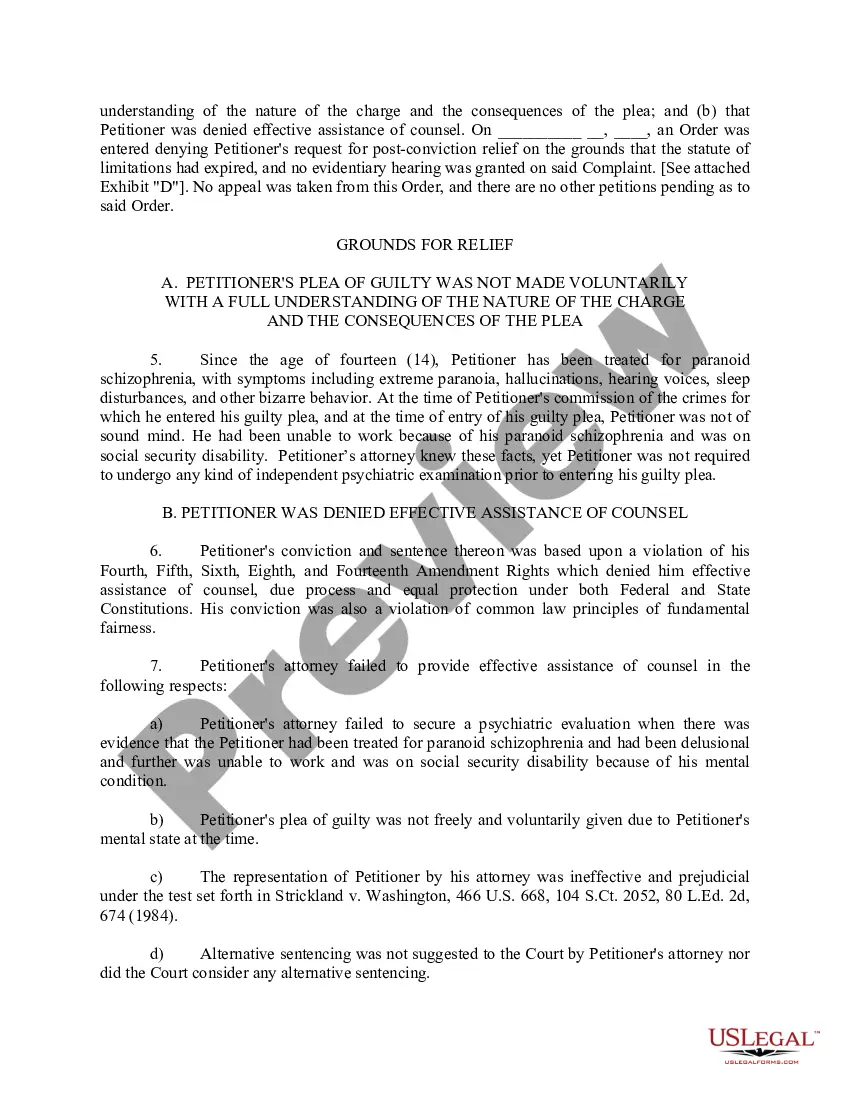
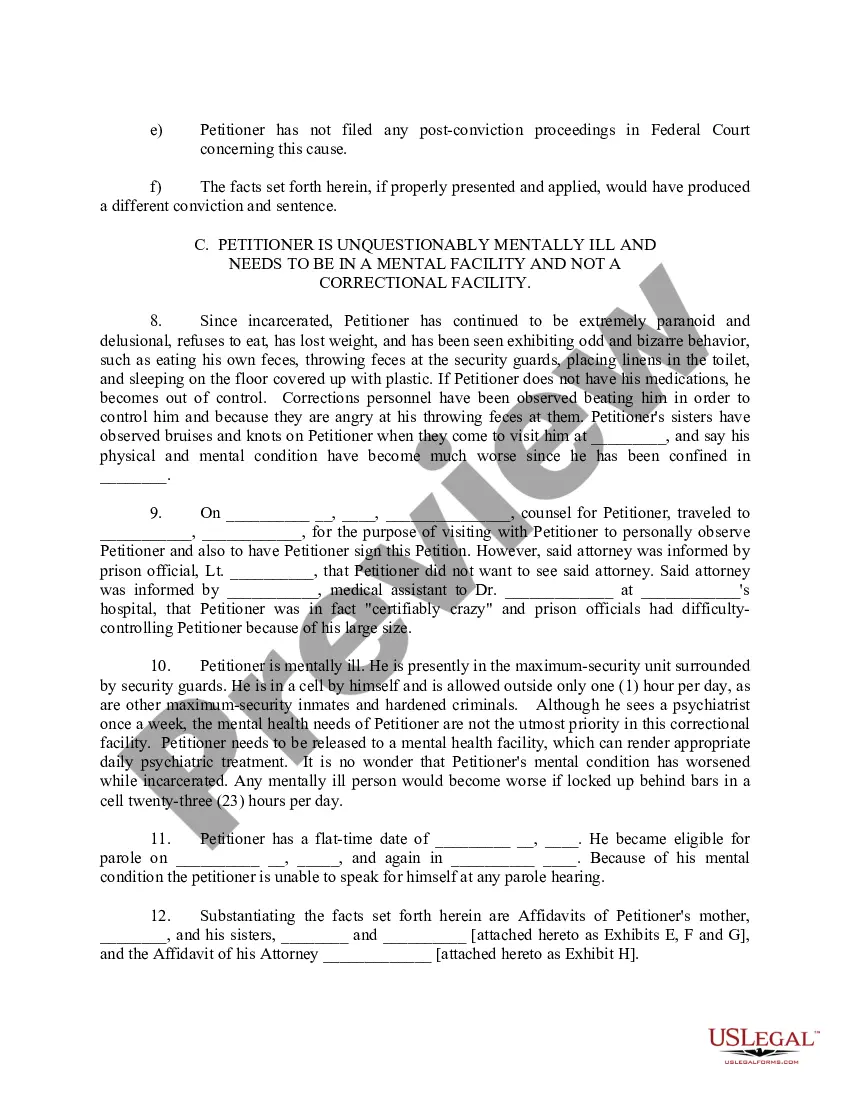
To establish a claim of ineffective assistance of counsel, a defendant must show that (1) counsel's performance fell below an objective standard of reasonableness, and (2) there exists a reasonable probability that, but for counsel's unprofessional errors, the result of the proceeding would have been different.
The Appearance form is required in most civil court cases. For example, you must file an Appearance when: o Someone sues you and you want to participate in the court case. If you do not file an Appearance and go to court as needed, the court case might go ahead without you and the court might rule against you.
O You must file the Appearance form in the county where the court case is filed. o Make copies of your original Appearance for yourself and each party in the case. o Bring the original Appearance and the copies to the Circuit Clerk at the courthouse. Appearance, and return these copies to you.
Intake for all claims against the City of Chicago is handled by the Chicago Clerk's office. Claim forms may be found at .chicityclerk/claims. The Clerk's website also details what documents need to be submitted as part of your claim so it can be processed correctly.
Within 14 days after a new case is docketed, counsel must file an Entry of Appearance.
File a motion for a new trial: Your attorney will file a motion for a new trial, which will argue that your trial lawyer provided ineffective assistance of counsel. The motion will include evidence to support this claim. Attend a hearing: The court will hold a hearing to consider your motion for a new trial.
