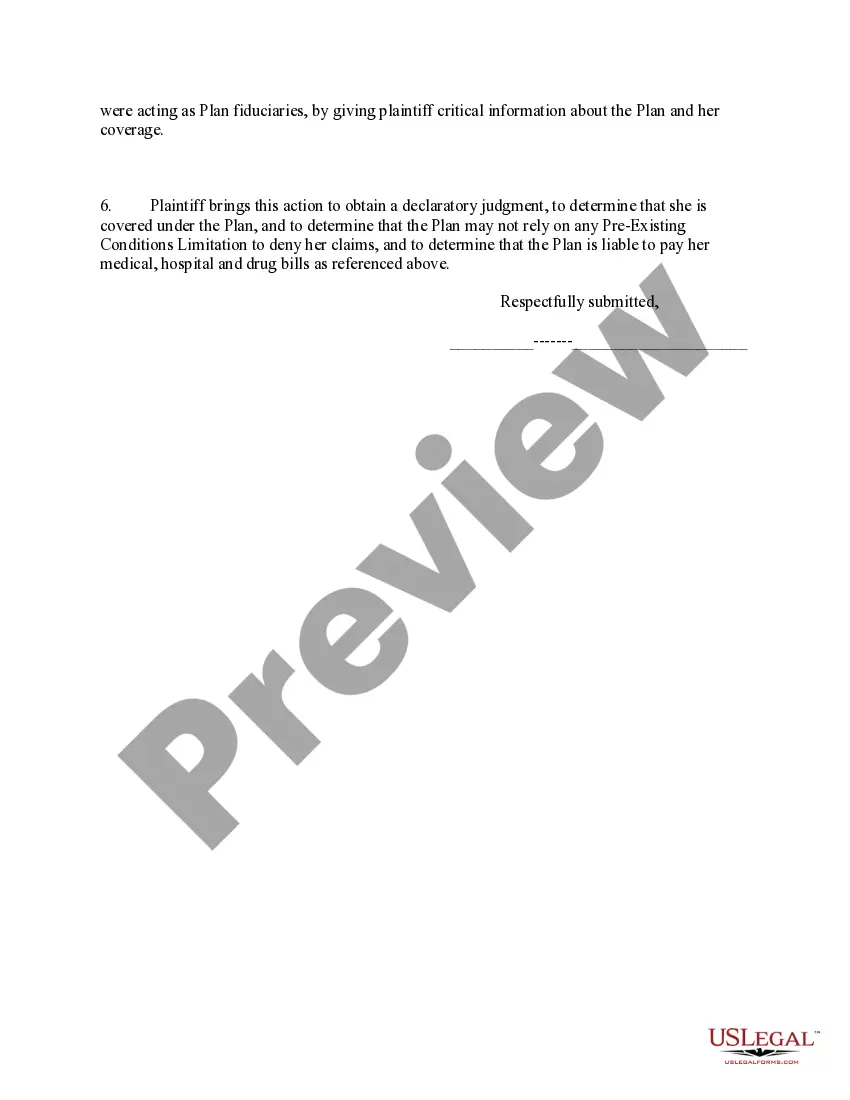
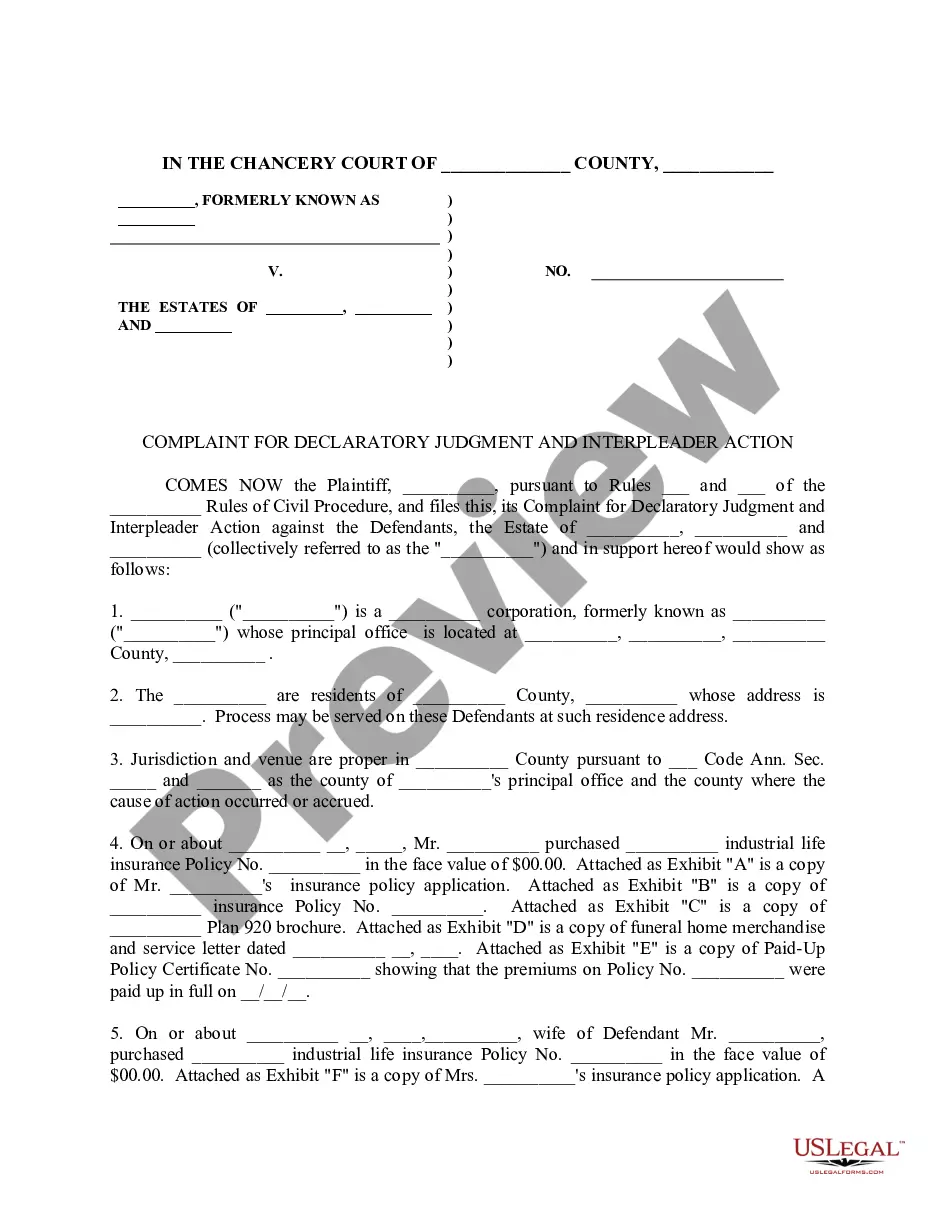
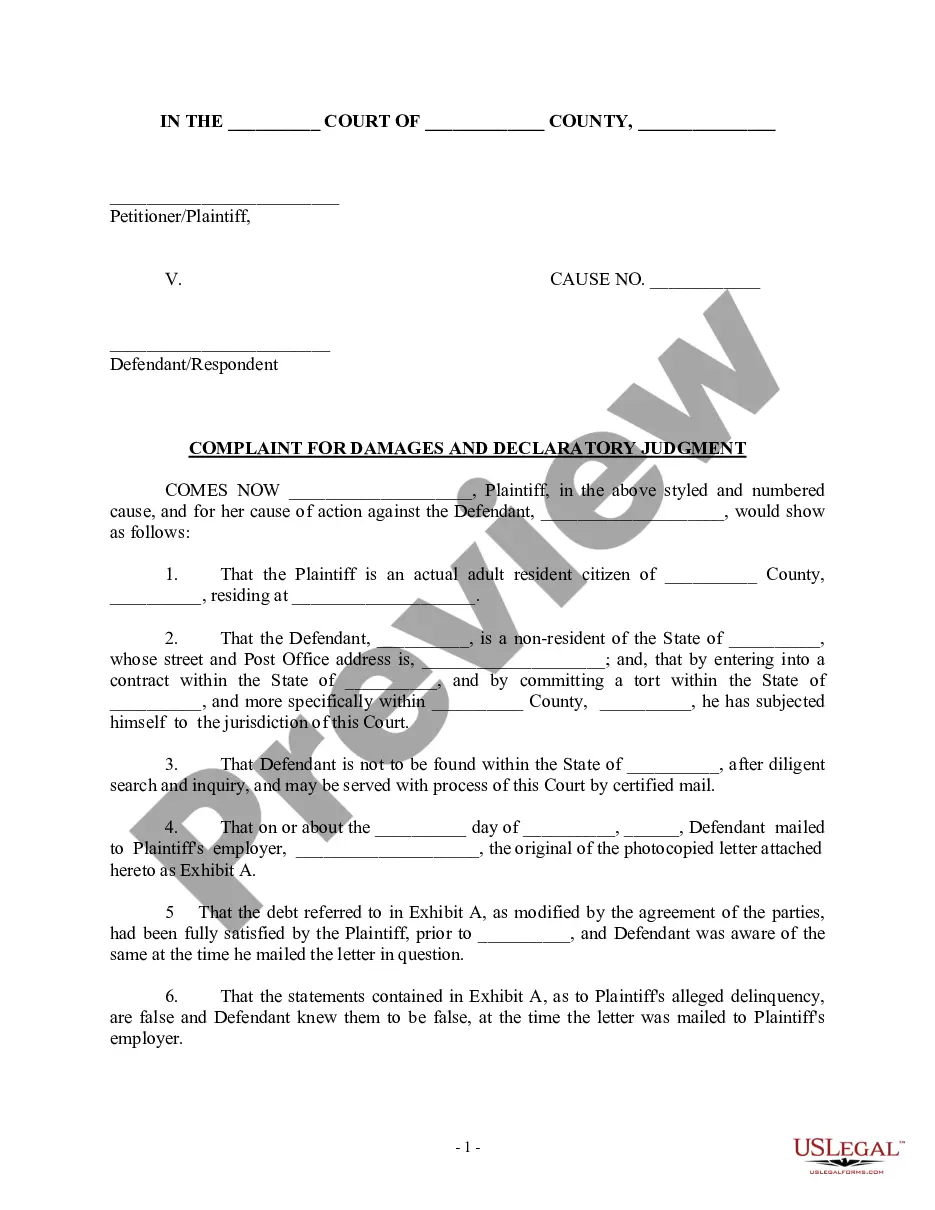
Erisa Complaint Sample Form In Utah
Description

Get your form ready online
Our built-in tools help you complete, sign, share, and store your documents in one place.
Make edits, fill in missing information, and update formatting in US Legal Forms—just like you would in MS Word.
Download a copy, print it, send it by email, or mail it via USPS—whatever works best for your next step.
Sign and collect signatures with our SignNow integration. Send to multiple recipients, set reminders, and more. Go Premium to unlock E-Sign.
If this form requires notarization, complete it online through a secure video call—no need to meet a notary in person or wait for an appointment.
We protect your documents and personal data by following strict security and privacy standards.

Make edits, fill in missing information, and update formatting in US Legal Forms—just like you would in MS Word.

Download a copy, print it, send it by email, or mail it via USPS—whatever works best for your next step.

Sign and collect signatures with our SignNow integration. Send to multiple recipients, set reminders, and more. Go Premium to unlock E-Sign.

If this form requires notarization, complete it online through a secure video call—no need to meet a notary in person or wait for an appointment.

We protect your documents and personal data by following strict security and privacy standards.
Looking for another form?








Form popularity
FAQ
File a Complaint / Issue For an unresolved issue: First, contact your local Workforce Services Office and discuss your issue with a service provider and/or supervisor. File a complaint: To file a complaint, fill out the online form. Other state government contacts for unresolved issues: Child Support. Equal Opportunity.
Follow these steps to write a complaint letter to your boss about someone else you work with: Try to resolve the conflict on your own. Make sure you have an issue to report. State the purpose of the letter. Include a lot of detail. Explain your involvement in the situation. Propose a resolution. Make a copy of your letter.
If Your Employment Rights Are Violated If you believe your employment rights have been violated you can either call the Disability Law Center, file a complaint with the Utah AntiDiscrimination and Labor Division (UALD), or file a complaint with the Equal Employment Opportunity Committee (EEOC).
Contact your regional EBSA office to file a complaint or an appeal after exhausting your insurance appeals process. You can also find ERISA information through the U.S. Department of Labor online at .dol/ebsa.
You may need to consult an attorney to determine what remedies may be available to you and any statute of limitations that may apply to your complaint. If you have any questions prior to filling your complaint, you may call the division at (801)530‑6601 during normal business hours.
ERISA governs the claim only if ERISA covers the plan involved in the claim. ERISA applies to most employee benefit plans, including employee health and retirement plans. ERISA does not cover certain plans, such as government plans and church plans.
Filing an ERISA Claim: Step-by-Step Guide Step 1: Review Your Plan. The first step in filing an ERISA claim is to review your disability insurance policy thoroughly. Step 2: Gather Evidence. Step 3: File Your Claim. Step 4: Wait for a Decision. Step 5: Appeal if Necessary.
Contact your regional EBSA office to file a complaint or an appeal after exhausting your insurance appeals process. You can also find ERISA information through the U.S. Department of Labor online at .dol/ebsa.
Common ERISA violations include denying benefits improperly, breaching fiduciary duties, and interfering with employee rights under the plan.
The Employee Benefits Security Administration is an agency within the Department of Labor that administers and enforces the provisions of Title I of the Employee Retirement Income Security Act (ERISA). ERISA established fiduciary and other standards for employee benefit plans sponsored by private-sector employers.
