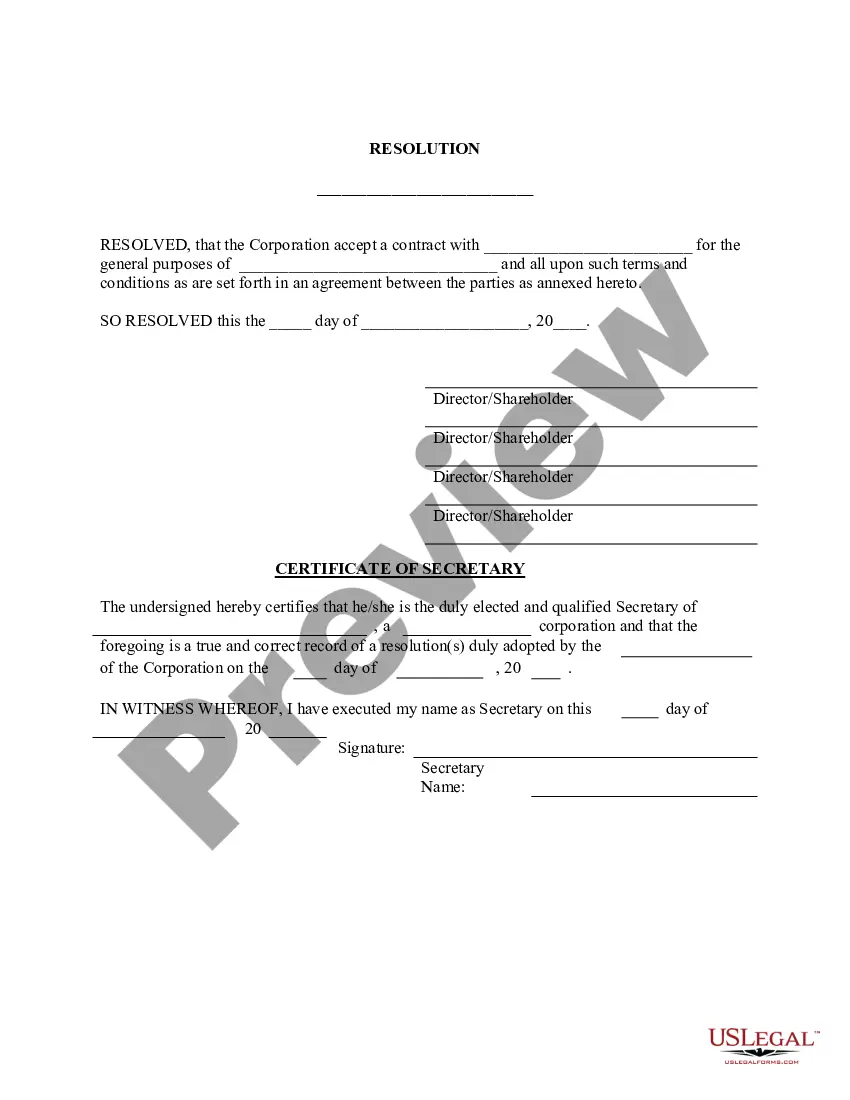
Appointment Resolutions Form In Los Angeles
Description


Get your form ready online
Our built-in tools help you complete, sign, share, and store your documents in one place.
Make edits, fill in missing information, and update formatting in US Legal Forms—just like you would in MS Word.
Download a copy, print it, send it by email, or mail it via USPS—whatever works best for your next step.
Sign and collect signatures with our SignNow integration. Send to multiple recipients, set reminders, and more. Go Premium to unlock E-Sign.
If this form requires notarization, complete it online through a secure video call—no need to meet a notary in person or wait for an appointment.
We protect your documents and personal data by following strict security and privacy standards.

Make edits, fill in missing information, and update formatting in US Legal Forms—just like you would in MS Word.

Download a copy, print it, send it by email, or mail it via USPS—whatever works best for your next step.

Sign and collect signatures with our SignNow integration. Send to multiple recipients, set reminders, and more. Go Premium to unlock E-Sign.

If this form requires notarization, complete it online through a secure video call—no need to meet a notary in person or wait for an appointment.

We protect your documents and personal data by following strict security and privacy standards.
Looking for another form?









Form popularity
FAQ
A corporate resolution is a written document created by the board of directors of a company detailing a binding corporate action. A board of directors is a group of people that act as a governing body on behalf of the shareholders of a company.
Unlike corporations, LLCs don't need to file business resolutions with the state. Single-member LLCs (SMLLCs) can also use business resolutions, even though there is no chance of disagreement among the members.
7 steps for writing a resolution Put the date and resolution number at the top. Give the resolution a title that relates to the decision. Use formal language. Continue writing out each critical statement. Wrap up the heart of the resolution in the last statement.
A party making a peremptory challenge by motion or affidavit of prejudice regarding an assigned judge must submit it in writing to the assigned judge within 20 days after service of the order assigning the judge to the coordination proceeding.
Conservatorship cases are heard in the probate department of the court, so you will file them with the probate clerk. At the courthouse, you'll file the forms you filled out by giving the original and the copies to the clerk. The clerk will give you a case number and court date, and stamp the forms.
Corporate Resolution Authorizing Filing Select Bankruptcy menu. Select Other. Enter the case number using correct format and ensure case name and number match the document you are filing. Select Document event: Corp Resolution Auth Filing. Select the party filer. Browse, verify and attach the document (PDF file).
How to ask for an emergency order Contact your court or Self-Help Center to get local rules. Fill out forms. Attach documents to support your request. Give the other person notice and serve request. Make copies of your forms. Submit your forms. Pick up the forms from the clerk.
All “Resolved” clauses within a resolution should use the objective form of the verb (for example, “Resolved, that the American Library Association (ALA), on behalf of its members: (1) supports...; (2) provides...; and last resolved urges....") rather than the subjunctive form of the verb (for example, “Resolved, ...
Steps to Write a Corporate Resolution Write the Company's Name. Indicate Further Legal Identification. Include Location, Date, and Time. List the Board Resolutions. Sign the Document and Write the Document.
Draft Resolutions There are three main parts to a draft resolution: the heading, the preamble, and the operative section. The heading shows the committee and topic. It also lists the draft resolution's signatories (see below). Each draft resolution is one long sentence with sections separated by commas and semicolons.

