Beneficiary Name Will For Gem Caution Money
Description
Get your form ready online
Our built-in tools help you complete, sign, share, and store your documents in one place.
Make edits, fill in missing information, and update formatting in US Legal Forms—just like you would in MS Word.
Download a copy, print it, send it by email, or mail it via USPS—whatever works best for your next step.
Sign and collect signatures with our SignNow integration. Send to multiple recipients, set reminders, and more. Go Premium to unlock E-Sign.
If this form requires notarization, complete it online through a secure video call—no need to meet a notary in person or wait for an appointment.
We protect your documents and personal data by following strict security and privacy standards.

Make edits, fill in missing information, and update formatting in US Legal Forms—just like you would in MS Word.

Download a copy, print it, send it by email, or mail it via USPS—whatever works best for your next step.

Sign and collect signatures with our SignNow integration. Send to multiple recipients, set reminders, and more. Go Premium to unlock E-Sign.

If this form requires notarization, complete it online through a secure video call—no need to meet a notary in person or wait for an appointment.

We protect your documents and personal data by following strict security and privacy standards.
Looking for another form?







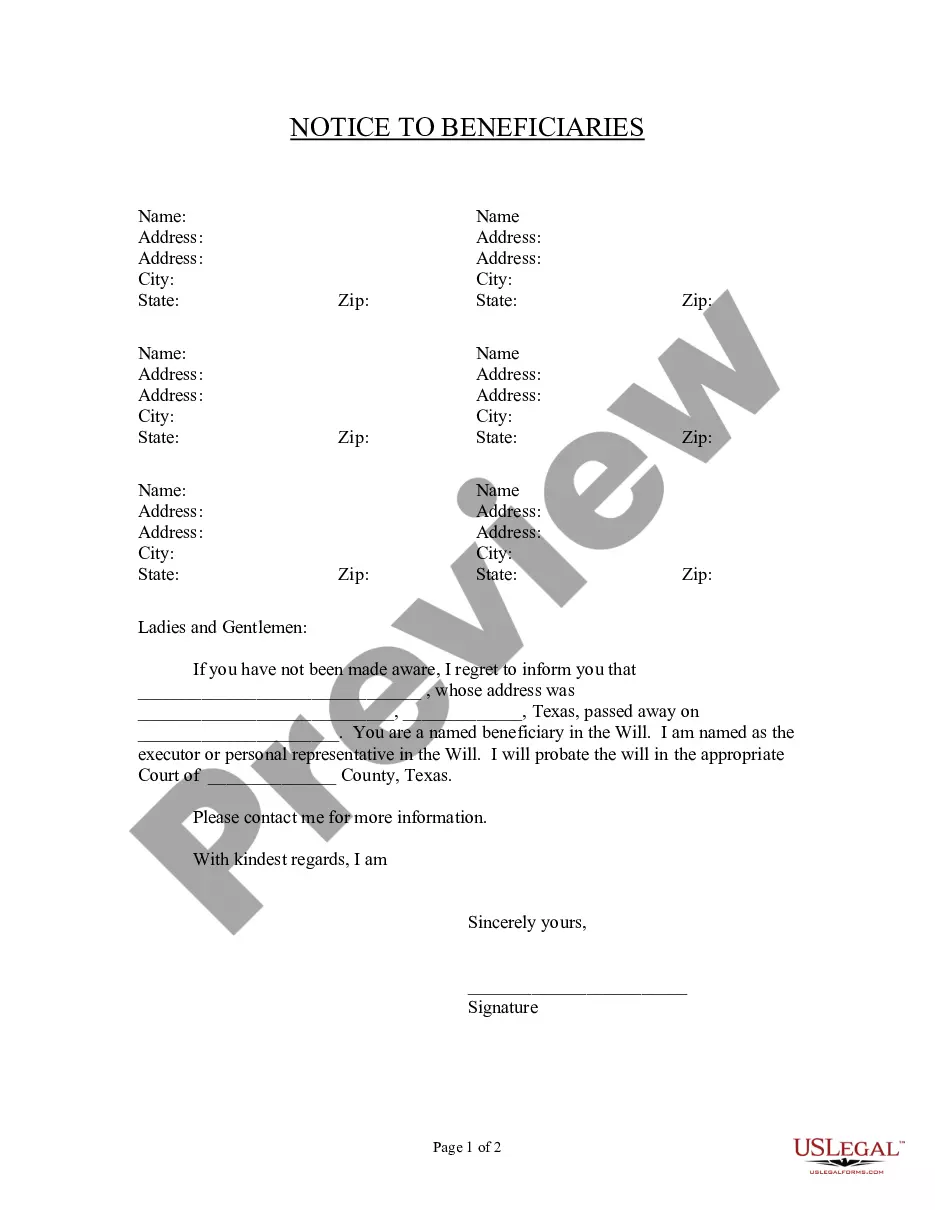
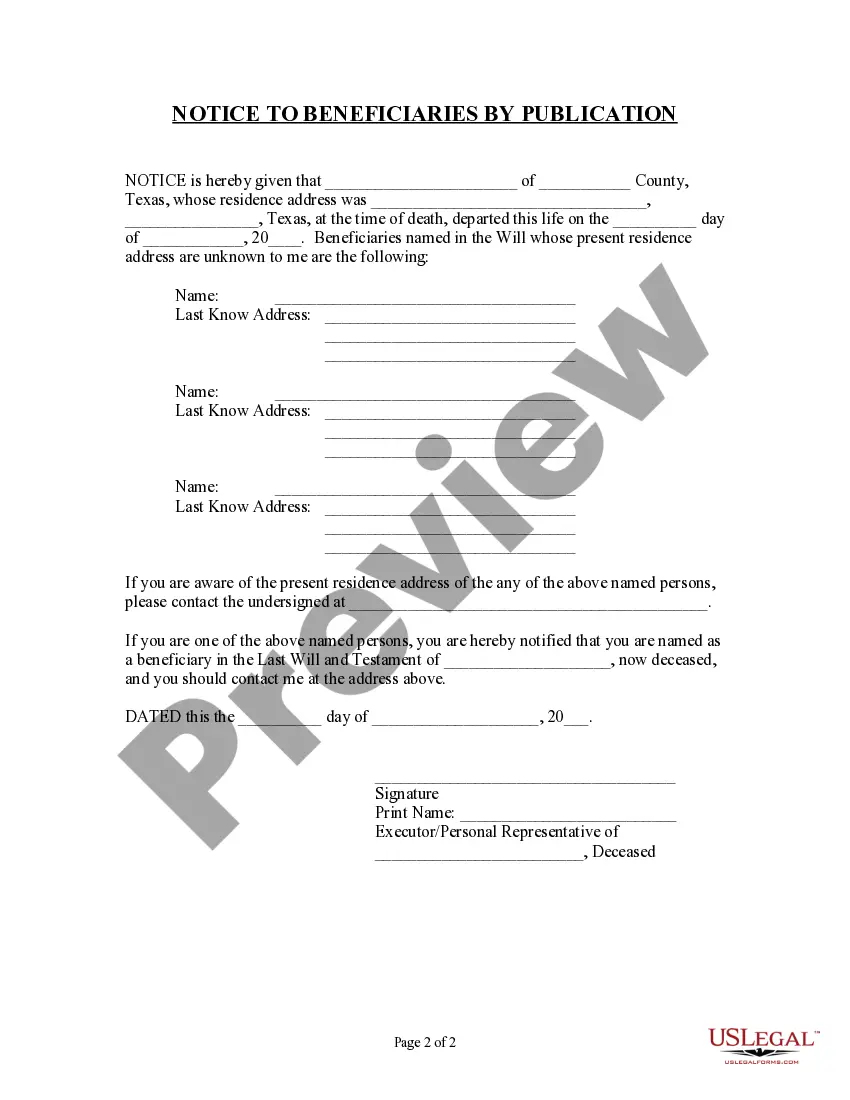
How to fill out Texas Notice To Beneficiaries Of Being Named In Will?
The Recipient Title Will Regarding Gem Caution Funds you observe on this page is an adaptable official format composed by expert attorneys in accordance with national and local statutes and guidelines.
For over 25 years, US Legal Forms has supplied individuals, entities, and legal experts with more than 85,000 validated, state-specific documents for any commercial and personal event. It’s the quickest, simplest, and most trustworthy method to procure the files you require, as the service assures the utmost level of data safety and anti-malware defense.
Join US Legal Forms to have validated legal templates for every life situation readily available.
- Seek the document you require and review it.
- Browse through the example you searched and preview it or examine the form description to ensure it meets your requirements. If it doesn’t, utilize the search feature to find the appropriate one. Click Buy Now once you have located the template you want.
- Register and sign in.
- Choose the pricing plan that fits you and set up an account. Use PayPal or a credit card for a swift payment. If you already possess an account, Log In and check your subscription to proceed.
- Acquire the fillable format.
- Select the format you prefer for your Recipient Title Will Regarding Gem Caution Funds (PDF, DOCX, RTF) and download the template onto your device.
- Fill out and sign the document.
- Print the template to fill it out manually. Alternatively, use an online versatile PDF editor to quickly and accurately complete and sign your form with a valid.
- Redownload your documents once more.
- Use the same document again whenever necessary. Access the My documents tab in your profile to redownload any previously downloaded forms.
Form popularity
FAQ
A caution deposit, often known as a caution money, serves as a financial guarantee for commitments such as rentals or services. It protects the property owner or service provider by ensuring compensation for any damages or unpaid dues. When you create a beneficiary name will for gem caution money, it ensures the deposit is legally designated to the correct recipient in case of unforeseen circumstances. This clarity helps prevent disputes and secures your investment.
Whether a caution deposit is refundable largely depends on the terms and conditions set forth in the agreement. If the conditions are met satisfactorily, the caution money, including the beneficiary name, may be returned. However, factors such as damages or breaches in contract can affect the refund process. To ensure you know your rights regarding refundability, exploring resources through uslegalforms can be beneficial.
The caution amount typically refers to the sum of money that must be deposited as security during a transaction or agreement. This amount is usually determined by the nature of the transaction and can vary from one situation to another. Understanding the details of the caution amount is essential, especially when it involves the beneficiary name in a will for gem caution money. For clarity, consulting with uslegalforms can provide specific guidance tailored to your needs.
Open Word for the web. Select a label template when you create a new document. Select More templates if you don't see what you want. You can also go to templates.office.com, and search for label.
Finding Avery Templates Built-in to Microsoft Word With your Word document open, go to the top of screen and click Mailings > Labels > Options. (In older versions of Word, the Options setting is located in Tools at the top of the page.) Select Avery US Letter from the drop-down menu next to Label Vendors.
You can download free, pre-built document templates with useful and creative themes from Office when you click File > New in your Office app.
How to Download Templates on Avery.com At the top of the Avery site, you can use the search box to type in the product number. ... In the search results, there will be a listing for Templates. ... Scroll down the page until you reach the menu for Download Blank Templates.
More videos on YouTube Open on the "Mailings" tab in the menu bar. Click "Labels." Select "Options." Hit "New Label". Fill in the name and dimensions for your new label template. This information is probably available from your label manufacturer. ... Click "OK." Hit "OK." Select "New Document."
Click the ?Save as type? drop-down menu and choose ?Word template.? Note that this isn't the default option, so if you click quickly you may miss it.