Texas Documents With Iphone
Description
Get your form ready online
Our built-in tools help you complete, sign, share, and store your documents in one place.
Make edits, fill in missing information, and update formatting in US Legal Forms—just like you would in MS Word.
Download a copy, print it, send it by email, or mail it via USPS—whatever works best for your next step.
Sign and collect signatures with our SignNow integration. Send to multiple recipients, set reminders, and more. Go Premium to unlock E-Sign.
If this form requires notarization, complete it online through a secure video call—no need to meet a notary in person or wait for an appointment.
We protect your documents and personal data by following strict security and privacy standards.

Make edits, fill in missing information, and update formatting in US Legal Forms—just like you would in MS Word.

Download a copy, print it, send it by email, or mail it via USPS—whatever works best for your next step.

Sign and collect signatures with our SignNow integration. Send to multiple recipients, set reminders, and more. Go Premium to unlock E-Sign.

If this form requires notarization, complete it online through a secure video call—no need to meet a notary in person or wait for an appointment.

We protect your documents and personal data by following strict security and privacy standards.
Looking for another form?






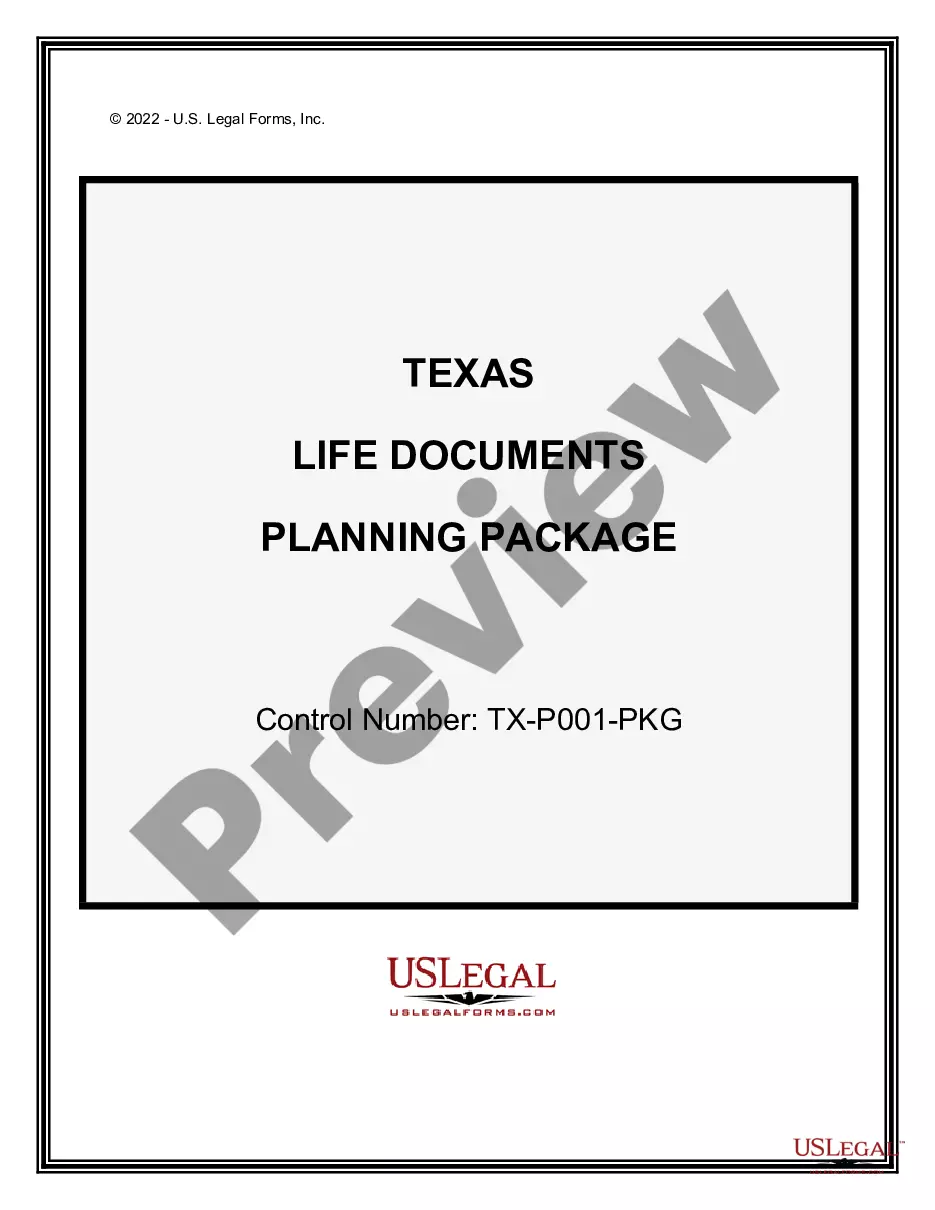
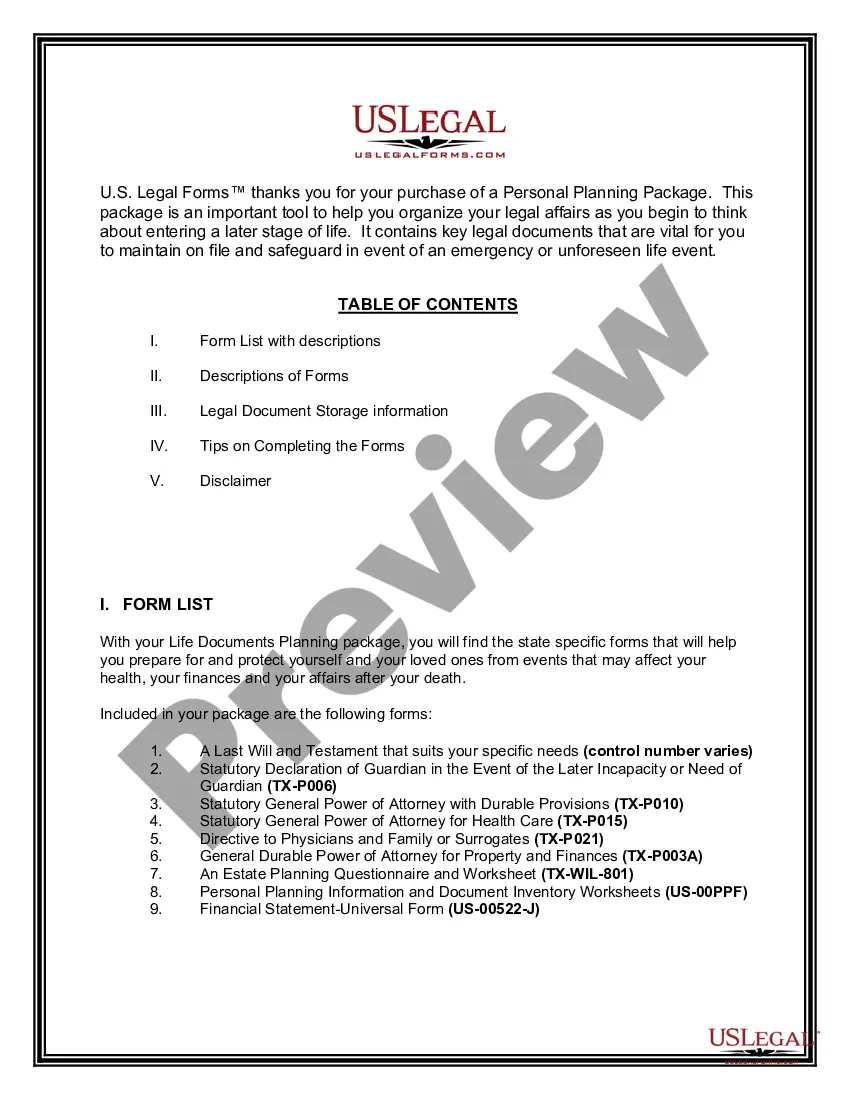
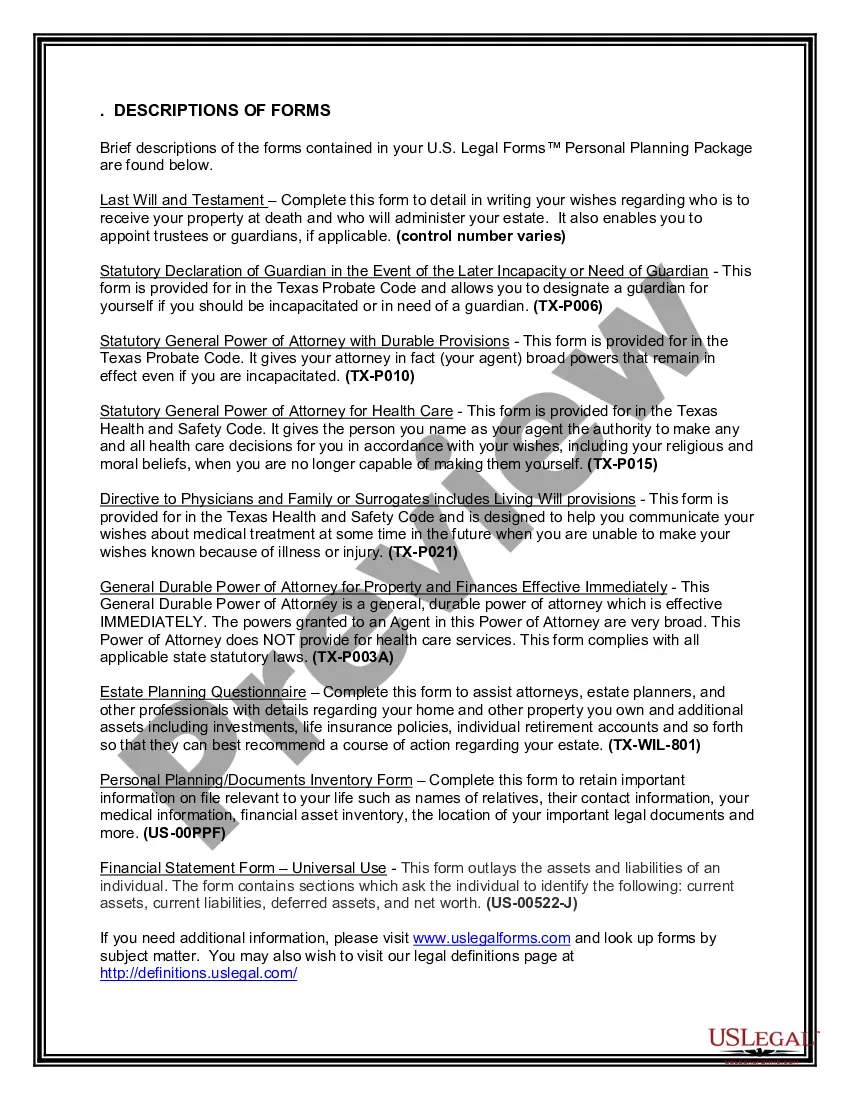
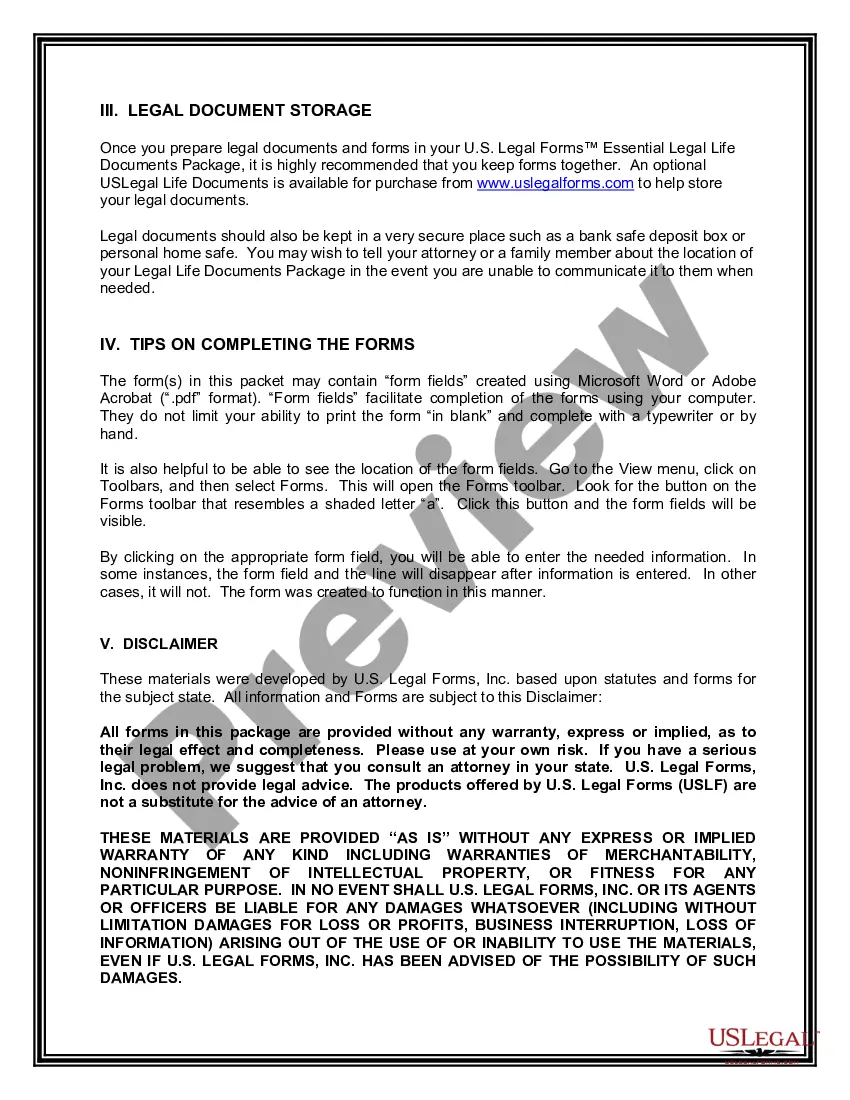
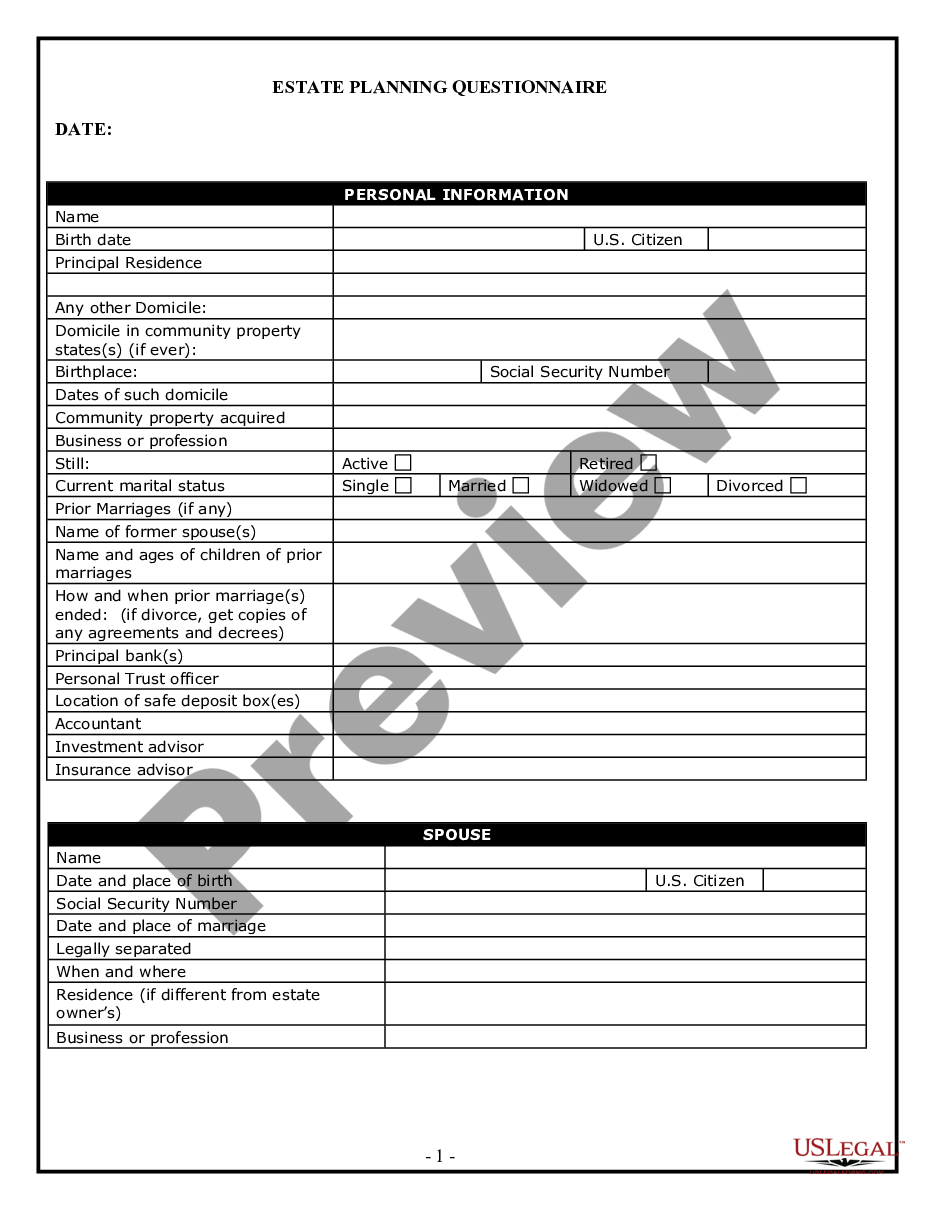
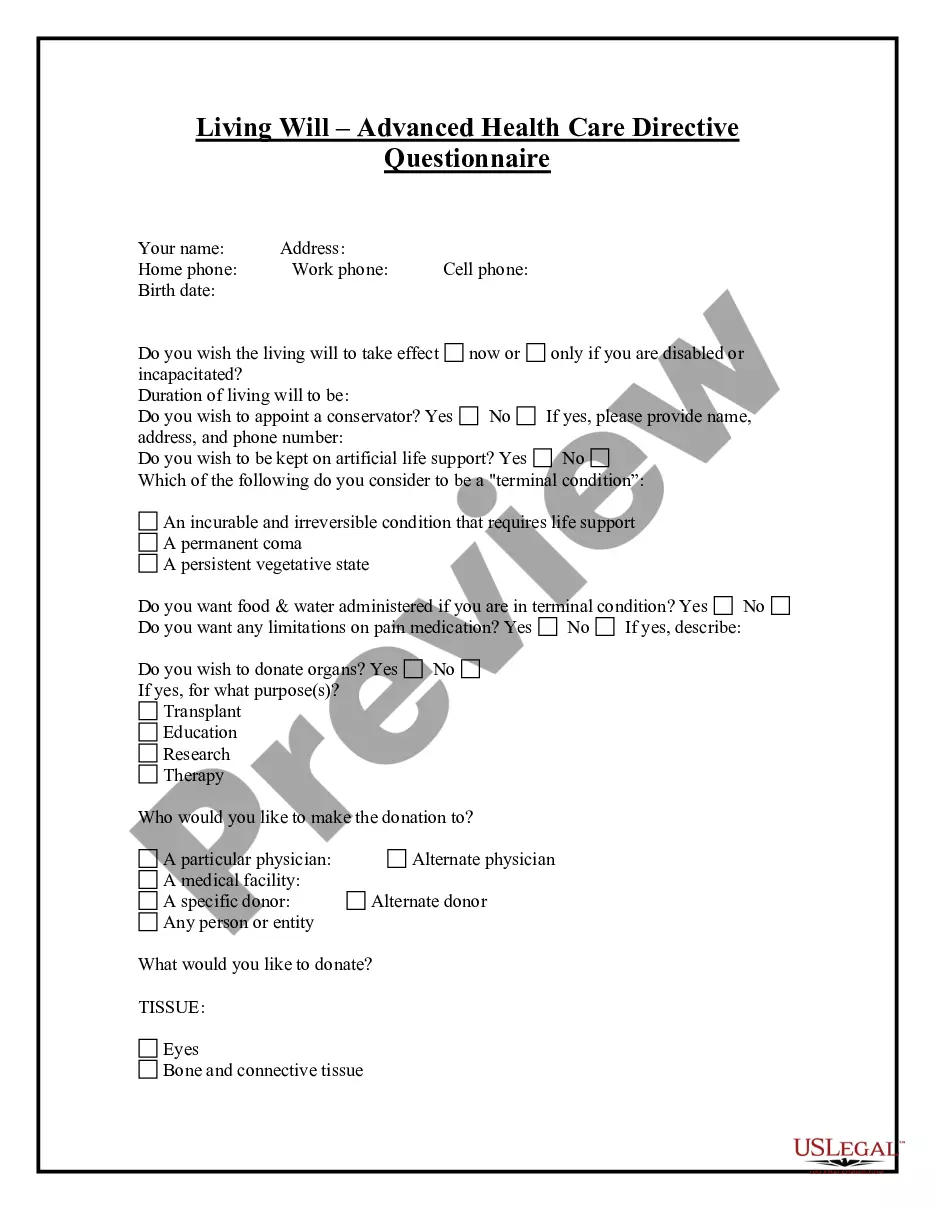
How to fill out Texas Life Documents Planning Package, Including Will, Power Of Attorney And Living Will?
Creating legal documents from the ground up can often be daunting.
Certain situations may require extensive research and significant financial investment.
If you’re seeking a simpler and more economical method for preparing Texas Documents With Iphone or any other paperwork without hassle, US Legal Forms is readily available for you.
Our online collection of over 85,000 current legal forms covers nearly every element of your financial, legal, and personal matters.
Examine the document preview and descriptions to confirm that you’ve located the form you need. Ensure the template you choose meets the standards of your state and county. Select the most appropriate subscription option to acquire the Texas Documents With Iphone. Download the file, then complete, verify, and print it out. US Legal Forms enjoys a strong reputation and over 25 years of experience. Join us today and make document completion straightforward and efficient!
- With just a few clicks, you can quickly access state- and county-compliant forms meticulously prepared by our legal professionals.
- Utilize our platform whenever you require trustworthy and dependable services that allow you to easily find and download the Texas Documents With Iphone.
- If you’re familiar with our website and have previously created an account, simply Log In to your account, find the template, and download it or re-download it later in the My documents section.
- No account? No problem. It only takes a few minutes to register and browse the library.
- Before rushing to download Texas Documents With Iphone, consider these suggestions.
Form popularity
FAQ
Check the Documents or Pictures Folder. In Windows 11/10, the default storage location of scanned documents is This PC > Documents > Scanned Documents. After connecting your scanner to your computer and scanning the target documents, you can move on to this location to find your scanned documents.
Texas: Digital Identification Bill Passes House In early May 2023, the Texas House passed HB 71, legislation establishing a program for issuing mobile IDs.
Your scanned document should appear in your Notes app. To sign a document, open it and tap Share. Then, tap Markup and tap the Add (+) button to add your signature. Or, upload your scan to a document solution.
How to scan documents on your iPhone or iPad Open Notes and select a note or create a new one. Tap the Camera button , then tap Scan Documents . Place your document in view of the camera. If your device is in Auto mode, your document will automatically scan. ... Tap Save or add additional scans to the document.
How to scan documents on your iPhone with the Notes app - YouTube YouTube Start of suggested clip End of suggested clip First create a note and tap the plus. Sign then tap scan documents. Now just position the documentMoreFirst create a note and tap the plus. Sign then tap scan documents. Now just position the document and it will be scanned automatically then tap save to add it to your note. Stay organized.