Assignment Of Personal Property To Trust Form For Trust
Description

Get your form ready online
Our built-in tools help you complete, sign, share, and store your documents in one place.
Make edits, fill in missing information, and update formatting in US Legal Forms—just like you would in MS Word.
Download a copy, print it, send it by email, or mail it via USPS—whatever works best for your next step.
Sign and collect signatures with our SignNow integration. Send to multiple recipients, set reminders, and more. Go Premium to unlock E-Sign.
If this form requires notarization, complete it online through a secure video call—no need to meet a notary in person or wait for an appointment.
We protect your documents and personal data by following strict security and privacy standards.

Make edits, fill in missing information, and update formatting in US Legal Forms—just like you would in MS Word.

Download a copy, print it, send it by email, or mail it via USPS—whatever works best for your next step.

Sign and collect signatures with our SignNow integration. Send to multiple recipients, set reminders, and more. Go Premium to unlock E-Sign.

If this form requires notarization, complete it online through a secure video call—no need to meet a notary in person or wait for an appointment.

We protect your documents and personal data by following strict security and privacy standards.
Looking for another form?










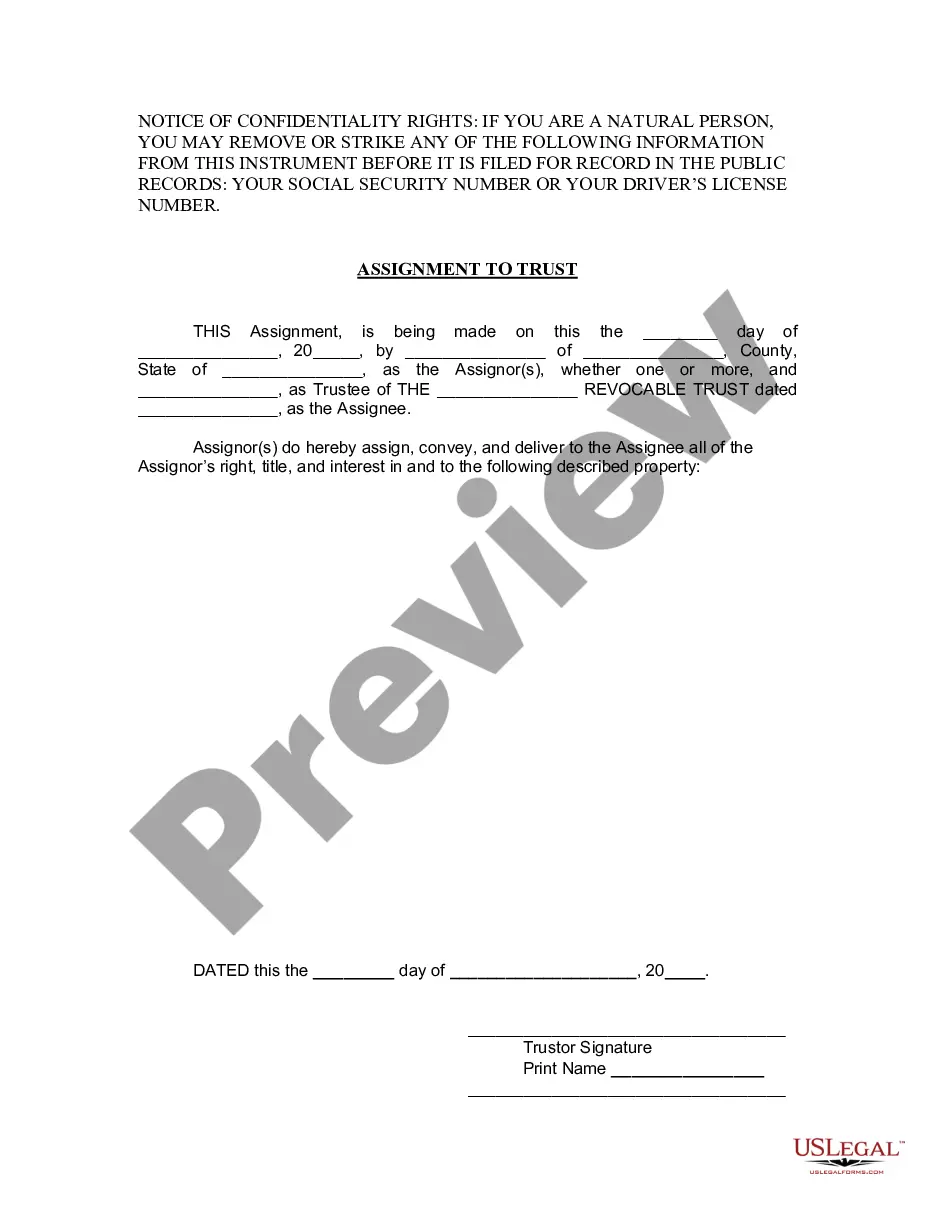
How to fill out Texas Assignment To Living Trust?
Regardless of whether for professional reasons or personal matters, everyone must confront legal issues at some point in their lives.
Completing legal documents necessitates meticulous care, starting from selecting the correct template example.
Once saved, you can complete the form using editing software or print it and fill it out by hand. With an extensive US Legal Forms catalog available, you don’t need to waste time searching for the correct template online. Utilize the library’s user-friendly navigation to find the appropriate form for any occasion.
- Acquire the template you require by utilizing the search bar or catalog browsing.
- Review the form’s description to ensure it corresponds with your circumstances, state, and locality.
- Click on the form’s preview to observe it.
- If it is the wrong form, return to the search function to find the Assignment Of Personal Property To Trust Form For Trust sample you need.
- Download the template once it suits your requirements.
- If you possess a US Legal Forms profile, simply click Log in to access previously stored documents in My documents.
- In case you do not have an account yet, you can acquire the form by clicking Buy now.
- Choose the suitable pricing option.
- Fill out the profile registration form.
- Select your payment method: either use a credit card or PayPal account.
- Choose the file format you desire and download the Assignment Of Personal Property To Trust Form For Trust.
Form popularity
FAQ
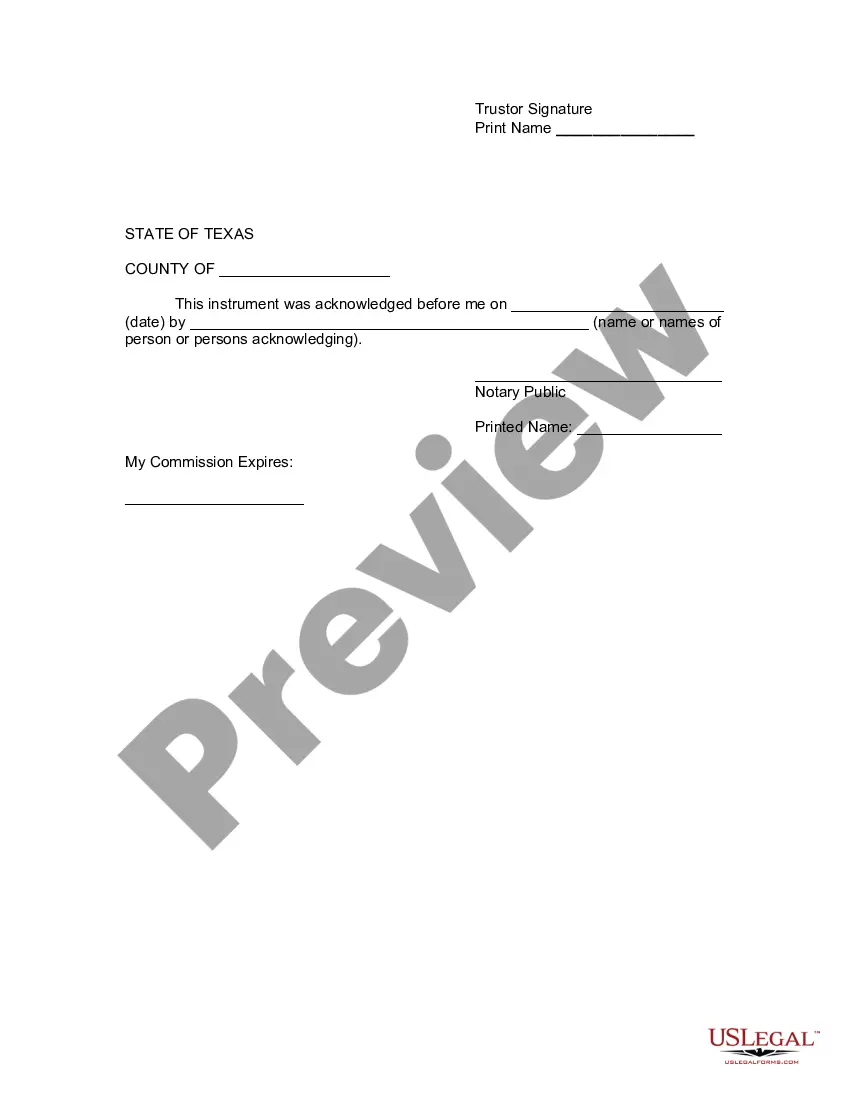
You must create the form stating precisely what you are transferring to the (named) trustee of the (named) trust. Sign and date the form. You must sign it once as the person assigning the properties to the living trust and once as the trustee. Include the word "trustee" after that signature.
To transfer assets such as investments, bank accounts, or stock to your real living trust, you will need to contact the institution and complete a form. You will likely need to provide a certificate of trust as well. You may want to keep your personal checking and savings account out of the trust for ease of use.
How do I transfer the shares I own to my trust? You will need to inform the company issuing the shares that you will be holding them through a trust and also provide your trust's details. This is necessary to ensure the company's internal records reflect this change.
A General Assignment is a document that declares that certain property is held and vested in the name of a trust. Since a trust only works when it holds property, this document is crucial for the funding of a Revocable Trust.
Assets that should not be used to fund your living trust include: Qualified retirement accounts ? 401ks, IRAs, 403(b)s, qualified annuities. Health saving accounts (HSAs) Medical saving accounts (MSAs) Uniform Transfers to Minors (UTMAs) Uniform Gifts to Minors (UGMAs) Life insurance. Motor vehicles.