Texas Trust Online Withdrawal
Description
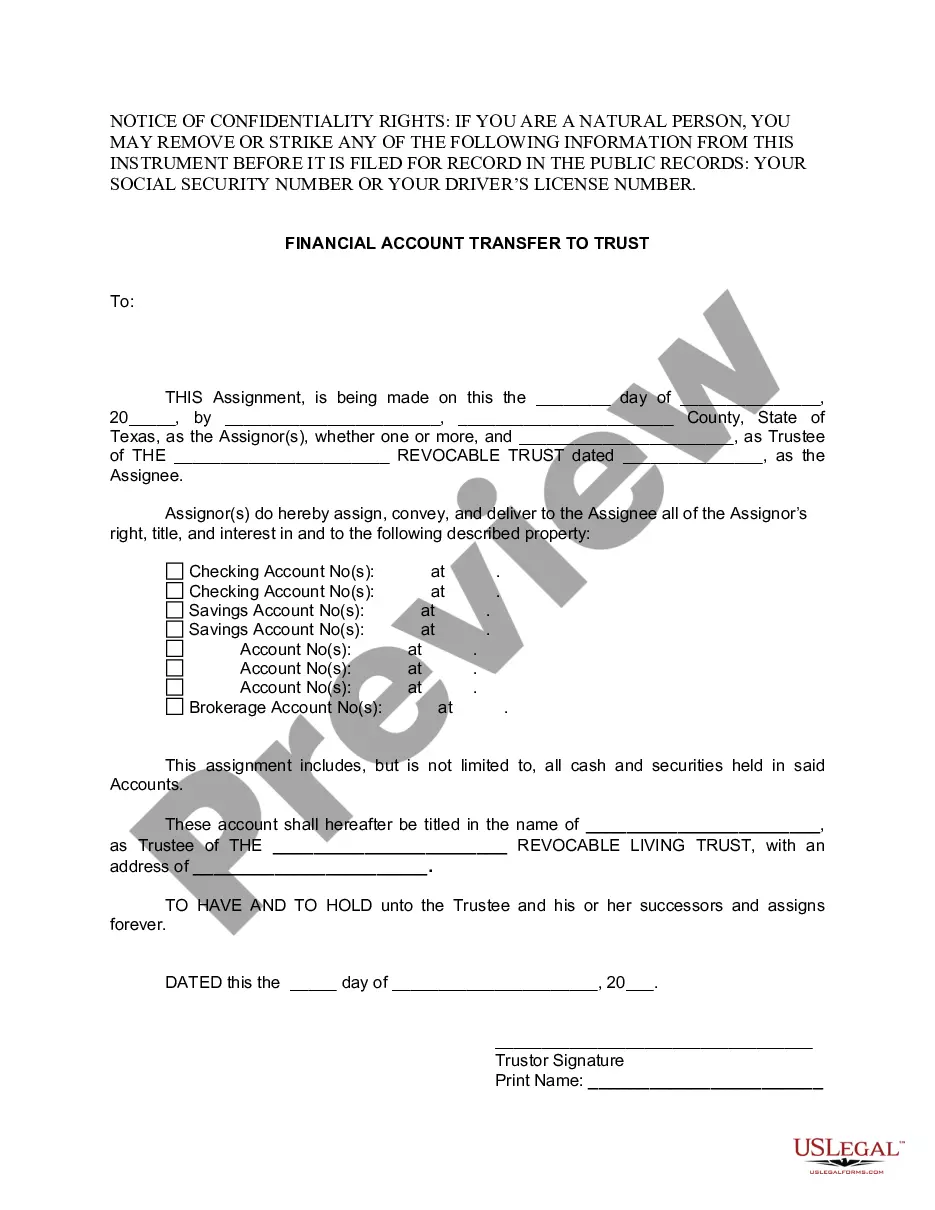
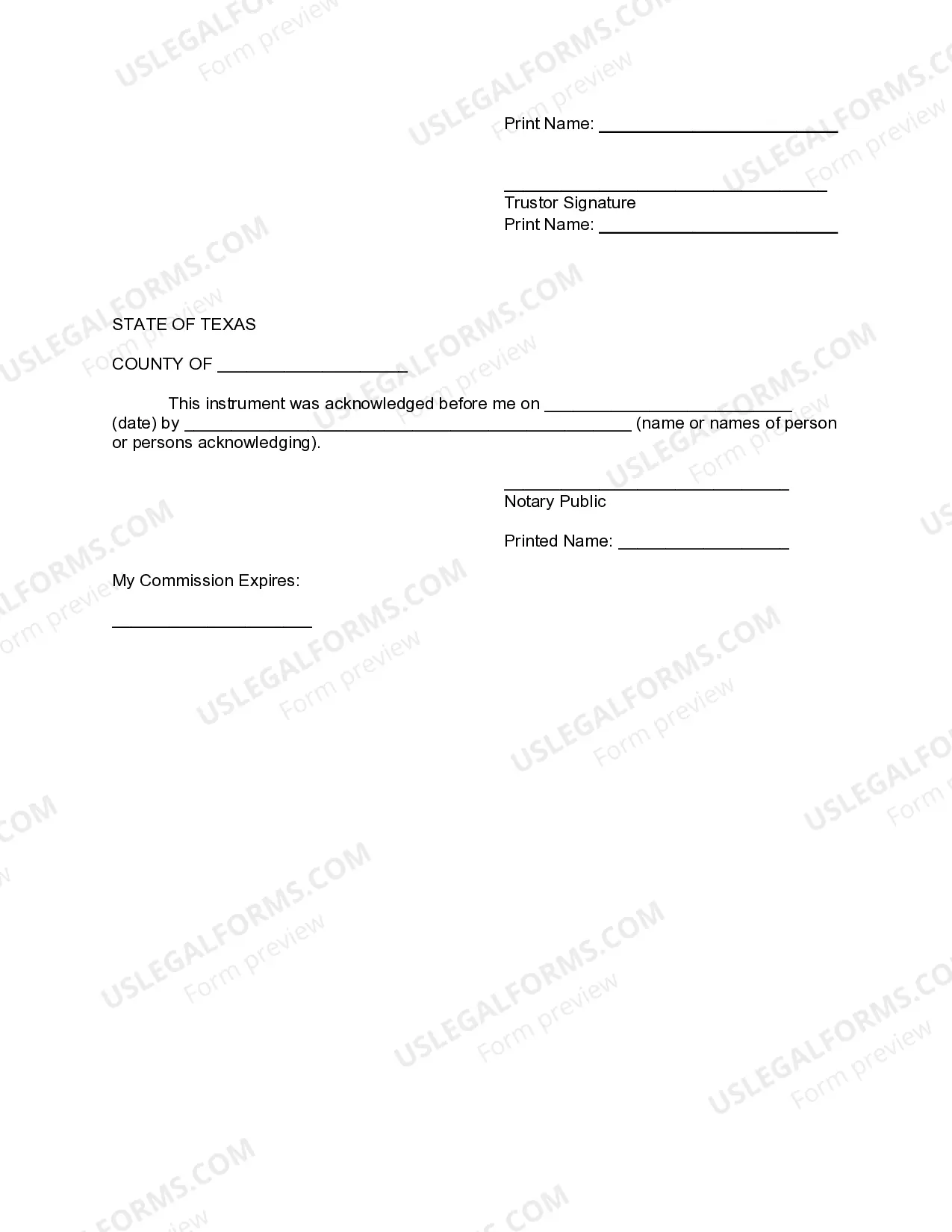
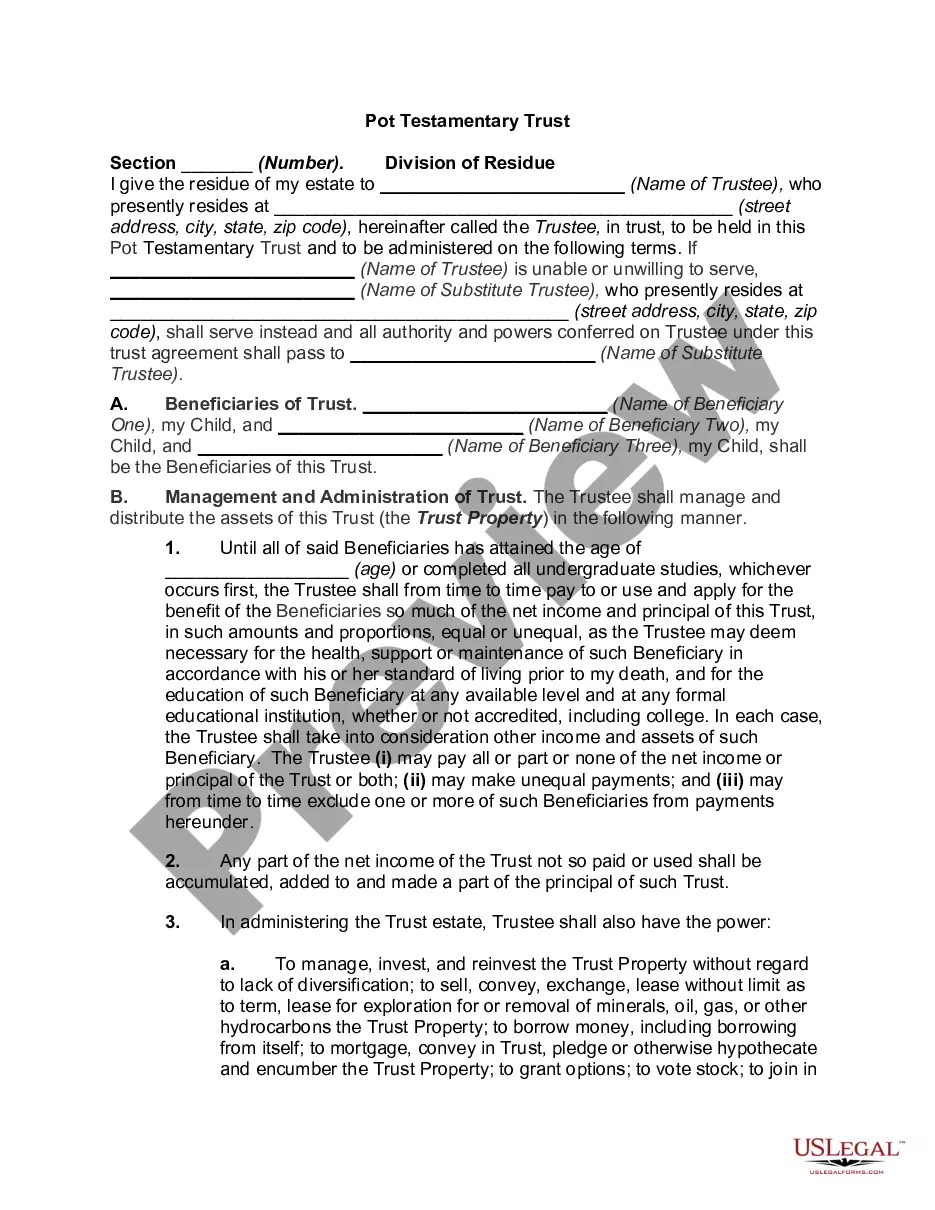
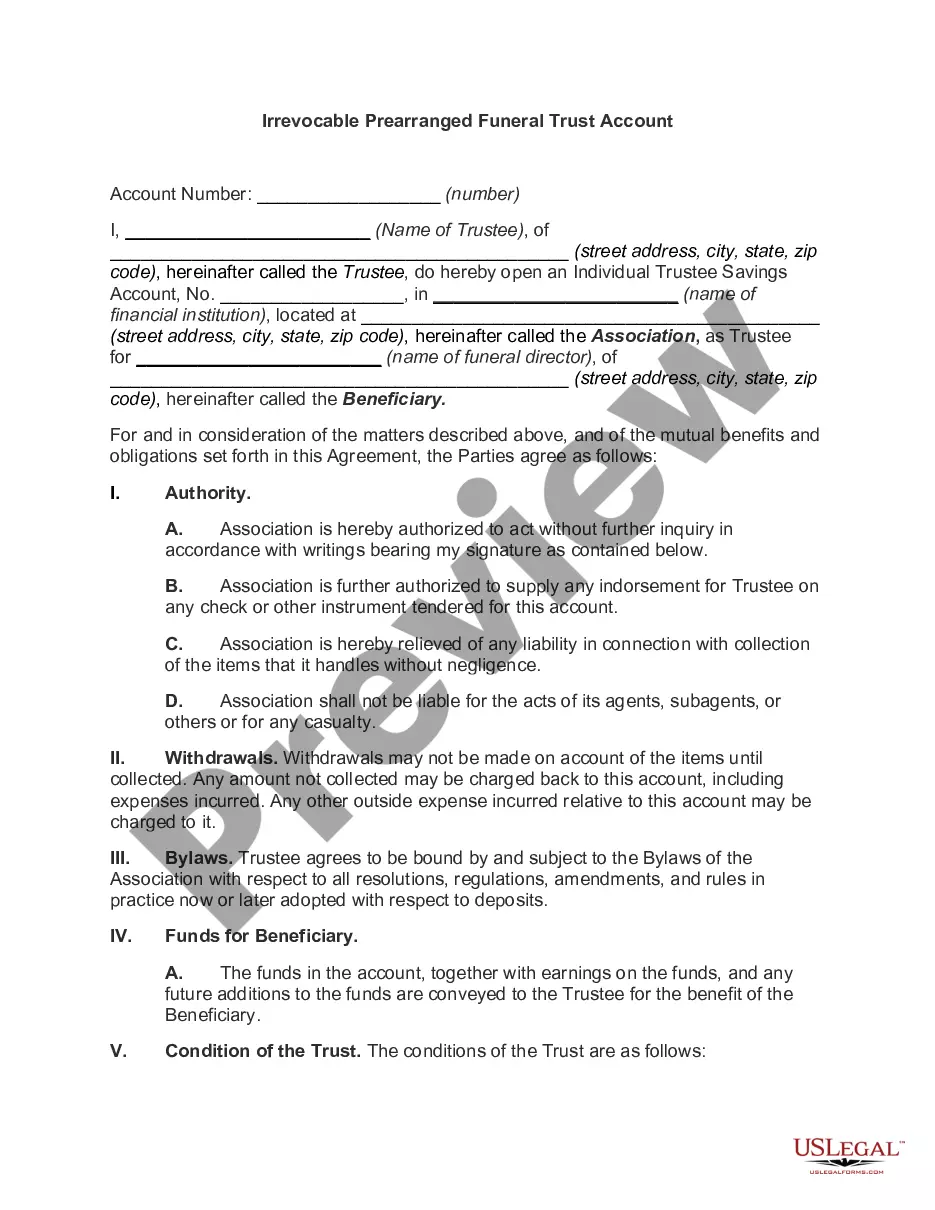

Get your form ready online
Our built-in tools help you complete, sign, share, and store your documents in one place.
Make edits, fill in missing information, and update formatting in US Legal Forms—just like you would in MS Word.
Download a copy, print it, send it by email, or mail it via USPS—whatever works best for your next step.
Sign and collect signatures with our SignNow integration. Send to multiple recipients, set reminders, and more. Go Premium to unlock E-Sign.
If this form requires notarization, complete it online through a secure video call—no need to meet a notary in person or wait for an appointment.
We protect your documents and personal data by following strict security and privacy standards.

Make edits, fill in missing information, and update formatting in US Legal Forms—just like you would in MS Word.

Download a copy, print it, send it by email, or mail it via USPS—whatever works best for your next step.

Sign and collect signatures with our SignNow integration. Send to multiple recipients, set reminders, and more. Go Premium to unlock E-Sign.

If this form requires notarization, complete it online through a secure video call—no need to meet a notary in person or wait for an appointment.

We protect your documents and personal data by following strict security and privacy standards.
Looking for another form?



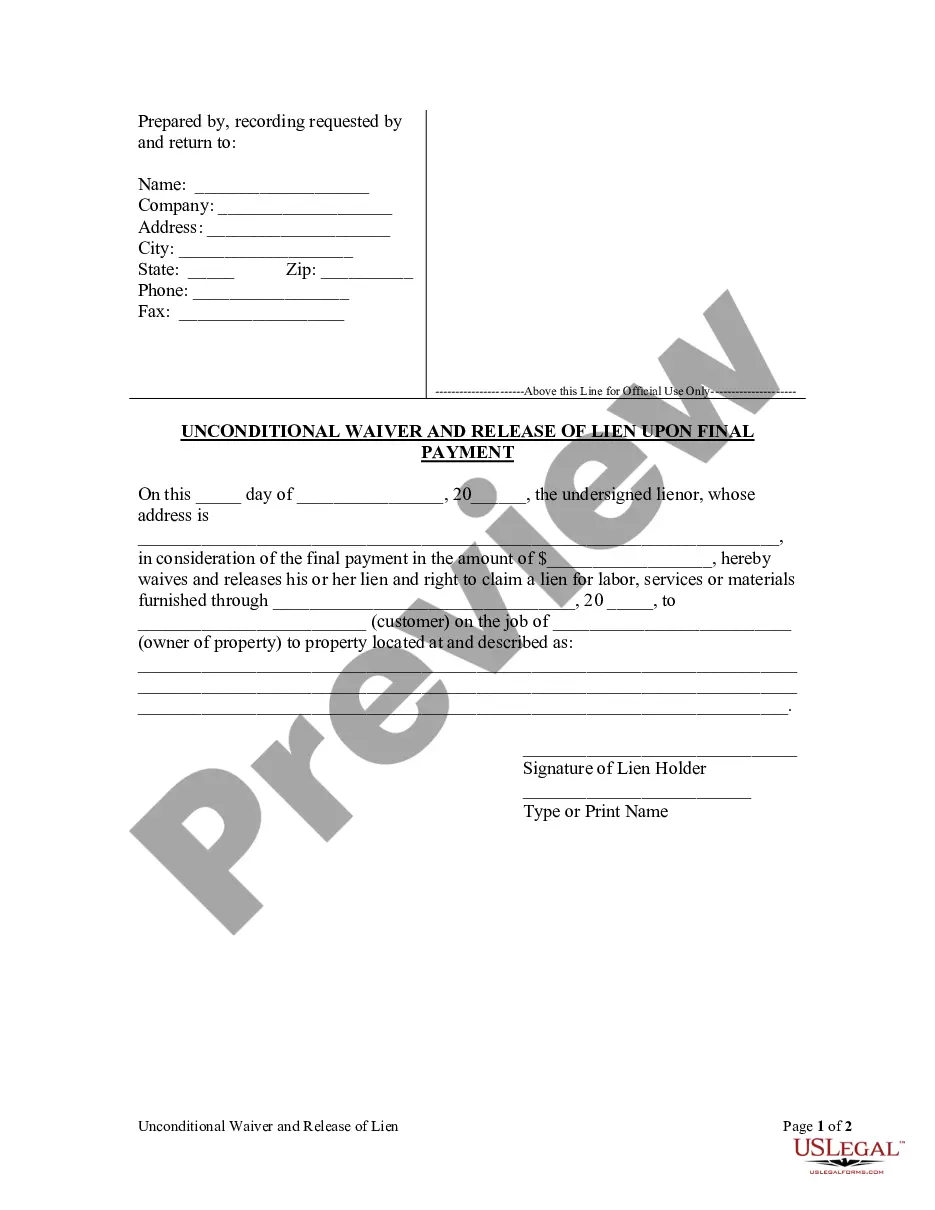
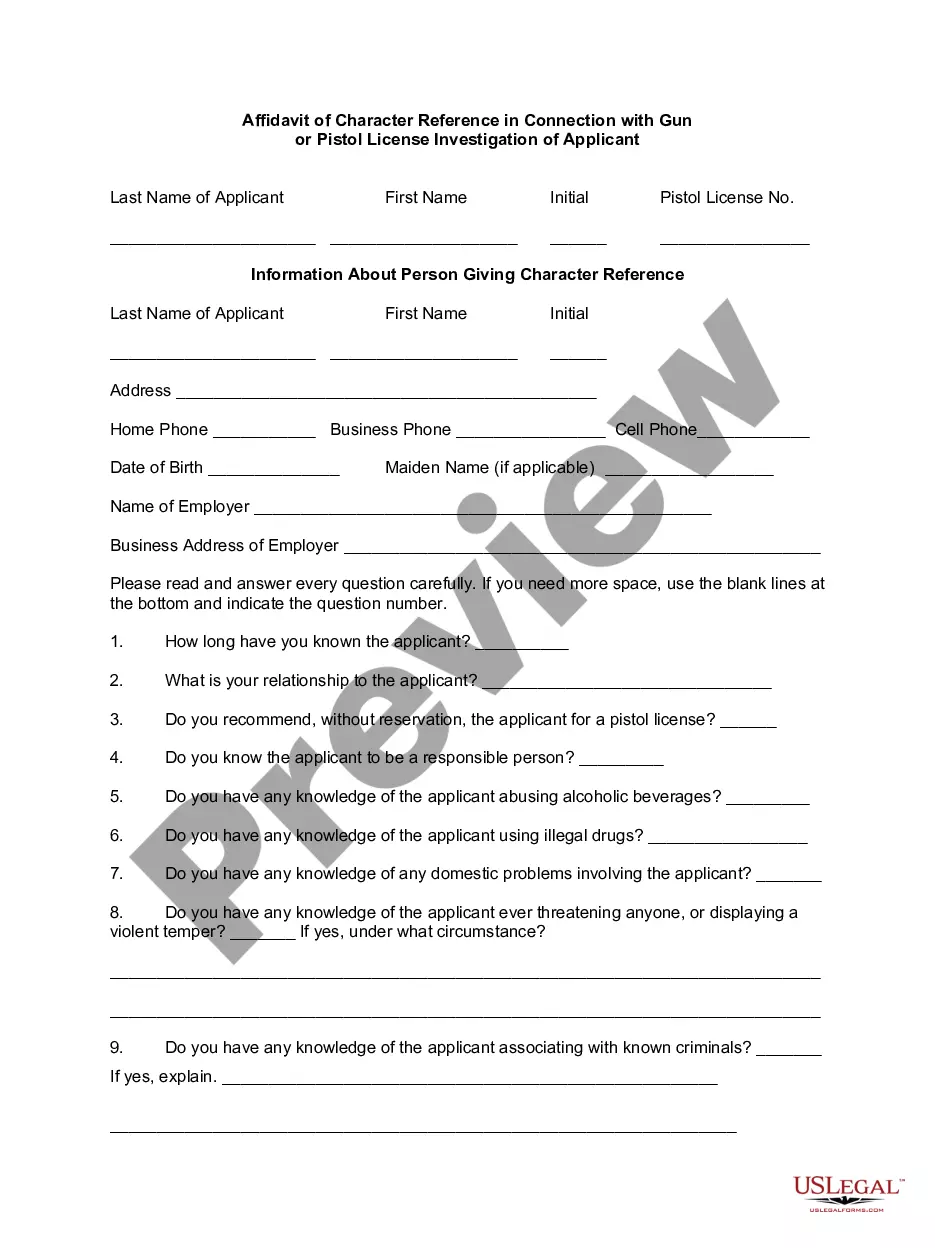





How to fill out Texas Financial Account Transfer To Living Trust?
The Texas Trust Online Withdrawal displayed on this page is a reusable official template created by experienced attorneys in accordance with federal and state regulations.
For over 25 years, US Legal Forms has offered individuals, businesses, and lawyers more than 85,000 validated, state-specific documents for any professional and personal circumstance. It is the quickest, most simple, and most trustworthy method to acquire the forms you require, as the service ensures the utmost level of data protection and malware defense.
Complete and sign the document. Print the template for manual completion. Alternatively, use an online versatile PDF editor to quickly and accurately fill out and sign your form with an electronic signature.
- Search for the document you require and examine it.
- Browse through the template you looked for and preview it or check the form details to confirm it meets your requirements. If it does not, use the search function to discover the appropriate one. Click Buy Now when you have found the template you seek.
- Register and Log In.
- Choose the payment plan that fits you and create an account. Make a swift payment using PayPal or a credit card. If you already have an account, Log In and verify your subscription to proceed.
- Obtain the editable template.
- Select the format you prefer for your Texas Trust Online Withdrawal (PDF, Word, RTF) and download the template onto your device.
Form popularity
FAQ
Getting started is easy Step 1: Call 972-263-5171 to enable External Account Transfers with one of our representatives. Step 2: Once enabled, you will receive the information from the representative on how to get started.
Error 15502: Could not access account due to USERPASS LOCKOUT. If you receive this error message, it means your Goldenwest Credit Union account has been disabled after too many invalid access attempts.
What happened? Since your mobile app uses the same login as Online Banking, you can lock yourself out of your accounts if you login unsuccessfully too many times. Simply call the Call Center to have your account unlocked.
Accessing Your Money Please keep the following limits in mind: Daily ATM withdrawal limit: $400. Daily Debit card signature transaction: $1,750. Daily debit card PIN transaction: $1,000.
It will start with 2200 and will end with your 6-digit TrustUS account number. If your TrustUS account number is less than 6-digits, simply add zeros to the beginning.