Name Change With Texas Board Of Nursing
Description
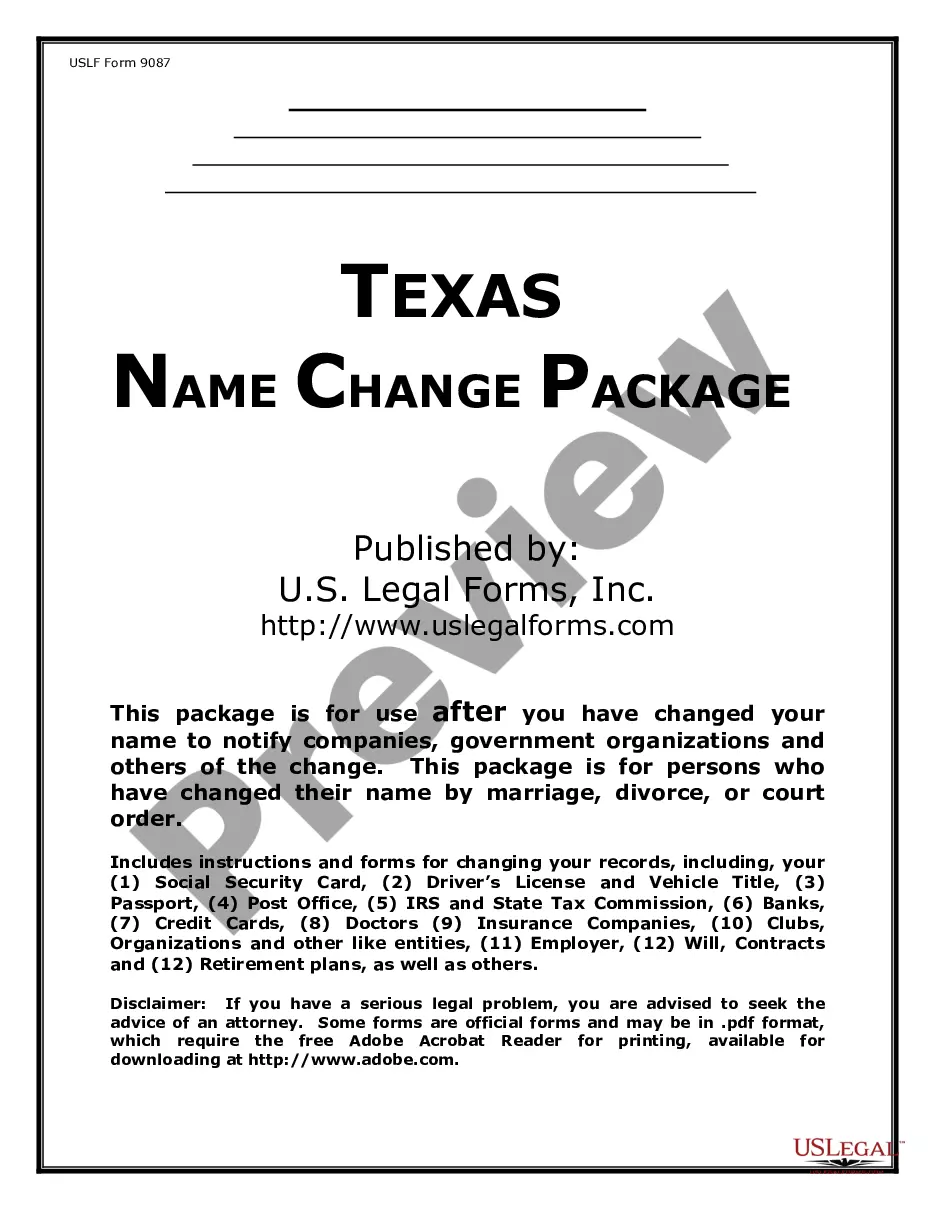
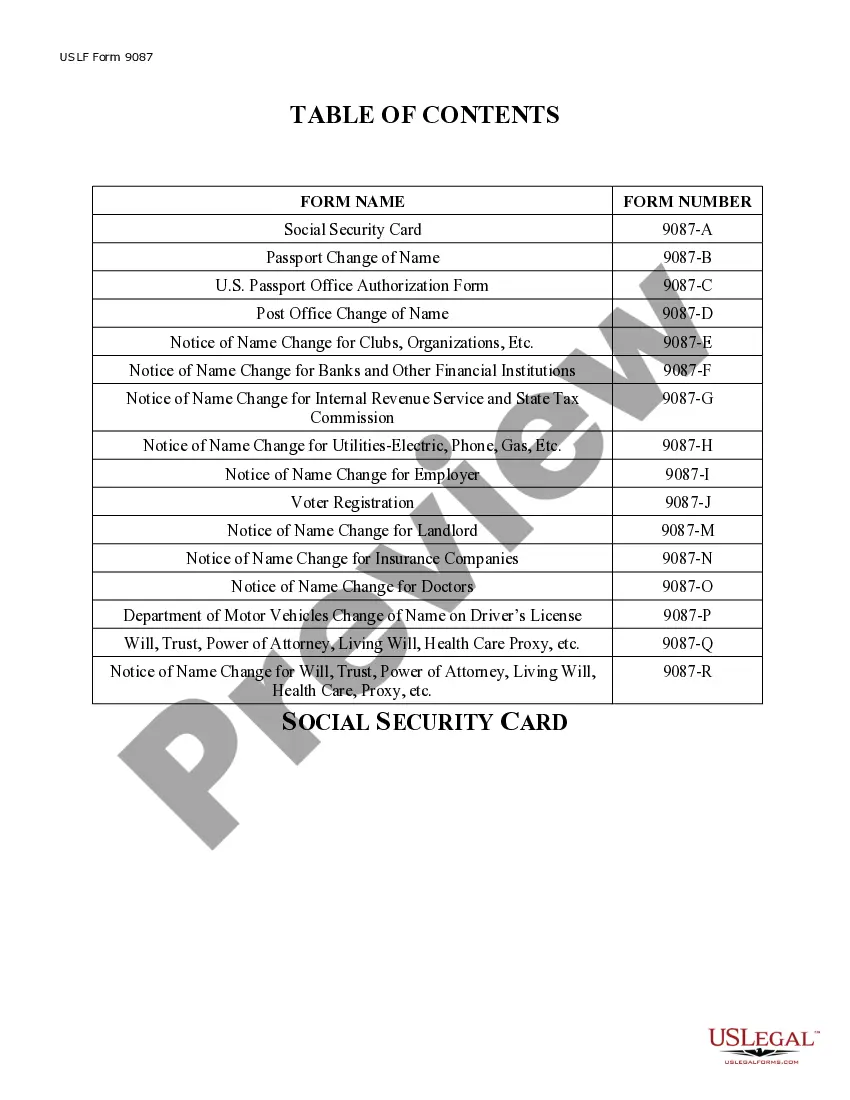
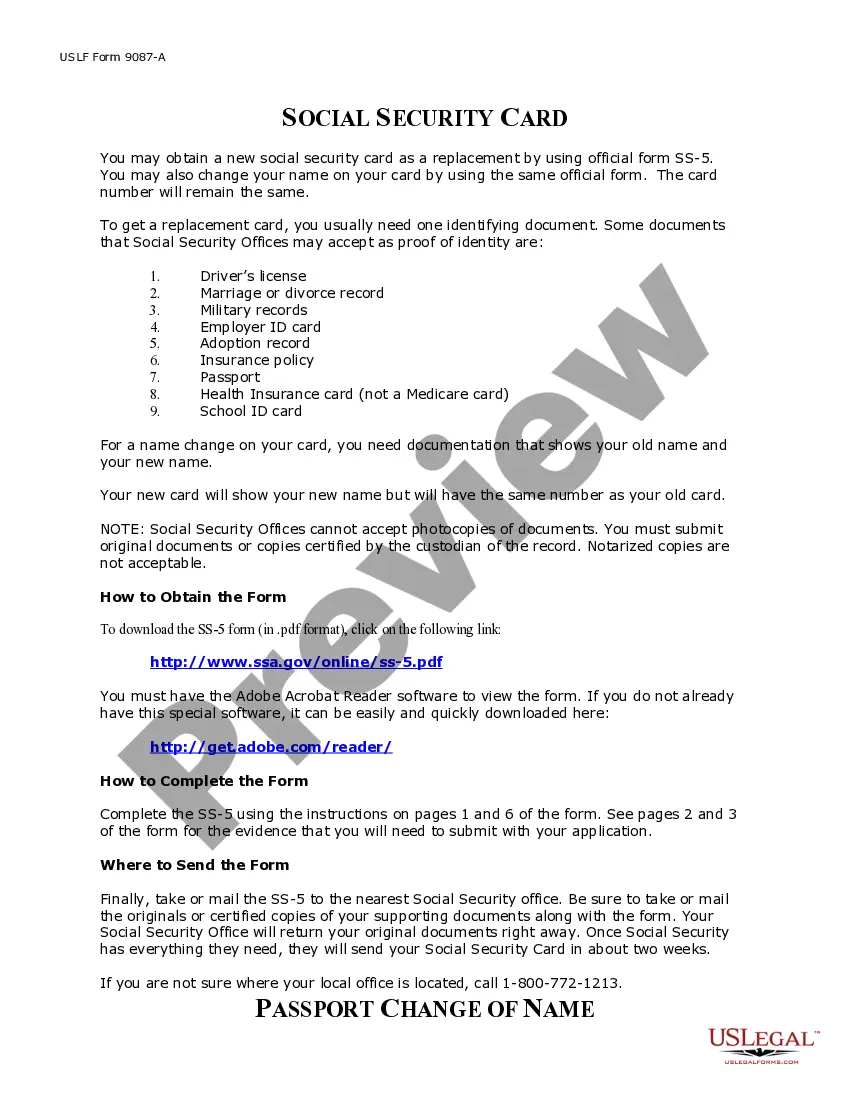
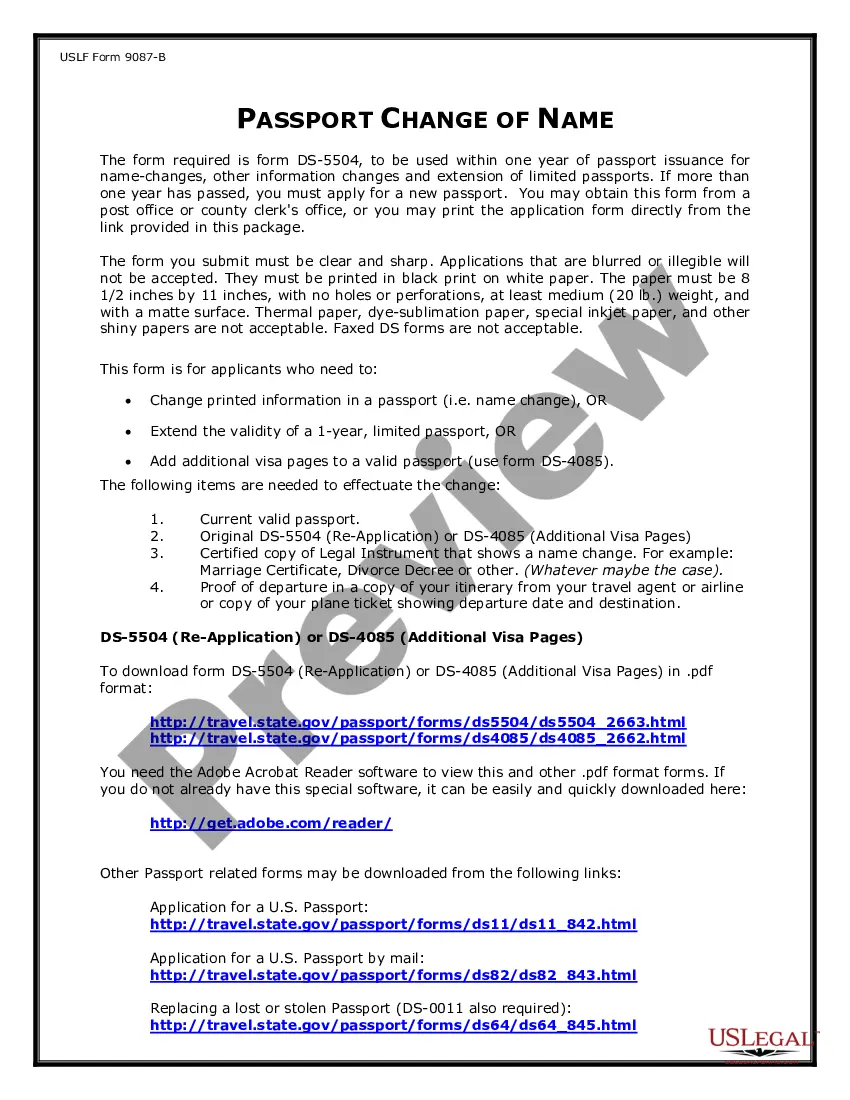
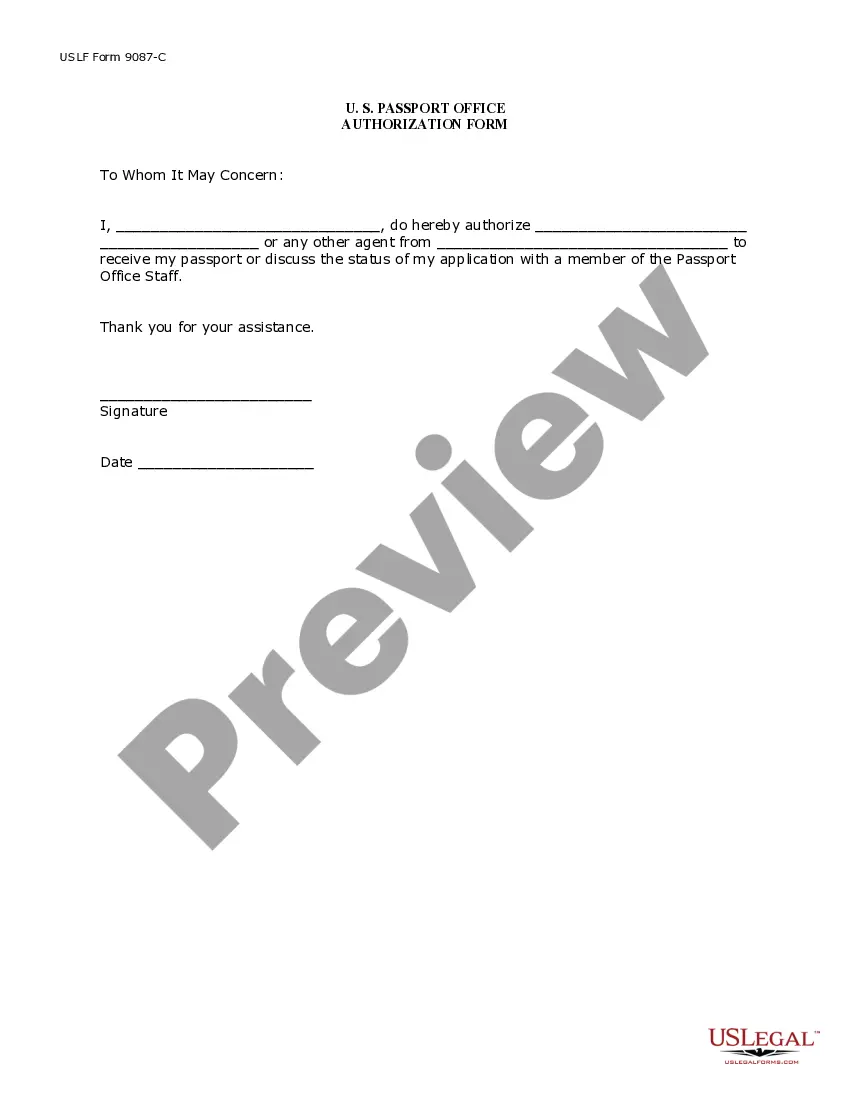
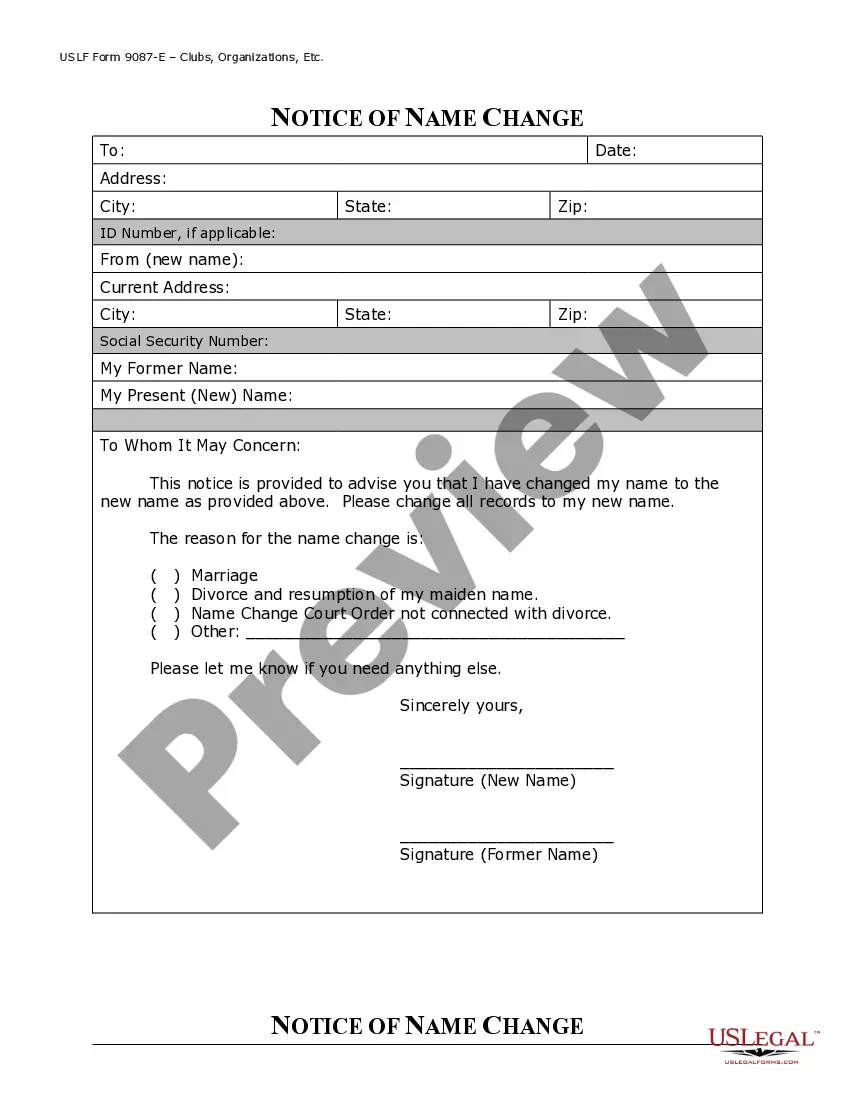
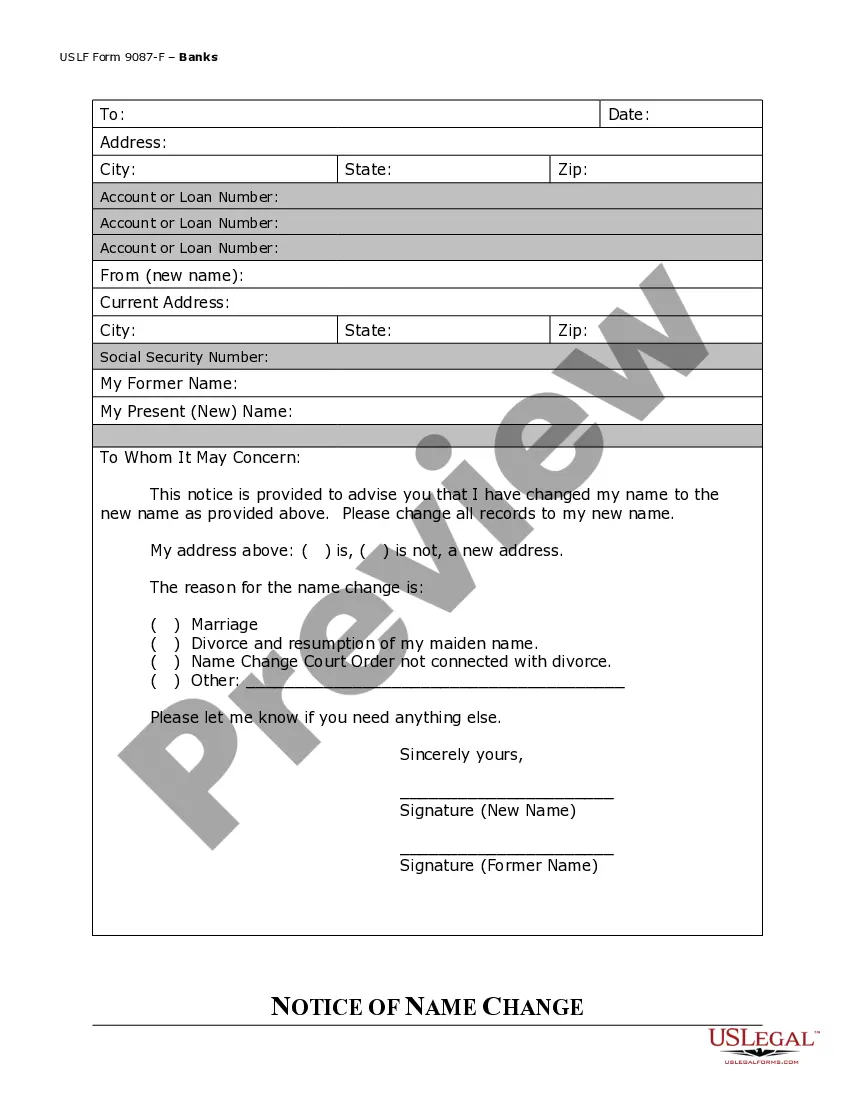
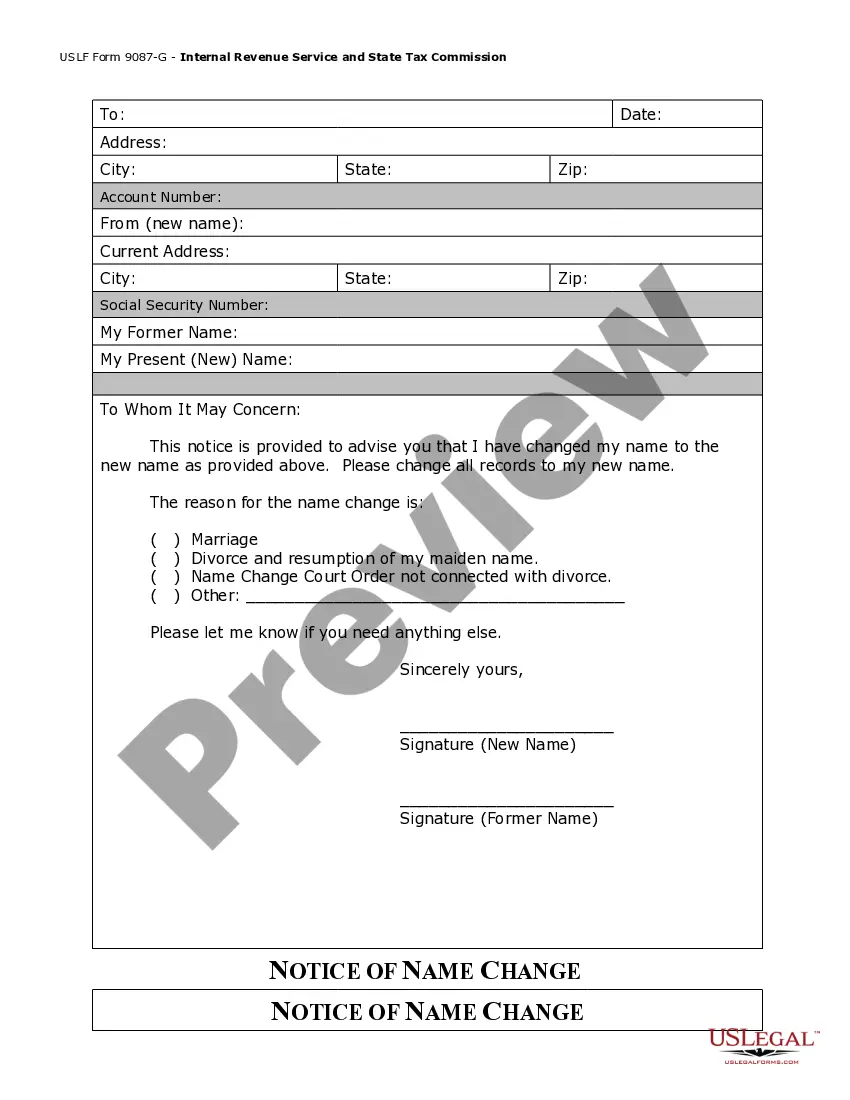
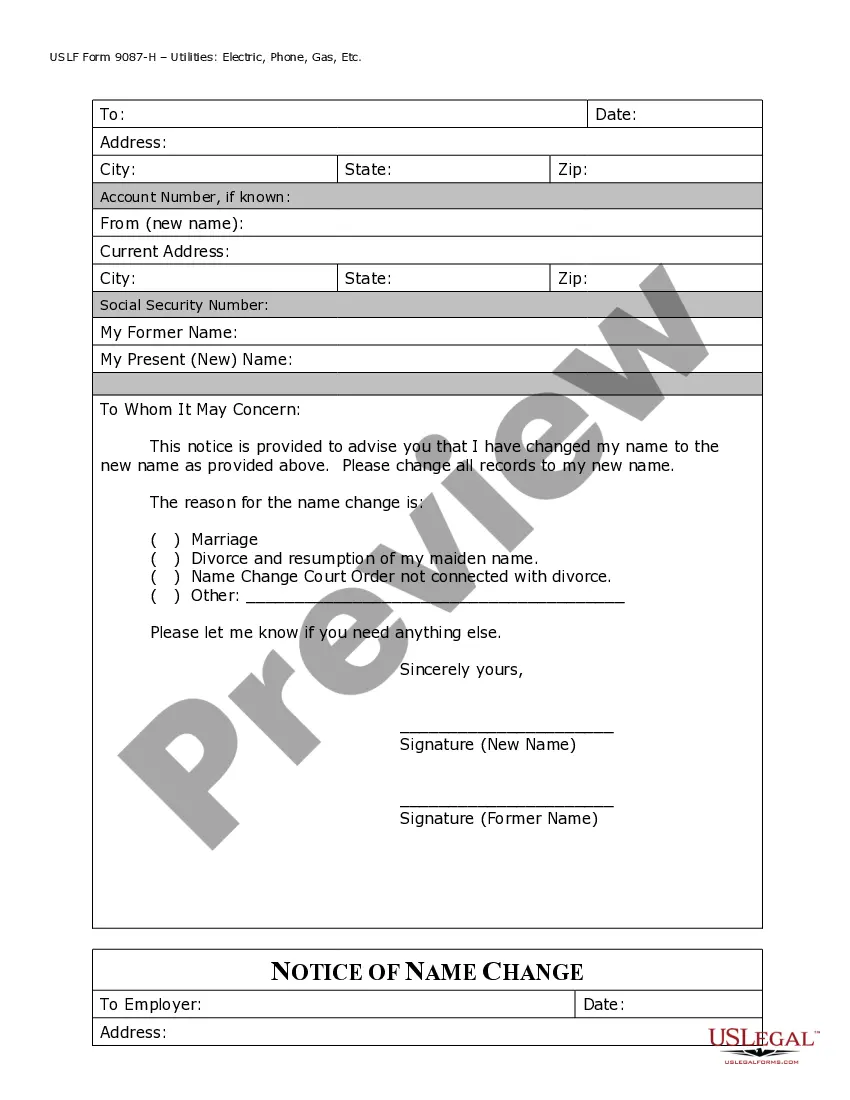

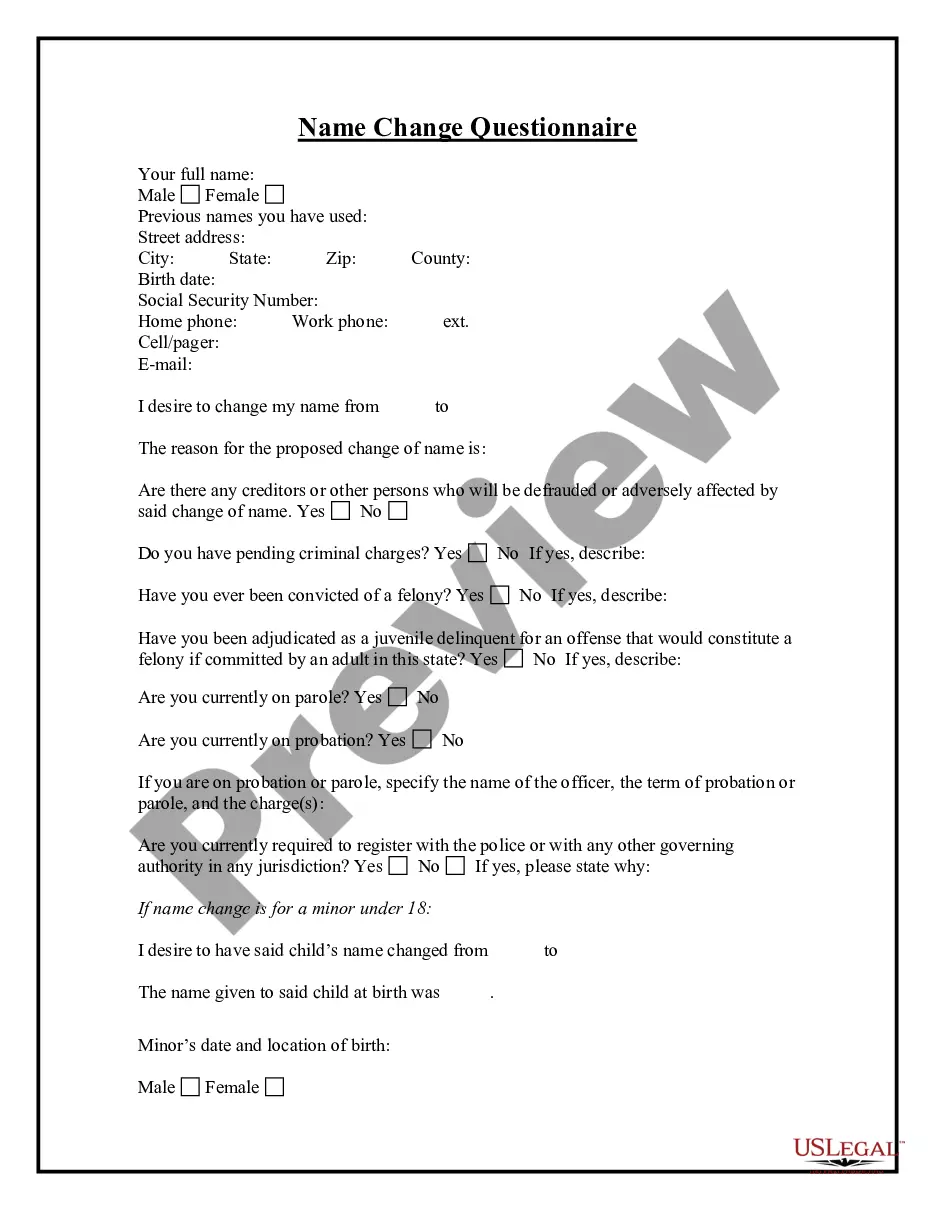
Get your form ready online
Our built-in tools help you complete, sign, share, and store your documents in one place.
Make edits, fill in missing information, and update formatting in US Legal Forms—just like you would in MS Word.
Download a copy, print it, send it by email, or mail it via USPS—whatever works best for your next step.
Sign and collect signatures with our SignNow integration. Send to multiple recipients, set reminders, and more. Go Premium to unlock E-Sign.
If this form requires notarization, complete it online through a secure video call—no need to meet a notary in person or wait for an appointment.
We protect your documents and personal data by following strict security and privacy standards.

Make edits, fill in missing information, and update formatting in US Legal Forms—just like you would in MS Word.

Download a copy, print it, send it by email, or mail it via USPS—whatever works best for your next step.

Sign and collect signatures with our SignNow integration. Send to multiple recipients, set reminders, and more. Go Premium to unlock E-Sign.

If this form requires notarization, complete it online through a secure video call—no need to meet a notary in person or wait for an appointment.

We protect your documents and personal data by following strict security and privacy standards.
Looking for another form?

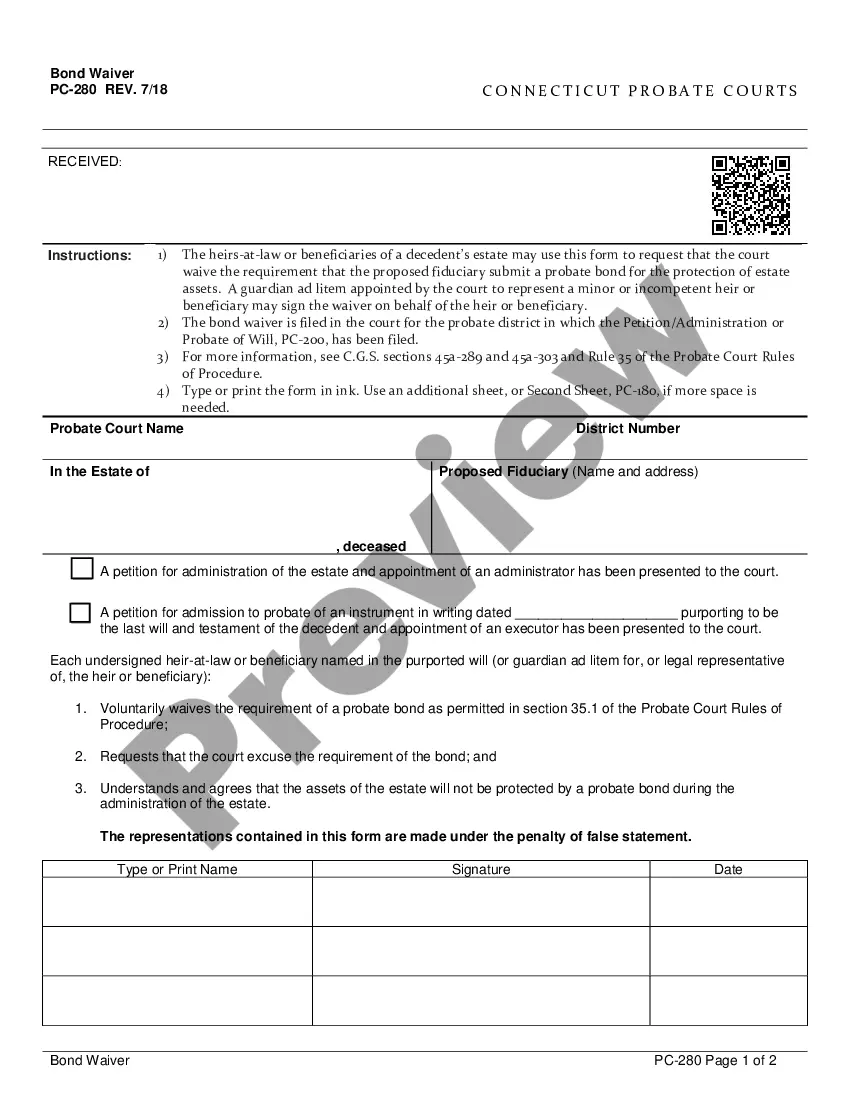




Form popularity
FAQ
To add RN to your name, include it as a professional designation directly following your name, such as 'Mary Johnson RN.' This effectively communicates your qualifications. If you're making a name change with the Texas Board of Nursing, make sure to update your records promptly to ensure that your name and RN designation are consistent across all documentation.
To put RN in your name, simply write it directly after your name without adding any punctuation. For instance, you would write 'John Doe RN.' If you've recently undergone a name change with the Texas Board of Nursing, it’s essential to update your credentials to reflect your new name accurately.
Generally, you do not put a comma between your name and RN when listing your credentials. For example, you would write 'Jane Smith, RN' if you were using a comma. However, for clarity, many prefer to place the RN directly following the name, such as 'Jane Smith RN,' especially when updating your details after a name change with the Texas Board of Nursing.
To change your name on the Texas Board of Nursing records, you must submit a name change application along with the required documents. This typically includes a copy of your marriage certificate or court order for legal name changes. Utilizing platforms like USLegalForms can simplify this process and provide you with the necessary forms and guidance for a smooth name change with the Texas Board of Nursing.
The correct abbreviation for registered nurse is RN. This designation shows your achievement and expertise in the nursing field. If you're navigating a name change with the Texas Board of Nursing, ensure that your new name still includes the RN designation to maintain your professional credibility.
To put credentials after your name, list them in a specific order. Typically, you start with your highest degree, followed by relevant licenses, certifications, and credentials, such as RN for registered nurse. When considering a name change with the Texas Board of Nursing, remember to reflect your new name alongside your credentials for clarity and professionalism.
Yes, Texas participates in the Enhanced Nurse Licensure Compact, allowing nurses with a multi-state license to practice in Texas. This is beneficial for those thinking about a name change with the Texas Board of Nursing since it simplifies many processes for you. The compact provides flexibility and opportunities as you can work in multiple states with one license. It is vital to familiarize yourself with any regulations that may affect your practice in different states.
You may maintain your nursing license while living out of state, but it requires understanding of the Texas Board of Nursing policies. If you decide to take a name change with the Texas Board, ensure you have the latest information on renewal requirements. You must typically renew your license periodically, which can happen even when you are not actively practicing in Texas. Staying informed ensures your credentials remain valid no matter where you live.
When considering a name change with the Texas Board of Nursing, many wonder about the simplicity of obtaining a nursing license. States like Florida and Georgia often receive praise for their streamlined processes. However, keep in mind that while one state might have an easier procedure, your ultimate choice should reflect your personal needs. Also, consider the specific requirements of the Texas Board when changing your name to avoid complications.
To change your name on your license in Texas, you will need to provide specific documentation, including a legal name change document like a marriage certificate or divorce decree, and a completed application for the name change. Additionally, you might need to include a copy of your current license and any applicable fees. Using US Legal Forms can help you gather the necessary paperwork efficiently for a name change with the Texas Board of Nursing.