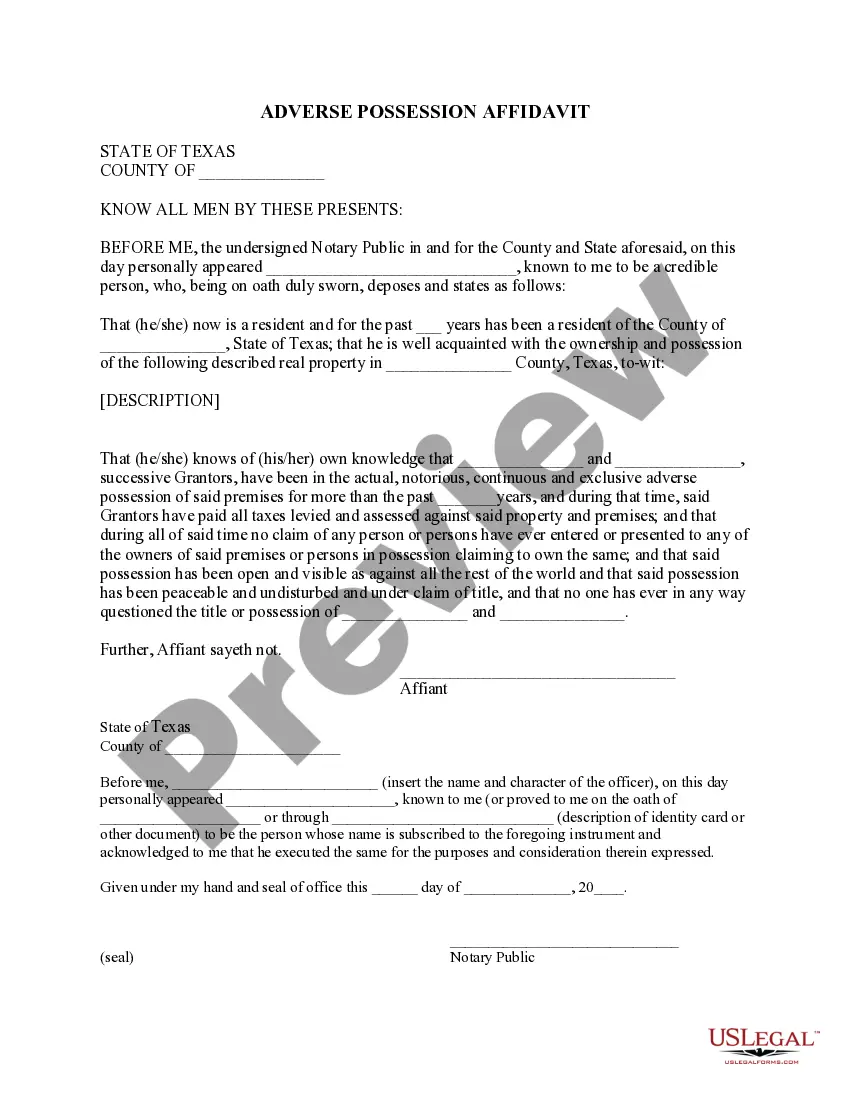
Adverse Possession Draft With Copilot
Description
Get your form ready online
Our built-in tools help you complete, sign, share, and store your documents in one place.
Make edits, fill in missing information, and update formatting in US Legal Forms—just like you would in MS Word.
Download a copy, print it, send it by email, or mail it via USPS—whatever works best for your next step.
Sign and collect signatures with our SignNow integration. Send to multiple recipients, set reminders, and more. Go Premium to unlock E-Sign.
If this form requires notarization, complete it online through a secure video call—no need to meet a notary in person or wait for an appointment.
We protect your documents and personal data by following strict security and privacy standards.

Make edits, fill in missing information, and update formatting in US Legal Forms—just like you would in MS Word.

Download a copy, print it, send it by email, or mail it via USPS—whatever works best for your next step.

Sign and collect signatures with our SignNow integration. Send to multiple recipients, set reminders, and more. Go Premium to unlock E-Sign.

If this form requires notarization, complete it online through a secure video call—no need to meet a notary in person or wait for an appointment.

We protect your documents and personal data by following strict security and privacy standards.
Looking for another form?

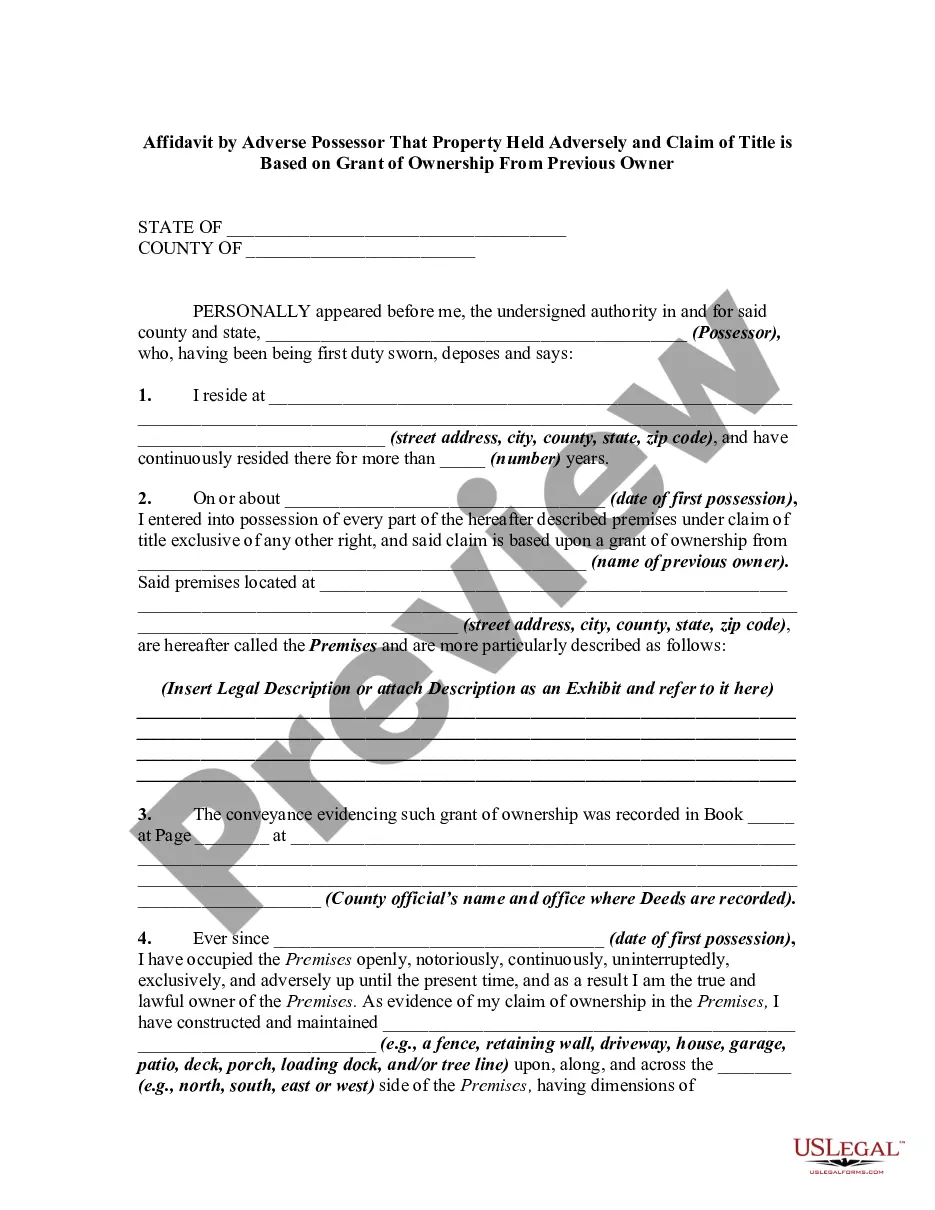
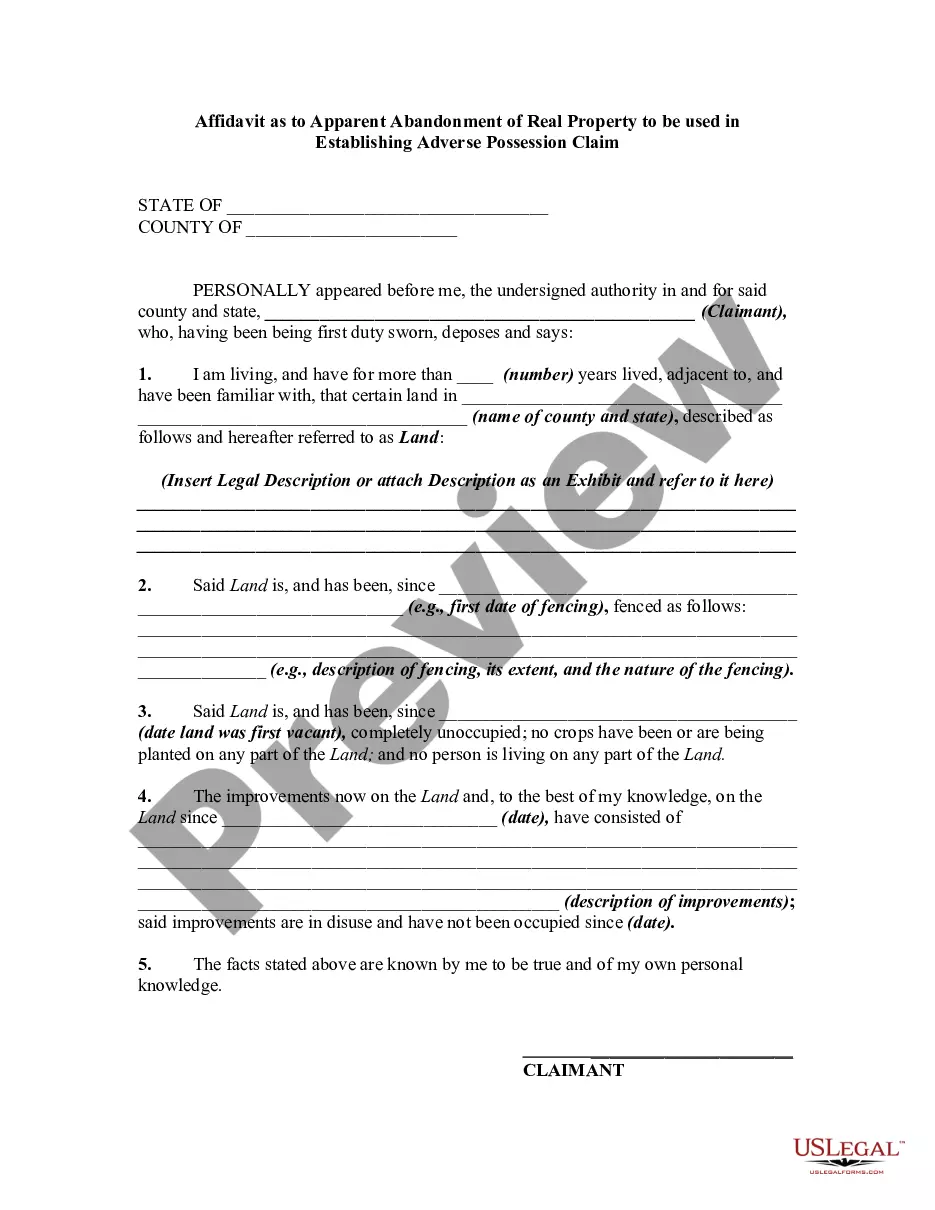
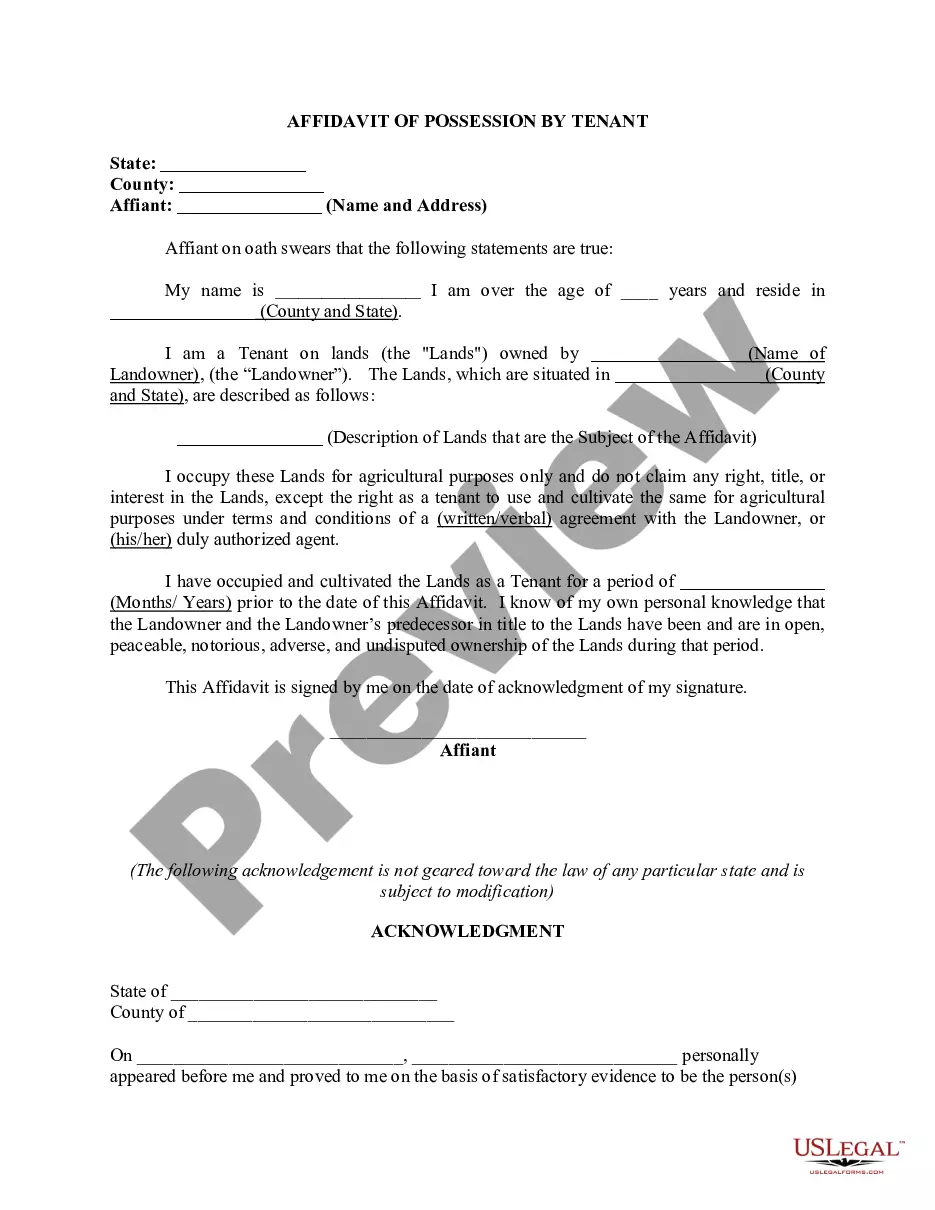
How to fill out Texas Adverse Possession Affidavit - Squatters Rights?
- If you're a returning user, log in to your account and download the required form from your library by clicking the Download button. Ensure your subscription is current; if not, renew it.
- For new users, start by reviewing the Preview mode and form description to confirm you've selected the correct document that aligns with your local laws.
- If necessary, search for other templates using the search tab to find the appropriate document that fits your needs.
- Purchase the desired document by clicking the Buy Now button and choose a subscription plan that suits you. You'll need to create an account to access all available resources.
- Complete your transaction by entering your credit card details or using your PayPal account for subscription payment.
- Download your completed form and save it on your device. You can access it anytime in the My Forms section of your profile.
US Legal Forms provides exceptional value with its robust collection of forms, significantly more than its competitors for a similar cost. They also offer expert assistance to guarantee your documents are completed accurately and comply with legal standards.
Take control of your legal documentation process today! Start drafting your adverse possession documents with US Legal Forms and enjoy the benefits of having expert guidance at your fingertips.
Form popularity
FAQ
If you want to get rid of Copilot in Word entirely, you will need to access your application settings. Look for the options related to add-ins or Copilot, and disable it. This process will help you eliminate Copilot from your workspace, allowing you to create your adverse possession draft independently.
To get rid of draft with Copilot, navigate to the settings in your Word application. From there, disable the Copilot feature to stop it from suggesting changes to your document. This way, you can focus solely on your adverse possession draft without external assistance.
The draft with Copilot feature is located in the toolbar of your Word application. To find it, simply open a document and look for the Copilot icon. This handy tool will help you create an adverse possession draft seamlessly by generating text based on your instructions.
Using Copilot to draft documents is straightforward. Begin by opening your document in Word and selecting the Copilot feature. You can then give prompts related to your adverse possession draft, and Copilot will assist you in generating the relevant legal text in real time.
To turn off draft with Copilot, you can access the settings within your Word application. Look for the Copilot option in the toolbar and simply deselect it. This action will stop Copilot from assisting with your adverse possession draft, offering you more control over your document.
To draft with Copilot in Outlook, begin by opening a new email or document. Look for the Copilot feature within the toolbar to get started. It can assist you in formulating an adverse possession draft with Copilot that is organized and to the point, making your communication more effective and efficient.
While anyone can draft a legal document, it is crucial that the final draft be reviewed by a qualified attorney. An adverse possession draft with Copilot can be a starting point for various individuals, but the complexity of legal language and requirements necessitates professional scrutiny. Using platforms like uslegalforms can provide guidance in the drafting process, helping ensure compliance with legal standards.
Yes, Copilot can draft legal documents efficiently, including an adverse possession draft with Copilot. It utilizes artificial intelligence to suggest language and organize information based on your input. This capability allows legal professionals to produce drafts that are coherent and well-structured, saving them time while ensuring quality.
Microsoft Copilot offers unique features tailored for legal professionals that Google Bard does not, such as integration with Office applications for direct document editing. Additionally, Copilot focuses on producing structured legal drafts, like an adverse possession draft with Copilot, which is vital for compliance and accuracy. This integration with Microsoft’s ecosystem enhances workflow efficiency in ways that Bard does not currently match.
To add a draft with Copilot in Word, first open the application and locate the Copilot feature on the toolbar. Then, select the relevant template or create a new document. Once you input your project details, Copilot will assist in generating an adverse possession draft with Copilot, making the drafting process more efficient and organized.