Certificate Of Employment With Job Description
Description
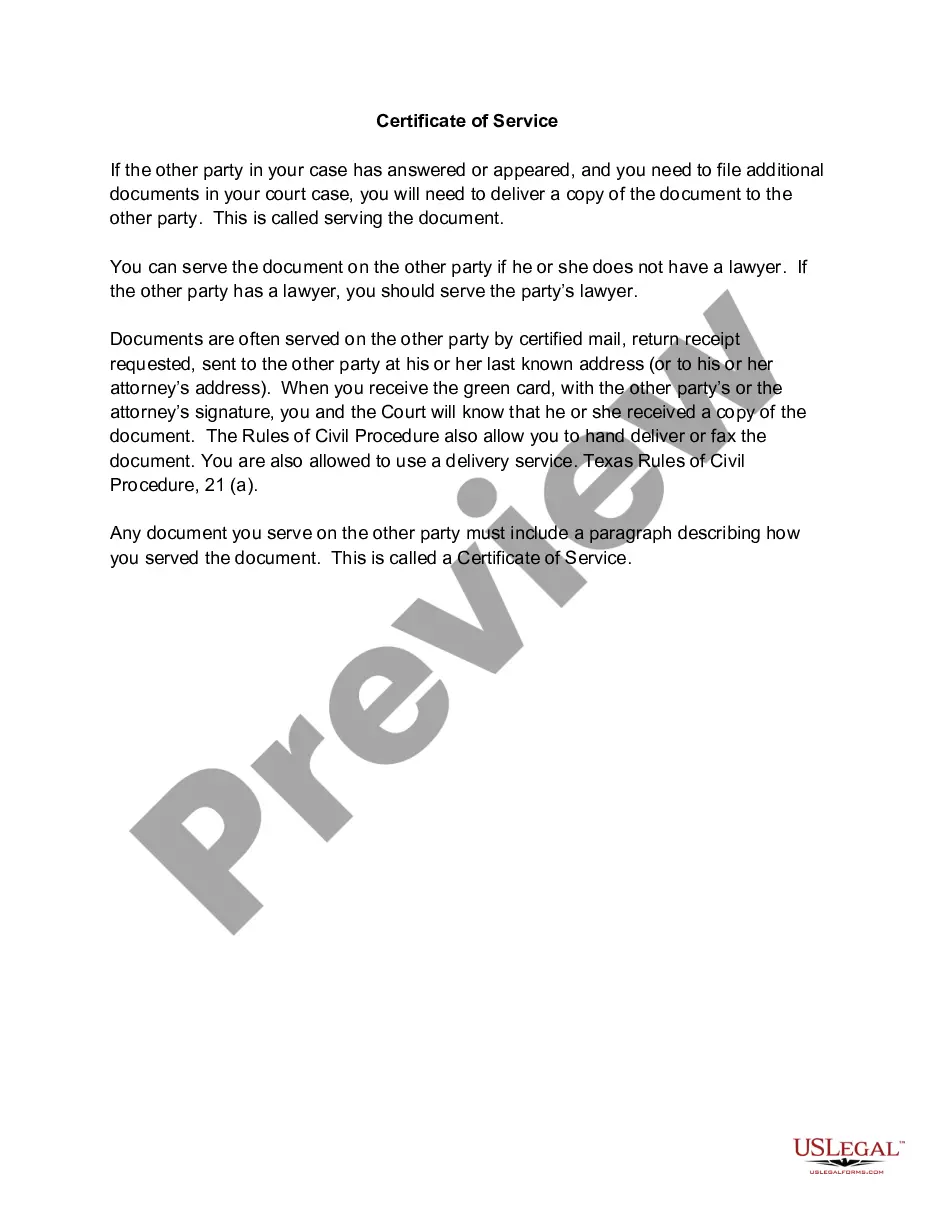
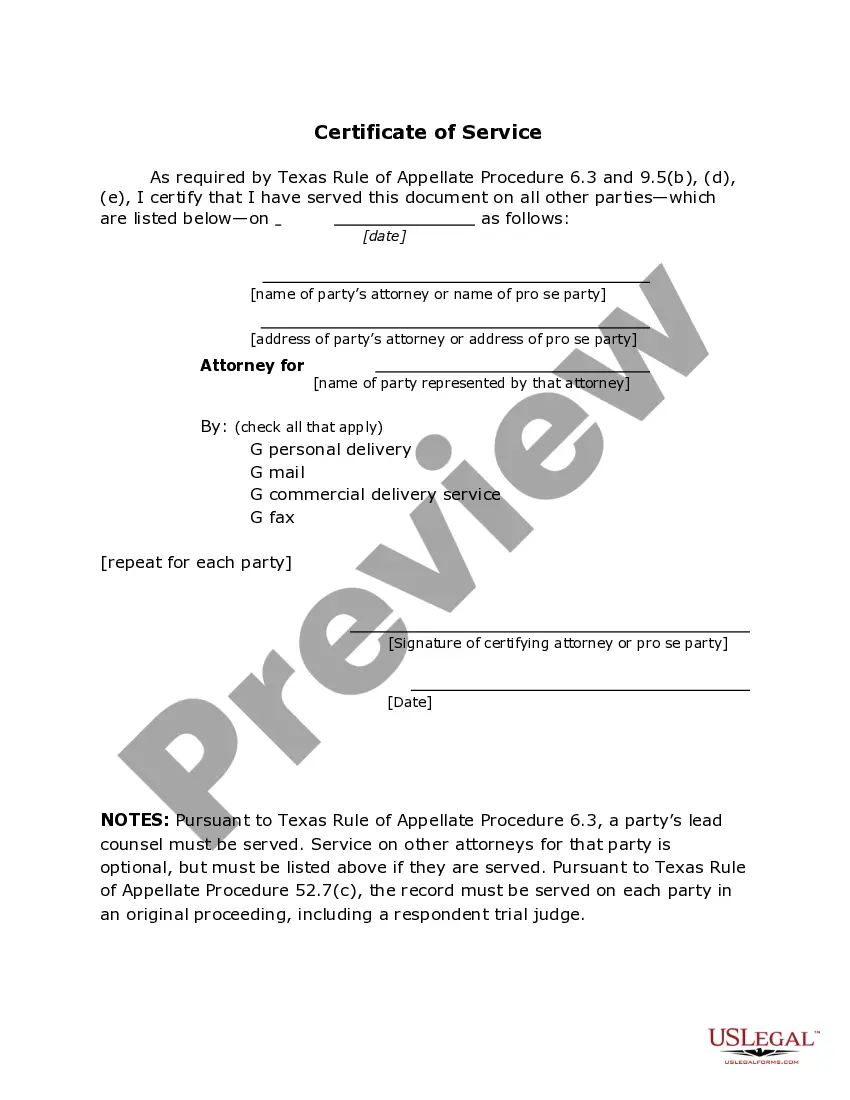
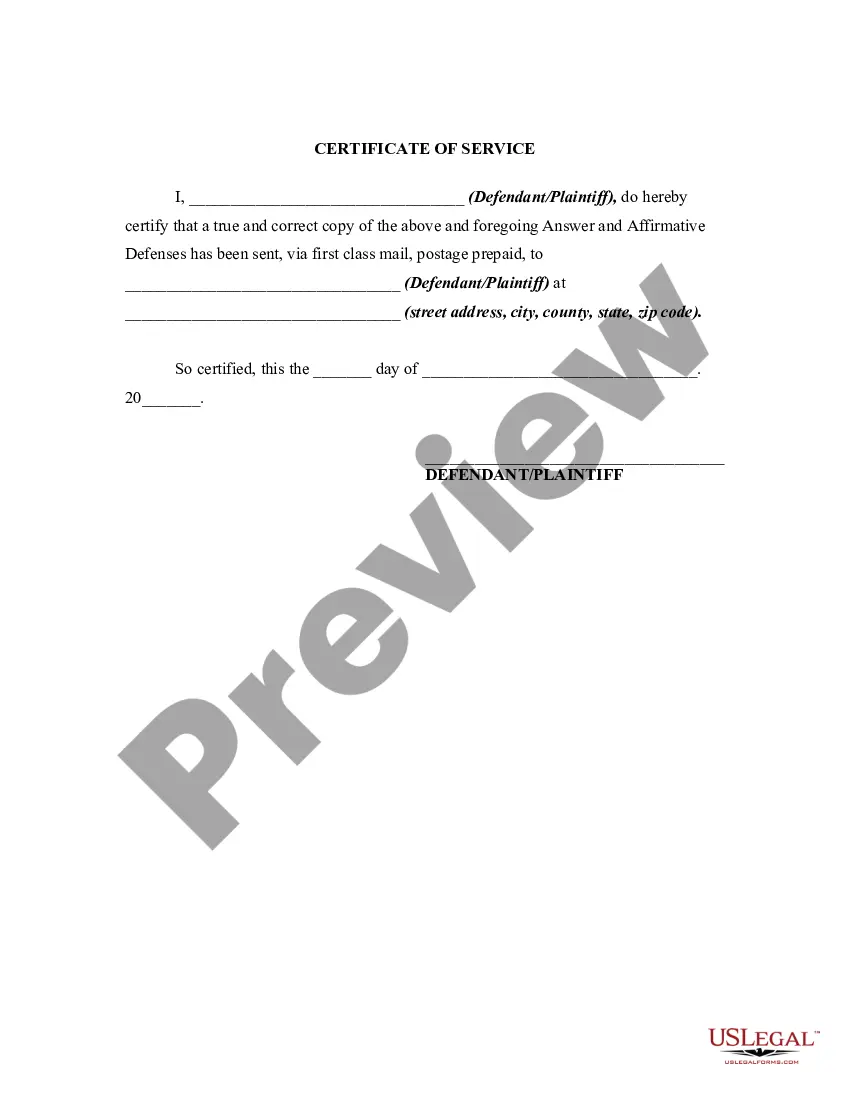
Get your form ready online
Our built-in tools help you complete, sign, share, and store your documents in one place.
Make edits, fill in missing information, and update formatting in US Legal Forms—just like you would in MS Word.
Download a copy, print it, send it by email, or mail it via USPS—whatever works best for your next step.
Sign and collect signatures with our SignNow integration. Send to multiple recipients, set reminders, and more. Go Premium to unlock E-Sign.
If this form requires notarization, complete it online through a secure video call—no need to meet a notary in person or wait for an appointment.
We protect your documents and personal data by following strict security and privacy standards.

Make edits, fill in missing information, and update formatting in US Legal Forms—just like you would in MS Word.

Download a copy, print it, send it by email, or mail it via USPS—whatever works best for your next step.

Sign and collect signatures with our SignNow integration. Send to multiple recipients, set reminders, and more. Go Premium to unlock E-Sign.

If this form requires notarization, complete it online through a secure video call—no need to meet a notary in person or wait for an appointment.

We protect your documents and personal data by following strict security and privacy standards.
Looking for another form?
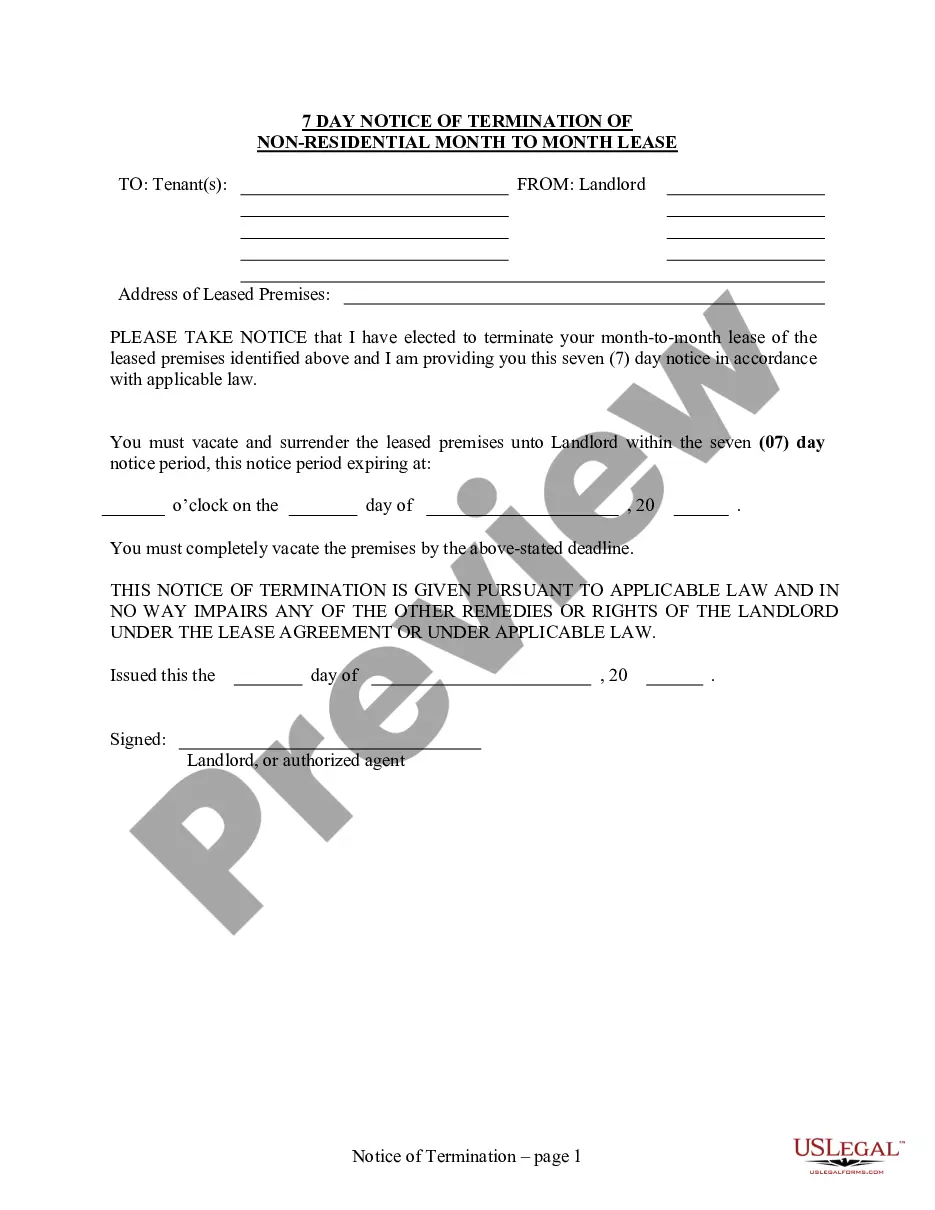
How to fill out Texas Certificate Of Service - TX R.App.Proc. 6.3?
Managing legal documents can be perplexing, even for seasoned professionals.
If you require a Certificate Of Employment With Job Description but lack the time to search for the correct and latest version, the process may prove challenging.
US Legal Forms accommodates all your requirements, from personal to business documentation, all in one platform.
Utilize sophisticated tools to fill out and manage your Certificate Of Employment With Job Description.
Here are the steps to follow after selecting the form you need: Verify it is the correct form by previewing and reviewing its details.
- Access a collection of articles, guides, and materials related to your circumstances and requirements.
- Save time and effort searching for the documents you need by utilizing US Legal Forms' advanced search and Review feature to locate the Certificate Of Employment With Job Description.
- If you hold a monthly subscription, Log In to your US Legal Forms account, locate the form, and download it.
- Check your My documents tab to view the documents you have previously downloaded and organize your files as needed.
- If it’s your first time using US Legal Forms, create a complimentary account for unrestricted access to the library’s benefits.
- A robust online form repository could revolutionize how you handle these matters effectively.
- US Legal Forms is a premier provider of online legal documents, offering over 85,000 state-specific legal forms accessible at any time.
- With US Legal Forms, you can access legal and business forms tailored to your state or county needs.
Form popularity
FAQ
How To Write a Letter of Employment Employer Details. ... Details of the Organisation Requesting the Information. ... Necessary Information of the Employee. ... Stick to a Business Letter Format. ... Express the Purpose of Your Letter. ... Incorporate Details Requested by the Employee. ... Give Contact Details and Sign Off.
A work experience certificate is essentially a statement from the company outlining the duration of the candidate's job, the primary responsibilities assigned, the skills learned, and the overall performance appraisal.
Describe the employee's key responsibilities and duties during their tenure. Be specific and provide examples to showcase their skills and accomplishments. Highlight any projects or tasks they successfully completed, targets they achieved, or any other significant contributions they made to the company.
Describe the employee's key responsibilities and duties during their tenure. Be specific and provide examples to showcase their skills and accomplishments. Highlight any projects or tasks they successfully completed, targets they achieved, or any other significant contributions they made to the company.
How To Write A Work Experience Certificate Write on the company's letterhead. ... Begin with a salutation. ... Write the employee's full name. ... Mention the employee's parent's name. ... Include employee's designation and company's name. ... State the start and end date of employment. ... Close the experience certificate. ... Include your signature.