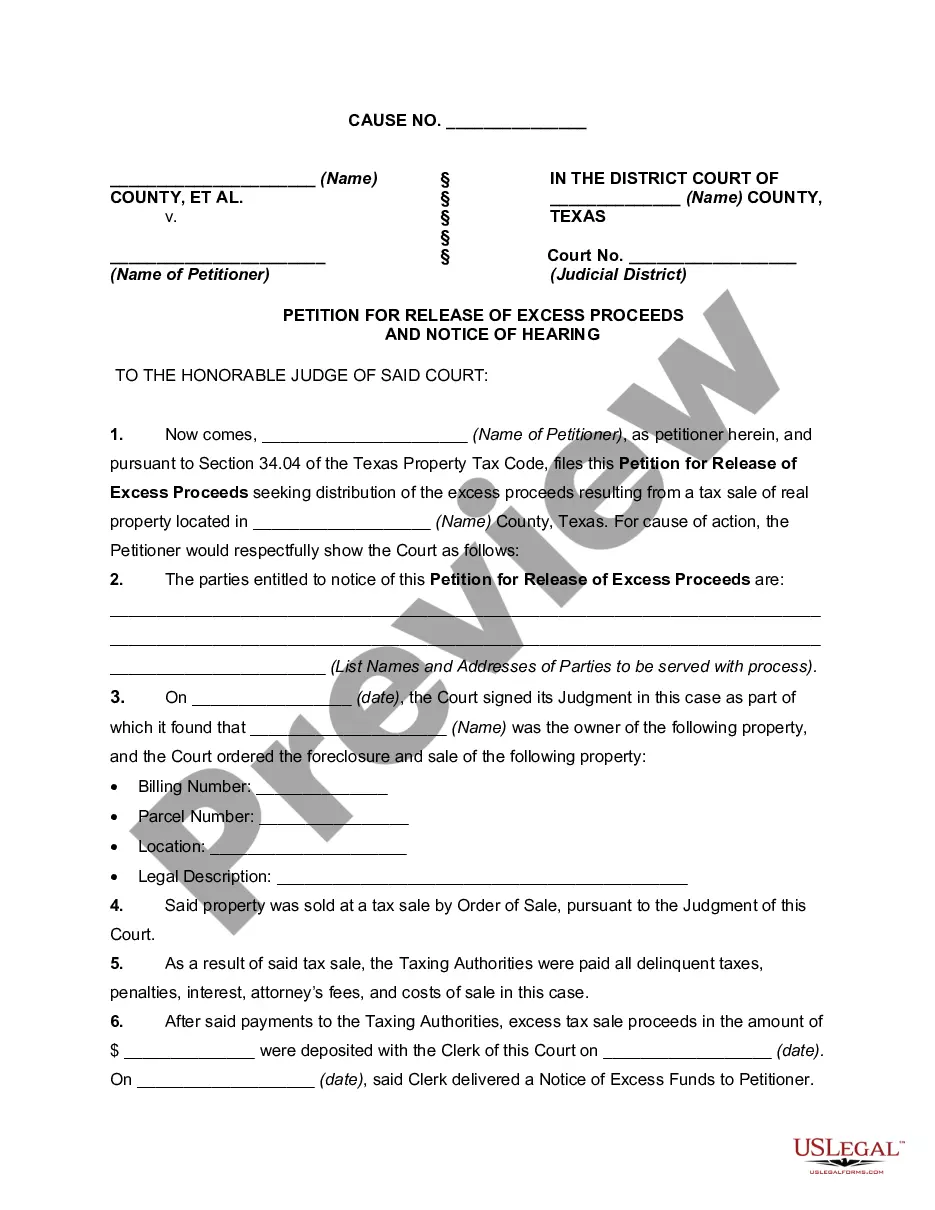
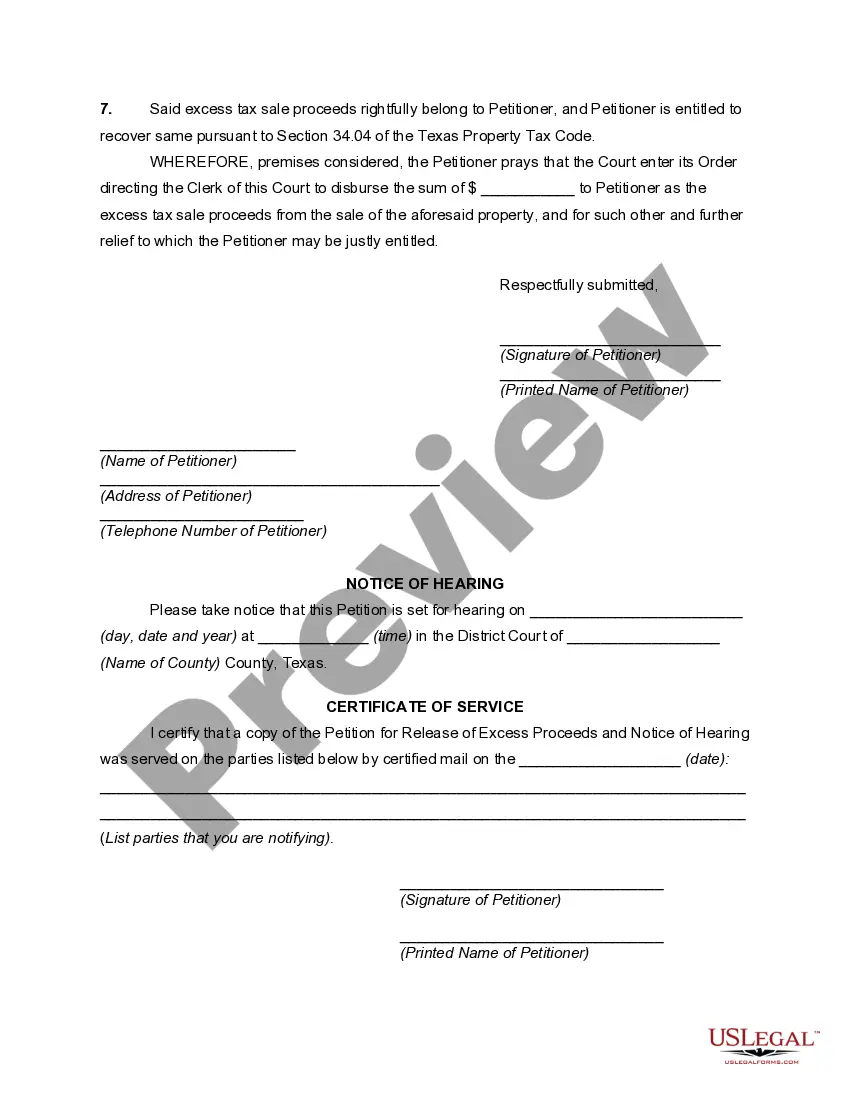
Notice Hearing Form Texas For Elderly
Description
Get your form ready online
Our built-in tools help you complete, sign, share, and store your documents in one place.
Make edits, fill in missing information, and update formatting in US Legal Forms—just like you would in MS Word.
Download a copy, print it, send it by email, or mail it via USPS—whatever works best for your next step.
Sign and collect signatures with our SignNow integration. Send to multiple recipients, set reminders, and more. Go Premium to unlock E-Sign.
If this form requires notarization, complete it online through a secure video call—no need to meet a notary in person or wait for an appointment.
We protect your documents and personal data by following strict security and privacy standards.

Make edits, fill in missing information, and update formatting in US Legal Forms—just like you would in MS Word.

Download a copy, print it, send it by email, or mail it via USPS—whatever works best for your next step.

Sign and collect signatures with our SignNow integration. Send to multiple recipients, set reminders, and more. Go Premium to unlock E-Sign.

If this form requires notarization, complete it online through a secure video call—no need to meet a notary in person or wait for an appointment.

We protect your documents and personal data by following strict security and privacy standards.
Looking for another form?




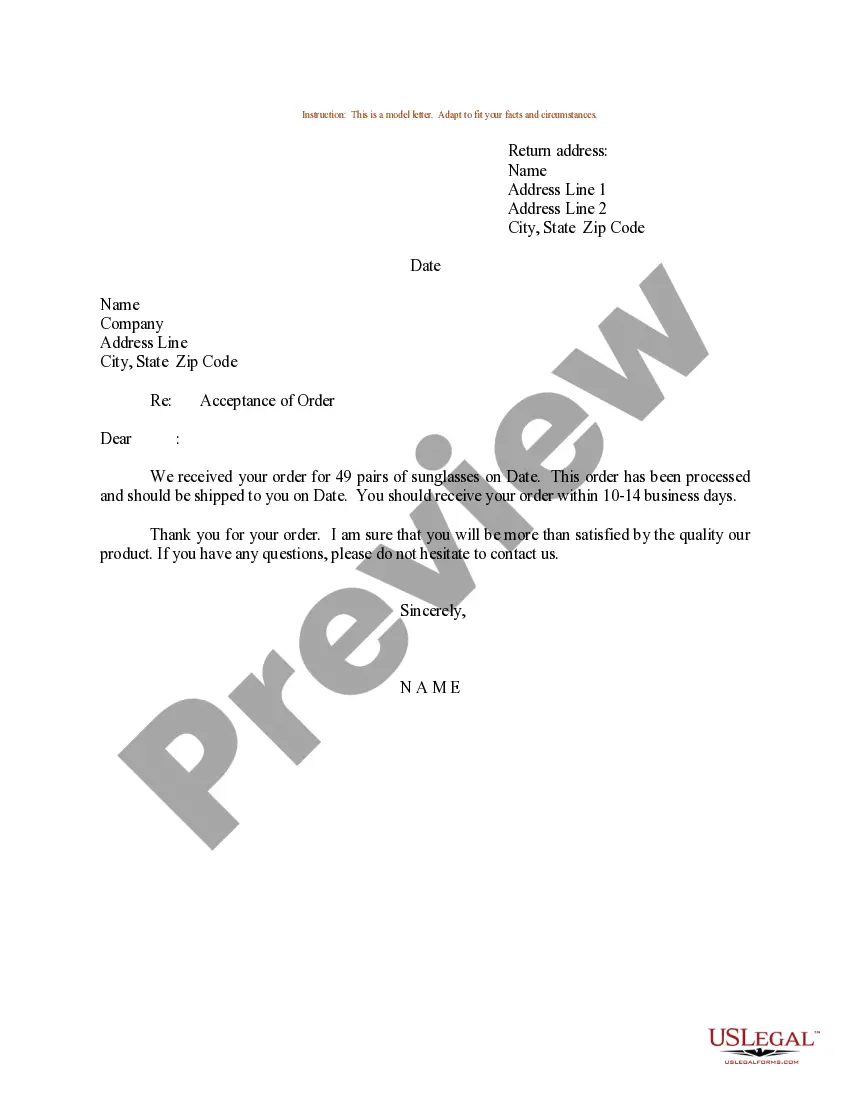


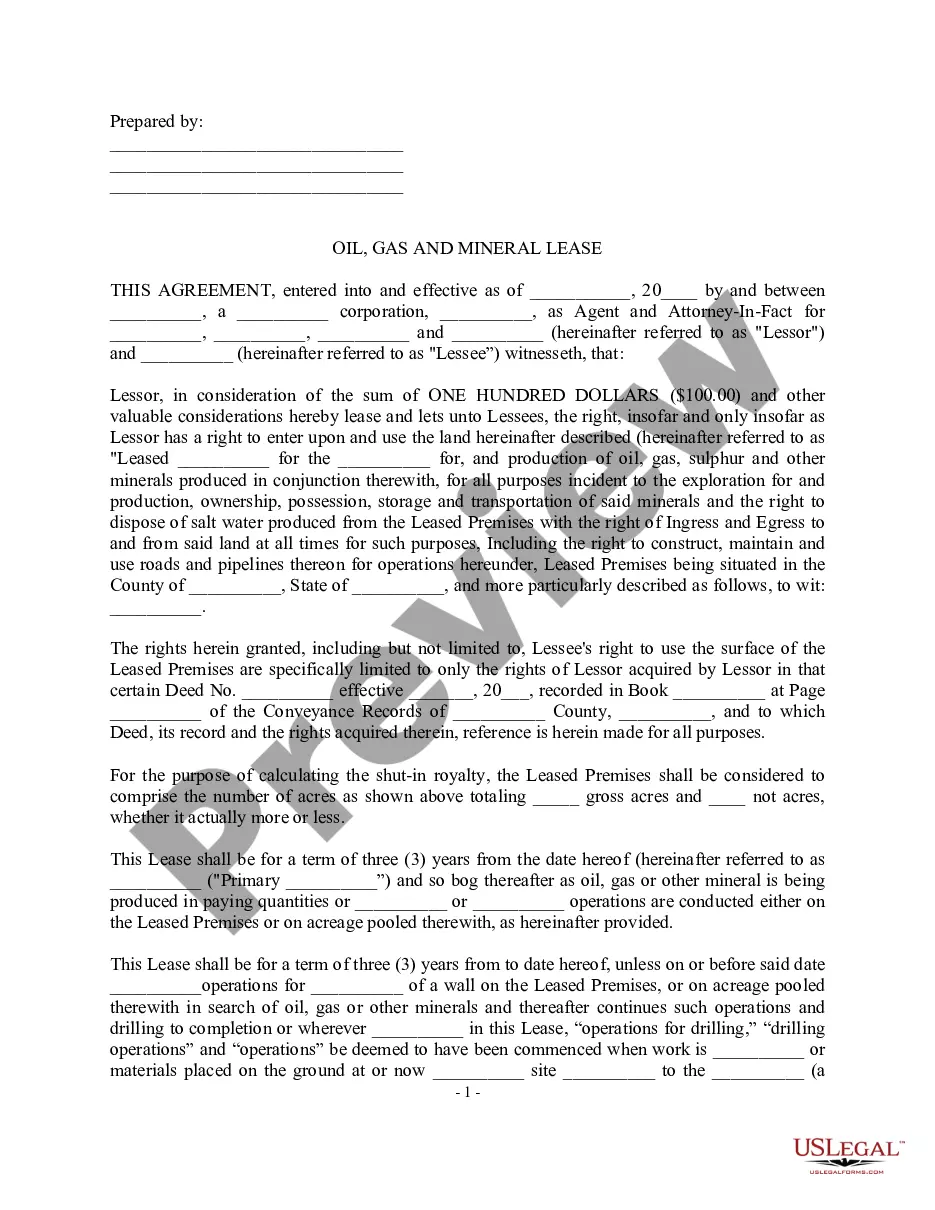
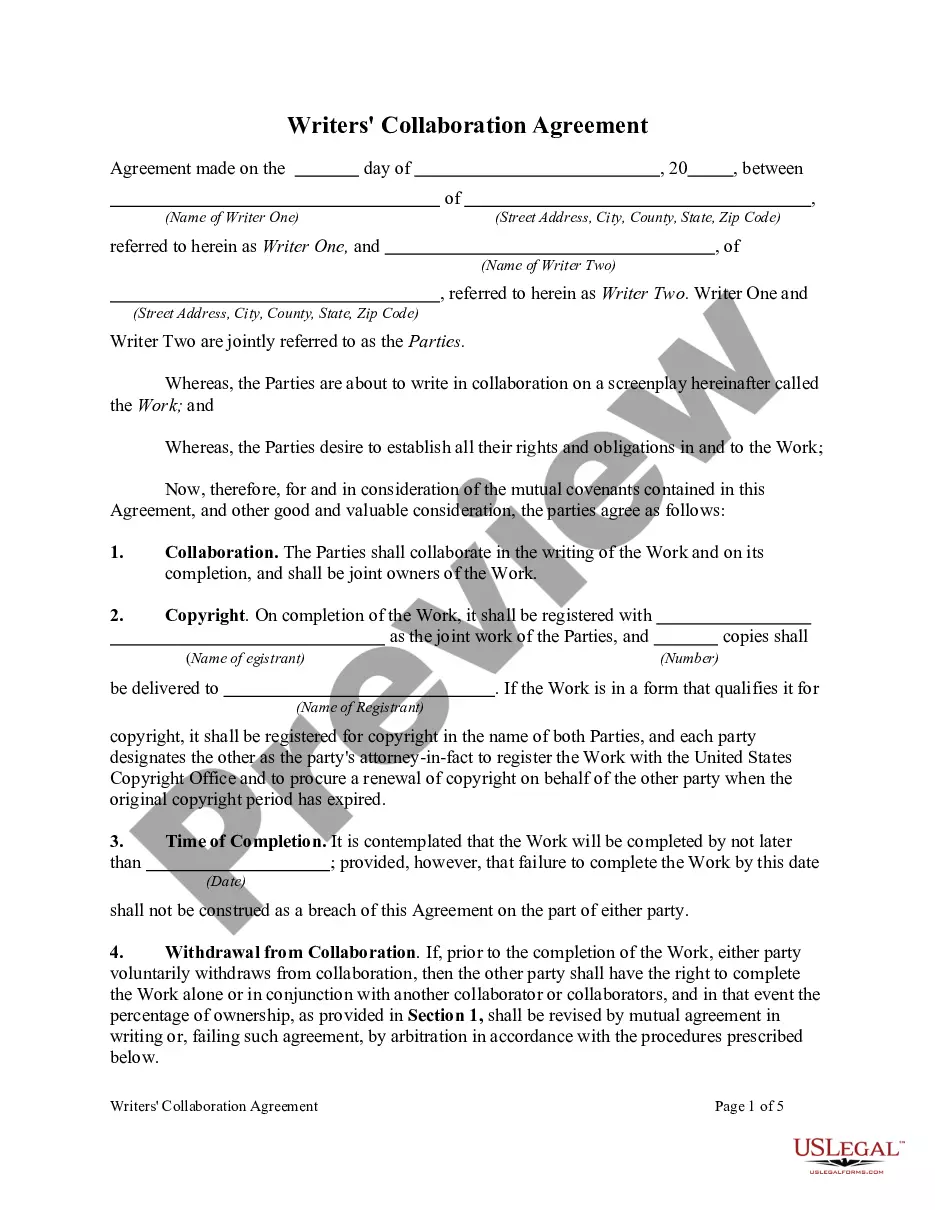
How to fill out Texas Petition For Release Of Excess Proceeds And Notice Of Hearing?
Legal document managing may be mind-boggling, even for the most experienced experts. When you are interested in a Notice Hearing Form Texas For Elderly and do not get the time to spend in search of the appropriate and up-to-date version, the procedures may be stressful. A strong web form catalogue could be a gamechanger for everyone who wants to manage these situations successfully. US Legal Forms is a industry leader in online legal forms, with over 85,000 state-specific legal forms available at any moment.
With US Legal Forms, you can:
- Access state- or county-specific legal and organization forms. US Legal Forms handles any requirements you may have, from personal to business papers, all-in-one place.
- Make use of advanced tools to complete and manage your Notice Hearing Form Texas For Elderly
- Access a resource base of articles, tutorials and handbooks and resources relevant to your situation and needs
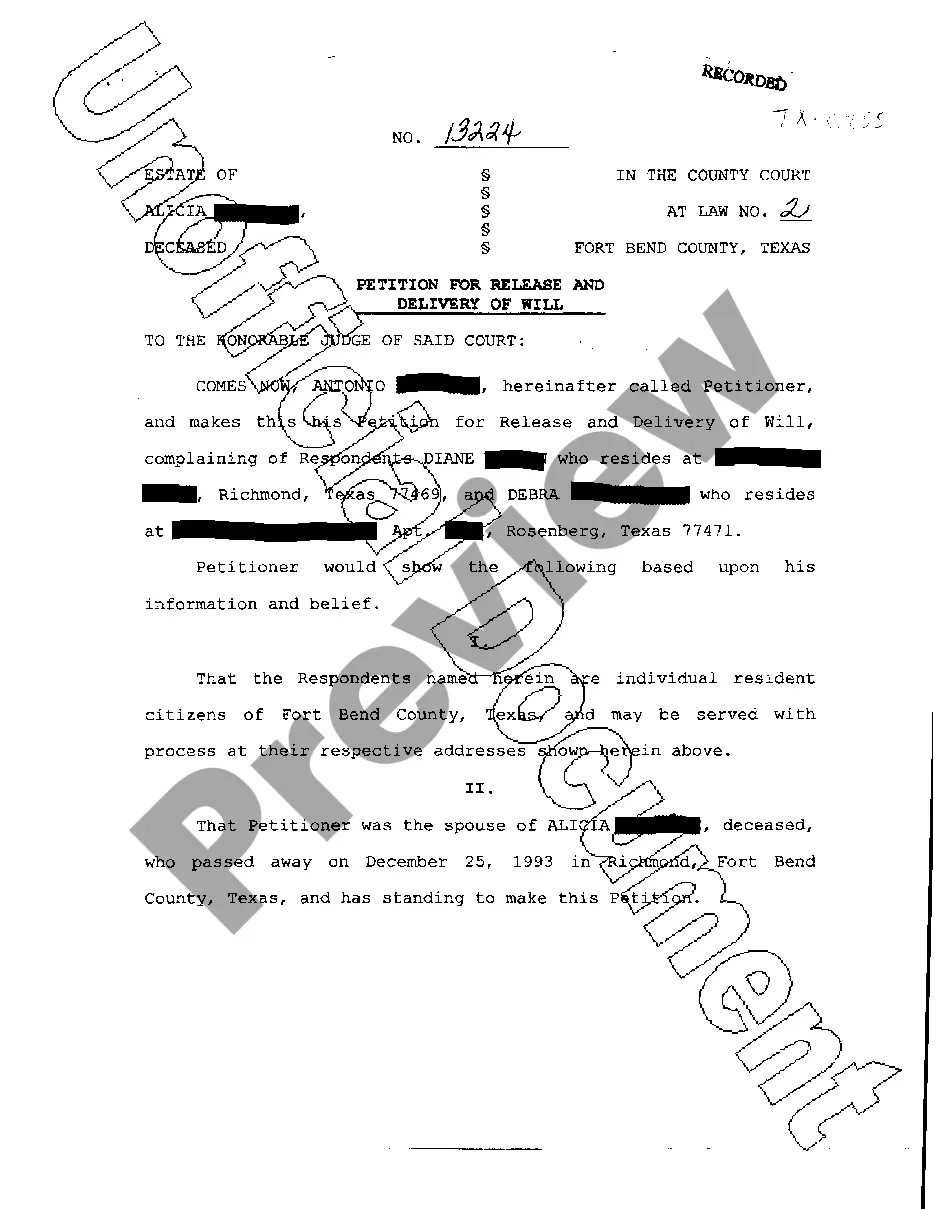
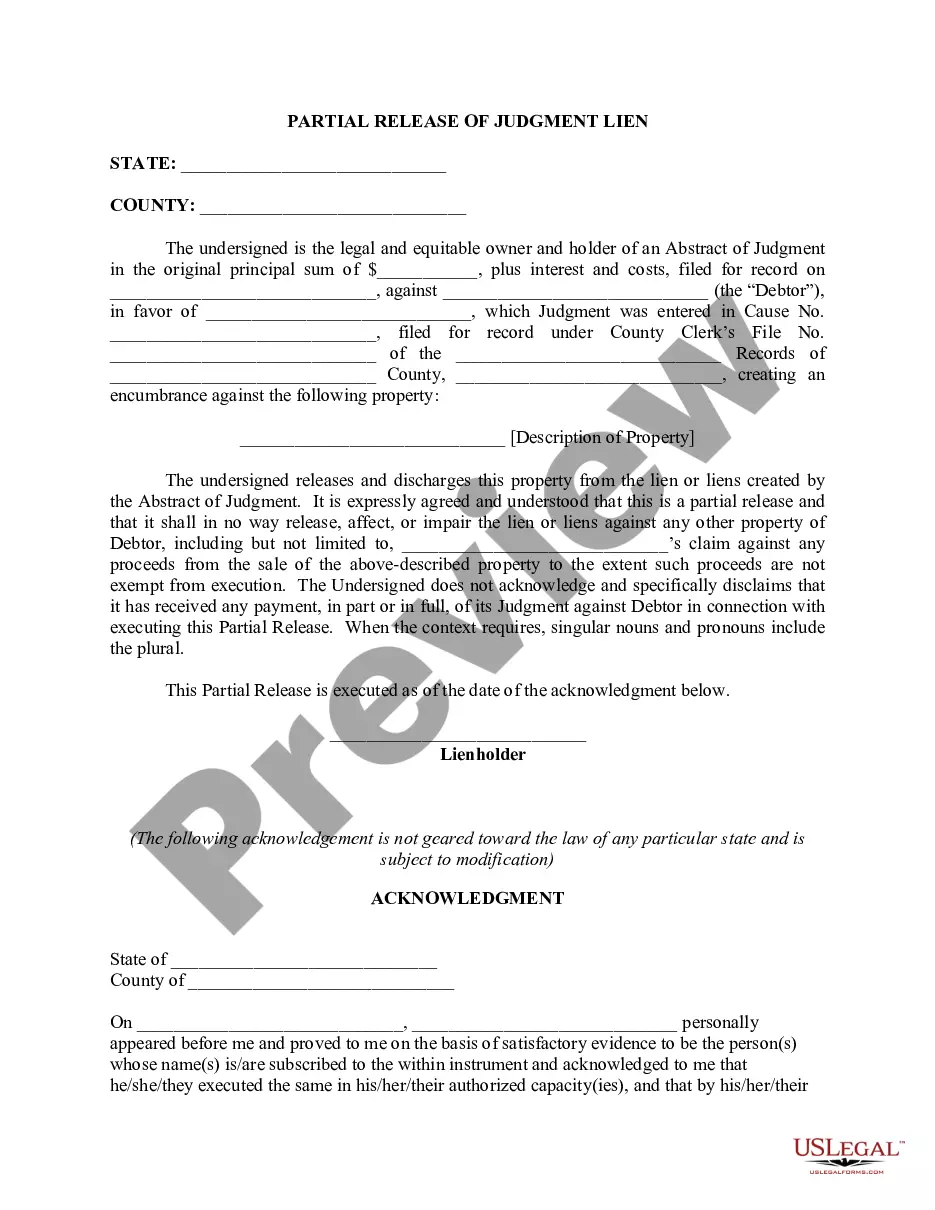
Save time and effort in search of the papers you need, and make use of US Legal Forms’ advanced search and Preview tool to discover Notice Hearing Form Texas For Elderly and download it. For those who have a monthly subscription, log in for your US Legal Forms account, look for the form, and download it. Take a look at My Forms tab to see the papers you previously saved as well as to manage your folders as you see fit.
If it is your first time with US Legal Forms, register a free account and acquire unlimited access to all benefits of the library. Listed below are the steps to take after downloading the form you need:
- Validate this is the right form by previewing it and looking at its description.
- Ensure that the sample is approved in your state or county.
- Pick Buy Now when you are all set.
- Select a subscription plan.
- Pick the file format you need, and Download, complete, sign, print and send out your document.
Take advantage of the US Legal Forms web catalogue, supported with 25 years of expertise and reliability. Enhance your day-to-day document management into a smooth and intuitive process right now.
Form popularity
FAQ
If you are not satisfied with the action taken by the agency, you may request an appeal. If you disagree with the hearings officer's decision, you may request an administrative review.
If you are not satisfied with the action taken by the agency, you may request an appeal. If you disagree with the hearings officer's decision, you may request an administrative review.
Texas looks at a household's income but also factors in the value of a household's cars, known as the vehicle asset test. The current SNAP policy in Texas ? which was set in 2001 ? disqualified applicants whose primary vehicle was valued at $15,000 or more and had additional vehicles valued at $4,650 or more.
Get benefits the same day they apply, if possible, but no later than the next business day.
You can use the ?Upload files? button on the Your Texas Benefits website to send us the information we need. (Note: You can't do this in the app.) Step 3: Reviewed. This means we finished our review of your application or renewal. You can find out if your benefits were approved or denied on the web or in the app.