Tx Motion Pay Printable For Divorce
Description

Get your form ready online
Our built-in tools help you complete, sign, share, and store your documents in one place.
Make edits, fill in missing information, and update formatting in US Legal Forms—just like you would in MS Word.
Download a copy, print it, send it by email, or mail it via USPS—whatever works best for your next step.
Sign and collect signatures with our SignNow integration. Send to multiple recipients, set reminders, and more. Go Premium to unlock E-Sign.
If this form requires notarization, complete it online through a secure video call—no need to meet a notary in person or wait for an appointment.
We protect your documents and personal data by following strict security and privacy standards.

Make edits, fill in missing information, and update formatting in US Legal Forms—just like you would in MS Word.

Download a copy, print it, send it by email, or mail it via USPS—whatever works best for your next step.

Sign and collect signatures with our SignNow integration. Send to multiple recipients, set reminders, and more. Go Premium to unlock E-Sign.

If this form requires notarization, complete it online through a secure video call—no need to meet a notary in person or wait for an appointment.

We protect your documents and personal data by following strict security and privacy standards.
Looking for another form?




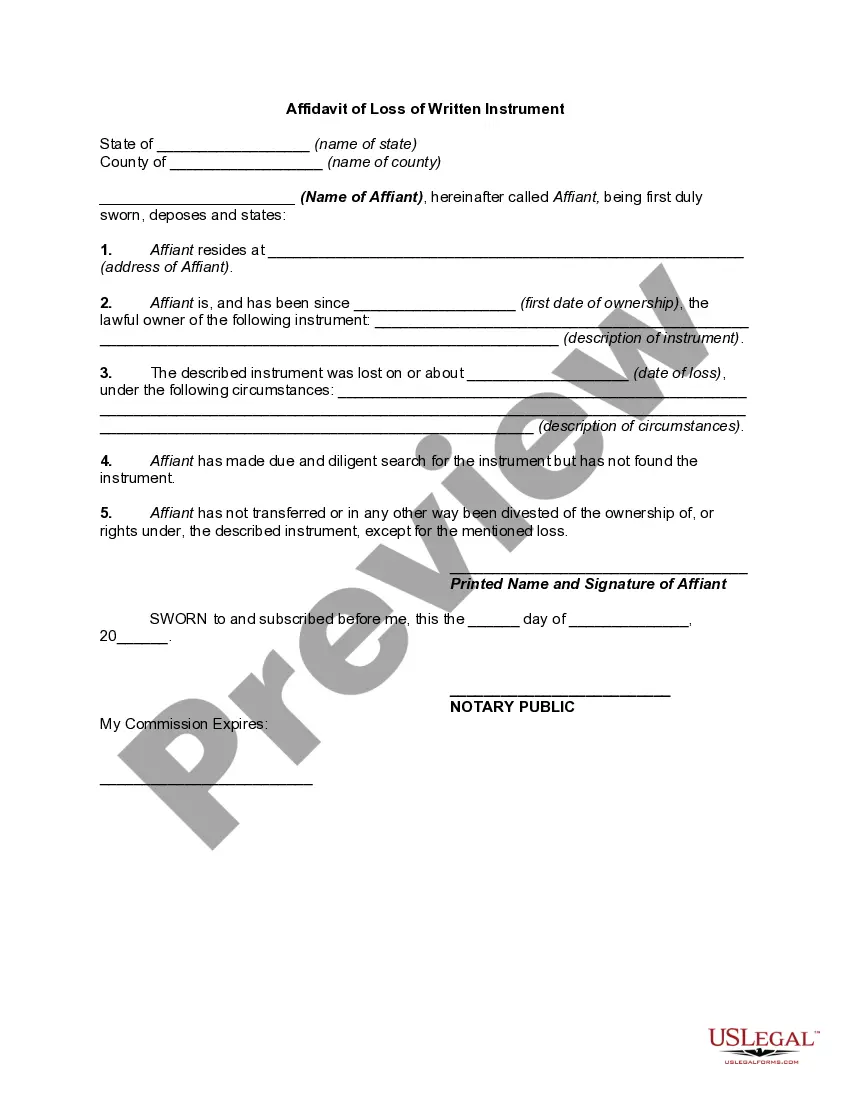
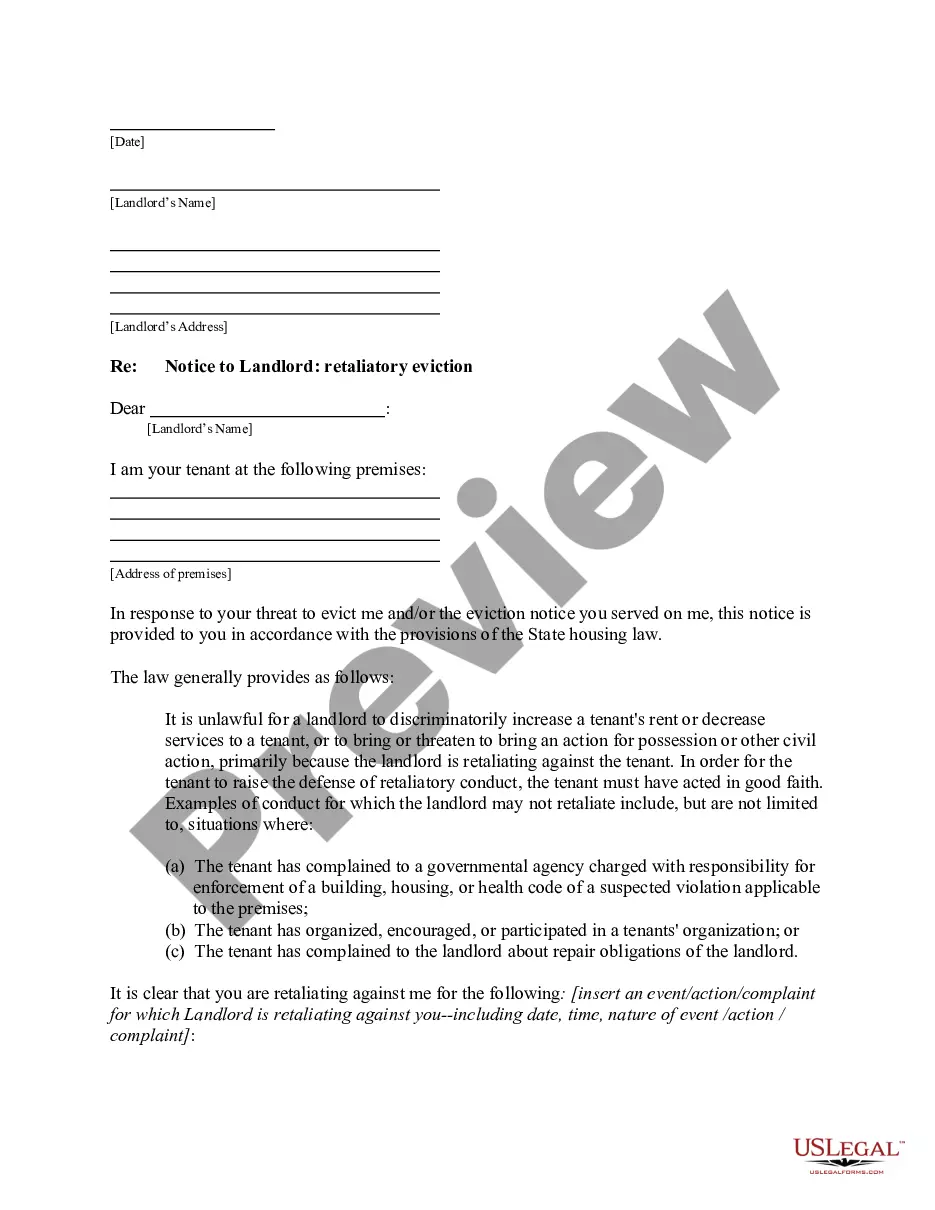


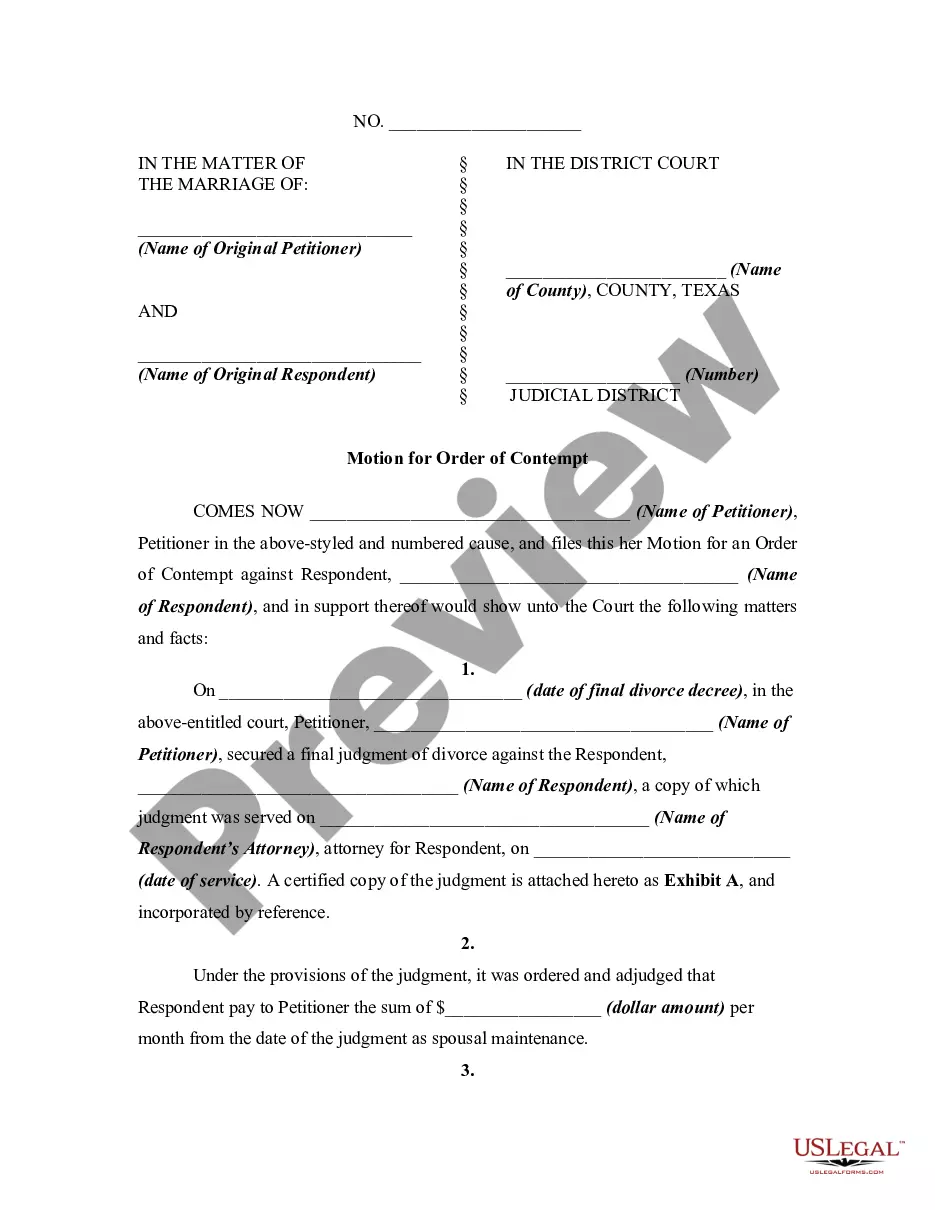
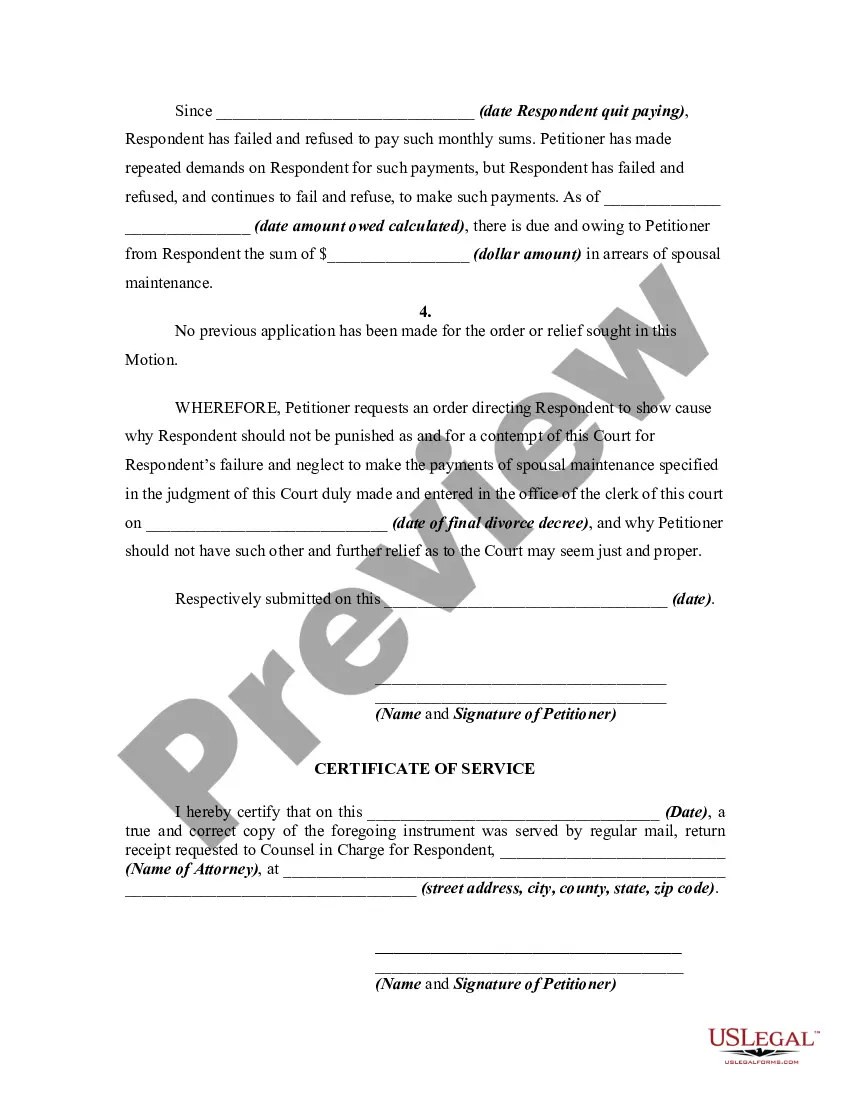
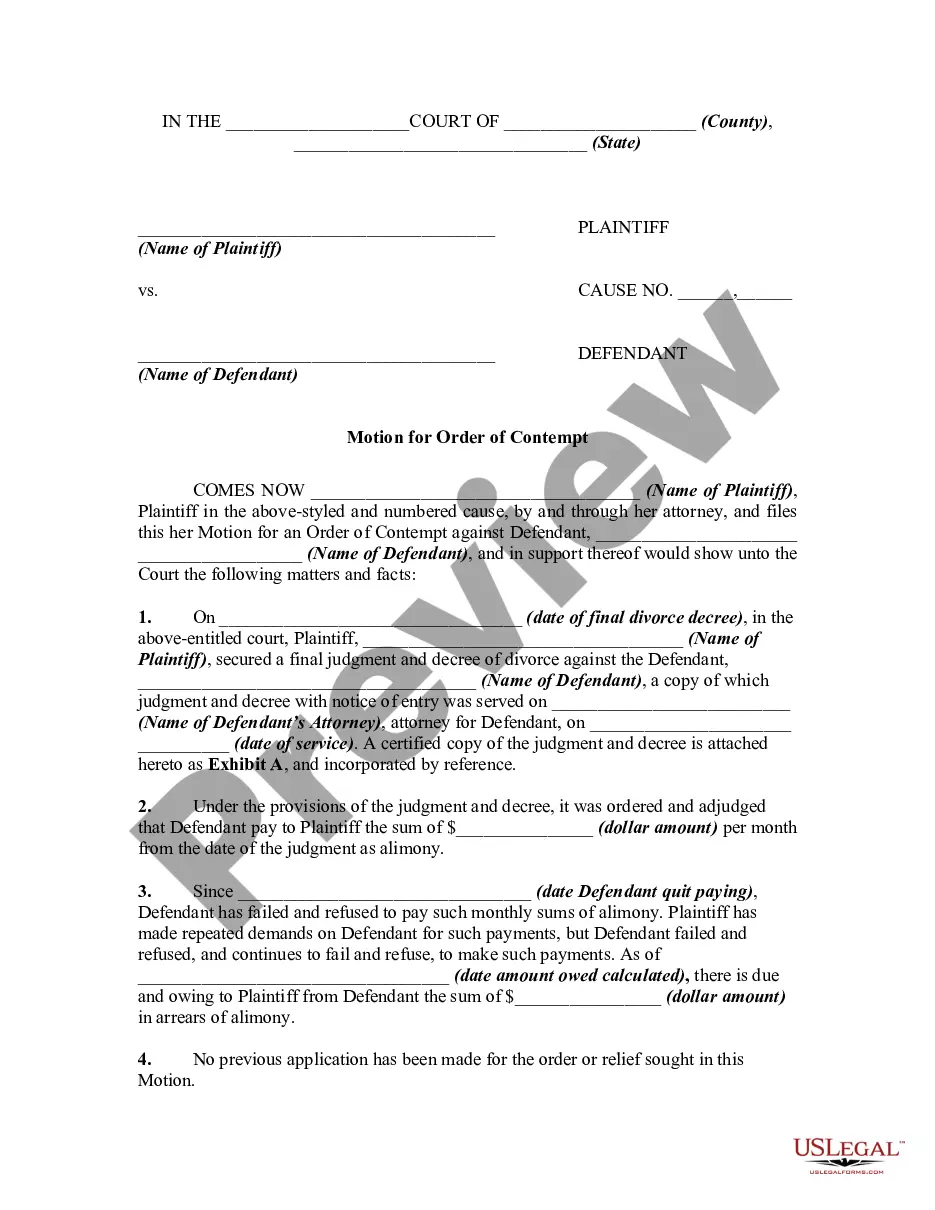
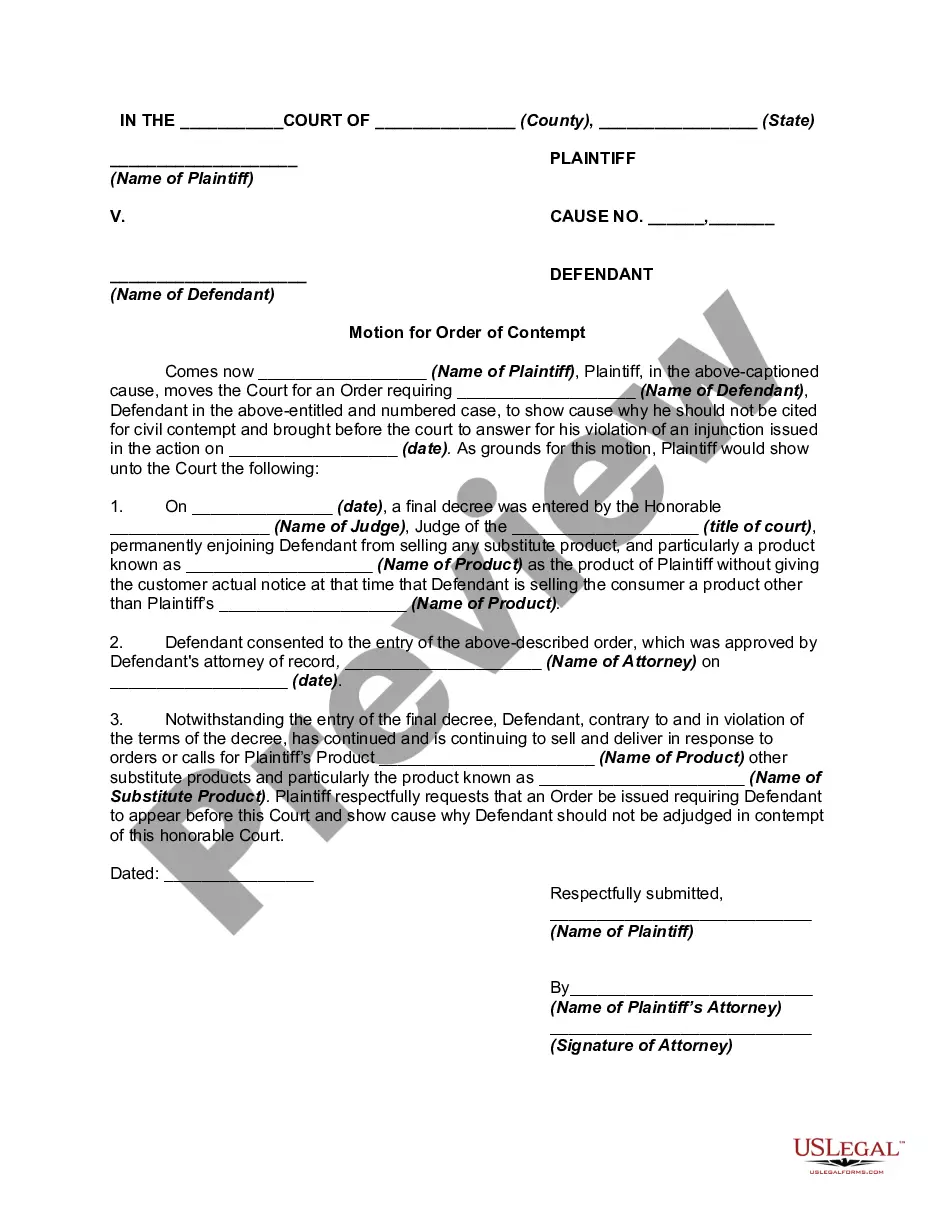
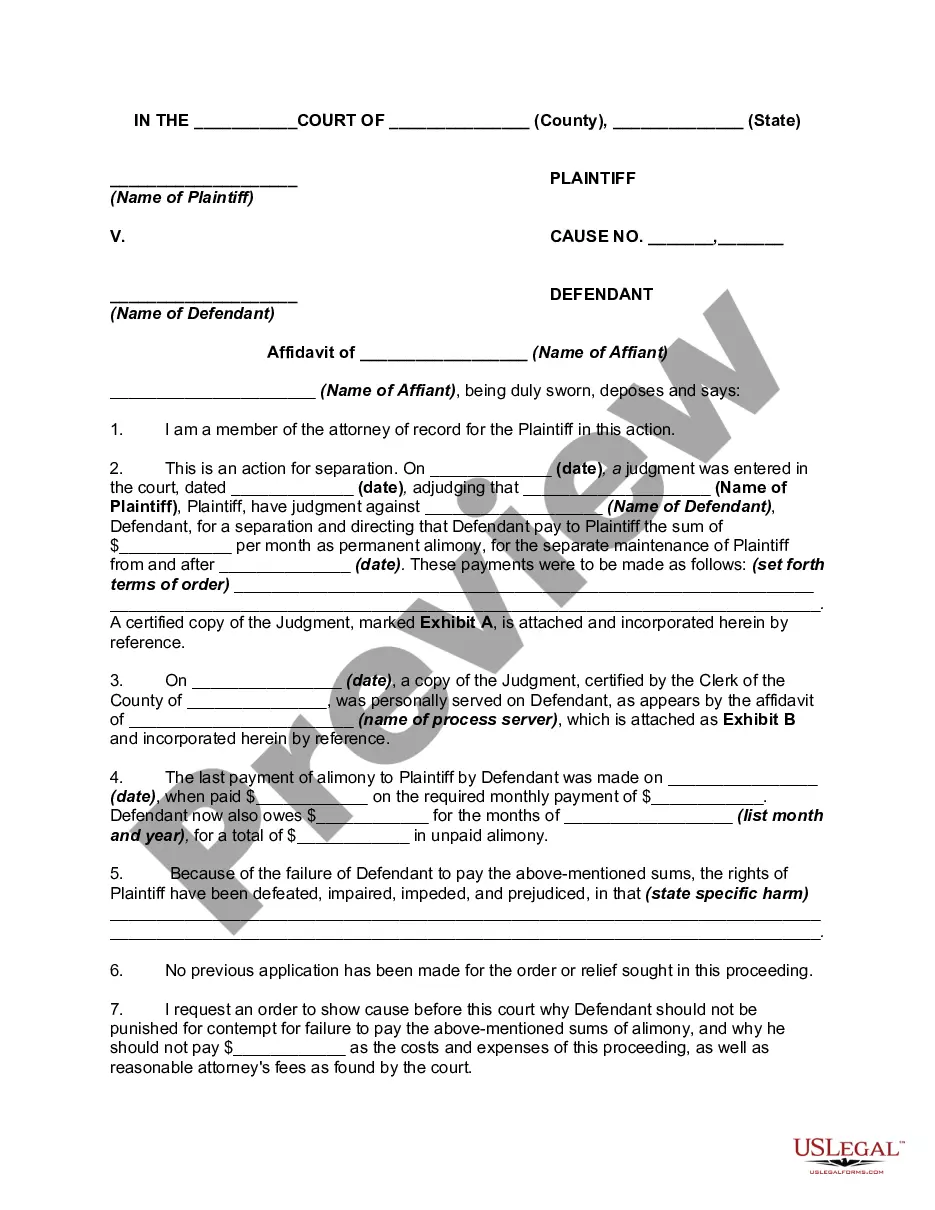
How to fill out Texas Motion For Order Of Contempt For Failure To Pay Spousal Maintenance?
Locating a reliable source to obtain the latest and pertinent legal templates is a significant part of navigating bureaucracy. Selecting the appropriate legal documents requires precision and carefulness, which is why it is essential to obtain samples of Tx Motion Pay Printable For Divorce exclusively from trustworthy providers, such as US Legal Forms. An incorrect template can squander your time and postpone your current situation. With US Legal Forms, you have minimal concerns. You can access and verify all the specifics regarding the document's applicability and significance for your circumstances and in your jurisdiction.
Follow the steps below to complete your Tx Motion Pay Printable For Divorce.
Once you have the template on your device, you may modify it using the editor or print it and fill it out manually. Eliminate the stress that comes with your legal paperwork. Browse the extensive US Legal Forms collection to discover legal templates, assess their relevance to your circumstances, and download them instantly.
- Use the catalog navigation or search bar to find your template.
- Examine the form’s details to confirm it meets the criteria of your jurisdiction.
- Check the form preview, if available, to ensure the template is indeed the one you seek.
- Return to the search to find the correct document if the Tx Motion Pay Printable For Divorce does not fulfill your needs.
- If you are confident about the form’s applicability, download it.
- If you are a registered user, click Log in to verify and access your selected forms in My documents.
- If you do not have an account yet, click Buy now to purchase the form.
- Select the pricing plan that suits your preferences.
- Proceed to the registration to complete your transaction.
- Finalize your purchase by choosing a payment method (credit card or PayPal).
- Select the document format for downloading the Tx Motion Pay Printable For Divorce.
Form popularity
FAQ
The e-filing website is free to use, though you may still need to pay standard filing fees with the court. eFileTexas.gov's self-help page is intended for people who are filing without an attorney. To file for divorce using this site, click "Start a Filing" and then look for the "FAMILY CASES" interview.
Basic steps to filing a divorce in Texas Filing the petition. One of the parties must first file a petition with the court called the ?Original Petition for Divorce? (along with paying the requisite court fee). ... Legal notice. ... The hearing. ... The final decree. ... The assistance of a family law attorney.
Divorce papers indeed need the notary's seal of approval to ensure their authenticity and legal weight.
However, the divorce is not final until the written Decree of Divorce is signed by the judge. Usually, the judge tells one party to ?prepare the decree.? Start at form 4 or 5 below to finalize your case this way.
Bring these papers with you to the courthouse on the day you plan to finish your case: file-stamped copy of your Original Petition for Divorce; and. Waiver of Service or Answer form filled out and signed by your spouse; and. Final Decree of Divorce form completely filled out and signed by both you and your spouse; and.