Texas Failure Spousal File Withholding Tax
Description


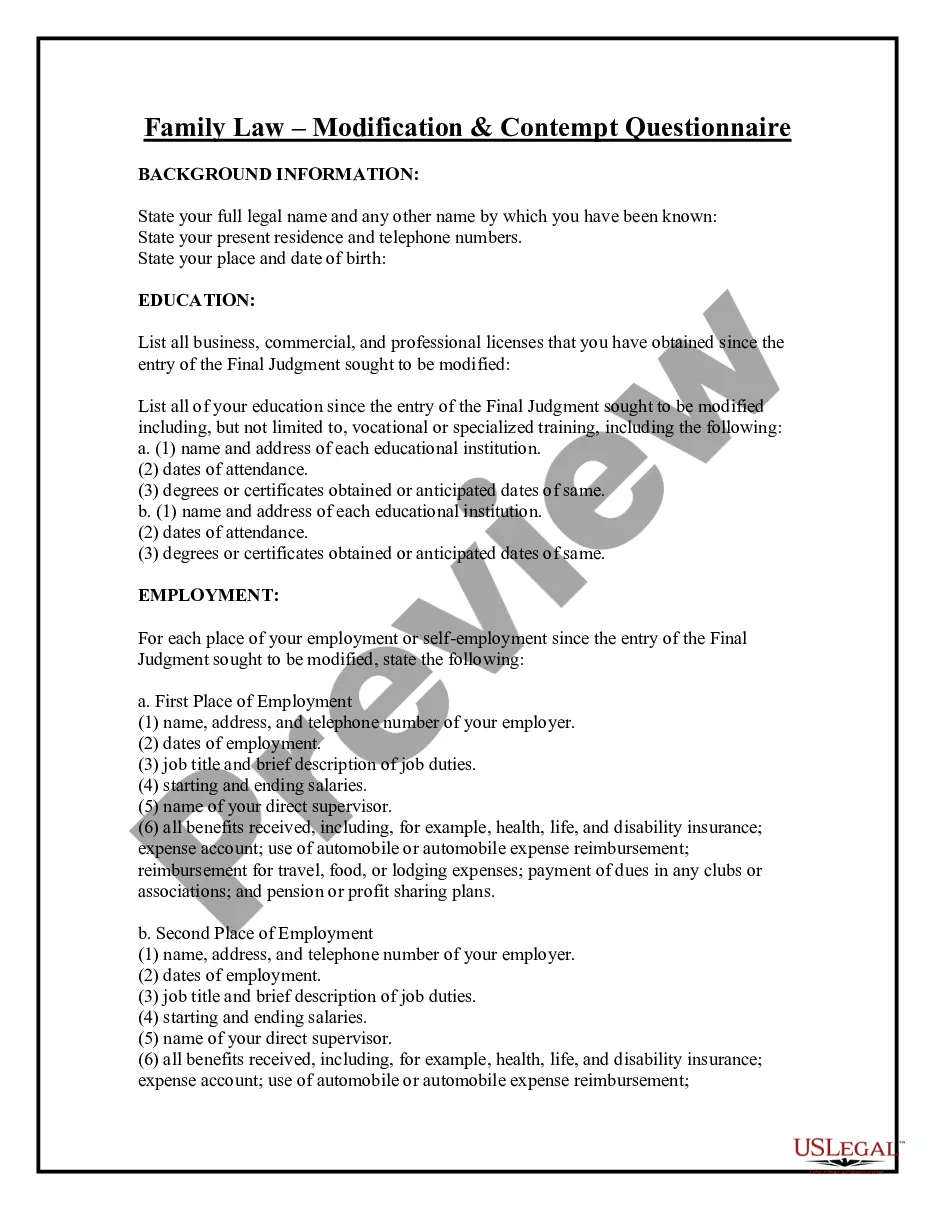
Get your form ready online
Our built-in tools help you complete, sign, share, and store your documents in one place.
Make edits, fill in missing information, and update formatting in US Legal Forms—just like you would in MS Word.
Download a copy, print it, send it by email, or mail it via USPS—whatever works best for your next step.
Sign and collect signatures with our SignNow integration. Send to multiple recipients, set reminders, and more. Go Premium to unlock E-Sign.
If this form requires notarization, complete it online through a secure video call—no need to meet a notary in person or wait for an appointment.
We protect your documents and personal data by following strict security and privacy standards.

Make edits, fill in missing information, and update formatting in US Legal Forms—just like you would in MS Word.

Download a copy, print it, send it by email, or mail it via USPS—whatever works best for your next step.

Sign and collect signatures with our SignNow integration. Send to multiple recipients, set reminders, and more. Go Premium to unlock E-Sign.

If this form requires notarization, complete it online through a secure video call—no need to meet a notary in person or wait for an appointment.

We protect your documents and personal data by following strict security and privacy standards.
Looking for another form?






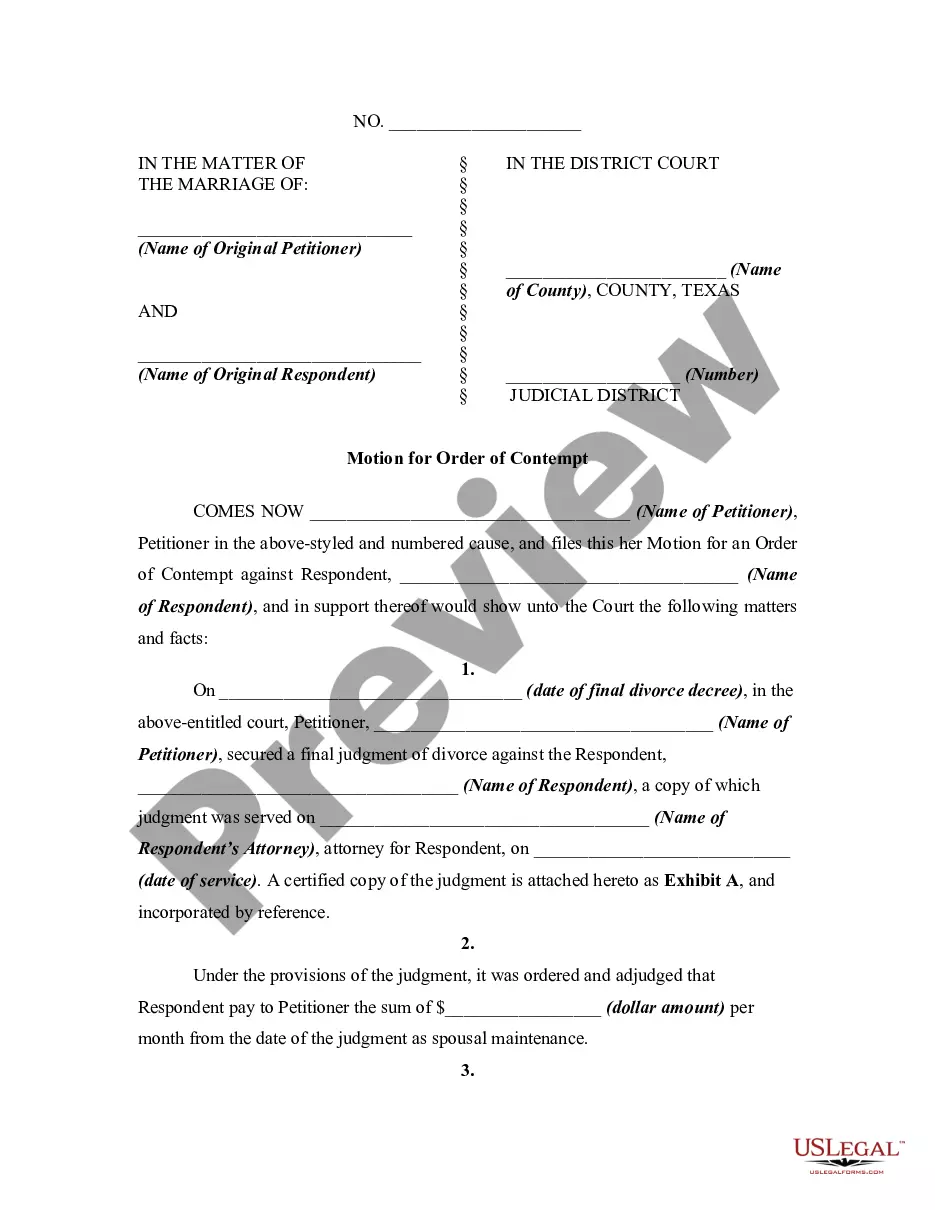
How to fill out Texas Motion For Order Of Contempt For Failure To Pay Spousal Maintenance?
Drafting legal paperwork from scratch can often be intimidating. Certain scenarios might involve hours of research and hundreds of dollars spent. If you’re searching for a simpler and more affordable way of creating Texas Failure Spousal File Withholding Tax or any other paperwork without the need of jumping through hoops, US Legal Forms is always at your disposal.
Our online collection of more than 85,000 up-to-date legal forms addresses almost every aspect of your financial, legal, and personal matters. With just a few clicks, you can quickly access state- and county-compliant forms carefully put together for you by our legal experts.
Use our platform whenever you need a trustworthy and reliable services through which you can quickly locate and download the Texas Failure Spousal File Withholding Tax. If you’re not new to our website and have previously created an account with us, simply log in to your account, locate the template and download it away or re-download it anytime later in the My Forms tab.
Don’t have an account? No problem. It takes little to no time to set it up and explore the catalog. But before jumping directly to downloading Texas Failure Spousal File Withholding Tax, follow these tips:
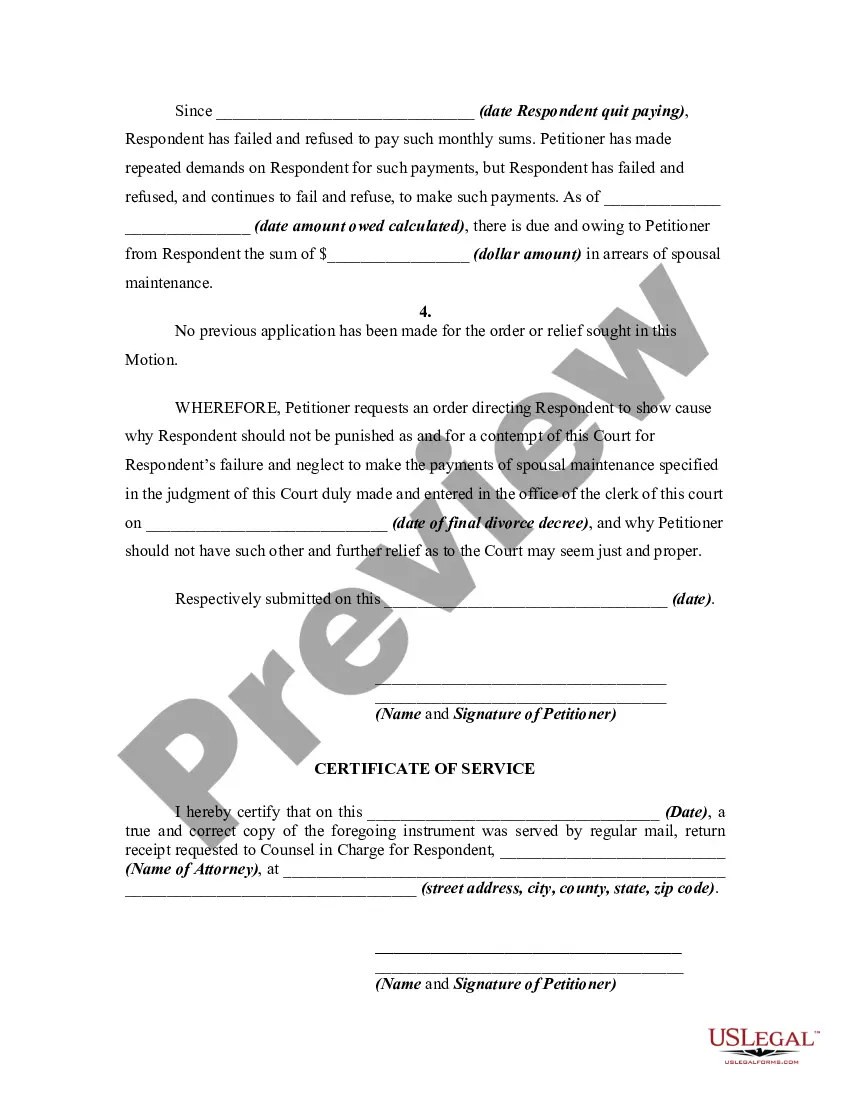
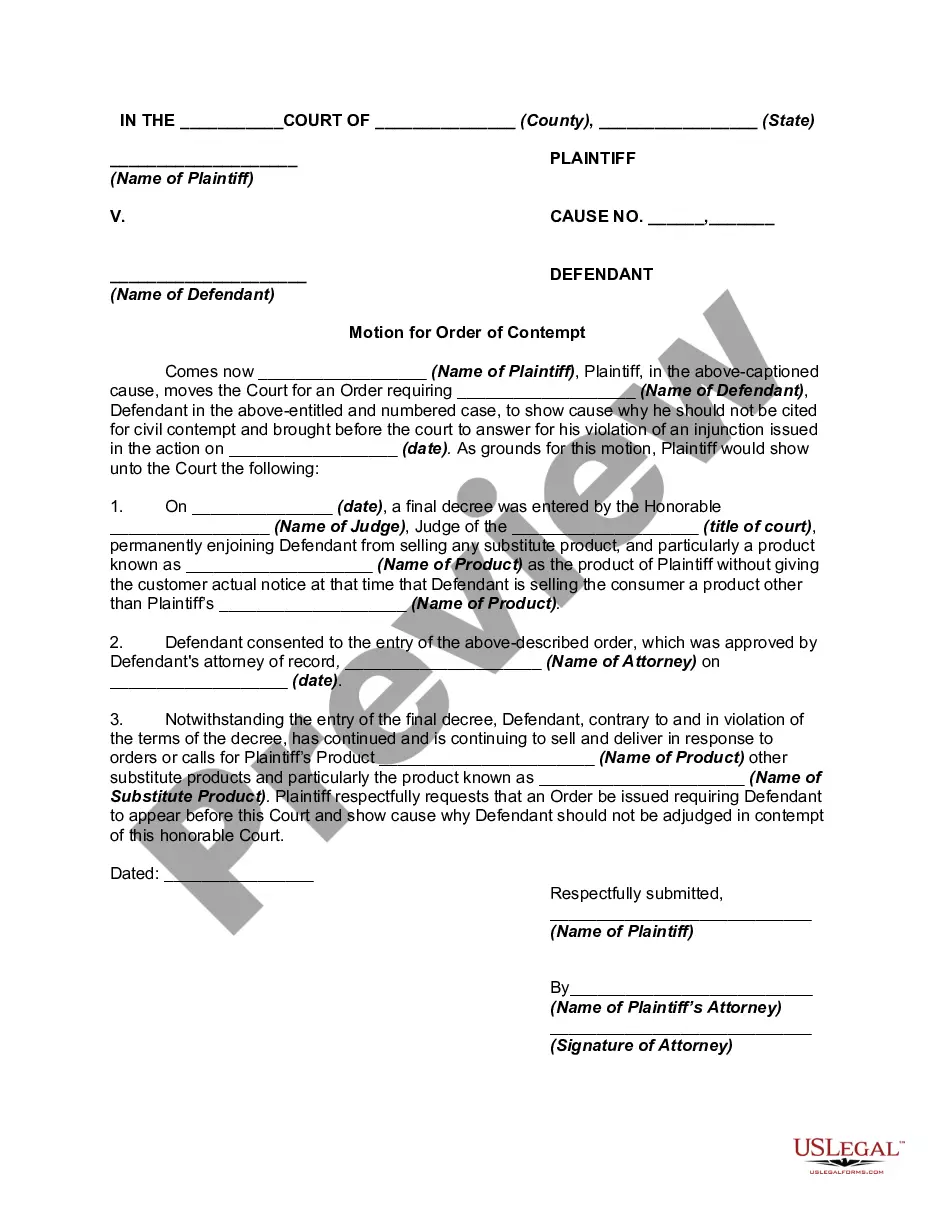
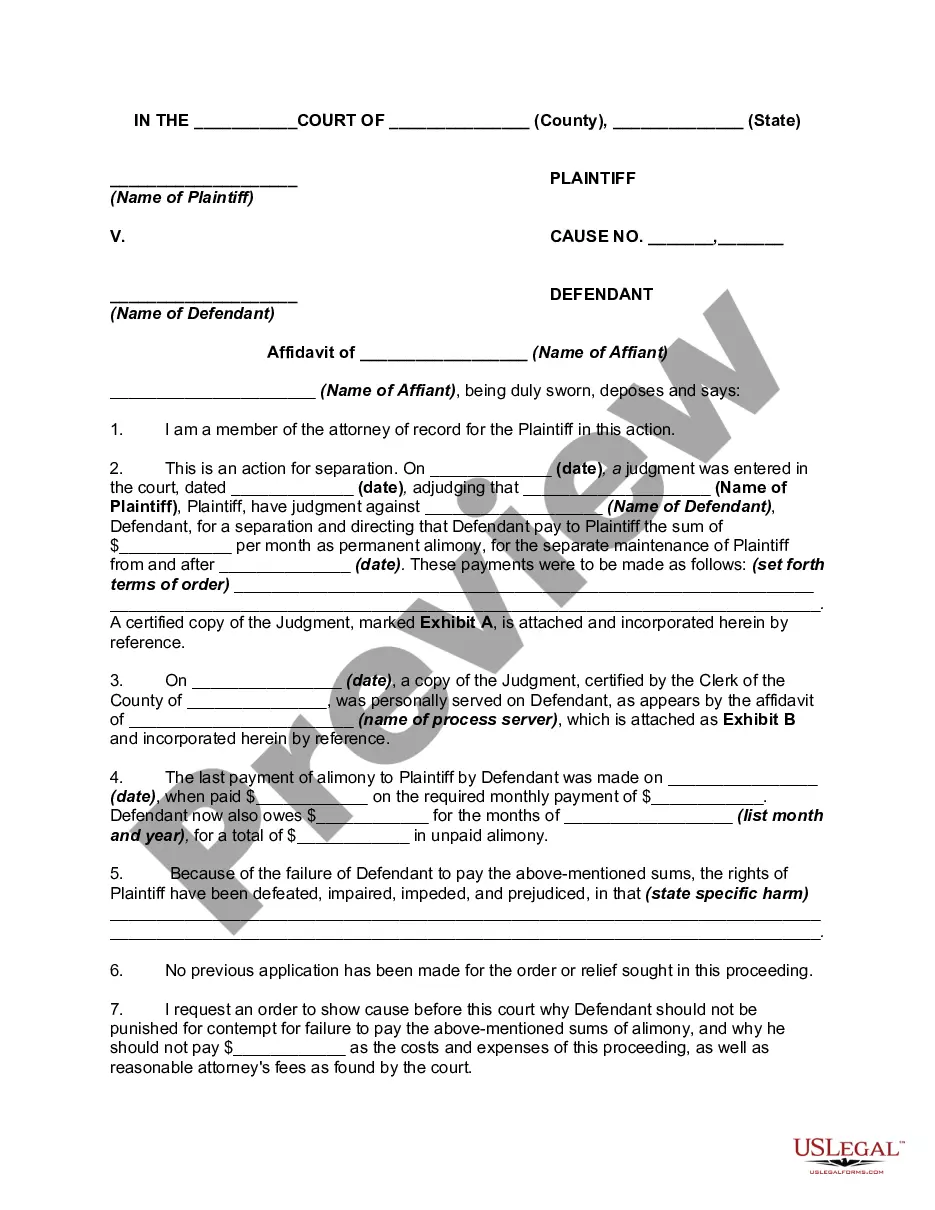
- Review the document preview and descriptions to ensure that you have found the form you are searching for.
- Check if template you choose conforms with the regulations and laws of your state and county.
- Pick the best-suited subscription option to buy the Texas Failure Spousal File Withholding Tax.
- Download the form. Then complete, sign, and print it out.
US Legal Forms boasts a spotless reputation and over 25 years of expertise. Join us now and transform form execution into something easy and streamlined!
Form popularity
FAQ
In most cases, you still owe the taxes to the IRS even if your employer or payroll department was the one who messed up by not withholding enough taxes during the year. The one exception is if your employer either intentionally or accidentally misclassified you as an independent contractor when you are an employee.
The Form W-4 in Depth Step 1: Provide Your Information. Provide your name, address, filing status, and Social Security number. ... Step 2: Indicate Multiple Jobs or a Working Spouse. ... Step 3: Add Dependents. ... Step 4: Add Other Adjustments. ... Step 5: Sign and Date Form W-4.
If you're married, you can claim two allowances ? one for you and one for your spouse. * You can divide your total allowances whichever way you prefer, but you can't claim an allowance that your spouse claims too.
By placing a ?0? on line 5, you are indicating that you want the most amount of tax taken out of your pay each pay period. If you wish to claim 1 for yourself instead, then less tax is taken out of your pay each pay period. 2. You can choose to have no taxes taken out of your tax and claim Exemption (see Example 2).
Claiming 1 reduces the amount of taxes that are withheld from weekly paychecks, so you get more money now with a smaller refund. Claiming 0 allowances may be a better option if you'd rather receive a larger lump sum of money in the form of your tax refund.