Bird Enhanced File With C
Description

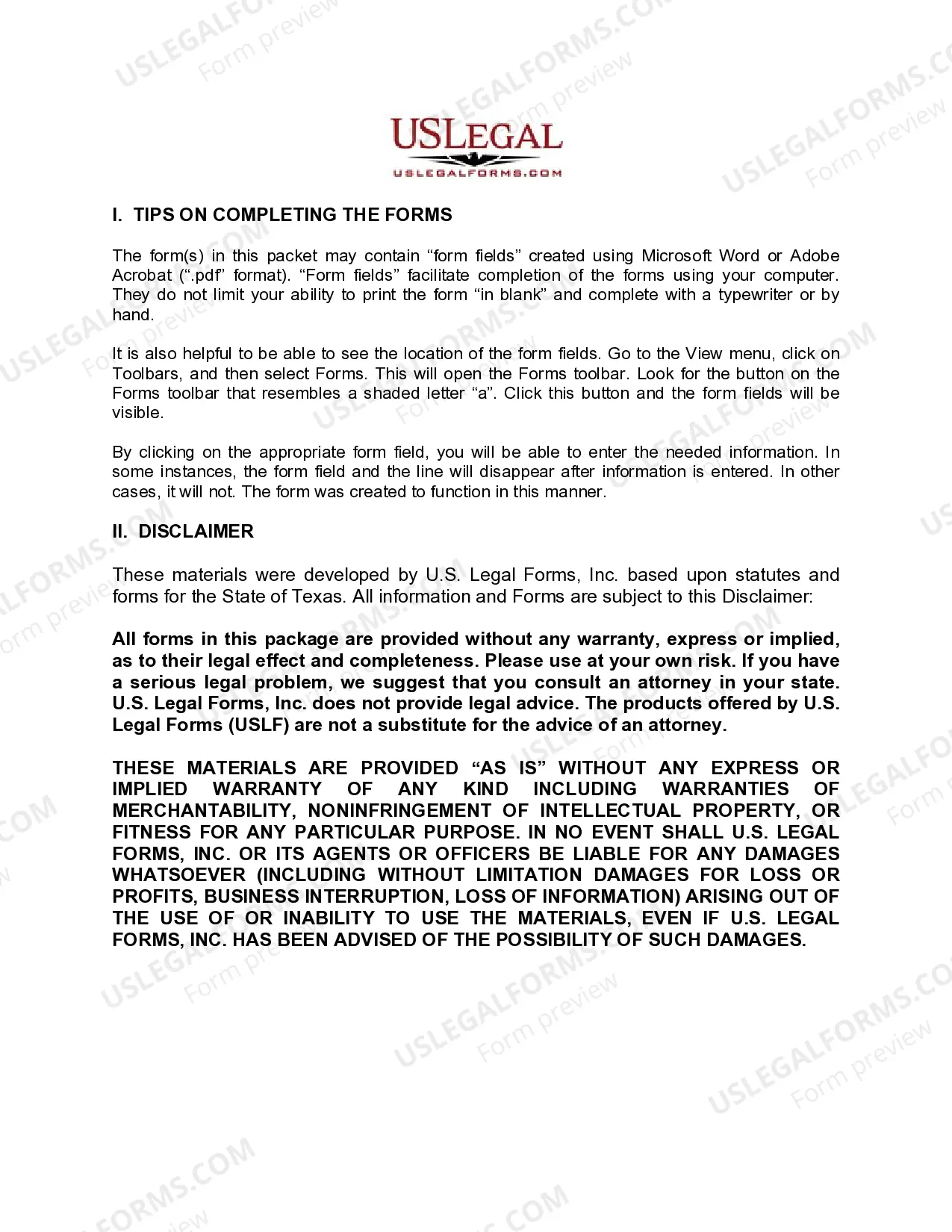
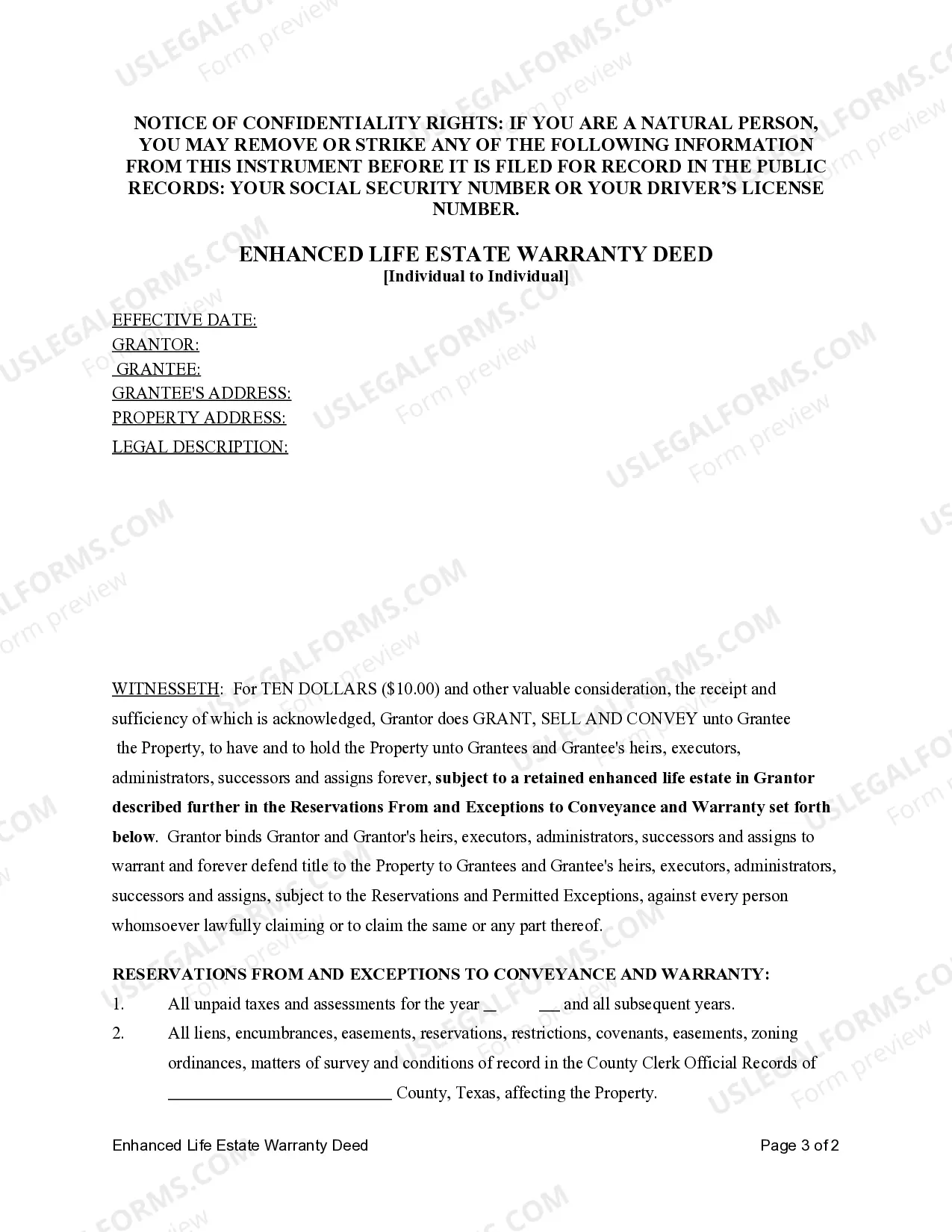
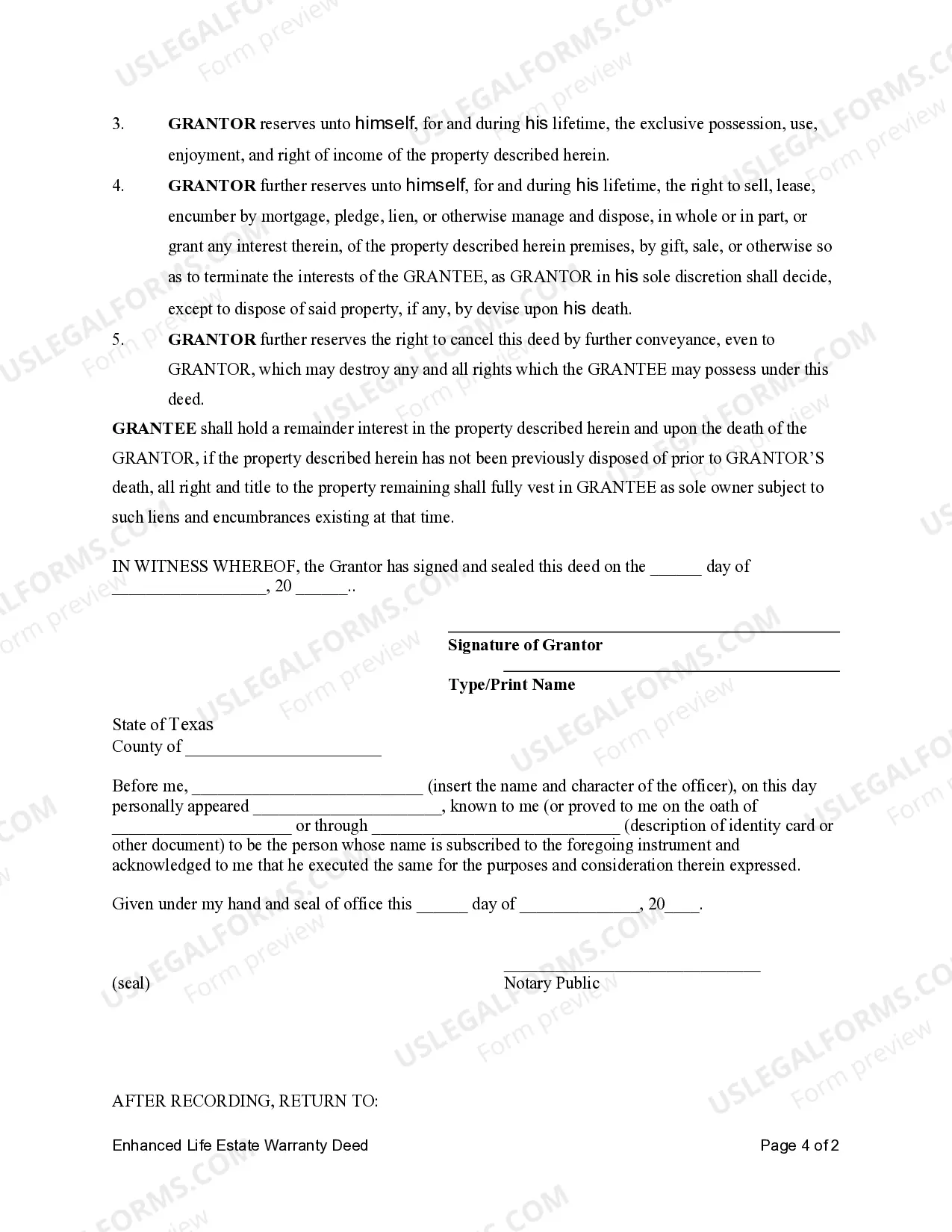


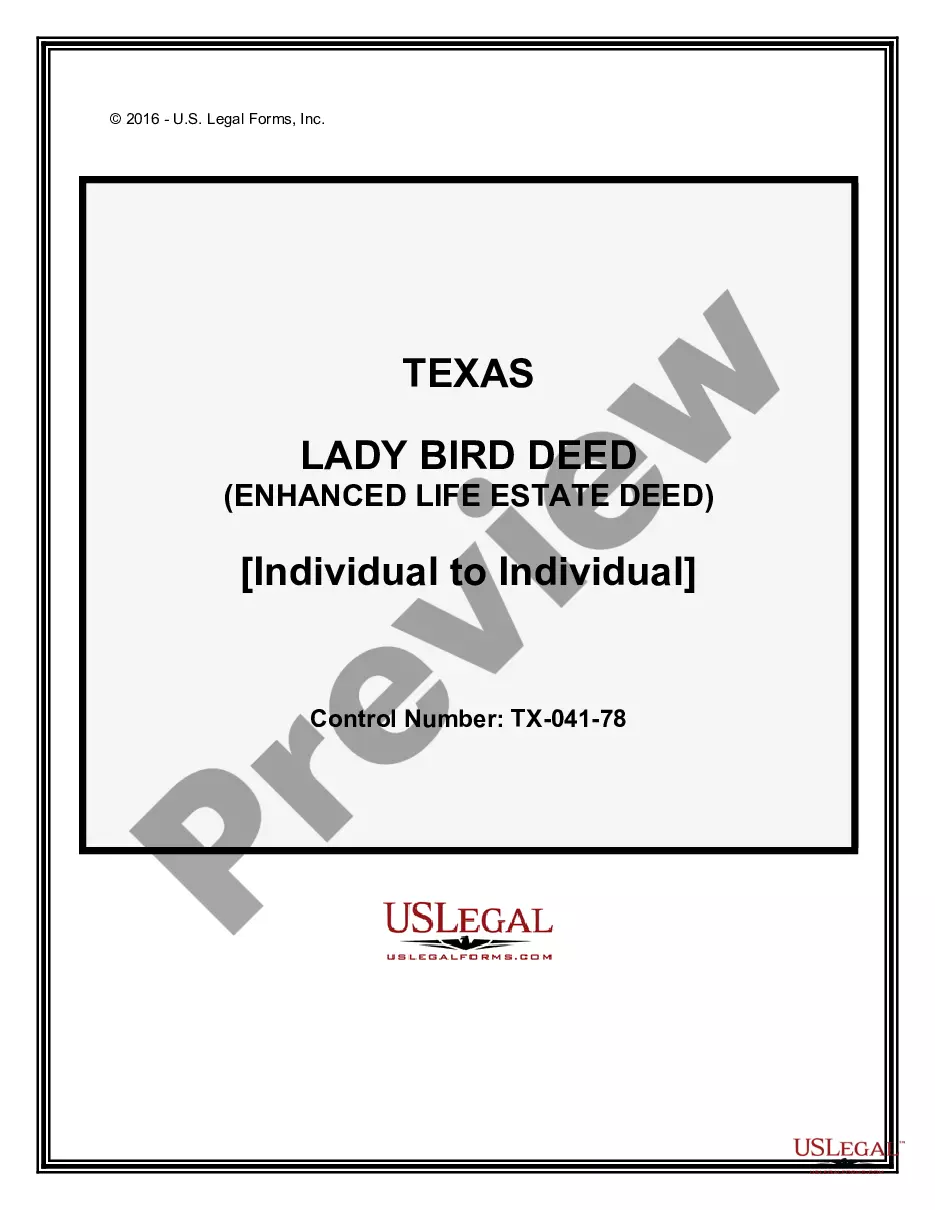
Get your form ready online
Our built-in tools help you complete, sign, share, and store your documents in one place.
Make edits, fill in missing information, and update formatting in US Legal Forms—just like you would in MS Word.
Download a copy, print it, send it by email, or mail it via USPS—whatever works best for your next step.
Sign and collect signatures with our SignNow integration. Send to multiple recipients, set reminders, and more. Go Premium to unlock E-Sign.
If this form requires notarization, complete it online through a secure video call—no need to meet a notary in person or wait for an appointment.
We protect your documents and personal data by following strict security and privacy standards.

Make edits, fill in missing information, and update formatting in US Legal Forms—just like you would in MS Word.

Download a copy, print it, send it by email, or mail it via USPS—whatever works best for your next step.

Sign and collect signatures with our SignNow integration. Send to multiple recipients, set reminders, and more. Go Premium to unlock E-Sign.

If this form requires notarization, complete it online through a secure video call—no need to meet a notary in person or wait for an appointment.

We protect your documents and personal data by following strict security and privacy standards.
Looking for another form?

How to fill out Texas Lady Bird Or Enhanced Life Estate Warranty Deed - Individual To Individual?
- Log in to your US Legal Forms account if you’re a returning user. Confirm that your subscription is active. If necessary, renew it per your payment plan.
- For first-time users, start by exploring the Preview mode and form descriptions to ensure the document fits your needs and complies with local regulations.
- If the desired form isn't available, utilize the Search tab to find an accurate match. When you locate the right document, proceed to the next step.
- Select the document you want by clicking the Buy Now button and choose a subscription plan that suits you. Registration is necessary for complete access.
- Complete your purchase by providing your payment details through credit card or PayPal.
- Once purchased, download your form to your device for easy completion. You can always revisit it in the My Forms section of your profile.
In conclusion, US Legal Forms not only offers an extensive library of over 85,000 legal forms but also allows users to consult with premium experts for assistance, ensuring accuracy in documentation. This service streamlines your legal processes efficiently.
Get started today by visiting US Legal Forms and take control of your legal documentation!
Form popularity
FAQ
To run a C file, first, compile it using a C compiler like GCC or Clang, which converts the source code into an executable. You can use a simple command in your terminal or command prompt, specifying the file name. After successful compilation, execute the generated program to see your results. For a more enhanced coding experience, consider using a Bird enhanced file with c to streamline your compilation process.
Yes, you can use C header files in C++ programs, as C++ is designed to be compatible with C code. This compatibility allows you to leverage existing libraries and functionalities from C in your C++ projects. However, you may need to use extern 'C' linkage when including C headers to avoid name mangling issues. Integrating a Bird enhanced file with c in your transitioning projects can make this integration smoother.
Yes, you can include a .C file in your C project using the #include directive in conjunction with the correct file path. This practice helps in modularizing your code and facilitates the reuse of functions and definitions across multiple files. Make sure to manage file inclusions carefully to prevent multiple declarations. A Bird enhanced file with c can help simplify these aspects of your programming.
You can include a .C file in another C file by using the #include directive at the beginning of your code. This allows you to incorporate functions and variables declared in the included file, ensuring seamless integration of your code. Always remember to manage dependencies properly to avoid conflicts. If you leverage a Bird enhanced file with c, you can enhance the efficiency of your project organization.
.C files in C are source code files that contain C programming language code. These files typically store the main logic of your programs and are compiled to create executable binaries. You can create .C files using any text editor, and they play an essential role in C development. Utilizing a Bird enhanced file with c can further streamline your coding process.
To append files in C, you can open the target file using the fopen function with the mode 'a' for appending. This allows you to write new content at the end of the existing file without losing its current data. After writing, remember to close the file to ensure that all data is saved correctly. Consider using a Bird enhanced file with c to manage your file operations effectively.
The RB mode in C stands for 'read binary', which allows you to read data from a binary file. This mode is essential for accessing binary data without corruption. When working with structured data like that from the Bird enhanced file with c, using RB mode ensures that your reads align with how the data was originally written.
The syntax for writing a file in C using binary mode starts with opening the file with fopen, using 'wb' as the mode. After opening, use fwrite to write your data, specifying the data type and size. Finally, remember to close the file with fclose. This technique is valuable when dealing with applications like the Bird enhanced file with c.
Writing to a binary file in C requires you to open the file in binary mode using either 'wb' for writing or 'ab' for appending. You can use the fwrite function to write data structures or raw data to the file. This method is crucial for preserving the integrity of the data. To learn more about efficient writing practices, explore the Bird enhanced file with c.
To write into a file in C, you first open the file using the appropriate mode, such as 'w' for text files or 'wb' for binary files. Then, utilize functions like fprintf for text or fwrite for binary data. Closing the file after your operations ensures that all data is properly saved. The Bird enhanced file with c provides features that simplify these writing operations.