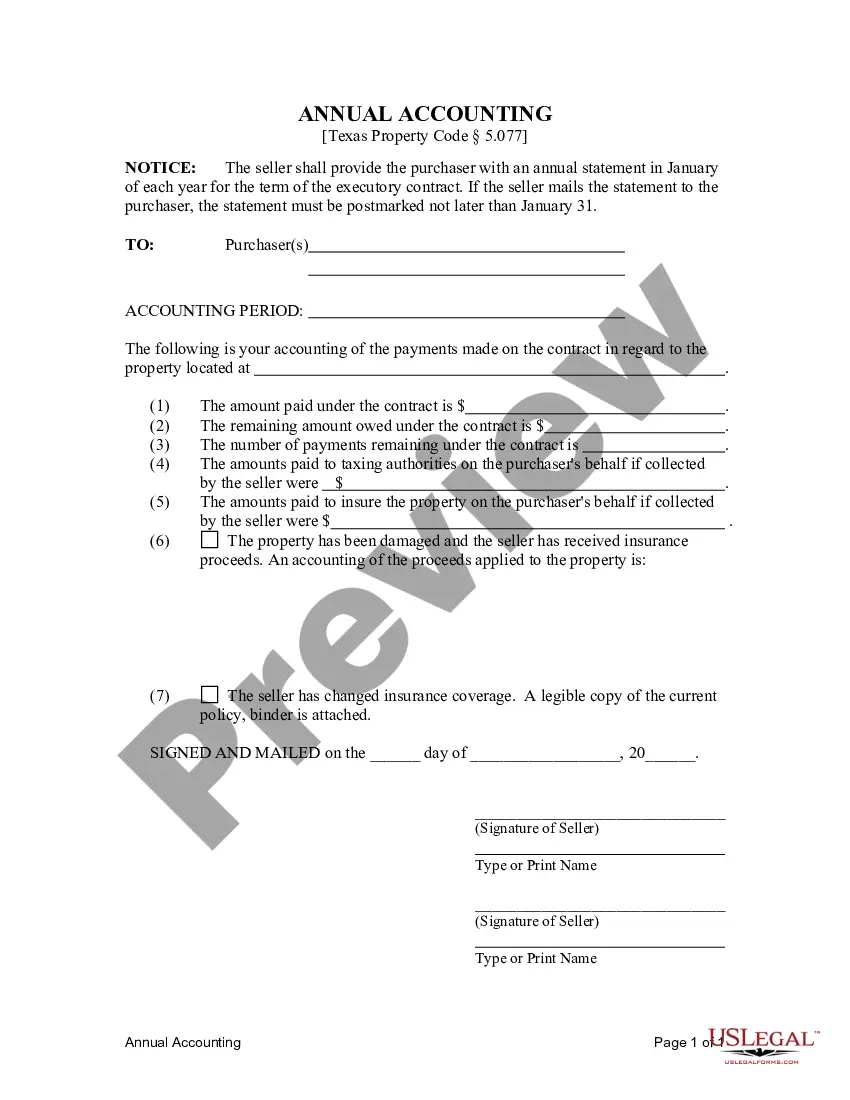
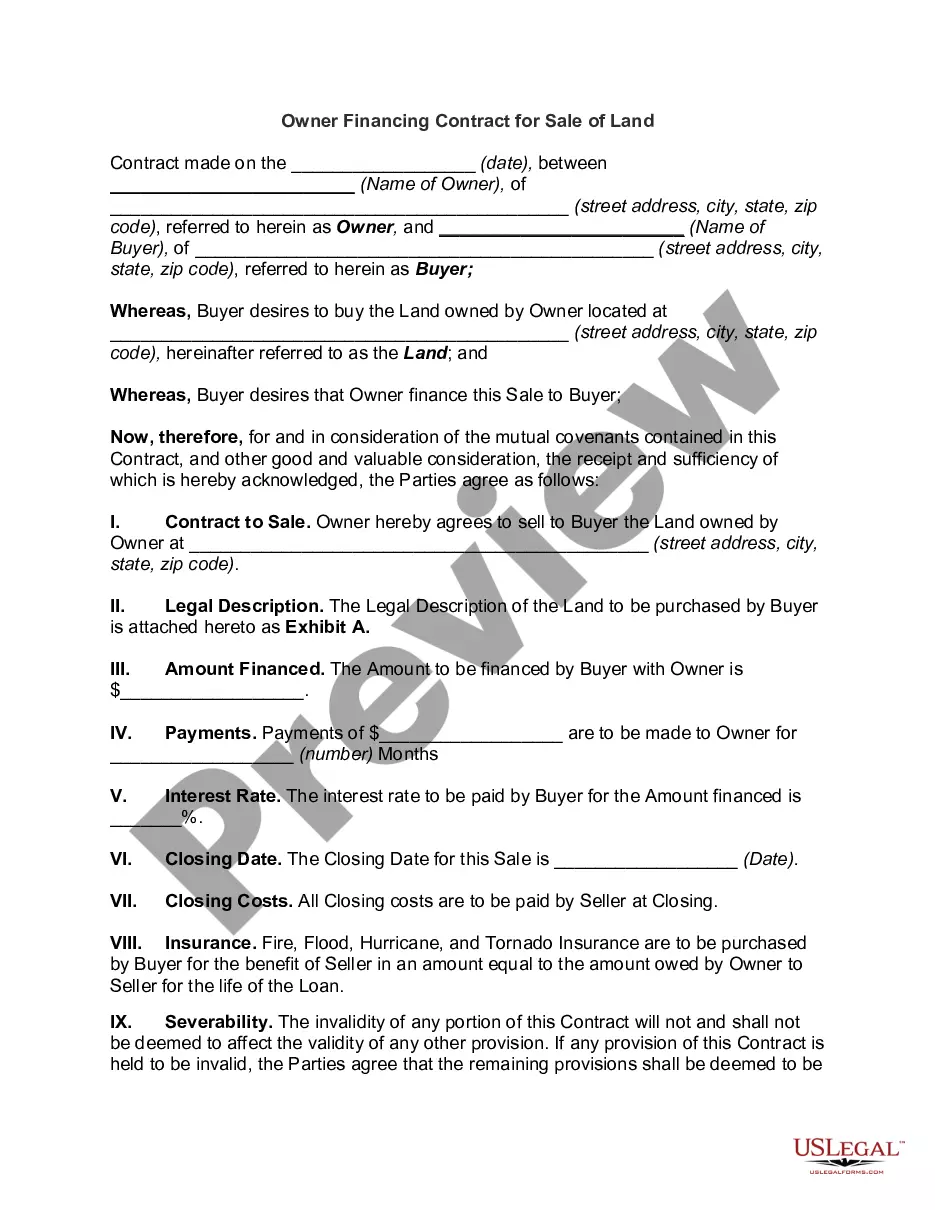
Texas Buyer Seller Affidavit Form
Description

Get your form ready online
Our built-in tools help you complete, sign, share, and store your documents in one place.
Make edits, fill in missing information, and update formatting in US Legal Forms—just like you would in MS Word.
Download a copy, print it, send it by email, or mail it via USPS—whatever works best for your next step.
Sign and collect signatures with our SignNow integration. Send to multiple recipients, set reminders, and more. Go Premium to unlock E-Sign.
If this form requires notarization, complete it online through a secure video call—no need to meet a notary in person or wait for an appointment.
We protect your documents and personal data by following strict security and privacy standards.

Make edits, fill in missing information, and update formatting in US Legal Forms—just like you would in MS Word.

Download a copy, print it, send it by email, or mail it via USPS—whatever works best for your next step.

Sign and collect signatures with our SignNow integration. Send to multiple recipients, set reminders, and more. Go Premium to unlock E-Sign.

If this form requires notarization, complete it online through a secure video call—no need to meet a notary in person or wait for an appointment.

We protect your documents and personal data by following strict security and privacy standards.
Looking for another form?
How to fill out Texas Contract For Deed Seller's Annual Accounting Statement To Purchaser - Residential - Land Contract, Executory Contract?
How to obtain professional legal documents that adhere to your state's regulations and create the Texas Buyer Seller Affidavit Form without consulting a lawyer.
Numerous services online provide templates to address different legal scenarios and formalities.
However, it may require time to determine which of the provided samples meet both your usage requirements and legal standards.
Download the Texas Buyer Seller Affidavit Form using the appropriate button next to the file name. If you do not have an account with US Legal Forms, please follow the steps below: Go through the web page you've accessed and verify if the form meets your requirements. Utilize the form description and preview options if available. Search for another sample in the header indicating your state if necessary. Hit the Buy Now button once you locate the suitable document. Select the most appropriate pricing plan, then Log In or create an account. Choose your payment method (using a credit card or via PayPal). Alter the file format for your Texas Buyer Seller Affidavit Form and click Download. The documents you obtain remain yours: you can always revisit them in the My documents section of your profile. Register on our platform and prepare legal paperwork independently like a seasoned legal professional!
- US Legal Forms is a reliable platform that aids you in finding formal documents crafted in accordance with the most recent state law updates and saves you expenses on legal support.
- US Legal Forms transcends a typical online directory.
- It houses over 85k authenticated templates for diverse business and life circumstances.
- All documents are categorized by area and state to streamline your search process.
- Moreover, it integrates robust tools for PDF editing and electronic signatures, enabling users with a Premium subscription to swiftly complete their paperwork online.
- Getting the necessary documents requires minimal effort and time.
- If you already possess an account, Log In and verify your subscription status.
Form popularity
FAQ
To transfer a Texas titled vehicle, bring in or mail the following to our offices:Texas title, signed and dated by the seller(s) and buyer(s).VTR-130U (Application for Texas title), signed and dated by the seller(s) and buyer(s).Proof of insurance in the buyer's name.Acceptable form of ID.Proof of inspection.Fees.
Buyer/Seller: Carefully fill out and complete the Application for Texas Certificate of Title (VTR Form 130-U). Buyer will fill out most of the form but Seller MUST fill in the vehicle sales price and sign the form.
To transfer a Texas titled vehicle, bring in or mail the following to our offices:Texas title, signed and dated by the seller(s) and buyer(s).VTR-130U (Application for Texas title), signed and dated by the seller(s) and buyer(s).Proof of insurance in the buyer's name.Acceptable form of ID.Proof of inspection.Fees.
A properly signed title, including the date of sale and odometer reading. Signed Application for Texas Title and/or Registration (Form 130-U) with the sales price clearly shown.
To fill out a car title transfer when selling your vehicle, make sure you have the title or apply for a duplicate from the DMV. Once you secure the title, fill out the transfer form, including the names of the buyers and sellers, date of sale, price, vehicle identification number, and odometer reading.