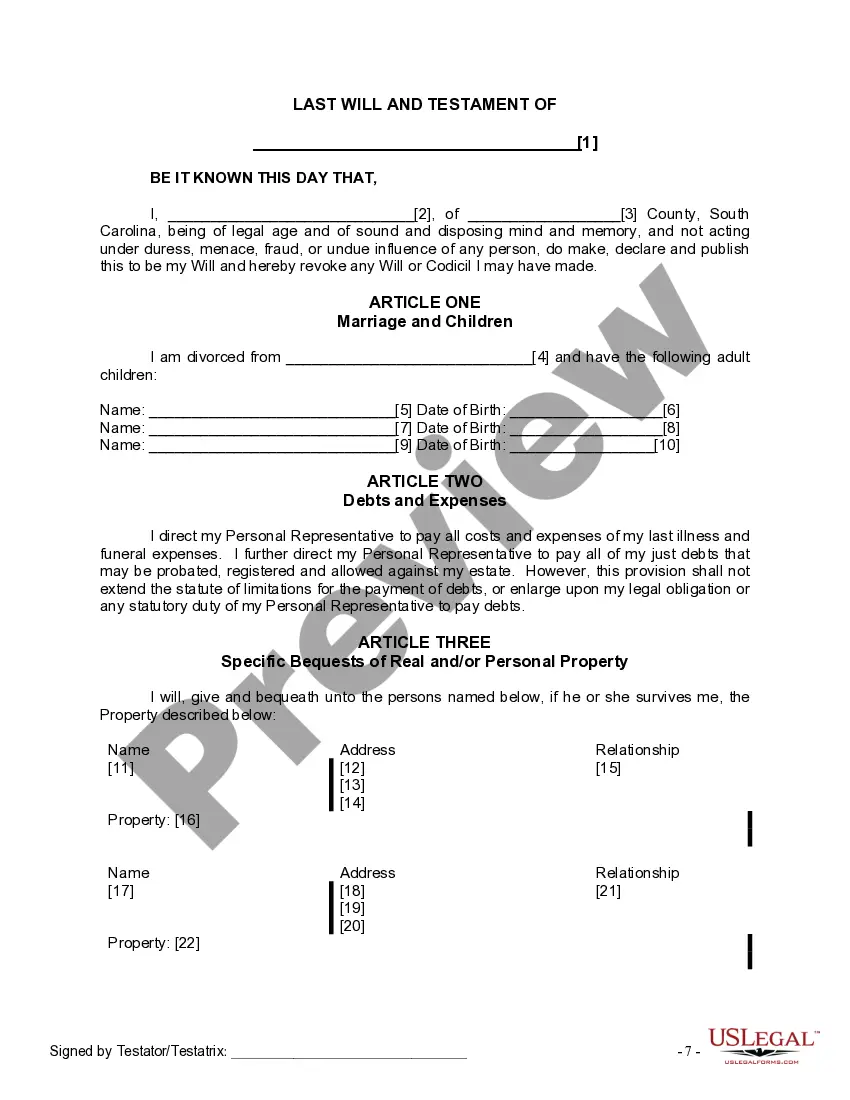
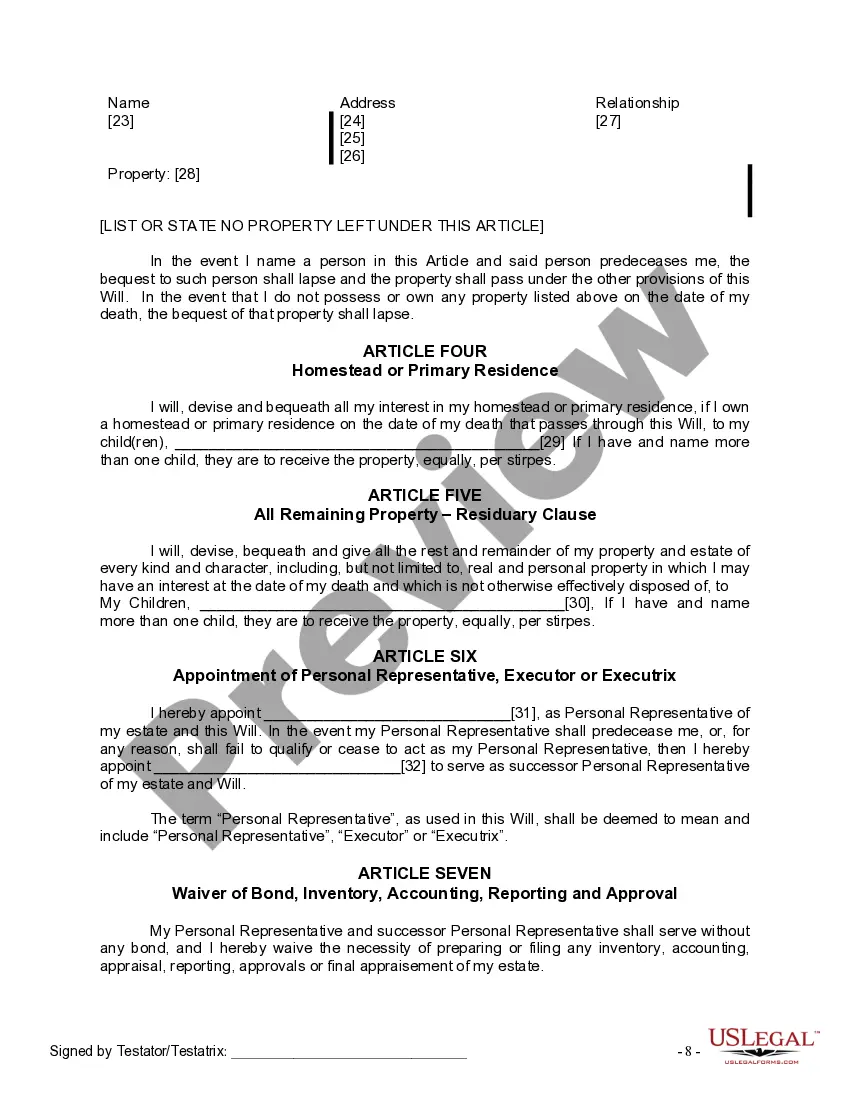
South Carolina Divorced With Child
Description

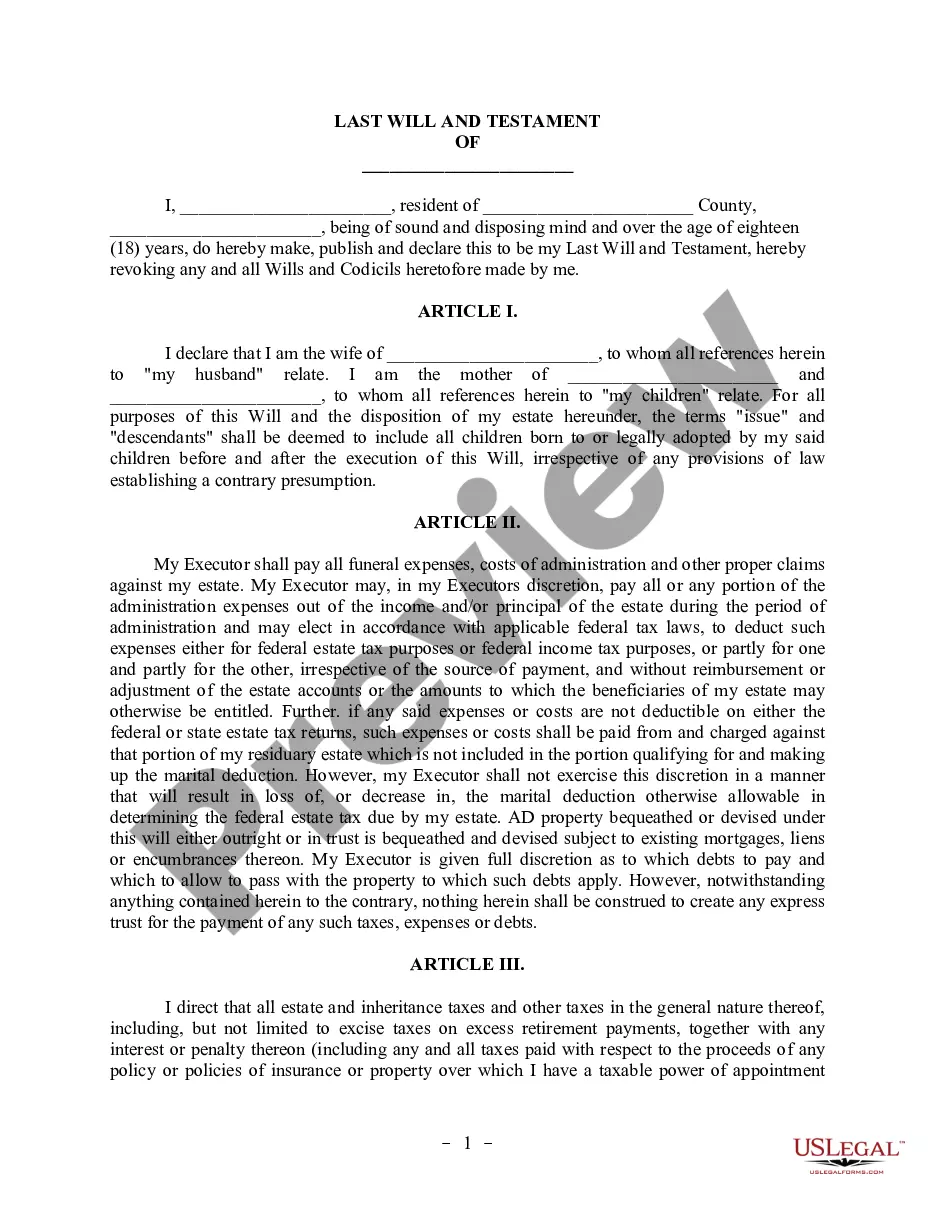
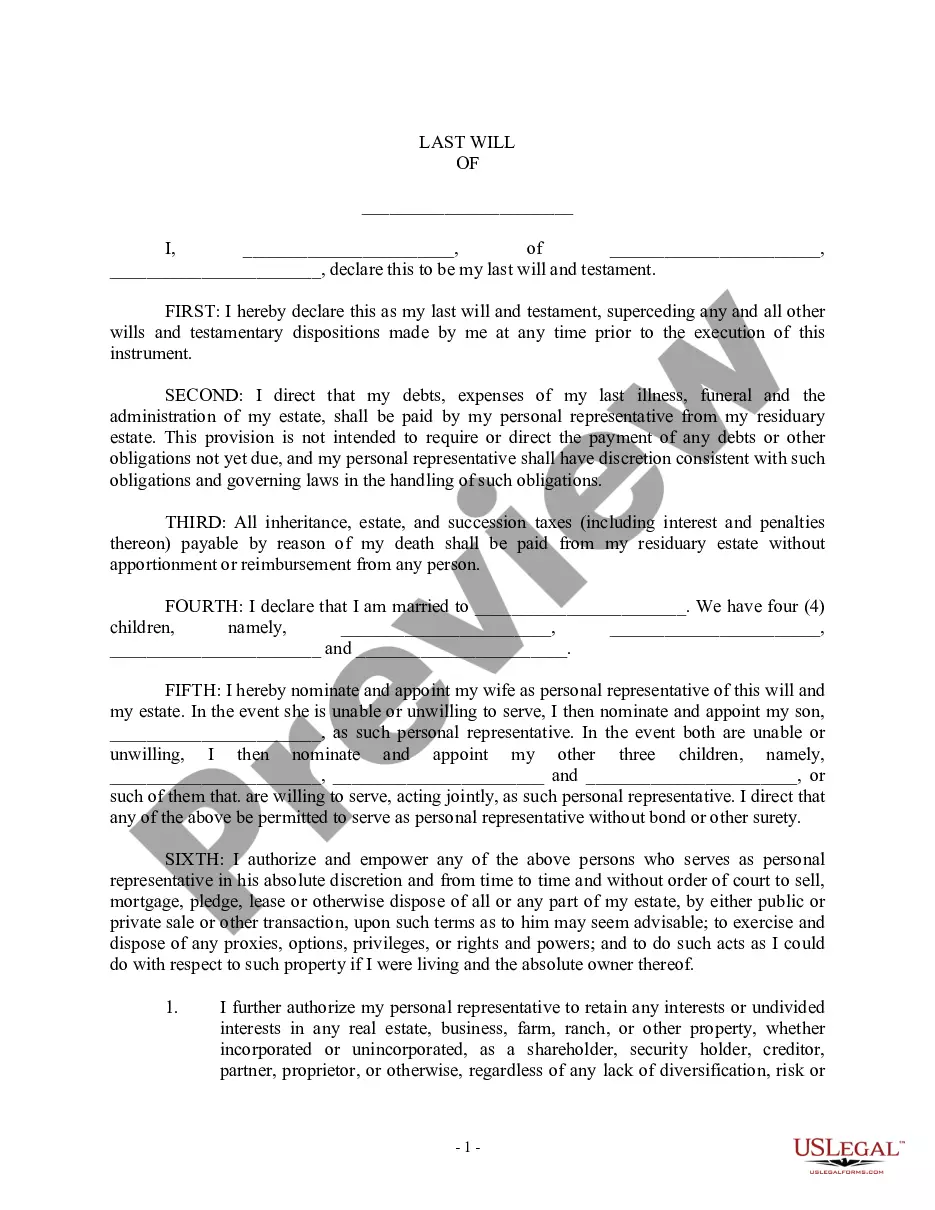
Get your form ready online
Our built-in tools help you complete, sign, share, and store your documents in one place.
Make edits, fill in missing information, and update formatting in US Legal Forms—just like you would in MS Word.
Download a copy, print it, send it by email, or mail it via USPS—whatever works best for your next step.
Sign and collect signatures with our SignNow integration. Send to multiple recipients, set reminders, and more. Go Premium to unlock E-Sign.
If this form requires notarization, complete it online through a secure video call—no need to meet a notary in person or wait for an appointment.
We protect your documents and personal data by following strict security and privacy standards.

Make edits, fill in missing information, and update formatting in US Legal Forms—just like you would in MS Word.

Download a copy, print it, send it by email, or mail it via USPS—whatever works best for your next step.

Sign and collect signatures with our SignNow integration. Send to multiple recipients, set reminders, and more. Go Premium to unlock E-Sign.

If this form requires notarization, complete it online through a secure video call—no need to meet a notary in person or wait for an appointment.

We protect your documents and personal data by following strict security and privacy standards.
Looking for another form?






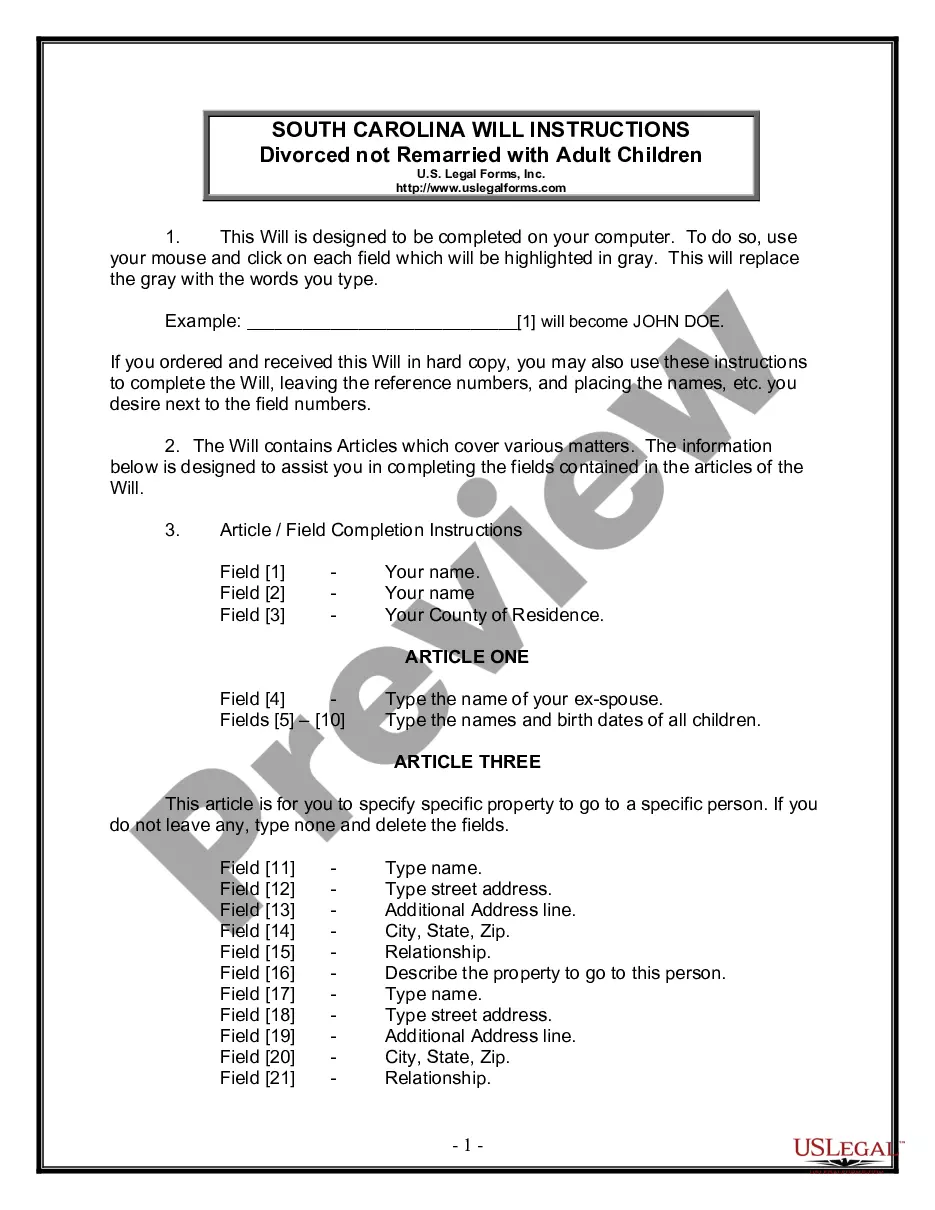
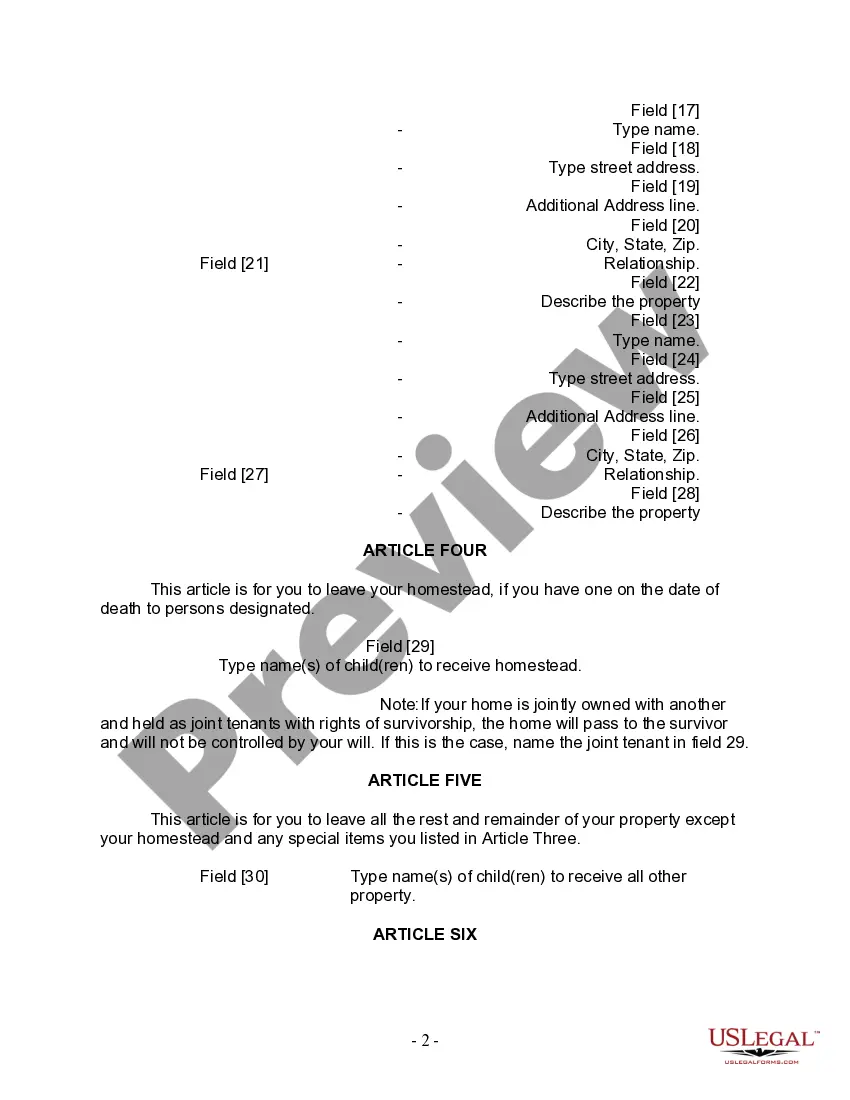
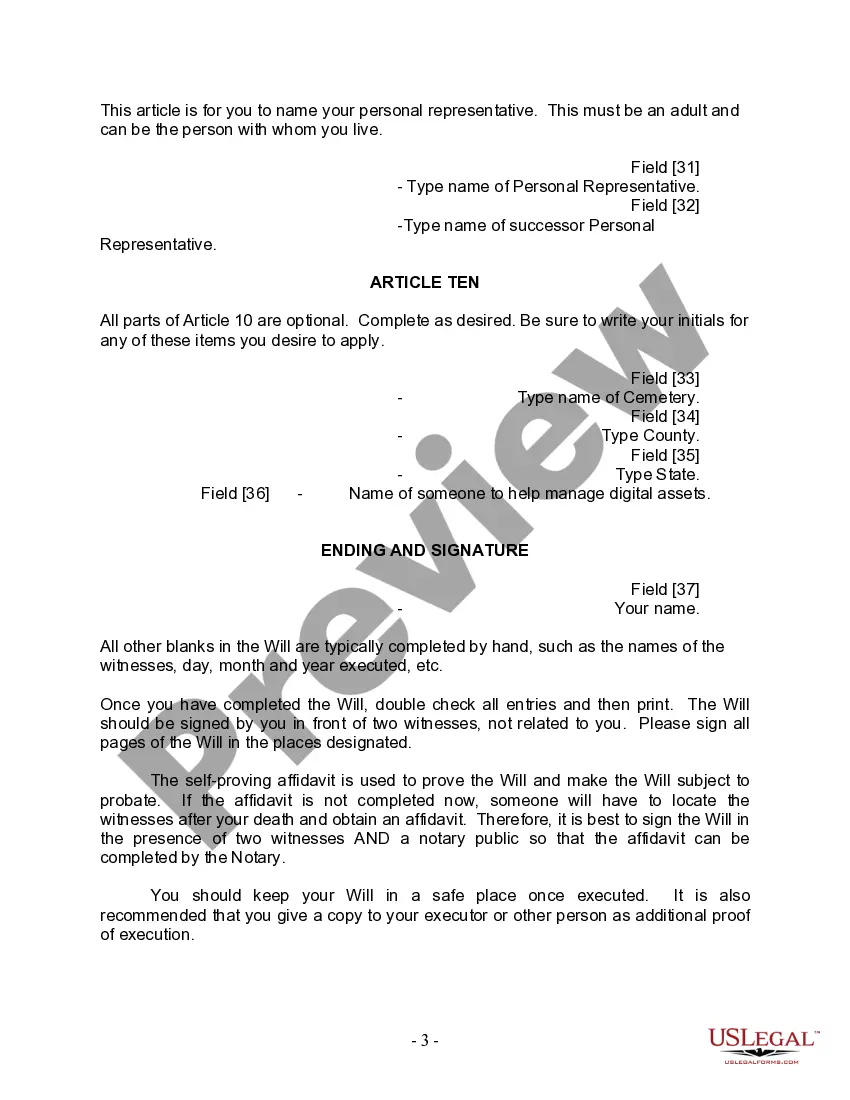
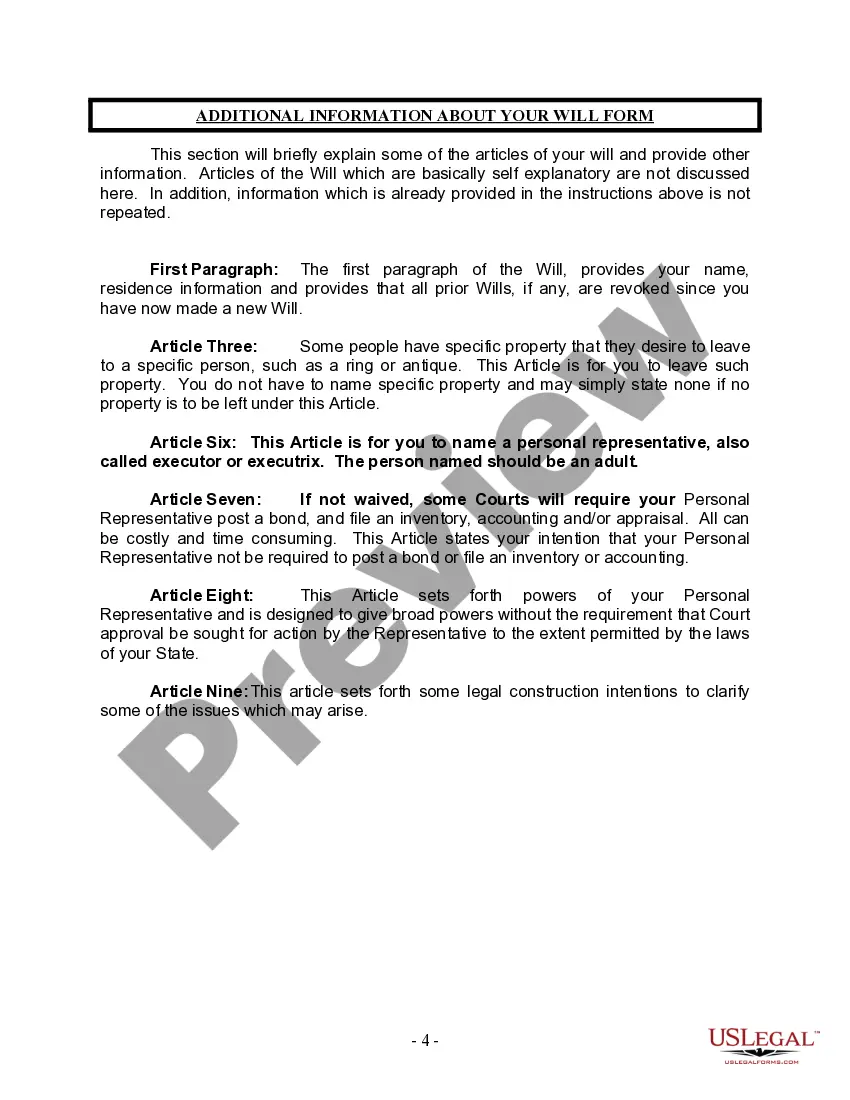
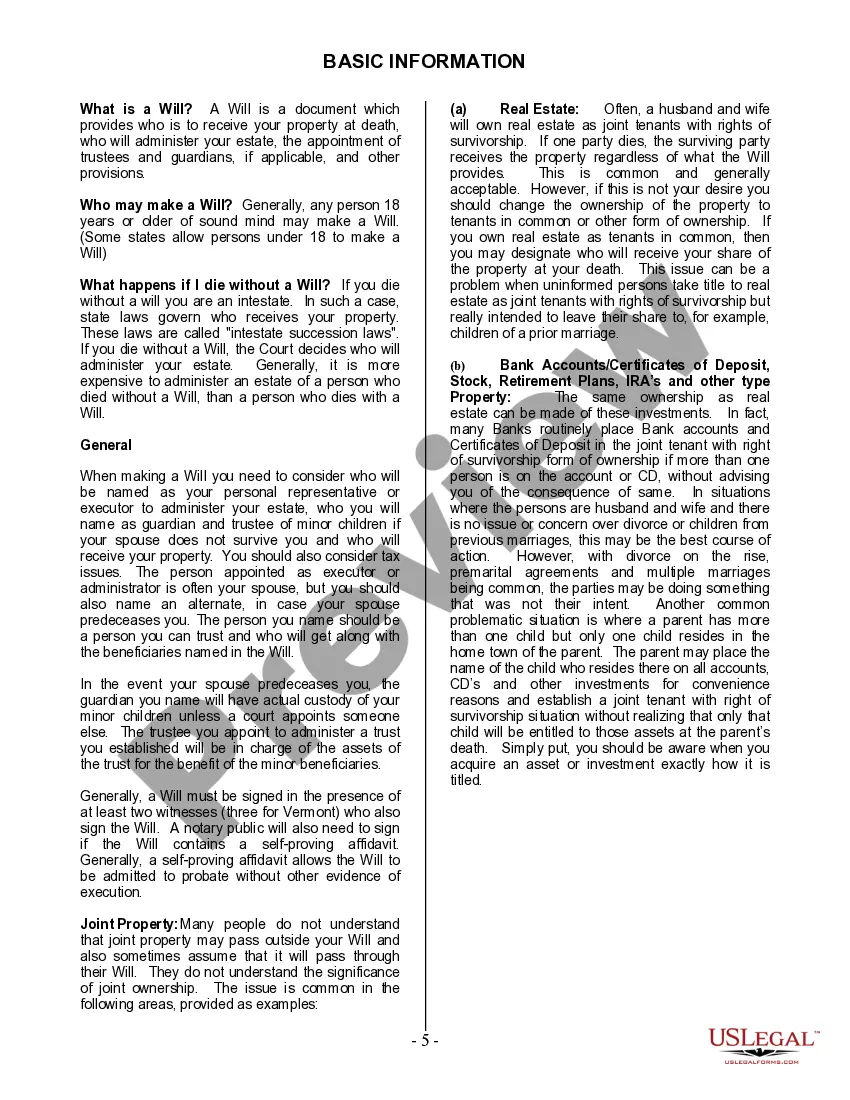
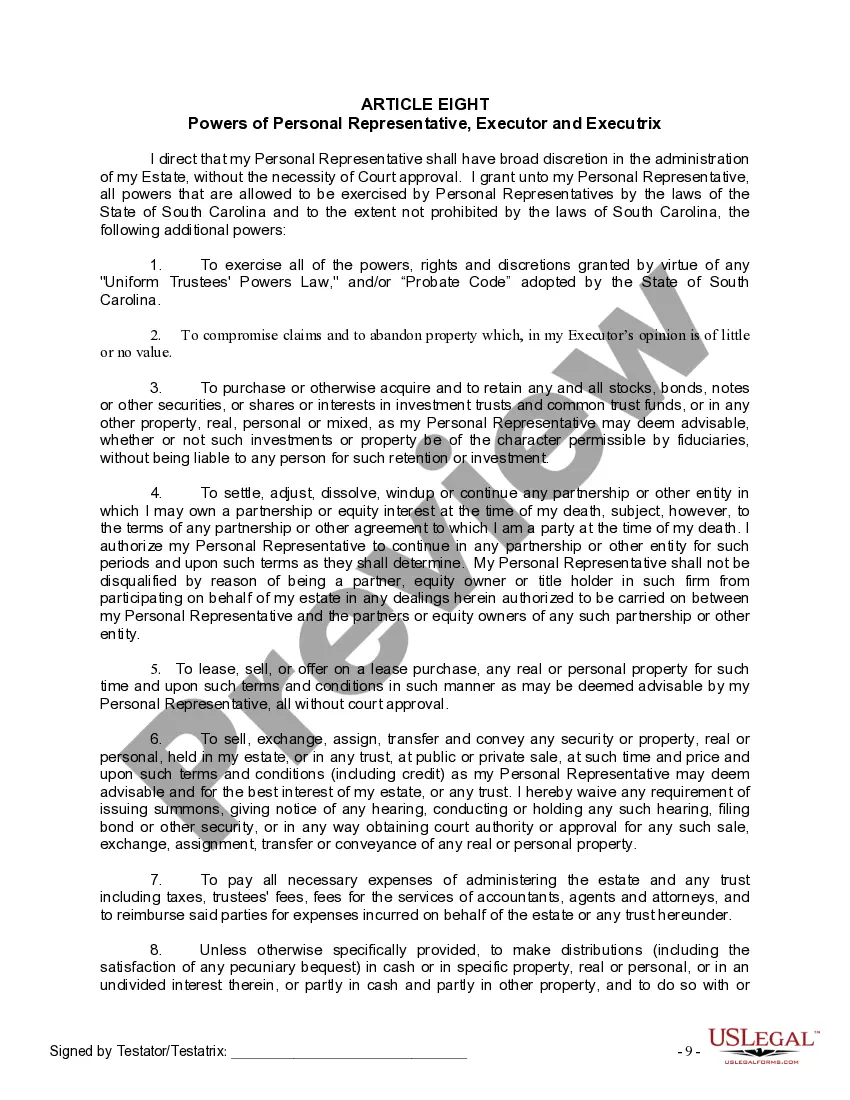
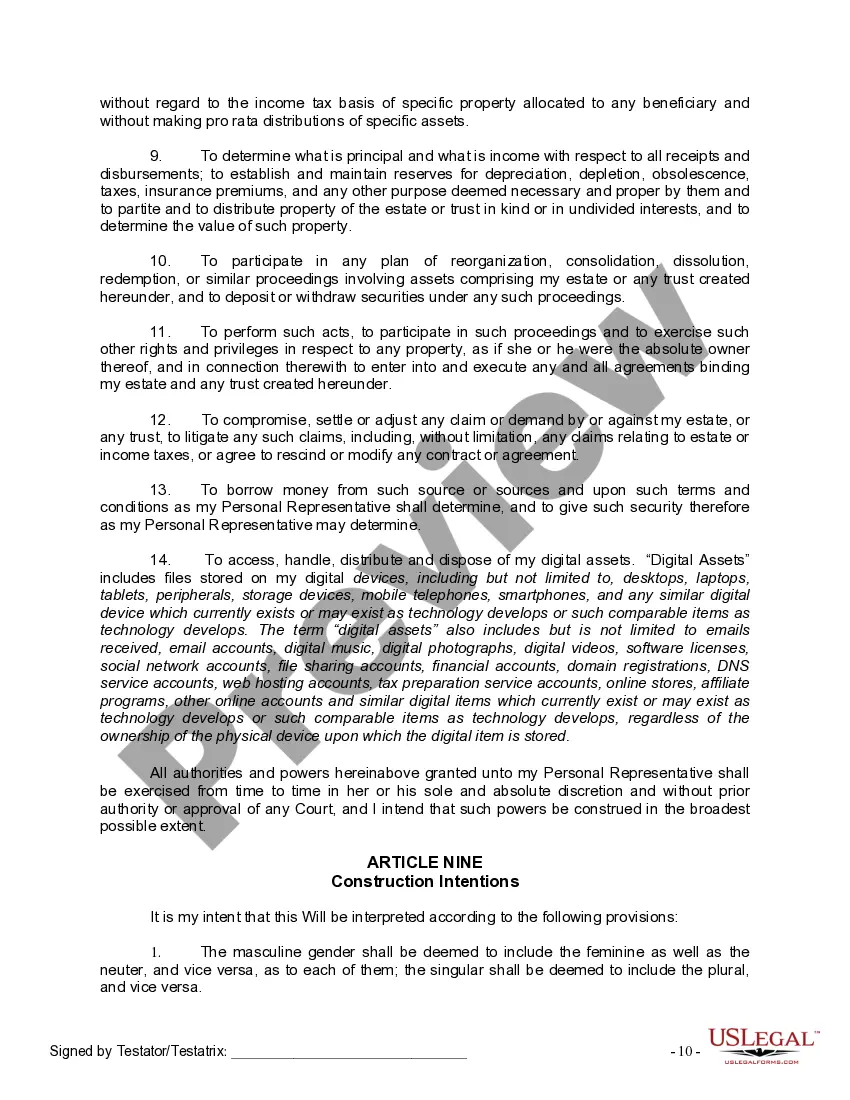
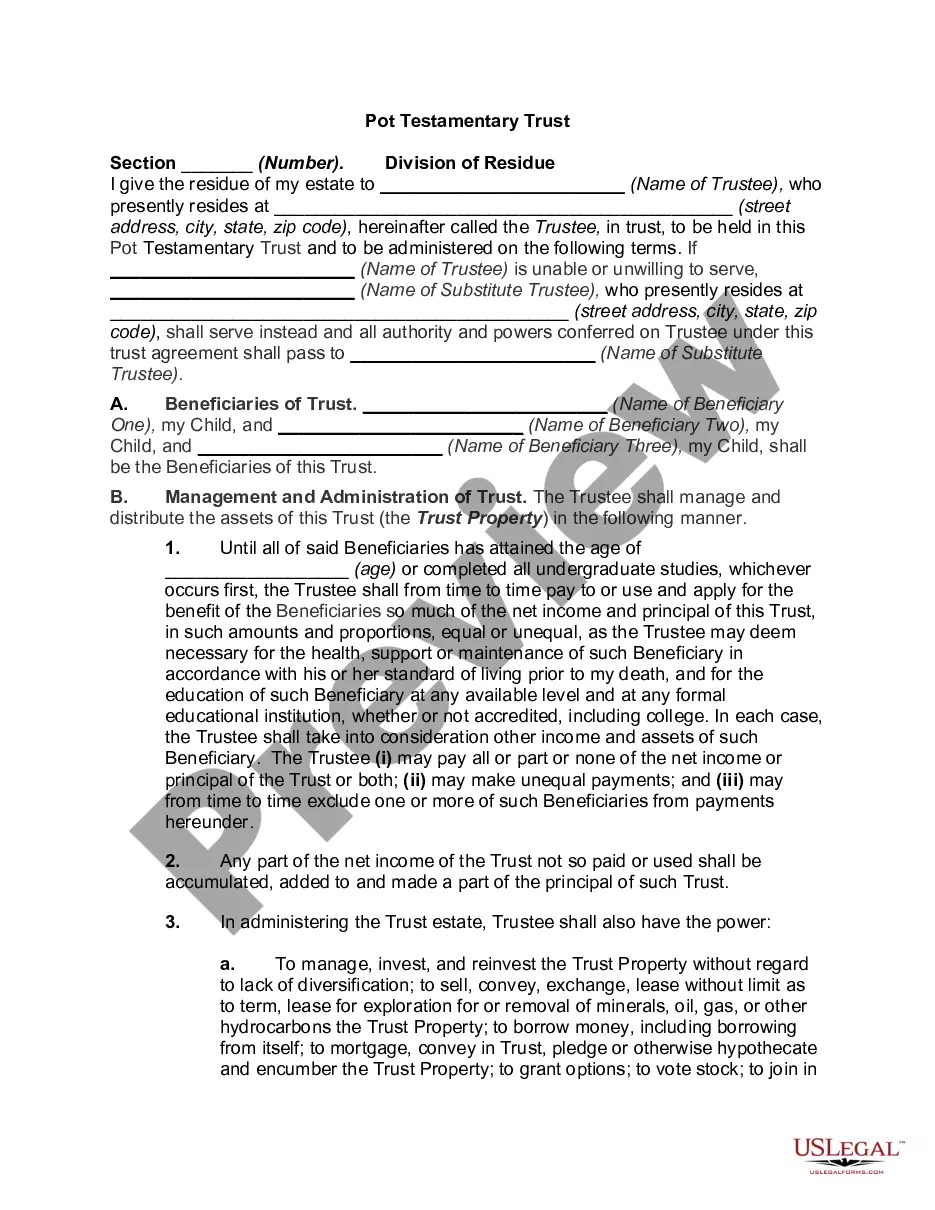
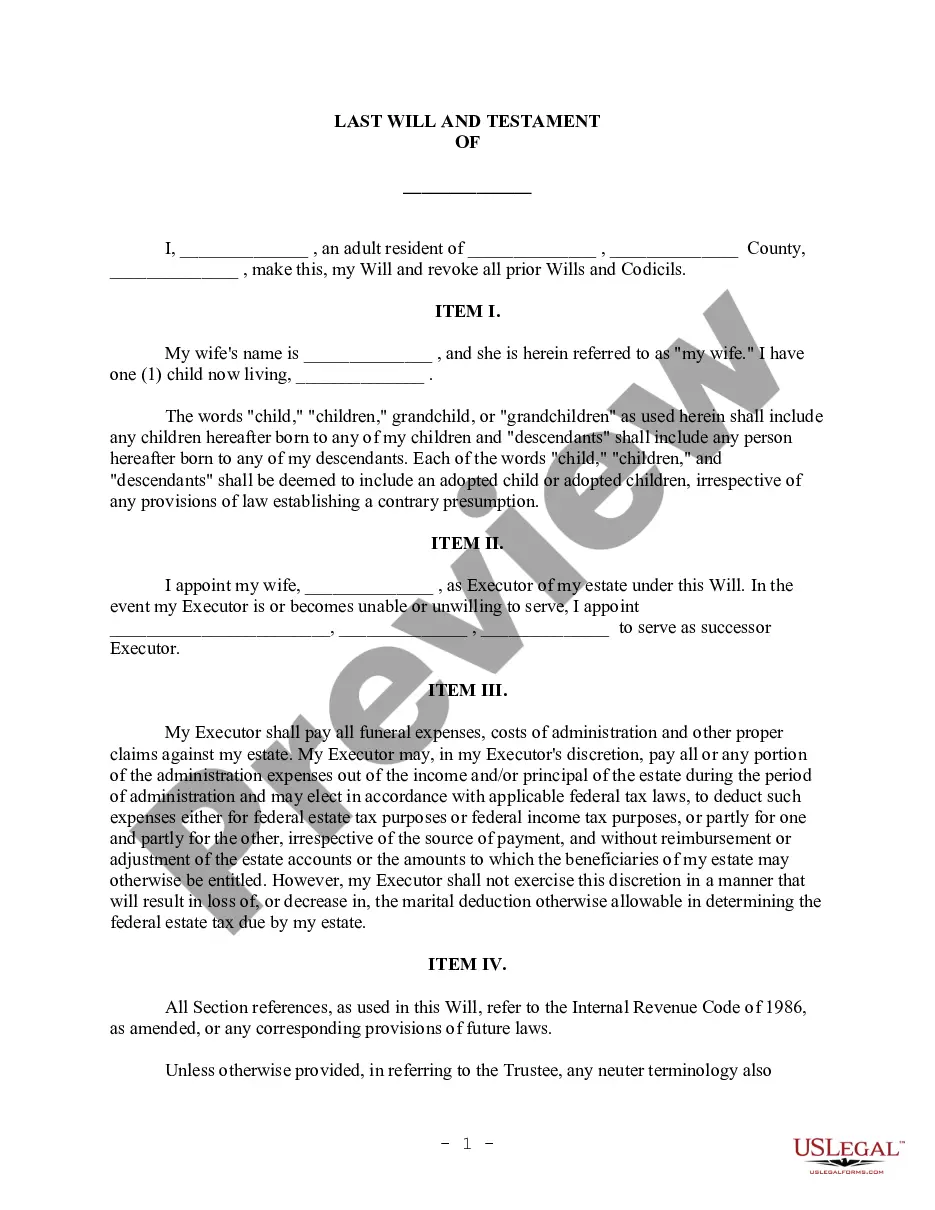
How to fill out South Carolina Last Will And Testament For Divorced Person Not Remarried With Adult Children?
Drafting legal documents from scratch can sometimes be intimidating. Some cases might involve hours of research and hundreds of dollars spent. If you’re looking for a a simpler and more affordable way of preparing South Carolina Divorced With Child or any other forms without jumping through hoops, US Legal Forms is always at your fingertips.
Our online library of over 85,000 up-to-date legal forms covers almost every element of your financial, legal, and personal affairs. With just a few clicks, you can instantly get state- and county-specific templates diligently put together for you by our legal specialists.
Use our platform whenever you need a trustworthy and reliable services through which you can easily find and download the South Carolina Divorced With Child. If you’re not new to our services and have previously set up an account with us, simply log in to your account, select the form and download it away or re-download it at any time in the My Forms tab.
Not registered yet? No worries. It takes minutes to register it and navigate the catalog. But before jumping straight to downloading South Carolina Divorced With Child, follow these recommendations:
- Review the document preview and descriptions to make sure you have found the form you are looking for.
- Check if template you choose complies with the requirements of your state and county.
- Choose the right subscription option to purchase the South Carolina Divorced With Child.
- Download the form. Then complete, sign, and print it out.
US Legal Forms boasts a good reputation and over 25 years of expertise. Join us now and transform form execution into something simple and streamlined!
Form popularity
FAQ
In deciding which parent should have custody of a child, South Carolina's family courts focus on the ?best interests of the child? which includes the child's reasonable preference for custody. Just because a child has a preference doesn't mean that family court will go along with the child's wishes.
In determining the best interests of the child, the court must consider the child's reasonable preference for custody. The court shall place weight upon the preference based upon the child's age, experience, maturity, judgment, and ability to express a preference.
Joint Custody ? South Carolina courts are reluctant to assign true 50-50 physical custody (ie, parents alternate weeks or months throughout a year) as the courts generally believe that such arrangements are not in the best interest of the child.
By default, South Carolina grants sole custody of a child to the natural mother if she is unmarried. Unmarried fathers can only petition the court for custody when their paternity is legally acknowledged or adjudicated.
The following are the six steps to getting full custody in South Carolina: Petition. The first step to getting full custody in South Carolina is to draft a portion of the divorce or paternity petition. ... Filing the Petition Paperwork. ... Temporary Hearing. ... Mediation. ... Trial. ... Judge's Decision.