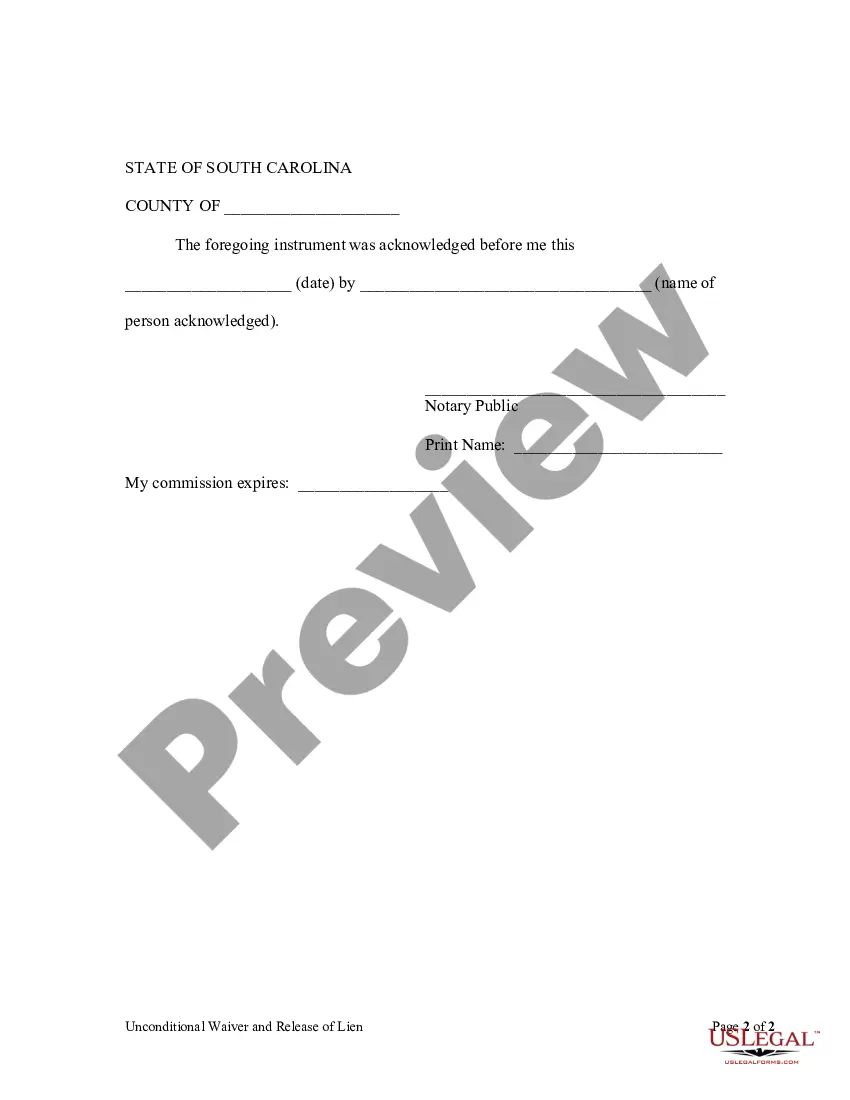
South Carolina Lien Release Form Form
Description
Get your form ready online
Our built-in tools help you complete, sign, share, and store your documents in one place.
Make edits, fill in missing information, and update formatting in US Legal Forms—just like you would in MS Word.
Download a copy, print it, send it by email, or mail it via USPS—whatever works best for your next step.
Sign and collect signatures with our SignNow integration. Send to multiple recipients, set reminders, and more. Go Premium to unlock E-Sign.
If this form requires notarization, complete it online through a secure video call—no need to meet a notary in person or wait for an appointment.
We protect your documents and personal data by following strict security and privacy standards.

Make edits, fill in missing information, and update formatting in US Legal Forms—just like you would in MS Word.

Download a copy, print it, send it by email, or mail it via USPS—whatever works best for your next step.

Sign and collect signatures with our SignNow integration. Send to multiple recipients, set reminders, and more. Go Premium to unlock E-Sign.

If this form requires notarization, complete it online through a secure video call—no need to meet a notary in person or wait for an appointment.

We protect your documents and personal data by following strict security and privacy standards.
Looking for another form?


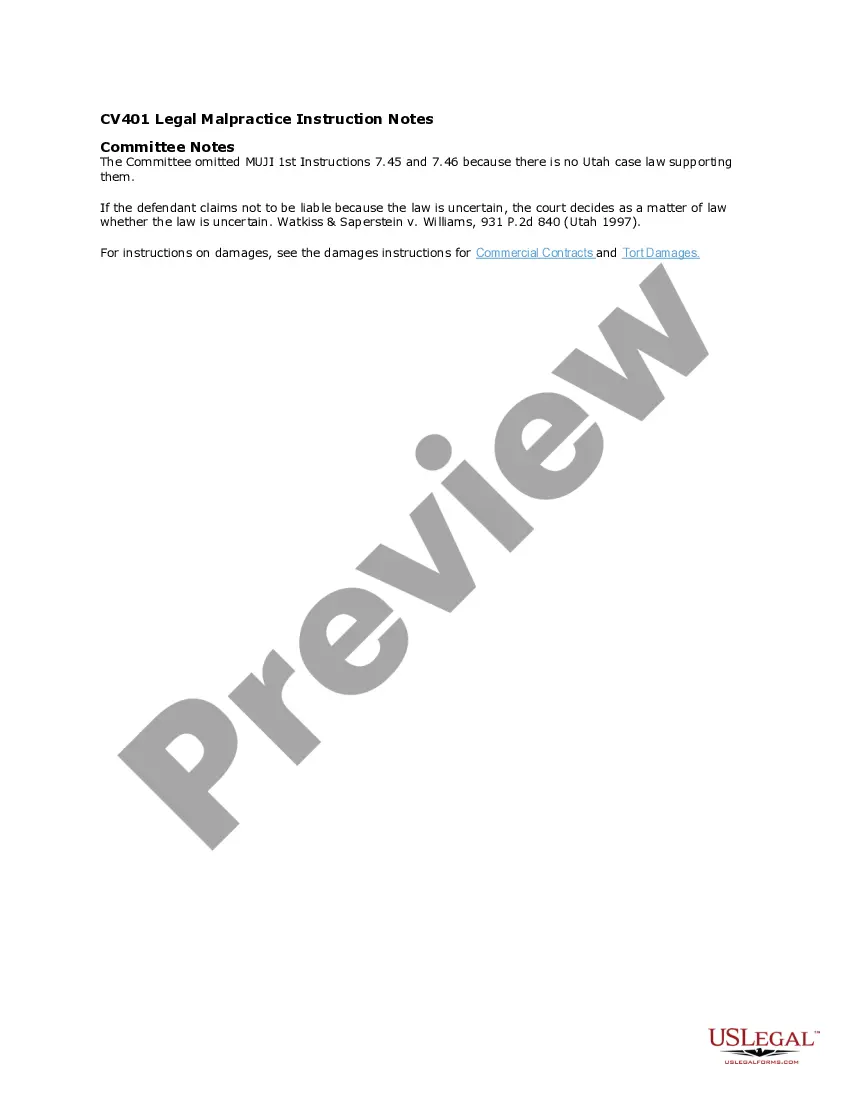
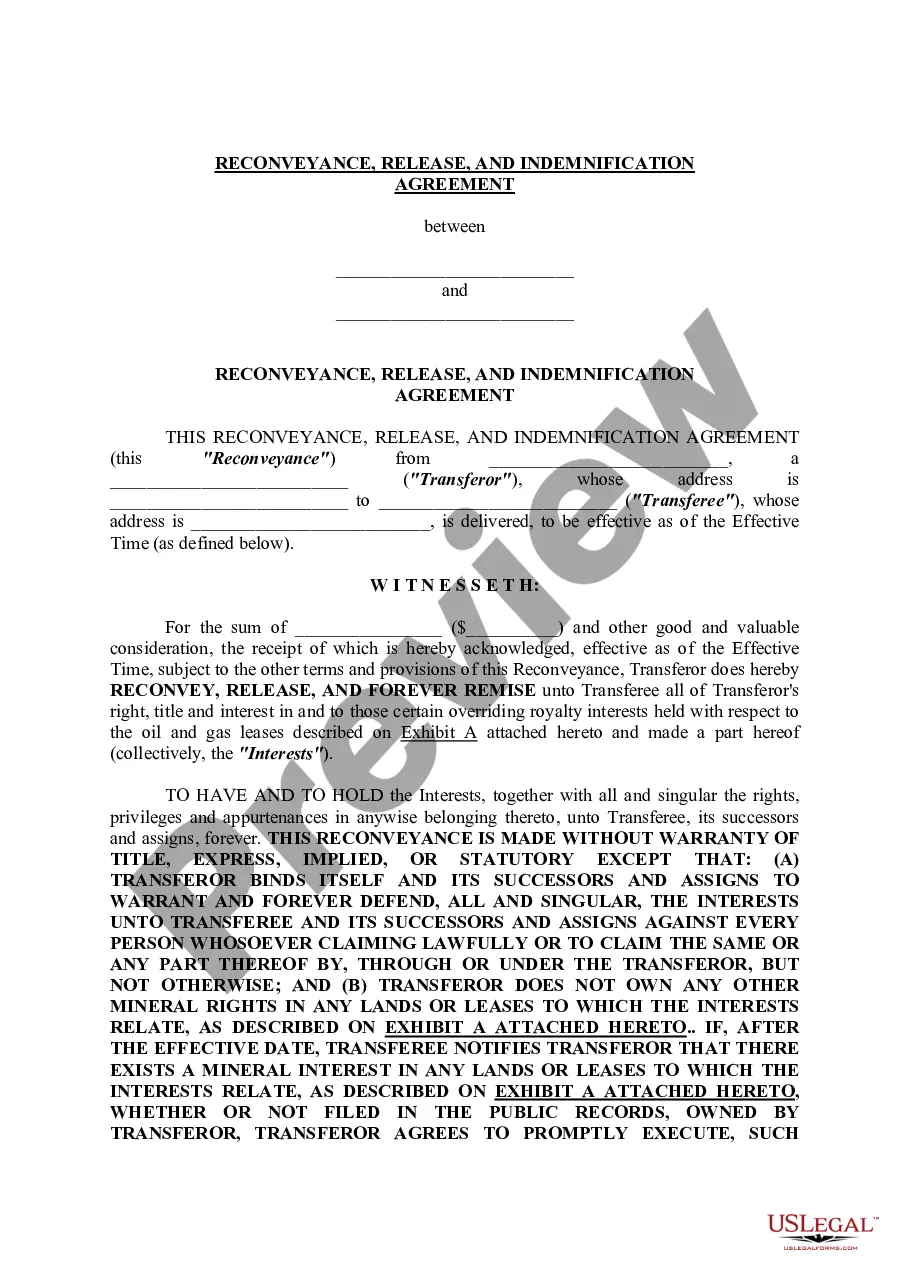
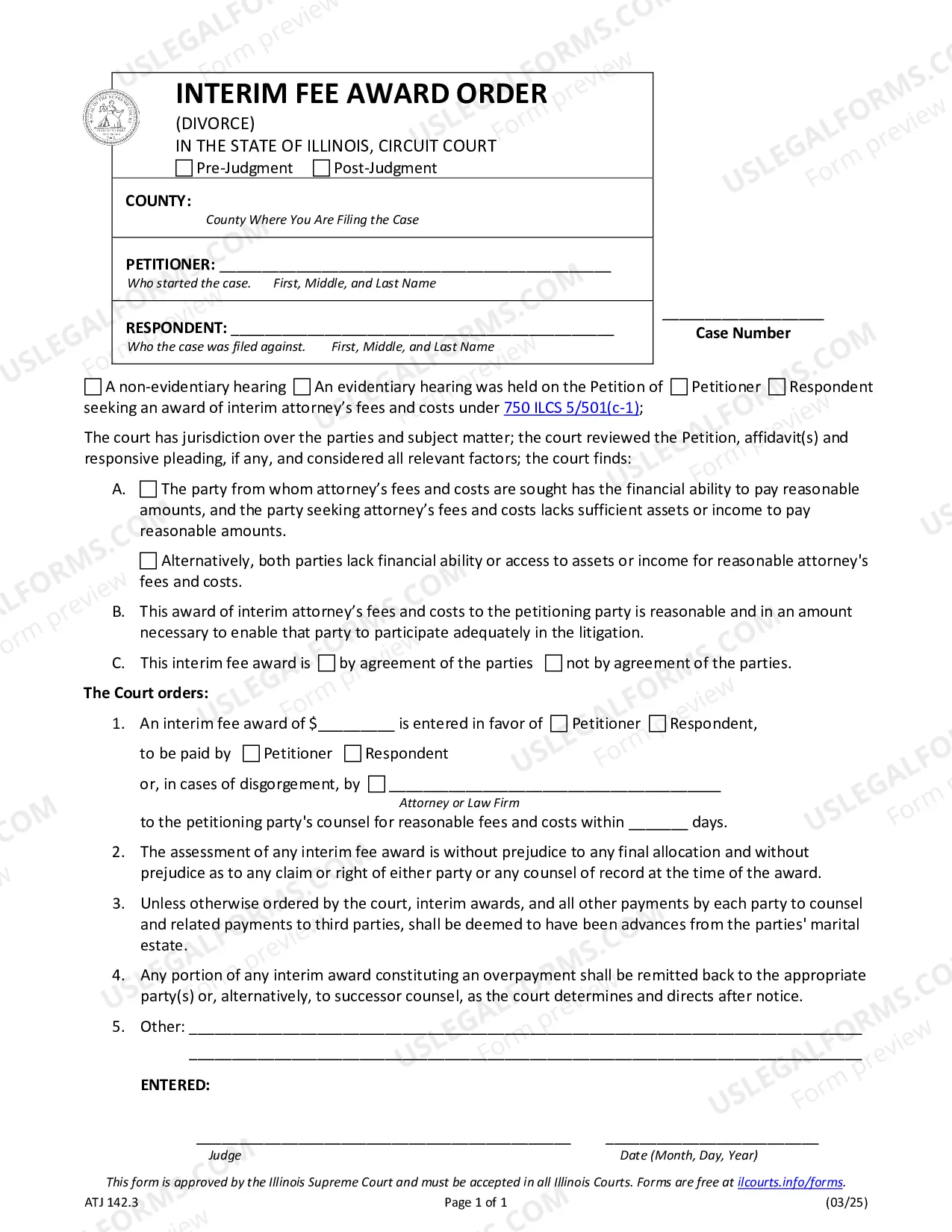
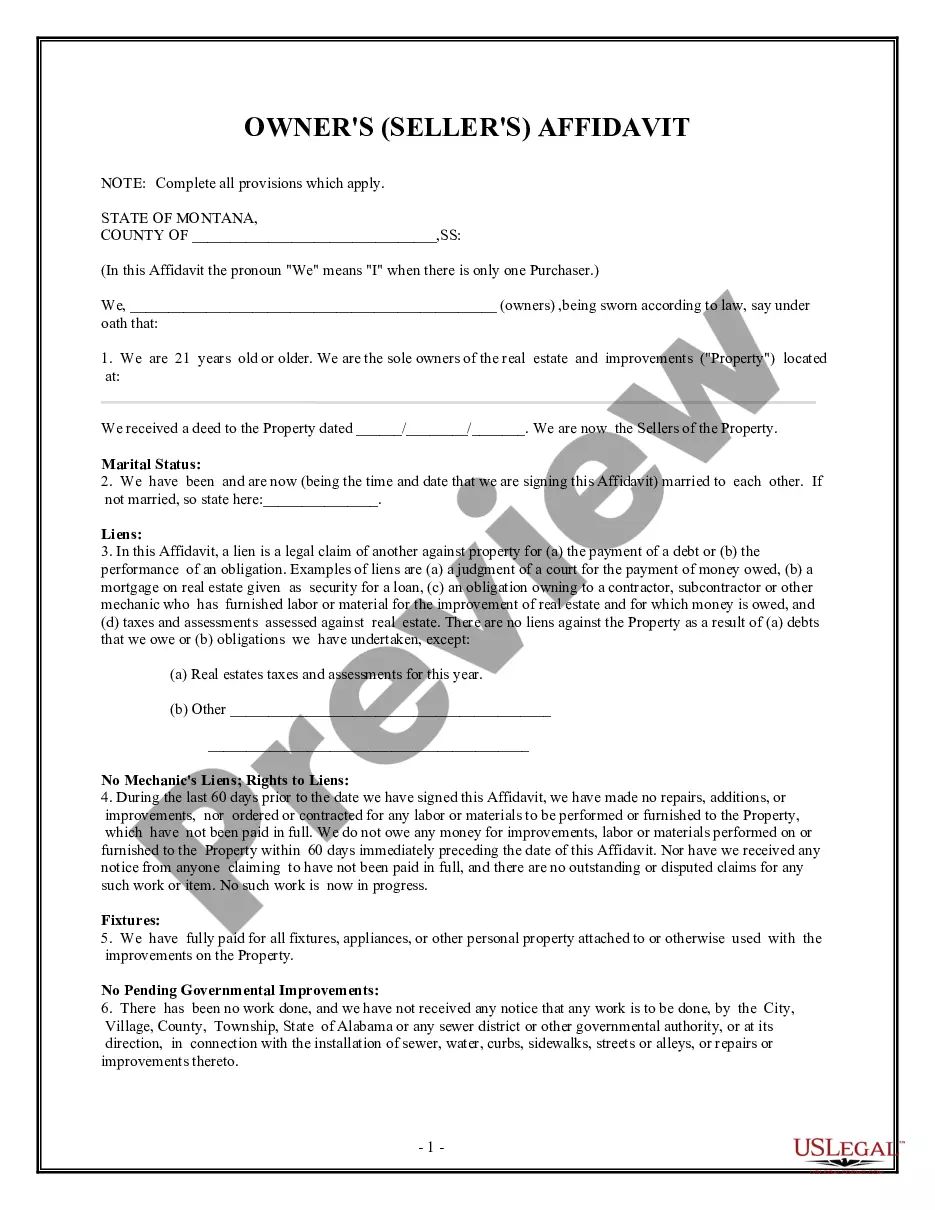
How to fill out South Carolina Unconditional Waiver And Release Of Claim Of Lien Upon Final Payment?
Bureaucracy necessitates exactness and correctness.
If you do not manage completing documentation like the South Carolina Lien Release Form regularly, it could lead to some misinterpretations.
Choosing the right template from the outset will ensure that your document submission proceeds smoothly and avert any troubles of re-submitting a document or doing the same task entirely from the beginning.
If you are not a registered user, locating the desired template would require a few extra steps: Locate the template using the search box. Ensure the South Carolina Lien Release Form you found is valid for your state or area. Open the preview or read the description that provides details on the template's use. Once the result aligns with your search, click the Buy Now button. Choose the appropriate option from the offered pricing plans. Sign in to your account or create a new one. Complete the purchase using a credit card or PayPal option. Receive the form in your preferred file format. Obtaining the correct and current templates for your documentation takes just a few minutes with a US Legal Forms account. Sidestep bureaucratic issues and simplify your document handling.
- You can always find the proper template for your documentation in US Legal Forms.
- US Legal Forms is the largest online forms repository that holds over 85 thousand templates for various topics.
- You can obtain the most recent and most suitable version of the South Carolina Lien Release Form by simply searching for it on the website.
- Find, store, and save templates in your account or check the description to confirm you have the correct one available.
- With an account at US Legal Forms, it's simple to acquire, keep in one location, and browse through the templates you have saved for quick access.
- When on the website, click the Log In button to sign in.
- Next, navigate to the My documents page, where your document history is maintained.
- Review the description of the forms and save the ones you need at any time.
Form popularity
FAQ
The borrower can then go to any South Carolina DMV (Department of Motor Vehicles), and fill out an auto title transfer. There a few ways that the lender can release a vehicle's title: They can release it electronically (if the title is electronic) They can complete the lien release section on a title certificate.
The borrower can then go to any South Carolina DMV (Department of Motor Vehicles), and fill out an auto title transfer. There a few ways that the lender can release a vehicle's title: They can release it electronically (if the title is electronic) They can complete the lien release section on a title certificate.
If you do not wish to continue any of your liens, no action is required. If you are a lienholder and need to remove a lien from a title, complete the lien release on the front of the title document, submit a letter on company letterhead or you may release the lien electronically on electronic titles.
Lien waivers in South Carolina do not need to be notarized in order to be effective, they must merely be in writing.
How to File a Real Property Lien in South CarolinaFind the name of the South Carolina real property owner.Visit the courthouse in the county in South Carolina where the real property is located.Go to the Tax Assessor's office first.Visit the office of the Register of Deeds in the courthouse.More items...