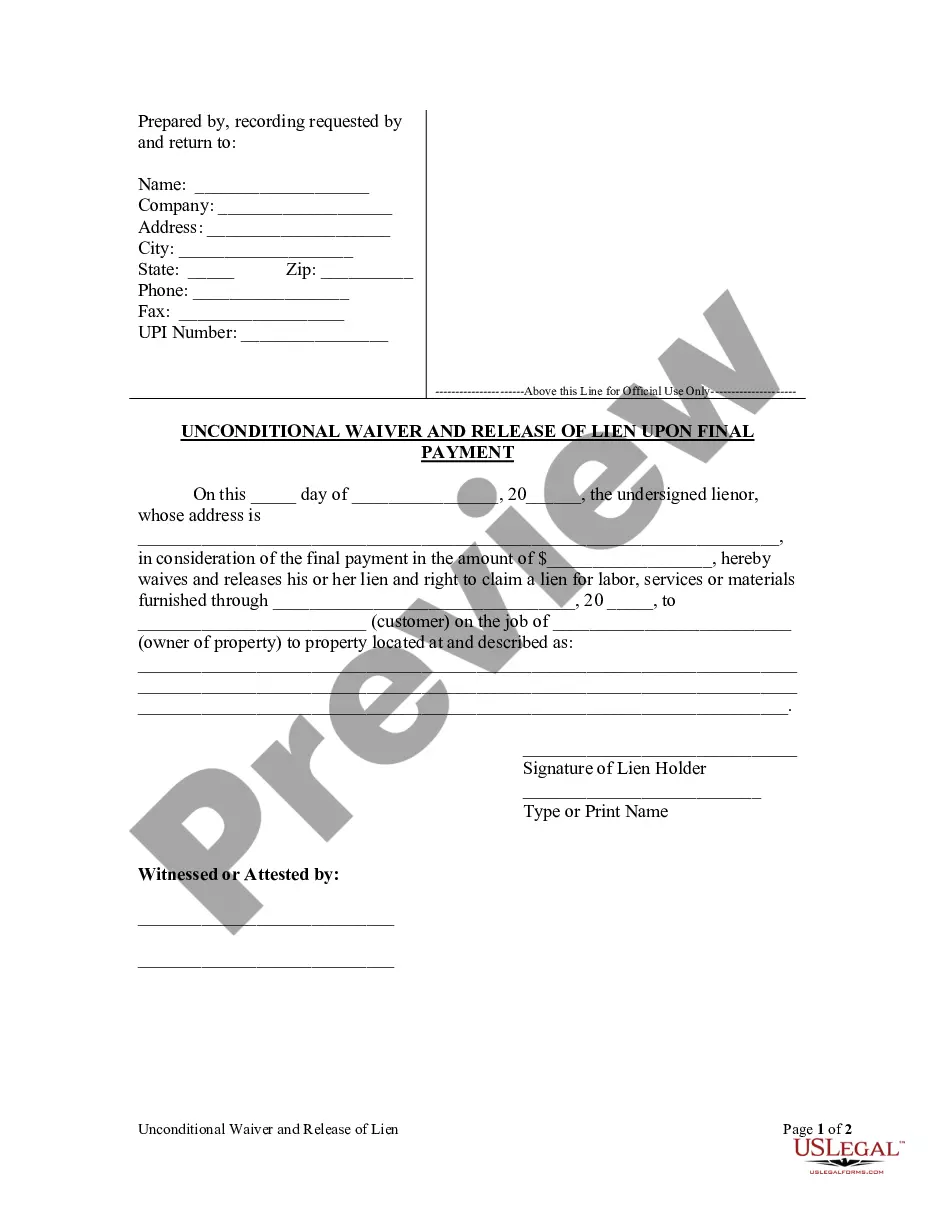
South Carolina Lien Release Form For Car
Description
Get your form ready online
Our built-in tools help you complete, sign, share, and store your documents in one place.
Make edits, fill in missing information, and update formatting in US Legal Forms—just like you would in MS Word.
Download a copy, print it, send it by email, or mail it via USPS—whatever works best for your next step.
Sign and collect signatures with our SignNow integration. Send to multiple recipients, set reminders, and more. Go Premium to unlock E-Sign.
If this form requires notarization, complete it online through a secure video call—no need to meet a notary in person or wait for an appointment.
We protect your documents and personal data by following strict security and privacy standards.

Make edits, fill in missing information, and update formatting in US Legal Forms—just like you would in MS Word.

Download a copy, print it, send it by email, or mail it via USPS—whatever works best for your next step.

Sign and collect signatures with our SignNow integration. Send to multiple recipients, set reminders, and more. Go Premium to unlock E-Sign.

If this form requires notarization, complete it online through a secure video call—no need to meet a notary in person or wait for an appointment.

We protect your documents and personal data by following strict security and privacy standards.
Looking for another form?

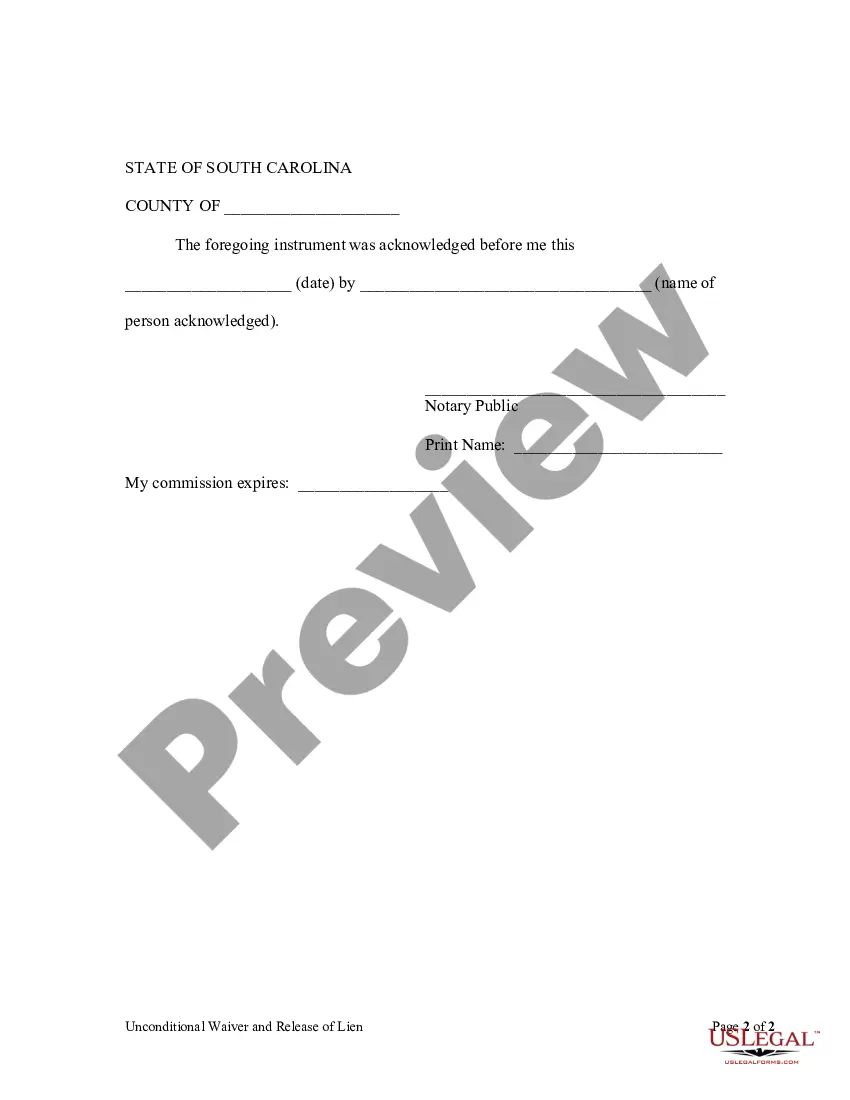
How to fill out South Carolina Unconditional Waiver And Release Of Claim Of Lien Upon Final Payment?
Properly prepared official documents are one of the key assurances for preventing issues and legal disputes, but acquiring them without the assistance of an attorney may require time.
Whether you need to swiftly obtain an updated South Carolina Lien Release Form For Car or any other templates for employment, family, or business events, US Legal Forms is always available to assist.
The process is even simpler for current users of the US Legal Forms library. If your subscription is active, you just need to Log In to your account and click the Download button next to the selected file. Moreover, you can access the South Carolina Lien Release Form For Car later at any time, as all the documents ever acquired on the platform are accessible within the My documents section of your profile. Save time and finances on creating official documents. Utilize US Legal Forms today!
- Ensure that the form matches your situation and locality by reviewing the description and preview.
- Search for another example (if needed) using the Search bar in the page header.
- Click on Buy Now once you locate the suitable template.
- Select your pricing plan, Log In to your account or create a new one.
- Choose your preferred payment method to purchase the subscription plan (via credit card or PayPal).
- Select PDF or DOCX file format for your South Carolina Lien Release Form For Car.
- Click Download, then print the template to complete it or upload it to an online editor.
Form popularity
FAQ
If you do not wish to continue any of your liens, no action is required. If you are a lienholder and need to remove a lien from a title, complete the lien release on the front of the title document, submit a letter on company letterhead or you may release the lien electronically on electronic titles.
Description of form 103 a scdmv. South Carolina Department of Motor Vehicles AFFIDAVIT OF RESPONSIBILITY MV-103 (Rev. 5/09) The legend/brand Undisclosed Lin" will be added to the title whenever this form is used.
The borrower can then go to any South Carolina DMV (Department of Motor Vehicles), and fill out an auto title transfer. There a few ways that the lender can release a vehicle's title: They can release it electronically (if the title is electronic) They can complete the lien release section on a title certificate.
South Carolina DMV Vehicle Title Transfer GuideComplete and sign the vehicle title and certificate (the vehicle's seller and the buyer must sign the title certificate)Complete a bill of sale (if applicable)Complete the vehicle title application form.Submit the above to the SCDMV.15-Feb-2022
The borrower can then go to any South Carolina DMV (Department of Motor Vehicles), and fill out an auto title transfer. There a few ways that the lender can release a vehicle's title: They can release it electronically (if the title is electronic) They can complete the lien release section on a title certificate.