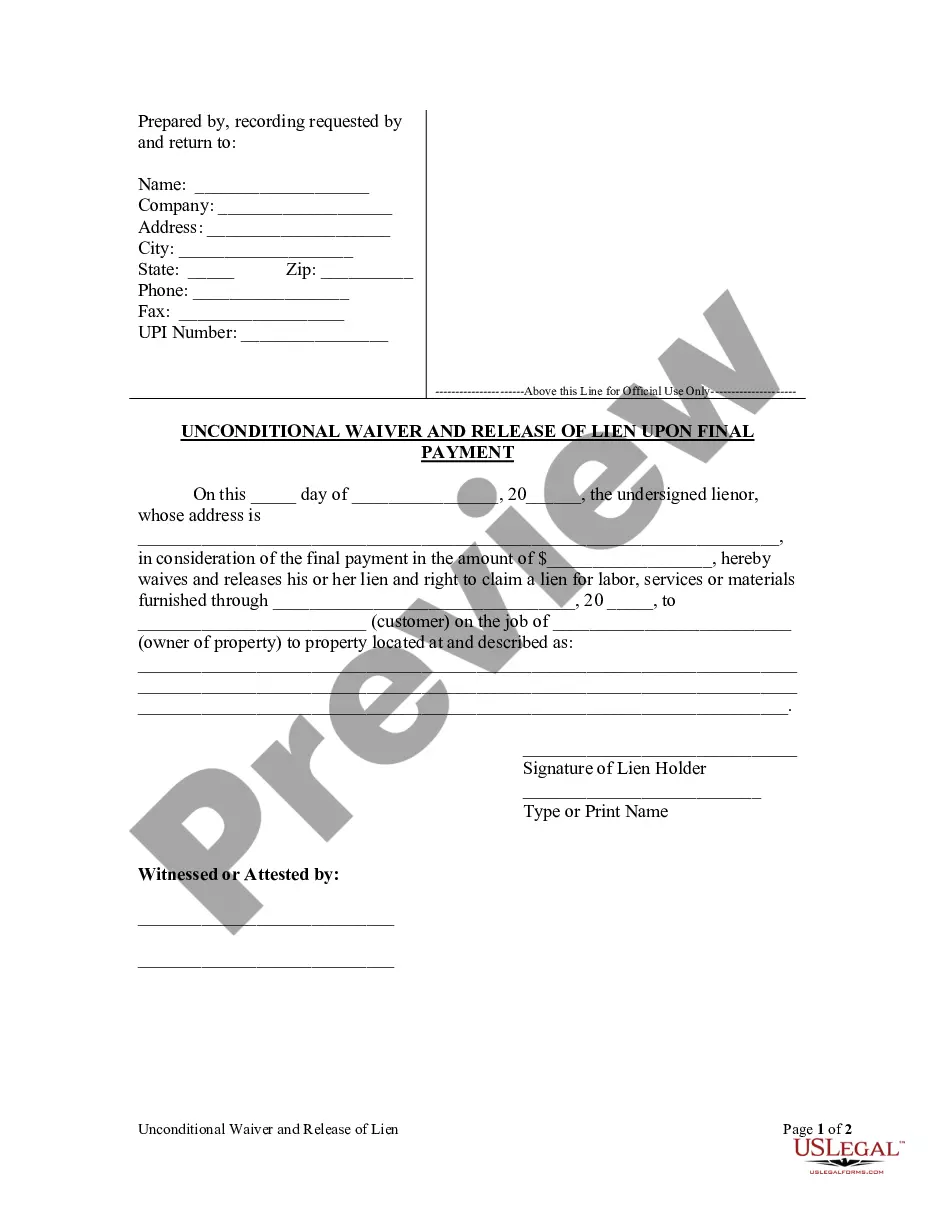
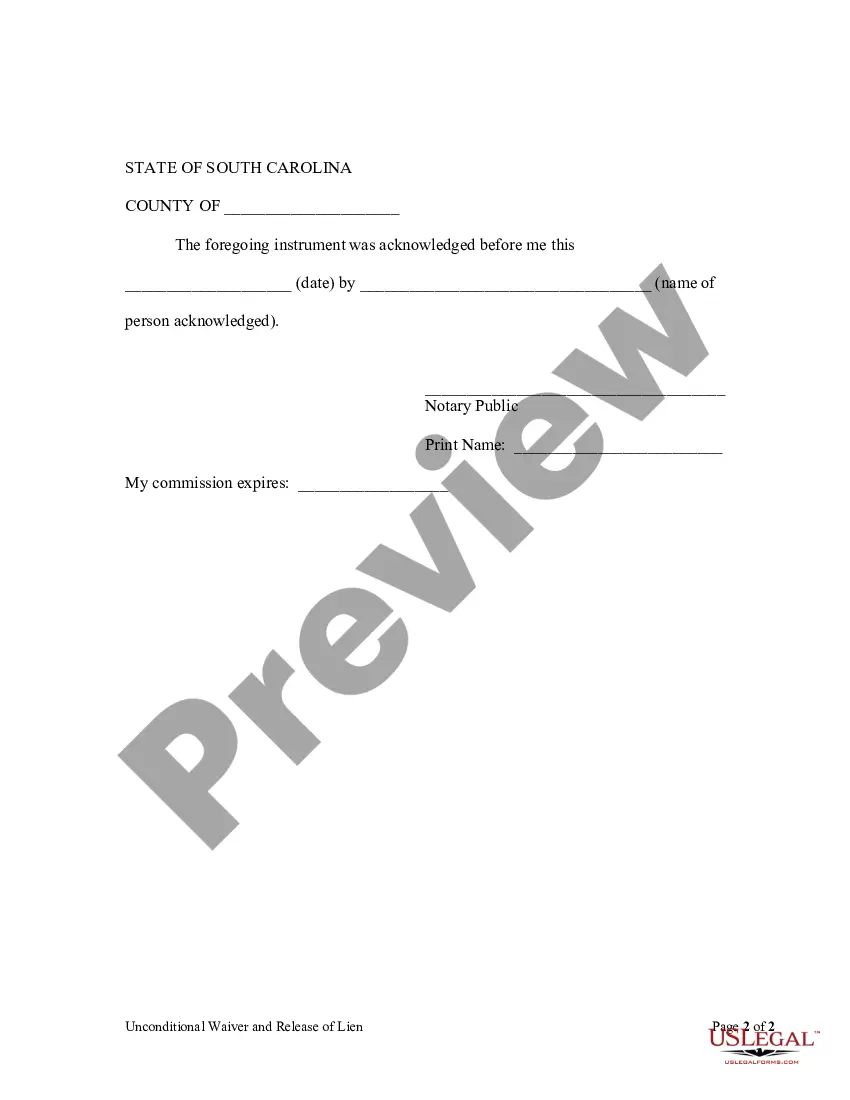
Lien Release Form South Carolina With Notary
Description
Get your form ready online
Our built-in tools help you complete, sign, share, and store your documents in one place.
Make edits, fill in missing information, and update formatting in US Legal Forms—just like you would in MS Word.
Download a copy, print it, send it by email, or mail it via USPS—whatever works best for your next step.
Sign and collect signatures with our SignNow integration. Send to multiple recipients, set reminders, and more. Go Premium to unlock E-Sign.
If this form requires notarization, complete it online through a secure video call—no need to meet a notary in person or wait for an appointment.
We protect your documents and personal data by following strict security and privacy standards.

Make edits, fill in missing information, and update formatting in US Legal Forms—just like you would in MS Word.

Download a copy, print it, send it by email, or mail it via USPS—whatever works best for your next step.

Sign and collect signatures with our SignNow integration. Send to multiple recipients, set reminders, and more. Go Premium to unlock E-Sign.

If this form requires notarization, complete it online through a secure video call—no need to meet a notary in person or wait for an appointment.

We protect your documents and personal data by following strict security and privacy standards.
Looking for another form?

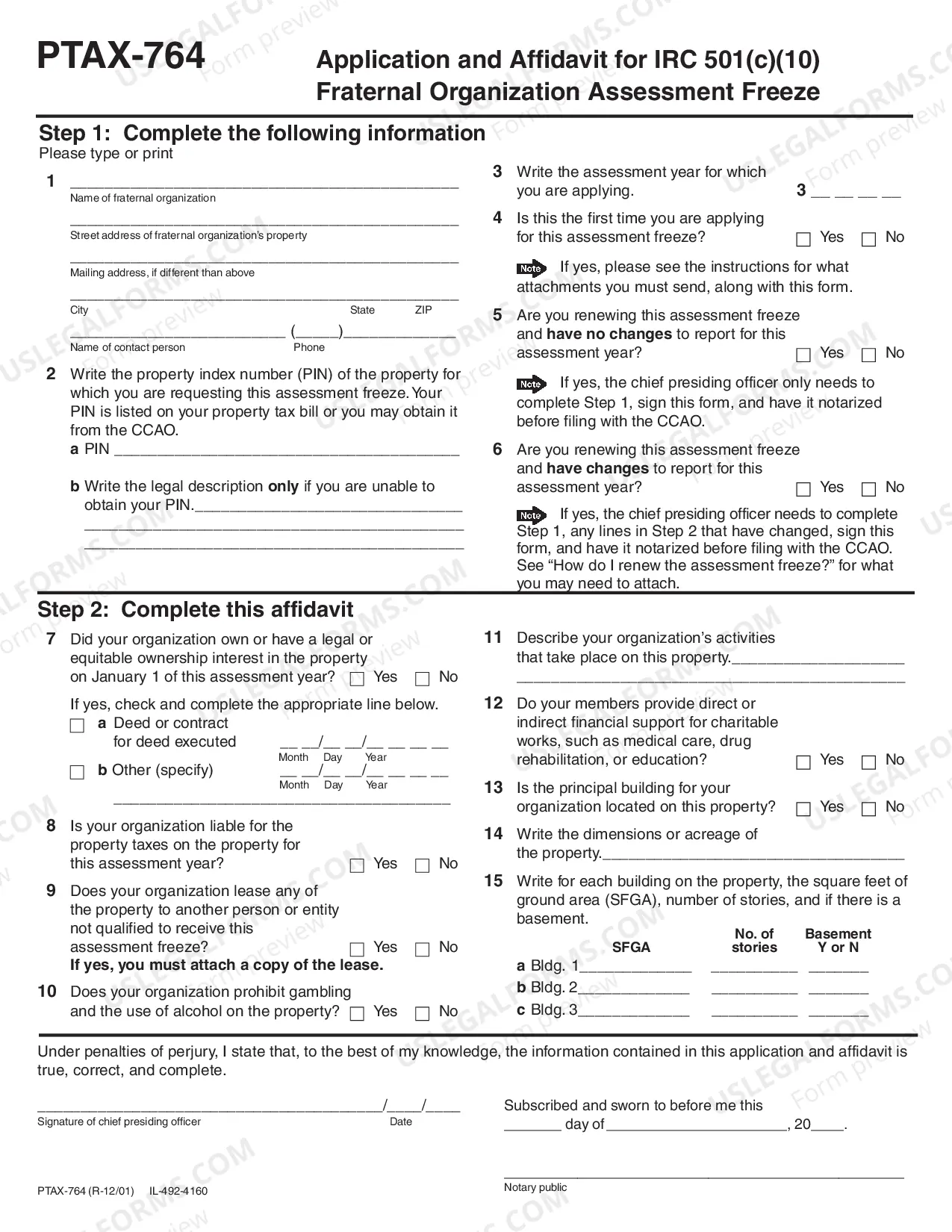
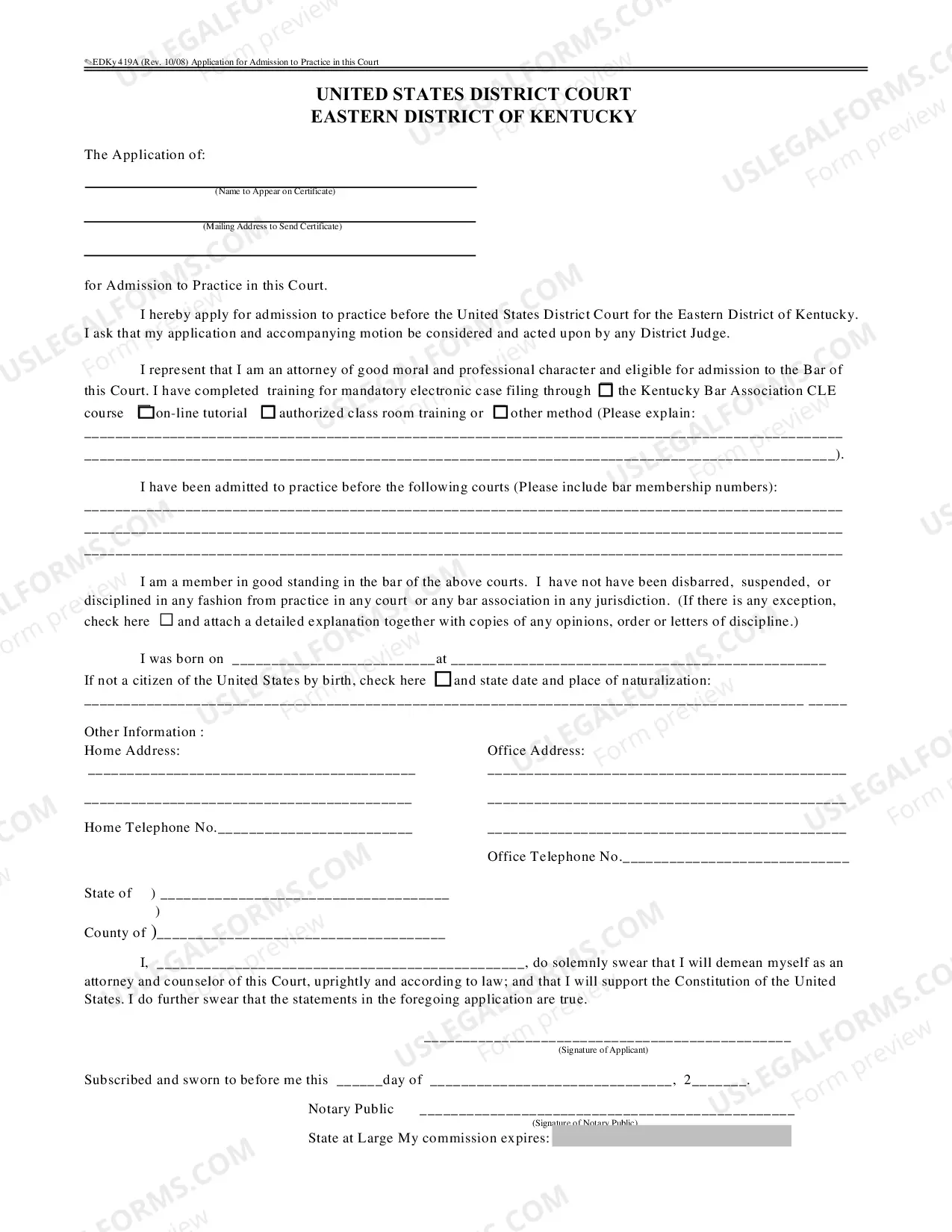
How to fill out South Carolina Unconditional Waiver And Release Of Claim Of Lien Upon Final Payment?
It’s well-known that you cannot instantly become a legal expert, nor can you quickly learn how to efficiently prepare a Lien Release Form South Carolina With Notary without possessing a specialized skill set.
Generating legal documents is a lengthy process that necessitates specific training and expertise.
So why not entrust the development of the Lien Release Form South Carolina With Notary to the professionals.
Preview it (if this option is available) and read the accompanying description to determine if the Lien Release Form South Carolina With Notary is what you are looking for.
If you need another form, initiate your search again. Create a free account and select a subscription plan to purchase the form. Click Buy now. Once the payment is finalized, you can download the Lien Release Form South Carolina With Notary, complete it, print it, and send it or mail it to the relevant individuals or organizations. You can regain access to your documents from the My documents tab anytime. If you are an existing client, you can simply Log In, and locate and download the template from the same tab. Regardless of the reason for your forms—whether financial, legal, or personal—our platform has you covered. Give US Legal Forms a try now!
- With US Legal Forms, which is one of the most extensive legal template collections, you can find everything from court papers to templates for office correspondence.
- We recognize the significance of compliance and adherence to federal and state regulations.
- That’s why, on our site, all documents are region-specific and current.
- Here’s how to start with our platform and obtain the form you need in just a few minutes.
- Utilize the search bar located at the top of the page to locate the form you require.
Form popularity
FAQ
If you do not wish to continue any of your liens, no action is required. If you are a lienholder and need to remove a lien from a title, complete the lien release on the front of the title document, submit a letter on company letterhead or you may release the lien electronically on electronic titles.
First assignment completed on title: buyer's name and address, lienholder information (if applicable), odometer reading, sales price, date of sale, seller's signature, buyer's signature. If assignment on title does not have section for sales price, a bill of sale must accompany paperwork.
Release details: Provide a statement confirming that the borrower has fully repaid the debt and that the lienholder is relinquishing their legal claim on the property or asset. Include the date when the borrower paid off the debt.
Certificate of Title - Example Document Purchaser(s) Name ? All purchasers' names should be recorded. ... Purchaser(s) Address ? The physical address of the purchaser should be recorded. Date of Sale ? The sale date must be recorded as month, day, and year. ... Model ? Should be recorded.
South Carolina requires payment to be made first, and that the lien waiver should be in writing. Both conditional and unconditional lien waivers are allowed, as long as the payment associated with the waiver has been met. South Carolina has no requirement that a written lien waiver must be notarized.