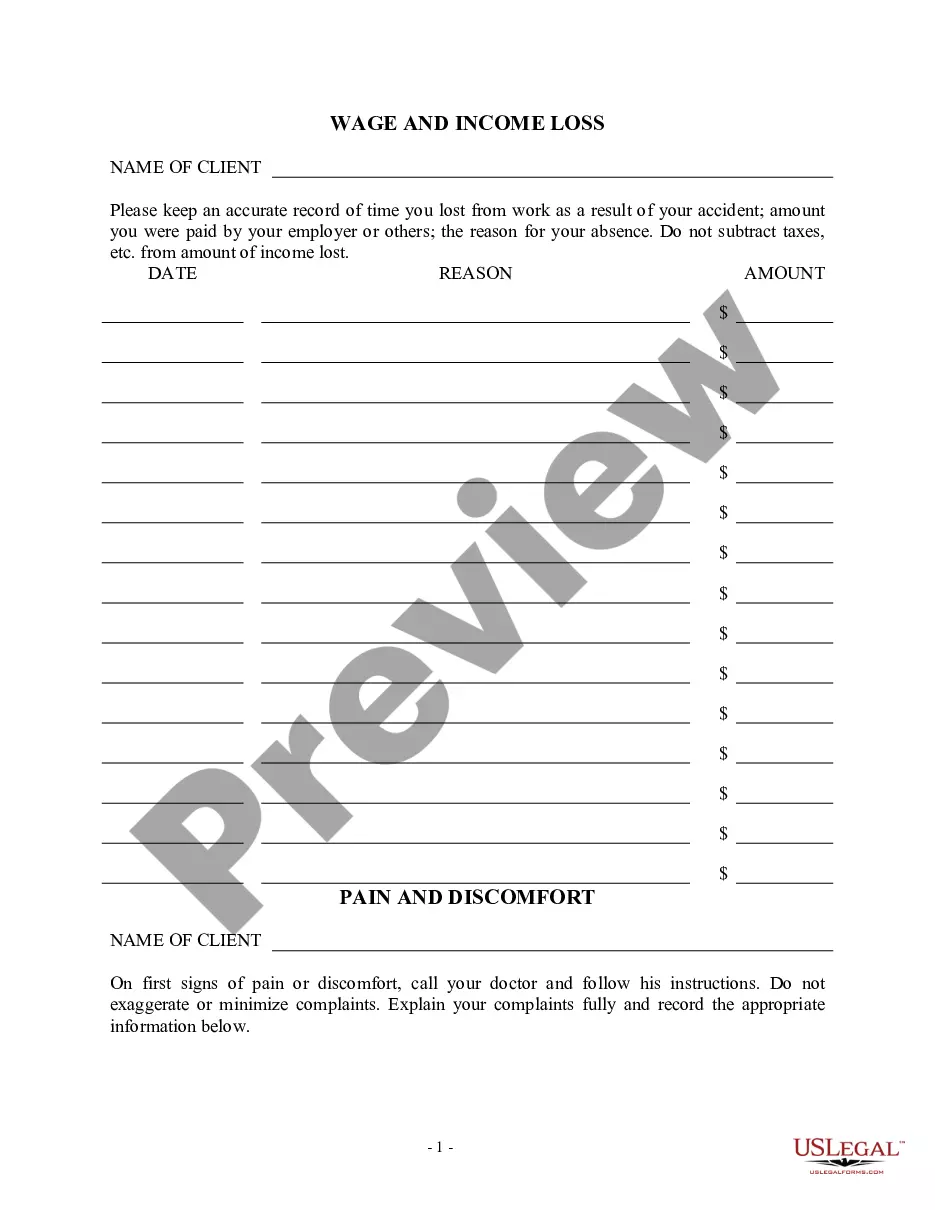
This is one of the official Workers' Compensation forms for the state of Rhode Island.
Dwc Training Transcript Format
Instant download
This website is not affiliated with any governmental entity
Public form
Description

Get your form ready online
Our built-in tools help you complete, sign, share, and store your documents in one place.
Built-in online Word editor
Make edits, fill in missing information, and update formatting in US Legal Forms—just like you would in MS Word.
Export easily
Download a copy, print it, send it by email, or mail it via USPS—whatever works best for your next step.
E-sign your document
Sign and collect signatures with our SignNow integration. Send to multiple recipients, set reminders, and more. Go Premium to unlock E-Sign.
Notarize online 24/7
If this form requires notarization, complete it online through a secure video call—no need to meet a notary in person or wait for an appointment.
Store your document securely
We protect your documents and personal data by following strict security and privacy standards.

Make edits, fill in missing information, and update formatting in US Legal Forms—just like you would in MS Word.

Download a copy, print it, send it by email, or mail it via USPS—whatever works best for your next step.

Sign and collect signatures with our SignNow integration. Send to multiple recipients, set reminders, and more. Go Premium to unlock E-Sign.

If this form requires notarization, complete it online through a secure video call—no need to meet a notary in person or wait for an appointment.

We protect your documents and personal data by following strict security and privacy standards.
Looking for another form?


How to fill out Rhode Island Wage Transcript?
Legal documentation management can be perplexing, even for seasoned professionals.
When you seek a Dwc Training Transcript Format and are unable to dedicate time to find the appropriate and updated version, the process can be overwhelming.
US Legal Forms encompasses every requirement you might have, from individual to business documentation, all in one place.
Employ cutting-edge tools to complete and manage your Dwc Training Transcript Format.
Here are the steps to follow after accessing the desired form: Validate that this is the correct document by previewing it and reviewing its details.
- Explore a collection of articles, guides, and resources relevant to your situation and requirements.
- Save time and effort searching for the necessary documents through US Legal Forms’ enhanced search and Review feature to find the Dwc Training Transcript Format you need.
- If you possess a monthly subscription, Log Into your US Legal Forms account, locate the form, and download it.
- Check your My documents section to review the documents you have previously obtained and manage your files as needed.
- If it is your first experience with US Legal Forms, create a free account for unlimited access to all features of the library.
- Utilize a comprehensive online form repository that could revolutionize the way you handle these matters.
- US Legal Forms stands out as a leader in online legal documentation, offering over 85,000 state-specific legal forms accessible at any moment.
- With US Legal Forms, you can access tailored legal and corporate forms that meet your needs.
Form popularity
FAQ
A member of the public cannot obtain direct physical access to any pending published (original) application, but may obtain a copy of the papers in the application file as follows: On-line: Patent application publications are available electronically on the USPTO website, at .
Free Patent Search Online The U.S. Patent & Trademark Office provides free patent searching of its public databases. Google Patents. A relatively easy database to search which PDF images available. Limited to U.S. patents and U.S. published applications.
This Indian patent office database allows for a full-text search of all Indian patents and Patent Applications. Apart from this, InPASS also allows a person to conduct a free patent search using Wild Cards and Boolean Operators.
An inventor in North Carolina should use the services of a registered patent attorney in North Carolina to prepare and file the patent application. Although an inventor may file and obtain their own patent, there is no guarantee that the patent would sufficiently protect the invention.
Look for a patent number on the product or packaging. Many companies print patent document numbers on their products as public notification of their patent rights. Use the patent number to search and retrieve a copy of the patent from a patent database. Identify the company that makes (or made) the product.
Patent Office Databases Most patent offices provide free access to patent documents via public databases. The following are some of the largest and most popular patent office databases. Search 2 million Canadian patents from 1869 to the present. Full-text documents are available from 1869 forward.
Patents may be searched using the following resources: Patent Public Search. Global Dossier. Patent Application Information Retrieval (PAIR) Public Search Facility. Patent and Trademark Resource Centers (PTRCs) Patent Official Gazette. Common Citation Document (CCD) Search International Patent Offices.
How can I search patent documents using Basic Search? add Select the field (searchable index) from the drop-down menu. Enter search terms in the search query text boxes. Select which Boolean set operator to use from the drop-down menu (if searching for a second term). Select ?Search.? Review search results.