Or Letters Recommendation With Resume
Description
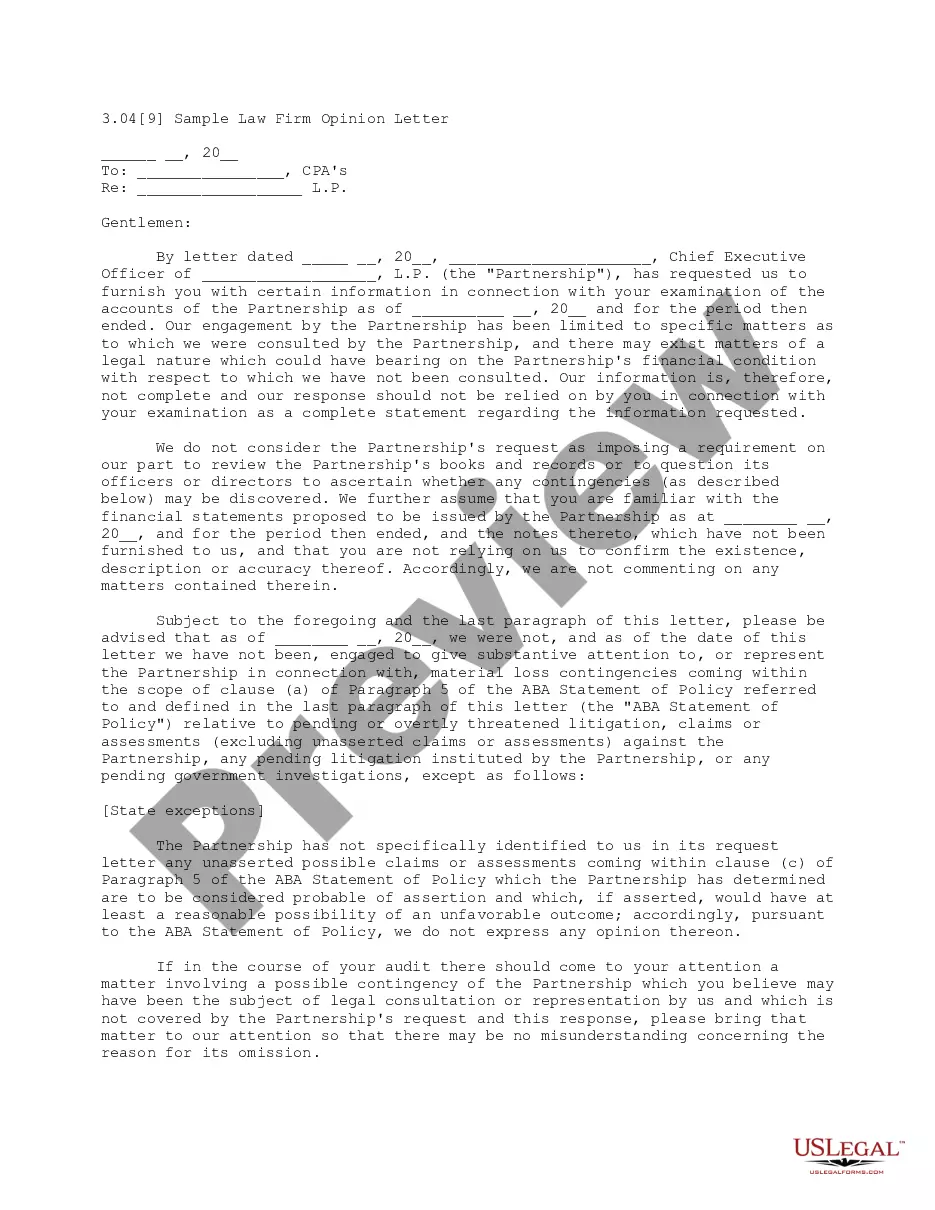
Get your form ready online
Our built-in tools help you complete, sign, share, and store your documents in one place.
Make edits, fill in missing information, and update formatting in US Legal Forms—just like you would in MS Word.
Download a copy, print it, send it by email, or mail it via USPS—whatever works best for your next step.
Sign and collect signatures with our SignNow integration. Send to multiple recipients, set reminders, and more. Go Premium to unlock E-Sign.
If this form requires notarization, complete it online through a secure video call—no need to meet a notary in person or wait for an appointment.
We protect your documents and personal data by following strict security and privacy standards.

Make edits, fill in missing information, and update formatting in US Legal Forms—just like you would in MS Word.

Download a copy, print it, send it by email, or mail it via USPS—whatever works best for your next step.

Sign and collect signatures with our SignNow integration. Send to multiple recipients, set reminders, and more. Go Premium to unlock E-Sign.

If this form requires notarization, complete it online through a secure video call—no need to meet a notary in person or wait for an appointment.

We protect your documents and personal data by following strict security and privacy standards.
Looking for another form?







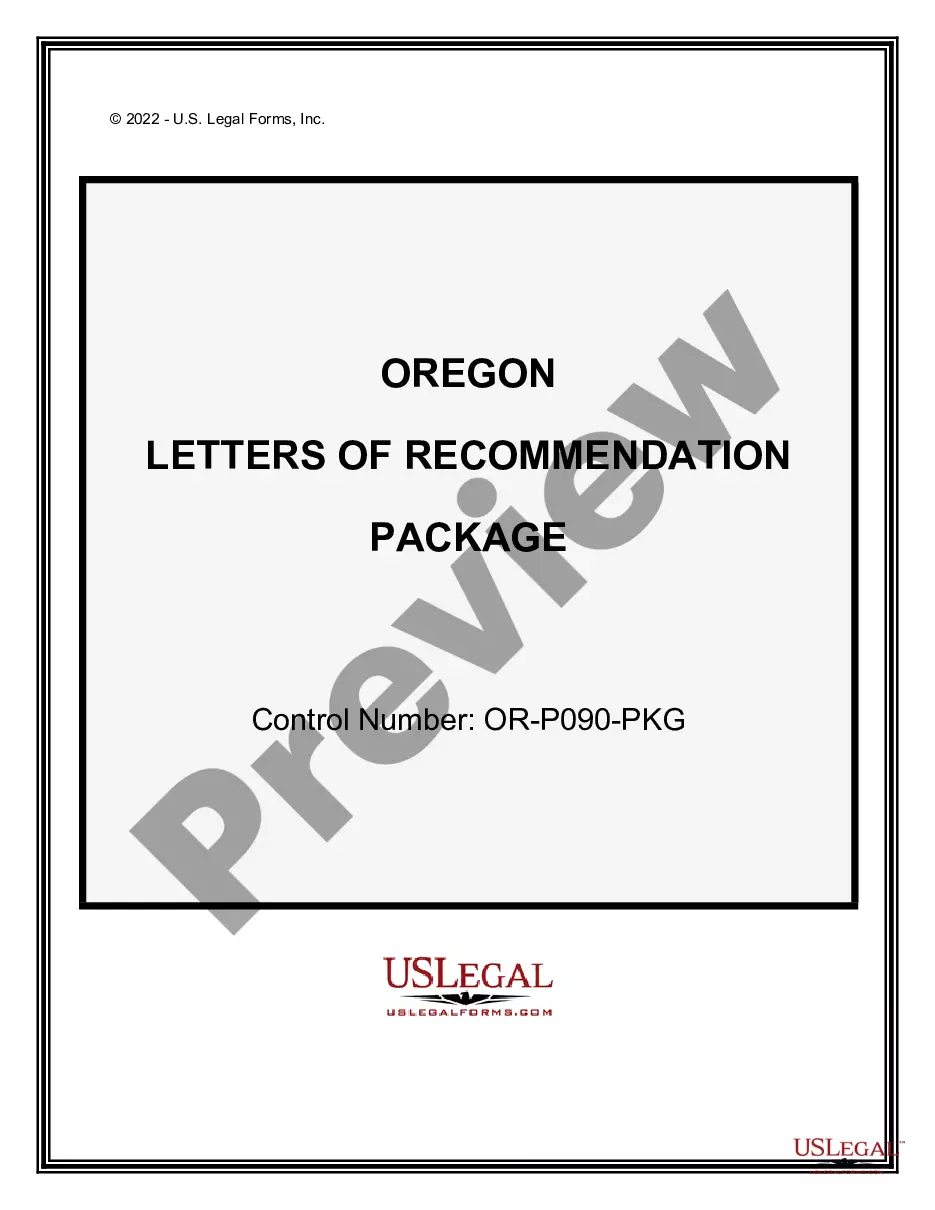
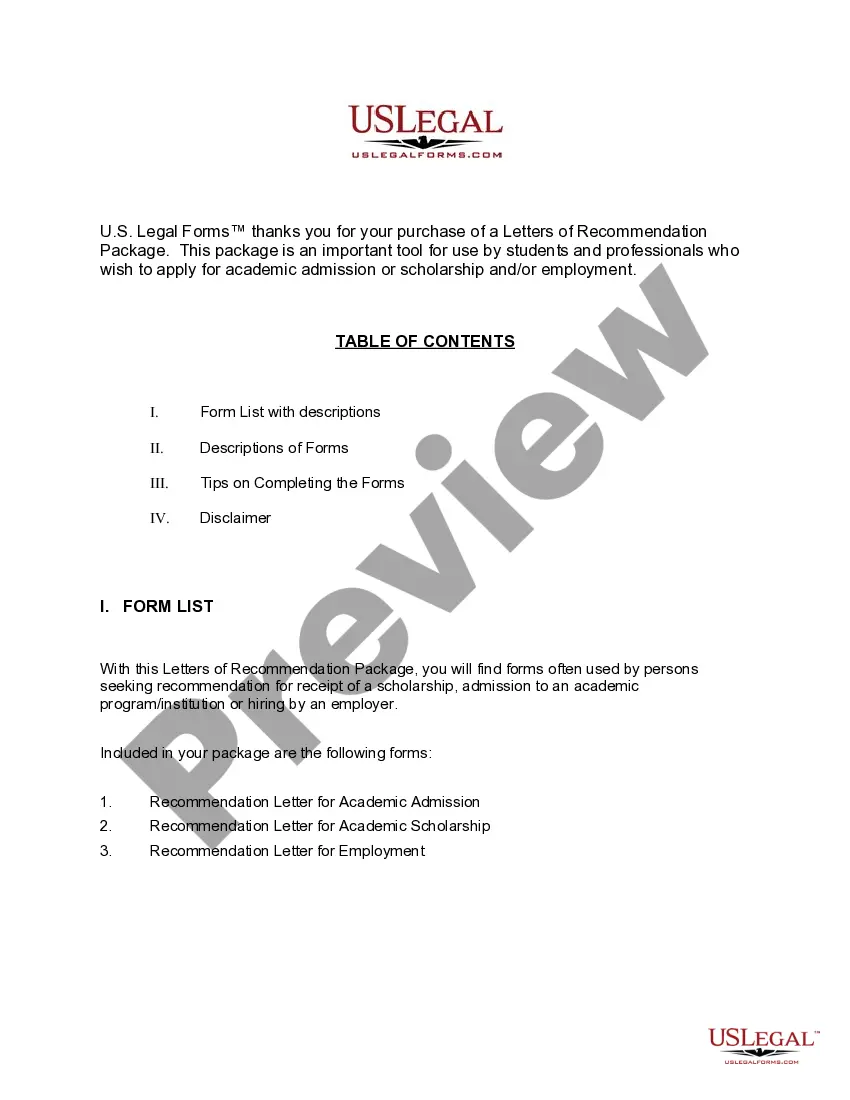
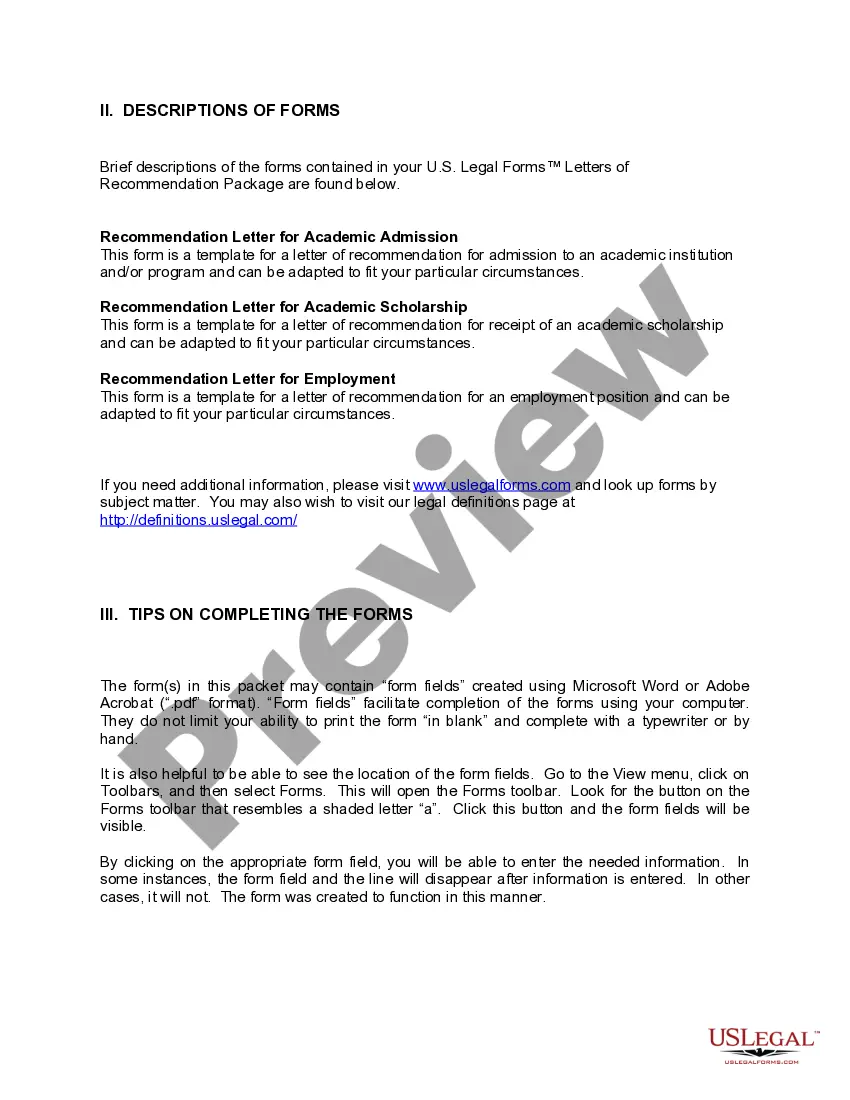
How to fill out Oregon Letters Of Recommendation Package?
Managing legal documents may be daunting, even for experienced professionals.
When you need an Or Letters Recommendation With Resume and lack the time to search for the suitable and current version, the task can be challenging.
US Legal Forms provides means to utilize sophisticated tools to complete and manage your Or Letters Recommendation With Resume.
You can tap into a library of articles, guides, and resources pertinent to your needs and circumstances.
Ensure the template is accepted in your area. Once ready, select Buy Now, choose a subscription package, select your preferred format, and Download, complete, eSign, print, and dispatch your documents. Experience the US Legal Forms online library, supported by 25 years of expertise and reliability. Streamline your daily document management into a simple and user-friendly process today.
- Conserve time and energy by utilizing US Legal Forms’ advanced search and Review tool to find and obtain your Or Letters Recommendation With Resume.
- If you hold a membership, Log In to your US Legal Forms account, search for the document and acquire it.
- Visit your My documents tab to review previously downloaded documents and organize your folders as preferred.
- If this is your initial interaction with US Legal Forms, register for a free account and enjoy unrestricted access to the platform's benefits.
- After downloading your desired form, follow these steps: Verify it’s the correct document by reviewing it and examining its details.
- A robust online form directory can transform the experience for individuals who wish to handle these matters effectively.
- US Legal Forms stands at the forefront in the realm of online legal documents, offering over 85,000 specific legal forms for various states at any time.
- With US Legal Forms, you can access forms tailored to your state or county, covering all your personal and business document needs in one place.
Form popularity
FAQ
Do not include references on a resume unless an employer asks you to. Look for alternative methods of spotlighting a former employer's endorsement, like a recommendation letter. Never include professional references without first checking with each person you list. If you do include references, list three of them.
Though it may make sense to think of a references list as another piece of helpful information to provide employers along with your contact information and professional experiences, it is a best practice to leave references off your resume.
The format typically consists of 1) the letterhead and full contact information, 2) a salutation, 3) an introduction, 4) an overview, 5) a personal story, 6) a closing sentence and 7) your signature. The three types of recommendation letters are employment, academic, and character recommendation letters.
How to Include References in my CV? Give your reference's full name and job title so the recruiter will know this is an authoritative person. Add the name of their company and work address. Provide the reference's work phone number and email but make sure not to give out any private contact information.
A great letter of recommendation gets straight to the point in terms of the personal qualities and accomplishments that make the applicant really good at this job. Include the types of professional and academic accomplishments that will add to the candidate's job search argument.