Tenant With Remote Ford
Description
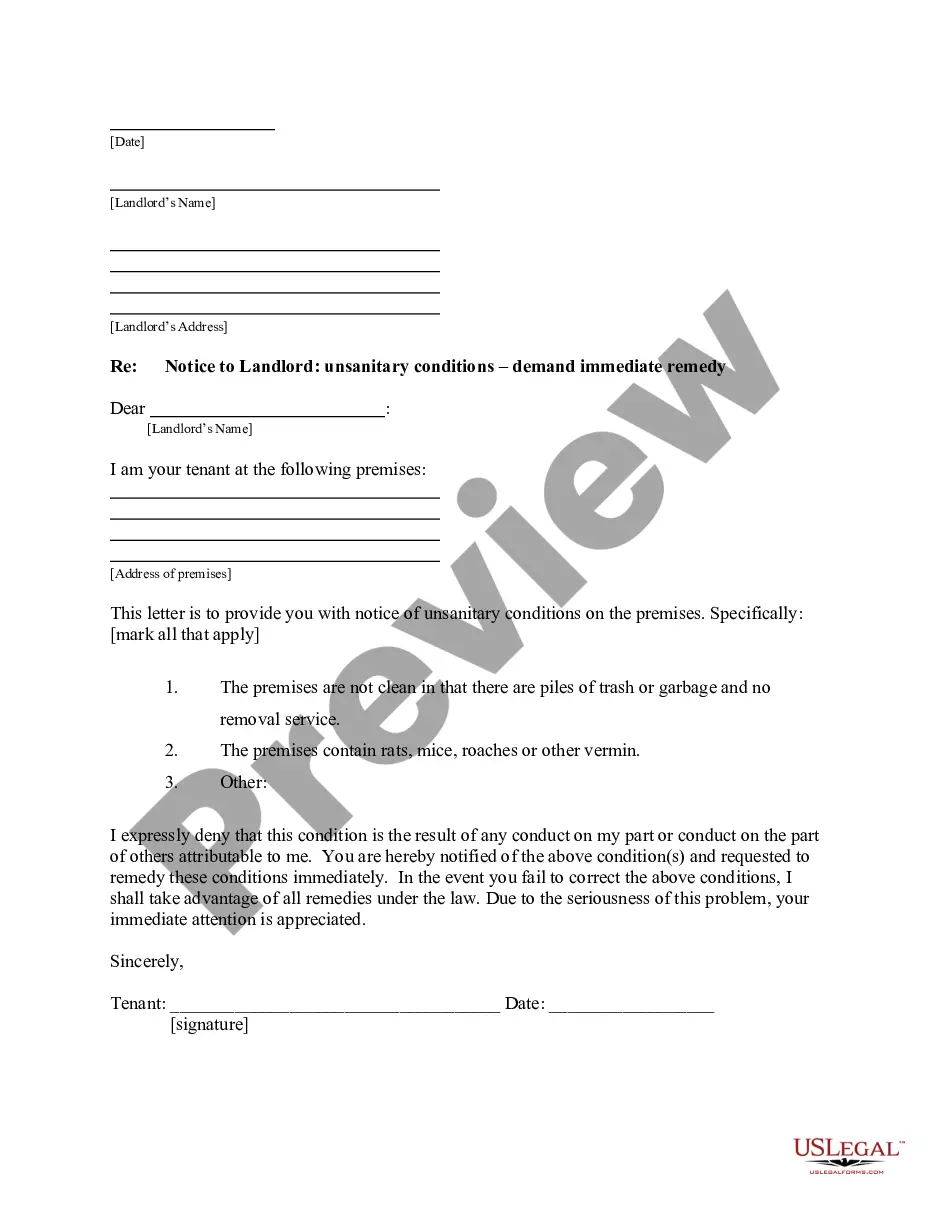
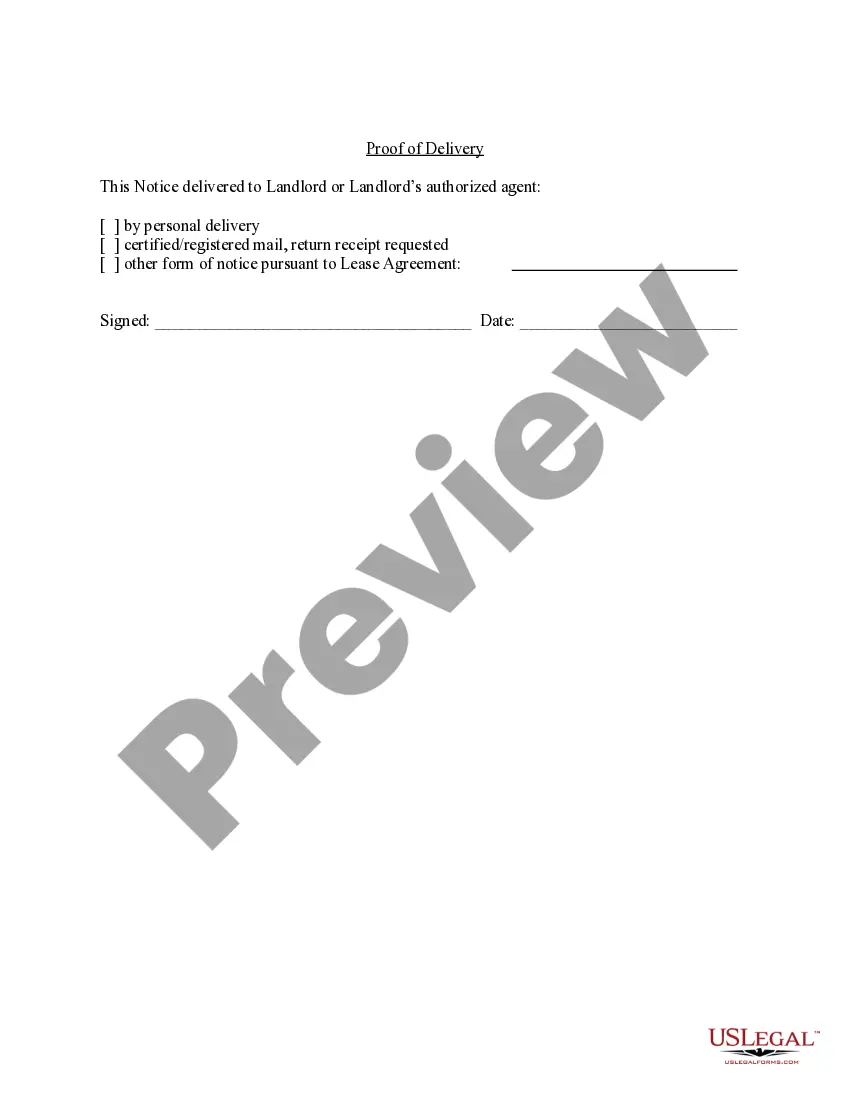



Get your form ready online
Our built-in tools help you complete, sign, share, and store your documents in one place.
Make edits, fill in missing information, and update formatting in US Legal Forms—just like you would in MS Word.
Download a copy, print it, send it by email, or mail it via USPS—whatever works best for your next step.
Sign and collect signatures with our SignNow integration. Send to multiple recipients, set reminders, and more. Go Premium to unlock E-Sign.
If this form requires notarization, complete it online through a secure video call—no need to meet a notary in person or wait for an appointment.
We protect your documents and personal data by following strict security and privacy standards.

Make edits, fill in missing information, and update formatting in US Legal Forms—just like you would in MS Word.

Download a copy, print it, send it by email, or mail it via USPS—whatever works best for your next step.

Sign and collect signatures with our SignNow integration. Send to multiple recipients, set reminders, and more. Go Premium to unlock E-Sign.

If this form requires notarization, complete it online through a secure video call—no need to meet a notary in person or wait for an appointment.

We protect your documents and personal data by following strict security and privacy standards.
Looking for another form?



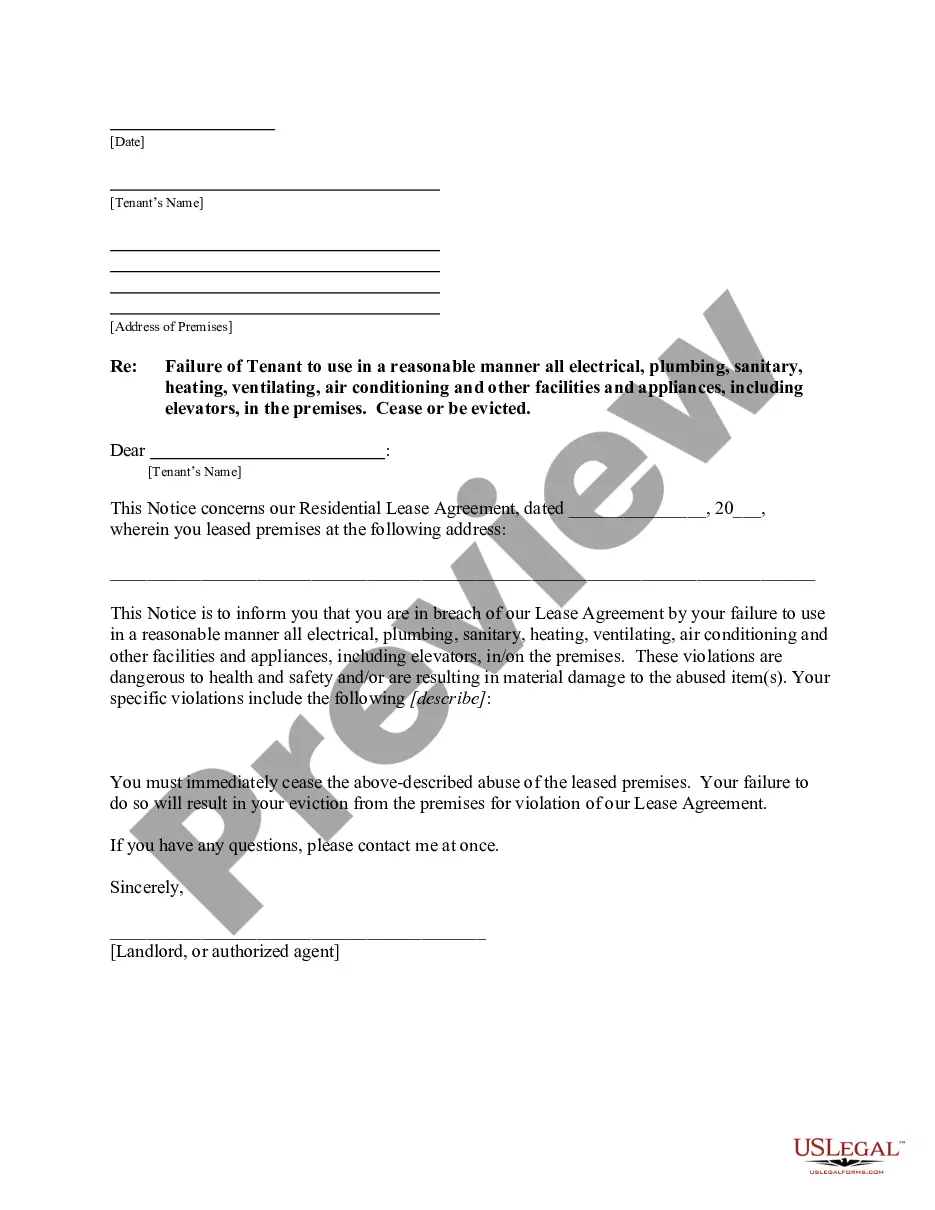




How to fill out New York Letter From Tenant To Landlord With Demand That Landlord Remove Garbage And Vermin From Premises?
The Tenant With Remote Ford displayed on this page is a versatile legal template prepared by expert attorneys in accordance with federal and local laws.
For over 25 years, US Legal Forms has offered individuals, companies, and legal practitioners over 85,000 authenticated, state-specific documents for any business and personal need. It’s the fastest, simplest, and most reliable way to acquire the paperwork you require, as the service assures the utmost level of data protection and anti-malware safeguards.
Download your documents again. Use the same document again whenever necessary. Open the My documents tab in your profile to redownload any previously downloaded forms. Sign up for US Legal Forms to have authenticated legal templates for all of life’s situations readily available.
- Browse for the document you require and examine it.
- Look through the sample you searched and preview it or check the form description to confirm it meets your needs. If it doesn’t, use the search bar to find the correct one. Click Buy Now when you have discovered the template you need.
- Subscribe and Log In. Choose the pricing plan that fits you and create an account. Use PayPal or a credit card to make a quick payment. If you already have an account, Log In and check your subscription to continue.
- Obtain the editable template. Select the format you want for your Tenant With Remote Ford (PDF, Word, RTF) and save the file on your device.
- Complete and sign the documents. Print the template to finish it manually. Alternatively, utilize an online multifunctional PDF editor to swiftly and accurately fill out and sign your form with a legally-binding electronic signature.
Form popularity
FAQ
Yes, Ford can remotely disable your vehicle under certain circumstances, such as when a vehicle is reported stolen. This feature adds an extra layer of security for tenants with remote Ford, as it helps recover stolen vehicles more effectively. If you have concerns about this, you can contact Ford support for more information on how this feature works and what steps to take if you find yourself in such a situation.
To file a complaint with Ford, you can visit their official website and navigate to the customer service section. There, you'll find options to submit your complaint online or contact their customer support directly. Being a tenant with remote Ford, you might want to include specific details about your vehicle and your experience for a quicker resolution. Ford is dedicated to addressing customer concerns and ensuring satisfaction.
The Ford anti-theft system is triggered by various factors, including unauthorized entry into the vehicle, a broken window, or attempting to start the engine without the proper key or fob. This system provides peace of mind, especially for a tenant with remote Ford, as it helps protect your vehicle from theft. If the system is activated, it will sound the alarm and flash the lights to deter any potential thieves.
To set up remote start with FordPass, first download the FordPass app on your smartphone. Then, create an account or log in if you already have one. After that, link your Ford vehicle by entering its Vehicle Identification Number (VIN). Once connected, you can easily use the app to start your Ford remotely, making it convenient for any tenant with remote Ford.
The remote features of the FordPass App are complimentary. FordPass remote features include: Remote Start or Stop.
How do I remove a user who has access to my Ford Connected Charge Station? Open the FordPass App. Navigate to the Account landing page. Tap Charge Station. Select STATION SHARING. Tap Edit beside the name of the user you would like to remove. Select Remove User at the bottom of the screen.
There are multiple ways to manually or remotely lock or unlock your vehicle, including the FordPass®* App as well as using your key fob. See the options below for more details.
You can also unlock it remotely. With the FordPass app open, just click and hold down the 'unlock' button. It's a useful feature if you'd like to let a friend, family member or work colleague in to your car before you get there.
When Masamba Sinclair rented a Ford Expedition from Enterprise Rent-a-Car last May, he was excited to connect it to FordPass. The app allows drivers to use their phones to remotely start and stop the engine, lock and unlock the doors, and track the vehicle's precise location.