Affidavit Name Change Form With Social Security Number
Description

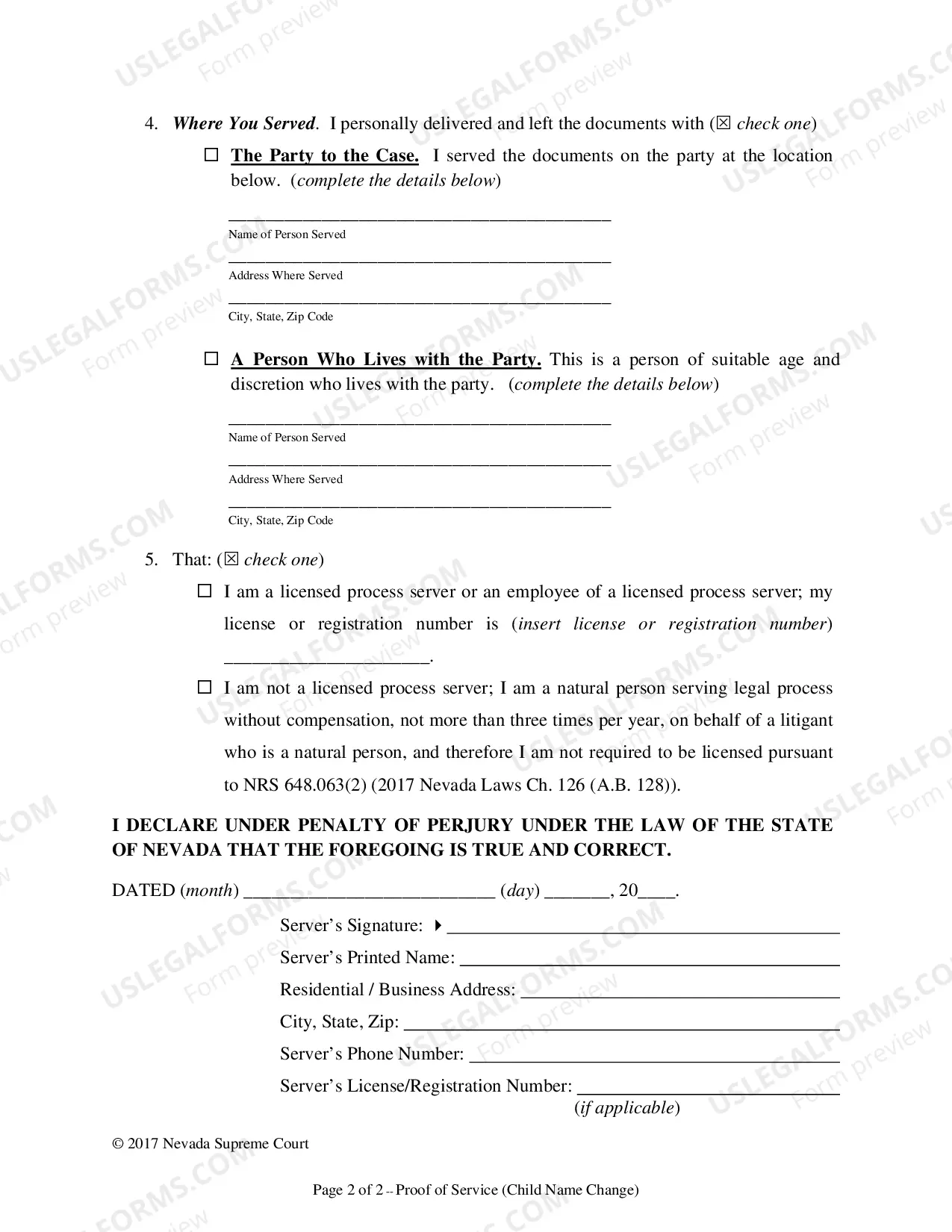
Get your form ready online
Our built-in tools help you complete, sign, share, and store your documents in one place.
Make edits, fill in missing information, and update formatting in US Legal Forms—just like you would in MS Word.
Download a copy, print it, send it by email, or mail it via USPS—whatever works best for your next step.
Sign and collect signatures with our SignNow integration. Send to multiple recipients, set reminders, and more. Go Premium to unlock E-Sign.
If this form requires notarization, complete it online through a secure video call—no need to meet a notary in person or wait for an appointment.
We protect your documents and personal data by following strict security and privacy standards.

Make edits, fill in missing information, and update formatting in US Legal Forms—just like you would in MS Word.

Download a copy, print it, send it by email, or mail it via USPS—whatever works best for your next step.

Sign and collect signatures with our SignNow integration. Send to multiple recipients, set reminders, and more. Go Premium to unlock E-Sign.

If this form requires notarization, complete it online through a secure video call—no need to meet a notary in person or wait for an appointment.

We protect your documents and personal data by following strict security and privacy standards.
Looking for another form?









How to fill out Nevada Affidavit Of Petitioner For Name Change Of Minor?
When you need to submit a Name Change Affidavit Form with Social Security Number following your local state's rules, there may be many alternatives to choose from.
There is no need to verify every form to ensure it meets all the legal requirements if you are a subscriber of US Legal Forms.
It is a trustworthy resource that can assist you in obtaining a reusable and current template on any topic.
Engaging professionally crafted formal documents becomes simple with US Legal Forms. Furthermore, Premium members can also benefit from the powerful integrated features for online document editing and signing. Experience it today!
- US Legal Forms possesses the largest online collection with more than 85,000 ready-to-use documents for personal and business legal situations.
- All templates are confirmed to comply with the laws of each state.
- Thus, when you download the Name Change Affidavit Form with Social Security Number from our platform, you can rest assured that you have a valid and current document.
- Retrieving the necessary sample from our platform is incredibly straightforward.
- If you already have an account, simply Log In to the system, ensure your subscription is active, and save the selected file.
- In the future, you can access the My documents section in your profile and have constant access to the Name Change Affidavit Form with Social Security Number.
- If this is your first time using our library, please follow the instructions below.
- Review the recommended page and check it for adherence to your needs.
Form popularity
FAQ
Documents Social Security may accept to prove a legal name change include:Marriage document;Divorce decree;Certificate of Naturalization showing the new name; or.Court order approving the name change.
You'll need to fill out Form SS-5, the standard application for a Social Security card that you can download from the Social Security website. Mail the form or deliver it in person to your local Social Security office, along with original copies of documents proving your legal name change and your identity.
Social Security said my name and Social Security number do not match their records. What should I do? It's critical that your name and Social Security number, as shown on your Social Security card, match your employer's payroll records and your W-2 form.
If it does not match, ask your employee to provide you with the exact information as it is shown on the employee's Social Security card. If the information matches the employee's card, ask your employee to check with any local Social Security office to resolve the issue.
You can omit your parent's social security number if you're 18 years old or older. You can fill out the social security form using our name change kit.
