Tenant Api
Description
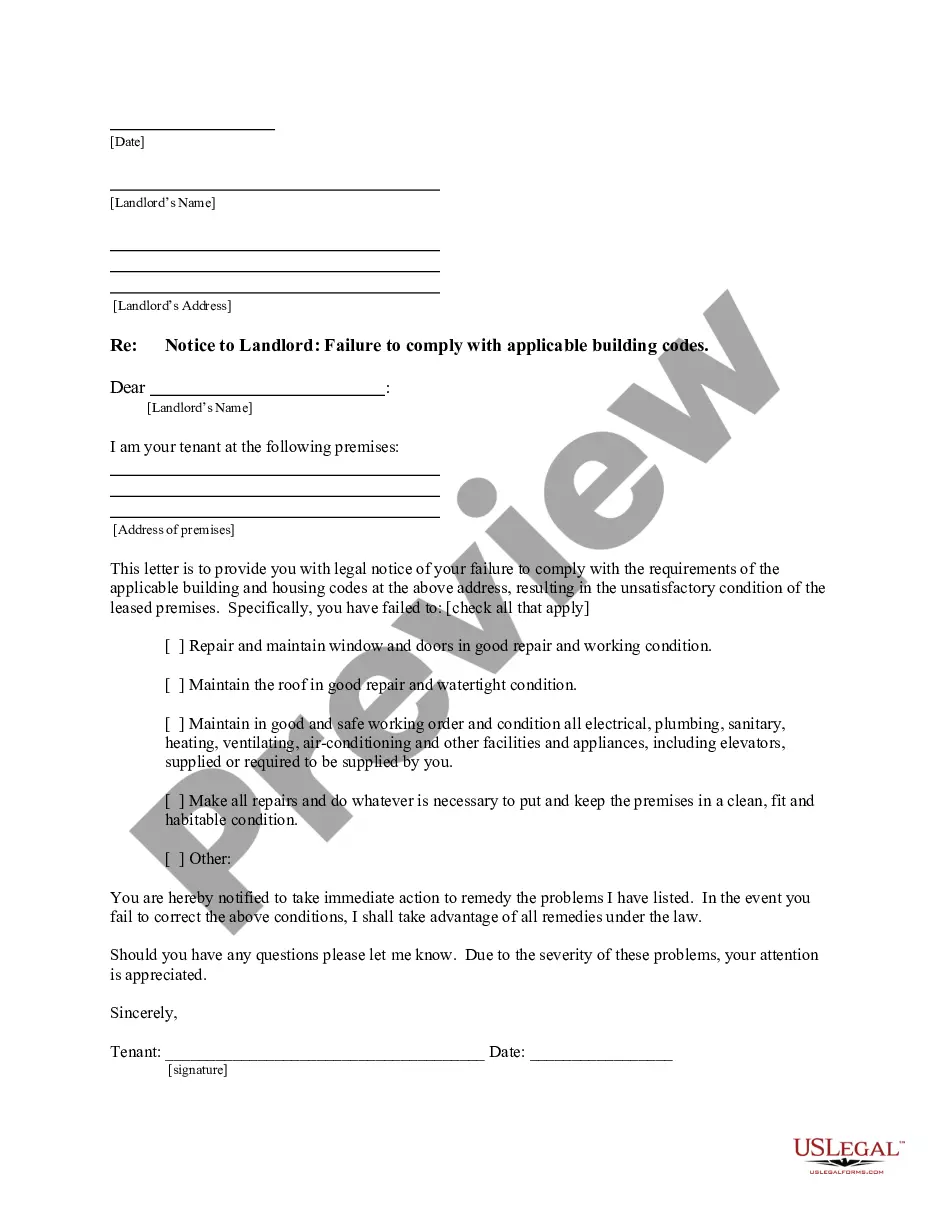




Get your form ready online
Our built-in tools help you complete, sign, share, and store your documents in one place.
Make edits, fill in missing information, and update formatting in US Legal Forms—just like you would in MS Word.
Download a copy, print it, send it by email, or mail it via USPS—whatever works best for your next step.
Sign and collect signatures with our SignNow integration. Send to multiple recipients, set reminders, and more. Go Premium to unlock E-Sign.
If this form requires notarization, complete it online through a secure video call—no need to meet a notary in person or wait for an appointment.
We protect your documents and personal data by following strict security and privacy standards.

Make edits, fill in missing information, and update formatting in US Legal Forms—just like you would in MS Word.

Download a copy, print it, send it by email, or mail it via USPS—whatever works best for your next step.

Sign and collect signatures with our SignNow integration. Send to multiple recipients, set reminders, and more. Go Premium to unlock E-Sign.

If this form requires notarization, complete it online through a secure video call—no need to meet a notary in person or wait for an appointment.

We protect your documents and personal data by following strict security and privacy standards.
Looking for another form?


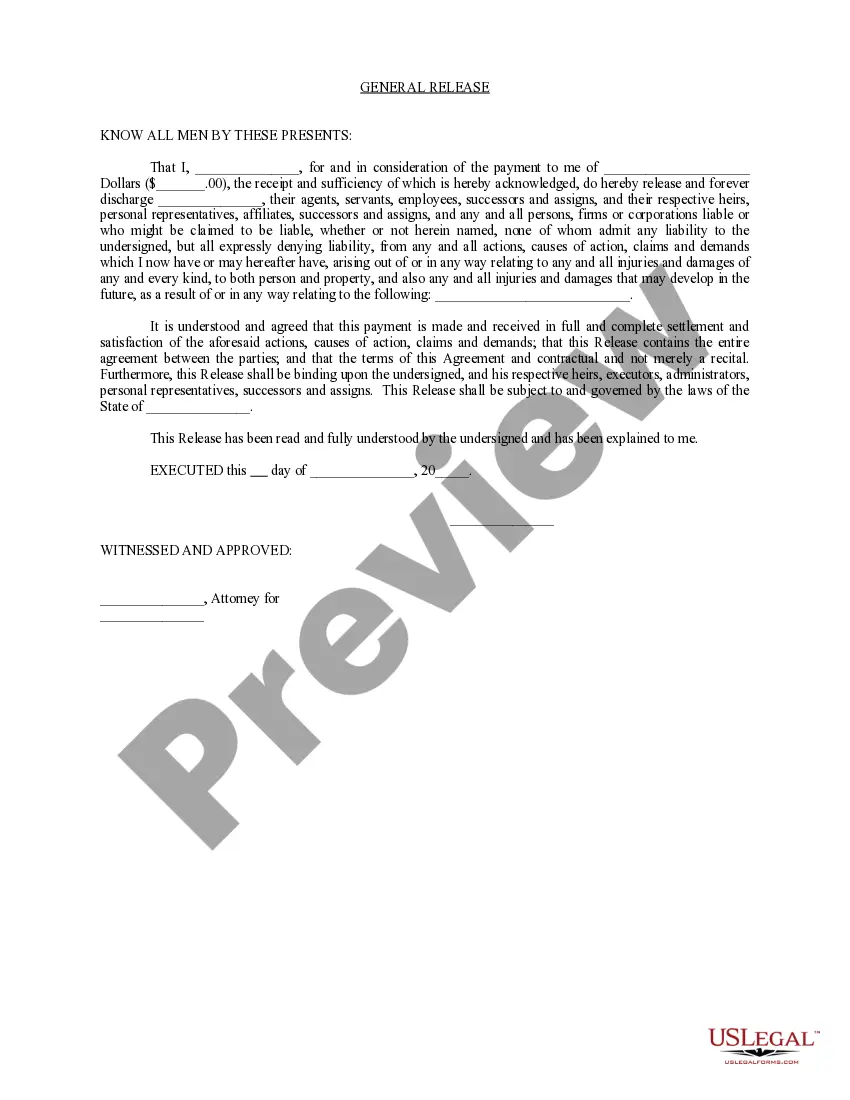
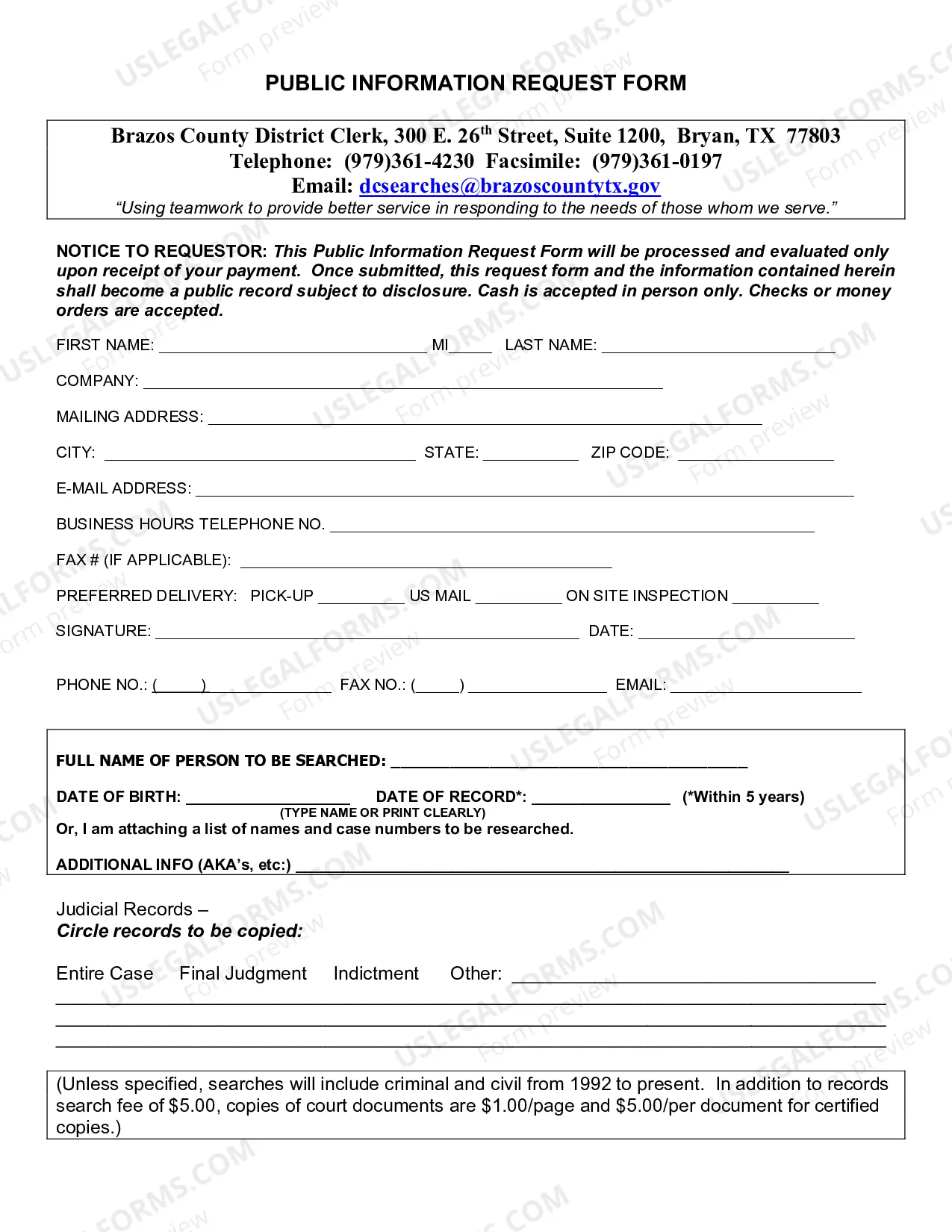
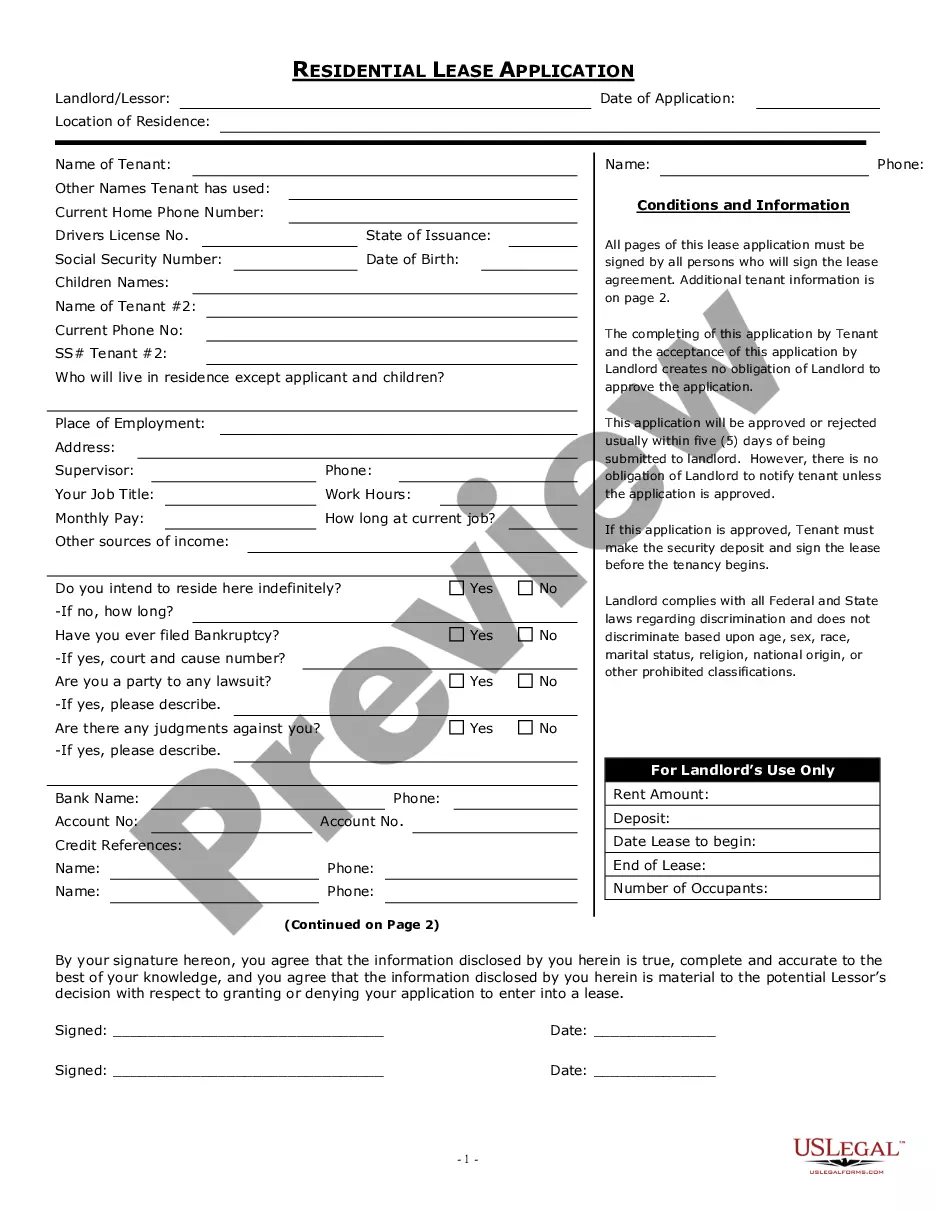
How to fill out New Mexico Letter From Tenant To Landlord For Failure Of Landlord To Comply With Building Codes Affecting Health And Safety Or Resulting In Untenantable Condition - Demand For Remedy?
- If you already have an account, please log in and ensure your subscription is active. Click the Download button for the desired form template.
- If you are new to US Legal Forms, begin by exploring the Preview mode of legal forms. Verify that you have chosen the appropriate form that aligns with your jurisdiction.
- Use the Search tab to find alternate forms if necessary. If the selected form meets your needs, proceed to the next step.
- Purchase the document by clicking 'Buy Now' and selecting a suitable subscription plan. Creating an account is essential for accessing the necessary resources.
- Complete your purchase by entering your payment details via credit card or PayPal account.
- Download your chosen form to your device and access it anytime through the My Forms section.
Utilizing US Legal Forms not only provides you with a comprehensive range of templates but also connects you with experts for any assistance needed during the form-filling process.
Take charge of your legal documentation today with US Legal Forms and experience the ease of using our tenant API to simplify your tasks!
Form popularity
FAQ
A Microsoft Services tenant is essentially your personal system within Microsoft, allowing you to access various services such as Azure and Microsoft 365. It organizes your subscriptions and resources under one account, making management easier. The Tenant API plays a crucial role in harnessing the functionalities of your Microsoft Services tenant efficiently.
Yes, you can delete a Microsoft tenant; however, it is a significant step that entails losing all associated data and configurations. Before deleting, you should ensure that you have backups and that the decision aligns with your business needs. Remember, while the Tenant API can help manage tenants, once deleted, recovery of that tenant is not possible.
In Azure, a tenant sits at the core of your environment, acting as a container for your users and applications. It allows you to manage resources and permissions securely and customizes your Azure setup according to your business needs. The Tenant API in Azure empowers users to leverage rich integration and automation capabilities seamlessly.
You need a Microsoft tenant to establish a secure and organized foundation for all your organizational services. It acts as a dedicated space where you can manage users, data, and applications. Utilizing the Tenant API helps streamline access and improve management of your resources, making it an essential tool for any business leveraging Microsoft technologies.
A Microsoft environment encompasses all the services and applications available through Microsoft, whereas a tenant is a specific instance of that environment tied to an organization. Within the Tenant API framework, this distinction is crucial for managing resources effectively. Essentially, your tenant operates within the broader Microsoft environment, representing your organization’s use of its services.
A tenant refers to a specific environment where users can utilize services, while a subscription represents the billing relationship that allows access to those services. In the context of a Tenant API, understanding this difference is key for developers who want to properly manage resources. Each tenant can have multiple subscriptions associated with it, making them distinct yet interrelated.
A property API is a tool that allows developers to connect and access property-related data. It streamlines processes related to real estate transactions, providing crucial information that can enhance decision-making for users. By using a property API, you can integrate data directly into your applications, making tasks more efficient.
To transfer a file via the Tenant API, you first need to ensure that you have the appropriate access credentials. Once authenticated, utilize the designated endpoint for file uploads, which usually requires specifying both the file and its metadata. After initiating the request, the API will handle the processing and confirm the successful upload. With US Legal Forms, you can easily manage document transfers and streamline your workflow using our Tenant API.
Yes, you usually need permission to use an API. This permission ensures that your application adheres to the provider's terms and conditions, safeguarding both the application and user data. Always review the API documentation for details on required permissions and best practices to follow.
To gain access to an API, you generally need to create an account with the API provider and sometimes register your application. After registration, you will receive credentials like an API key or token. Make sure to follow the API's documentation to integrate smoothly and follow best practices for usage.