Car Sell Agreement Form
Description
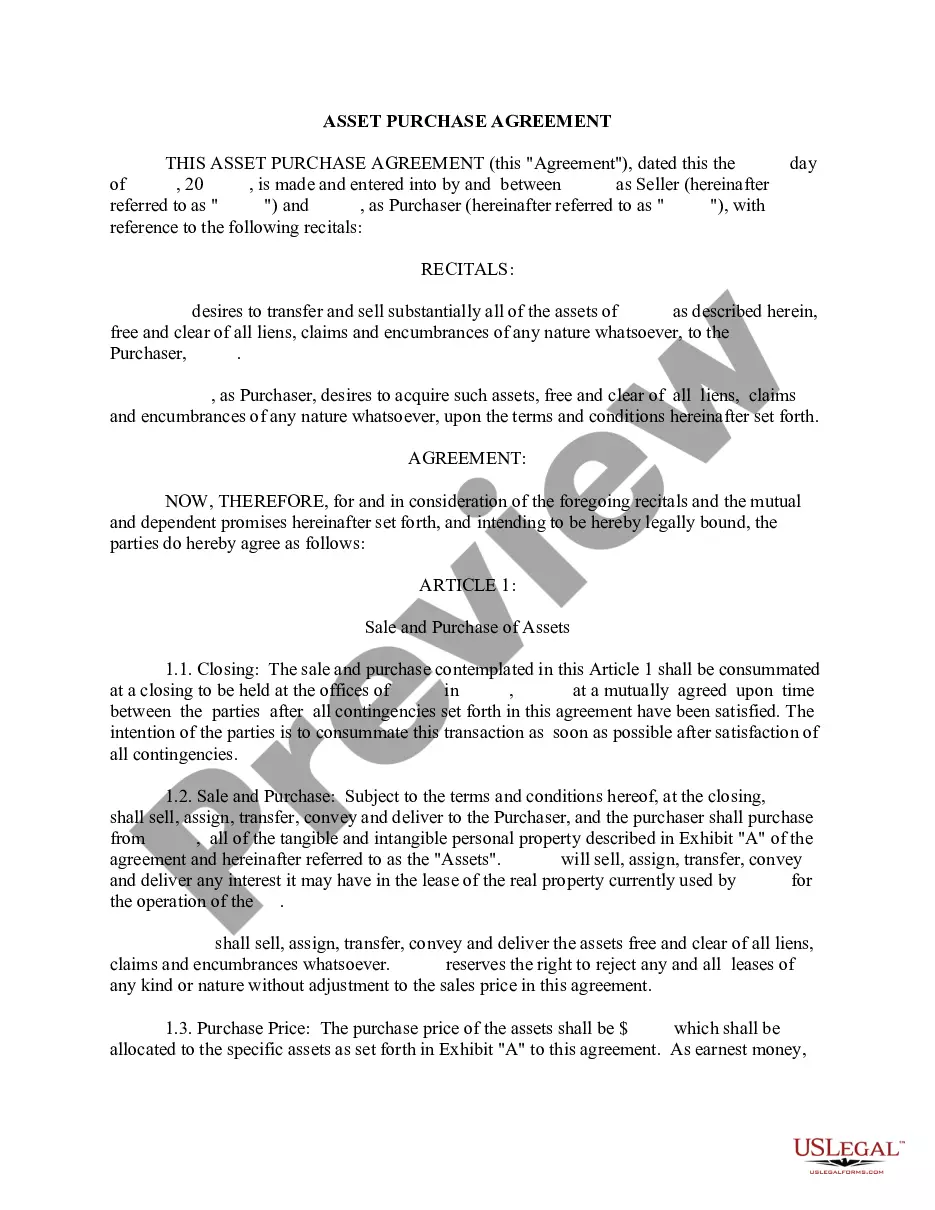
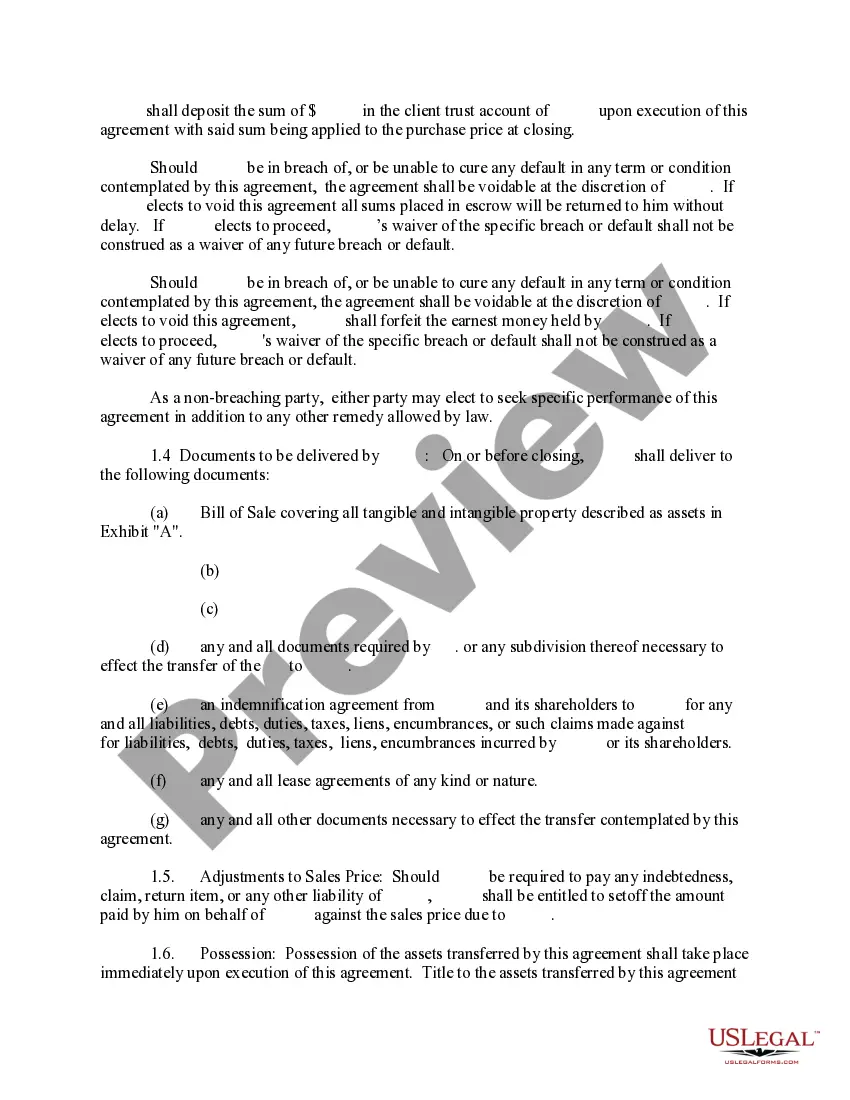
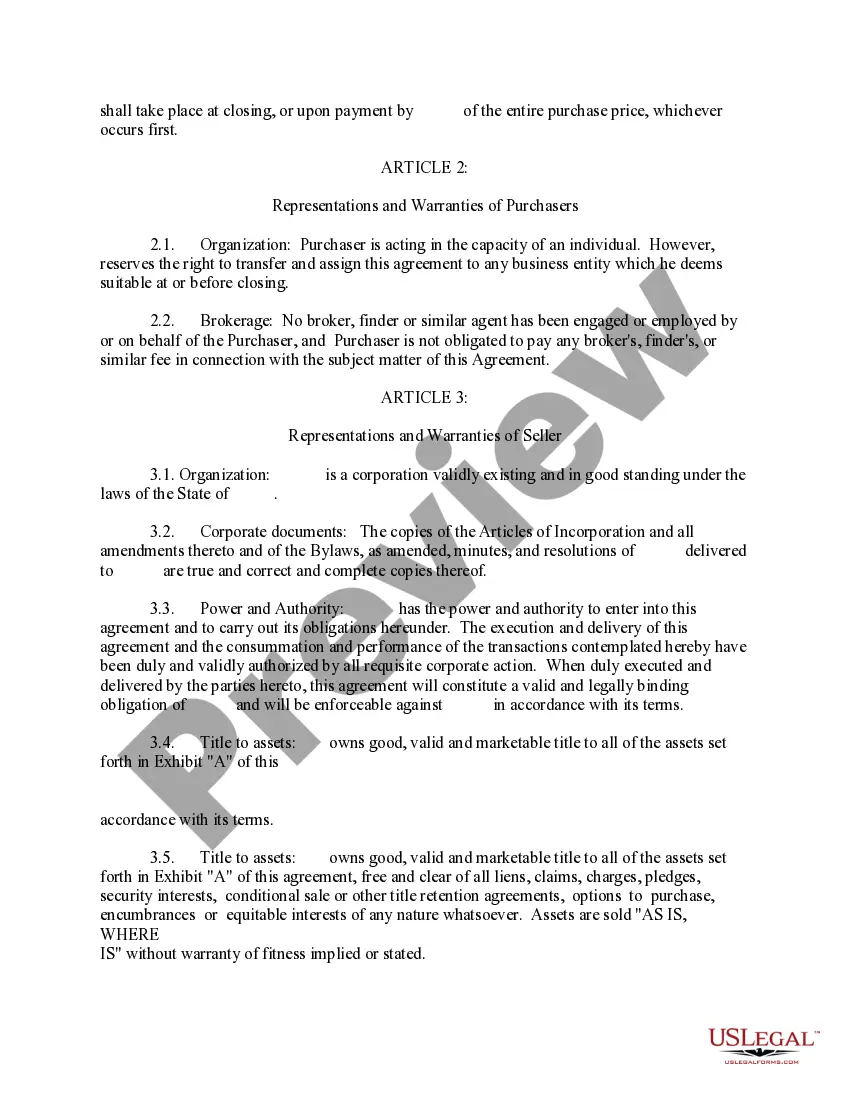
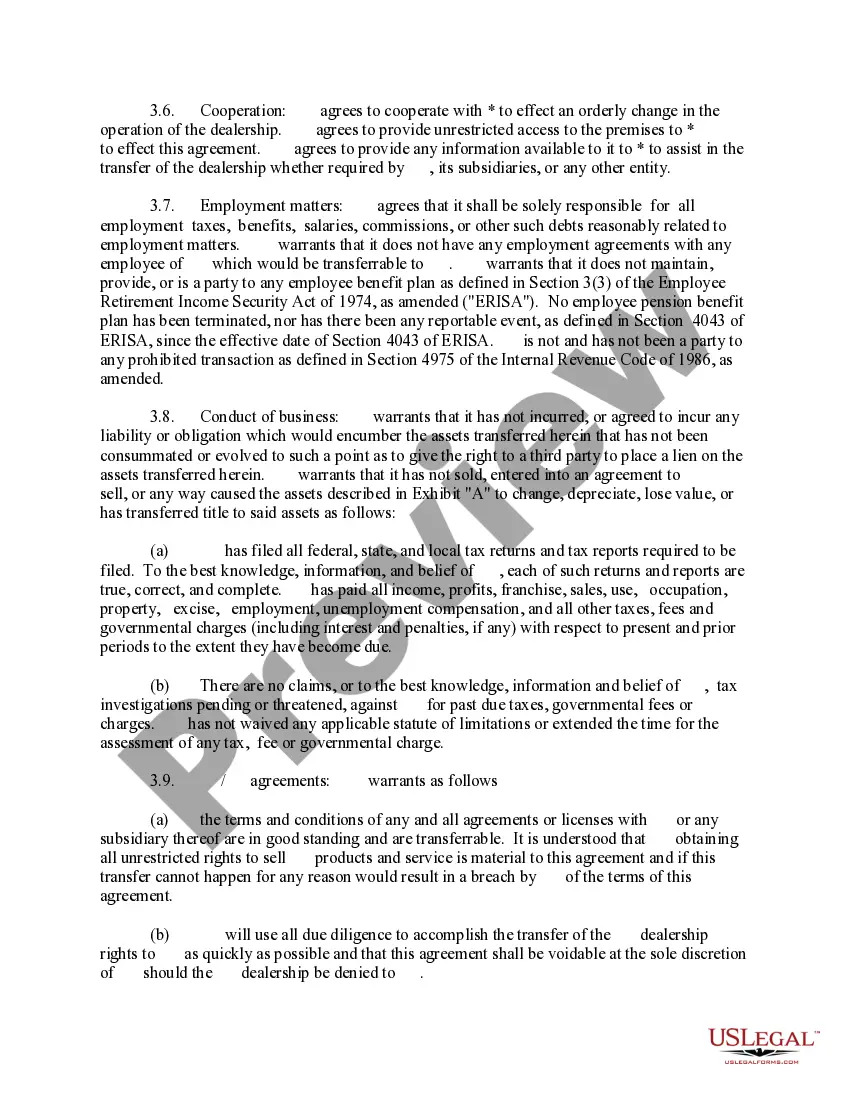
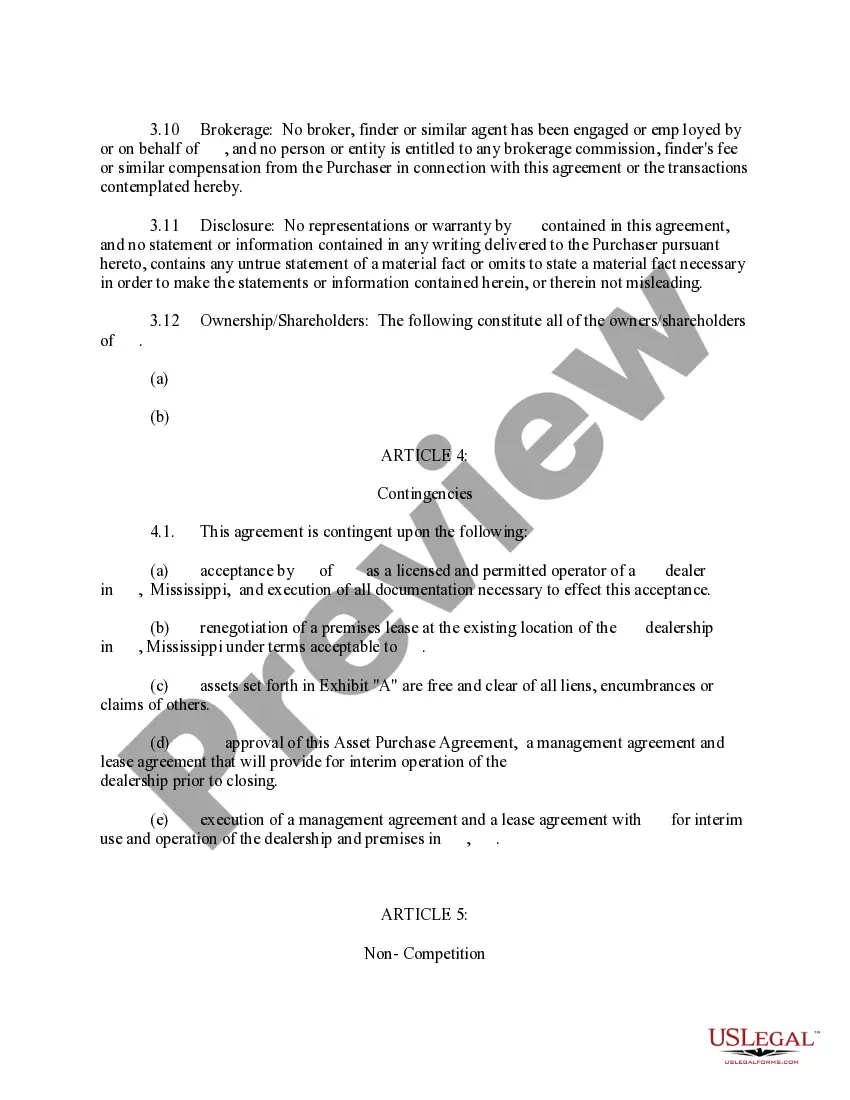
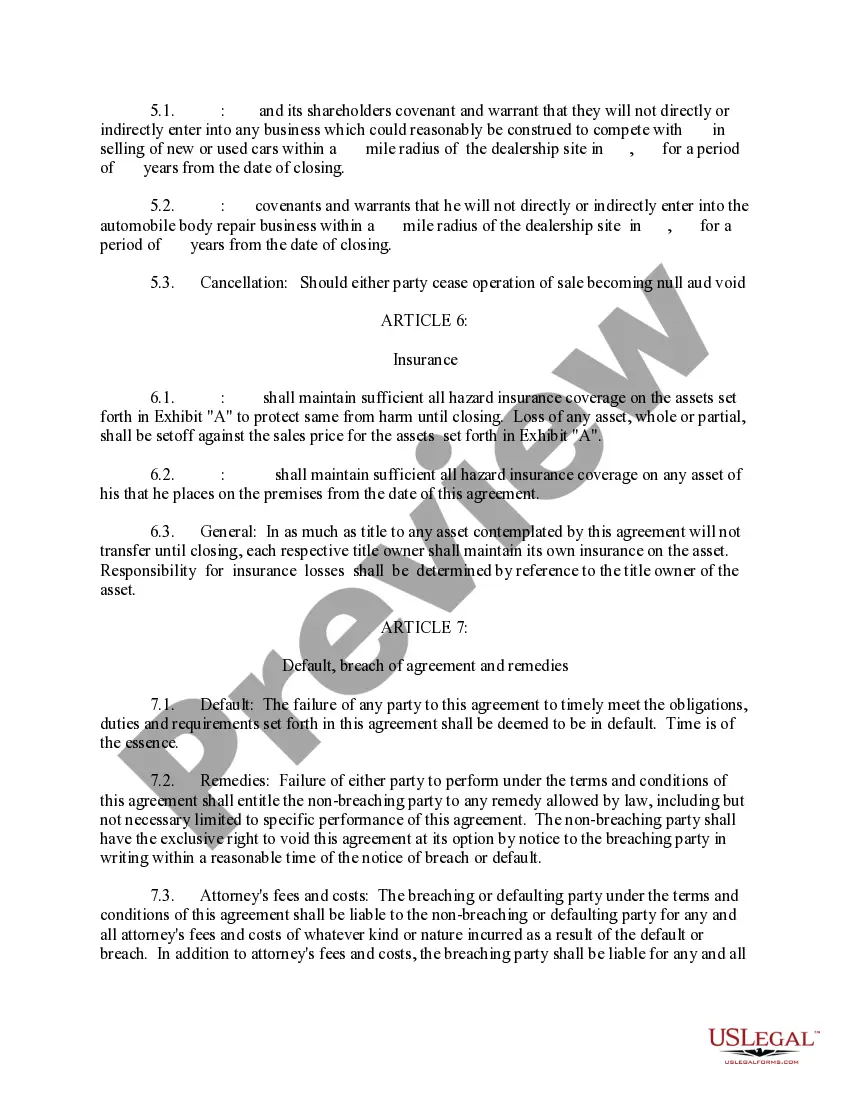
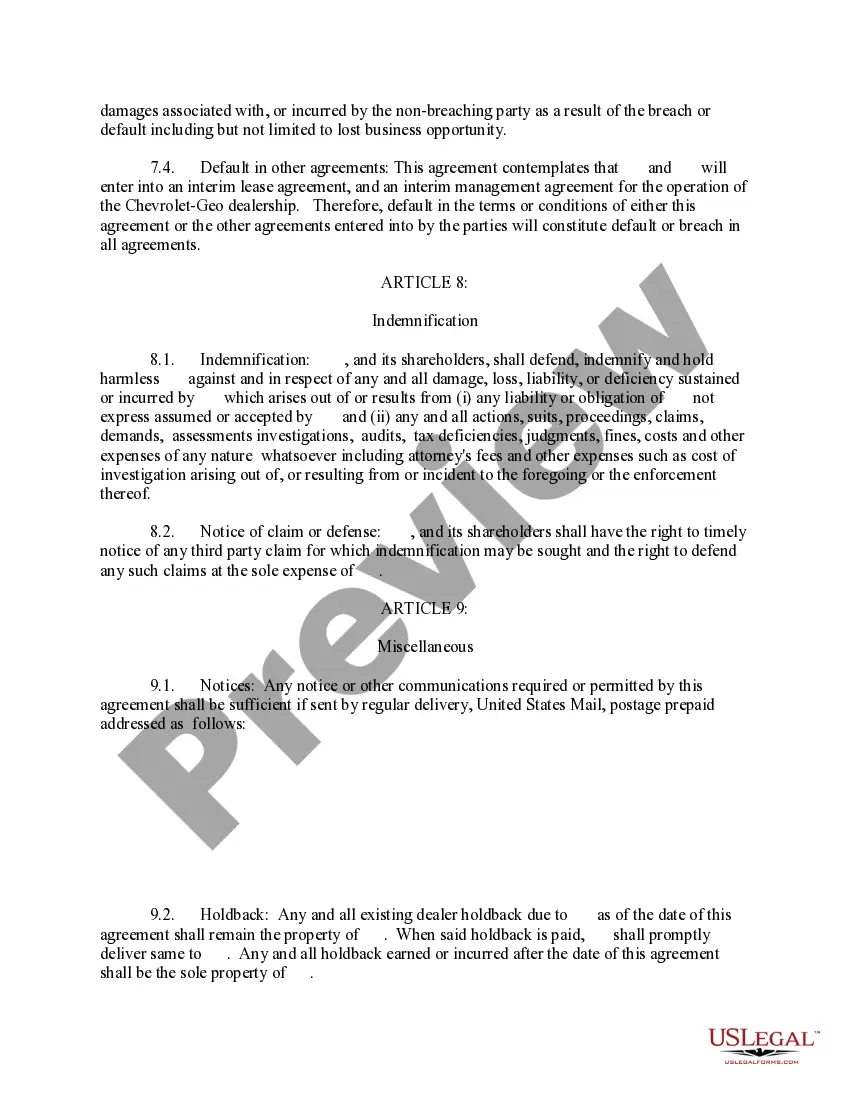
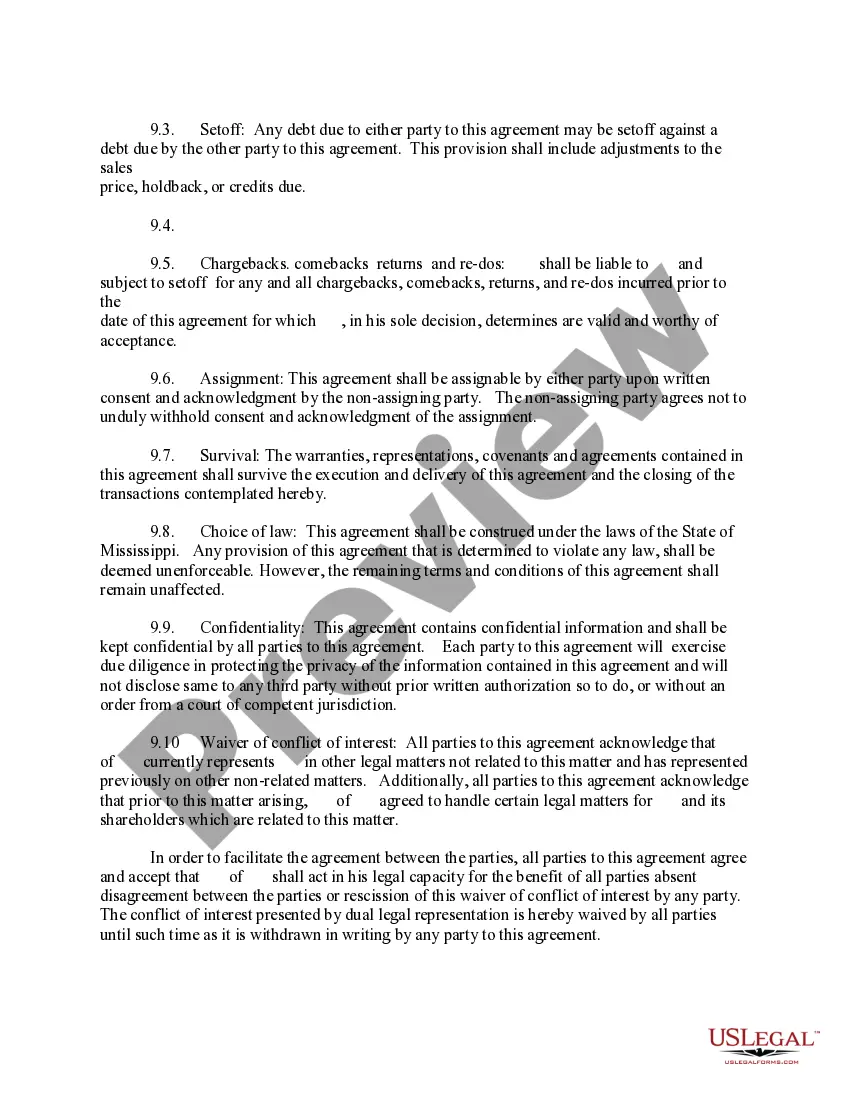

Get your form ready online
Our built-in tools help you complete, sign, share, and store your documents in one place.
Make edits, fill in missing information, and update formatting in US Legal Forms—just like you would in MS Word.
Download a copy, print it, send it by email, or mail it via USPS—whatever works best for your next step.
Sign and collect signatures with our SignNow integration. Send to multiple recipients, set reminders, and more. Go Premium to unlock E-Sign.
If this form requires notarization, complete it online through a secure video call—no need to meet a notary in person or wait for an appointment.
We protect your documents and personal data by following strict security and privacy standards.

Make edits, fill in missing information, and update formatting in US Legal Forms—just like you would in MS Word.

Download a copy, print it, send it by email, or mail it via USPS—whatever works best for your next step.

Sign and collect signatures with our SignNow integration. Send to multiple recipients, set reminders, and more. Go Premium to unlock E-Sign.

If this form requires notarization, complete it online through a secure video call—no need to meet a notary in person or wait for an appointment.

We protect your documents and personal data by following strict security and privacy standards.
Looking for another form?


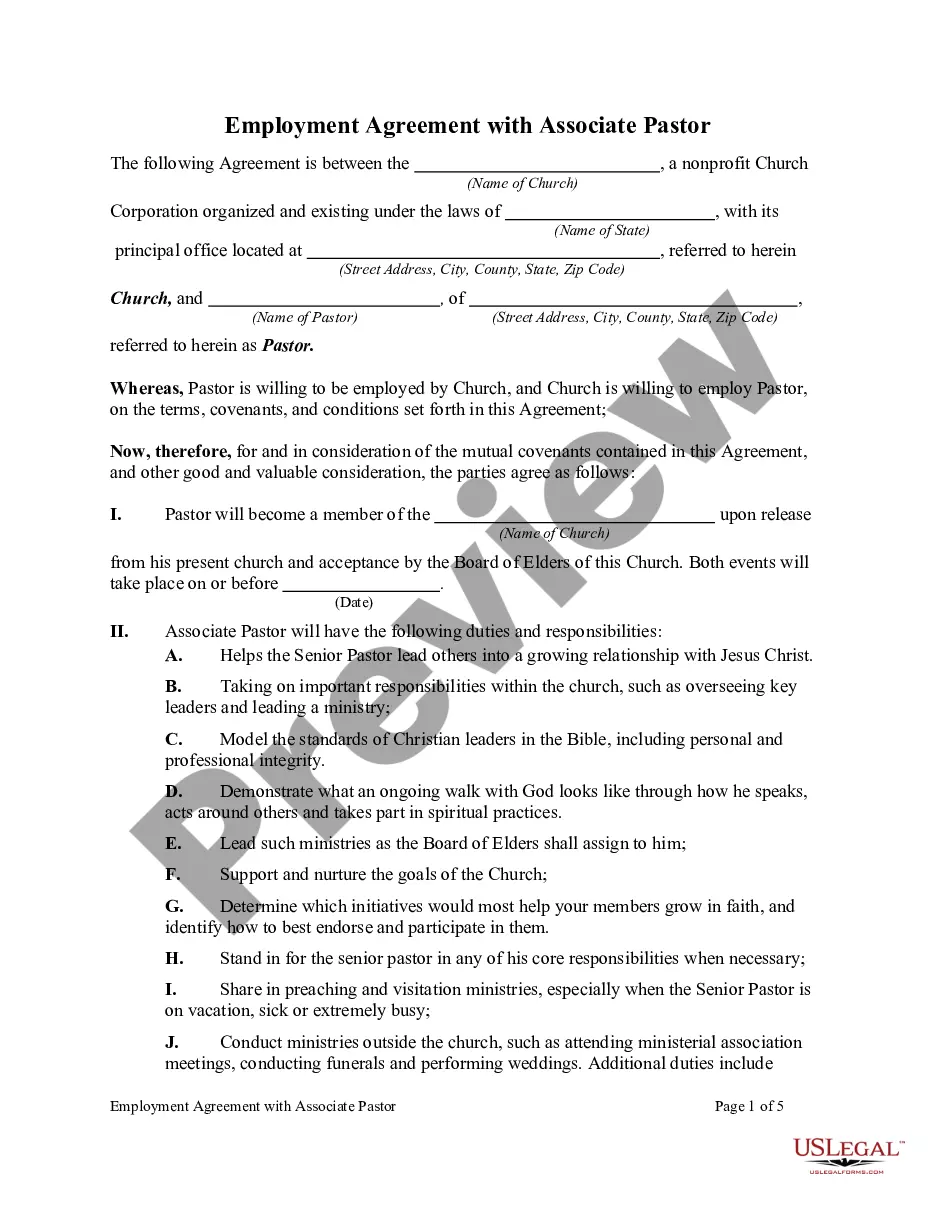





How to fill out Mississippi Asset Purchase Agreement For The Sale Of Car Dealership?
Bureaucracy demands meticulousness and exactness. If you do not engage with completing documentation such as the Car Sale Agreement Form on a daily basis, it may result in some misunderstanding.
Choosing the correct example from the outset will guarantee that your submission of documents goes smoothly and avert any obstacles of resending a file or repeating the entire task from the beginning.
You can always discover the suitable example for your documentation needs in US Legal Forms.
Find the accurate and refreshed examples for your documentation in just a few minutes with an account at US Legal Forms. Eliminate the bureaucratic uncertainties and simplify your work with forms.
- US Legal Forms is the largest online catalog of forms that provides over 85 thousand templates for various topics.
- You can find the latest and most suitable version of the Car Sale Agreement Form simply by searching on the website.
- Locate, store, and save templates within your profile or refer to the description to ensure you have the right one at your disposal.
- With an account at US Legal Forms, you can gather, keep in a single location, and browse through the templates you have saved to reach them in just a few clicks.
- When on the website, click the Log In button to authenticate.
- Then, navigate to the My documents page, where your document history is stored.
- Review the form descriptions and save those that you require at any moment.
- If you are not a registered user, locating the needed example may take a few extra steps.
Form popularity
FAQ
Create a Receipt for a Used Car SaleAcquire a medium for creating your receipt.State the names of those involved in the sale, along with the date, at the top of the receipt.State the make, model, year and VIN (vehicle identification number) number of the car.State the agreed-upon total price for the vehicle.More items...
What information must I put on a receipt?your company's details including name, address, phone number and/or email address.the date of transaction showing date, month and year.a list of products or services showing a brief description of the product and quantity sold.More items...
Selling a car privatelyMake sure you describe your car correctly in your advertisement and that you can prove you're its legal owner. Deal promptly with calls or emails from potential buyers. Arrange and be present at viewings and test-drives. Arrange a safe way of being paid for the sale.
The contract should always include the words 'sold as seen, tried and approved without guarantee'. But bear in mind that this wording doesn't affect the legal rights of the buyer. This means that the vehicle must match its description and be roadworthy.
Begin by labeling the receipt as "Bill of Sale" and list the date of the transaction. Identify all the pertinent identification for your car so there's no confusion about what's being sold. Write the car make, model, registration number and mileage on the face of the receipt.