Missouri Property Business Withholding Tax
Description
Get your form ready online
Our built-in tools help you complete, sign, share, and store your documents in one place.
Make edits, fill in missing information, and update formatting in US Legal Forms—just like you would in MS Word.
Download a copy, print it, send it by email, or mail it via USPS—whatever works best for your next step.
Sign and collect signatures with our SignNow integration. Send to multiple recipients, set reminders, and more. Go Premium to unlock E-Sign.
If this form requires notarization, complete it online through a secure video call—no need to meet a notary in person or wait for an appointment.
We protect your documents and personal data by following strict security and privacy standards.
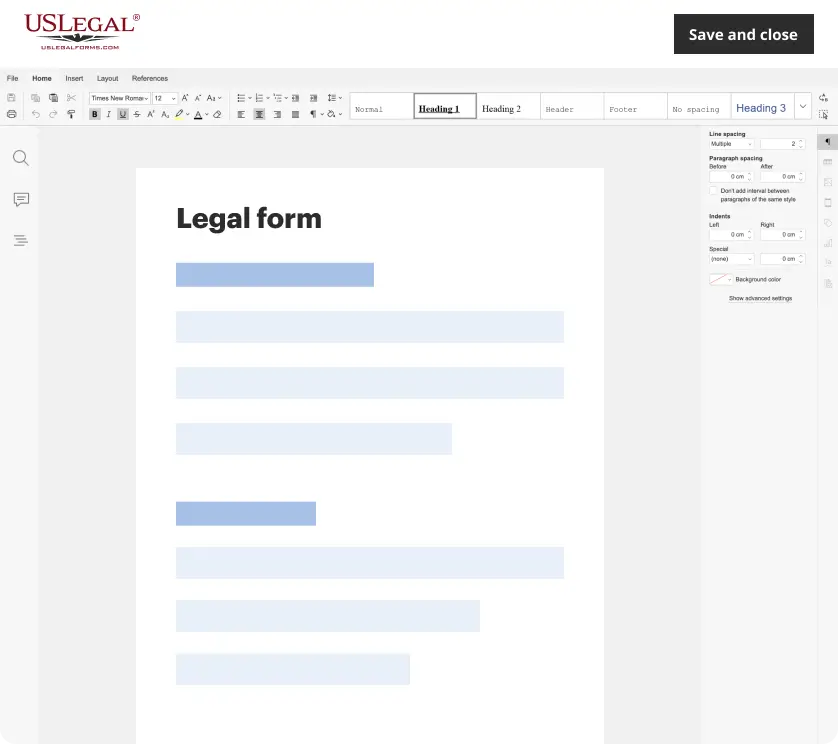
Make edits, fill in missing information, and update formatting in US Legal Forms—just like you would in MS Word.
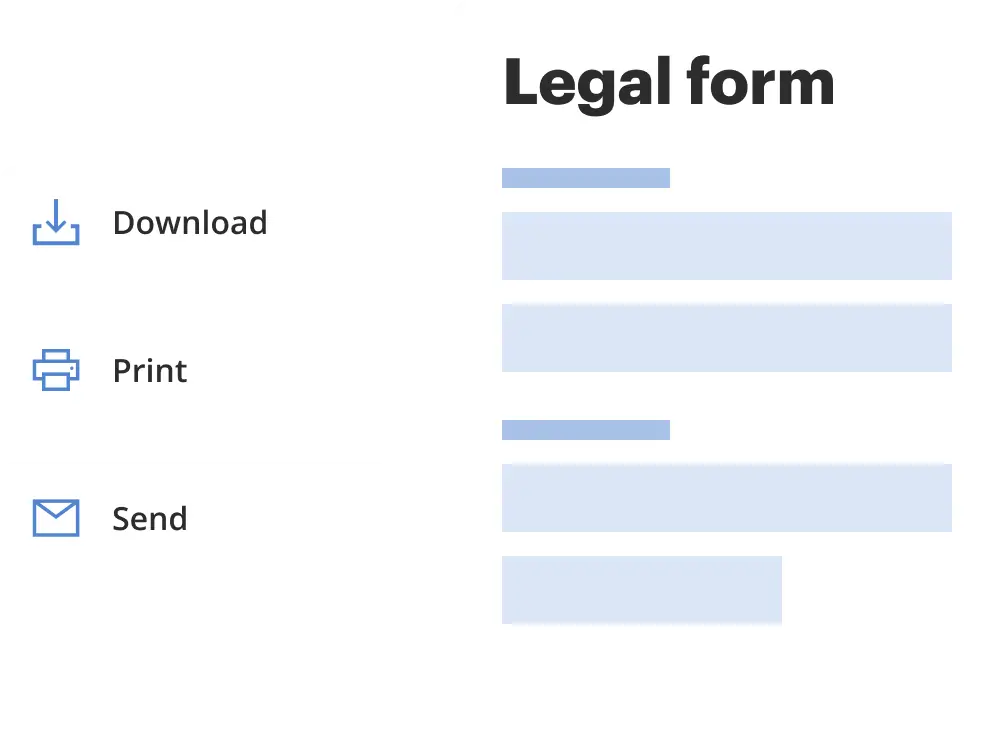
Download a copy, print it, send it by email, or mail it via USPS—whatever works best for your next step.
Sign and collect signatures with our SignNow integration. Send to multiple recipients, set reminders, and more. Go Premium to unlock E-Sign.

If this form requires notarization, complete it online through a secure video call—no need to meet a notary in person or wait for an appointment.
We protect your documents and personal data by following strict security and privacy standards.
Looking for another form?
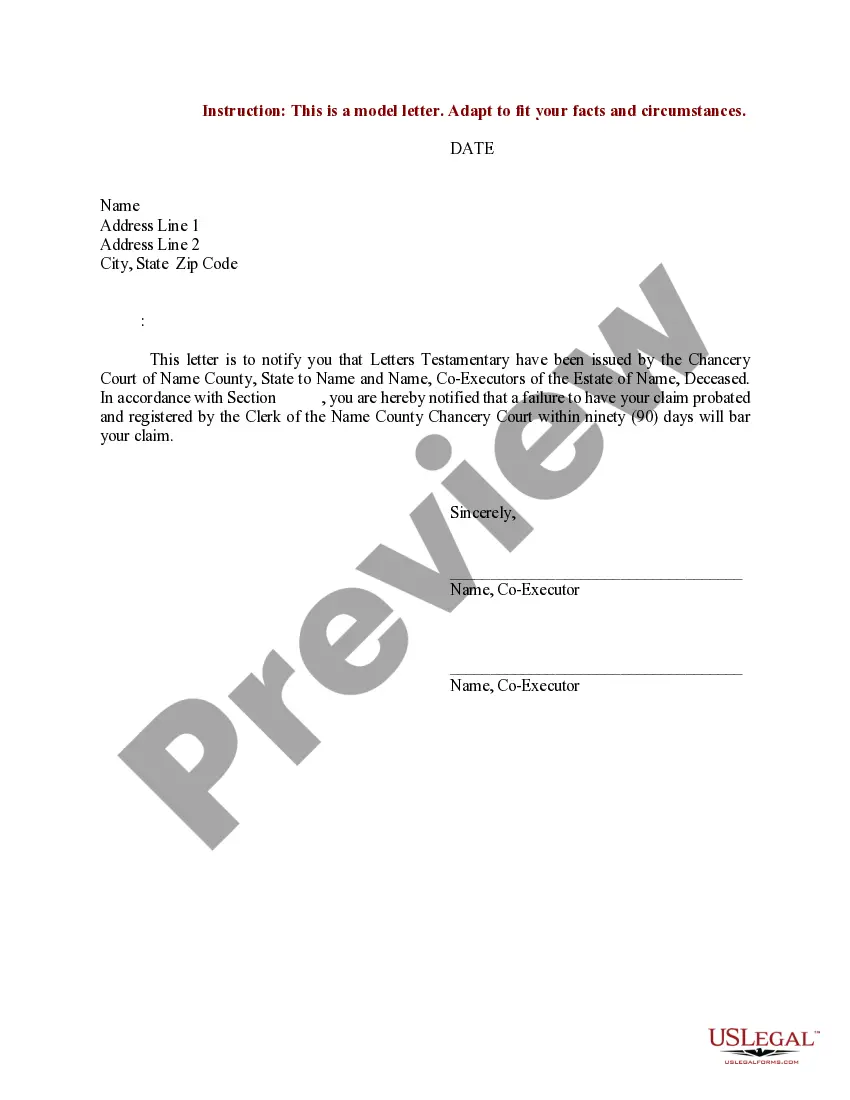
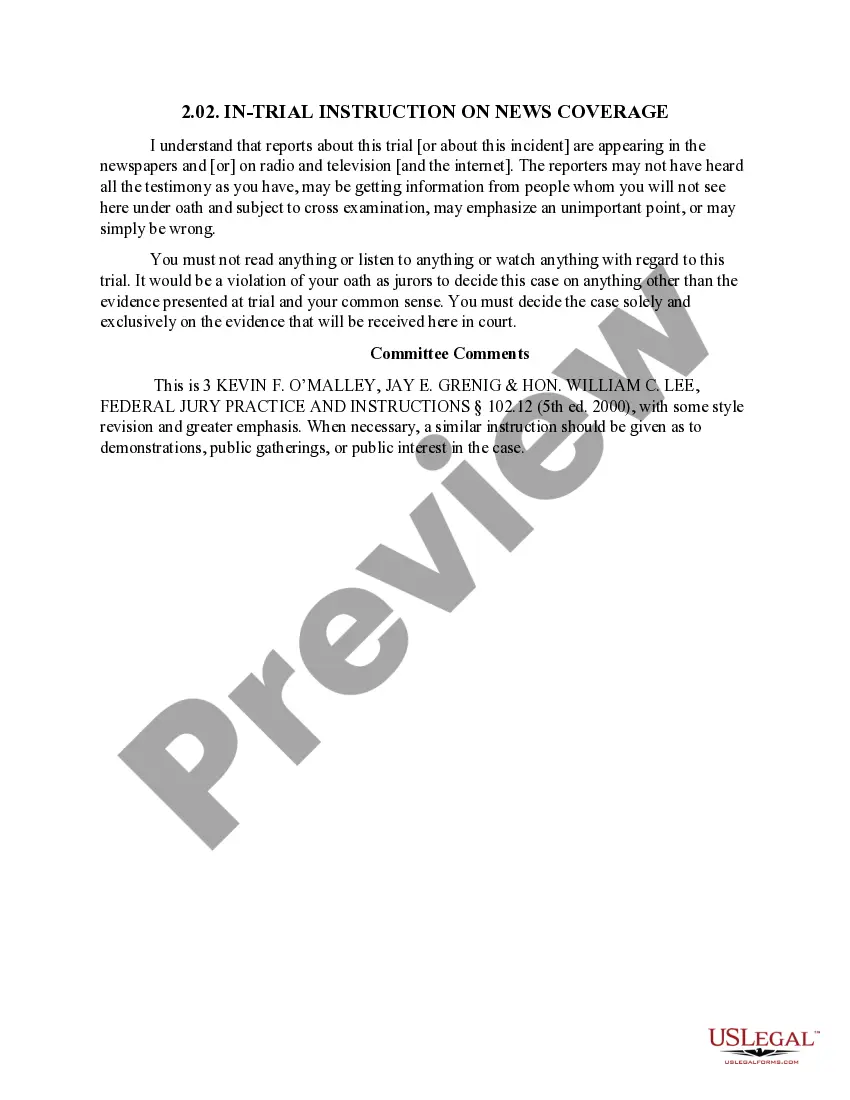
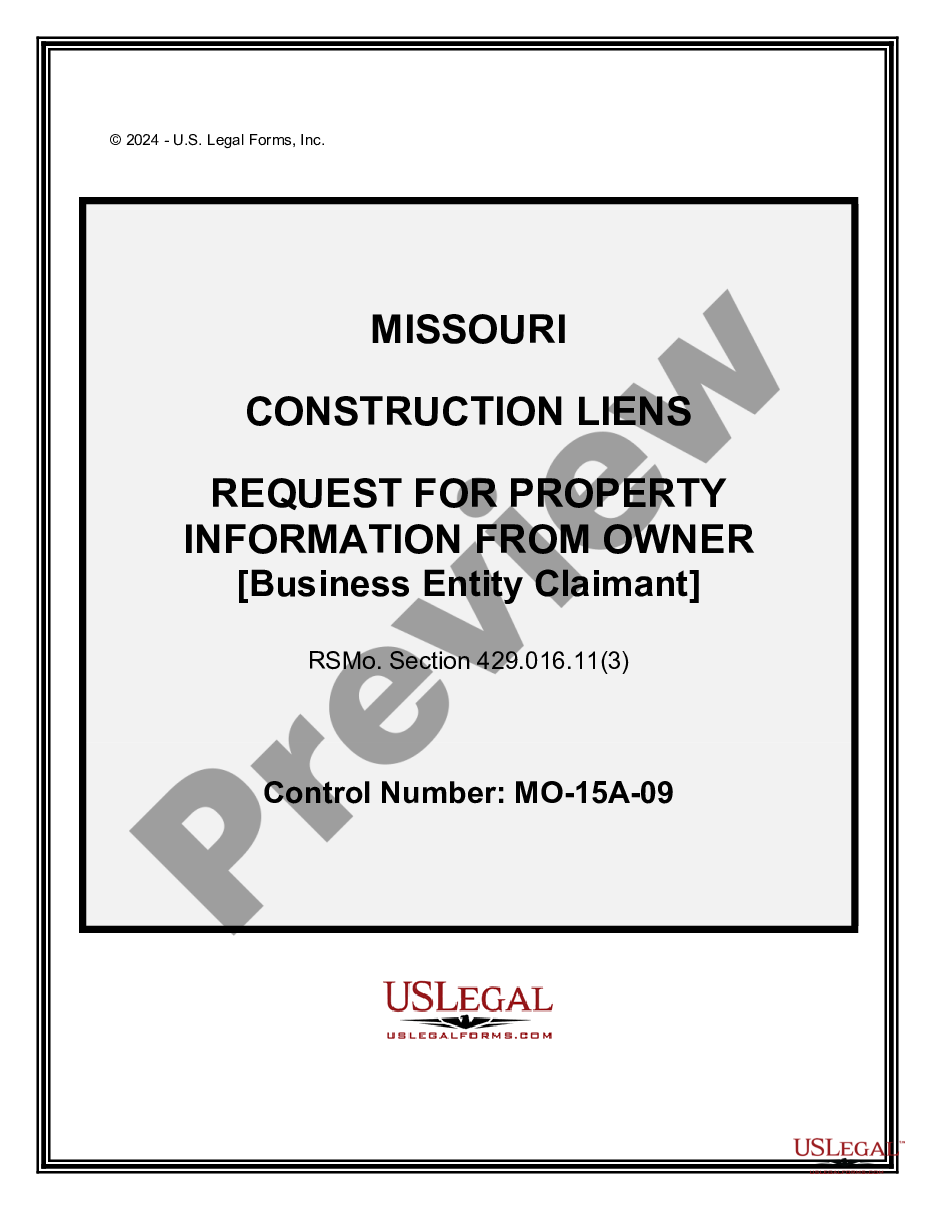
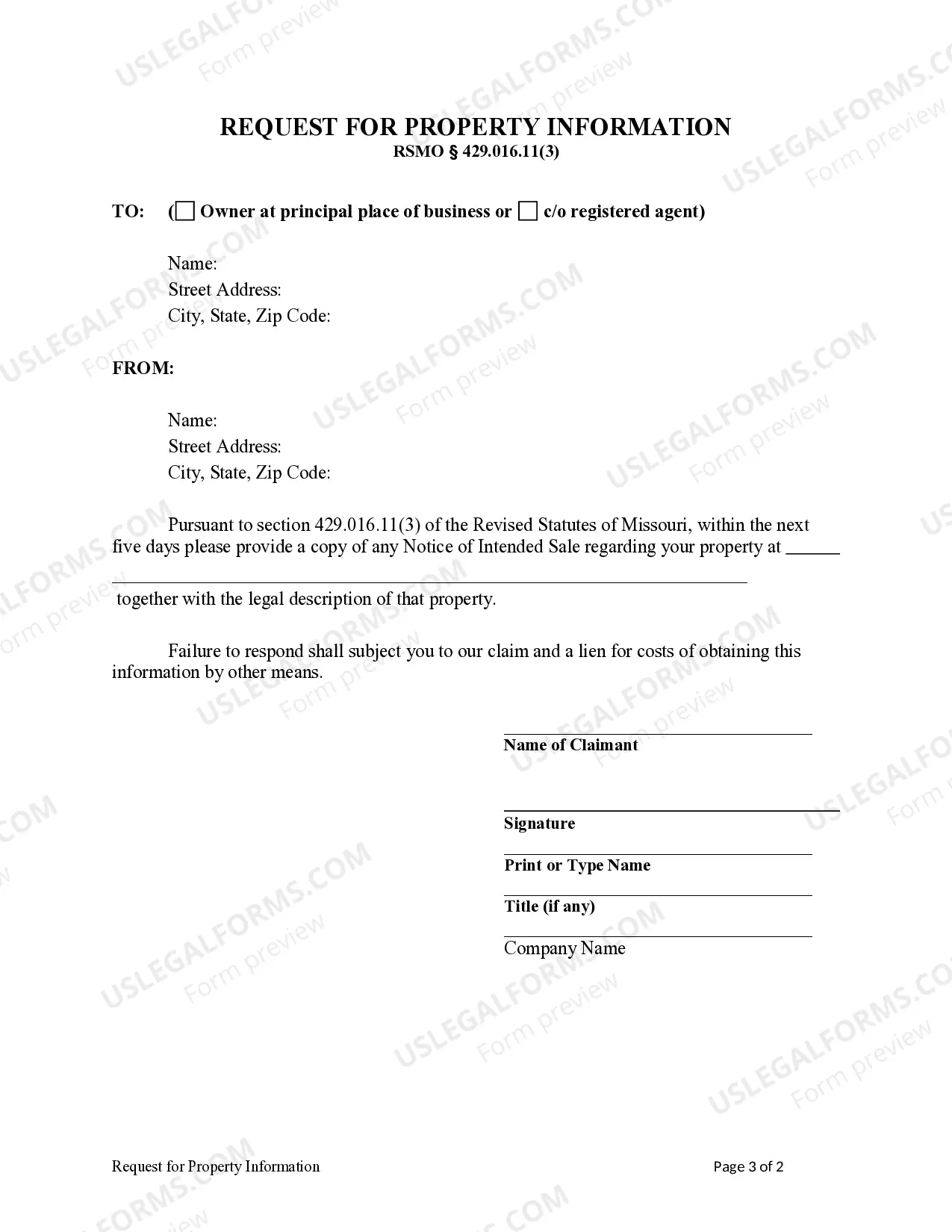
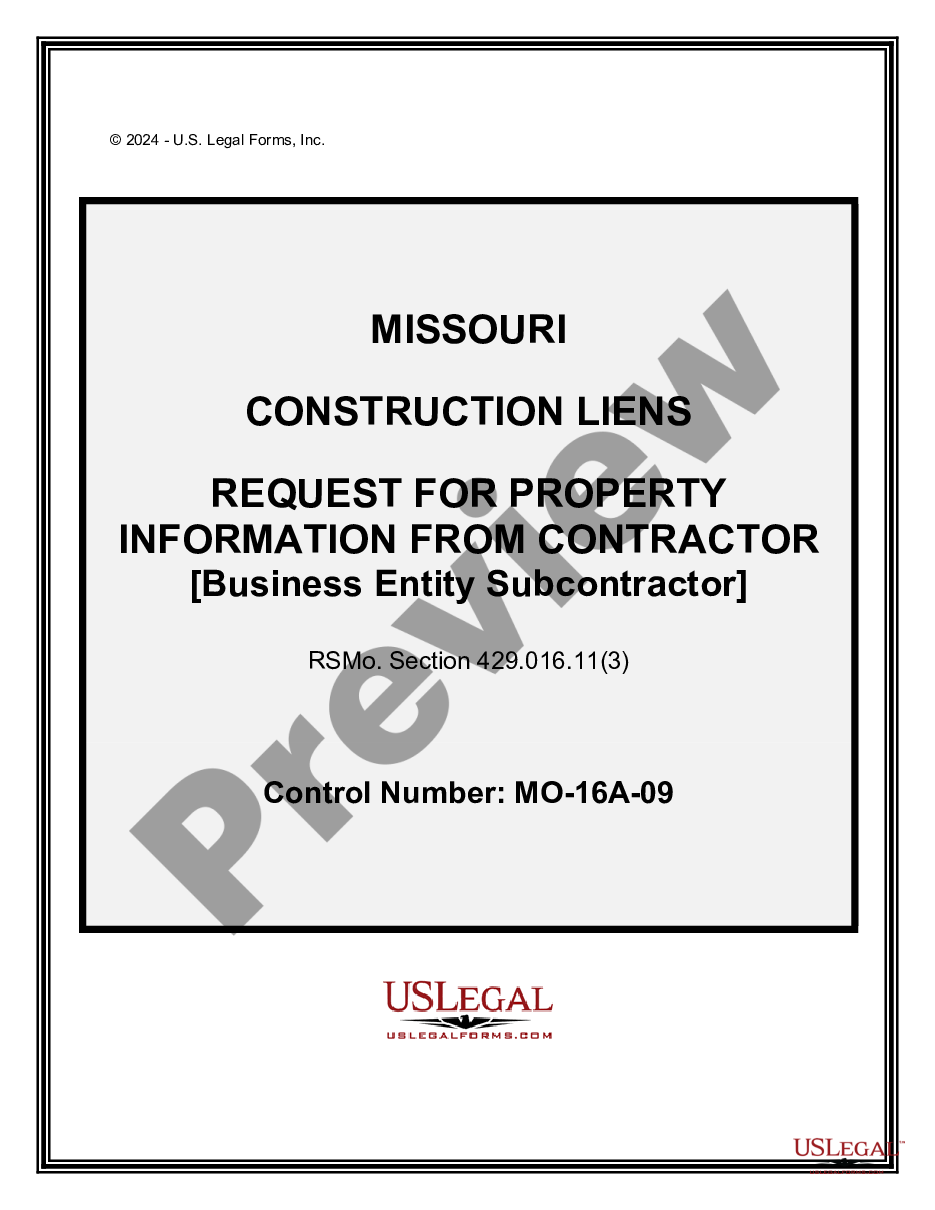
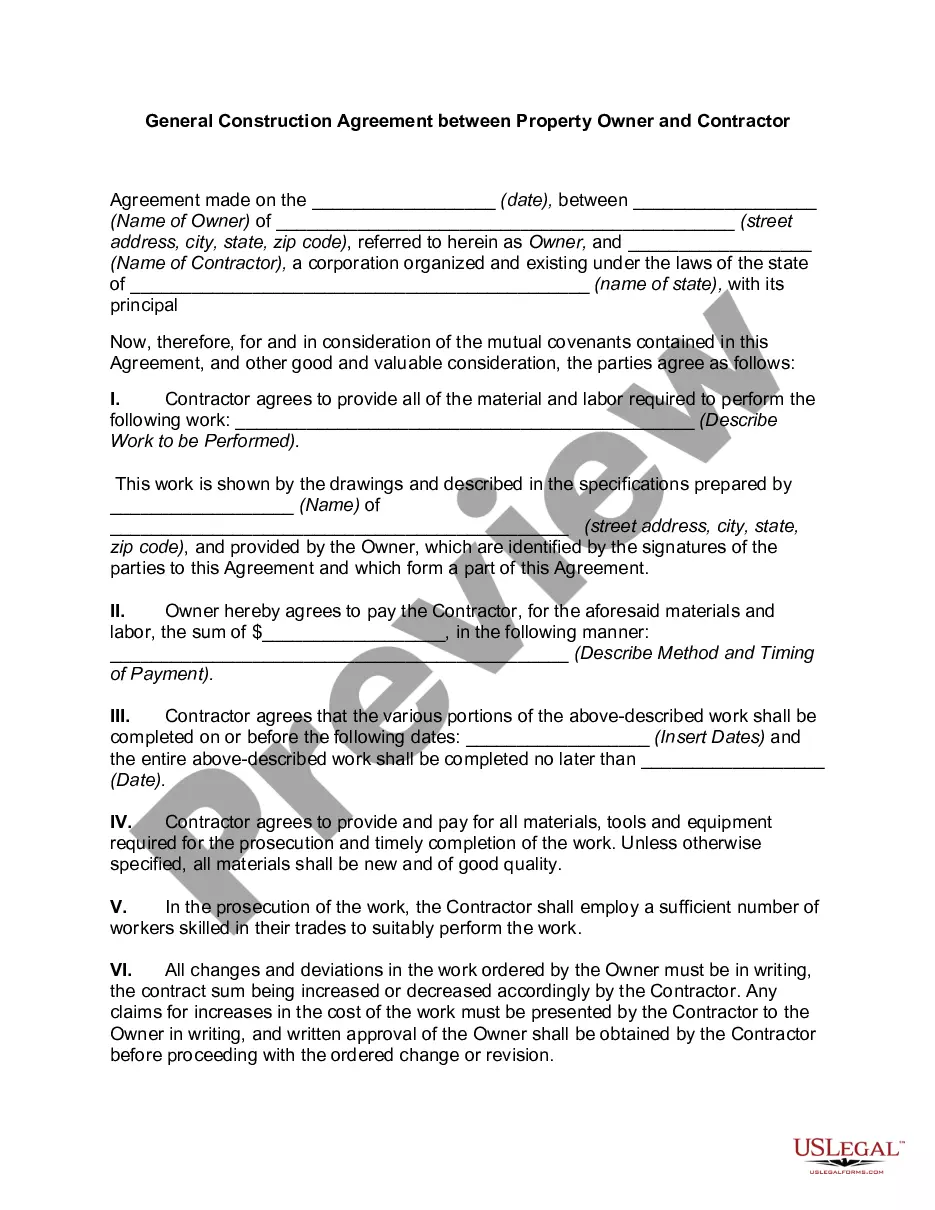
How to fill out Missouri Request For Property Information From Owner - Business Entity Claimant?
Managing legal paperwork and processes can be a lengthy addition to your day.
Missouri Property Business Withholding Tax and comparable forms usually necessitate you to locate them and determine the optimal method to fill them out correctly.
For that reason, if you are handling financial, legal, or personal affairs, utilizing a detailed and efficient online repository of forms when you require it will greatly assist.
US Legal Forms is the premier online service of legal templates, featuring over 85,000 state-focused forms and a variety of tools to assist you in completing your documents promptly.
Is it your first time using US Legal Forms? Register and create an account in just a few minutes, and you’ll gain access to the form library and Missouri Property Business Withholding Tax. Then, follow the steps below to finish your form: Ensure you’ve selected the correct form using the Preview feature and reviewing the form details. Choose Buy Now when ready, and opt for the monthly subscription plan that best fits you. Click Download and subsequently fill out, sign, and print the form. US Legal Forms has 25 years of experience aiding users in managing their legal paperwork. Acquire the form you need today and streamline any process effortlessly.
- Browse the collection of relevant documents accessible to you with just one click.
- US Legal Forms offers you state- and county-specific documents ready for download at any time.
- Protect your paperwork management tasks with a high-quality service that enables you to create any form in minutes with no additional or concealed fees.
- Simply Log In to your account, find Missouri Property Business Withholding Tax, and download it instantly from the My documents section.
- You can also access previously saved forms.
Form popularity
FAQ
As the owner of an LLC, you must pay self-employment tax and federal income tax, both of which are levied as ?pass-through taxation." Federal taxes can be complicated, so speak to your accountant or professional tax preparer to ensure that your Missouri LLC is paying the correct amount.
Withholding Formula (Effective Pay Period 06, 2022) If the Amount of Taxable Income Is:The Amount of Tax Withholding Should Be:Over $0 but not over $1,1211.5%Over $1,121 but not over $2,242$16.82 plus 2.0% of excess over $1,121Over $2,242 but not over $3,363$39.24 plus 2.5% of excess over $2,2426 more rows ?
Missouri Withholding Tax ? Multiply the employee's Missouri taxable income by the applicable annual payroll period rate. Begin at the lowest rate and accumulate the total withholding amount for each rate. The result is the employee's annual Missouri withholding tax.
We've got the steps here; plus, important considerations for each step. Step 1: Enter your personal information. ... Step 2: Account for all jobs you and your spouse have. ... Step 3: Claim your children and other dependents. ... Step 4: Make other adjustments. ... Step 5: Sign and date your form.
Box 1 (Required) Print first name, middle initial, last name, home address, city, state, and zip code. Box 2 (Required) Complete with nine-digit social security number. Box 3 (Required) Must have a check mark in one box only. Box 4 (Optional) Place a check mark in the box only if your last name differs from that shown ...