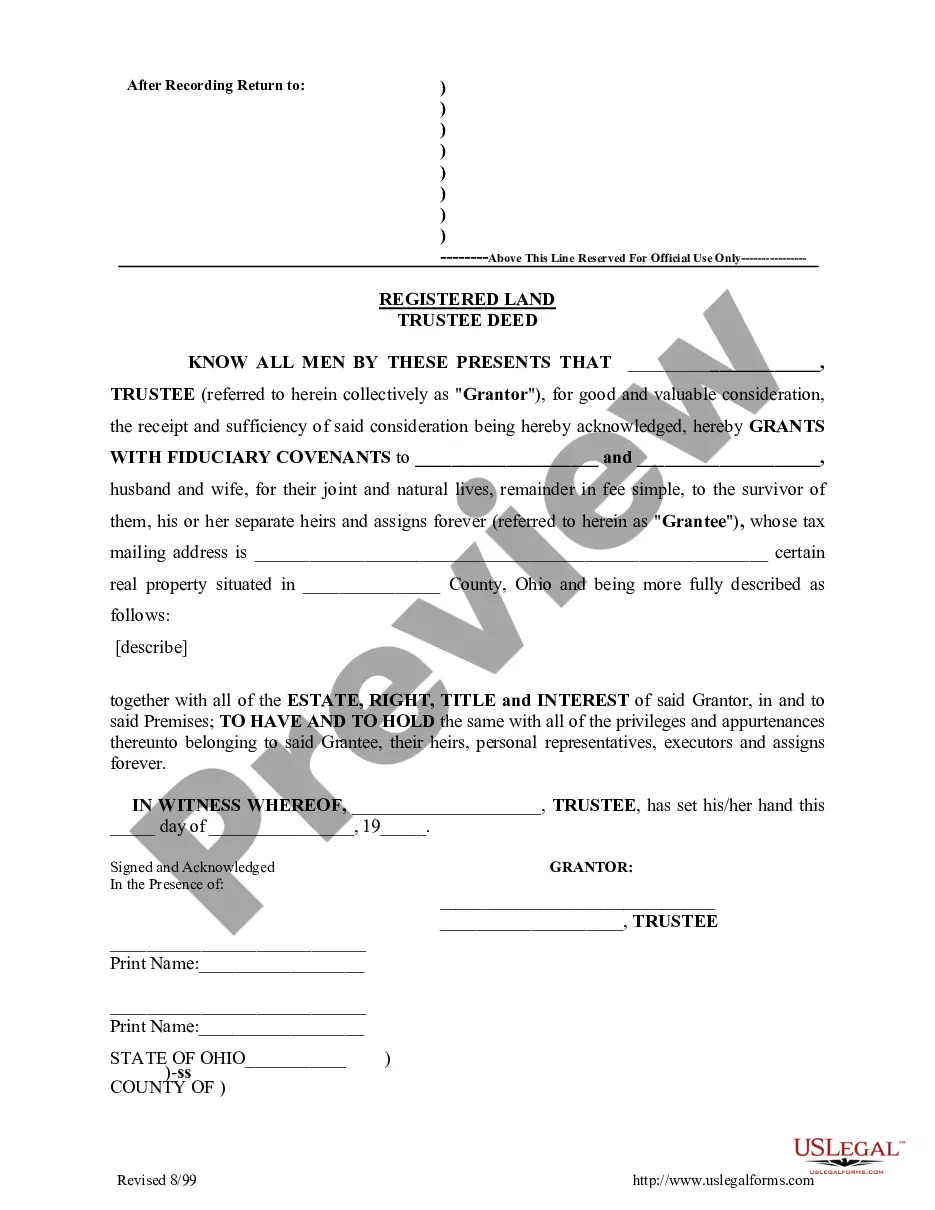
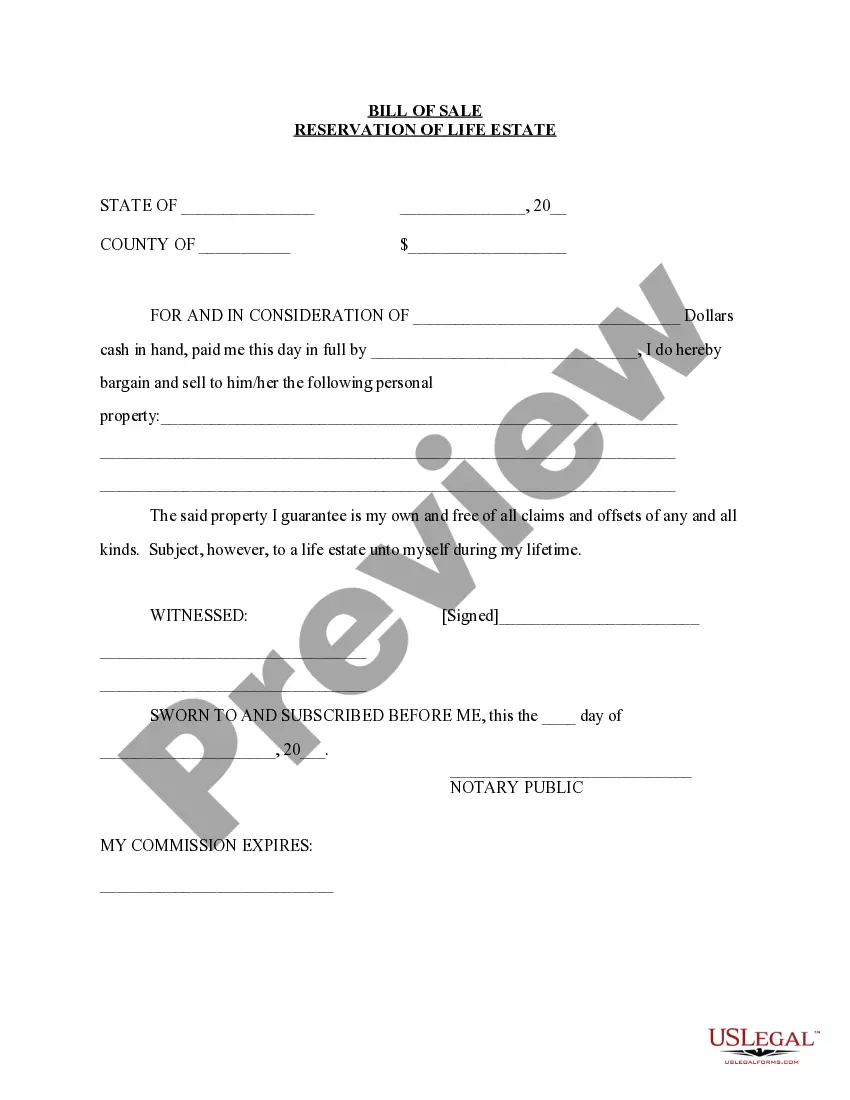
Minnesota Bill Of Sale With Lien
Description
Get your form ready online
Our built-in tools help you complete, sign, share, and store your documents in one place.
Make edits, fill in missing information, and update formatting in US Legal Forms—just like you would in MS Word.
Download a copy, print it, send it by email, or mail it via USPS—whatever works best for your next step.
Sign and collect signatures with our SignNow integration. Send to multiple recipients, set reminders, and more. Go Premium to unlock E-Sign.
If this form requires notarization, complete it online through a secure video call—no need to meet a notary in person or wait for an appointment.
We protect your documents and personal data by following strict security and privacy standards.

Make edits, fill in missing information, and update formatting in US Legal Forms—just like you would in MS Word.

Download a copy, print it, send it by email, or mail it via USPS—whatever works best for your next step.

Sign and collect signatures with our SignNow integration. Send to multiple recipients, set reminders, and more. Go Premium to unlock E-Sign.

If this form requires notarization, complete it online through a secure video call—no need to meet a notary in person or wait for an appointment.

We protect your documents and personal data by following strict security and privacy standards.
Looking for another form?
How to fill out Minnesota Bill Of Sale Without Warranty By Individual Seller?
There's no longer a requirement to invest time searching for legal documents to comply with your local state mandates. US Legal Forms has compiled all of them in one location and simplified their access.
Our platform provides over 85,000 templates for any business and personal legal circumstances organized by state and use area. All forms are expertly drafted and verified for accuracy, so you can be assured of obtaining a current Minnesota Bill Of Sale With Lien.
If you are accustomed to our service and already possess an account, make sure your subscription is active before accessing any templates. Log In to your account, select the document, and click Download. You can also revisit all obtained documents anytime needed by navigating to the My documents tab in your profile.
Print your form to complete it manually or upload the document if you prefer to do it in an online editor. Preparing formal documents under federal and state legislation is quick and easy with our platform. Experience US Legal Forms now to keep your records organized!
- If you've never used our service before, the process will require a few additional steps to finalize.
- Here's how new users can find the Minnesota Bill Of Sale With Lien in our directory.
- Examine the page content closely to verify it includes the sample you require.
- To facilitate this, use the form description and preview options if available.
- Employ the Search bar above to look for another template if the previous one does not meet your needs.
- Click Buy Now beside the template title when you identify the correct one.
- Choose the most appropriate subscription plan and either create an account or Log In.
- Complete your subscription payment with a credit card or through PayPal to proceed.
- Select the file format for your Minnesota Bill Of Sale With Lien and download it to your device.
Form popularity
FAQ
All sellers must complete and sign the title in the seller's section on the front of the title. All buyers must complete and sign the buyer's section (next to seller's section) as well as complete and sign the "Application for Title by Buyer" section.
A Minnesota motor vehicle bill of sale is a legal document that serves as proof that two (2) parties have executed the sale of a motor vehicle. The document also establishes a change of ownership and provides the required information for the vehicle's registration. This form requires notarization.
Be sure you have a signed lien release card or notarized lien release form for all secured parties (lien holders). The name of the first secured party is printed on the front of the title, as is the total number of liens on the vehicle. All sellers must handprint their name and sign in the assignment area of the title.
How Do I Write a Minnesota Bill of Sale?The printed names of the parties.The date the bill of sale was created.Certain information about the item being sold.The amount of money the item was sold for.The signature of the buyer and the seller.In some circumstances, the bill of sale may need to be notarized.
To remove a lien from a title, the vehicle title must be submitted with the Lien Notification card from the lien holder, properly signed by the lender or with a notarized Notification of Assignment Release or Grant of Secured Interest (PS2017) signed by the lender.