Mi In Note 4
Description
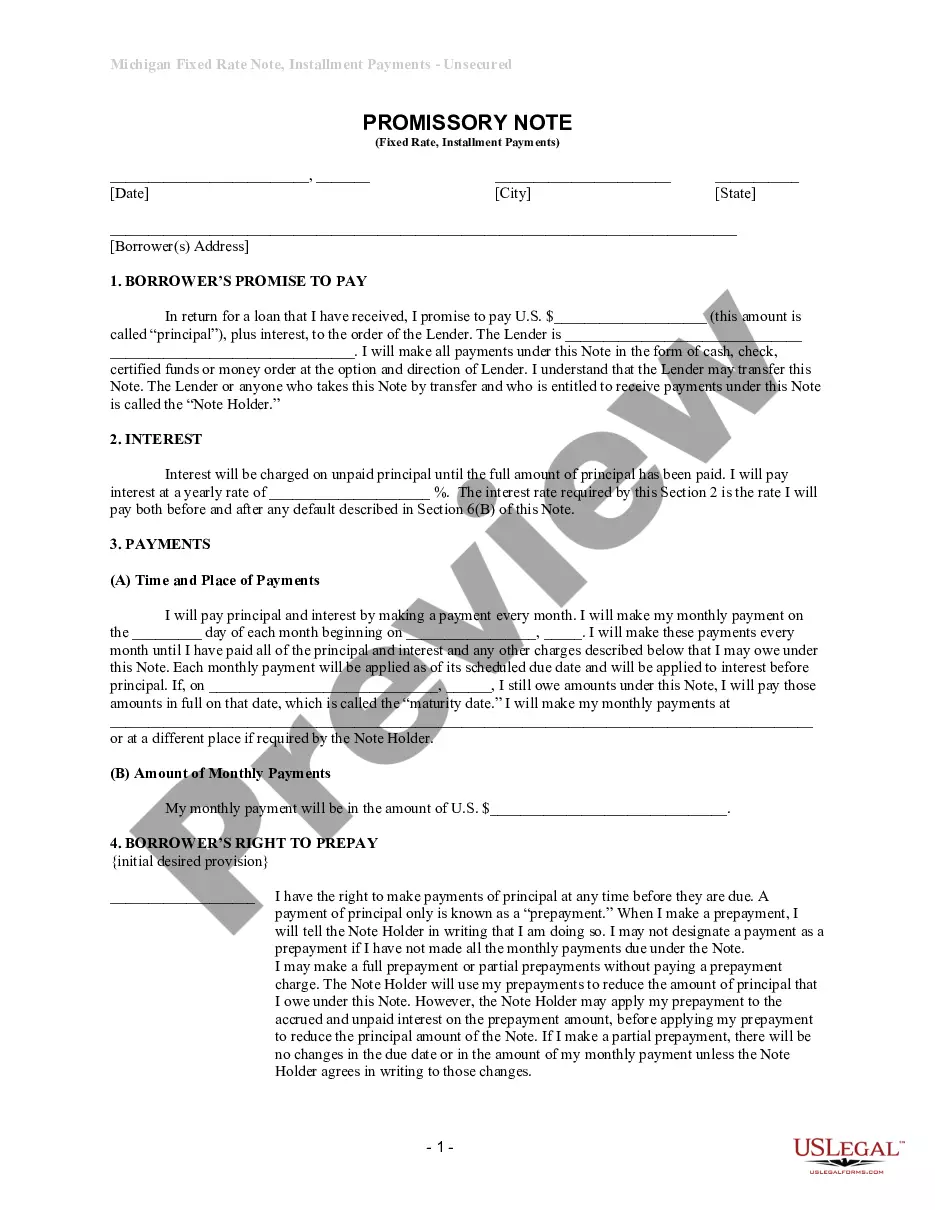
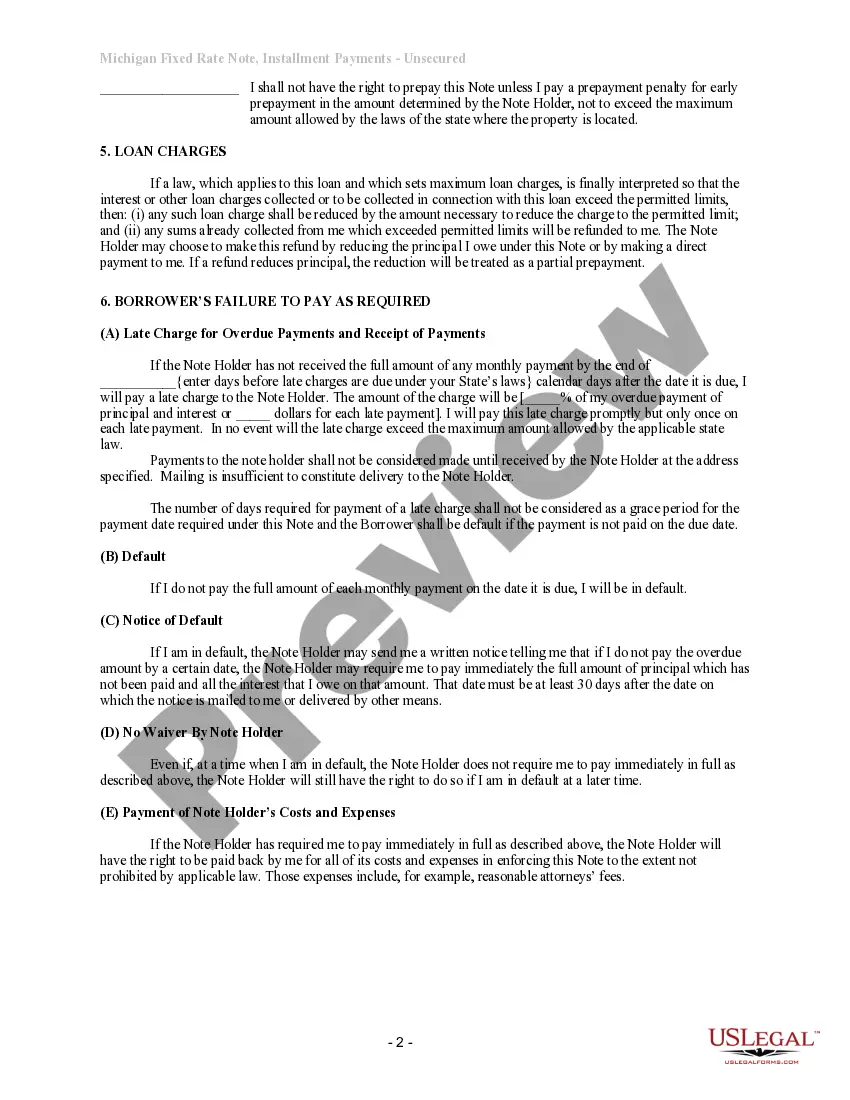
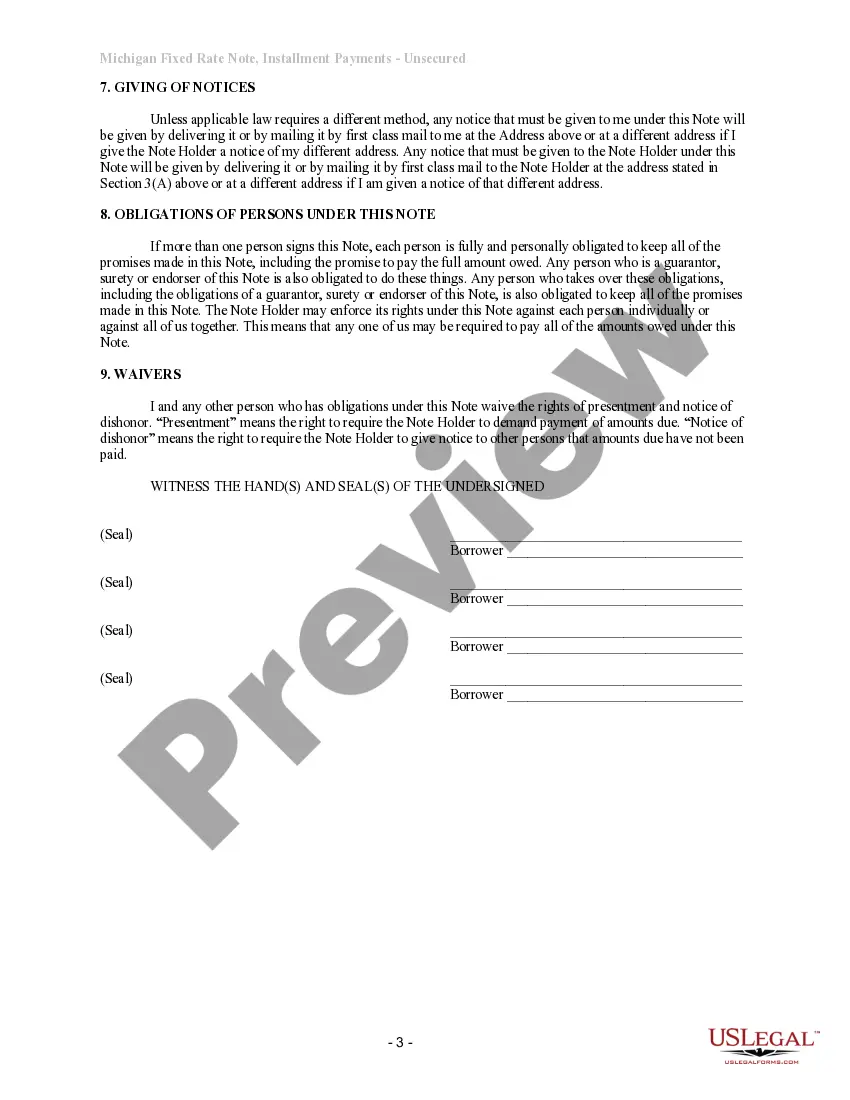
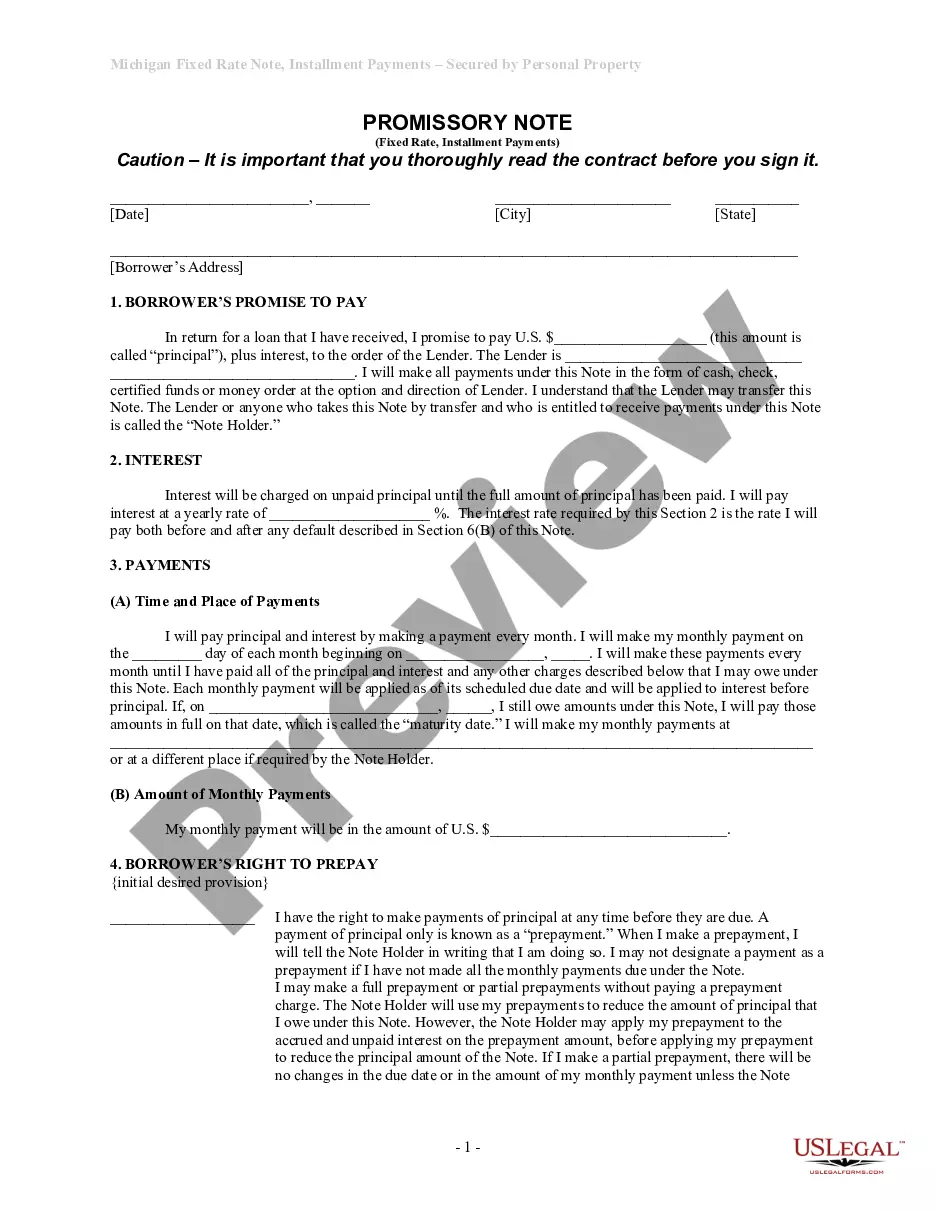
Get your form ready online
Our built-in tools help you complete, sign, share, and store your documents in one place.
Make edits, fill in missing information, and update formatting in US Legal Forms—just like you would in MS Word.
Download a copy, print it, send it by email, or mail it via USPS—whatever works best for your next step.
Sign and collect signatures with our SignNow integration. Send to multiple recipients, set reminders, and more. Go Premium to unlock E-Sign.
If this form requires notarization, complete it online through a secure video call—no need to meet a notary in person or wait for an appointment.
We protect your documents and personal data by following strict security and privacy standards.

Make edits, fill in missing information, and update formatting in US Legal Forms—just like you would in MS Word.

Download a copy, print it, send it by email, or mail it via USPS—whatever works best for your next step.

Sign and collect signatures with our SignNow integration. Send to multiple recipients, set reminders, and more. Go Premium to unlock E-Sign.

If this form requires notarization, complete it online through a secure video call—no need to meet a notary in person or wait for an appointment.

We protect your documents and personal data by following strict security and privacy standards.
Looking for another form?



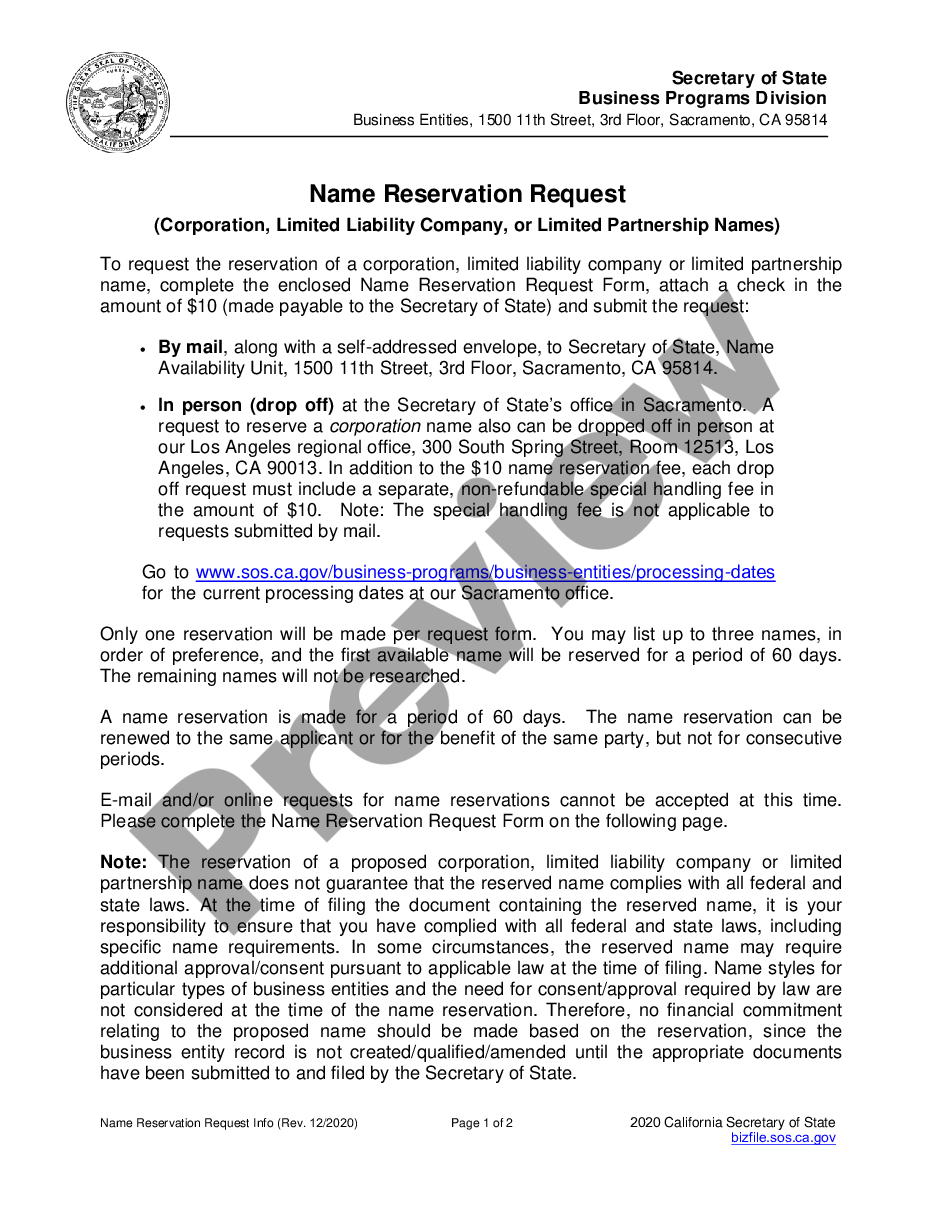
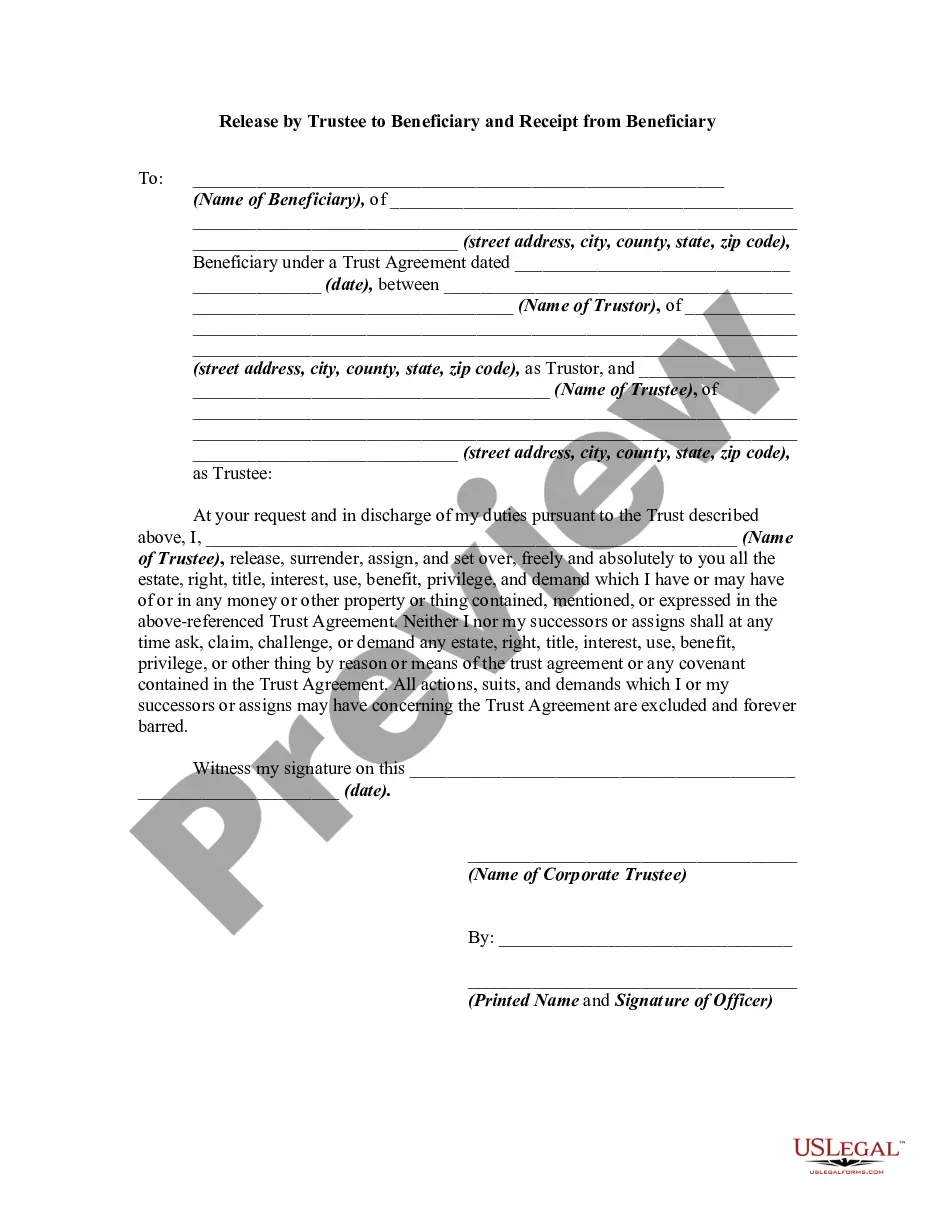

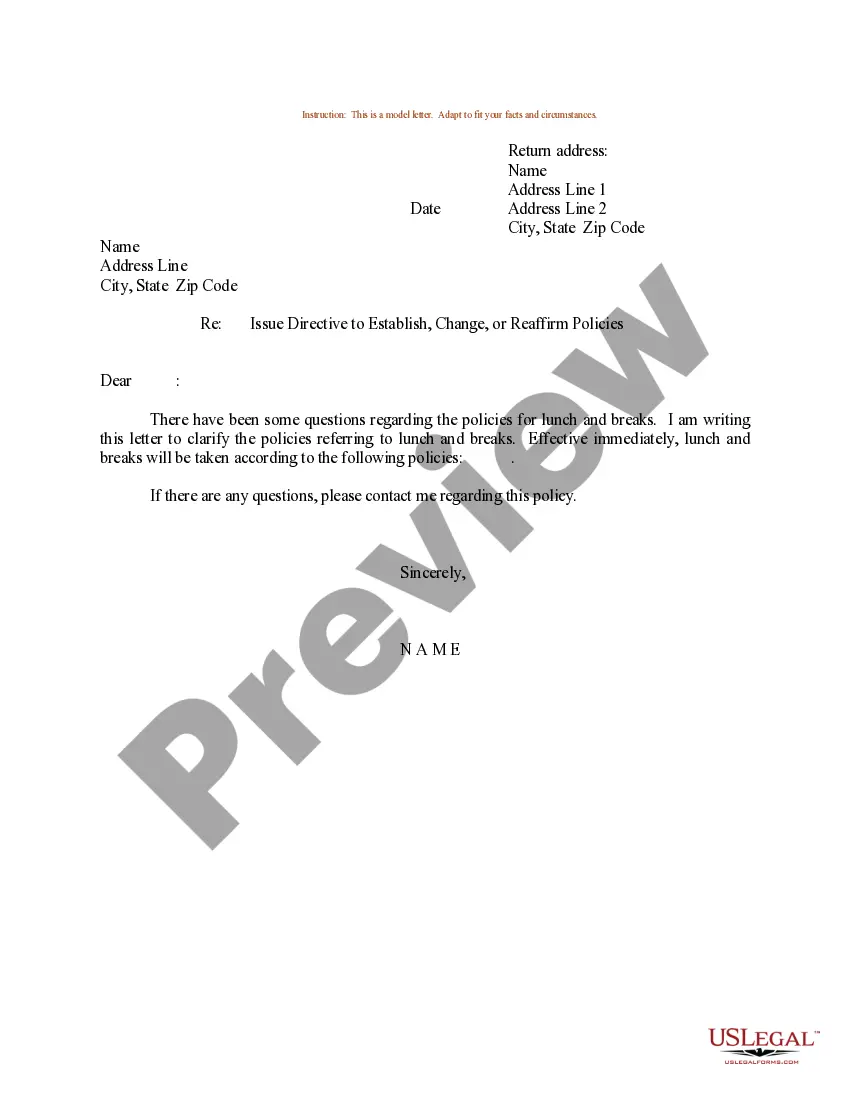
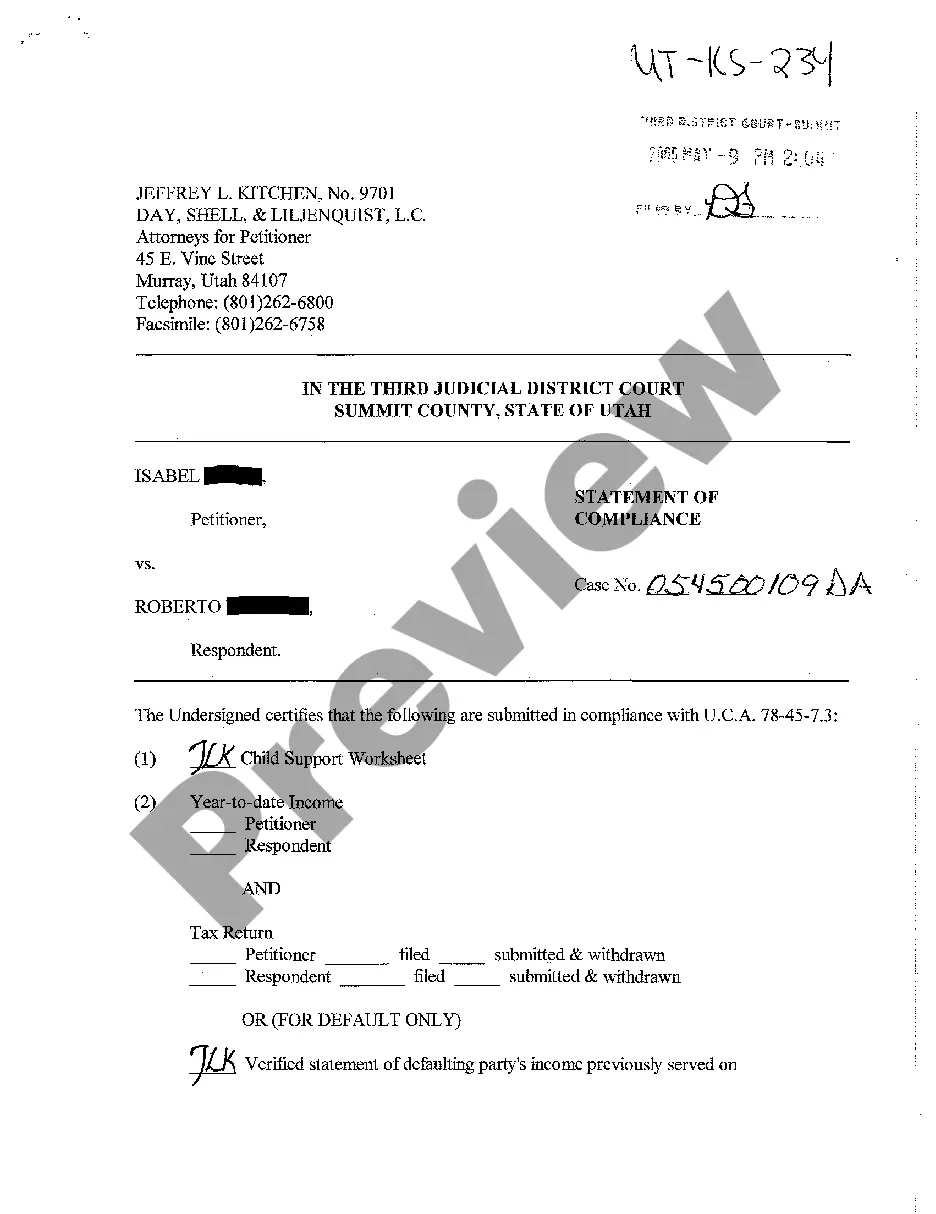
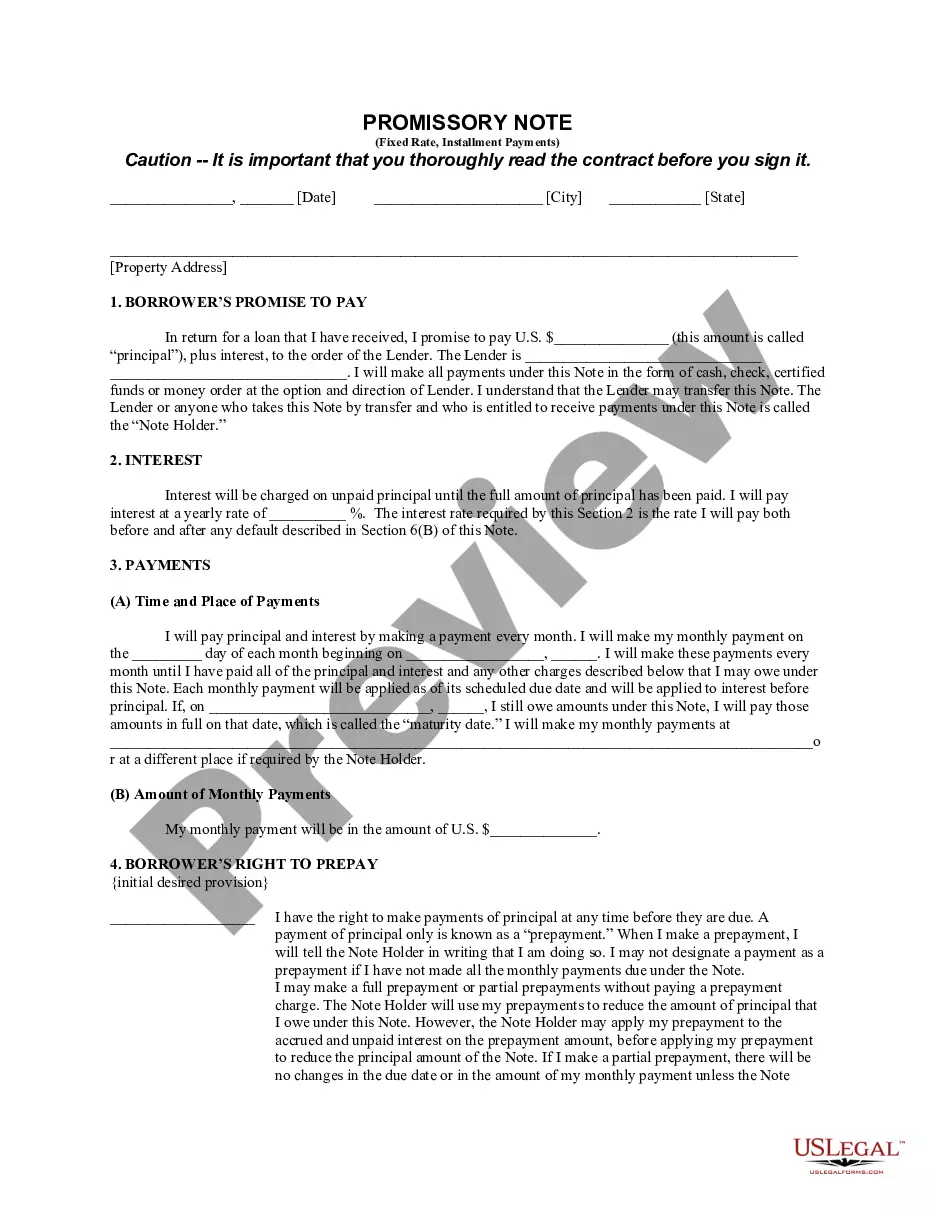
How to fill out Michigan Unsecured Installment Payment Promissory Note For Fixed Rate?
Managing legal documents can be daunting, even for the most experienced professionals.
When you're looking for a Mi In Note 4 and lack the time to search for the appropriate and current version, the procedures can be overwhelming.
Access state- or county-specific legal and business documents. US Legal Forms addresses any requirements you may have, from personal to business paperwork, all in one location.
Utilize advanced tools to fill out and manage your Mi In Note 4.
Here are the steps to follow after downloading the document you desire: Validate that it is the correct form by previewing it and reviewing its description. Ensure that the template is authorized in your state or county. Select Buy Now when you are prepared. Choose a subscription plan. Select the format you prefer, and Download, complete, eSign, print, and send your documents. Enjoy the US Legal Forms online library, backed by 25 years of knowledge and reliability. Streamline your daily document management into a simple and user-friendly process today.
- Access a database of articles, tutorials, and guides related to your situation and requirements.
- Save time and effort in locating the documents you need, and leverage US Legal Forms’ sophisticated search and Review feature to find and download Mi In Note 4.
- If you have a membership, Log In to your US Legal Forms account, search for the form, and download it.
- Check your My documents tab to review the documents you've previously saved and manage your folders as needed.
- If it's your first experience with US Legal Forms, create an account for unlimited access to all platform benefits.
- A comprehensive online form repository can be transformative for anyone aiming to navigate these scenarios efficiently.
- US Legal Forms stands as a leading provider in online legal documents, featuring over 85,000 state-specific legal forms accessible at any time.
- With US Legal Forms, you can.
Form popularity
FAQ
How to Hard Reset XIAOMI Redmi Note 4 - Bypass Screen Lock / Wipe ... YouTube Start of suggested clip End of suggested clip And other. So at the very beginning let's start by pressing the power. Key choose power off and tapMoreAnd other. So at the very beginning let's start by pressing the power. Key choose power off and tap power up again just to confirm the whole operation.
Issue 1: Outdated Specifications Also, as per reports, Xiaomi MIUI tends to make old devices slow with time and the MIUI updates on the device have also stopped. The Snapdragon 625 on the Redmi Note 4 is too old and not suitable for day-to-day tasks in 2021 as most of the apps require much more processing power.
The Xiaomi Mi Note series are smartphones (or phablets) made by Xiaomi. The series include the Mi Note and Mi Note Pro.
Yes, In Redmi Note 4 there is a option for developer option. Go to settings, Than go to about phone than click MIUI version continuously untill it doesn't say that You are now developer. Then again go to setting and than click on Additional Settings and than Developer Options.
In January 2017, the Snapdragon version of the Xiaomi Redmi Note 4 or Xiaomi Redmi Note 4X became the company's first major launch. It came with 2GB RAM + 32GB eMMC, 3GB RAM + 16 or 32GB eMMC and 4GB RAM + 64GB eMMC variants.