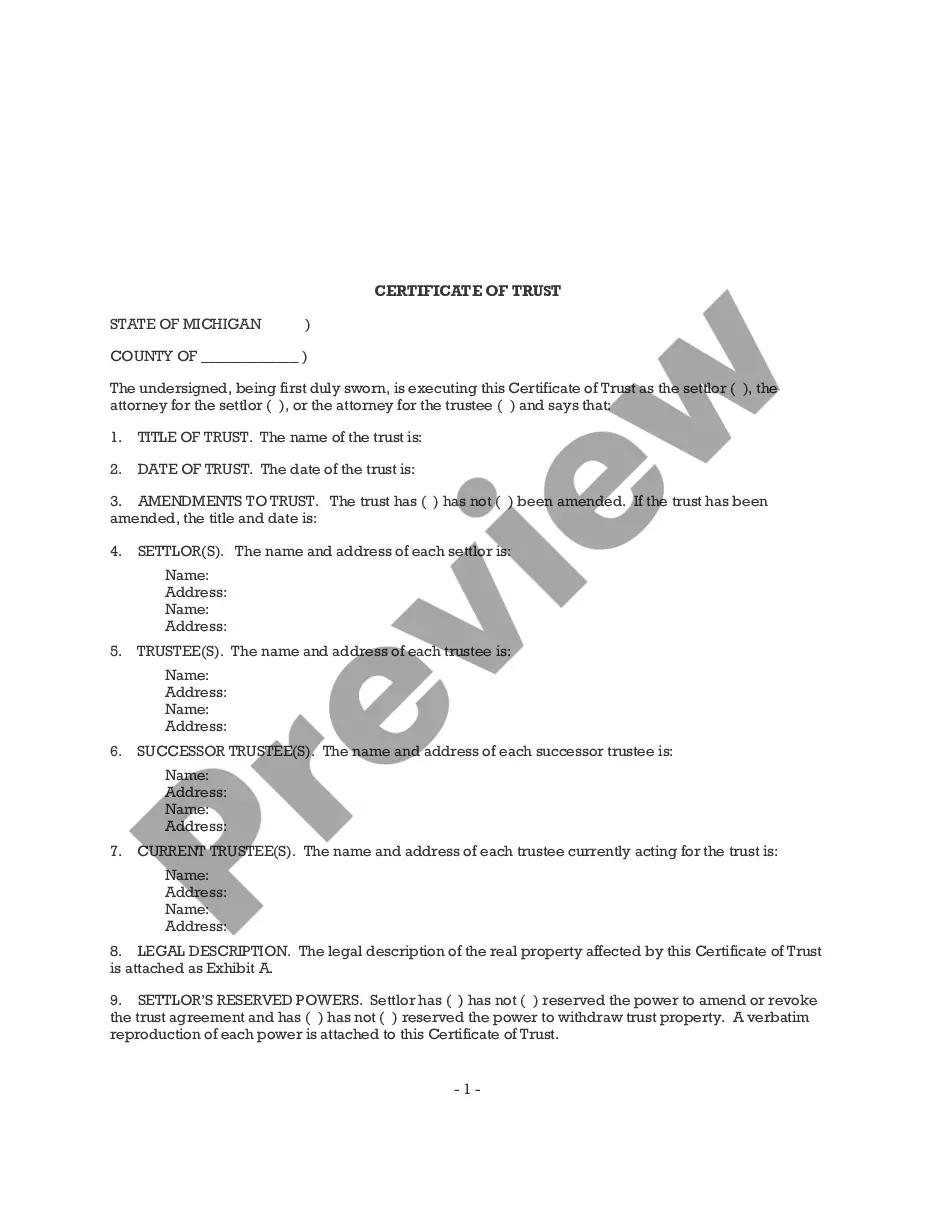
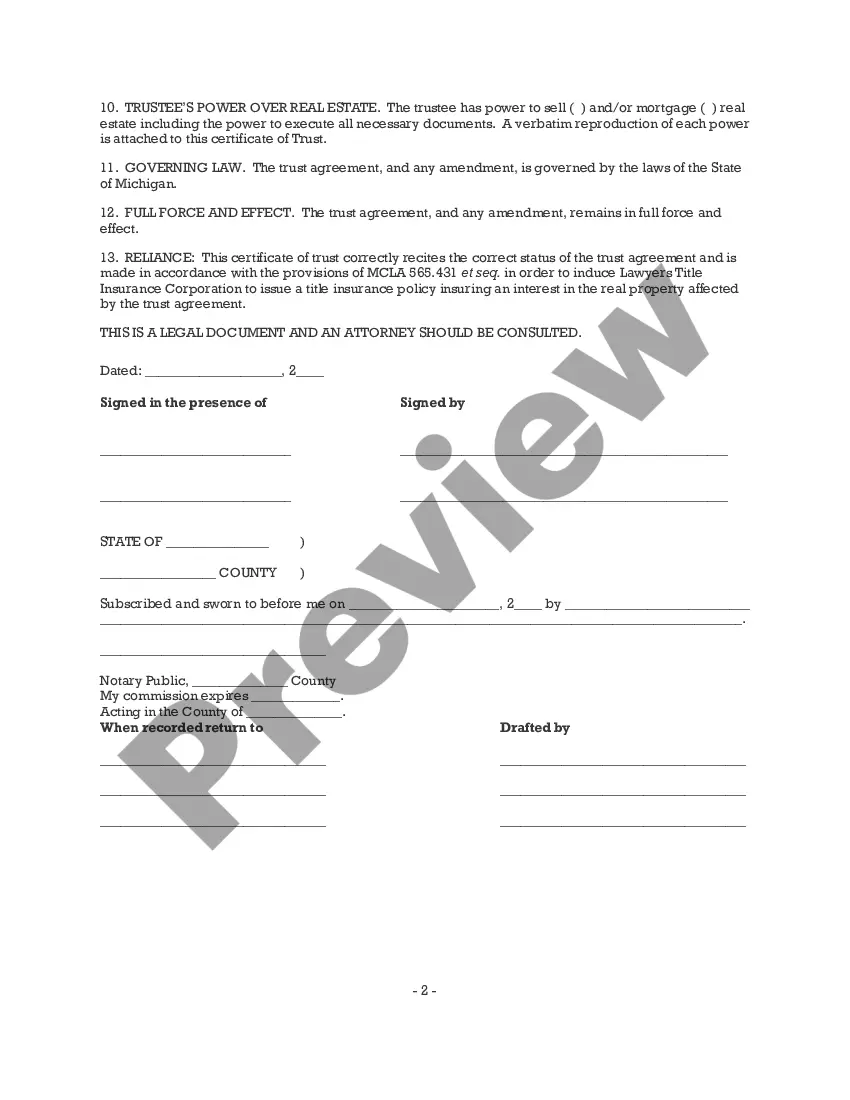
Certificate Of Trust Michigan Form For Trust
Description
Get your form ready online
Our built-in tools help you complete, sign, share, and store your documents in one place.
Make edits, fill in missing information, and update formatting in US Legal Forms—just like you would in MS Word.
Download a copy, print it, send it by email, or mail it via USPS—whatever works best for your next step.
Sign and collect signatures with our SignNow integration. Send to multiple recipients, set reminders, and more. Go Premium to unlock E-Sign.
If this form requires notarization, complete it online through a secure video call—no need to meet a notary in person or wait for an appointment.
We protect your documents and personal data by following strict security and privacy standards.

Make edits, fill in missing information, and update formatting in US Legal Forms—just like you would in MS Word.

Download a copy, print it, send it by email, or mail it via USPS—whatever works best for your next step.

Sign and collect signatures with our SignNow integration. Send to multiple recipients, set reminders, and more. Go Premium to unlock E-Sign.

If this form requires notarization, complete it online through a secure video call—no need to meet a notary in person or wait for an appointment.

We protect your documents and personal data by following strict security and privacy standards.
Looking for another form?
How to fill out Michigan Certificate Of Trust?
Creating legal documents from the ground up can frequently be daunting.
Certain situations may require extensive investigation and significant financial investment.
If you’re looking for a simpler and more cost-effective method of generating the Certificate Of Trust Michigan Form For Trust or any other paperwork without encountering obstacles, US Legal Forms is always available to assist you.
Our online library of over 85,000 current legal forms covers nearly every element of your financial, legal, and personal matters.
Examine the document preview and descriptions to ensure you have selected the document you need. Ensure that the template you choose meets the standards of your state and county. Select the most appropriate subscription plan to acquire the Certificate Of Trust Michigan Form For Trust. Download the file. Afterwards, complete, authorize, and print it. US Legal Forms boasts an impeccable reputation and over 25 years of expertise. Join us now and simplify the process of document execution!
- With just a few clicks, you can promptly obtain state- and county-compliant templates carefully assembled for you by our legal professionals.
- Utilize our platform whenever you require a dependable service to swiftly find and download the Certificate Of Trust Michigan Form For Trust.
- If you’re already familiar with our services and have established an account with us, simply Log In to your account, choose the template, and download it or re-download it anytime from the My documents section.
- Don't possess an account? No worries. It only takes a few minutes to create one and browse the catalog.
- However, before proceeding directly to download the Certificate Of Trust Michigan Form For Trust, please adhere to these guidelines.
Form popularity
FAQ
If you don't want to show your trust document, in most cases you can use a shorter version of it, called a "certification of trust" or "certificate of trust" and sometimes referred to as an "abstract of trust." This document gives institutions the information they need but lets you keep some key provisions private.
(2) A certificate of trust may be signed or otherwise authenticated by the settlor, any trustee, or an attorney for the settlor or trustee. The certificate must be in the form of an affidavit.
What is a Certificate of Trust in Michigan? The name of the trust, the date of the trust, and the date of each operative trust instrument. The name and address of each current trustee. The powers of the trustee relating to the purposes for which the certificate of trust is offered.
If you have a trust in Michigan, state law provides that you can register the trust. Registering a Michigan trust is not required (except for certain charitable trusts, as discussed below). Even for non-charitable trusts, there are good reasons that a trust should be registered.
Pursuant to the current law, a certificate of trust must include: The name of the trust, the date of the trust, and the date of each operative trust instrument. The name and address of each current trustee. The powers of the trustee relating to the purposes for which the certificate of trust is offered.