Consent Judgement Of Divorce Form For Divorce
Description
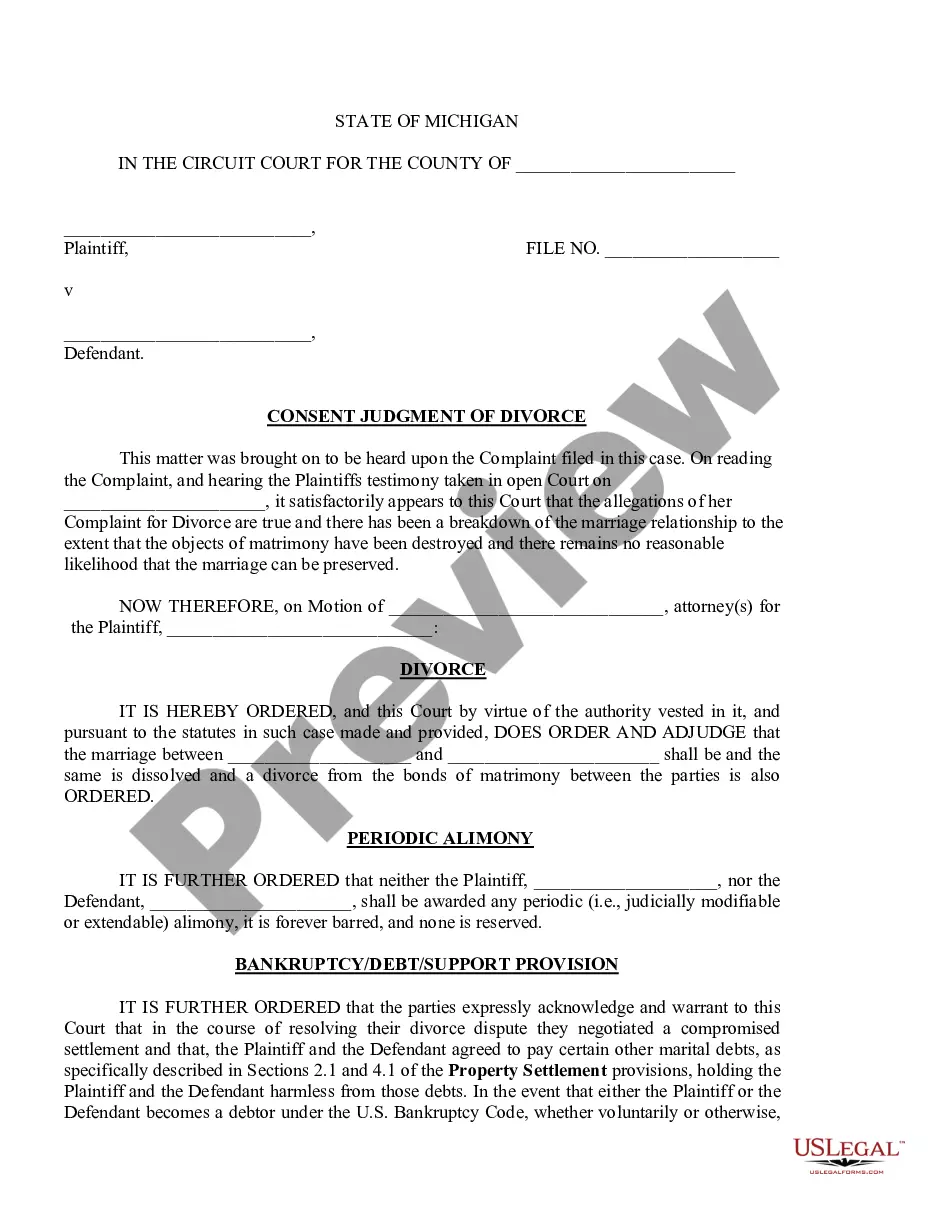
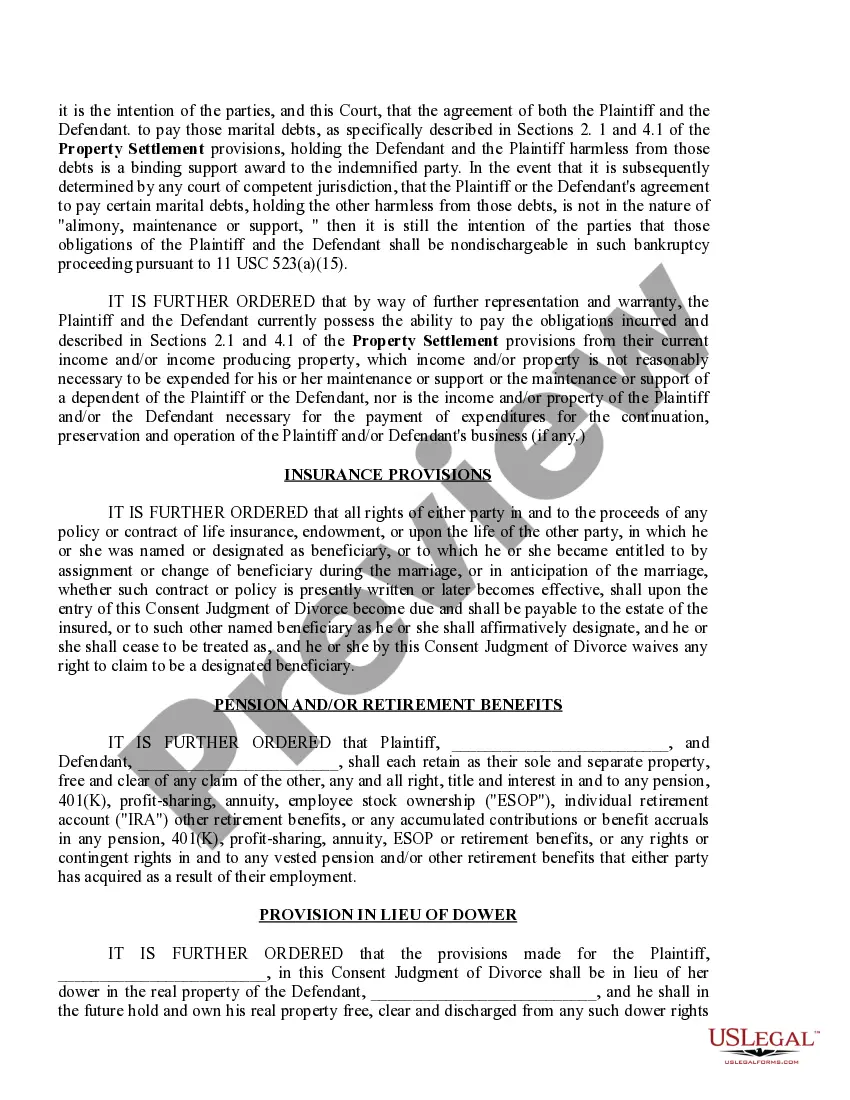
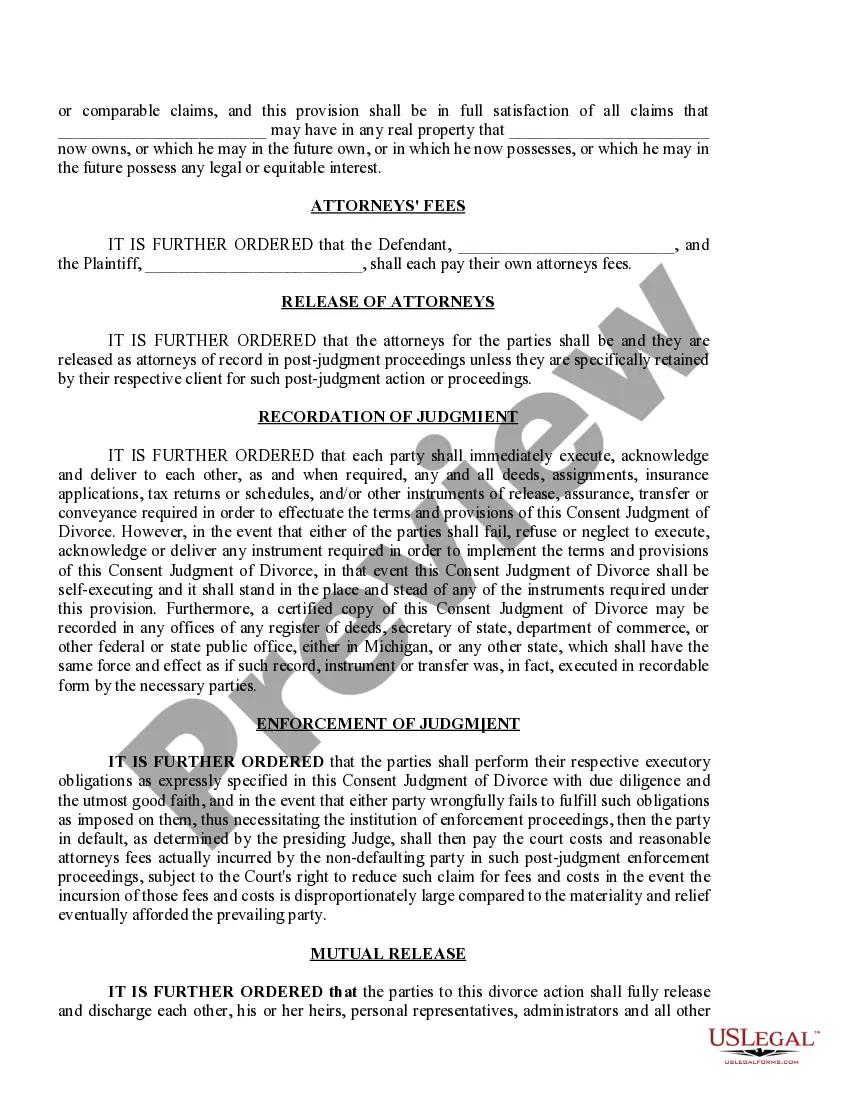
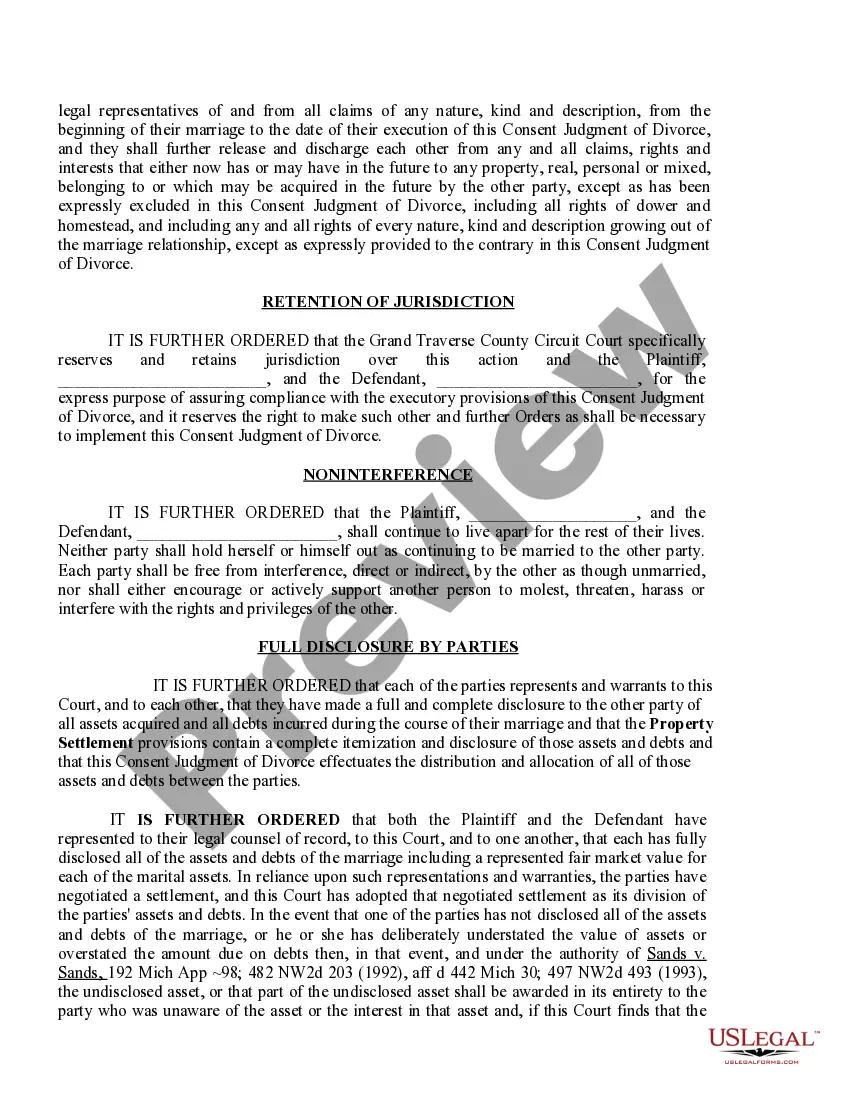
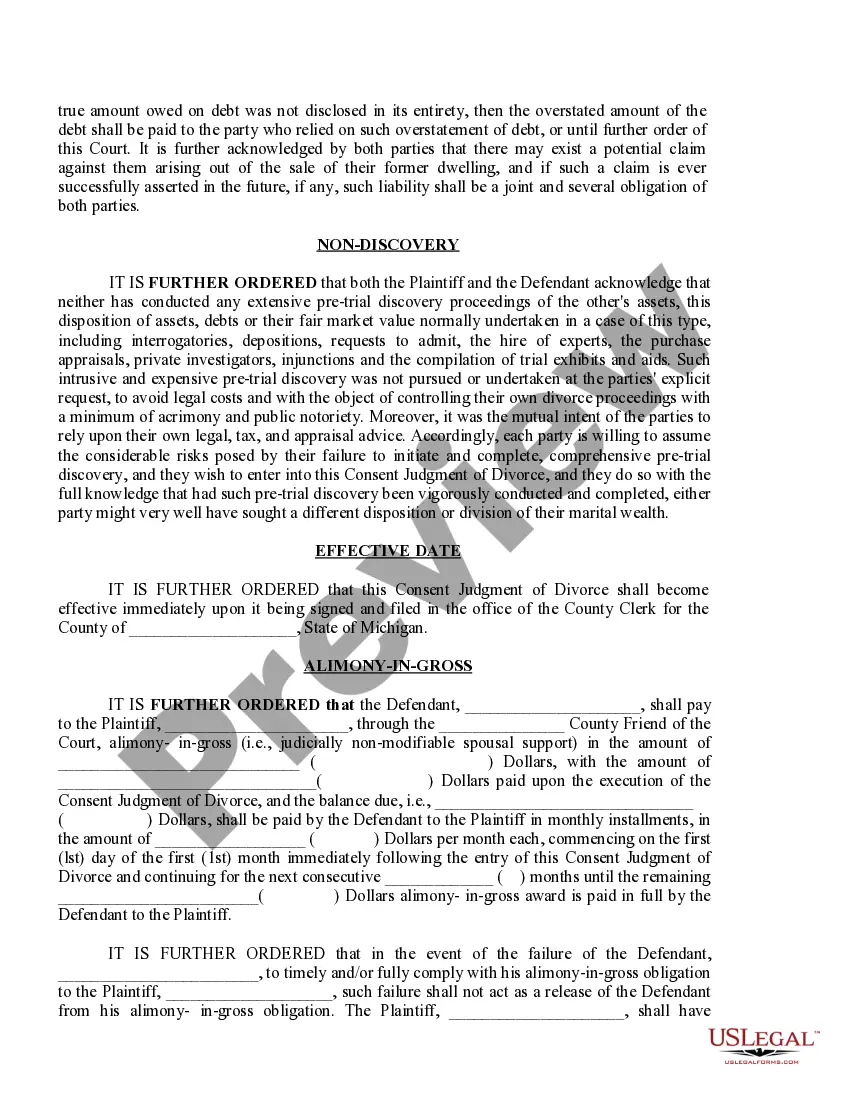
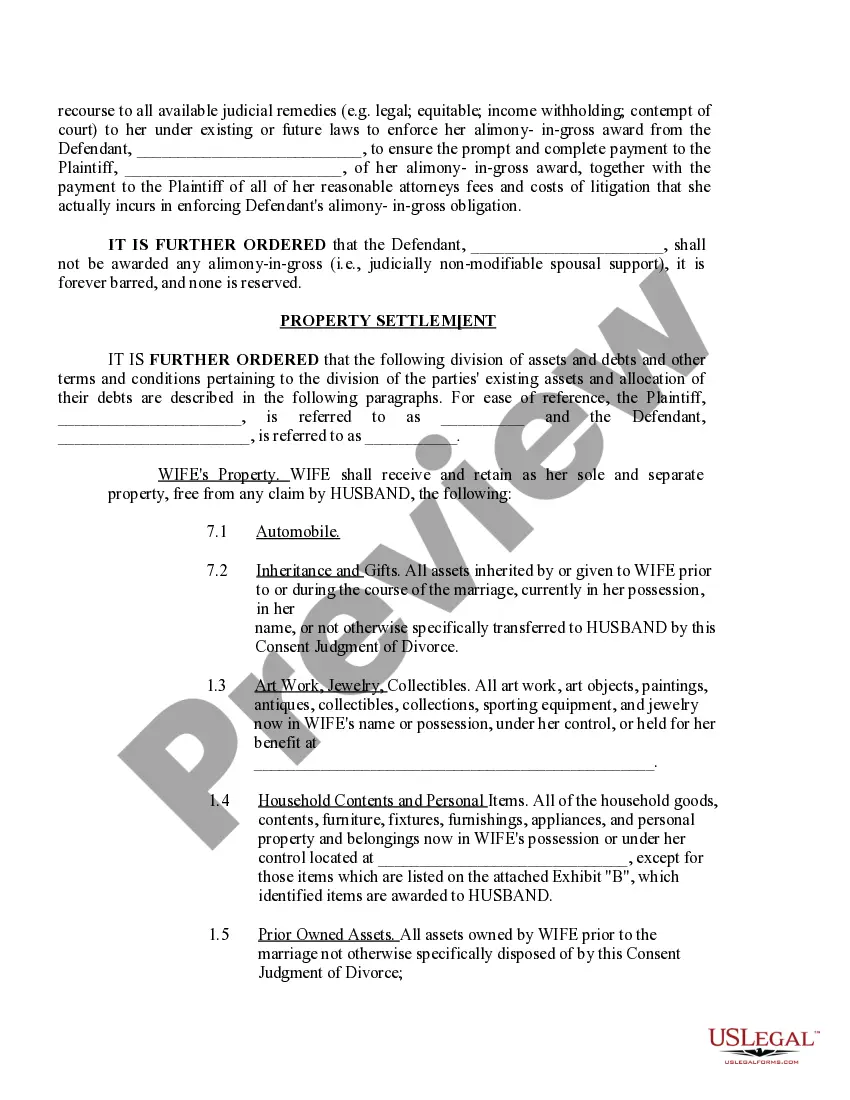
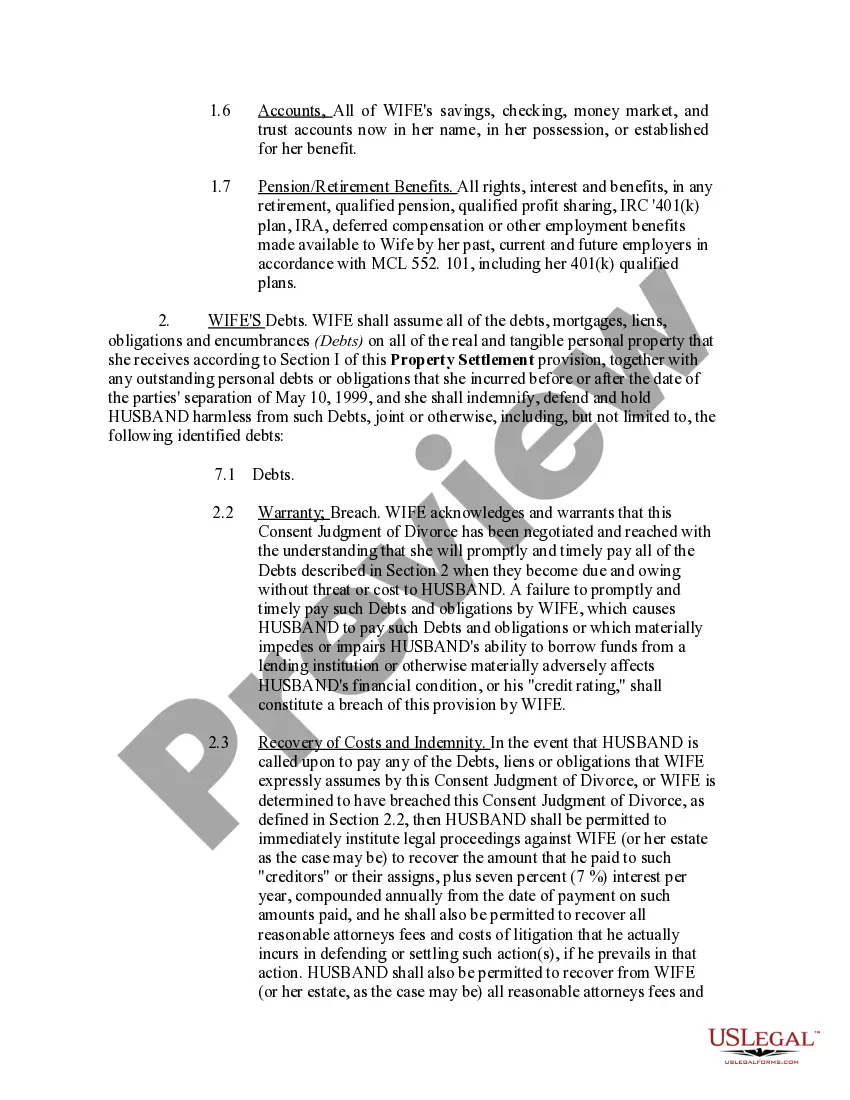
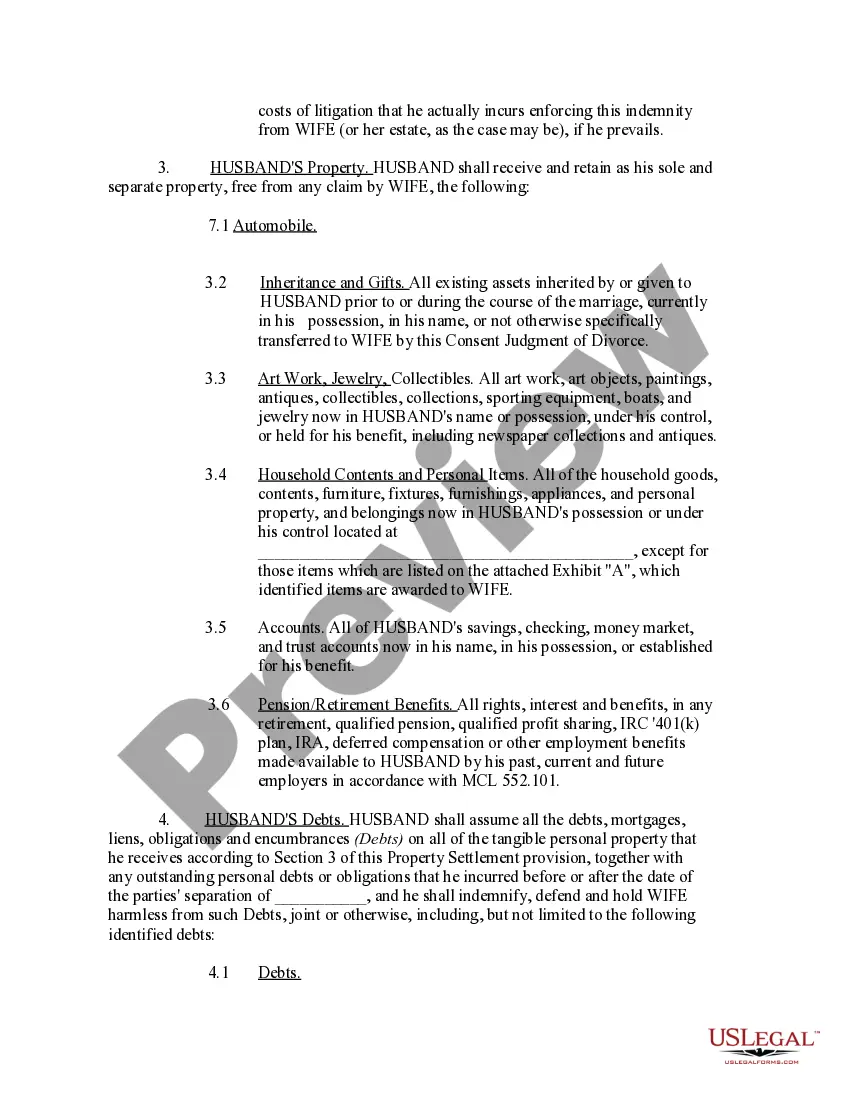

Get your form ready online
Our built-in tools help you complete, sign, share, and store your documents in one place.
Make edits, fill in missing information, and update formatting in US Legal Forms—just like you would in MS Word.
Download a copy, print it, send it by email, or mail it via USPS—whatever works best for your next step.
Sign and collect signatures with our SignNow integration. Send to multiple recipients, set reminders, and more. Go Premium to unlock E-Sign.
If this form requires notarization, complete it online through a secure video call—no need to meet a notary in person or wait for an appointment.
We protect your documents and personal data by following strict security and privacy standards.
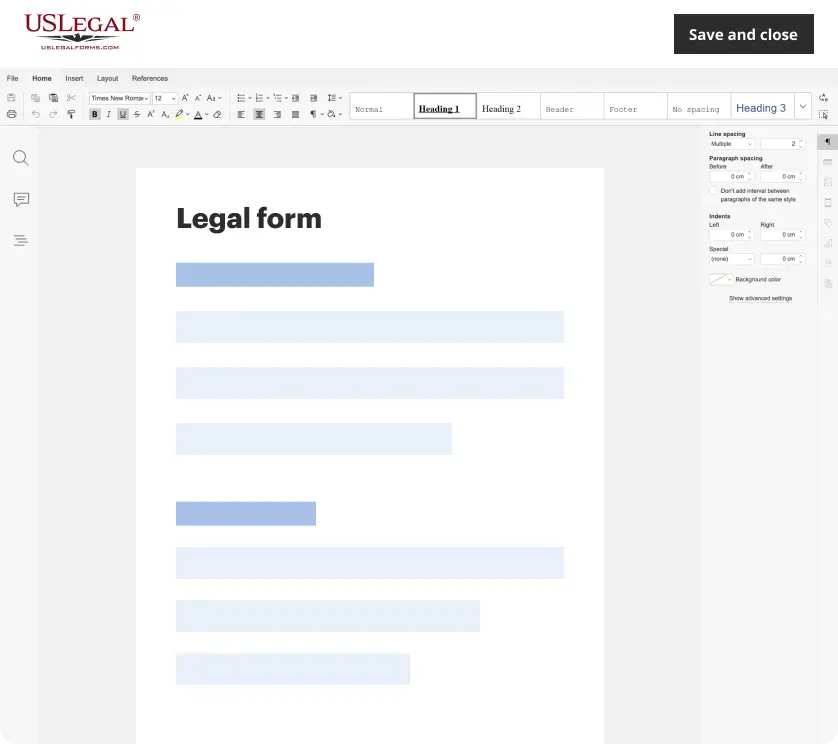
Make edits, fill in missing information, and update formatting in US Legal Forms—just like you would in MS Word.
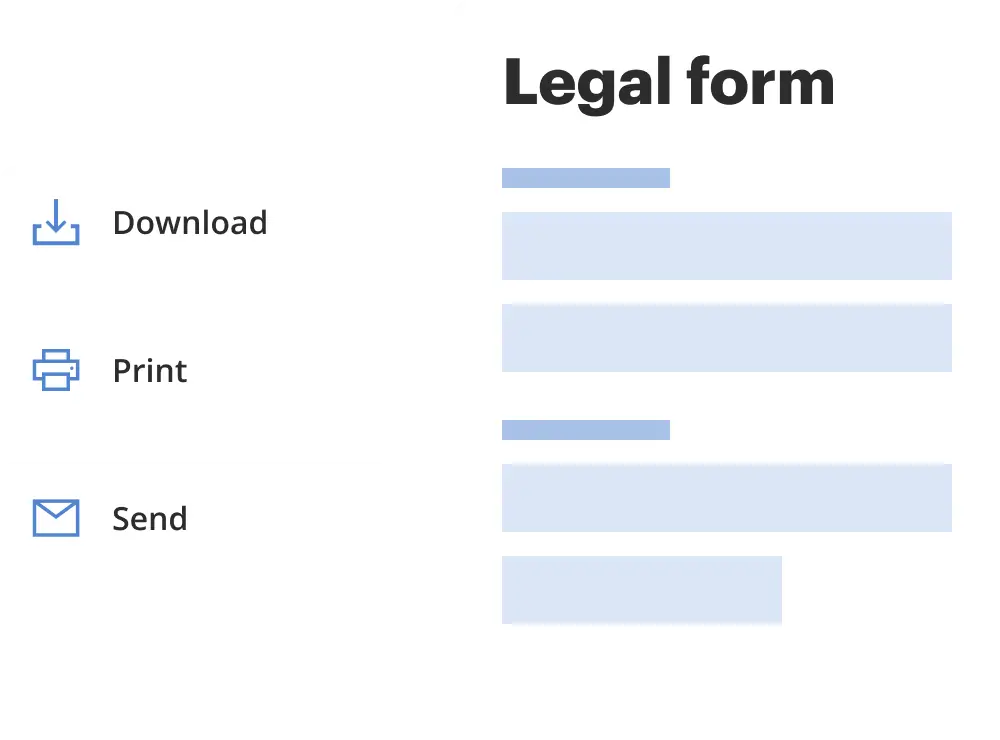
Download a copy, print it, send it by email, or mail it via USPS—whatever works best for your next step.
Sign and collect signatures with our SignNow integration. Send to multiple recipients, set reminders, and more. Go Premium to unlock E-Sign.

If this form requires notarization, complete it online through a secure video call—no need to meet a notary in person or wait for an appointment.
We protect your documents and personal data by following strict security and privacy standards.
Looking for another form?
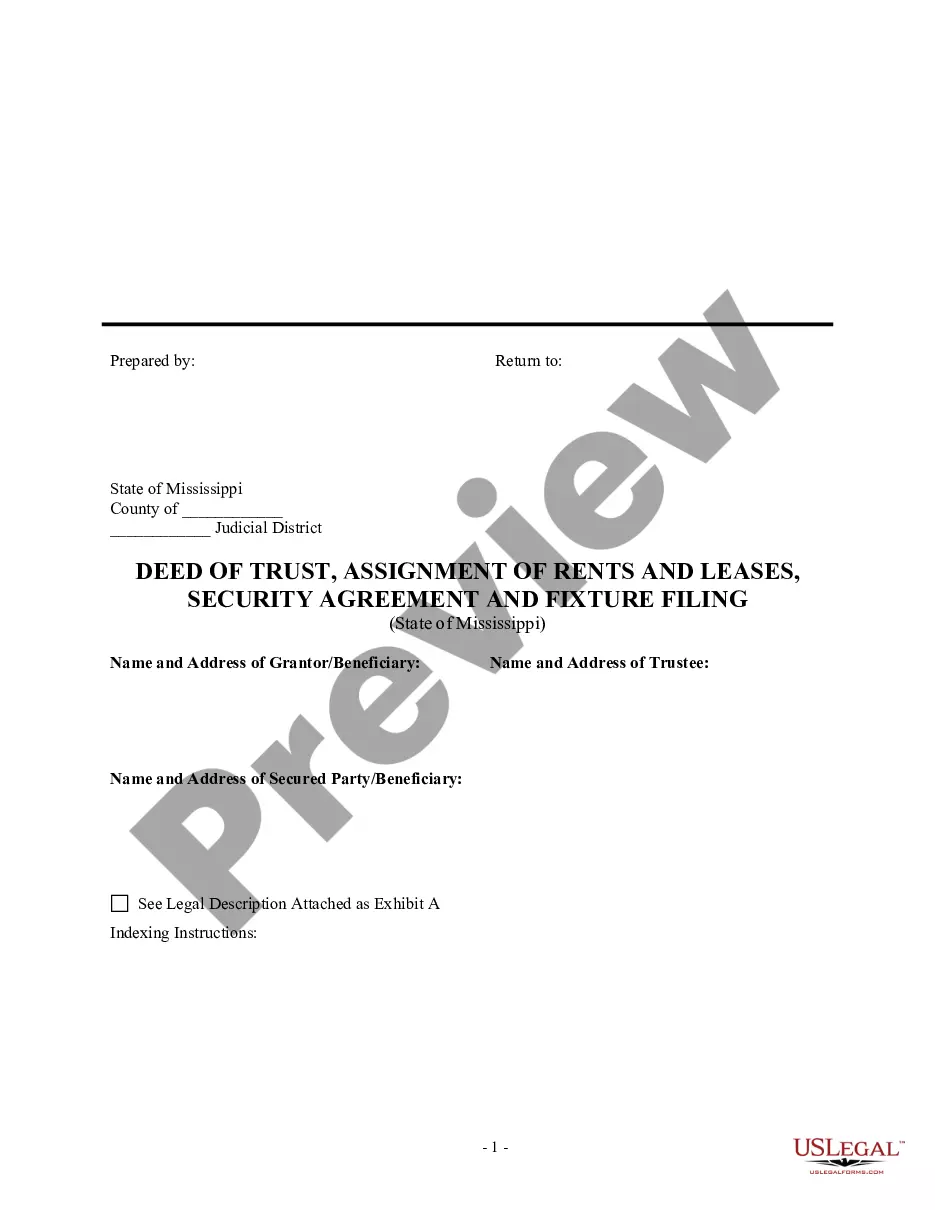
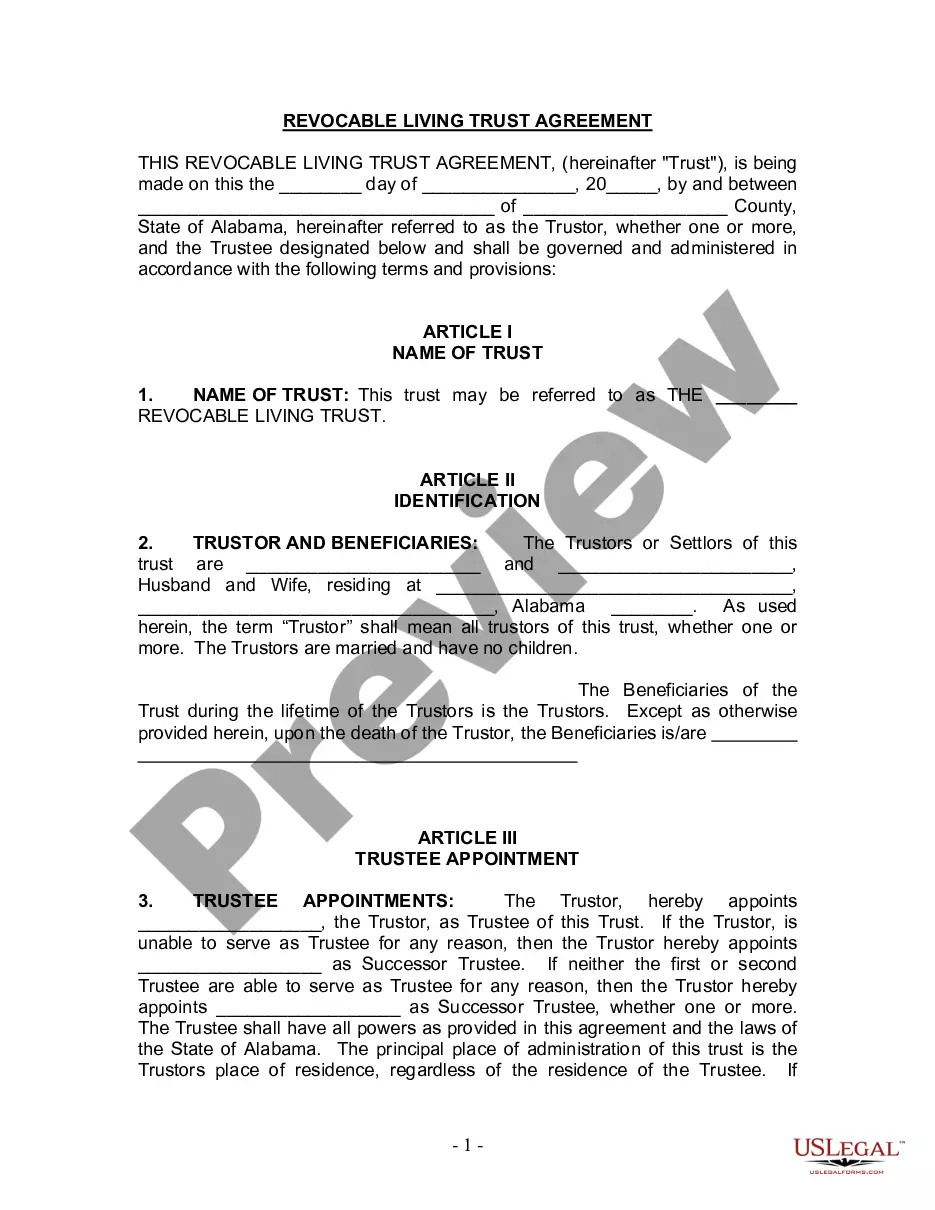
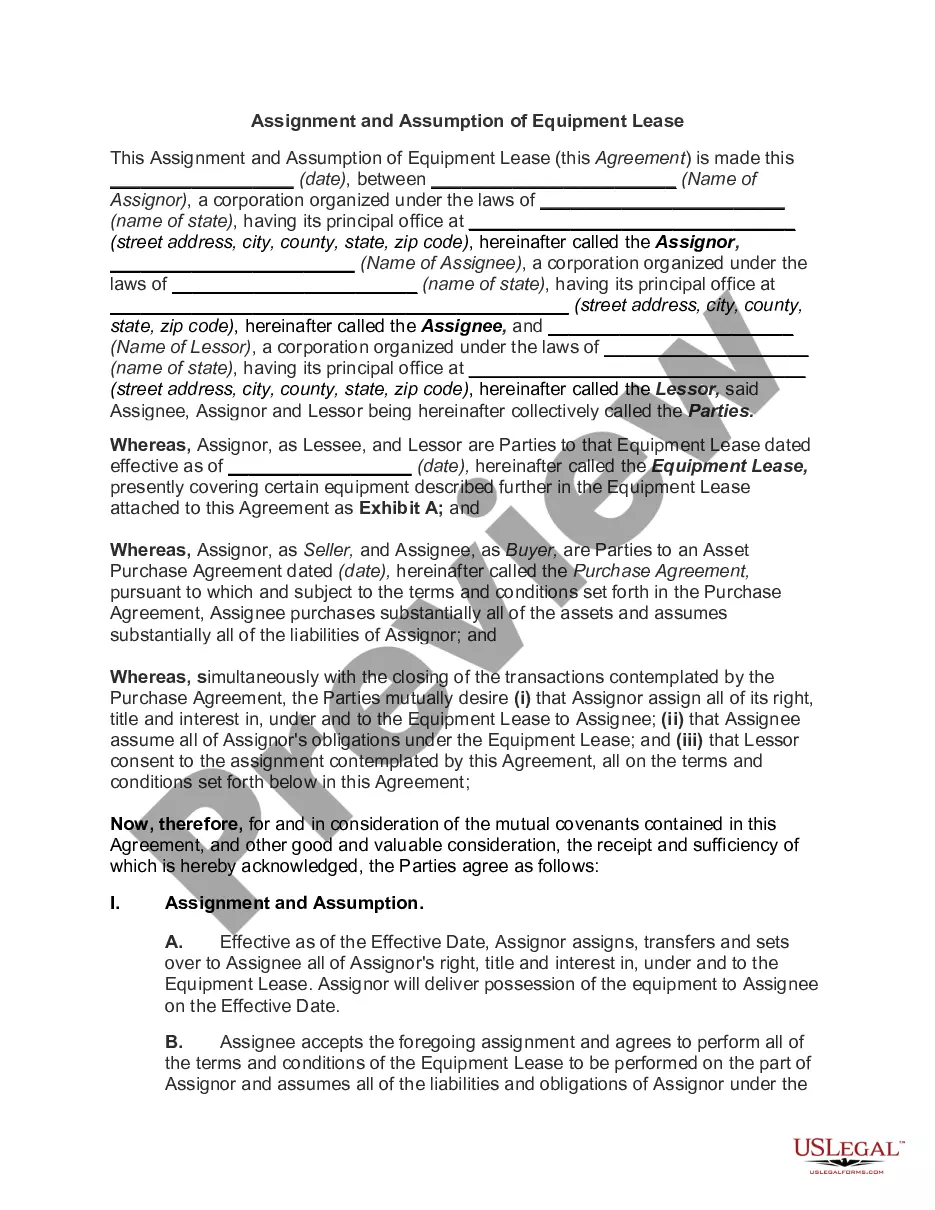
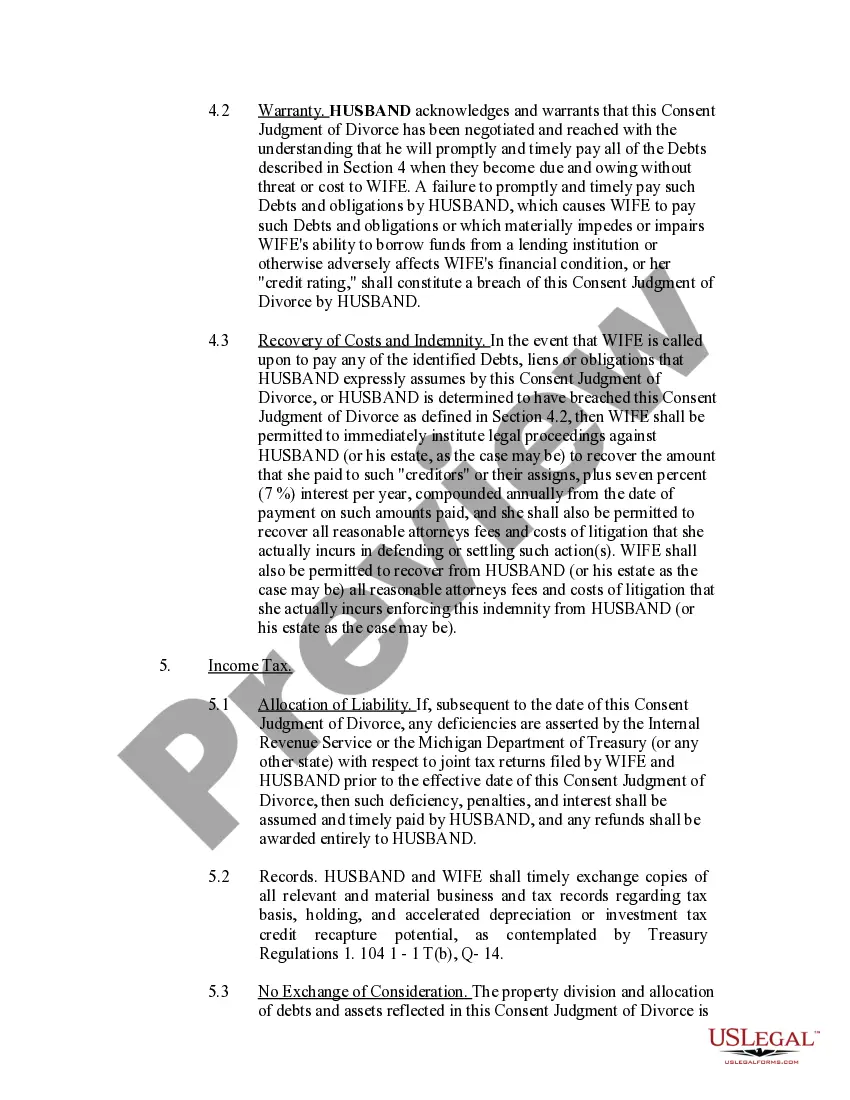
How to fill out Michigan Consent Judgment Of Divorce?
The Consent Judgment Of Divorce Document For Divorce you see on this webpage is a multi-functional legal template created by experienced attorneys in compliance with federal and state laws.
For over 25 years, US Legal Forms has offered individuals, businesses, and legal practitioners more than 85,000 authenticated, state-specific documents for any professional and personal circumstance.
Register with US Legal Forms to have verified legal templates for all of life's situations at your fingertips.
- Search for the form you require and review it.
- Navigate through the sample you searched and preview it or examine the form details to confirm it meets your needs. If it does not, use the search bar to find the correct one. Click Buy Now when you have discovered the template you are looking for.
- Register and Log In.
- Choose the pricing option that fits you best and create an account. Use PayPal or a credit card for a swift payment. If you already possess an account, Log In to check your subscription and proceed.
- Acquire the editable template.
- Select the format you prefer for your Consent Judgment Of Divorce Document For Divorce (PDF, Word, RTF) and download the sample to your device.
- Fill out and sign the document.
- Print the template to complete it manually. Alternatively, use an online multifunctional PDF editor to efficiently and accurately fill out and sign your form with a legally binding electronic signature.
- Redownload your documents if needed.
- Utilize the same document again whenever required. Open the My documents tab in your profile to redownload any forms you have purchased previously.
Form popularity
FAQ
Copyright registrations made and documents recorded from 1978 to date are available for searching online.
Order forms and other publications from Library of Congress, Copyright Office- COPUBS, 101 Independence Avenue SE, Washington, DC 20559 or call (202) 707-9100 or 1-877-476-0778 (toll free). Access and download circulars and other information from the Copyright Office website at .copyright.gov.
The U.S. Copyright Office offers a search service for persons interested in investigating whether a work is under copyright protection and, if so, the facts of the copyright. For a fee of $200 per hour or fraction thereof (2 hour minimum), the office will search its public records and provide a report of its findings.
When you register a claim to copyright in a work with the Copyright Office, you create a public record of your claim. All information you provide on your copyright registration will be available to the public, and most of it will be available online.
Your copyright registration is a public record, therefore others can access it and may create alternative means to make the information in it more widely available.
How do you check if something is copyrighted? We found out earlier that every original creative work is ?copyrighted? as soon as it's written down or saved in some tangible form. If you want to check registrations, though, you need to use the search engine on copyright.gov.
You may ?correct? an existing registration if it contains information that was incorrect when that registration was made.
If a certificate of registration has already been issued, the only way to make corrections is by filing a Supplemental Registration on Form CA with the required fee of $130.00. Supplemental registrations may not alter the deposit, but may correct or amplify information contained in the original application.