Advance Directive Form For California
Description
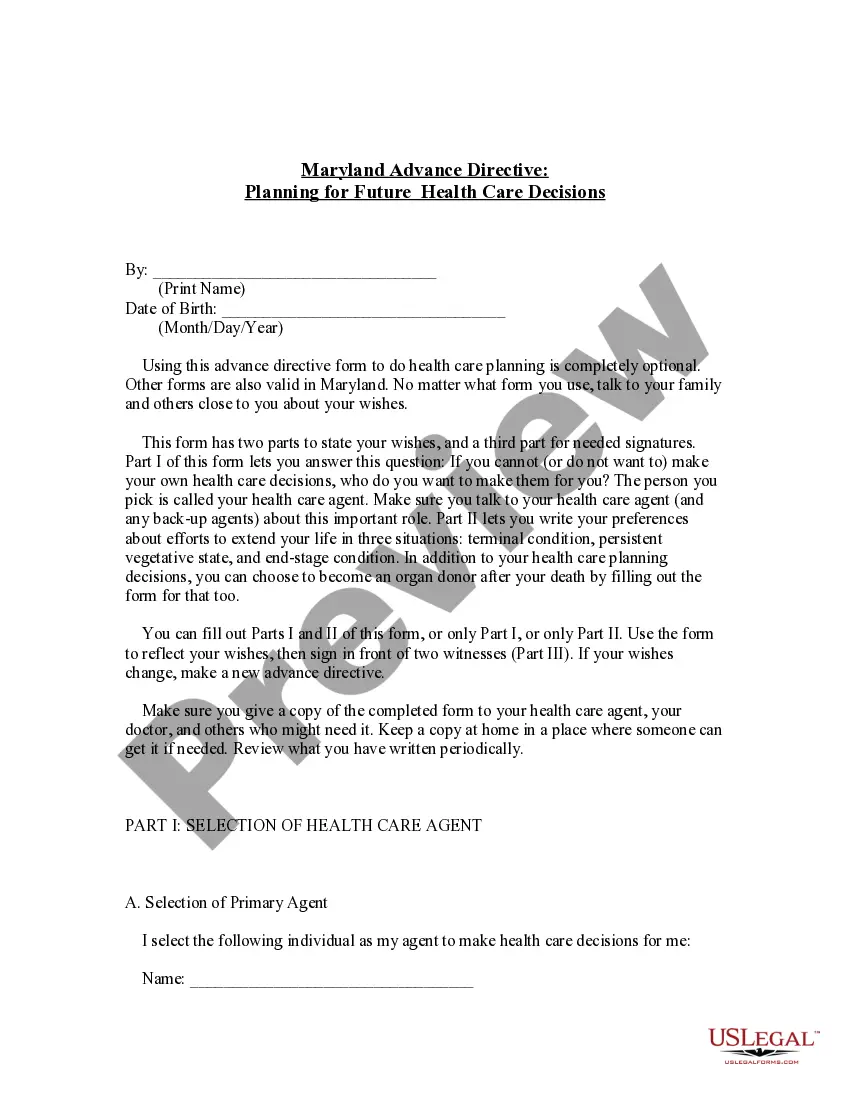
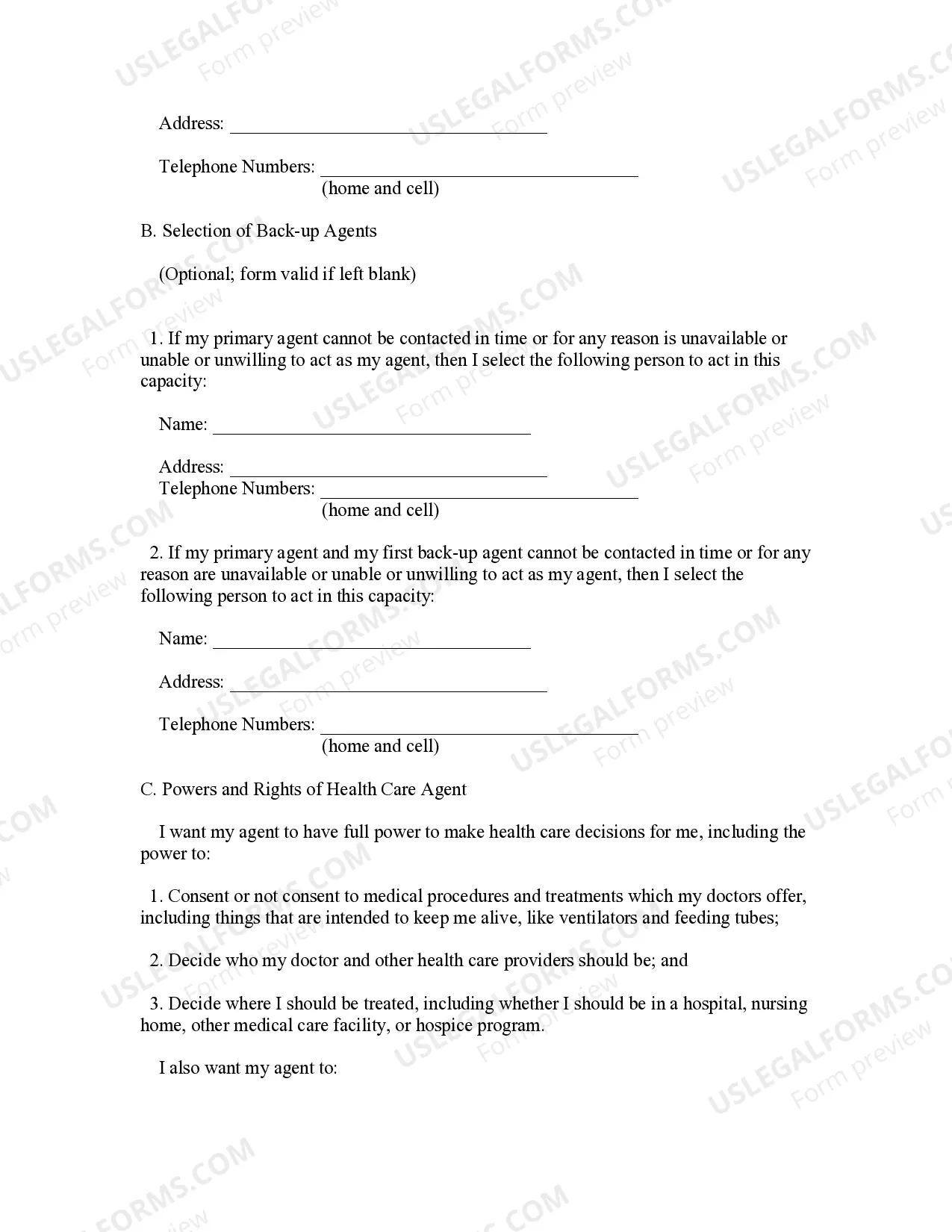
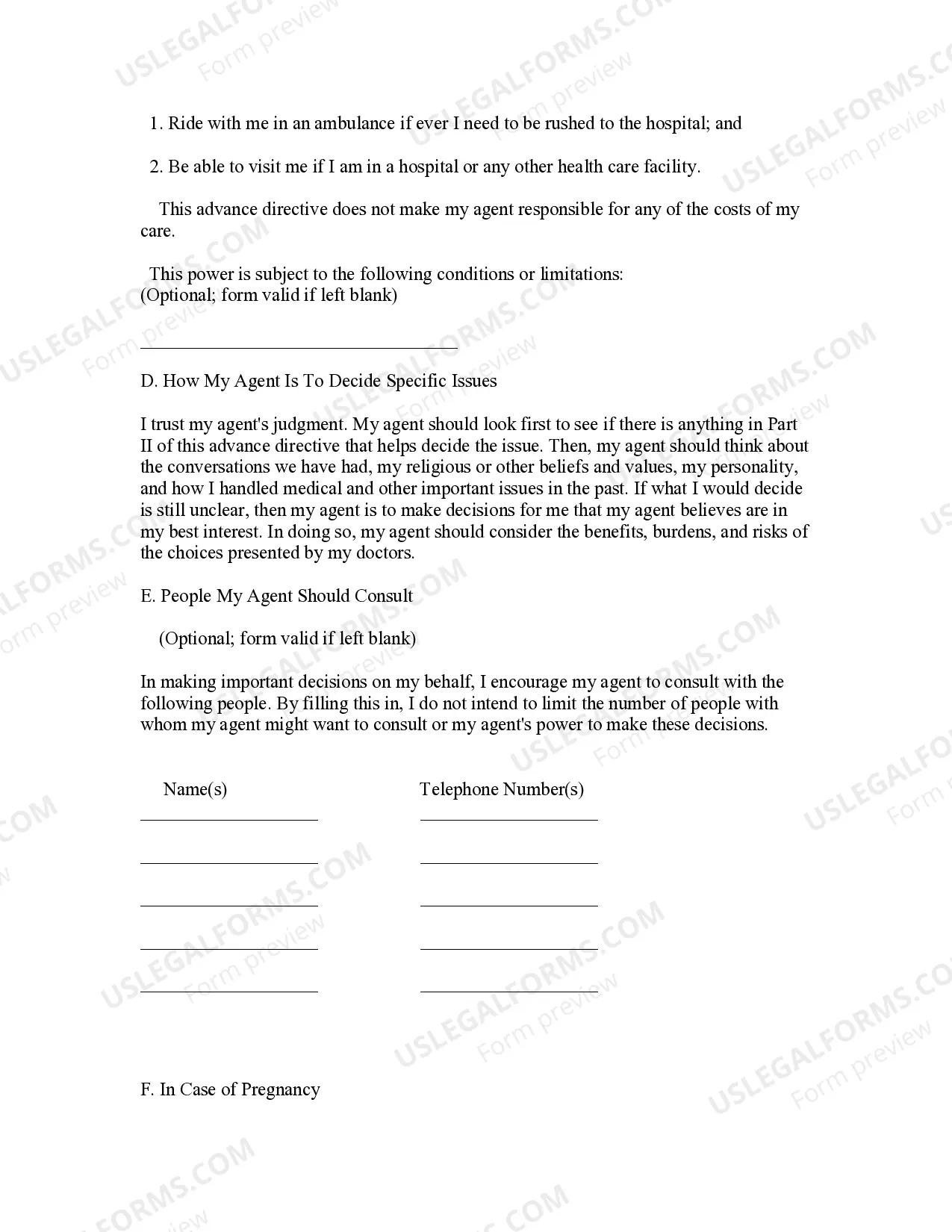
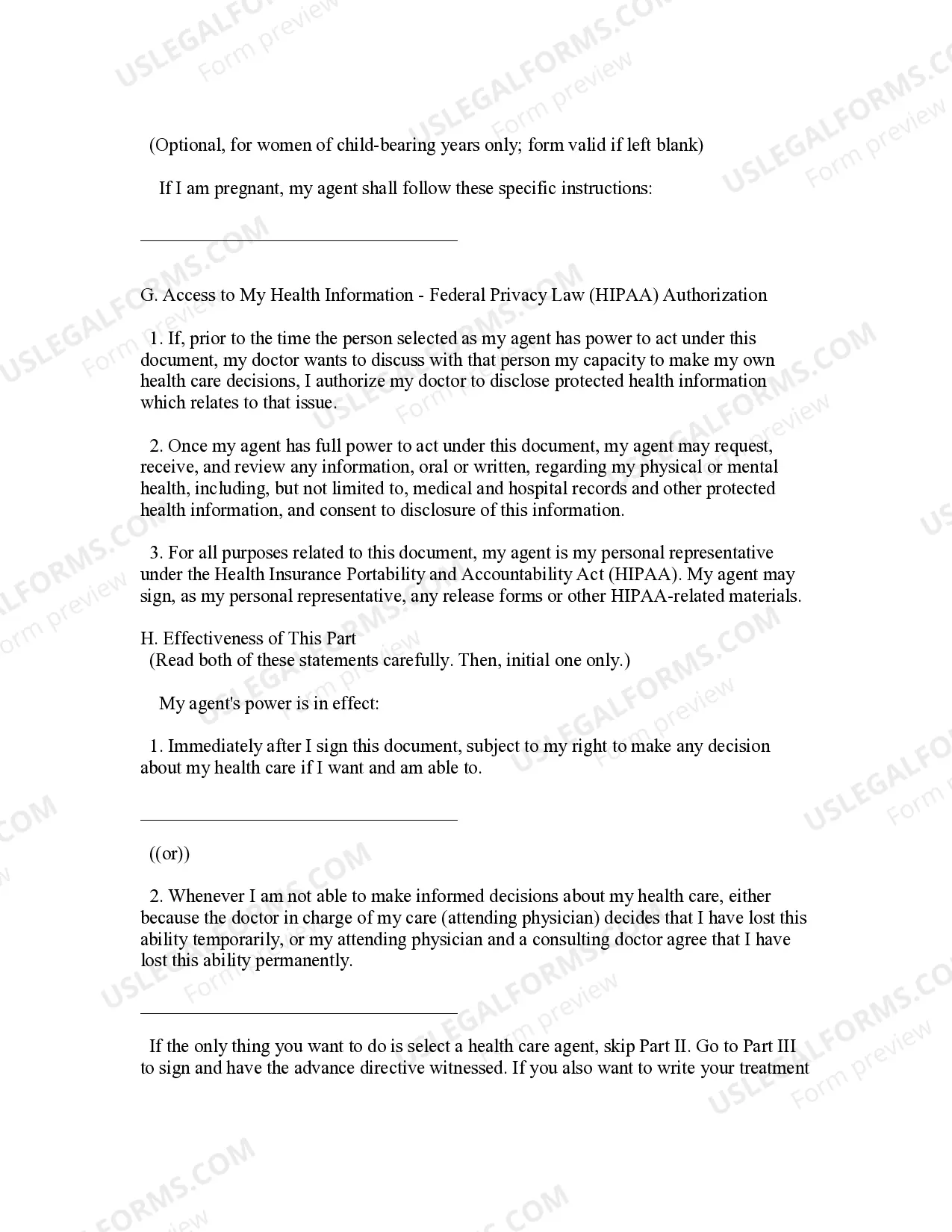
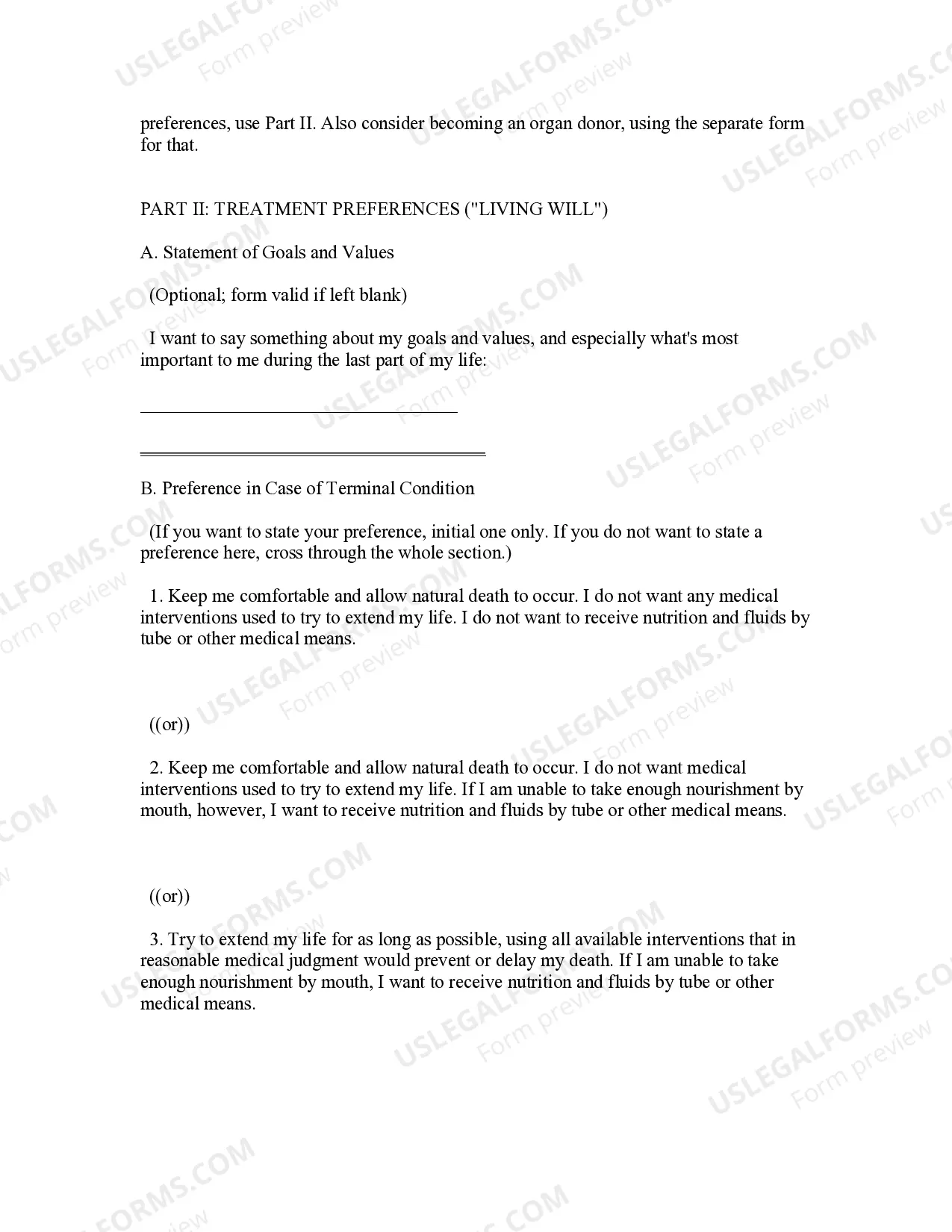
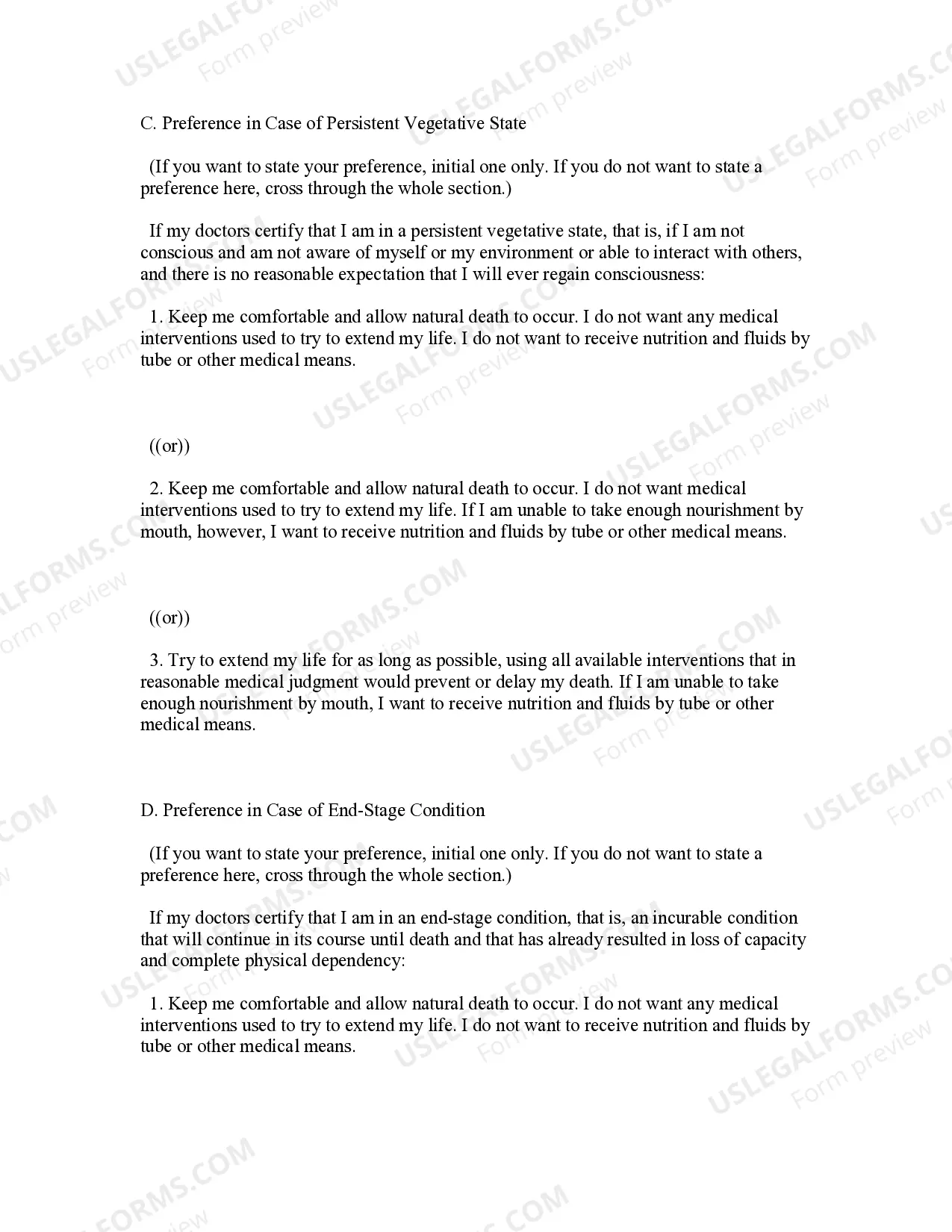
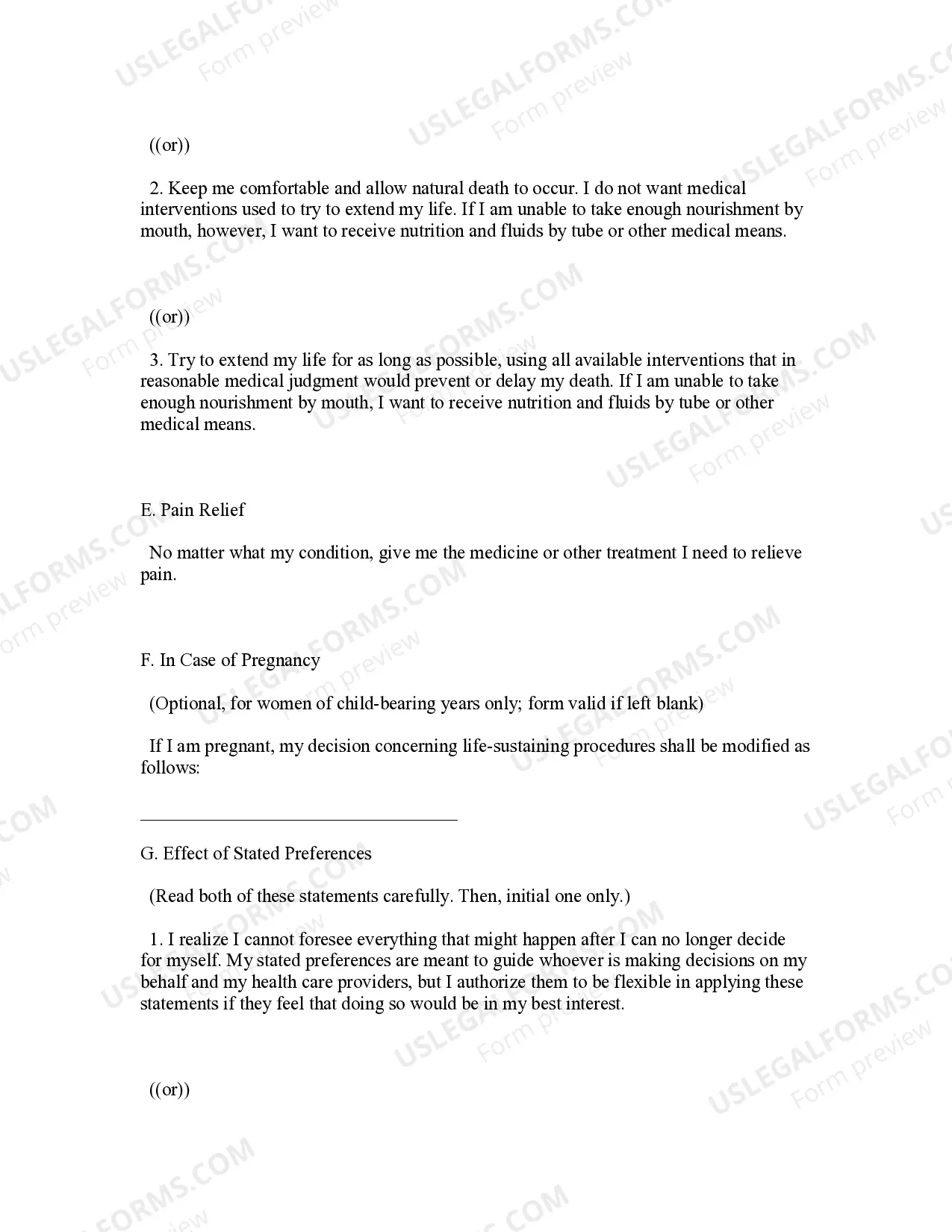
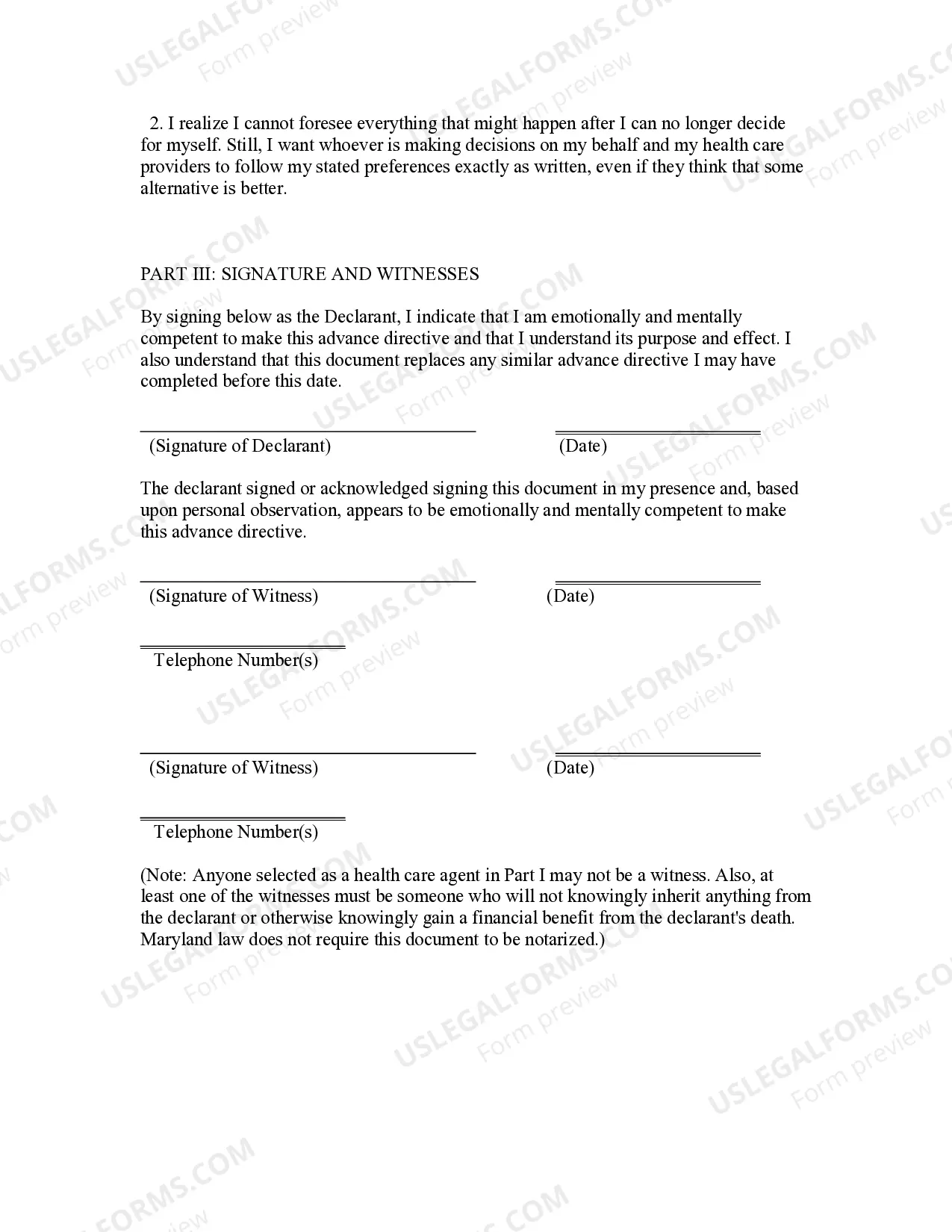
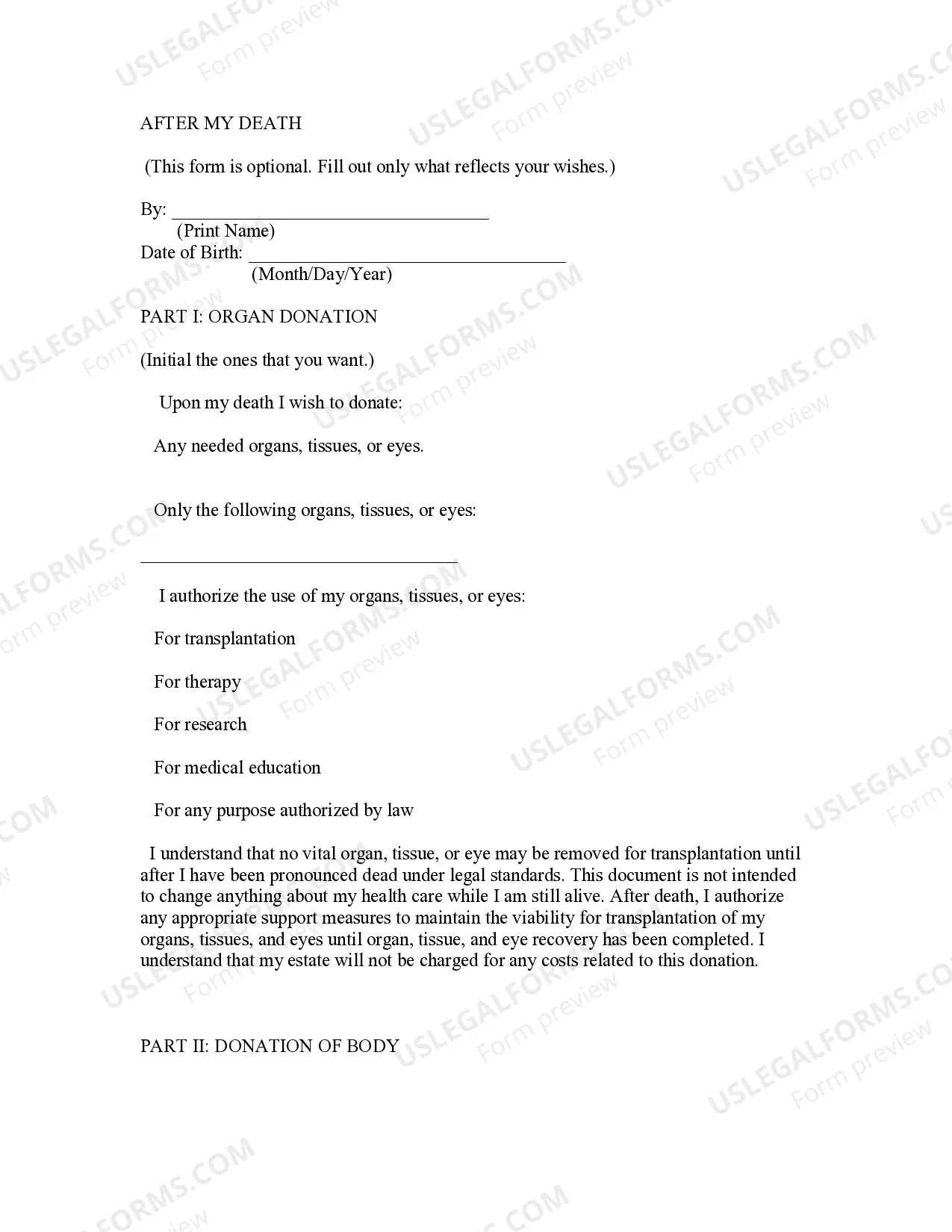
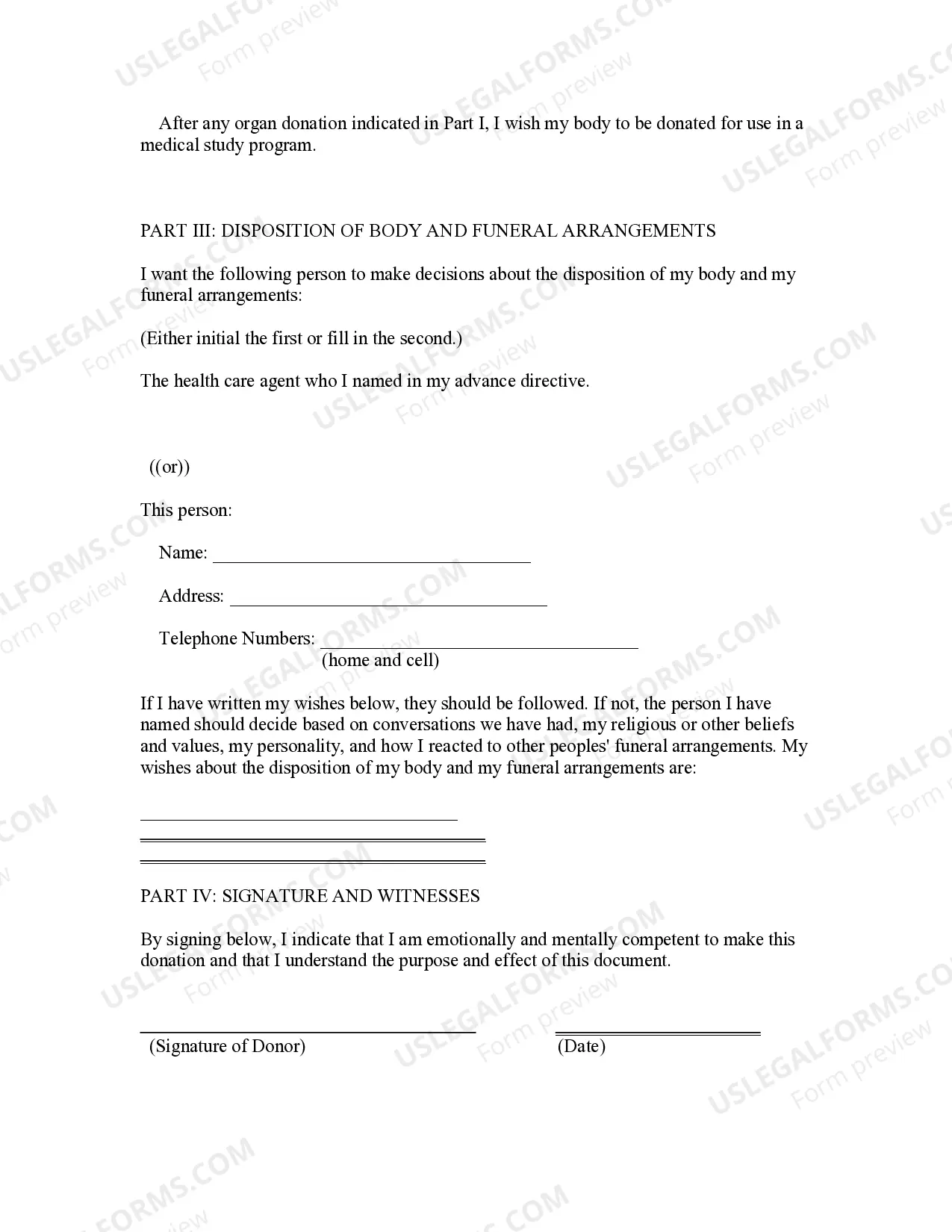

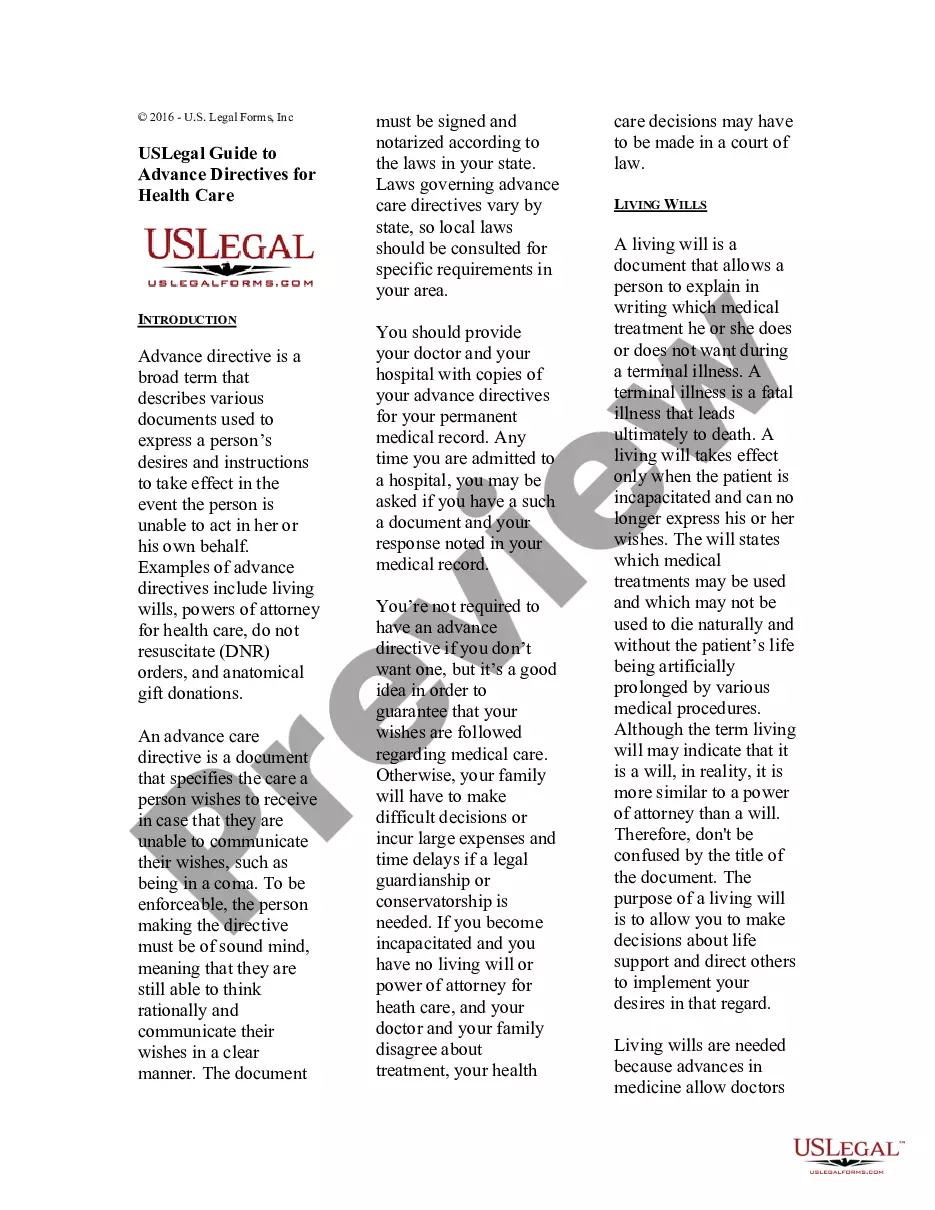
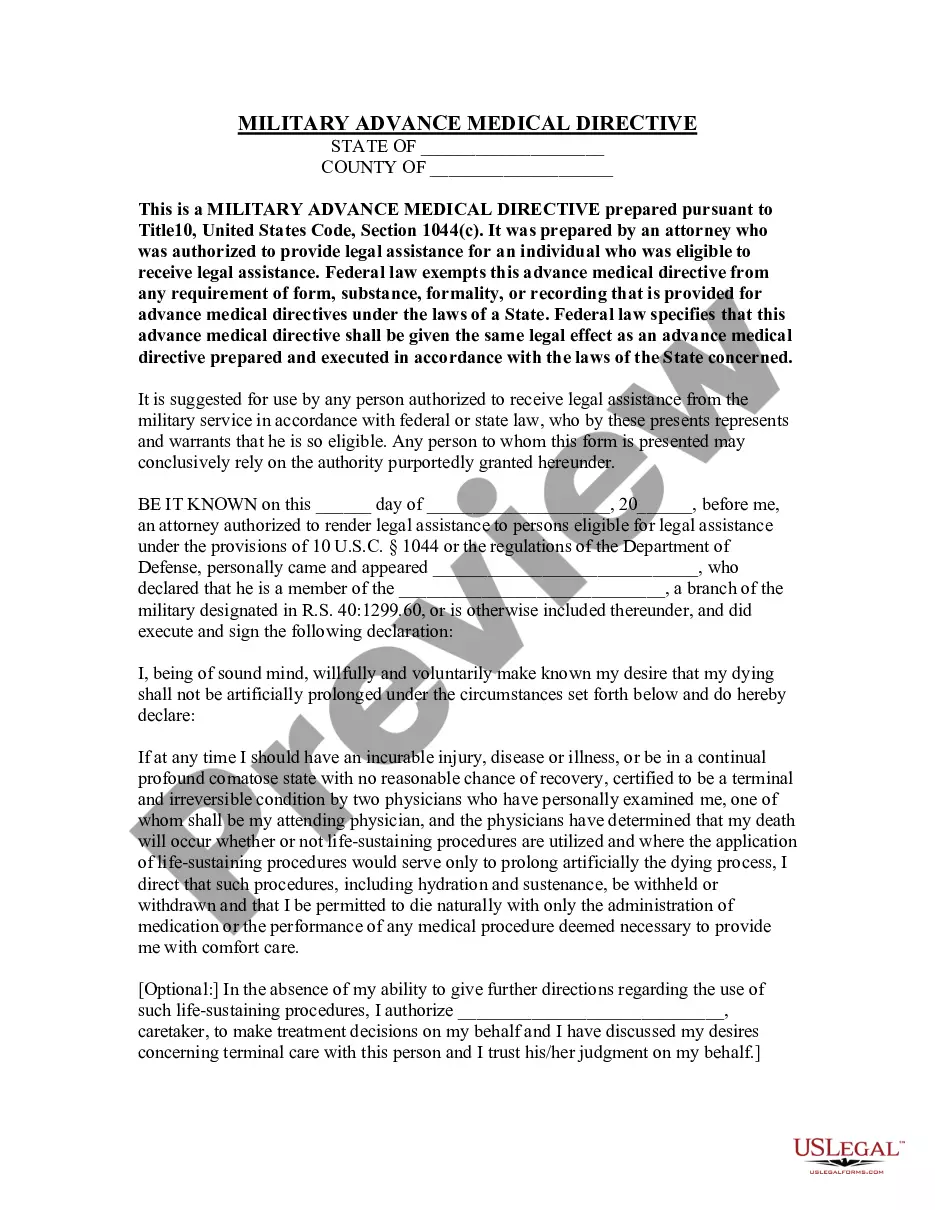
Get your form ready online
Our built-in tools help you complete, sign, share, and store your documents in one place.
Make edits, fill in missing information, and update formatting in US Legal Forms—just like you would in MS Word.
Download a copy, print it, send it by email, or mail it via USPS—whatever works best for your next step.
Sign and collect signatures with our SignNow integration. Send to multiple recipients, set reminders, and more. Go Premium to unlock E-Sign.
If this form requires notarization, complete it online through a secure video call—no need to meet a notary in person or wait for an appointment.
We protect your documents and personal data by following strict security and privacy standards.

Make edits, fill in missing information, and update formatting in US Legal Forms—just like you would in MS Word.

Download a copy, print it, send it by email, or mail it via USPS—whatever works best for your next step.

Sign and collect signatures with our SignNow integration. Send to multiple recipients, set reminders, and more. Go Premium to unlock E-Sign.

If this form requires notarization, complete it online through a secure video call—no need to meet a notary in person or wait for an appointment.

We protect your documents and personal data by following strict security and privacy standards.
Looking for another form?

How to fill out Maryland Statutory Advance Health Directive?
Whether for commercial reasons or for personal issues, everyone must confront legal matters at some point in their lives. Completing legal documents requires meticulous care, beginning with choosing the correct form template. For instance, if you select an incorrect version of the Advance Directive Form For California, it will be rejected when you submit it. Therefore, it is essential to have a reliable source of legal documents like US Legal Forms.
If you need to acquire an Advance Directive Form For California template, follow these straightforward steps: Find the template you require by using the search box or catalog navigation. Review the form’s details to ensure it corresponds to your situation, state, and locality. Click on the form’s preview to view it. If it is the wrong document, return to the search function to find the Advance Directive Form For California sample you need. Download the template if it satisfies your criteria. If you have a US Legal Forms account, simply click Log in to access previously saved templates in My documents. If you do not have an account yet, you can download the form by clicking Buy now. Choose the suitable pricing option. Complete the account registration form. Select your payment method: you can use a credit card or PayPal account. Choose the document format you desire and download the Advance Directive Form For California. Once it is saved, you can fill out the form using editing software or print it and complete it manually.
- With a vast US Legal Forms catalog available, you never have to waste time searching for the right template online.
- Utilize the library’s user-friendly navigation to find the appropriate form for any occasion.
Form popularity
FAQ
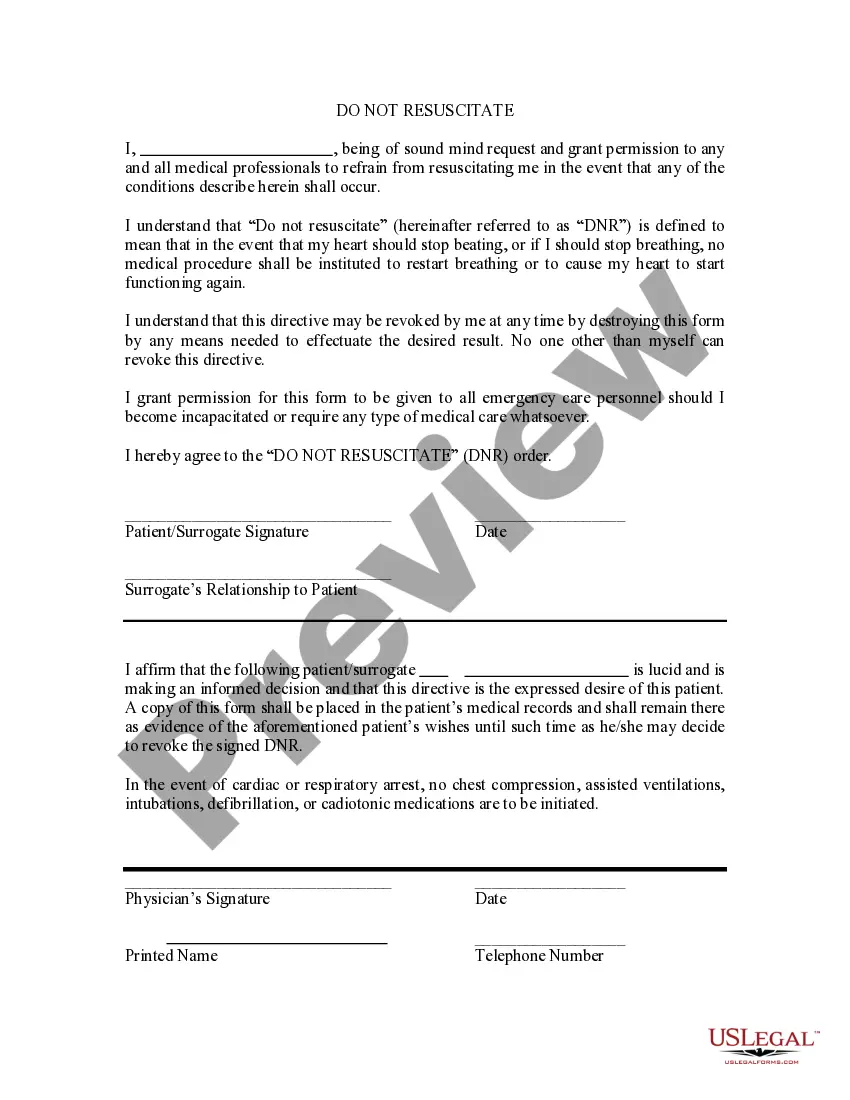
With an AHCD, you can share your preferences about certain treatments and choose someone to make important medical decisions if you're unable to make them yourself. An AHCD may also be called an advance directive, living will, or medical power of attorney.
PART 4: Make your Advance Directive legally valid. To make valid in California, your Advance Directive must be signed by two witnesses, OR acknowledged before a Notary Public.
The form must be signed by two qualified witnesses or acknowledged before a notary public. Give a copy of the signed and completed form to your physician, to any other health care providers you may have, to any health care institution at which you are receiving care, and to any health care agents you have named.
The AHCD allows you to make specific written instructions for your future health care in the event of any situation in which you can no longer speak for yourself. The AHCD replaces the Natural Death Act and is now recognized as the legal format for a living will in the state of California.
To obtain or create an advance health care directive form: Contact your health care provider. Consult with private legal counsel. Refer to the Office of the Attorney General's website. Refer to Probate Code section 4701.