Birth Certificate Correction Form Maryland
Description
Get your form ready online
Our built-in tools help you complete, sign, share, and store your documents in one place.
Make edits, fill in missing information, and update formatting in US Legal Forms—just like you would in MS Word.
Download a copy, print it, send it by email, or mail it via USPS—whatever works best for your next step.
Sign and collect signatures with our SignNow integration. Send to multiple recipients, set reminders, and more. Go Premium to unlock E-Sign.
If this form requires notarization, complete it online through a secure video call—no need to meet a notary in person or wait for an appointment.
We protect your documents and personal data by following strict security and privacy standards.

Make edits, fill in missing information, and update formatting in US Legal Forms—just like you would in MS Word.

Download a copy, print it, send it by email, or mail it via USPS—whatever works best for your next step.

Sign and collect signatures with our SignNow integration. Send to multiple recipients, set reminders, and more. Go Premium to unlock E-Sign.

If this form requires notarization, complete it online through a secure video call—no need to meet a notary in person or wait for an appointment.

We protect your documents and personal data by following strict security and privacy standards.
Looking for another form?










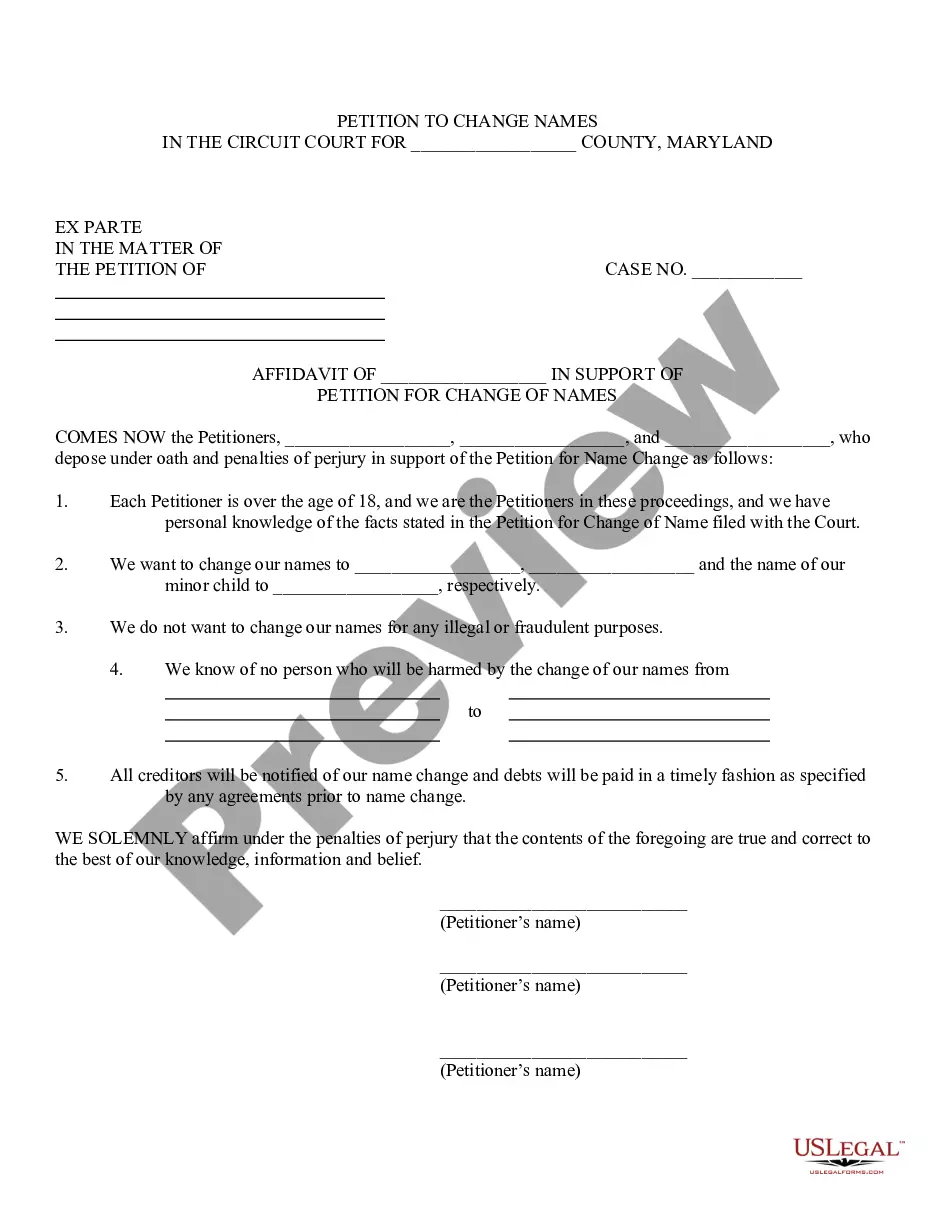
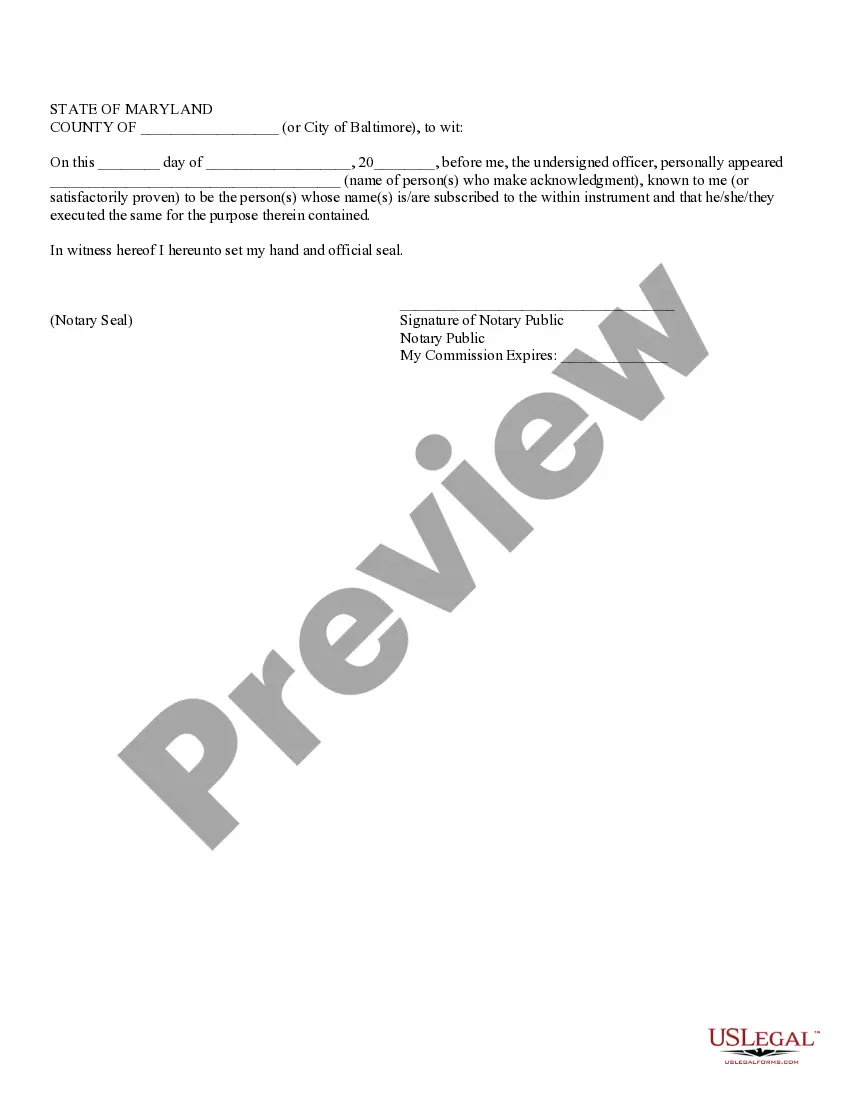
How to fill out Maryland Affidavit In Support Of Petition For Change Of Names For Family?
Obtaining legal templates that comply with federal and state laws is essential, and the internet provides numerous choices to consider.
However, what's the advantage of spending time searching for the accurately drafted Birth Certificate Correction Form Maryland example online when the US Legal Forms digital library already compiles such templates in one location.
US Legal Forms represents the largest online legal repository with over 85,000 editable templates created by lawyers for various professional and personal circumstances.
Review the template using the Preview feature or through the text outline to confirm it satisfies your needs.
- They are simple to navigate, with all documents categorized by state and intended use.
- Our specialists stay updated with legal changes, so you can always rest assured that your documents are current and compliant when obtaining a Birth Certificate Correction Form Maryland from our site.
- Acquiring a Birth Certificate Correction Form Maryland is swift and straightforward for both existing and new users.
- If you already possess an account with an active subscription, Log In and download the document sample you need in the appropriate format.
- If you are a first-time visitor to our website, follow the instructions below.
Form popularity
FAQ
Affidavit of Parentage: This action will allow the father's name to be placed on the birth certificate. You can also take the form home with you, complete it and send it back to the Division of Vital Records. If you choose to take the form home, each parent must sign the Affidavit in the presence of a notary public.
To make a correction to your U.S. birth certificate, you must contact the correction/amendments department at the vital records office that issued the original birth certificate. This department will be able to help you make a change to your birth certificate.
To change your gender marker on your birth certificate, you will need to submit an application signed by you and a statement signed by a physician, psychologist, nurse, or social worker certify that you have undergone surgical, hormonal, or other treatment for gender transition.
Corrections/amendments can be made to a birth or death certificate by submitting an amendment form to the DVR. We are unable to make corrections to marriage and divorce records. Please contact the District Court in the Jurisdiction in which the event occurred for changes to these records.
Establishing Paternity is Essential Unmarried fathers rights will only be enforced in Maryland if paternity has been officially established.