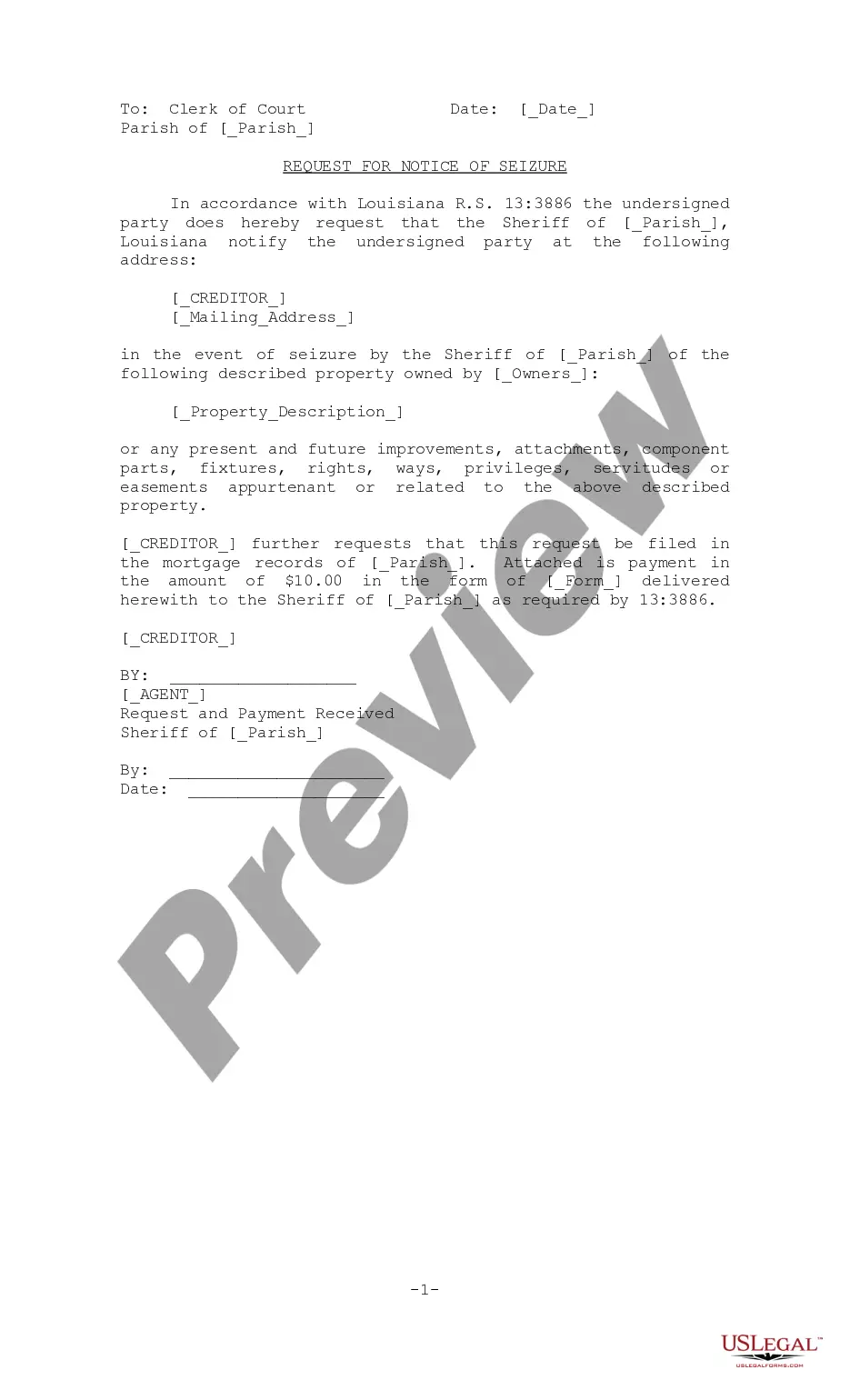
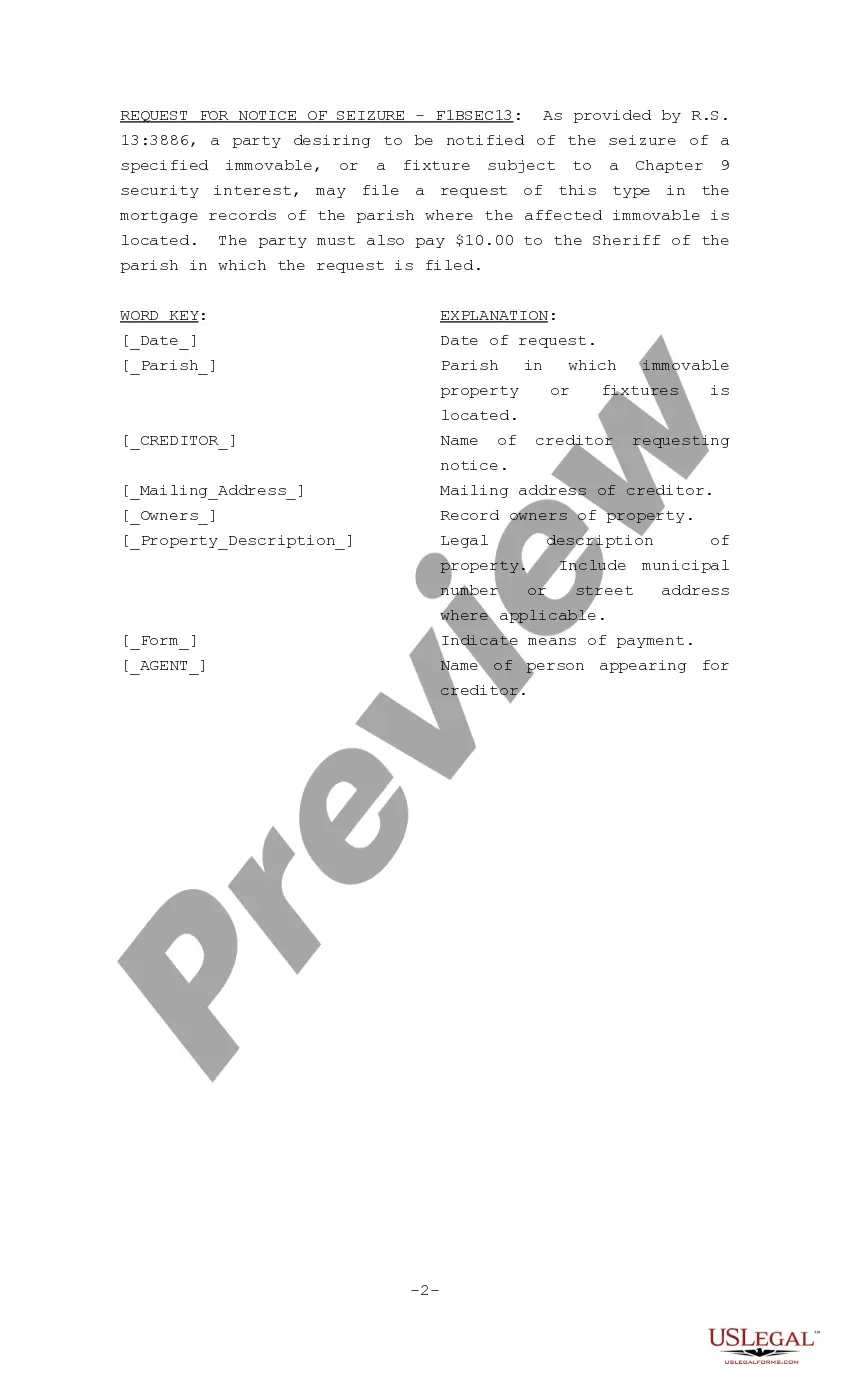
Notice Of Seizure
Description
Get your form ready online
Our built-in tools help you complete, sign, share, and store your documents in one place.
Make edits, fill in missing information, and update formatting in US Legal Forms—just like you would in MS Word.
Download a copy, print it, send it by email, or mail it via USPS—whatever works best for your next step.
Sign and collect signatures with our SignNow integration. Send to multiple recipients, set reminders, and more. Go Premium to unlock E-Sign.
If this form requires notarization, complete it online through a secure video call—no need to meet a notary in person or wait for an appointment.
We protect your documents and personal data by following strict security and privacy standards.

Make edits, fill in missing information, and update formatting in US Legal Forms—just like you would in MS Word.

Download a copy, print it, send it by email, or mail it via USPS—whatever works best for your next step.

Sign and collect signatures with our SignNow integration. Send to multiple recipients, set reminders, and more. Go Premium to unlock E-Sign.

If this form requires notarization, complete it online through a secure video call—no need to meet a notary in person or wait for an appointment.

We protect your documents and personal data by following strict security and privacy standards.
Looking for another form?


How to fill out Louisiana Request For Notice Of Seizure?
Securing a reliable source for obtaining the most up-to-date and suitable legal templates constitutes a significant part of navigating bureaucracy. Identifying the correct legal documents necessitates accuracy and meticulousness, which is why it is crucial to source samples of Notice Of Seizure exclusively from trustworthy providers, such as US Legal Forms. An incorrect template can squander your time and prolong the situation you are facing. With US Legal Forms, you have minimal concerns. You can access and review all the information related to the document’s application and pertinence to your situation and in your jurisdiction.
Follow these steps to complete your Notice Of Seizure.
Once you have the form on your device, you may modify it using the editor or print it out and complete it manually. Eliminate the hassle connected to your legal documentation. Explore the extensive US Legal Forms collection to discover legal templates, assess their suitability for your situation, and download them instantly.
- Utilize the library navigation or search bar to locate your sample.
- Review the form’s description to verify it meets the criteria of your state and locality.
- Preview the form, if available, to confirm it is indeed the document you require.
- Return to the search and find the suitable template if the Notice Of Seizure does not meet your criteria.
- If you are confident about the form’s applicability, download it.
- As an authorized user, click Log in to verify and access your selected templates in My documents.
- If you do not have an account yet, click Buy now to acquire the form.
- Choose the pricing option that suits your requirements.
- Proceed to the registration to complete your transaction.
- Finalize your purchase by selecting a payment method (credit card or PayPal).
- Select the file format for downloading Notice Of Seizure.
Form popularity
FAQ
Notice of Seizure This is a notification letter from IRCC that lists any documents taken away from you such as ID papers you brought to Canada. You cannot recover these documents during the claim process.
What Does This Notice Mean? U.S. Customs may seize goods if they are contrary to law. If your merchandise is seized, you have options. In your seizure notice, you are provided a Fines, Penalties, and Forfeitures (FP&F) case number and assigned a paralegal.
As the importer, your first response might be to ?do nothing? and let CBP act in essence as a de facto testing house by seizing parts. Doing so, however, may send the wrong signals to CBP and can also result in financial penalties in the form of fines.
How to request a review. You must submit a request for a ministerial review within 90 calendar days of the date of the enforcement action or the date of service of the notice of penalty assessment. In exceptional circumstances, the Customs Act allows more time to request a review of an enforcement action.
A notice of seizure is the final document the government must produce in the process of seizing property for nonpayment of federal taxes. The Internal Revenue Service will initiate this process by sending a ?Notice and Demand for Payment,? which indicates to a taxpayer that they owe the federal government money.