Petition To Partition With Fdisk
Description
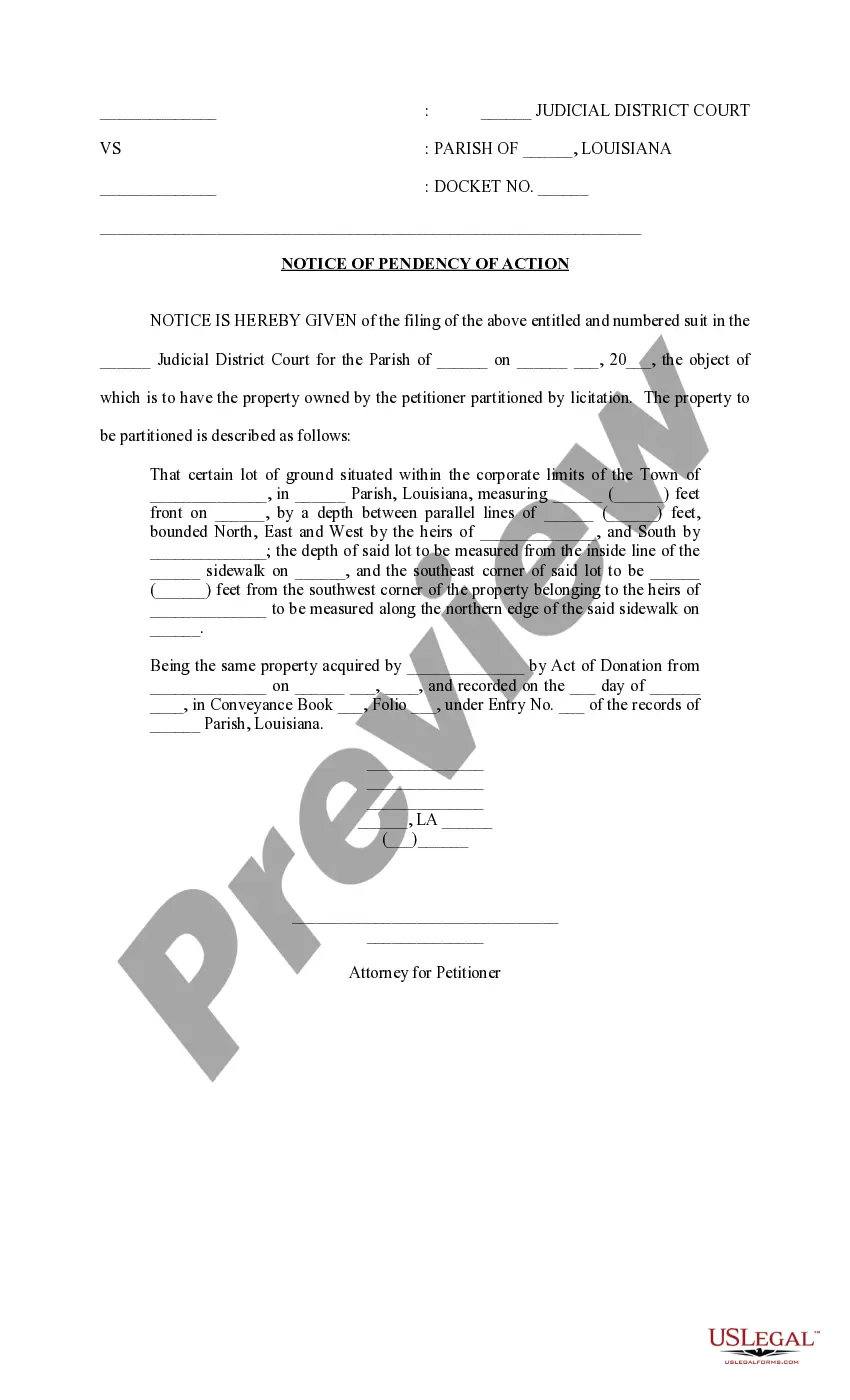
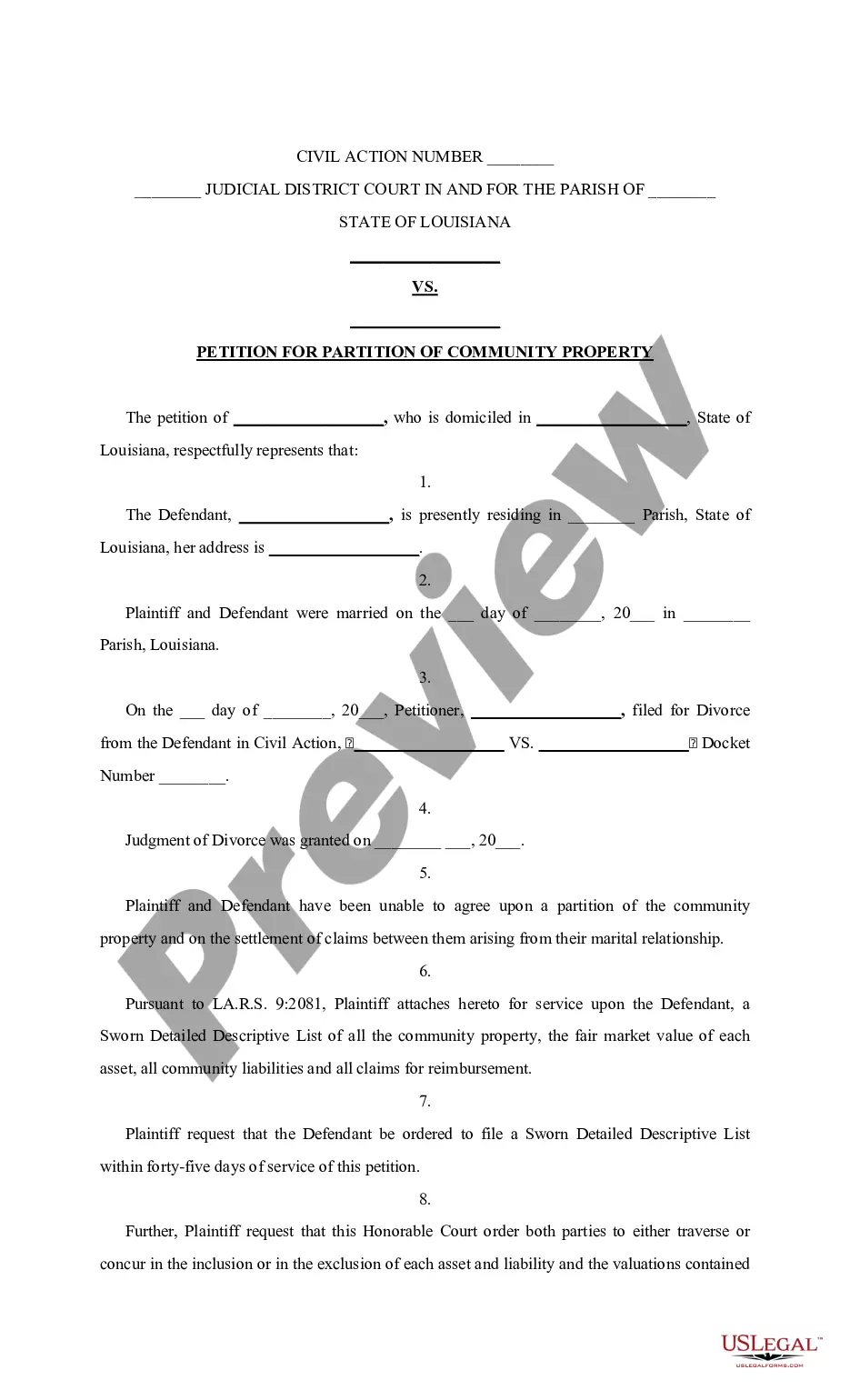

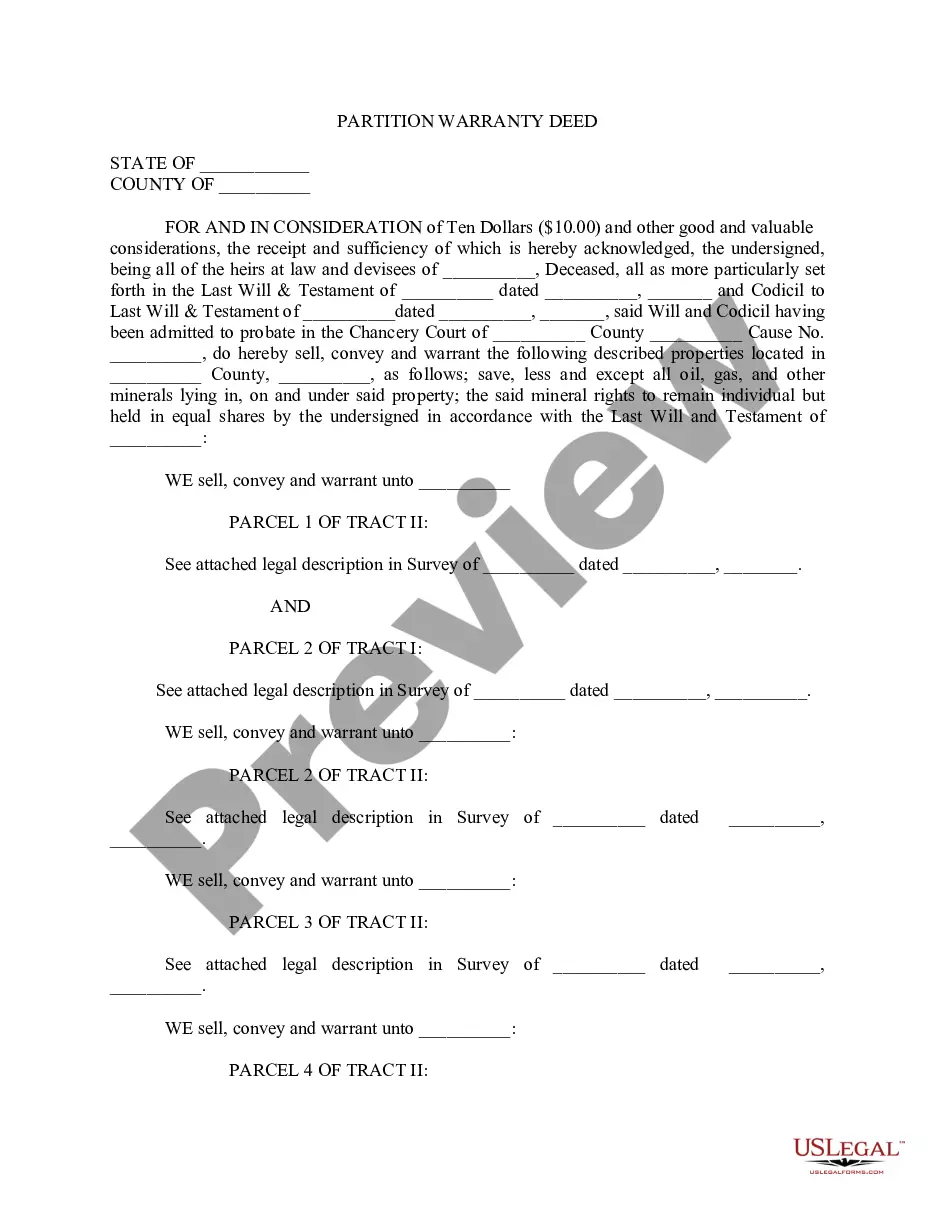
Get your form ready online
Our built-in tools help you complete, sign, share, and store your documents in one place.
Make edits, fill in missing information, and update formatting in US Legal Forms—just like you would in MS Word.
Download a copy, print it, send it by email, or mail it via USPS—whatever works best for your next step.
Sign and collect signatures with our SignNow integration. Send to multiple recipients, set reminders, and more. Go Premium to unlock E-Sign.
If this form requires notarization, complete it online through a secure video call—no need to meet a notary in person or wait for an appointment.
We protect your documents and personal data by following strict security and privacy standards.

Make edits, fill in missing information, and update formatting in US Legal Forms—just like you would in MS Word.

Download a copy, print it, send it by email, or mail it via USPS—whatever works best for your next step.

Sign and collect signatures with our SignNow integration. Send to multiple recipients, set reminders, and more. Go Premium to unlock E-Sign.

If this form requires notarization, complete it online through a secure video call—no need to meet a notary in person or wait for an appointment.

We protect your documents and personal data by following strict security and privacy standards.
Looking for another form?







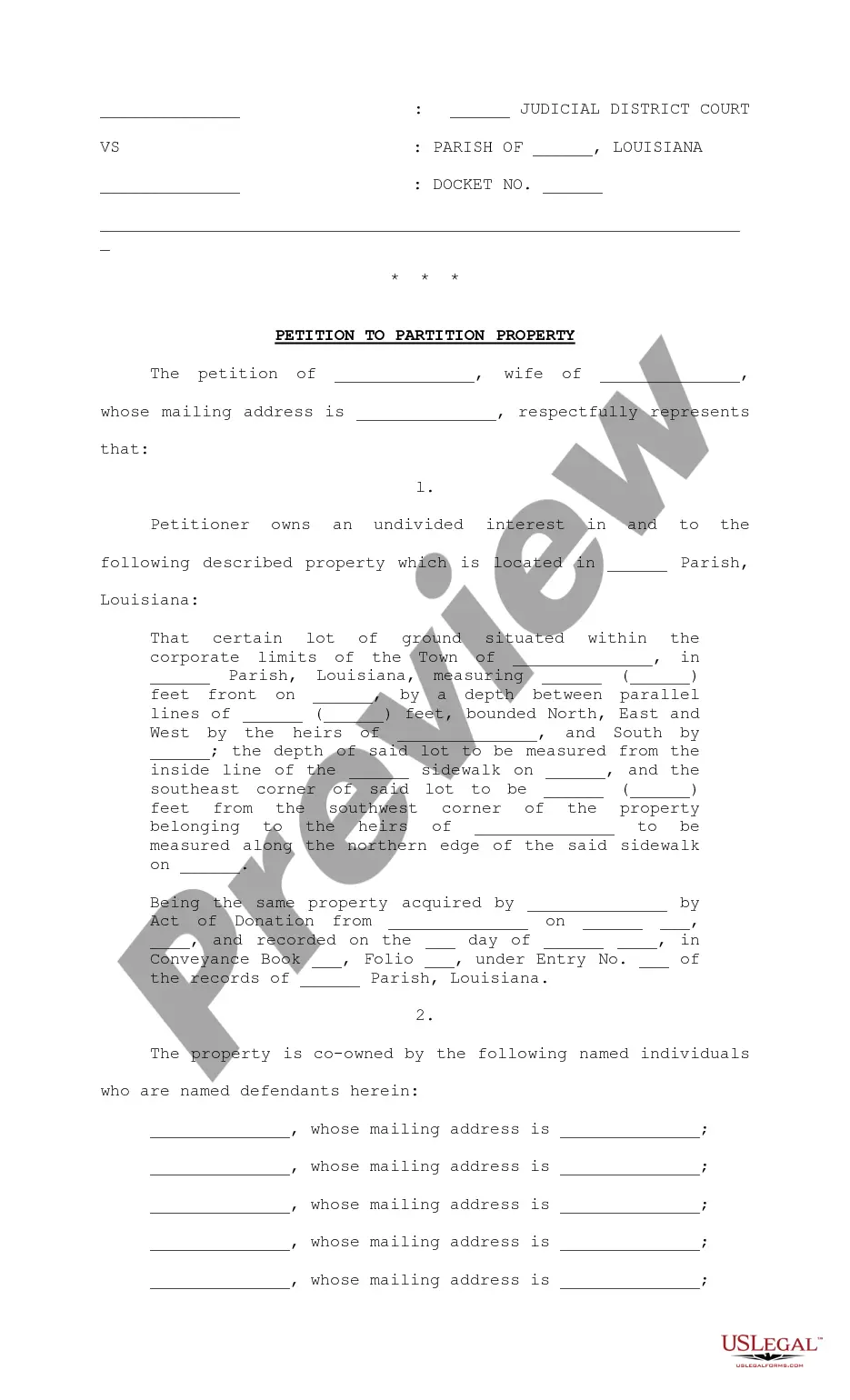
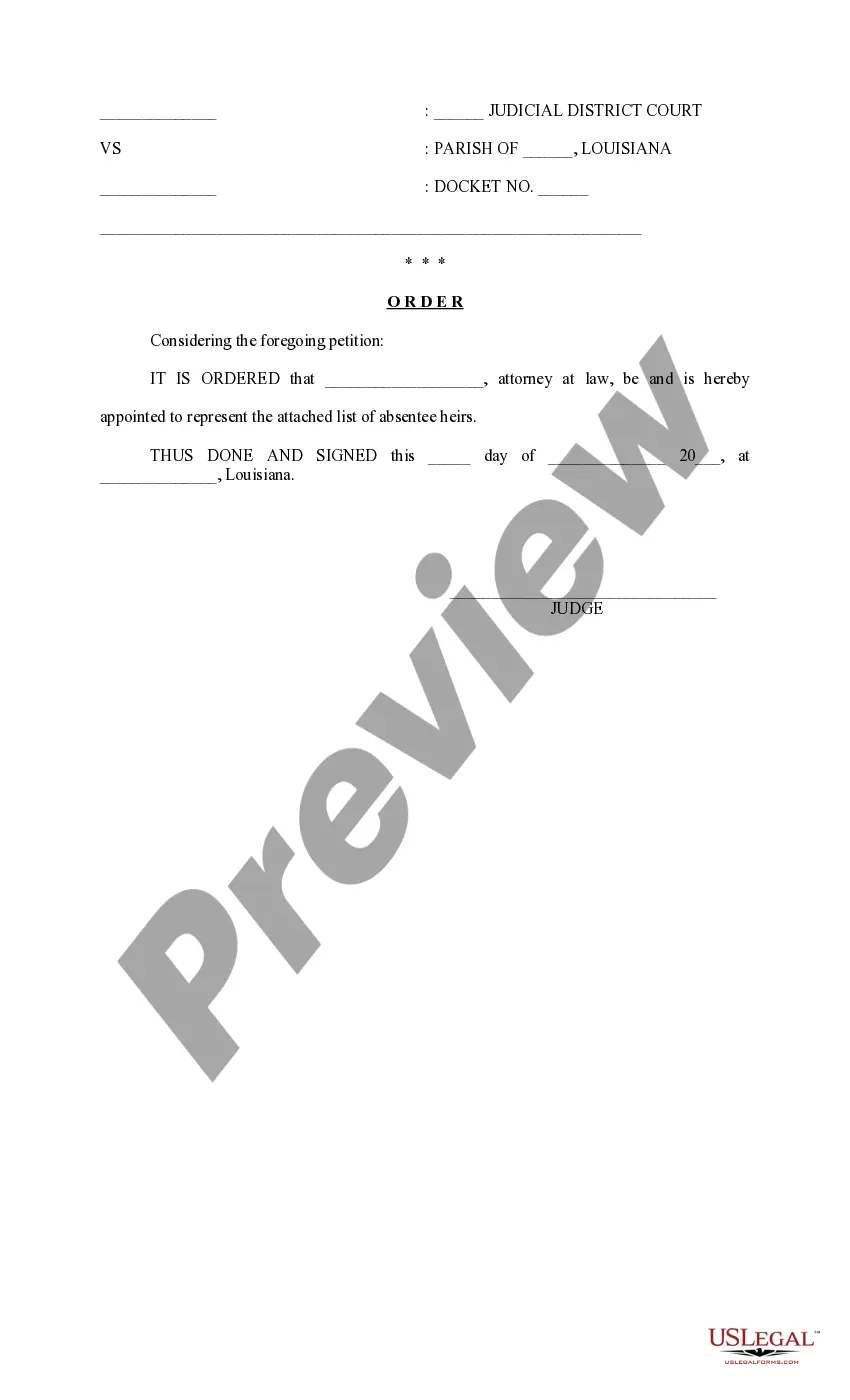
How to fill out Louisiana Petition To Partition Property?
Discovering a reliable source to obtain the latest and pertinent legal templates is a significant part of navigating bureaucracy.
Selecting the appropriate legal documents requires accuracy and meticulousness, which underscores the necessity of acquiring Petition To Partition With Fdisk samples exclusively from trustworthy providers, such as US Legal Forms. An incorrect template can squander your time and impede your situation.
After obtaining the form on your device, you can modify it using the editor or print it out and complete it by hand. Eliminate the hassle associated with your legal paperwork. Browse the comprehensive US Legal Forms library where you can locate legal samples, assess their suitability for your needs, and download them instantly.
- Utilize the library navigation or search box to locate your template.
- Examine the form’s details to verify if it meets the stipulations of your state and county.
- Inspect the form preview, if available, to confirm that the form is indeed what you are searching for.
- Return to the search and find the correct template if the Petition To Partition With Fdisk does not meet your requirements.
- Once you are confident about the form’s applicability, download it.
- If you are a registered user, click Log in to verify and access your chosen forms in My documents.
- If you have not created an account yet, click Buy now to acquire the template.
- Select the subscription plan that aligns with your preferences.
- Proceed with the registration to complete your purchase.
- Conclude your purchase by choosing a payment method (credit card or PayPal).
- Choose the document format for downloading Petition To Partition With Fdisk.
Form popularity
FAQ
Expanding a partition with fdisk starts by identifying the partition you wish to grow. After selecting the partition, delete it and then recreate it with new size parameters, ensuring you do not change the starting point. This process allows you to utilize any available space on your disk. A petition to partition with fdisk may provide guidance on best practices during this potentially sensitive operation.
Creating a GPT partition with fdisk involves first opening the utility and selecting the appropriate disk. You'll then need to set the partition table type to GPT. Once set, you can define the size and other parameters of your new partition. A petition to partition with fdisk will help you take these steps more clearly and efficiently.
Yes, fdisk can create GPT partitions. However, it is important to note that the specific version of fdisk must support this functionality. When you use fdisk, you can manage both MBR and GPT partition styles depending on your system's firmware settings. If you're considering a petition to partition with fdisk, ensure your disk utilizes GPT for greater flexibility.
How to create an MBR Partition 1) See what disks are currently available in this system through fdisk ?l: ... 2) For this example, we will use fdisk /dev/xvdd, at command prompt, enter: ... 3) To see available options in fdisk you can type m. ... 4) As you can see from the above example n is to add a new partition.
Follow the steps below to partition a disk in Linux by using the fdisk command. Step 1: List Existing Partitions. Run the following command to list all existing partitions: sudo fdisk -l. ... Step 2: Select Storage Disk. ... Step 3: Create a New Partition. ... Step 4: Write on Disk.
Inside the fdisk utility, you can create partitions as follows: Type n to create a new partition. Choose between primary ( p ) and extended ( e ) partition types. ... Specify the starting and ending sector of the partition. ... Type t to change the partition's system ID (partition type).
5.1. fdisk usage fdisk is started by typing (as root) fdisk device at the command prompt. device might be something like /dev/hda or /dev/sda (see Section 2.1.1). ... p print the partition table. n create a new partition. d delete a partition. q quit without saving changes. w write the new partition table and exit.
To create a new partition, we use the command 'n'. This will prompt you to specify the type of partition which you wish to create. If you wish to create a logical partition, choose 'l'. Alternatively, you can choose 'p' for a primary partition.