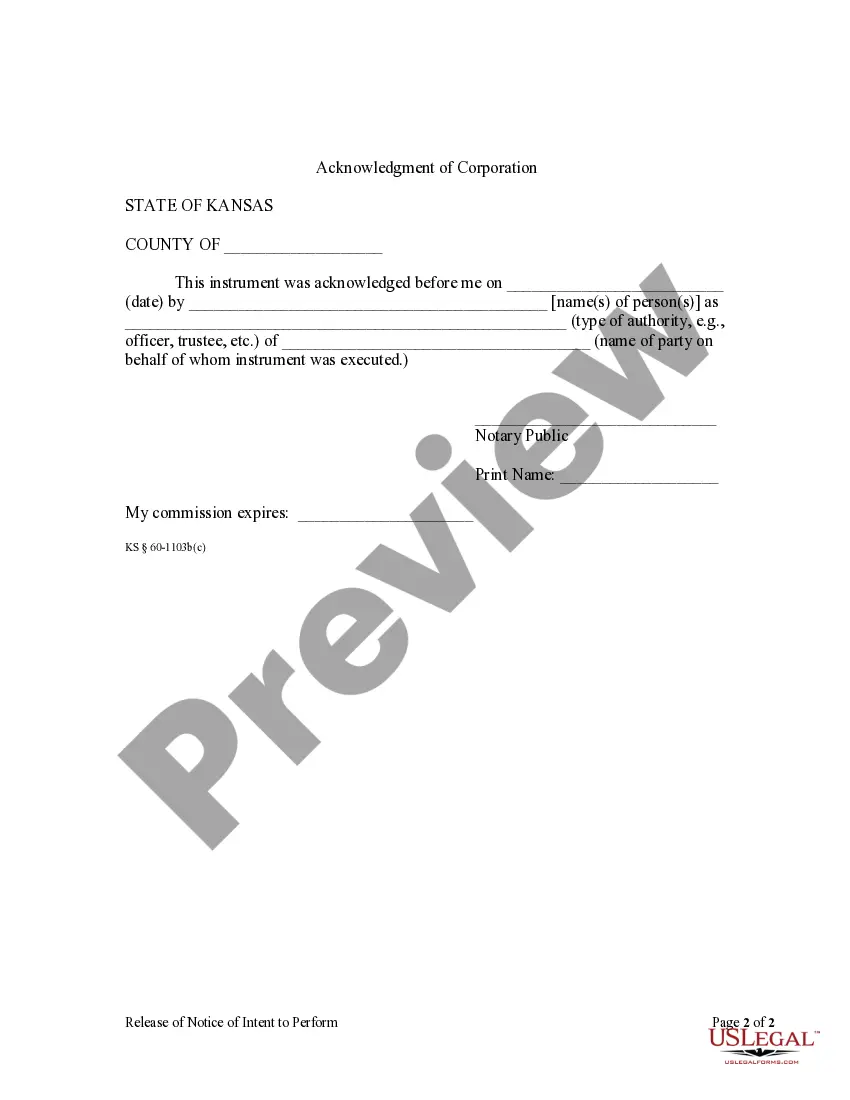
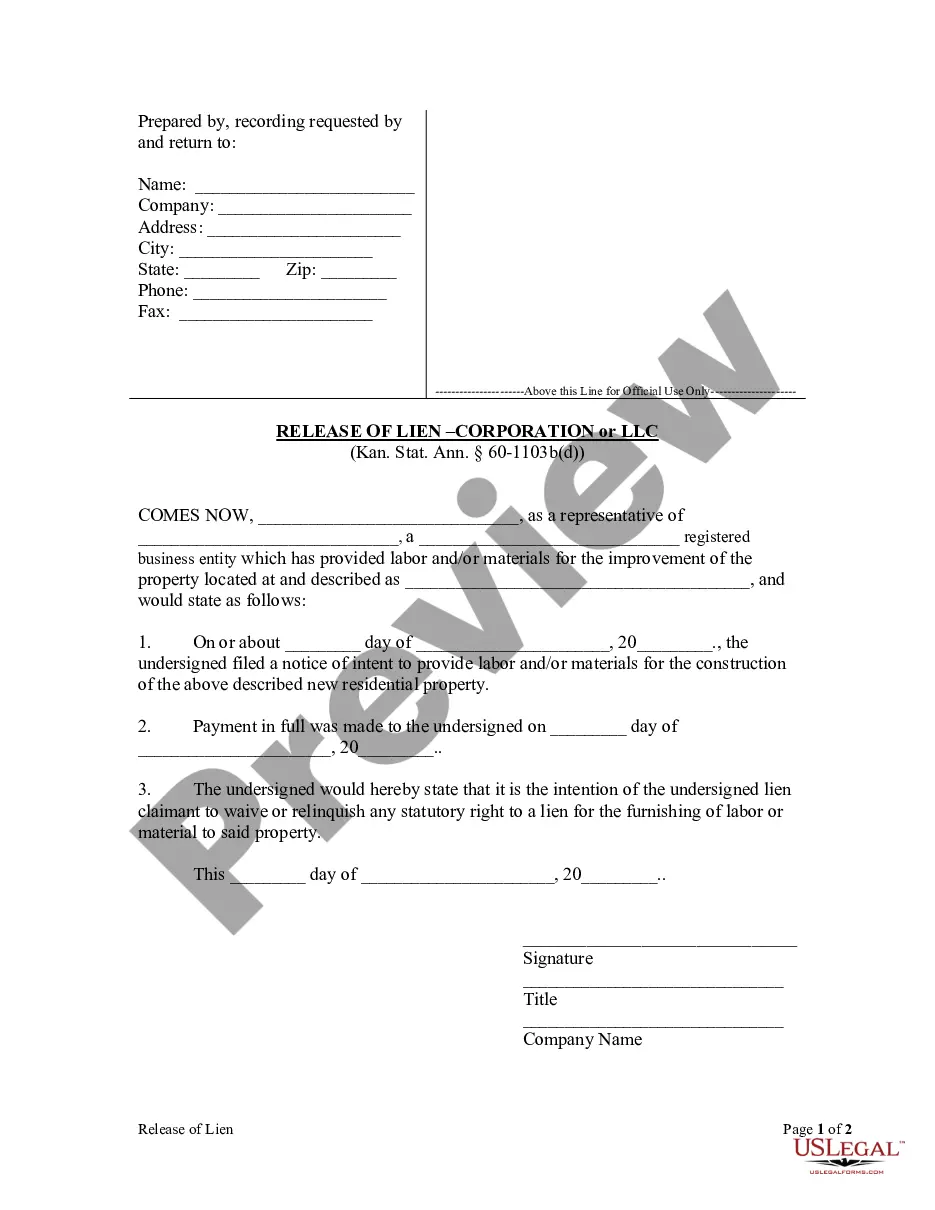
Kansas Title After Lien Release
Description
Get your form ready online
Our built-in tools help you complete, sign, share, and store your documents in one place.
Make edits, fill in missing information, and update formatting in US Legal Forms—just like you would in MS Word.
Download a copy, print it, send it by email, or mail it via USPS—whatever works best for your next step.
Sign and collect signatures with our SignNow integration. Send to multiple recipients, set reminders, and more. Go Premium to unlock E-Sign.
If this form requires notarization, complete it online through a secure video call—no need to meet a notary in person or wait for an appointment.
We protect your documents and personal data by following strict security and privacy standards.

Make edits, fill in missing information, and update formatting in US Legal Forms—just like you would in MS Word.

Download a copy, print it, send it by email, or mail it via USPS—whatever works best for your next step.

Sign and collect signatures with our SignNow integration. Send to multiple recipients, set reminders, and more. Go Premium to unlock E-Sign.

If this form requires notarization, complete it online through a secure video call—no need to meet a notary in person or wait for an appointment.

We protect your documents and personal data by following strict security and privacy standards.
Looking for another form?



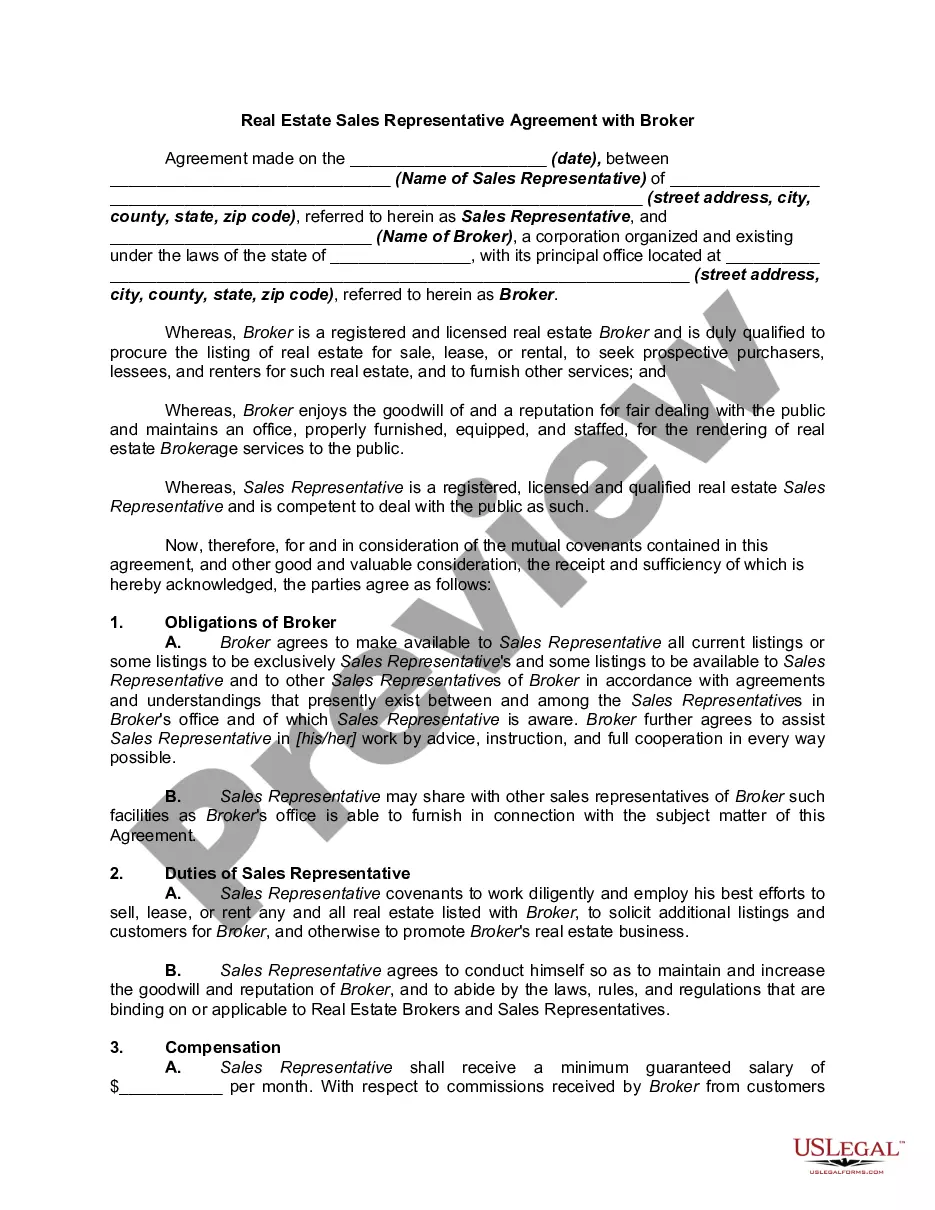



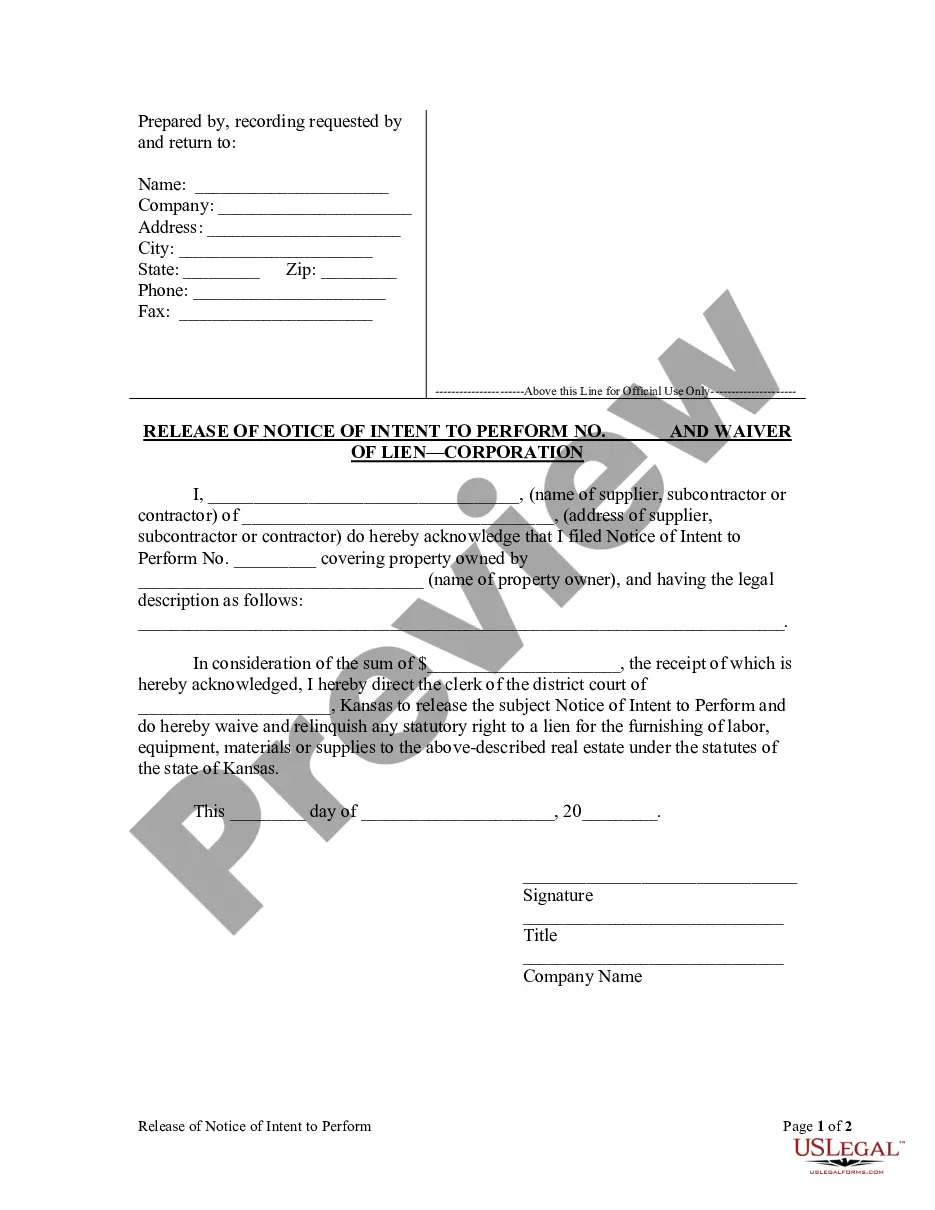
How to fill out Kansas Release Of Notice And Waiver Of Lien By Corporation Or LLC?
Individuals often link legal documentation with something intricate that only an expert can handle.
In a certain sense, this holds true, as creating a Kansas Title After Lien Release necessitates considerable skill in subject matter, encompassing state and local statutes.
Nevertheless, with US Legal Forms, processes have become simpler: pre-prepared legal templates for any personal and business situation tailored to state regulations are compiled in a single online repository and are now accessible to all.
All templates in our repository are reusable: once purchased, they remain stored in your profile. You can access them anytime as needed via the My documents tab. Discover all the advantages of utilizing the US Legal Forms platform. Subscribe today!
- US Legal Forms provides over 85,000 current forms classified by state and area of application, allowing the search for Kansas Title After Lien Release or any other specific template to take just minutes.
- Existing users with a valid subscription must Log In to their accounts and click Download to acquire the document.
- New users on the platform are required to register for an account and subscribe prior to downloading any documentation.
- Here are the detailed steps on how to secure the Kansas Title After Lien Release.
- Review the content on the page thoroughly to verify that it meets your requirements.
- Examine the form description or inspect it using the Preview option.
- If the previous selection does not fit your needs, search for an alternative through the Search bar above.
- Click Buy Now once you identify the appropriate Kansas Title After Lien Release.
- Select a subscription plan that aligns with your needs and budget.
- Create an account or Log In to proceed to the payment page.
- Make payment for your subscription via PayPal or with your credit card.
- Choose the file format and click Download.
- Print your document or upload it to an online editor for quicker completion.
Form popularity
FAQ
How to Sign Your Title in Kansas (KS)Back of the title top half - sign name(s) on the line where it reads "Seller Signature(s)."Back of the title right next to where you signed name(s) - print name(s) on the line where it reads "Seller's Hand Printed Name."More items...
A title WITH a lien will not be printed until your vehicle has been paid off, once your vehicle has been paid off take the notarized lien release to your County Treasurer's Office thereafter you should receive a paper title in the mail within 3 to 5 business days. 4.
The 2002 Kansas Legislature authorized electronic lien and title by passing Senate Bill 449, making Kansas a paperless title state. As of January 1, 2003, Kansas vehicle owners who borrow money for their cars, trucks, motorcycles, trailers and other motor vehicles will not receive printed, paper titles.
Once the first lienholder has been paid off, they may submit their lien release electronically (if they are members of the KS E-Lien system), or by providing it to the owner who will then submit it to the local county treasurer's office or fax it to the Titles and Registrations Bureau at 785-296-2383.
Once the first lienholder has been paid off, they may submit their lien release electronically (if they are members of the KS E-Lien system), or by providing it to the owner who will then submit it to the local county treasurer's office or fax it to the Titles and Registrations Bureau at 785-296-2383.