Registration Of Administrative Judgment Form California
Description
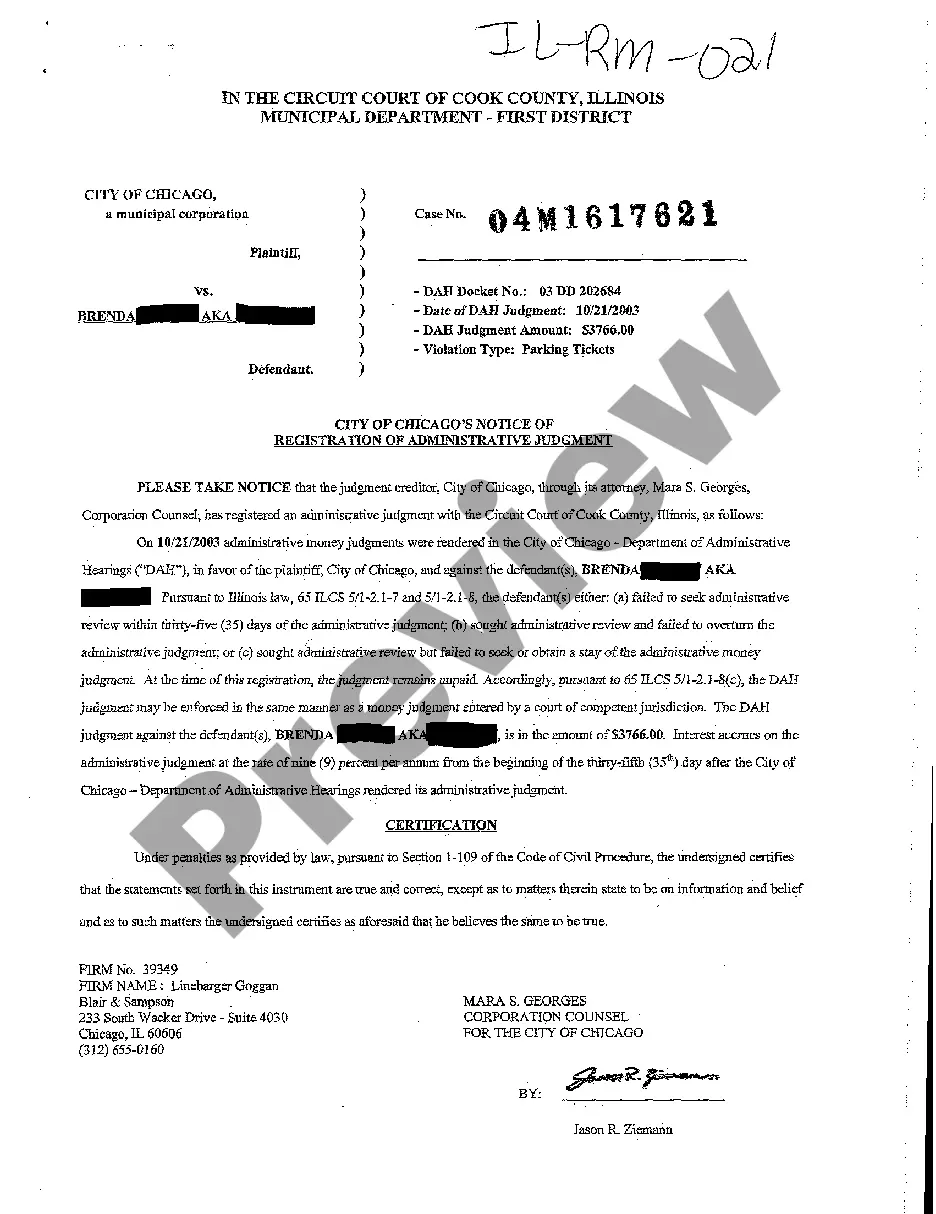
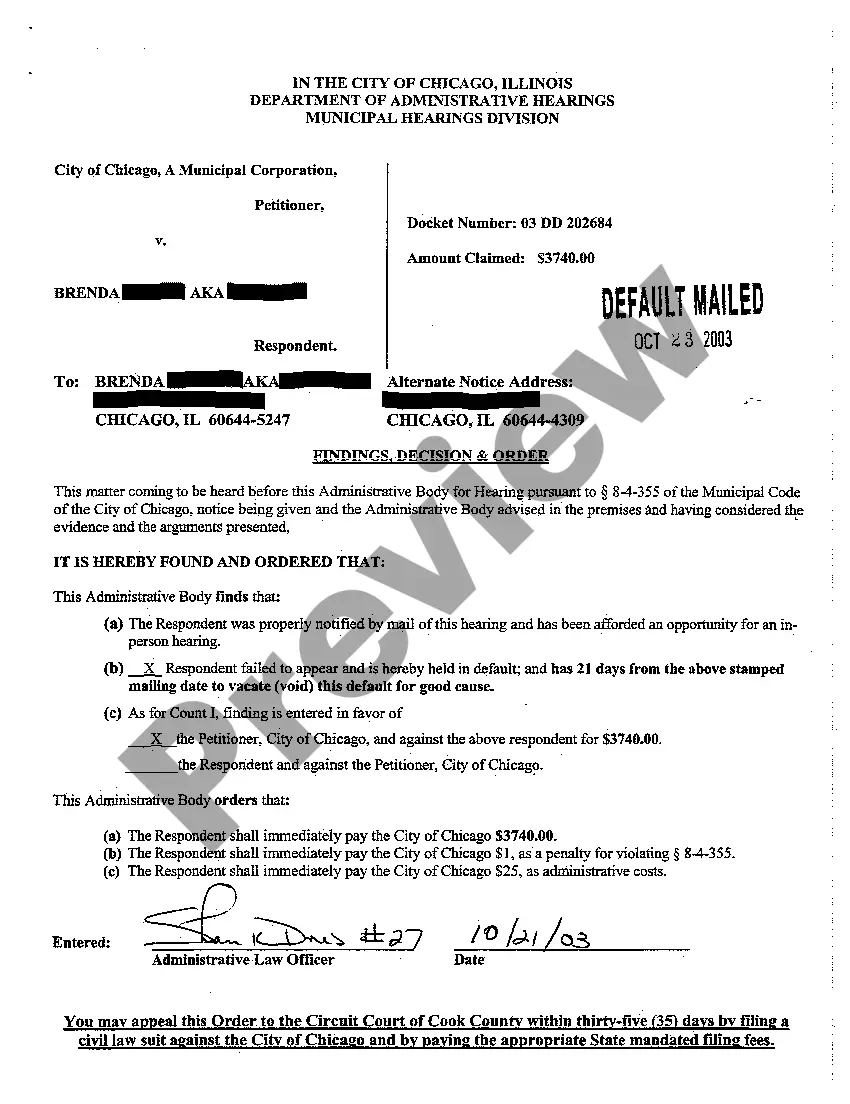
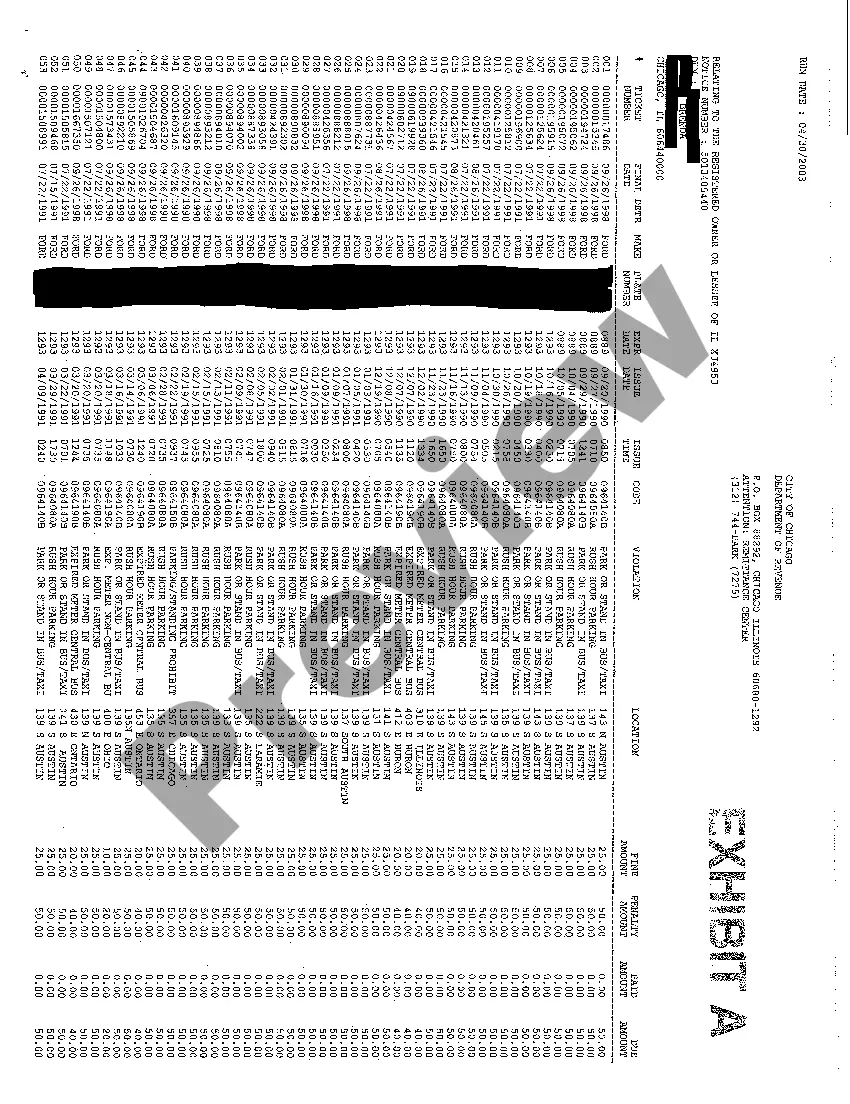
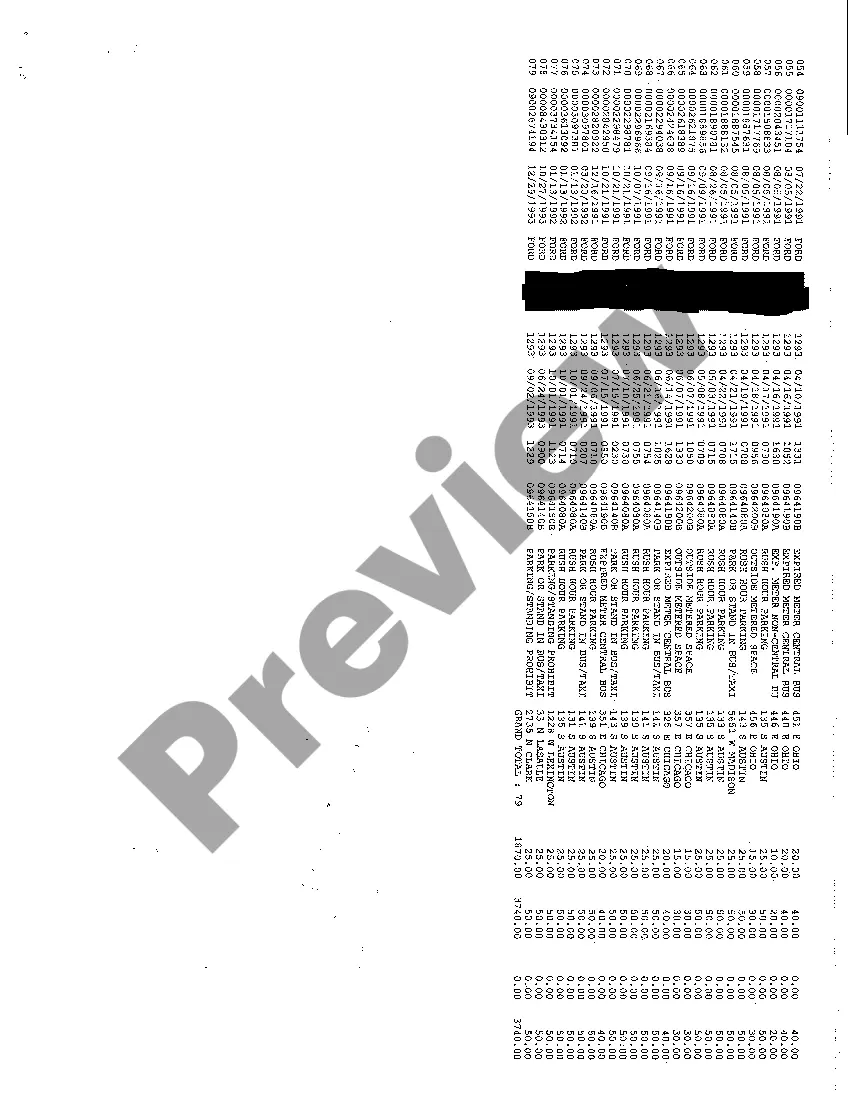


How to fill out Illinois Registration Of Administrative Judgment?
The Registration Of Administrative Judgment Form California displayed on this page is a reusable official template created by expert attorneys in accordance with federal and local statutes and regulations.
For over 25 years, US Legal Forms has supplied individuals, businesses, and lawyers with more than 85,000 validated, state-specific documents for any business and personal situation. It’s the quickest, easiest, and most dependable way to obtain the documentation you require, as the service guarantees bank-level data protection and anti-malware safeguards.
Access the same document again whenever needed. Open the My documents tab in your profile to redownload any previously saved documents. Subscribe to US Legal Forms to have verified legal templates for all of life’s circumstances at your disposal.
- Search for the document you require and review it.
- Browse through the sample you searched and preview it or check the form description to ensure it meets your needs. If it doesn’t, use the search bar to find the correct one. Click Buy Now once you have found the template you need.
- Select the pricing plan that fits you and create an account. Use PayPal or a credit card to make a swift payment. If you already have an account, Log In and check your subscription to proceed.
- Choose the format you prefer for your Registration Of Administrative Judgment Form California (PDF, DOCX, RTF) and download the sample to your device.
- Print out the template to fill it out by hand. Alternatively, use an online multifunctional PDF editor to quickly and accurately complete and sign your form with an eSignature.
Form popularity
FAQ
Write the name and last known address of the judgment debtor in the space provided. You may also include any known aliases used by the judgment debtor. Fill in the last 4 digits of the judgment debtor's driver license number and state where it was issued, if you know them.
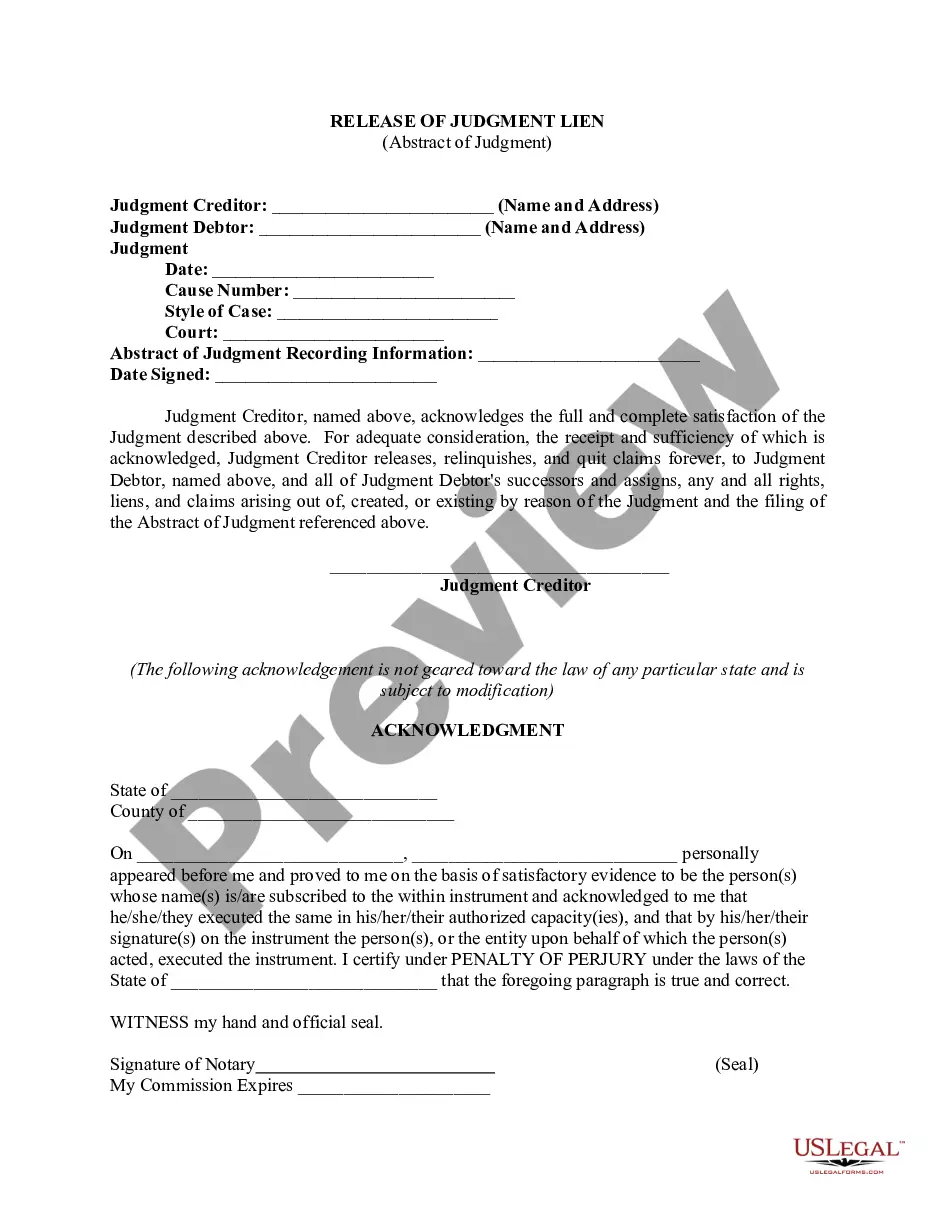
You must: Complete an Abstract of Judgment (EJ-001) . Have it issued by the clerk and pay the issuance fee by submitting the document to the court location where your case was filed or you may also submit the document by eFile. Give the original issued Abstract to the County Recorder and pay their recording fee.
Complete an Abstract of Judgment (EJ-001) . Have it issued by the clerk and pay the issuance fee by submitting the document to the court location where your case was filed or you may also submit the document by eFile. Give the original issued Abstract to the County Recorder and pay their recording fee.
On your Memorandum of Costs After Judgment (MC-012), you must include the exact amount of all allowable costs, the payments credited toward the principal and interest, and the amount of accrued interest. This means you are responsible for calculating these amounts.
The person assigning the judgment (the seller) to you (the buyer) must sign the form in the presence of a notary. The form must be signed and stamped by the notary.