Name Change Ordered With Dmv
Description
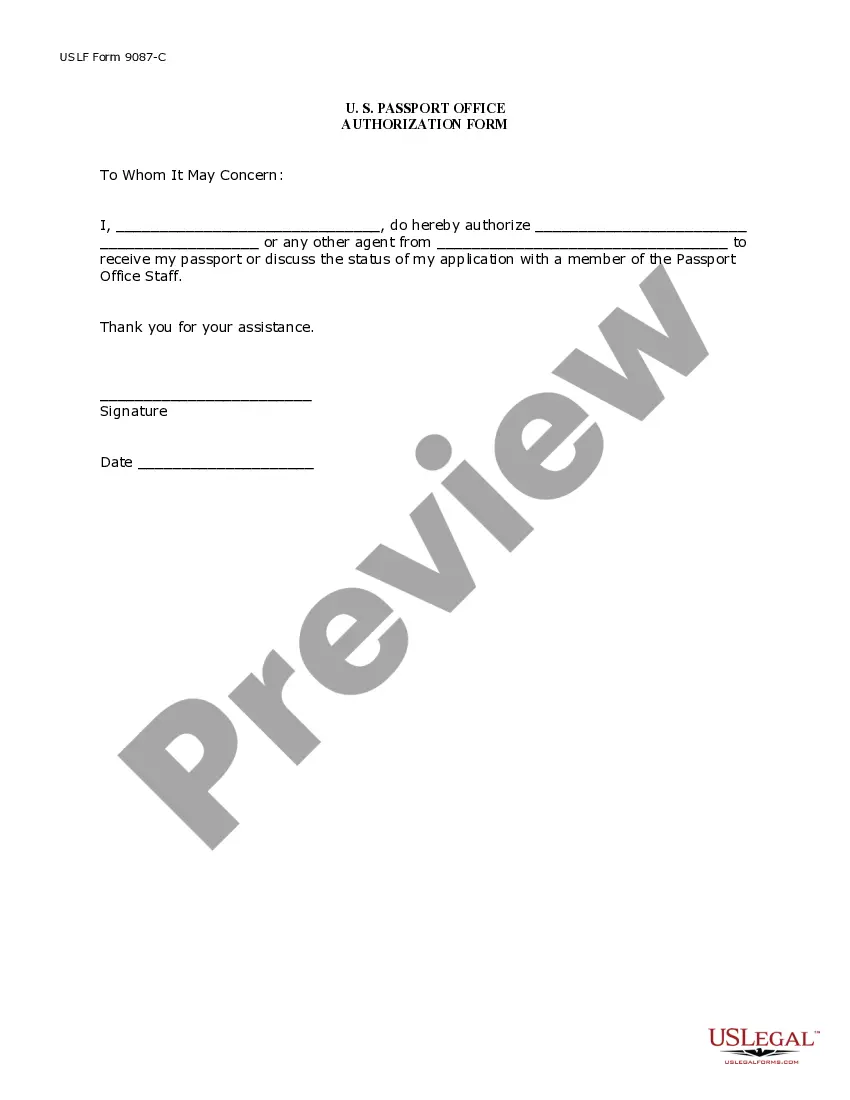
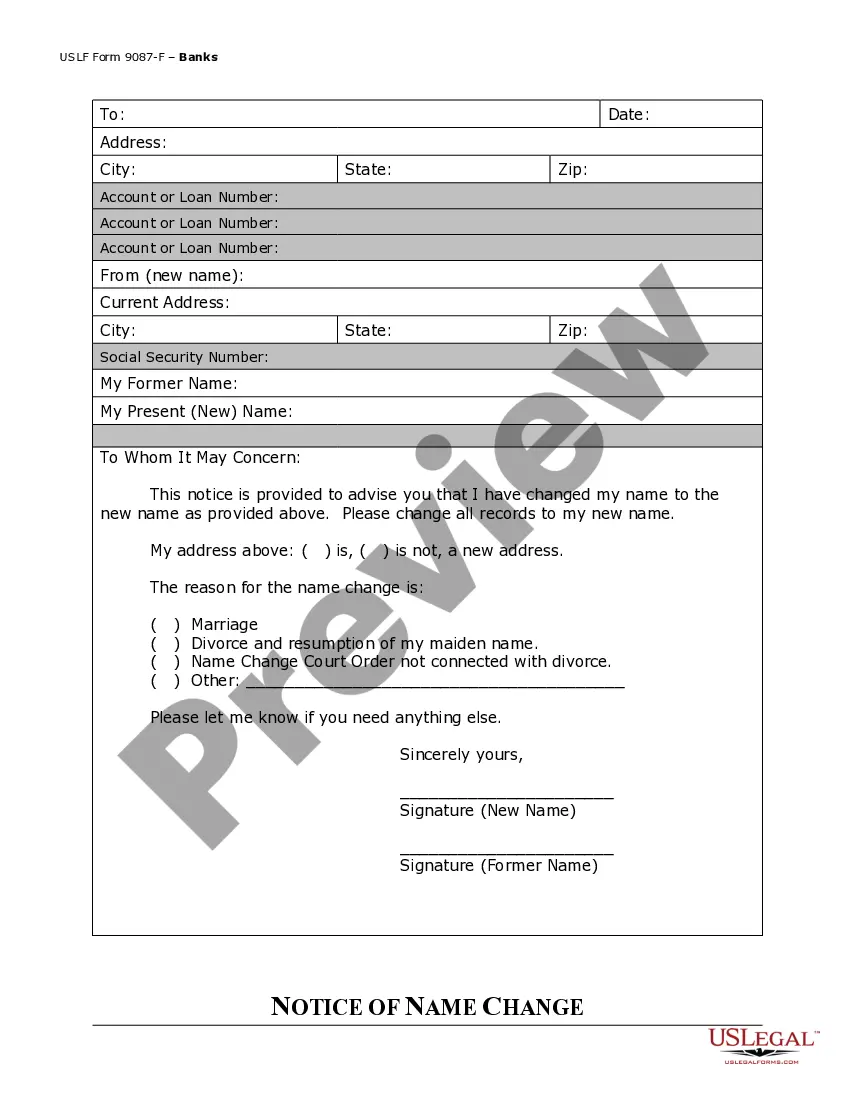
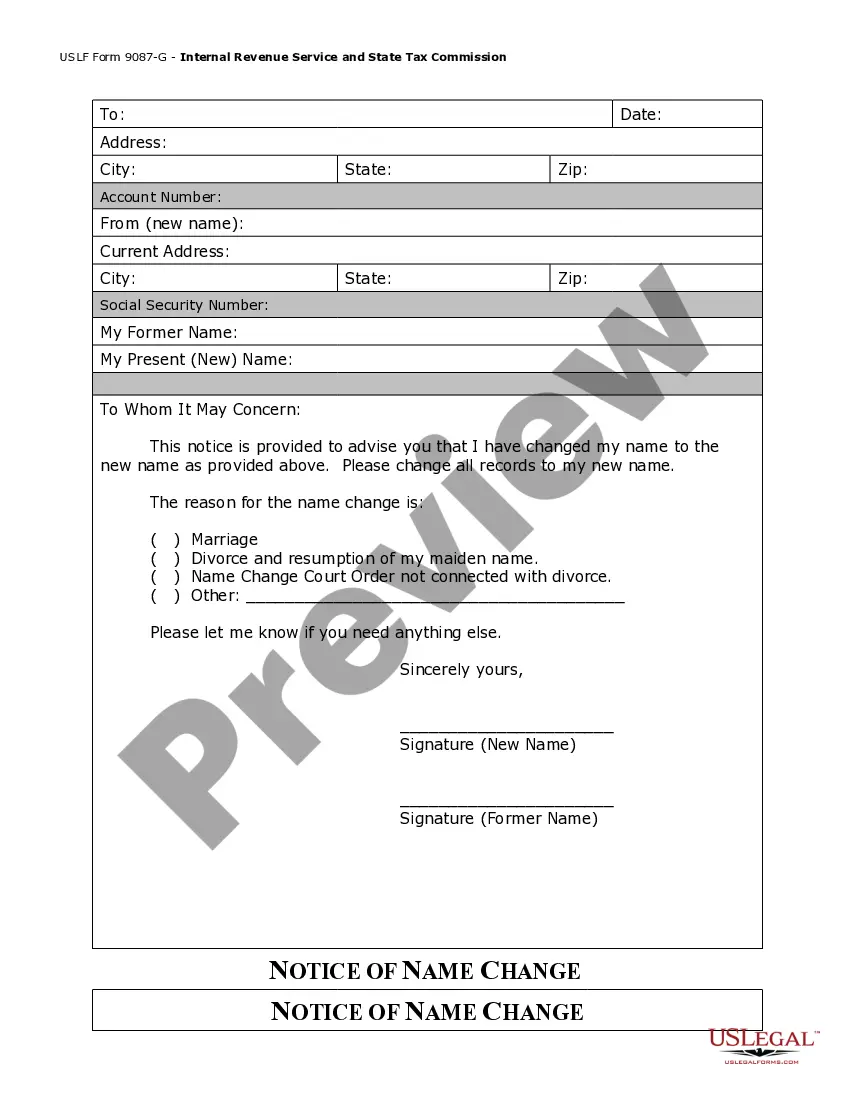
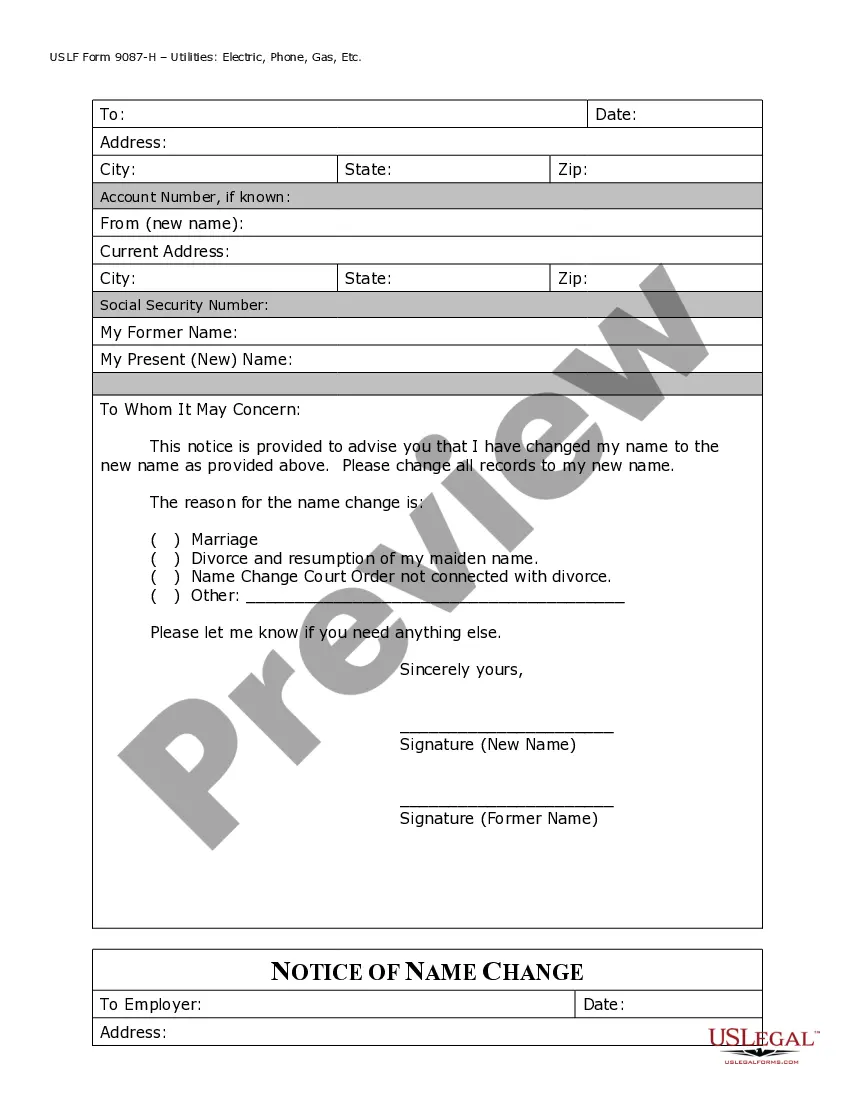




Get your form ready online
Our built-in tools help you complete, sign, share, and store your documents in one place.
Make edits, fill in missing information, and update formatting in US Legal Forms—just like you would in MS Word.
Download a copy, print it, send it by email, or mail it via USPS—whatever works best for your next step.
Sign and collect signatures with our SignNow integration. Send to multiple recipients, set reminders, and more. Go Premium to unlock E-Sign.
If this form requires notarization, complete it online through a secure video call—no need to meet a notary in person or wait for an appointment.
We protect your documents and personal data by following strict security and privacy standards.

Make edits, fill in missing information, and update formatting in US Legal Forms—just like you would in MS Word.

Download a copy, print it, send it by email, or mail it via USPS—whatever works best for your next step.

Sign and collect signatures with our SignNow integration. Send to multiple recipients, set reminders, and more. Go Premium to unlock E-Sign.

If this form requires notarization, complete it online through a secure video call—no need to meet a notary in person or wait for an appointment.

We protect your documents and personal data by following strict security and privacy standards.
Looking for another form?








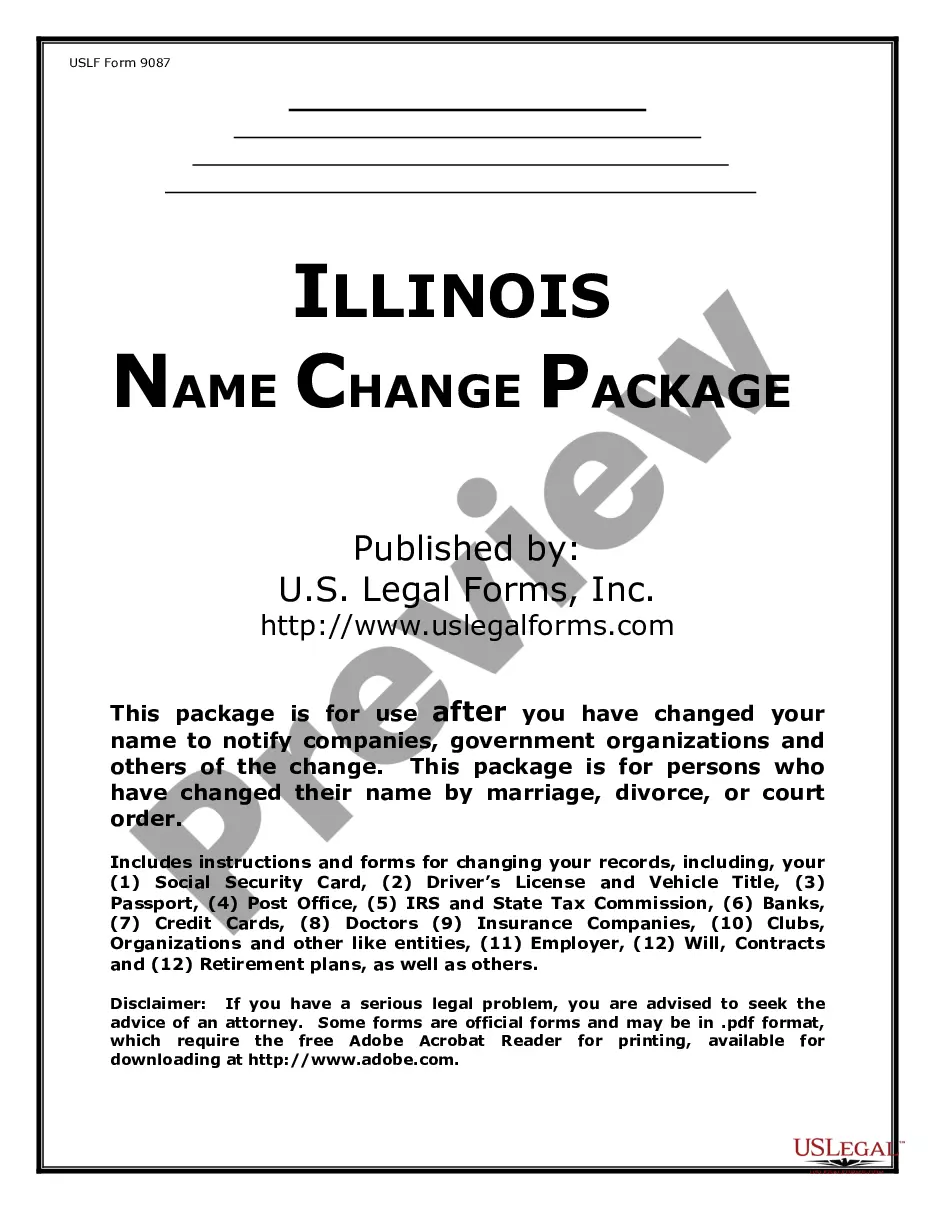
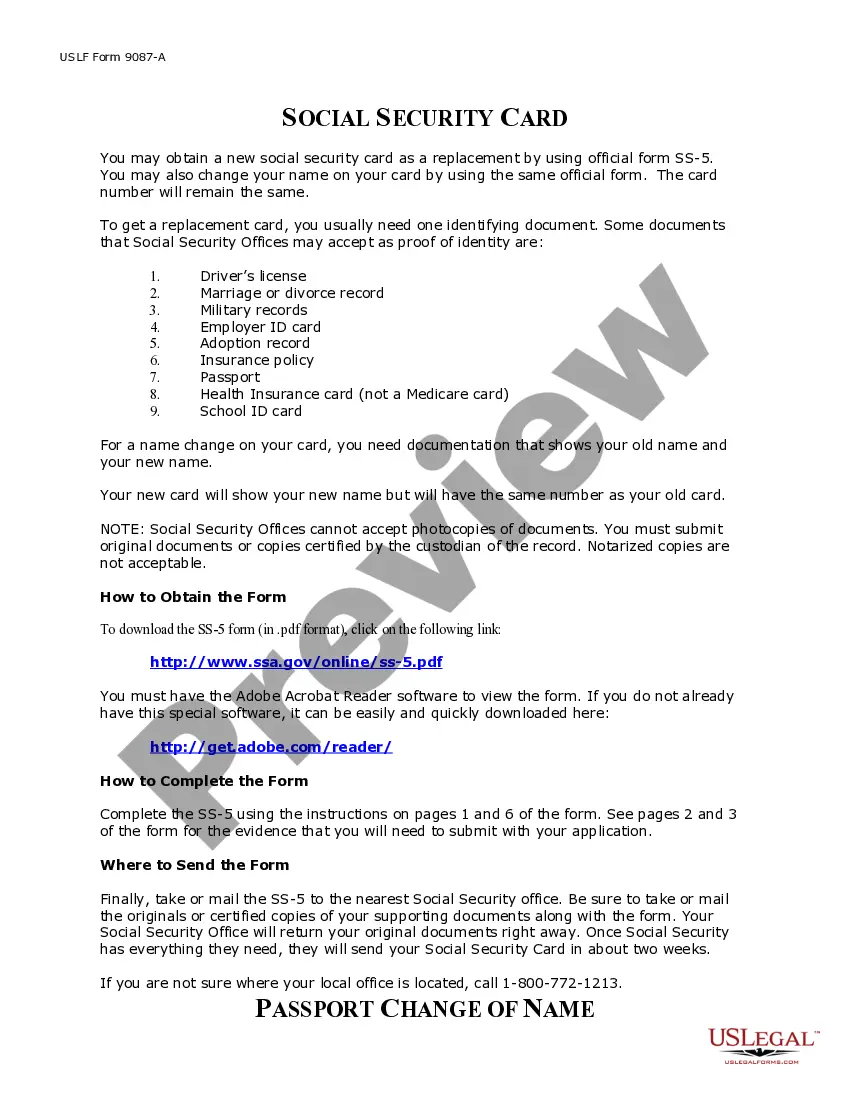
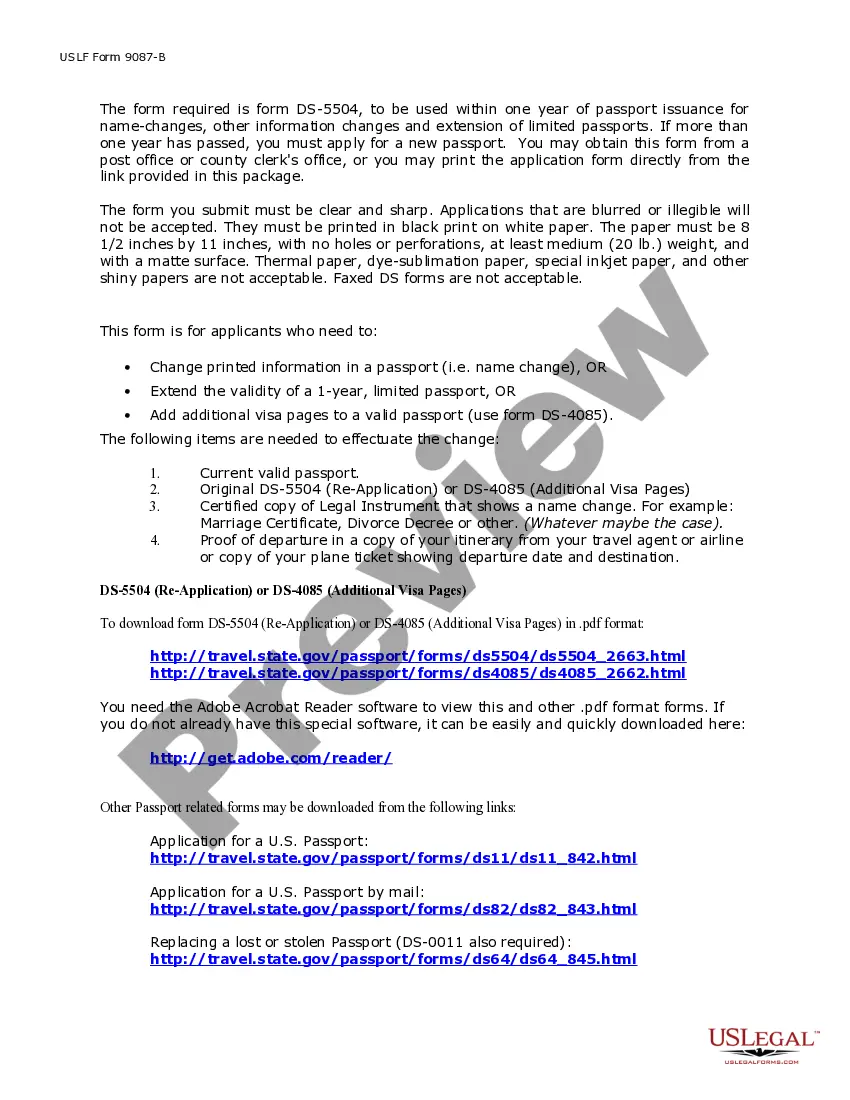
How to fill out Illinois Name Change Notification Package For Brides, Court Ordered Name Change, Divorced, Marriage?
Managing legal documents can be daunting, even for the most experienced professionals.
When searching for a Name Change Ordered With Dmv and lacking the time to find the correct and updated version, the procedures can be stressful.
US Legal Forms encompasses all your requirements, from personal to business documentation, all conveniently located in one platform.
Leverage sophisticated tools to complete and manage your Name Change Ordered With Dmv.
Here are the actions to take once you've obtained the form you require: Confirm that this is the correct document by previewing it and reviewing its description.
- Tap into a valuable database filled with articles, guides, handbooks, and other resources pertinent to your situation and requirements.
- Conserve time and energy by utilizing US Legal Forms’ advanced search and Review tool to locate Name Change Ordered With Dmv and download it.
- For members, Log In to your US Legal Forms account, search for the form, and download it.
- Check your My documents tab to access paperwork you've previously saved and organize your folders as needed.
- If you’re new to US Legal Forms, register for an account to gain unlimited access to all the platform's benefits.
- Utilize a robust online form library that can revolutionize the way individuals handle these matters effectively.
- US Legal Forms is a leading provider of online legal documents, featuring over 85,000 state-specific legal forms accessible at any moment.
- Access legal and organizational forms tailored to your state or county-specific needs.
Form popularity
FAQ
Change or Correct a Name on a Title To change or correct your name, submit: California Certificate of Title with your correct name printed or typed in the ?New Registered Owner? section. A completed Name Statement in Section F of the Statement of Facts (REG 256).
How To Change Your Name Start online or complete a Driver's License and Identification Card Application requesting a name change. Visit a DMV customer service center and bring: One document listed below: Marriage certificate or civil union document (including same-sex marriage certificates)
(You may also take it into a DMV office, if you prefer.) If you are changing your name on your registration (not correcting it), you must submit your REG 256 and 227 forms, evidence of ownership, and duplicate certificate of title fee in person to a DMV office to complete the process.
To change or correct a name, the following must be submitted: The Certificate of Ownership with the owner's new name and the name and address of the lienholder/legal owner, if any, entered on the back. A signature is not required. A REG 256 with Section F?Name Statement completed showing a change or correction of name.
A name change can be processed at any MVC Licensing Center on a walk-in basis. Bring all the required documentation in order to complete this transaction, as well as your ?6 points? documents. All documents must be original or certified copies and have the required municipal and/or State seals.